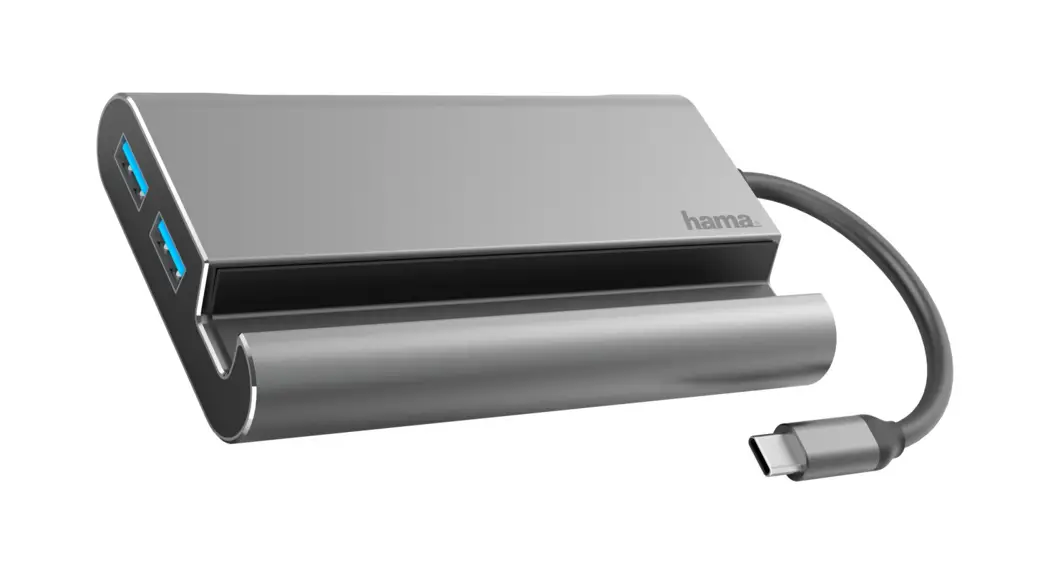
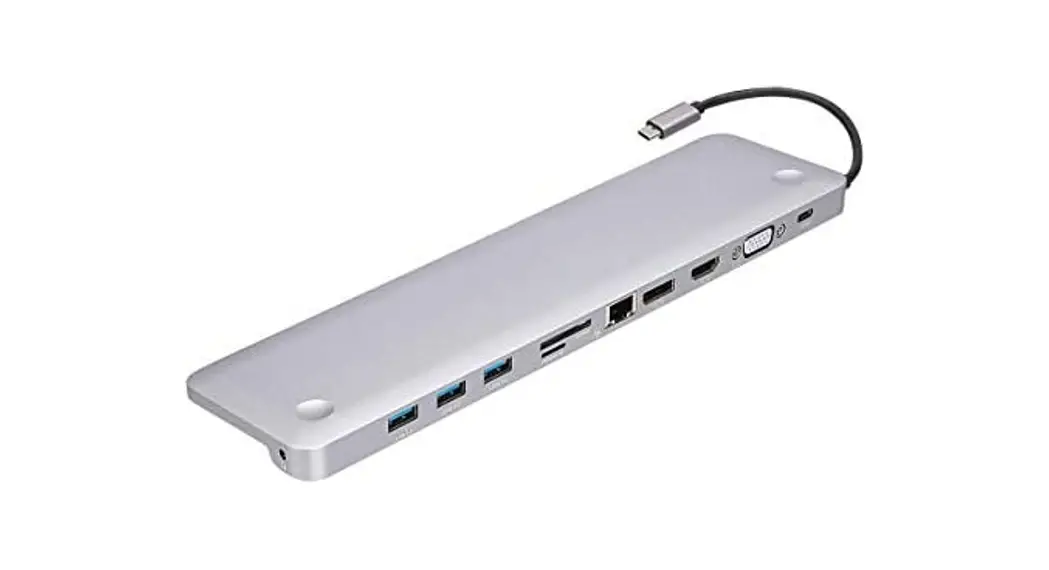
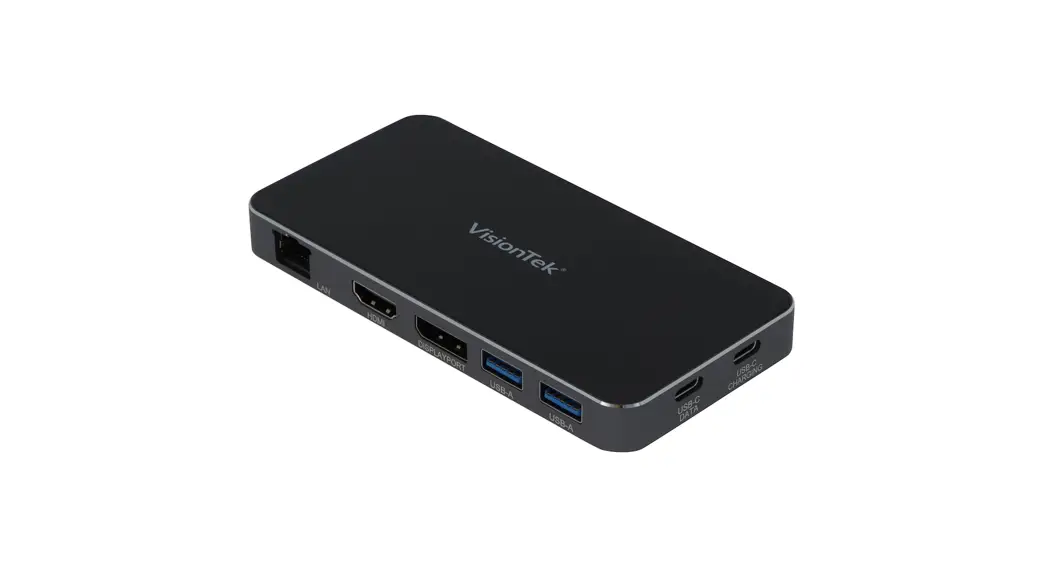
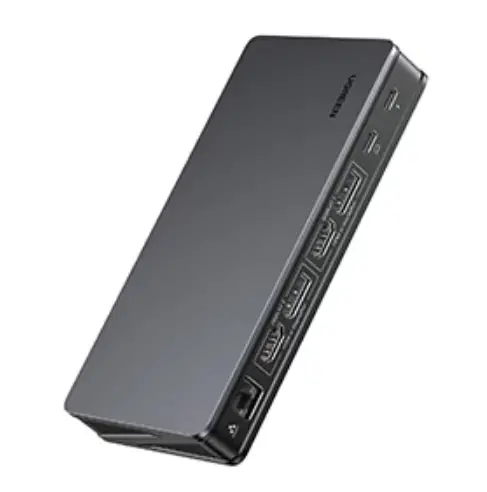
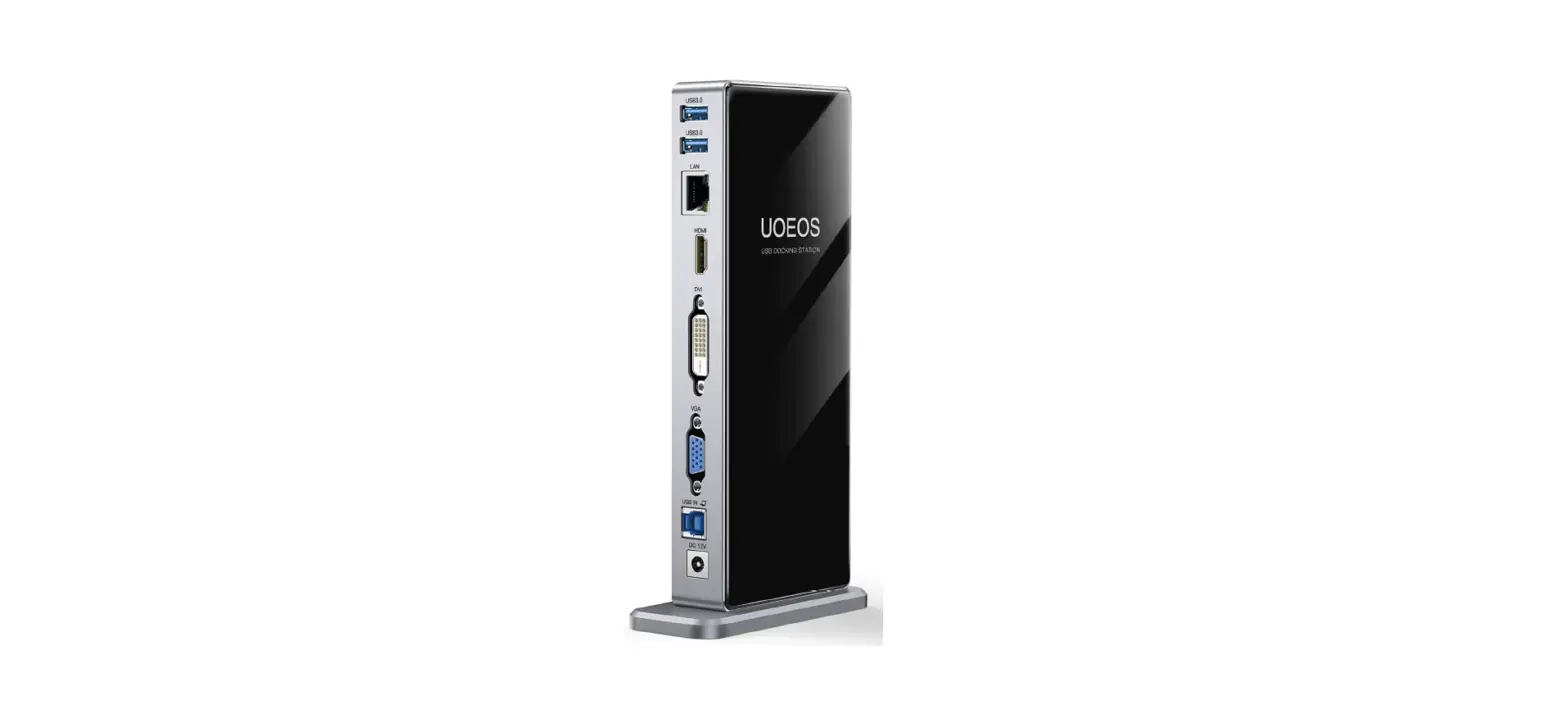
CU426M Docking Station
Product Information:
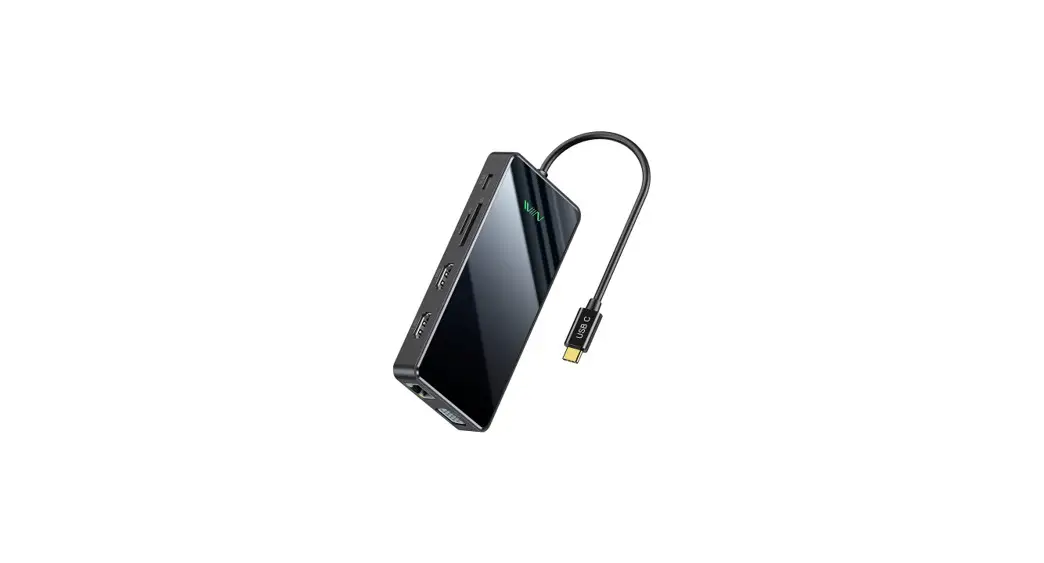
- Product Name: CU426M USB-C TO VGA/F+USB3.0 A/F+PD charge Cable
Aluminum Shell - Product Version: A/0
- Product Description: USB-C TO VGA/F+USB3.0 A/F+PD charge Cable
with Aluminum Shell - Interface Description:
- Connector 1: USB type C Male
- Connector 2: VGA Female+USB3.0 Female+ PD charge
- VGA: Supports a maximum resolution of 1080P at 60Hz
- USB: Supports data transfer speed up to 5Gbps
- USB-C (charge): Supports PD3.0 charging
- Length: 0.15m
- Compatibility: Compatible with Windows, Linux, Mac OS, and
Android systems
Product Usage Instructions:
- Connect the USB type C male connector (Connector 1) to your
device with a USB-C port. - Connect the VGA female, USB3.0 female, and PD charge connectors
(Connector 2) to the respective devices. - If you want to connect to an external monitor or display,
connect the VGA female connector to the VGA port of the monitor or
display. - If you want to transfer data, connect the USB3.0 female
connector to the USB port of your computer or other compatible
devices. - If you want to charge your device, connect the PD charge
connector to a power source that supports PD3.0 charging. - Ensure that the connections are secure and properly
inserted. - Follow the device removal specifications to safely remove the
cable from your device. - Avoid placing the product in environments with corrosive
substances or strong electromagnetic fields. - Avoid hitting, throwing, pinching, dropping, crushing, or
bending the product. - Avoid exposing the product to high temperature, low
temperature, humidity, dust, sunlight, or fire sources.
Technical data sheet
CU426M USB-C TO VGA/F+USB3.0 A/F+PD charge Cable Aluminum Shell
Product Picture
Version A/0
Product Description USB-C TO VGA/F+USB3.0 A/F+PD charge Cable Aluminum Shell Interface description Connector 1: USB type C Male Connector 2: VGA Female+USB3.0 Female+ PD charge VGA : Max 1080P@60Hz USB: Up to 5Gbps, USB ports for data syncing USB-C(charge): PD3.0 Length: 0.15m
Compatibility Test
www.vcom.com.hk
1
Technical data sheet
CU426M USB-C TO VGA/F+USB3.0 A/F+PD charge Cable Aluminum Shell
Attention 1.System environment compatible with: Windows/Linux/Mac OS/Android. 2.If the device is forcibly removed, it may cause data or disk errors, damage and loss, please follow the specifications for device removal operation. 3. Do not place the product in an environment where corrosive substances are present. 4. Do not place the product and accessories in apparatus with strong electromagnetic fields and keep away from magnetic devices.
www.vcom.com.hk
2
Technical data sheet
CU426M USB-C TO VGA/F+USB3.0 A/F+PD charge Cable Aluminum Shell
5. Do not hit, throw or pinch the product, avoid dropping, crushing or bending the product. 6. Do not place the product in high temperature, low temperature, humid, dusty or exposed to sunlight for a long period of time, and keep away from fire sources.
www.vcom.com.hk
3
 Electronic Products Manufacturer|Computer Peripherals Supplier|Cable Distributor|Headphone Wholesales|Mini Speaker Provider - VCOM International Ltd