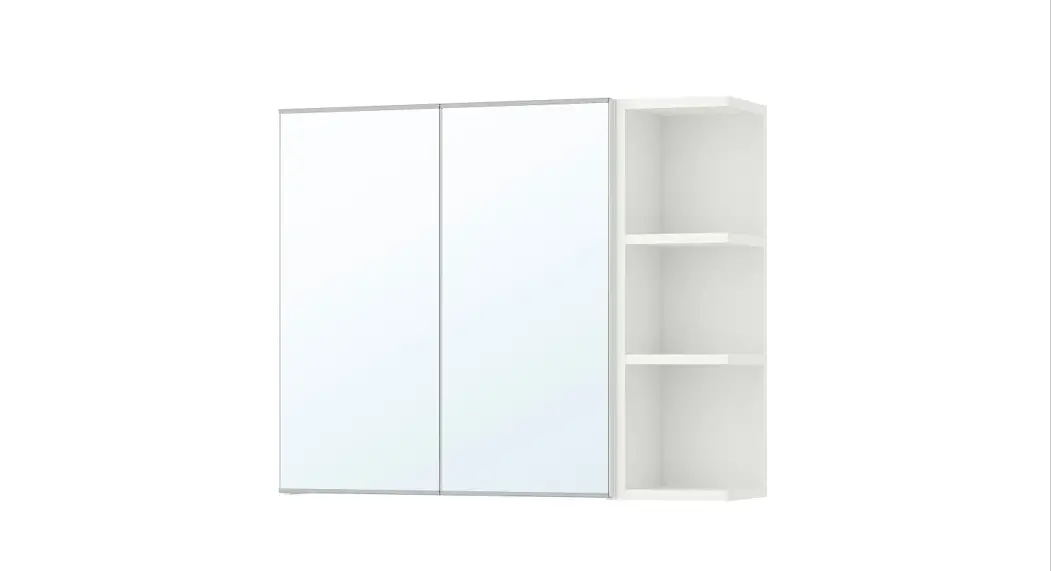
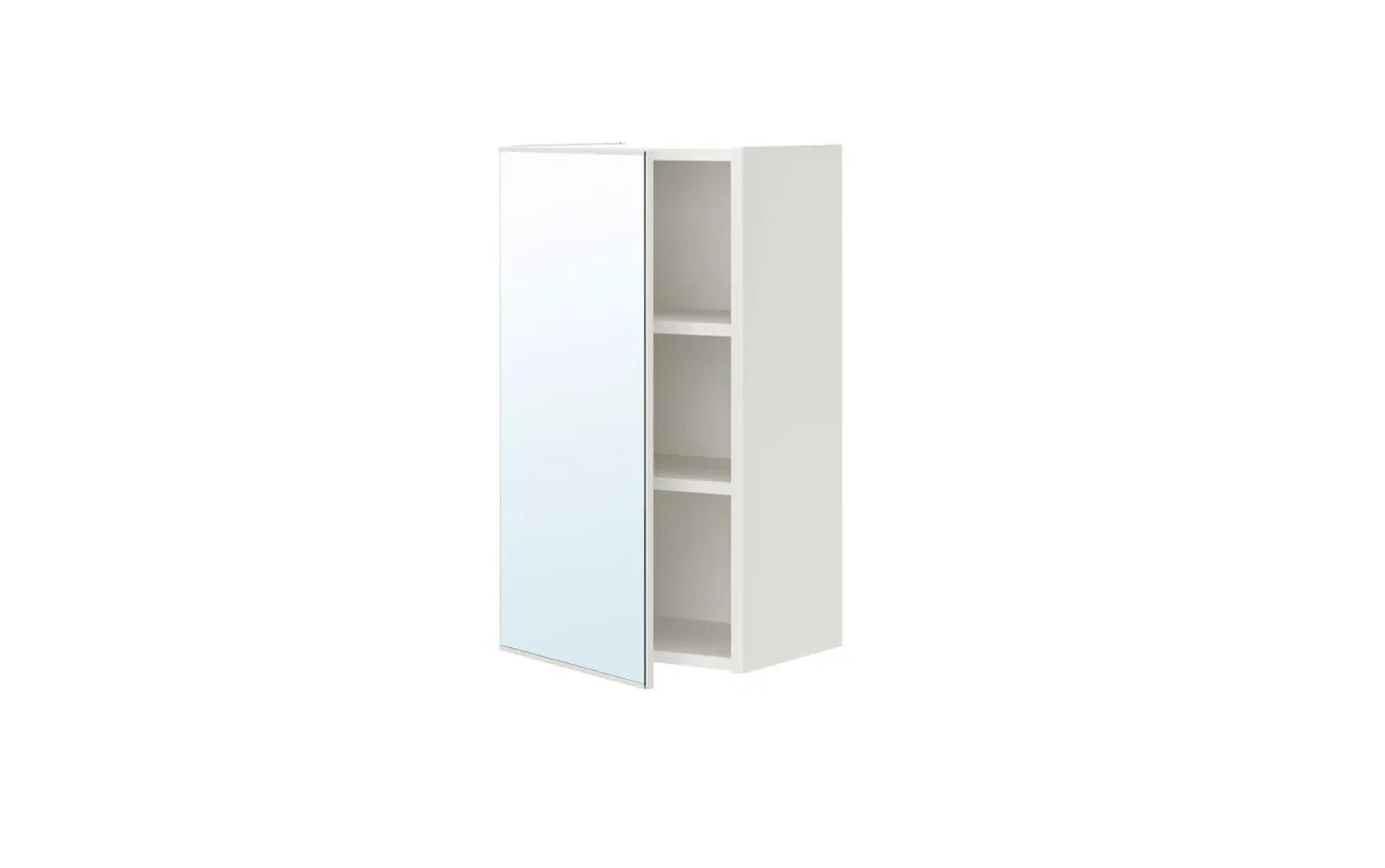
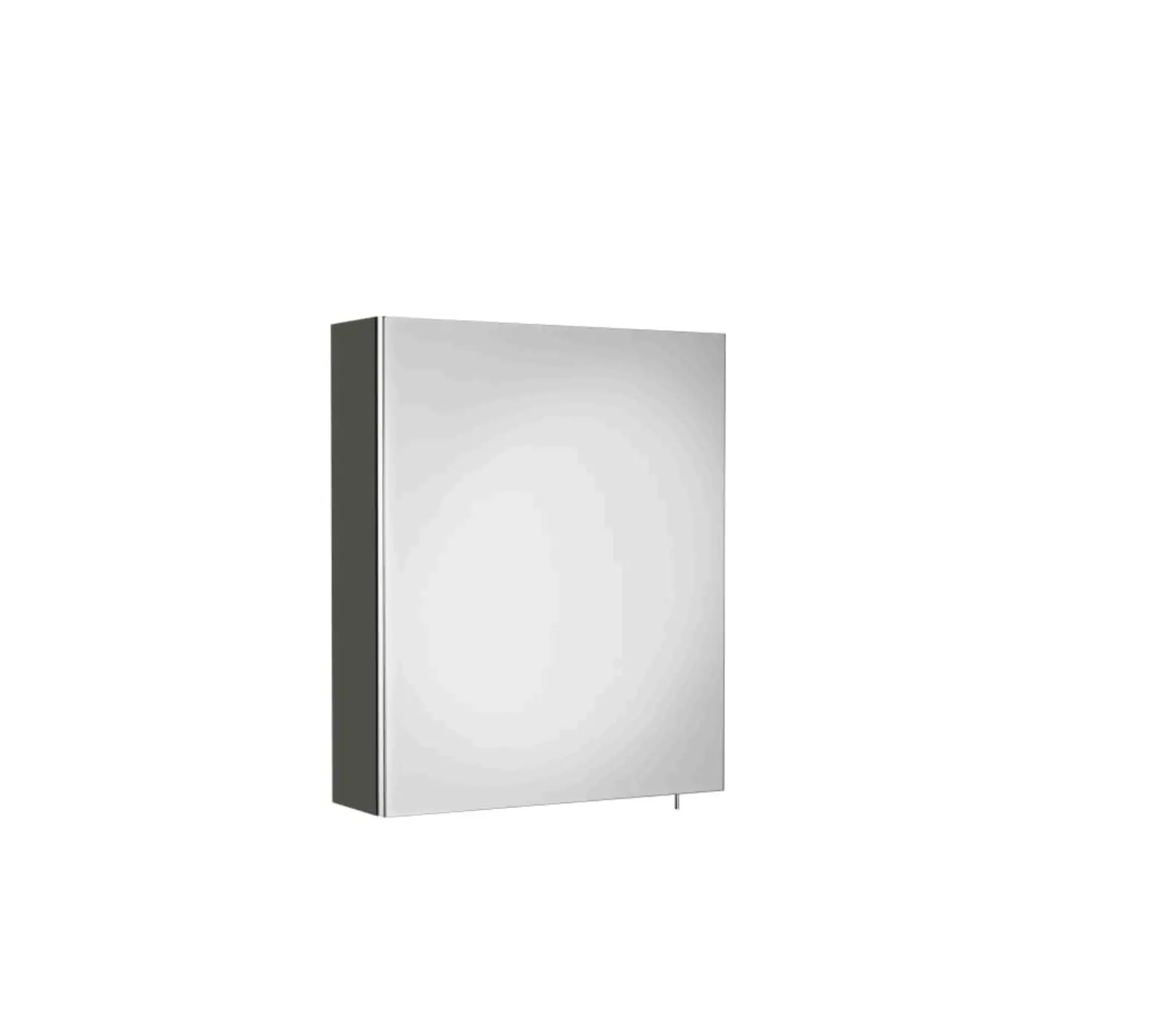
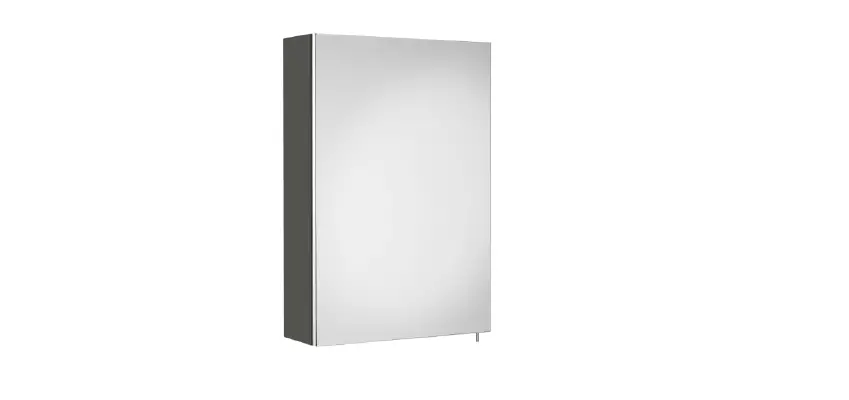
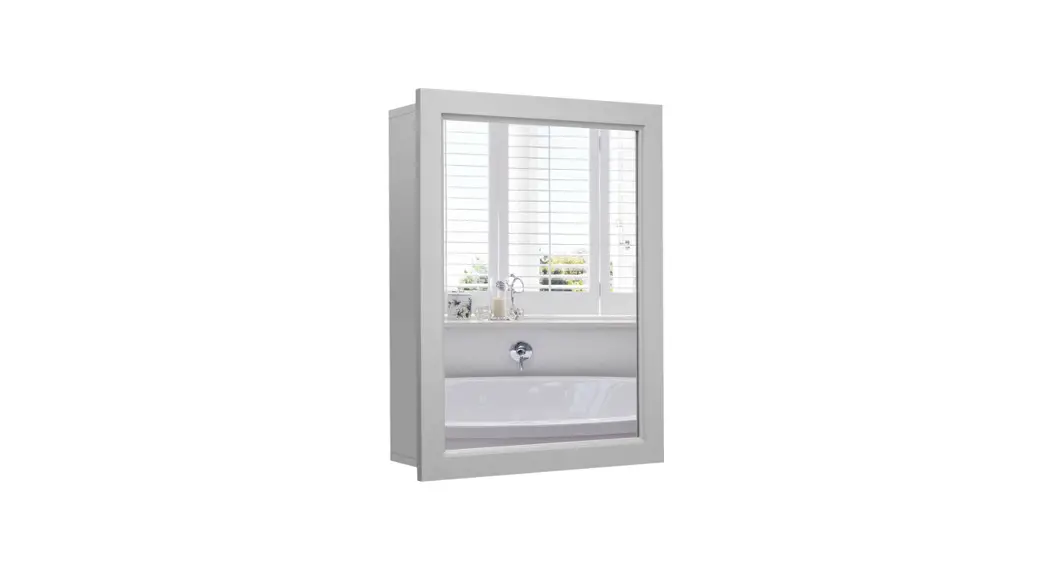
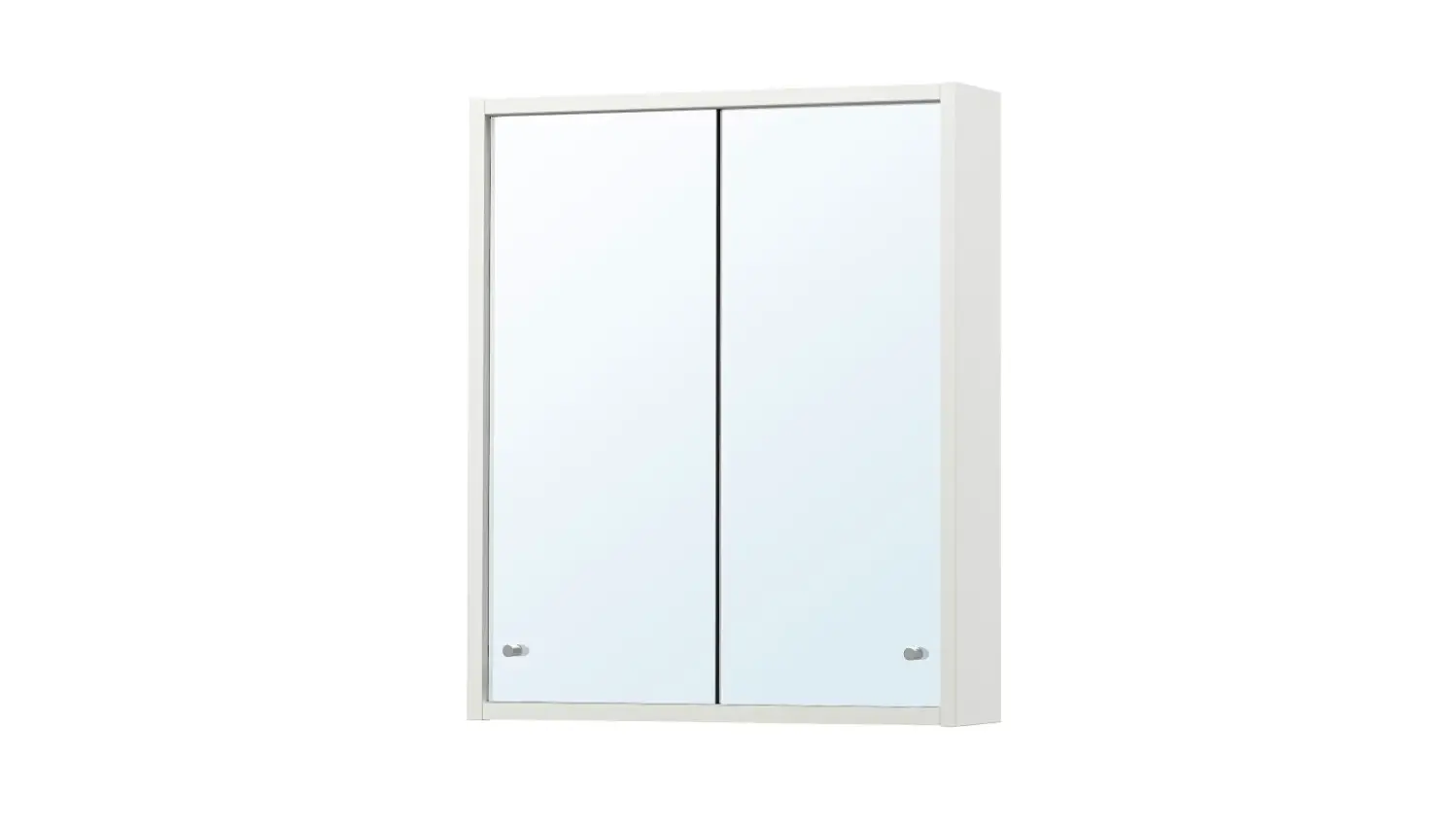
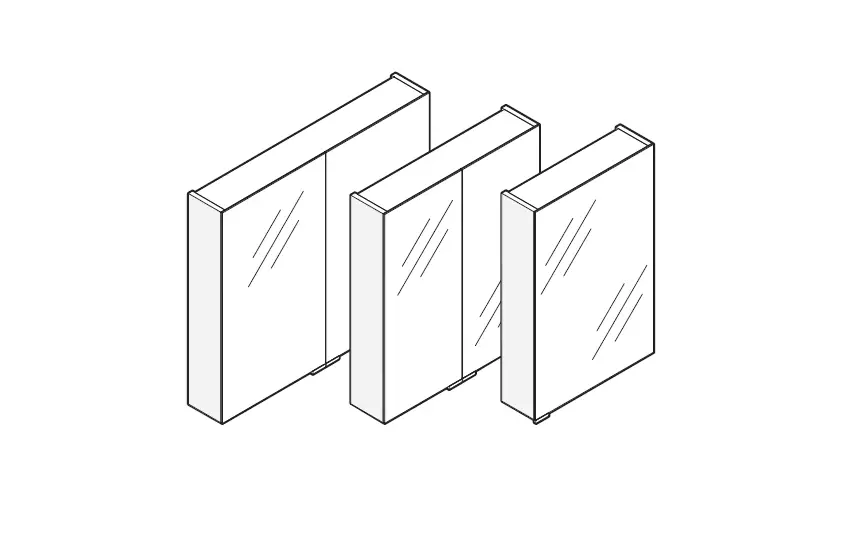
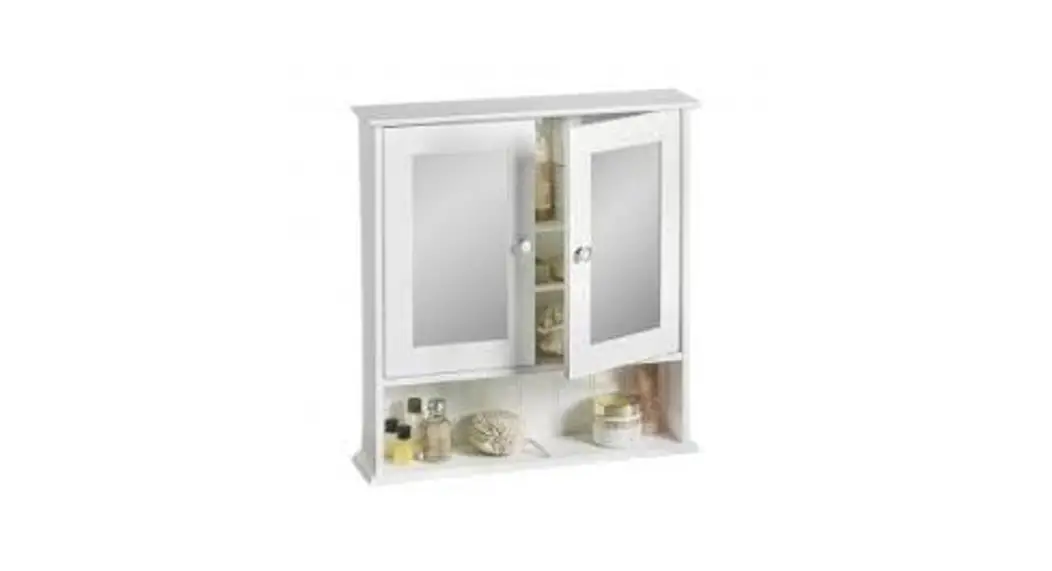
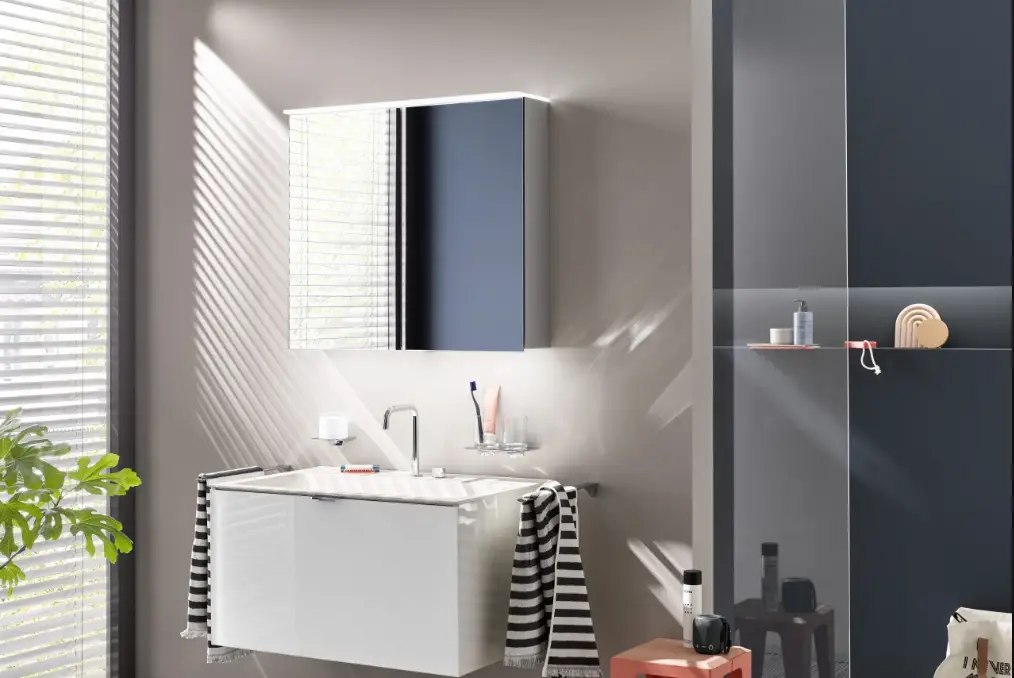
Geberit 968.797.00.0(03) One Mirror Cabinet User Manual

Geberit 968.797.00.0(03) One Mirror Cabinet User Manual

GEBERIT 968.797.00.0(03) ONE Mirror Cabinet 
GEBERIT 968.797.00.0(5) ONE Mirror Cabinet

For your safety

Who is this product suitable for?

The Geber it ONE mirror cabinet is suitable for use by all age groups. Children must be shown how to handle and operate it the first time they use it.

How is this product used?

The product is suitable for the following application purposes:

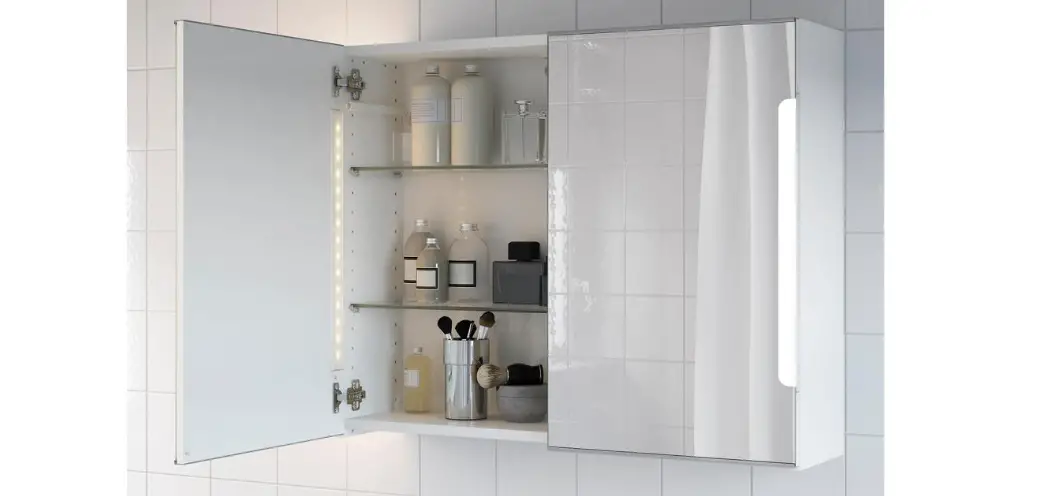
  • storing cosmetic and hygiene items
  • adapting lighting conditions in bathrooms

Misuse

Geber it accepts no liability for the consequences arising from misuse.

Technical data and conformity

Technical data 

Nominal voltage230 V AC
Mains frequency50 Hz
Light colour4200 K
Protection degreeIP44
Protection classI
Power socket plug typeCEE 7/16 (Europlug)
Power socket mains voltage230 V AC
Energy efficiency class light sourceF

Declaration of conformity 

You can obtain a copy of the declaration of conformity from your responsible Geber it sales company.

Getting to know your product

The product at a glance 

Getting to know your product

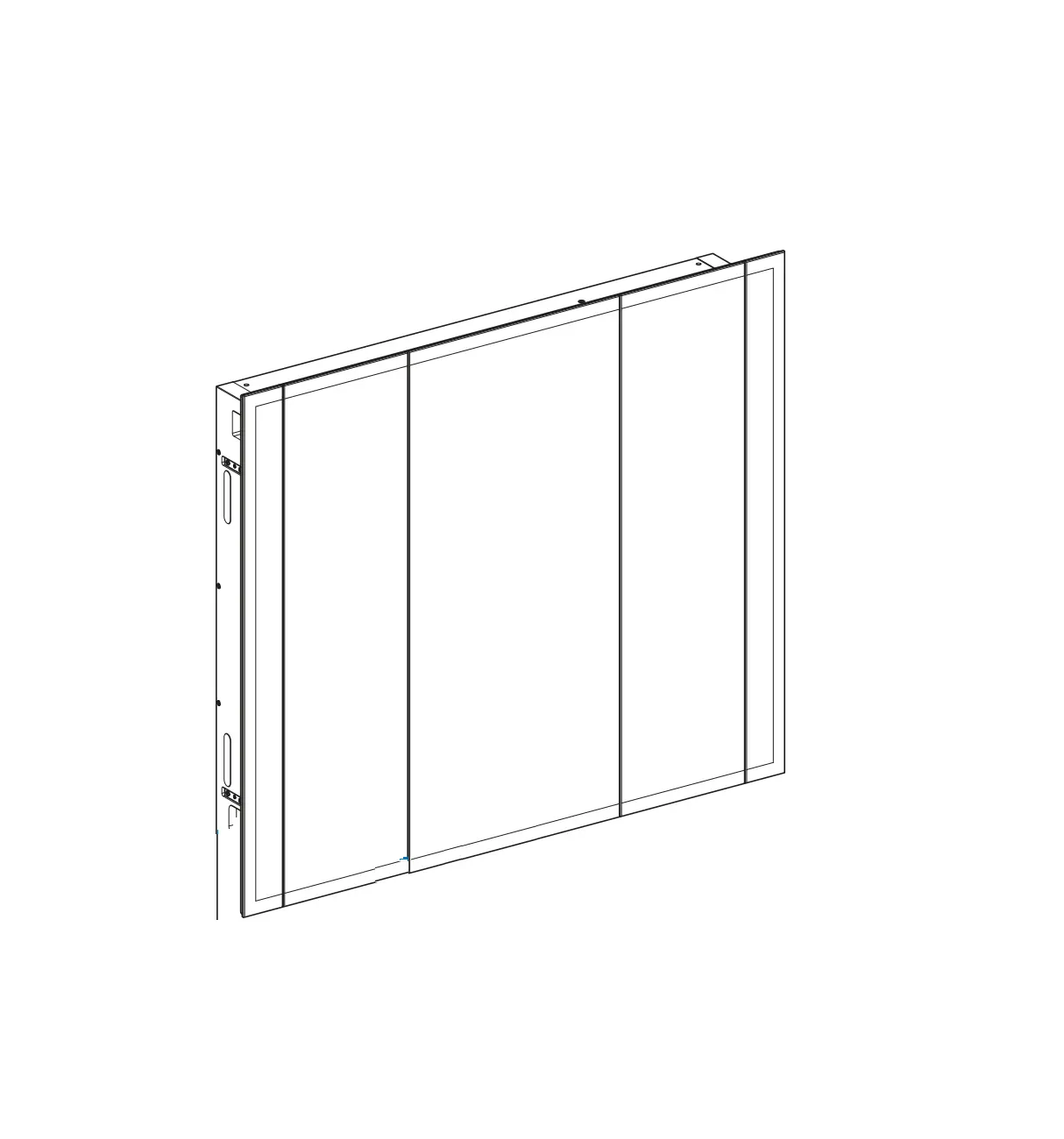
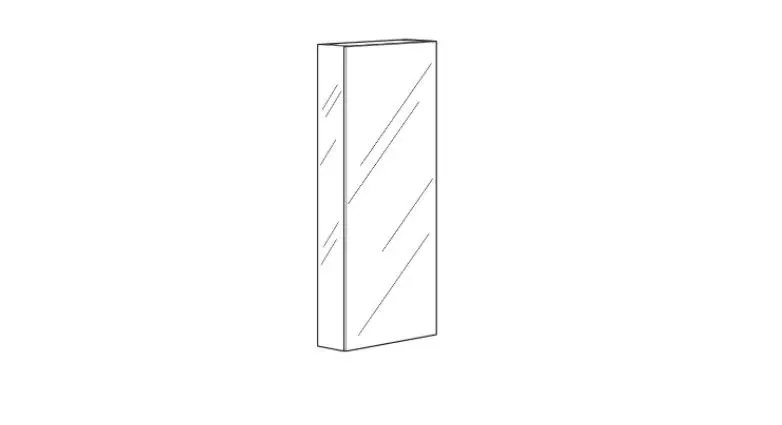
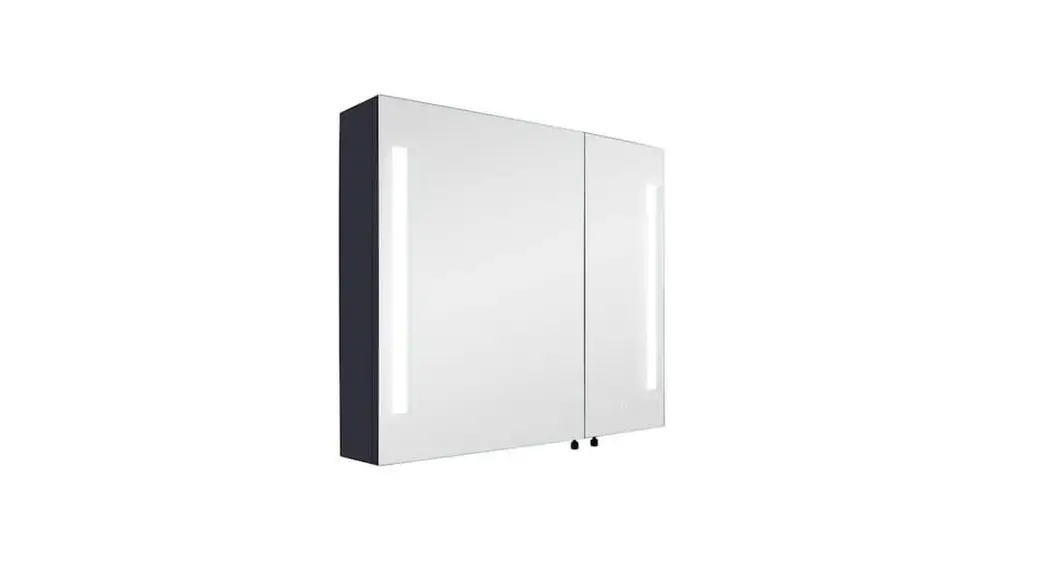
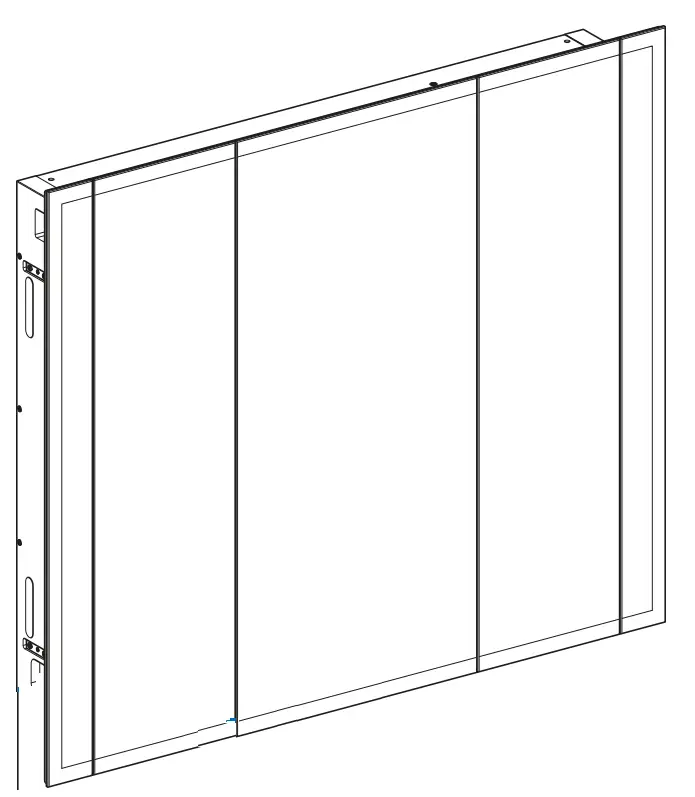
Figure 1: Geber it ONE mirror cabinet

  1. LED lighting
  2. Control panel

Using the power socket 

The internal power socket is suitable for razors, hairdryers and similar devices.

Only devices with a mains voltage that is compatible with the power socket’s mains voltage may be used. The mains connection must be compatible with the mains plug. → See “Technical data”, page 9.

How to use the product

Adjusting the mirror cabinet 

How to use the product

  • <Atmospheric light> (1) — Switch the atmospheric light on and off.
  • <Daylight> (2) — Press and hold the button: The light becomes gradually brighter or darker until the button flashes once, indicating that the maximum value has been reached.
  • <Colour temperature> (3) — Press and hold the button: The light becomes gradually cooler or warmer until the button flashes once, indicating that the maximum value has been reached.
  • <Save button> (4) — Press and hold the button for 3 seconds: The current settings are saved to the button. The settings can then be called up at any time by pressing the button.
  • <Save button> (5) — Press and hold the button for 3 seconds: The current settings are saved to the button. The settings can then be called up at any time by pressing the button.

Switching off functions

All settings are saved as soon as the mirror cabinet is switched off using an external light switch. If the mirror cabinet does not automatically switch on with your saved settings, you can switch off the functions as described below.

  • Press the button together with the button for a few seconds.
    Switching off functions

Result

✓ All the functions of the mirror cabinet are switched off.

Care instructions

You have selected a product with a high-grade surface. Please follow the care instructions below.

The manufacturer does not assume any liability for product damage that arises as a result of incorrect care and handling.

General care instructions 

  • Never use cleaning agents that contain chlorine or that are acidic or corrosive.
  • Never use cleaning agents that are abrasive or may scratch the surface.
  • Never use sharp or pointed objects when cleaning.
  • Make sure that an efficient source of ventilation and an appropriate room temperature are present in your bathroom.
  • Protect the surface from bleaching due to extreme light and sun exposure.

Care instructions for mirror surfaces

Please note the following when cleaning mirror surfaces:

  • Use a damp chamois leather or a soft, lint-free cloth.
  • Remove drops from the edges of mirror surfaces immediately.

Cleaning surfaces 

  1. Clean the surfaces. Please follow the corresponding care instructions.
  2. Dry the surfaces with a soft, lint-free cloth.

Care instructions for power socket elements

Cleaning the surface

Symbol WARNING

Danger of fatal electric shock Incorrect cleaning can lead to death or serious injuries.

  • Disconnect the power supply before carrying out cleaning.
  • Make sure that all surfaces have dried completely before reconnecting the power supply.
  1. Clean the surfaces. Please follow the corresponding care instructions.
  2. Dry the surfaces with a soft, lint-free cloth.

Disposal

Symbol Disposal of waste electrical and electronic equipment 

The symbol of the crossed-out wheeled bin means that waste electrical and electronic equipment (WEEE) must be disposed of separately and not with other non-recyclable waste. End users are legally obliged to return old equipment to public waste disposal authorities, distributors, or Geber it for proper disposal. Many distributors of electrical and electronic equipment are obliged to take back WEEE free of charge. Contact the responsible sales or service company to return the WEEE to Geber it.

Used batteries and accumulators that are not enclosed within the old equipment, as well as lamps that can be removed from the old equipment in a non-destructive manner, must be separated from the old equipment before being handed over to a disposal point.

If personal data is stored on the old equipment, end users themselves are responsible for deleting it before handing it over to a disposal point.

CUSTOMERS SUPPORT

Geber it International AG
Schachenstrasse 77, CH-8645 Jona
[email protected]
www.geberit.com

72057598919879307 © 08-2022
968.797.00.0(03)

Logo

References

Documents / Resouces

Download manual
Here you can download full pdf version of manual, it may contain additional safety instructions, warranty information, FCC rules, etc.


Related Manuals