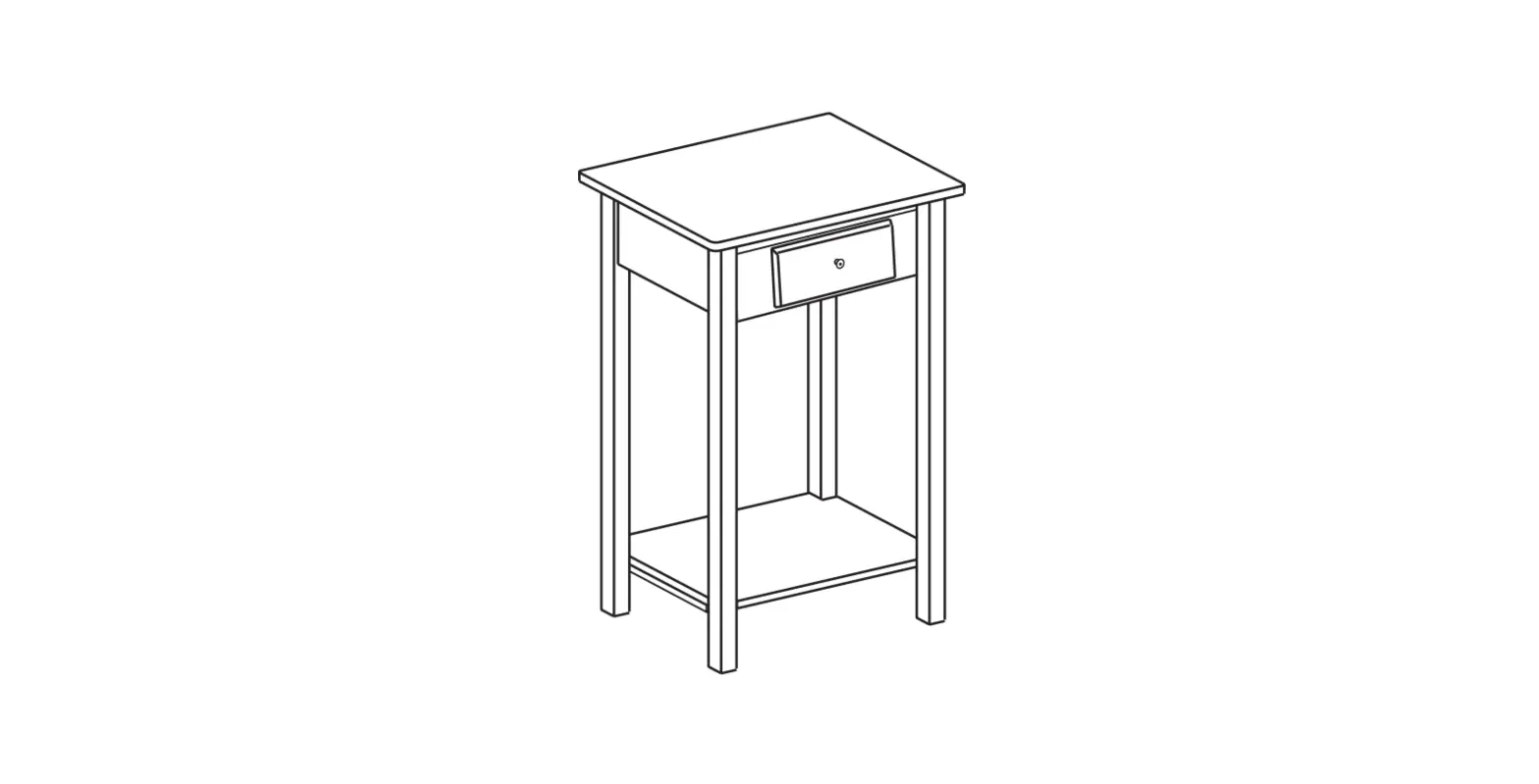
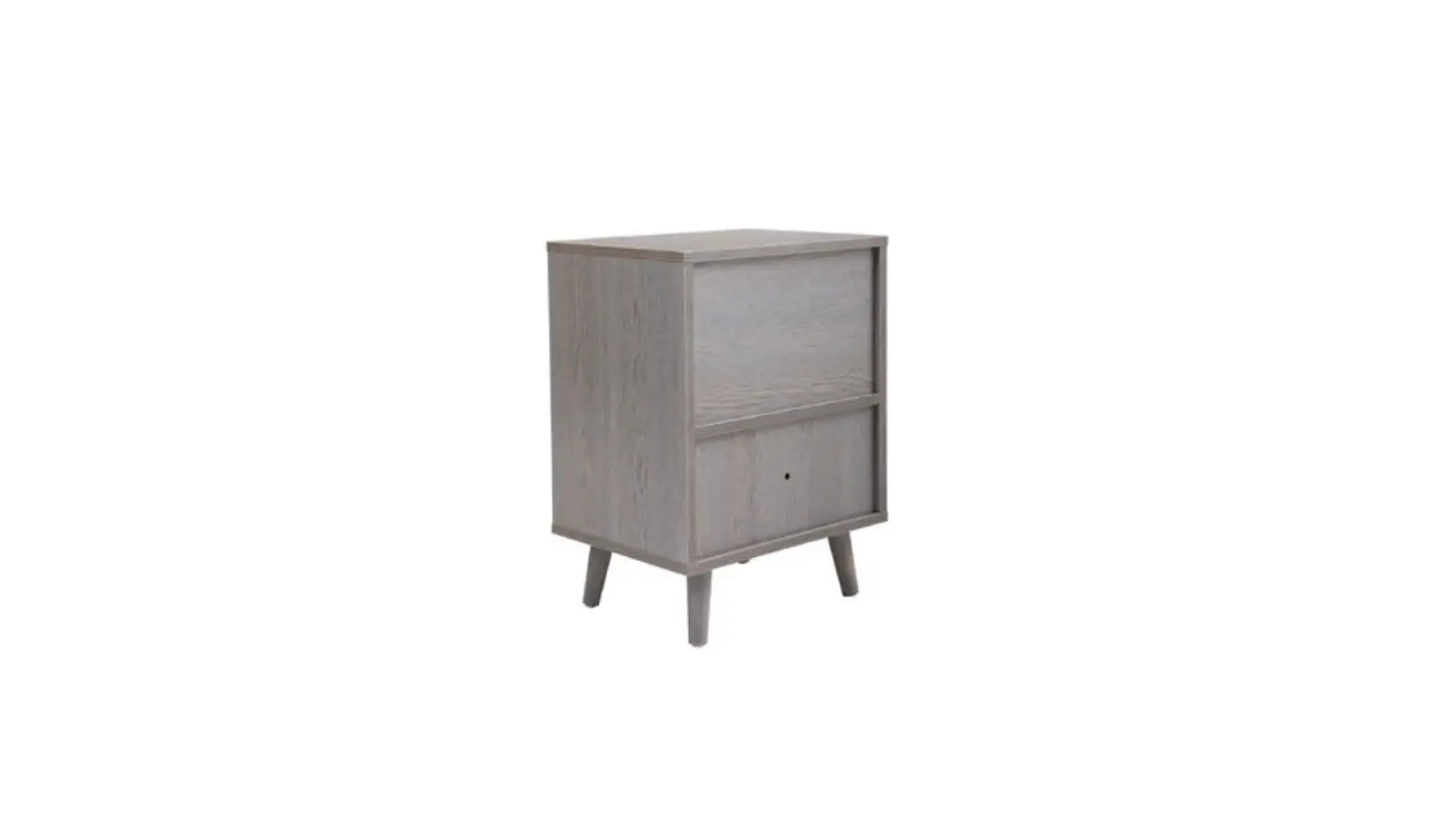
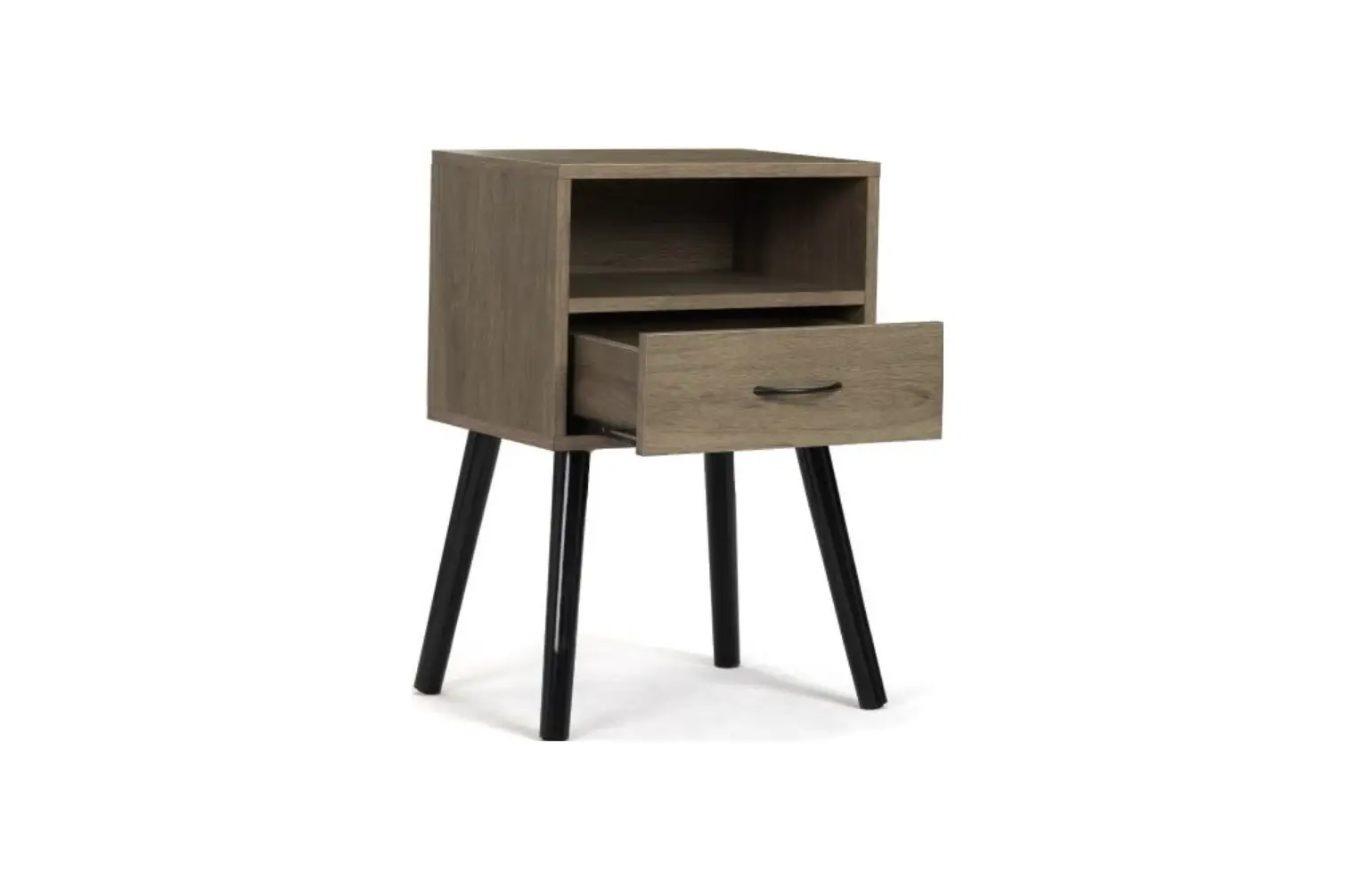
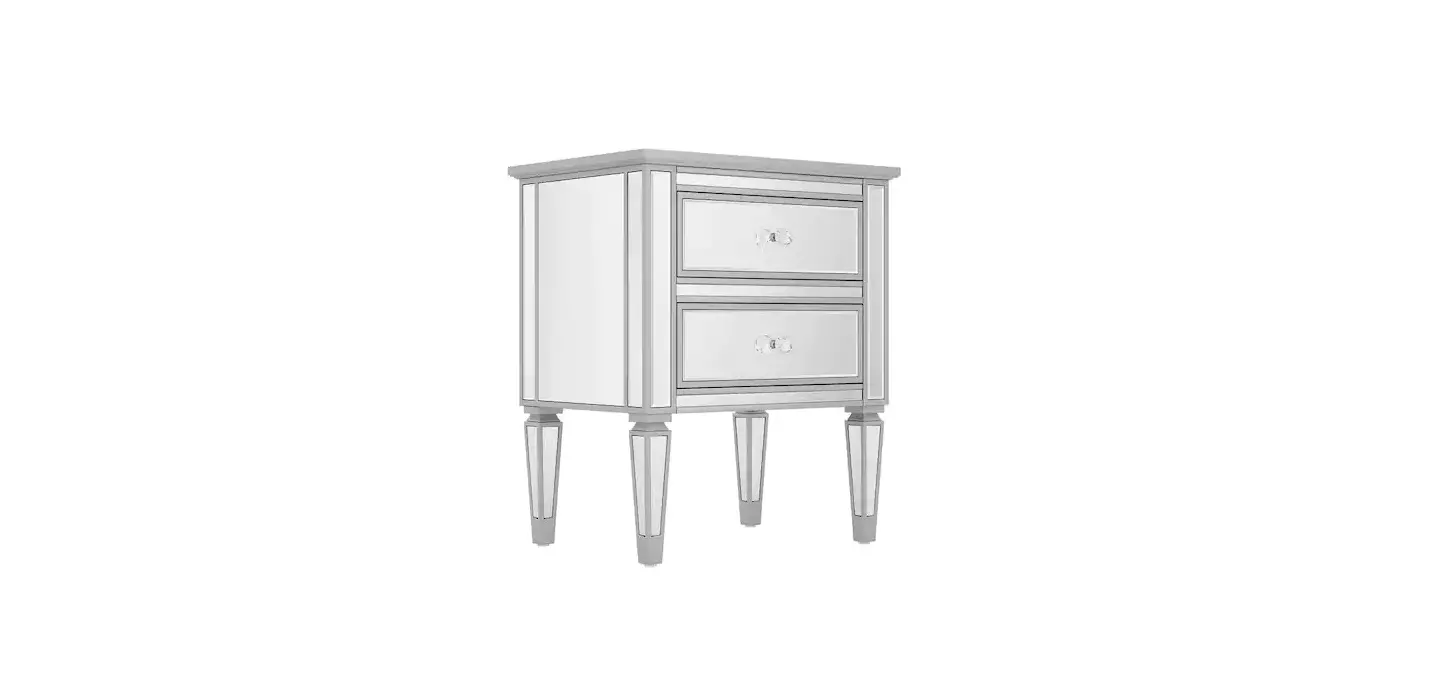
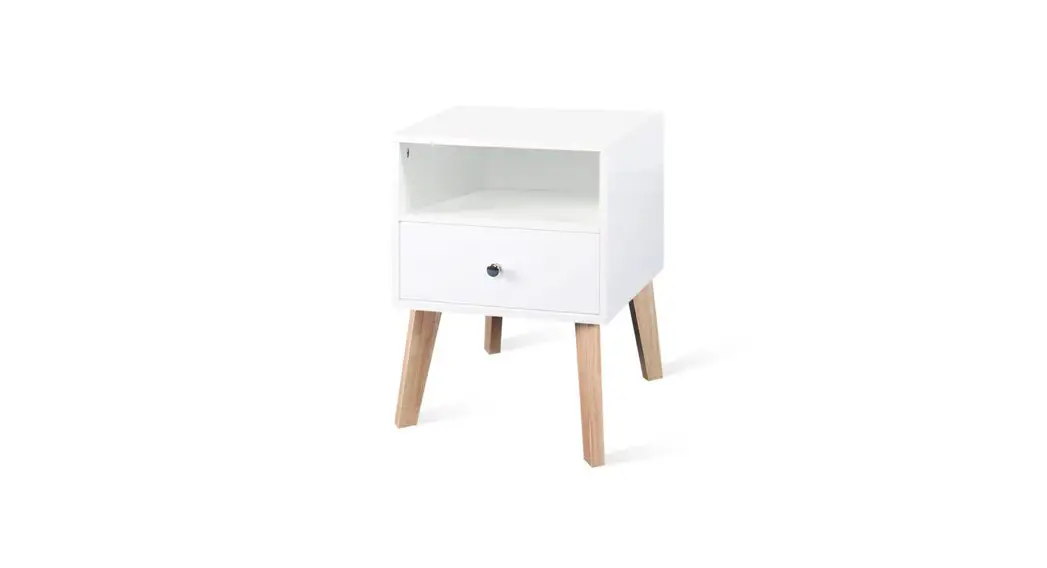
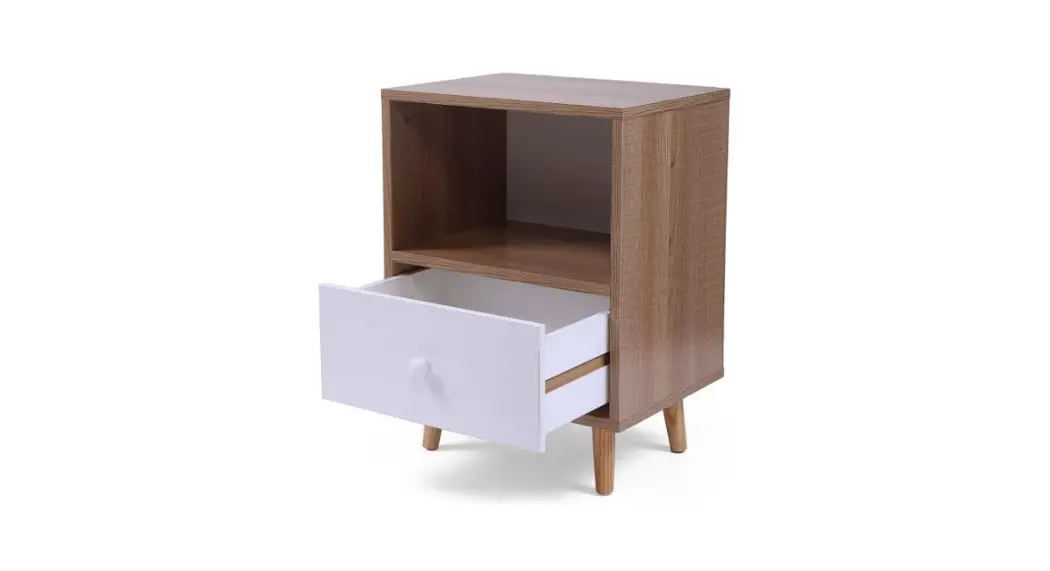
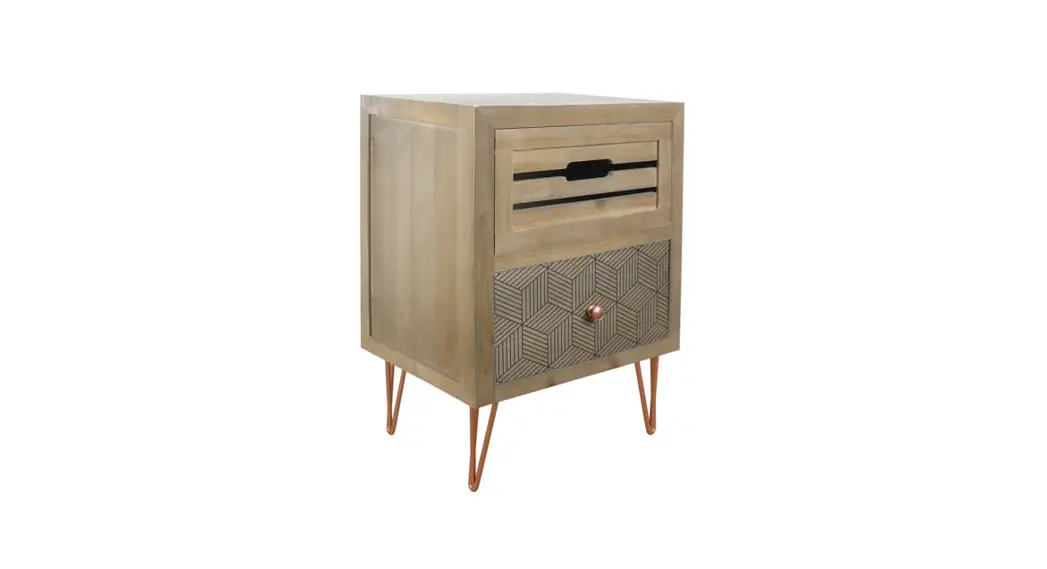
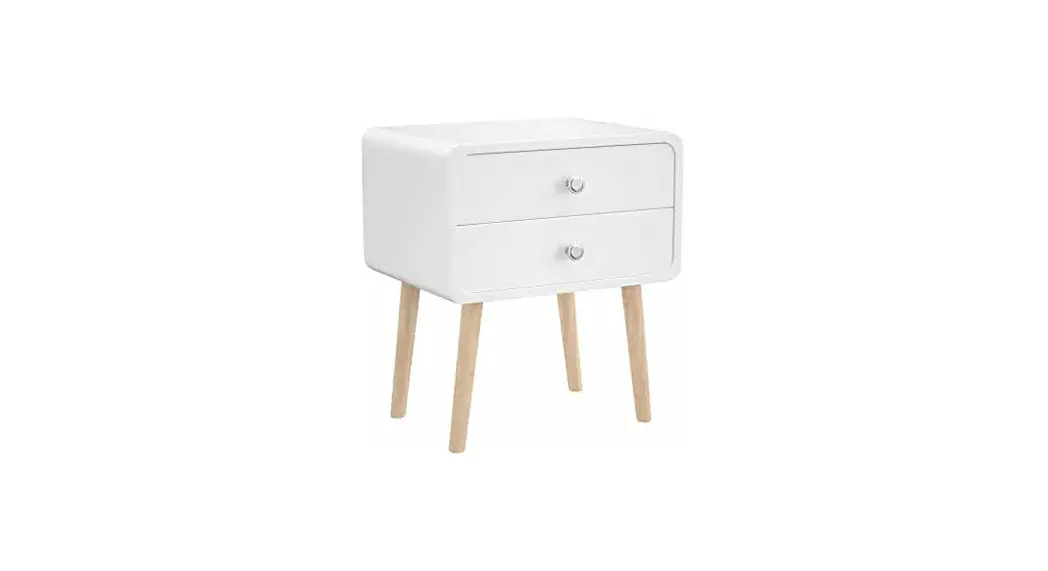
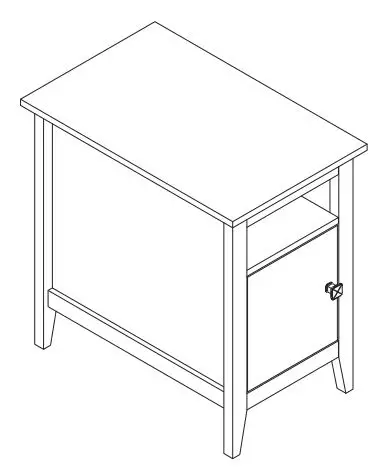
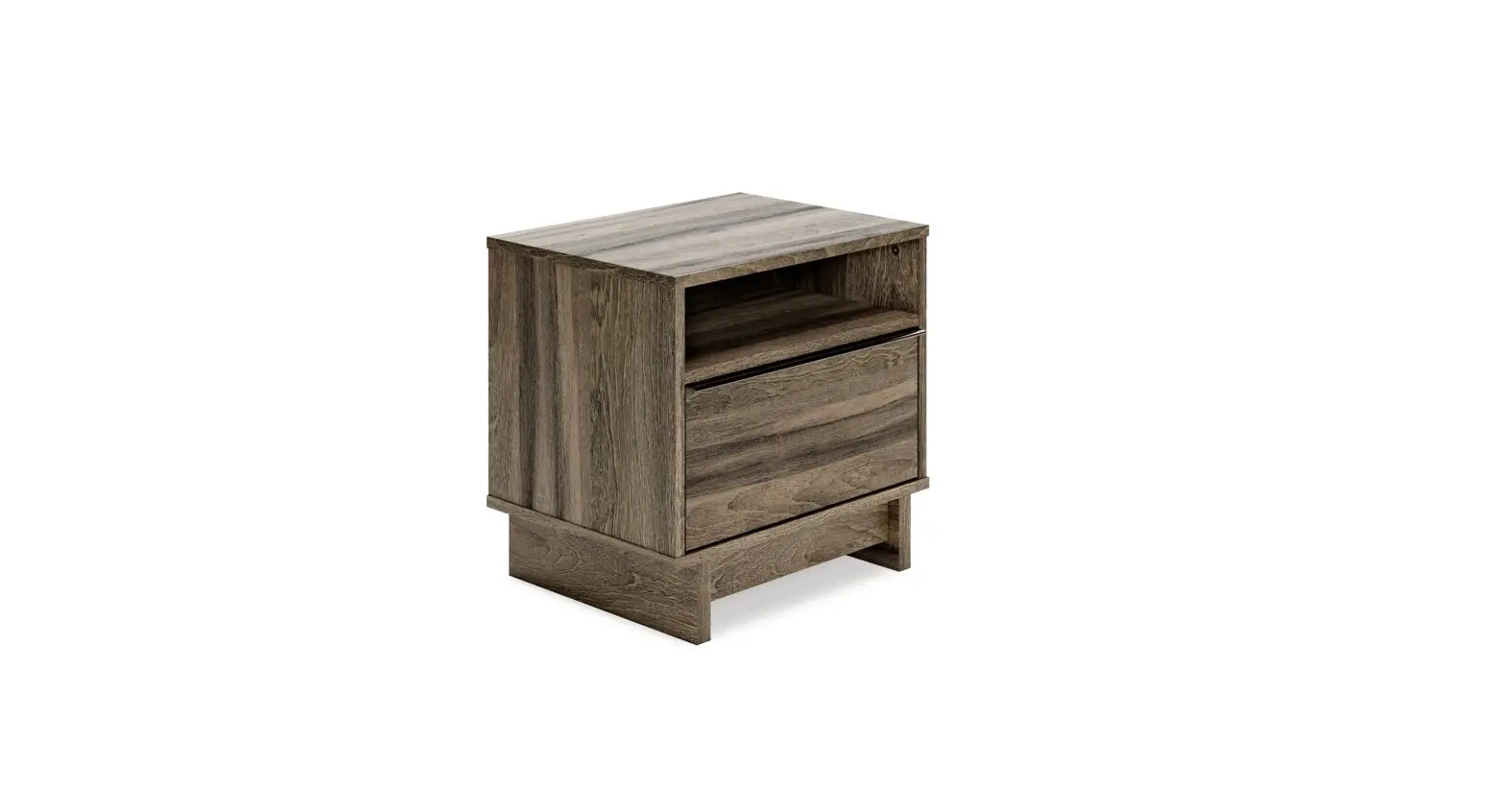
HG61M1201 Industrial Nightstand End Table with Drawer
Product Information
This user manual provides assembly instructions for the
HG61L1200 and HG61M1201 products.
Package Contents
- Hardware List:
- 395x395mm – 2PCS
- 367x335mm – 4PCS
- 570x365mm – 4PCS
- 335x120mm – 2PCS
- 310x335mm – 2PCS
- 332x120mm – 2PCS
- M6X45 – 16PCS
- M6X30 – 8PCS
- M4X35 – 8PCS
- M6X11 – 16PCS
- M15X12 – 8PCS
- M6X40 – 8PCS
- M4X20 – 2PCS
- A8 – 1PC
- M6X13 – 8PCS (A9&A10)
- M6X13 – 4PCS (A9&A10)
- M6X45 – 8PCS (A1)
- M6X11 – 8PCS (A4)
- M6X30 – 4PCS (A2)
- M6X40 – 4PCS (A6)
- M4X35 – 4PCS (A3)
- M4X20 – 1PC (A7)
- M6X13 – 8PCS (A9&A10)
- M6X13 – 4PCS (A9&A10)
- M6X30 – 4PCS (A2)
- M6X40 – 4PCS (A6)
- M4X35 – 4PCS (A3)
- M4X20 – 1PC (A7)
Product Usage Instructions
Step 1: Assembly
- Using a Phillips head screwdriver, assemble the product by
following the diagram below:
Step 2: Assembly
- Continue the assembly process by following the diagram
below:
Step 3: Assembly
- Proceed with the assembly as shown in the diagram below:

Step 4: Assembly
- Follow the diagram below to complete the assembly:

Step 5: Assembly
- Continue the assembly process by following the diagram
below:
Step 6: Assembly
- Proceed with the assembly as shown in the diagram below:

Step 7: Assembly
- Complete the assembly by following the diagram below:

Note: Repeat the above steps to start another assembly.
User Manual
Check the package contents before getting started !
HG61L1200 HG61M1201
You need
1 Tools required
A Phillips head scre wdriver is required for the assembly of this product.cnot included
Power tools should not be used to assemble this product.
2 2 persons are needed
1
2
3 3
2
5
8
6
4
7
1
Hardware List
395x395mm
1 2PCS
367x335mm
2 4PCS
570x365mm
3 4PCS
335x120mm
4 2PCS
335x120mm
5 2PCS
310x335mm
6 2PCS
570x365mm
7 2PCS
332x120mm
8 2PCS
M6X45
A1 16PCS
M6X30
A2 8PCS
M4X35
A3 8PCS
M6X11
A4 16PCS
M15X12
A5 8PCS
M6X40
A6 8PCS
M4X20
A7 2PCS
A8 1PC
M6X13
A9&A10 8PCS
2
PRODUCT ASSEMBLY
STEP 1
M6X13
3
2PCS A9&A10 4PCS
3
A9&A10 A9&A10
3
A9&A10 A9&A10
3
PRODUCT ASSEMBLY
STEP 2
2 2PCS
M6X45
A1 8PCS
M6X11
A4 8PCS
3
A1 A1
A4 A1 A1
A4
2 A4
2 A4
3
A1 A1
A1 A1
4
PRODUCT ASSEMBLY
STEP 3
1 1PC
M6X30
A2 4PCS
1
A2 A2
2
A2 A2
2
5
PRODUCT ASSEMBLY
STEP 4
7 1PC
M6X40
A6 4PCS
A6 A6
7
STEP 5
A6 A6
4 1PC
5 1PC
A5 4PCS
5 A5
7
A5
4
6
PRODUCT ASSEMBLY
STEP 6
6 1PC
8 1PC
M4X35
A3 4PCS
M4X20
A7 1PC
A3
6
A7
8
A3
7
PRODUCT ASSEMBLY
STEP 7
A8 1PC
A8
Repeat the above steps to start another assembly.
8