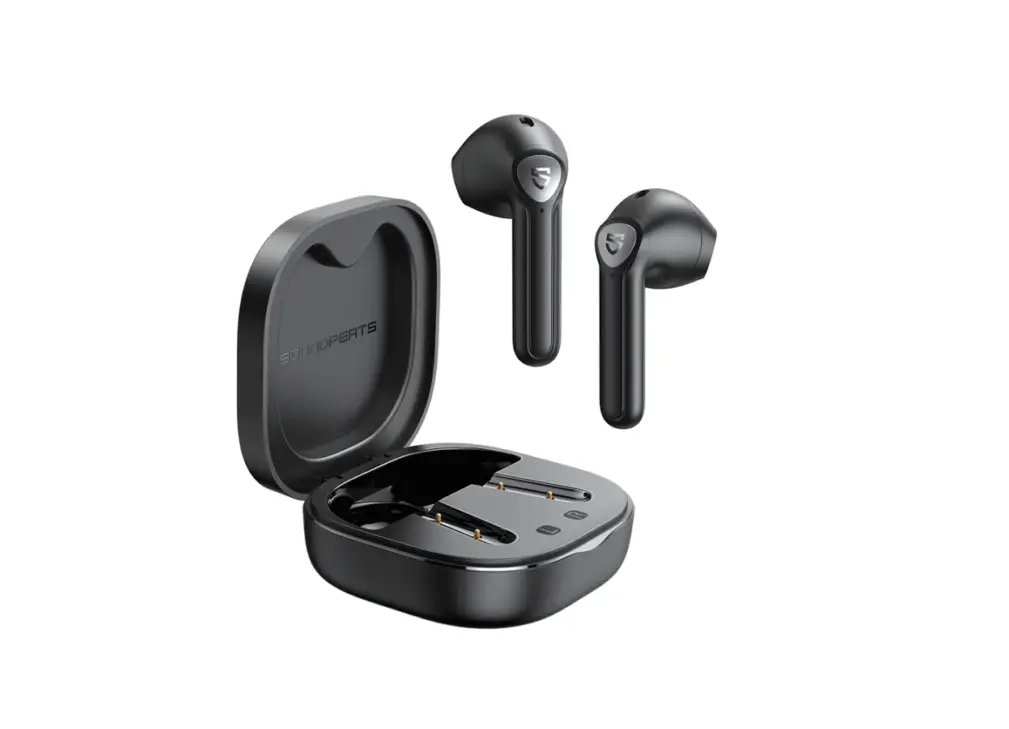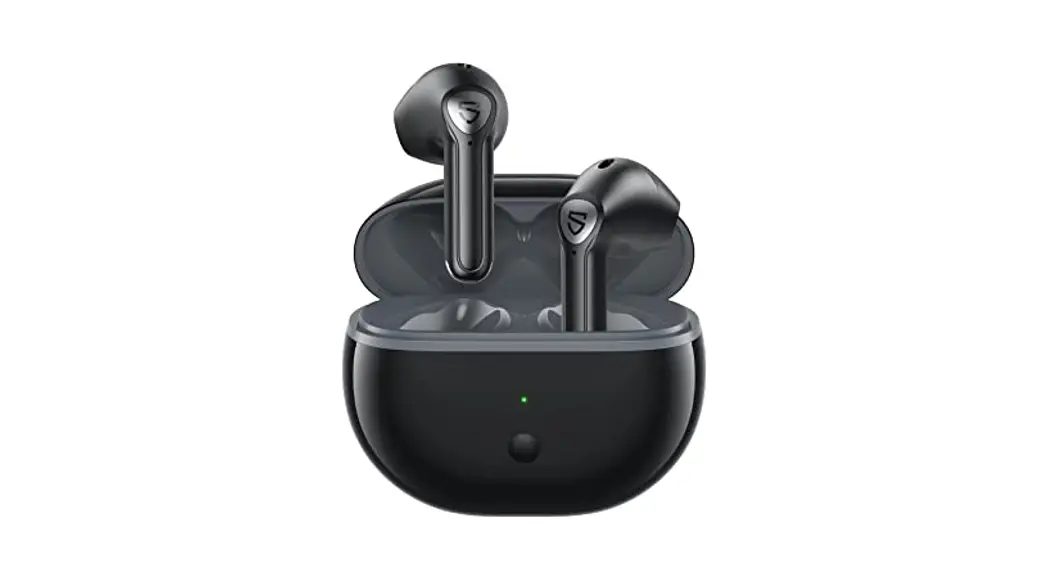
 User Manual
Pairing
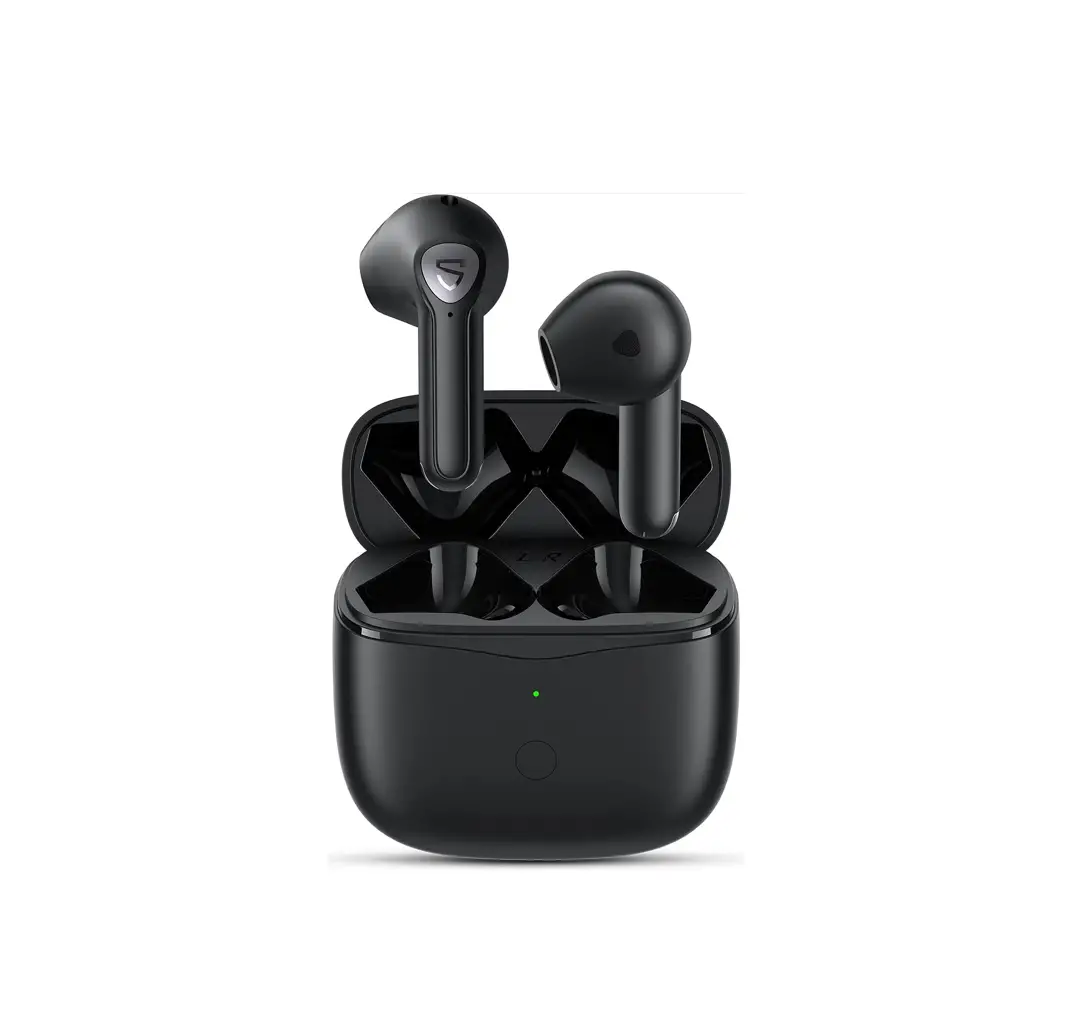
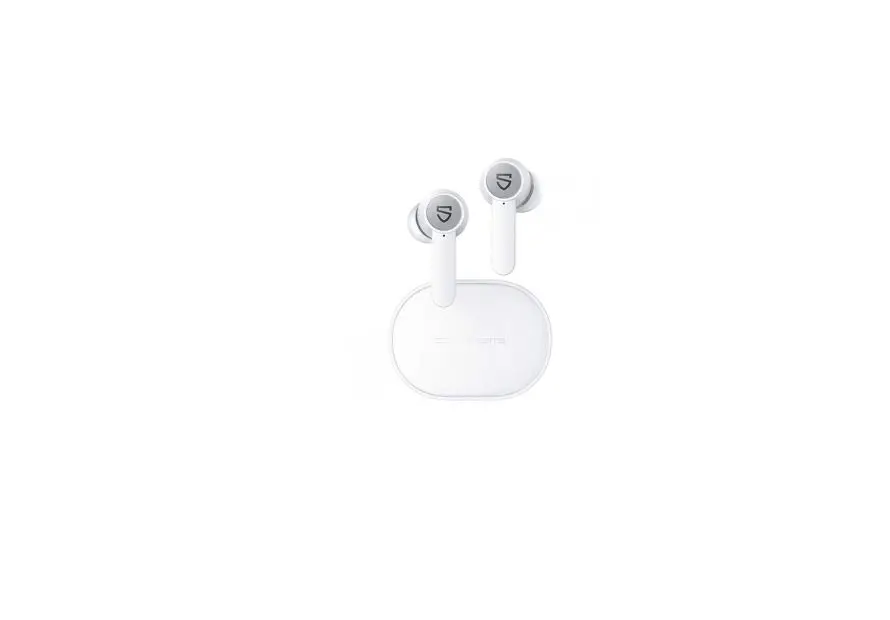
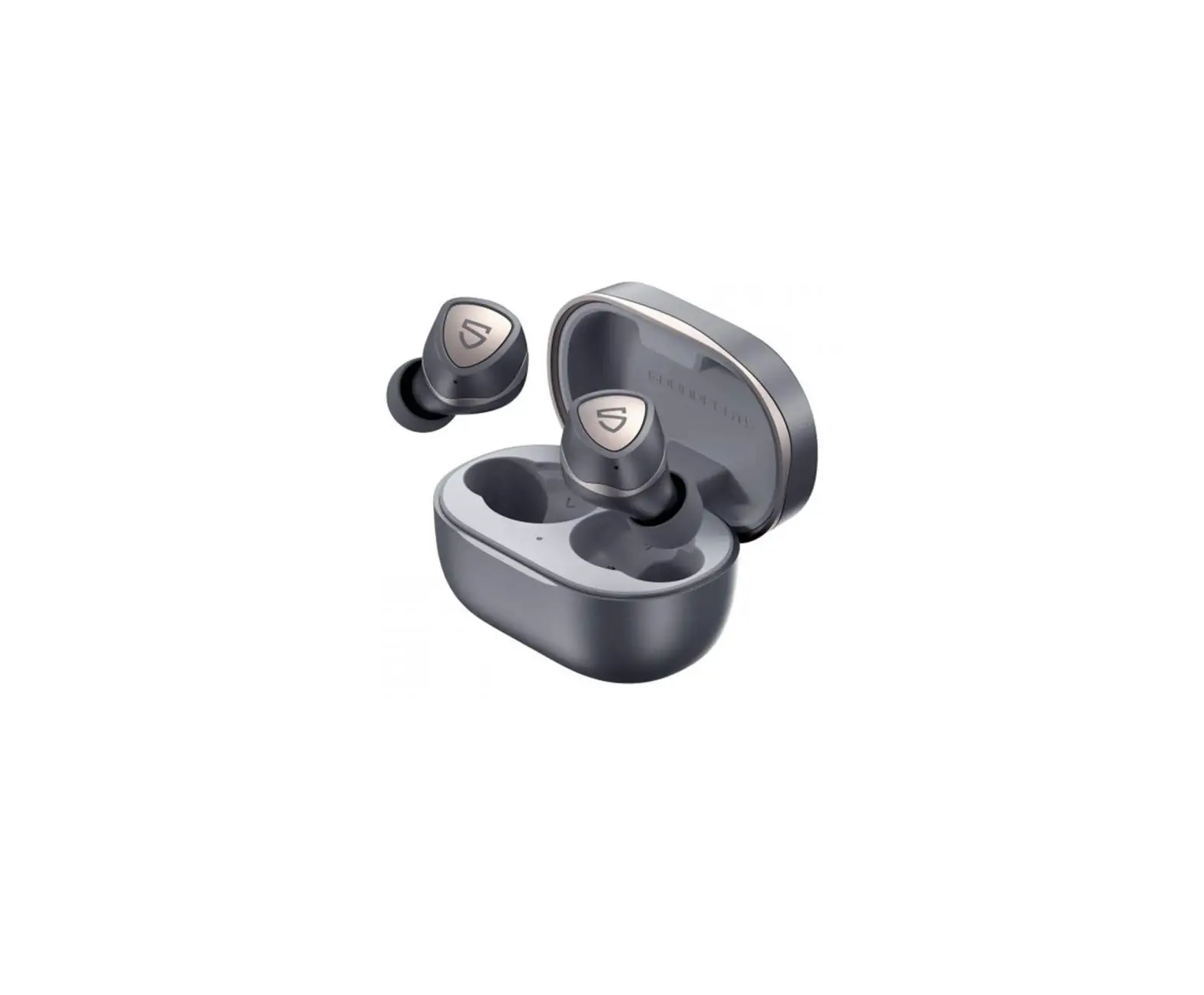
 Open the charging case lid while the case is with enough power left, press and hold the button on the charging case for 3 seconds until the white light flashes, and both earbuds will turn on and enter pairing mode.
- Activate the Bluetooth on your device and choose “SOUNDPEATS Air3-Deluxe” to connect
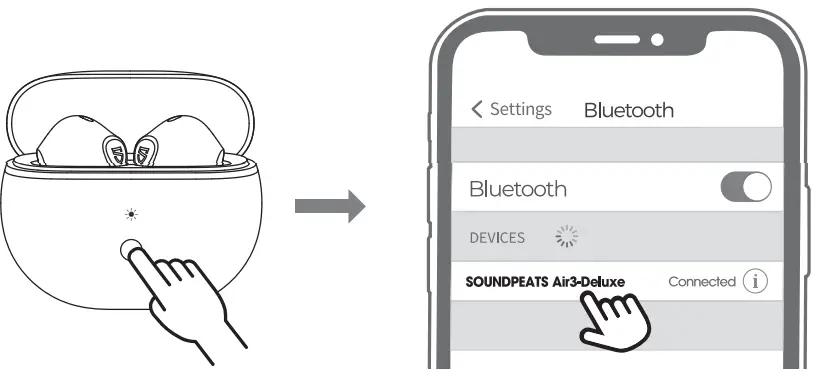 Open the charging case lid while the case is with enough power left, press and hold the button on the charging case for 3 seconds until the white light flashes, and both earbuds will turn on and enter pairing mode.
Reset
- Place back both earbuds, the white light on the charging case flashes twice, the earbuds start charging.
- With the case lid open, press and hold the charging case button for 10 seconds until the white light flashes 2 times, and reset completely.
- Close the case lid and reopen it to activate the earbuds.

Wearing
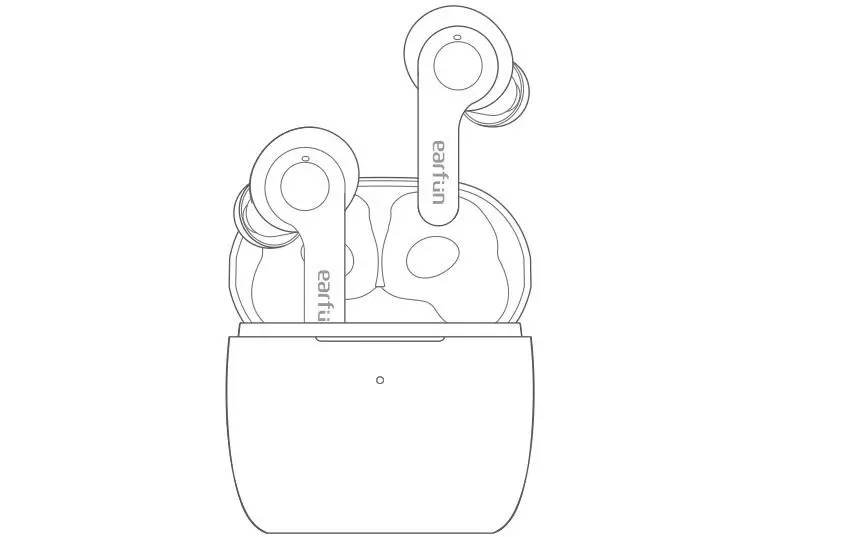
Product Diagram
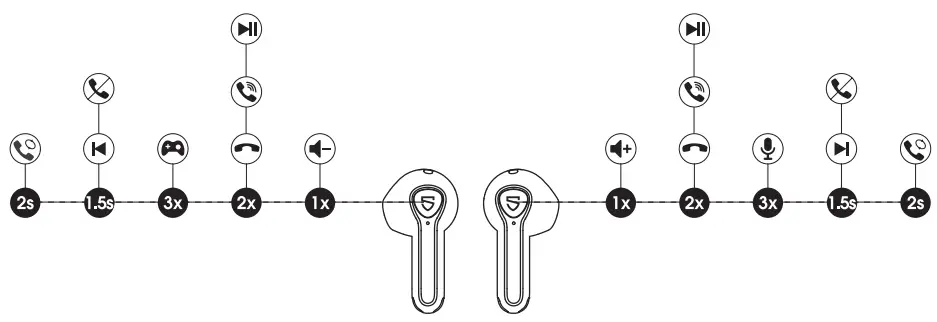
Touch Control
| Power On | Auto: Open up the case lid Manually: Press and hold the MFB for 1.5s |
| Power Off | Auto: Place back into the charging case and close the lid Manually: Press and hold the MFB for Los |
| Play / Pause | Auto: Take off either earbud to pause the music Wear either earbud or both together to play music Manually: Double-tap the MFB |
| Volume – | Single tap the left MFB |
| Volume + | Single tap the right MFB |
| Previous Track | Press and hold the left MFB for 1.5s |
| Next Track | Press and hold the right MFB for 1.5s |
| Answer / Hang Up Phone Call | Double-tap the MFB |
| Reject Phone Cal | Press and hold the MFB for 1.5s |
| Switch Between Two Calls | Press and hold the MFB for 2s |
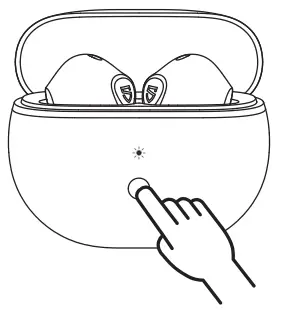
| Manually Enter Pairing Mode | Press and hold the charging case button for 3s |
| Activate Voice Assistant | Triple tap the right MFB |
| Enter / Exit Game Mode | Triple tap the left MFB |
Game Mode
soundpeats Air3-Deluxe adopts the latest technology to ensure low latency in game mode and make sure the sound sync with the image. Triple tap on the left to activate the game mode with a voice prompt “Game Mode” and deactivate the mode with a prompt “Exit Game Mode”.
Q&A
Ql: What does the indicator on the charging case tell?
It shows the battery power left in the charging case.
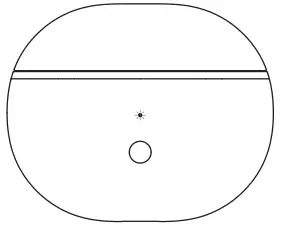
| Charging Case Indicator | Battery Left |
| Green | 50% – 100% |
| Yellow | 10% – 49% |
| Red | 10% or less |
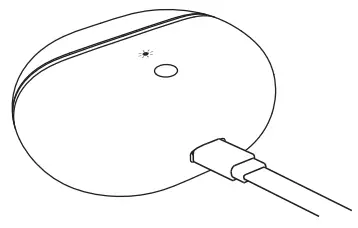
While charging the case, the indicator flashes slowly.
| Charging Case Indicator | Battery Power |
| Red | 0 – 19% |
| Yellow | 20% – 69% |
| Green | 70% – 99% |
| Green LED stays on | 100% |
Q2: How to charge the charging case?
- Use a Type-C adapter to charge the case (current no more than 1A). The indicator flashes while charging.
- Please charge the earbuds and charging case at least once per 3 months when not in use for a long time.
 Q3: Why are the earbuds still connected to my phone after placing them back and closing the case lid?
- The charging case has no remaining power. The case can’t turn off the earbuds if the case battery is dead.
- Please make sure the earbuds are correctly placed in the charging case, and the contractors on both the charging case and earbuds are clean. Please try to clean them with something like a microfiber cloth.
Q4: Why is the playtime not the same as described?
A single charge will not support continuous use for 22 hours. The earbuds work 5 hours for a single charge and the charging case provides an extra 3.5 recharges.