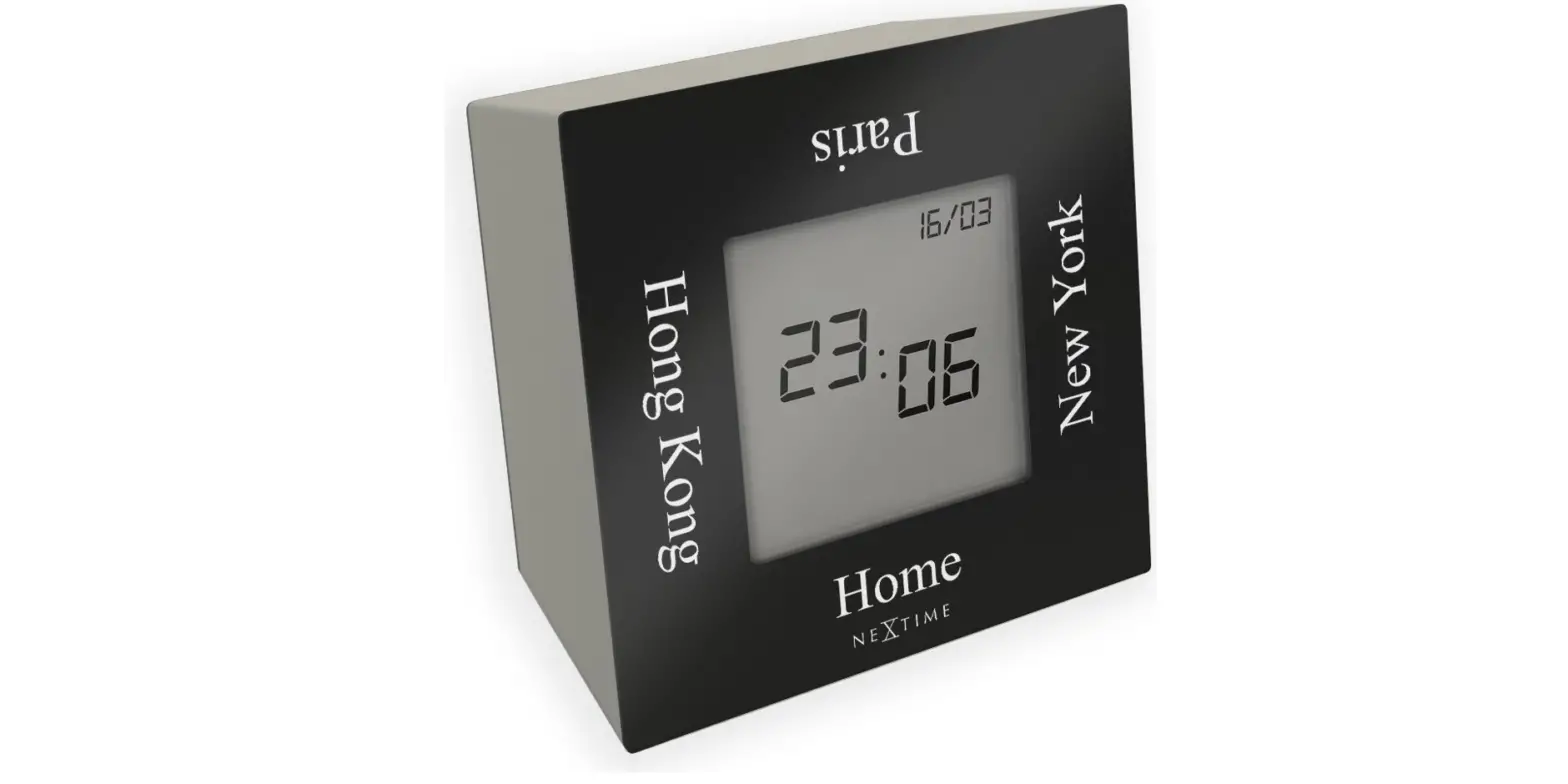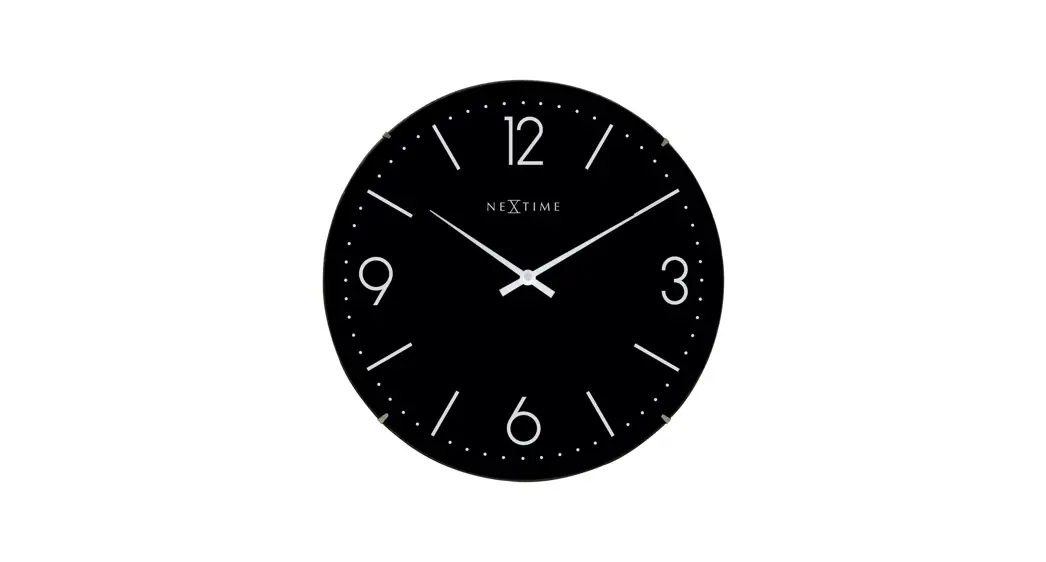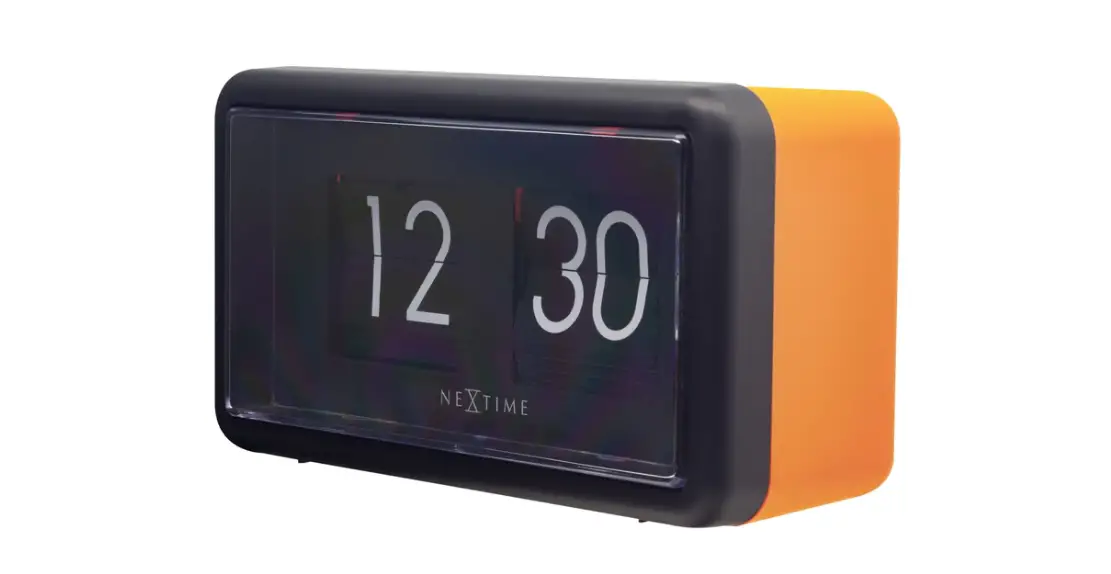

NEXTIME 5186 Flip Clock 
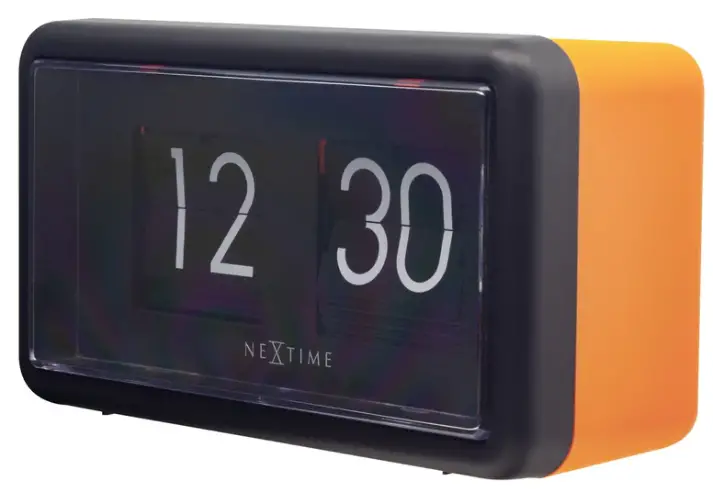
OVERVIEW
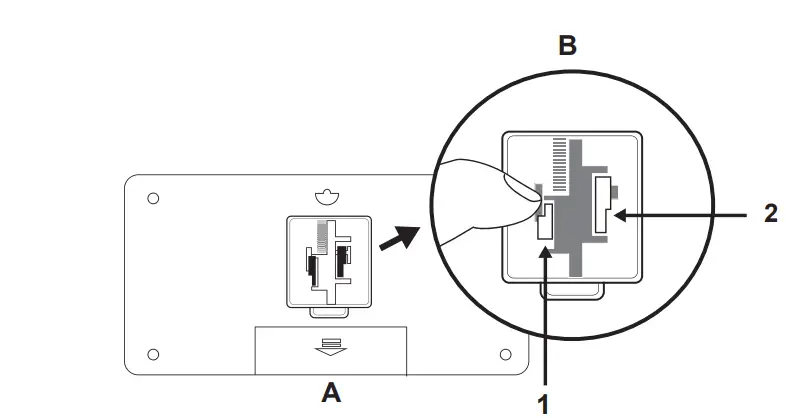
BATTERIES
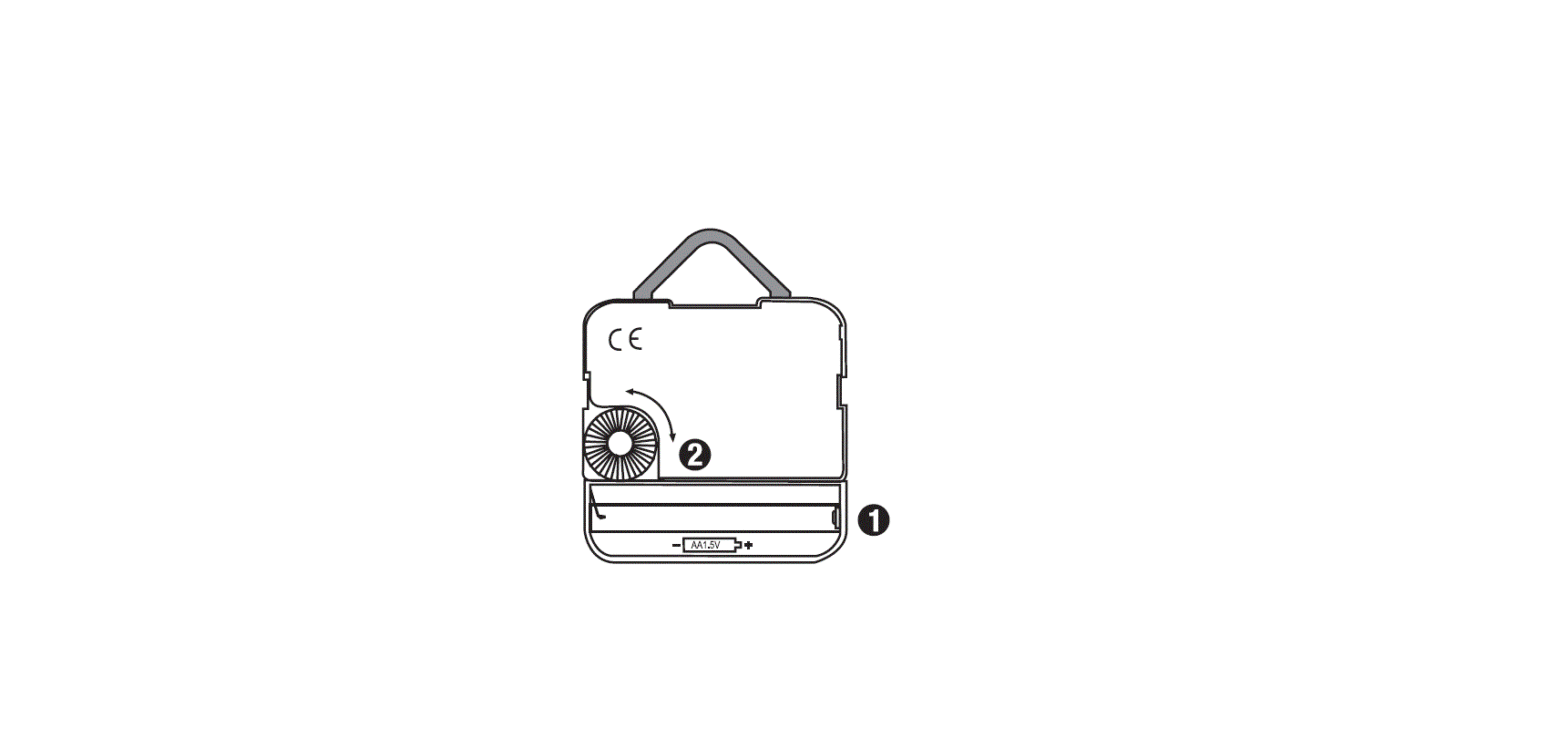
Insert 2 x 1.5V (AA) batteries (not included) into the
battery compartment (A)
SET TIME (B)
- Set the Minute flips to “00” first by pressing (1)
- Set the Hour flips to a current hour by pressing (2)
- Set the Minute flips by pressing (1)
IMPORTANT:
Remove batteries before storing the clock otherwise the
movement will be damaged