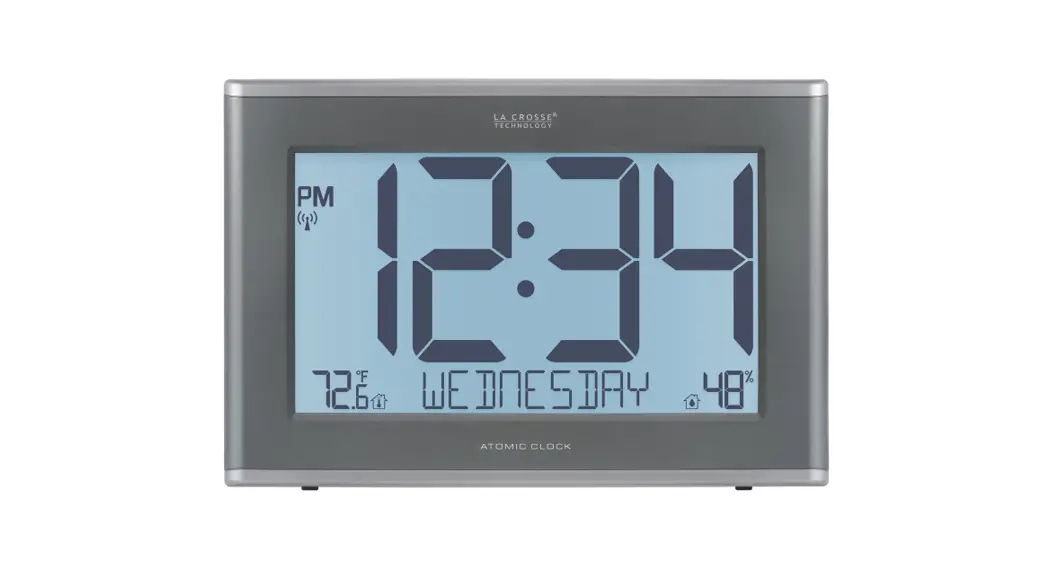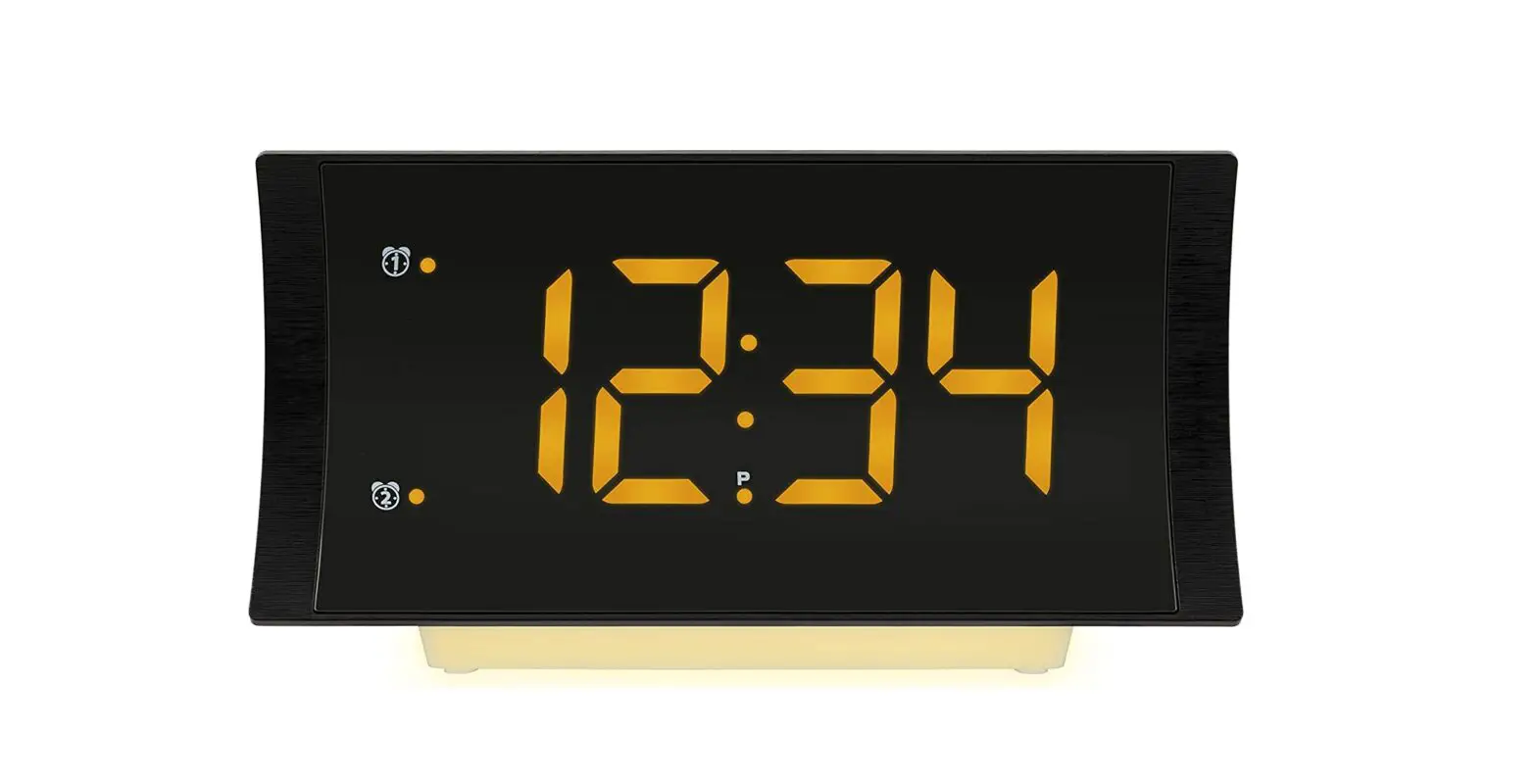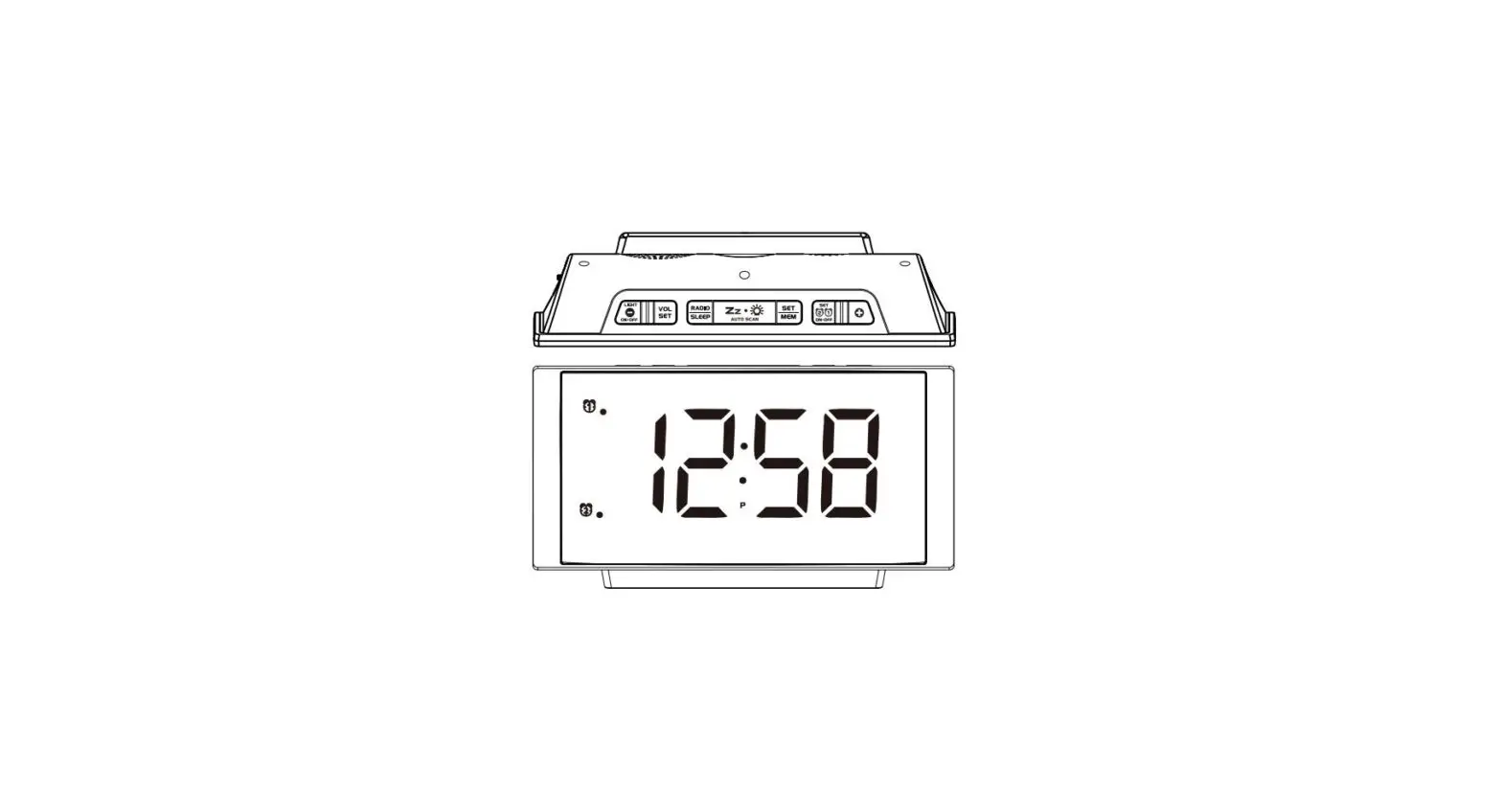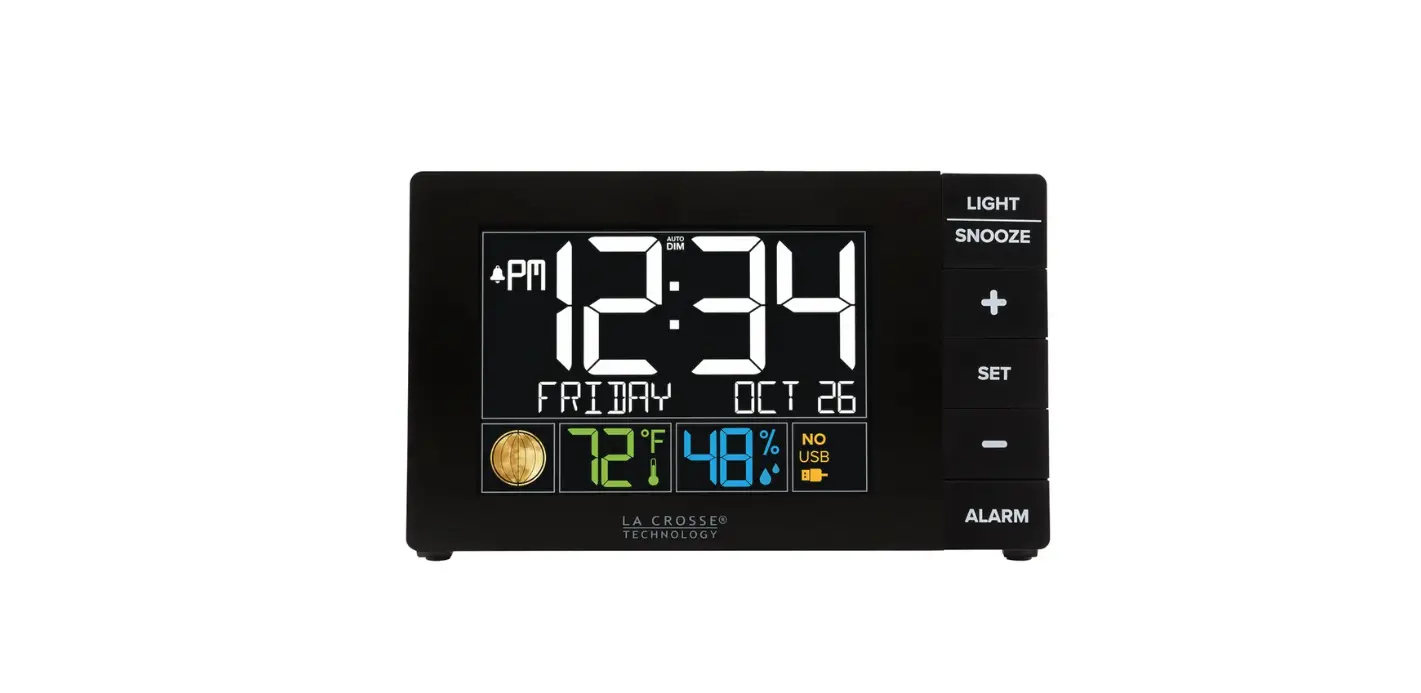

La Crosse Technology Clock Quick Setup
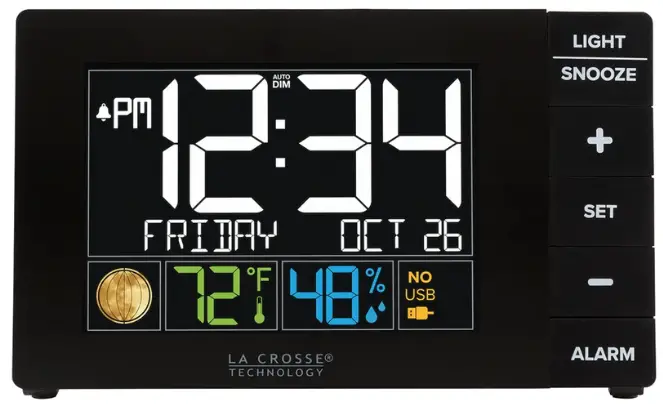
LA CROSSE TECHNOLOGY QUICK SET-UP INSTRUCTIONS
Make sure you start with new brand-name alkaline batteries if you are not using the A/C adapter.
- Check the polarity and install batteries into the back of the clock.
- Press and hold the MODE/+ button to select your TIME ZONE. Adjust to your correct Time Zone by pressing and releasing the MODE/+ button. Press and release the AL button to advance.
- The HOUR will be flashing. Press and release the MODE/+ button to adjust the hour. Press and release the AL button to advance.
- Press and release the MODE/+ button to adjust the MINUTES. Press and release the AL button to advance.
- Press and release the MODE/+ button to adjust the YEAR. Press and release the AL button to advance.
- Press and release the MODE/+ button to adjust the MONTH. Press and release the AL button to advance.
- Press and release the MODE/+ button to adjust the Day of the Month. Press and release the AL button to advance.
- A 12h or 24h will be flashing. (12h for AM/PM, 24h for military time) To change between 12h and 24h, press and release the MODE/+ button. Press and release the AL button once.