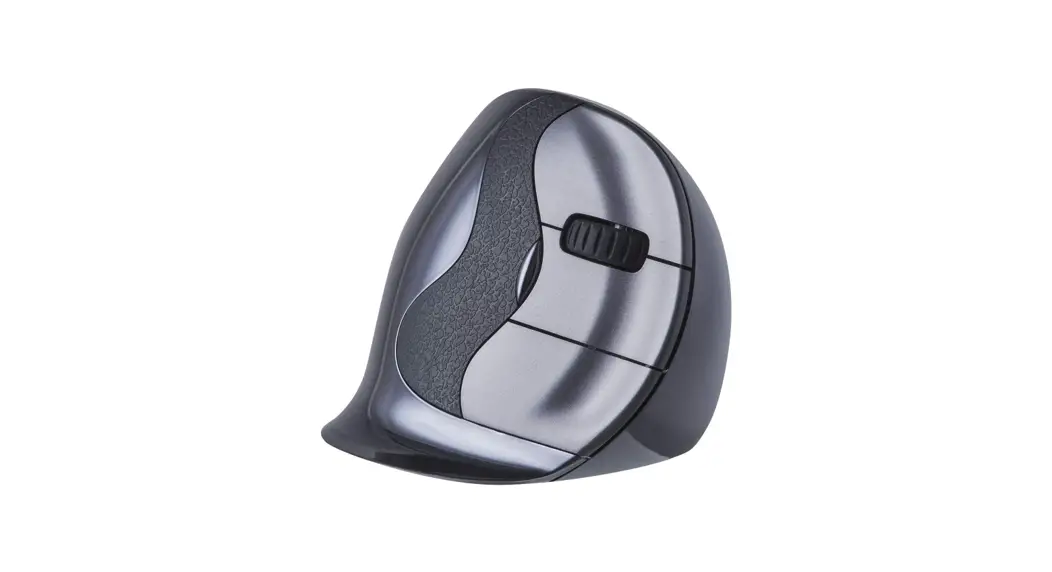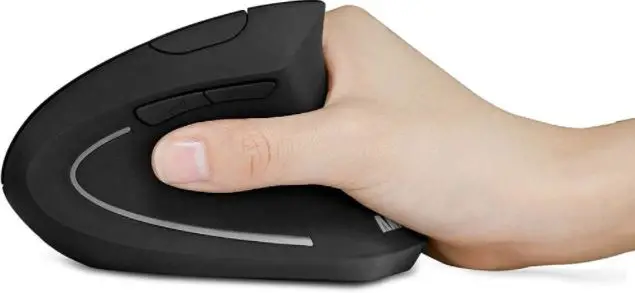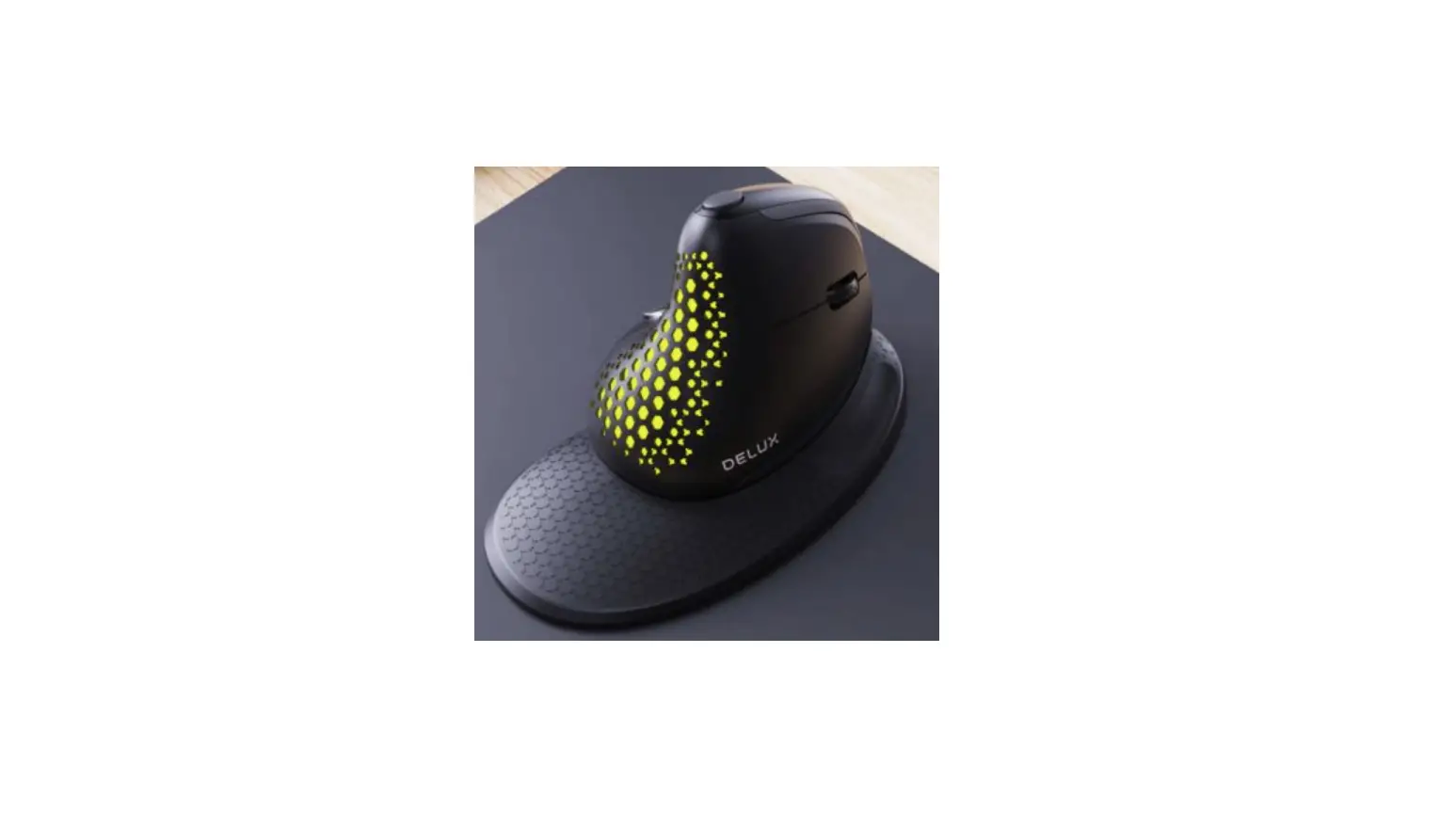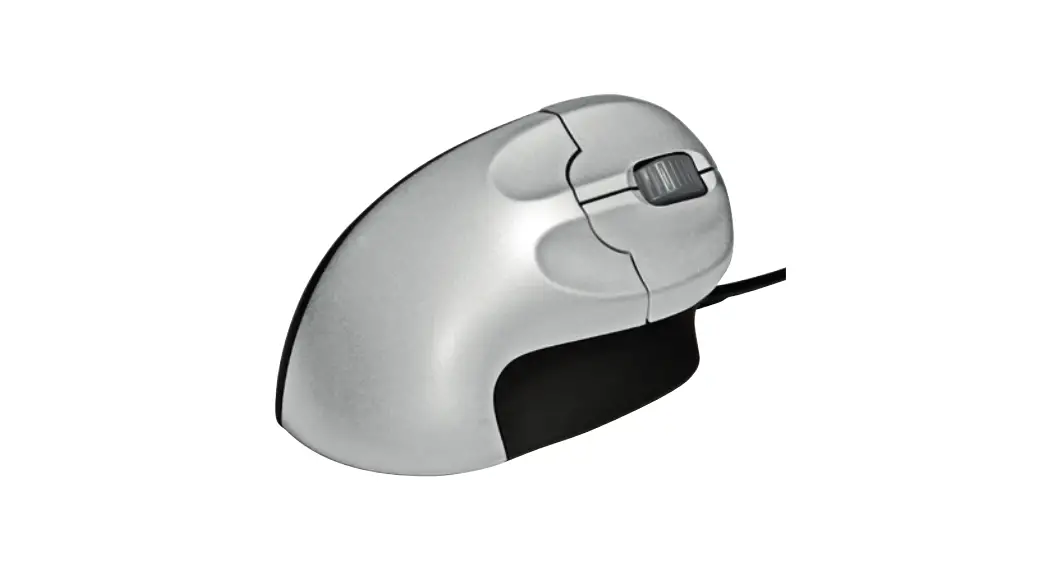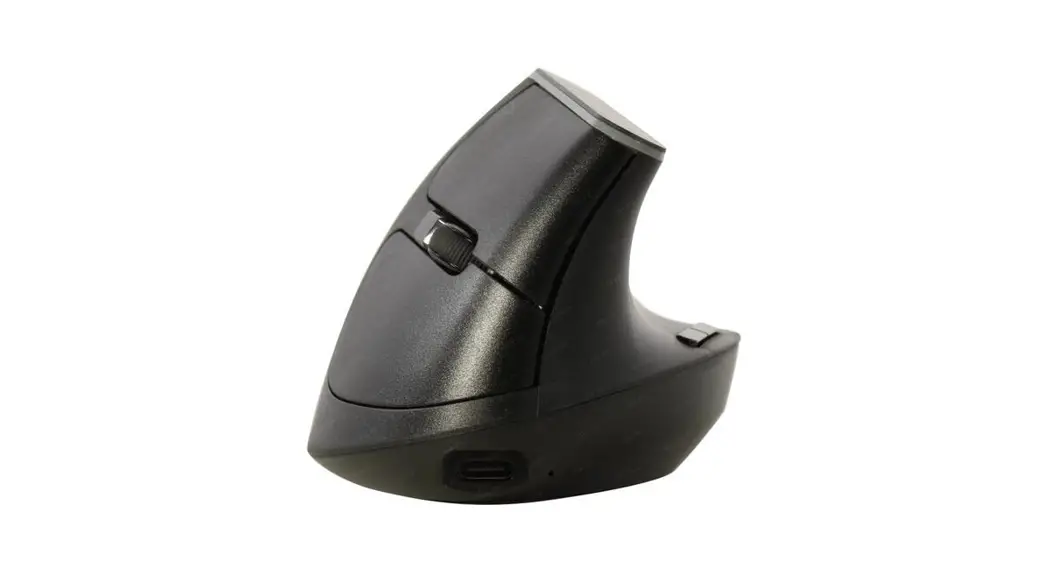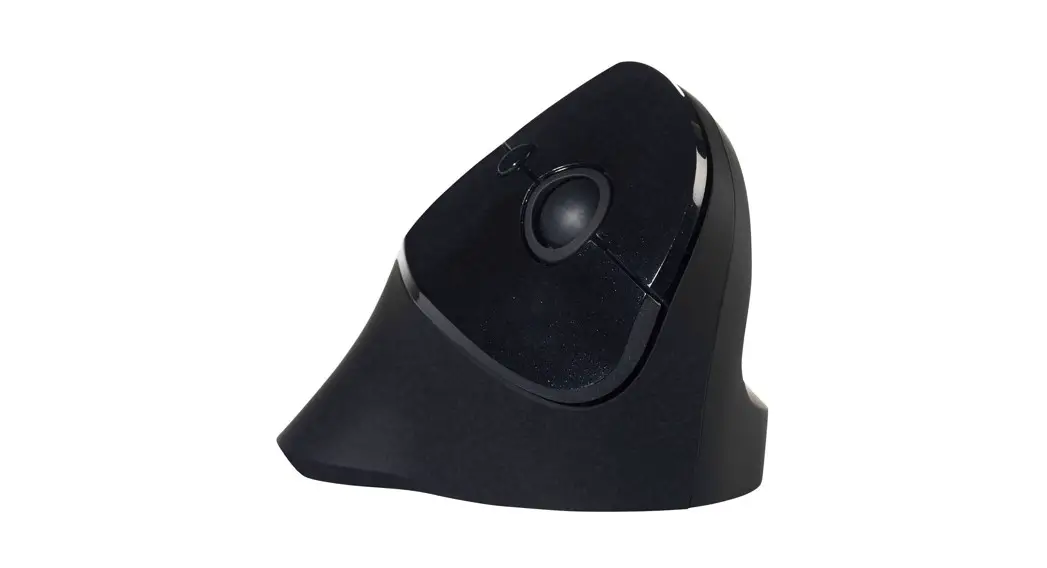

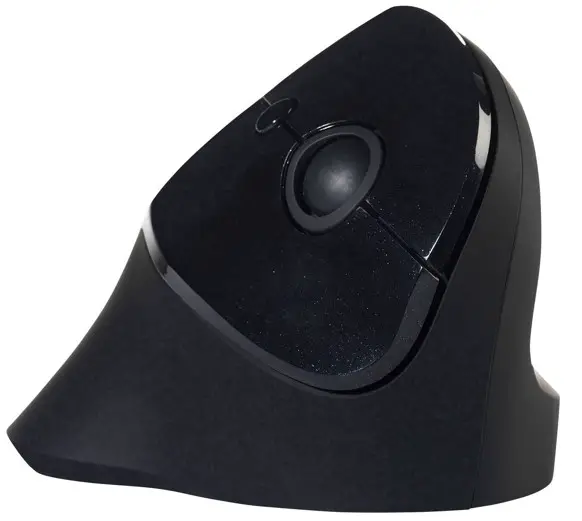
PRF Vertical Mouse
User Manual
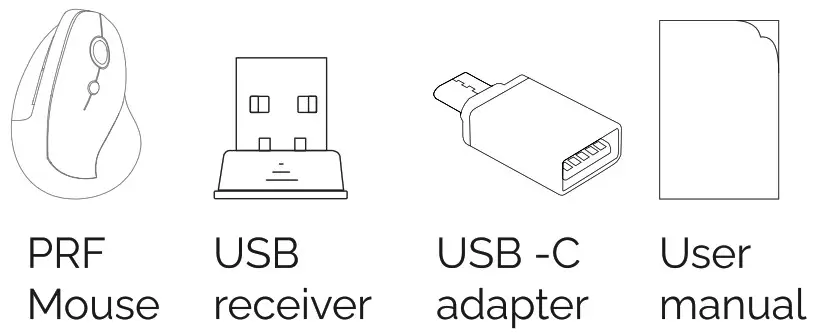
Package contents
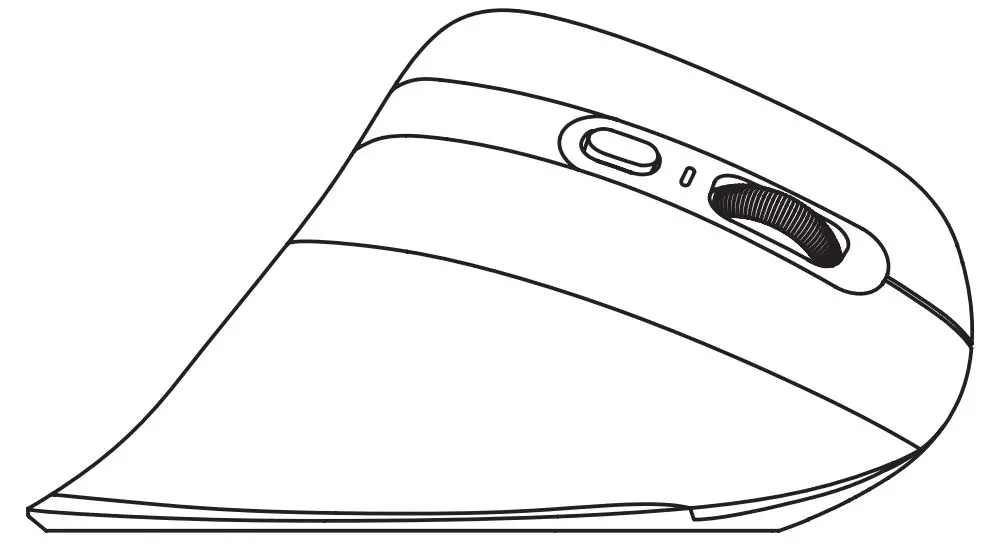
Diagram
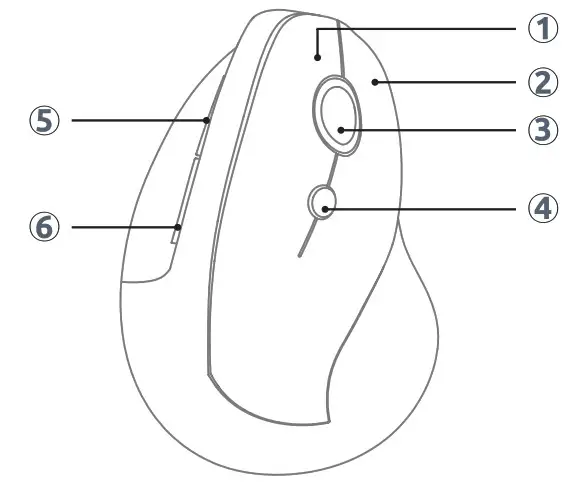
| 1. Left button 2. Right button 3. Scroll button | 4. DPI button 5. Forward button 6. Backward button |
Specification
Size: 111x76x71 mm
Net Weight: 90,5 g
Wireless operation range: 15m
Working Voltage: 1.5V
Working Current: 11mA
DPI Adjustment: 800-1200-1600
Compatibility: Windows (2000, ME, XP (64), Vista, 7, 8, 10
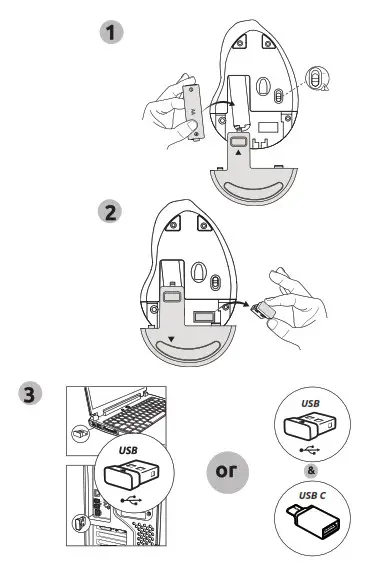
AA battery is already pre-installed.
Just remove the plastic film to activate.
Remove the USB receiver from the battery compartment and connect it to the USB-A port of the computer. If no USB-A ports are available, insert the included USB-C adapter into the USB-C port. Then connect the USB receiver to the USB-C adapter. The PRF mouse Is installed automatically and Is immediately ready to use.