Agile plus Desk Handset
Product Information:
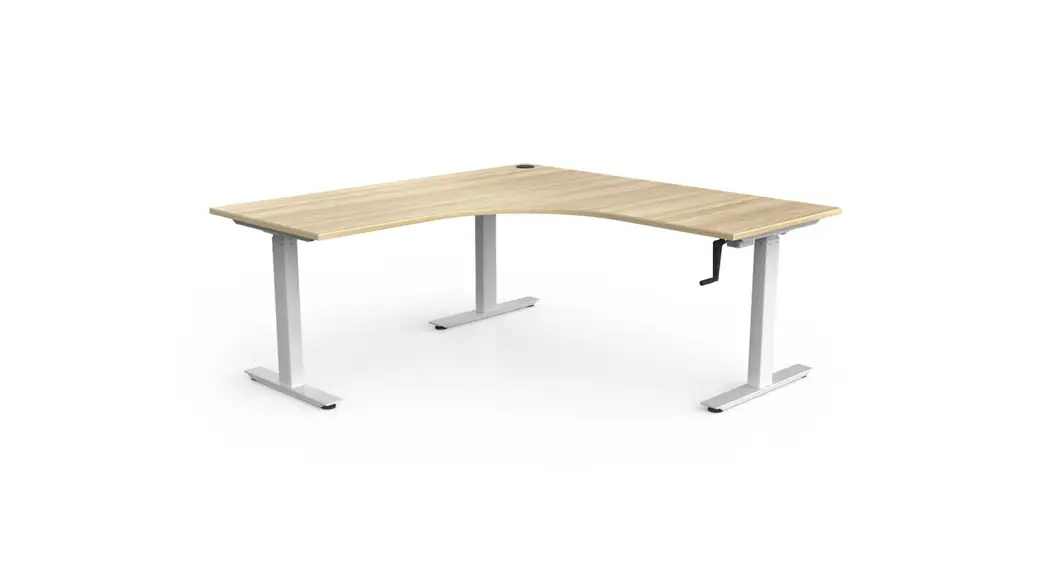
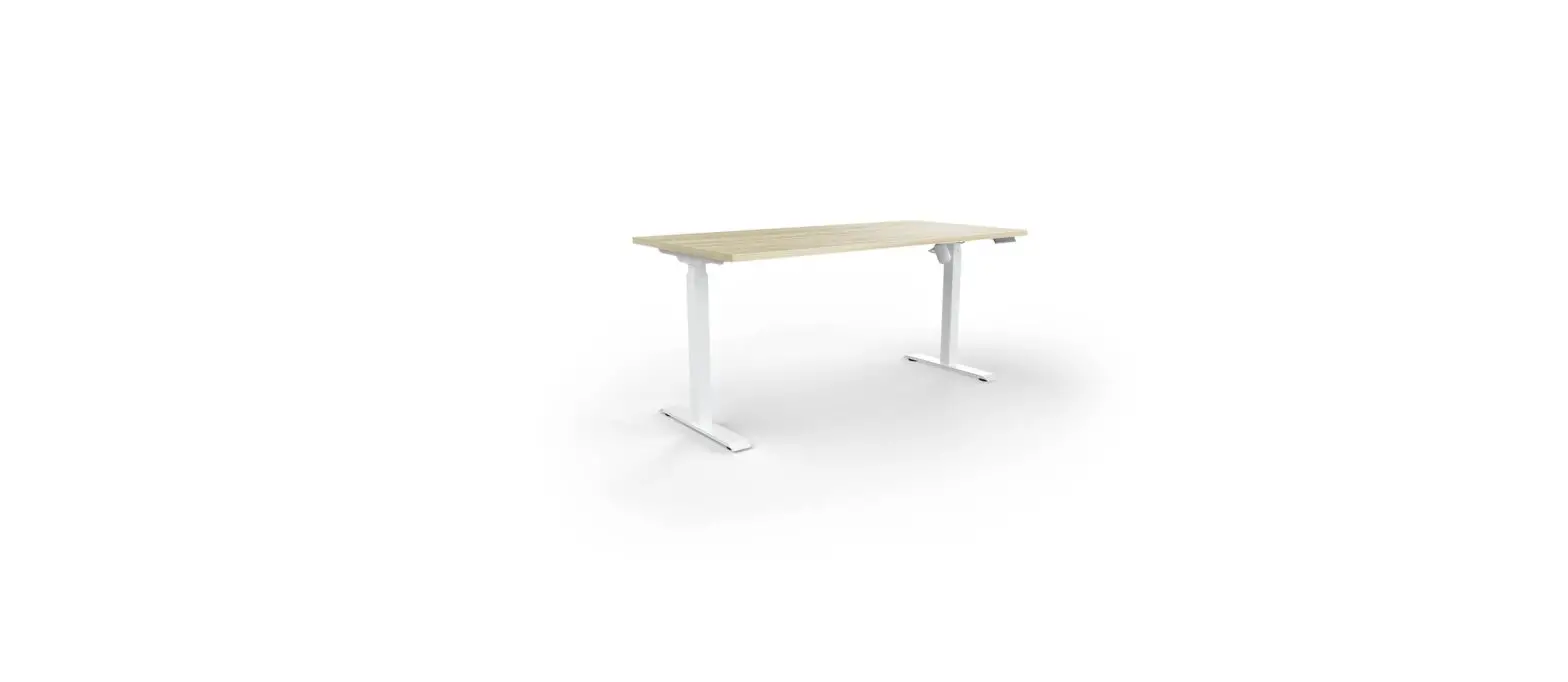
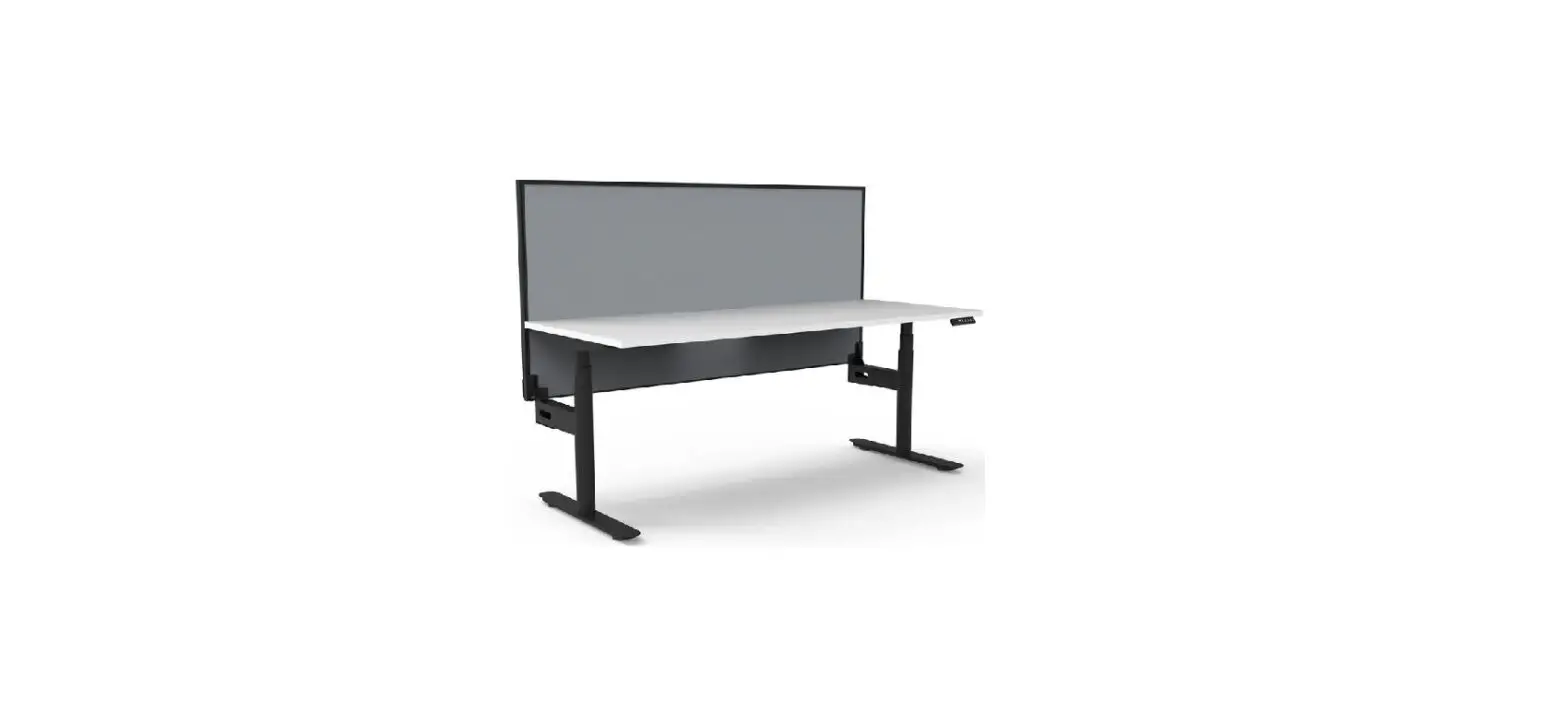
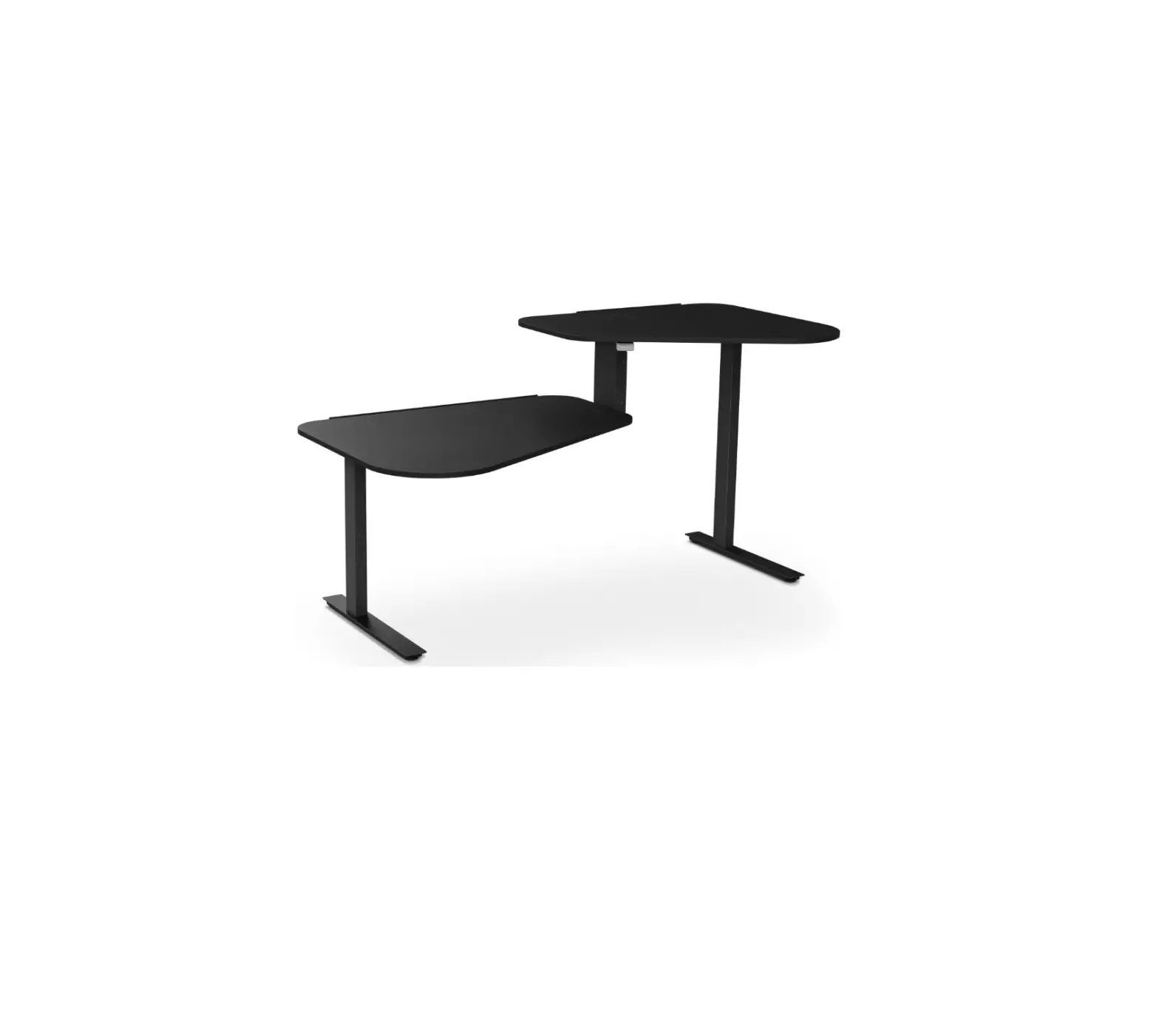
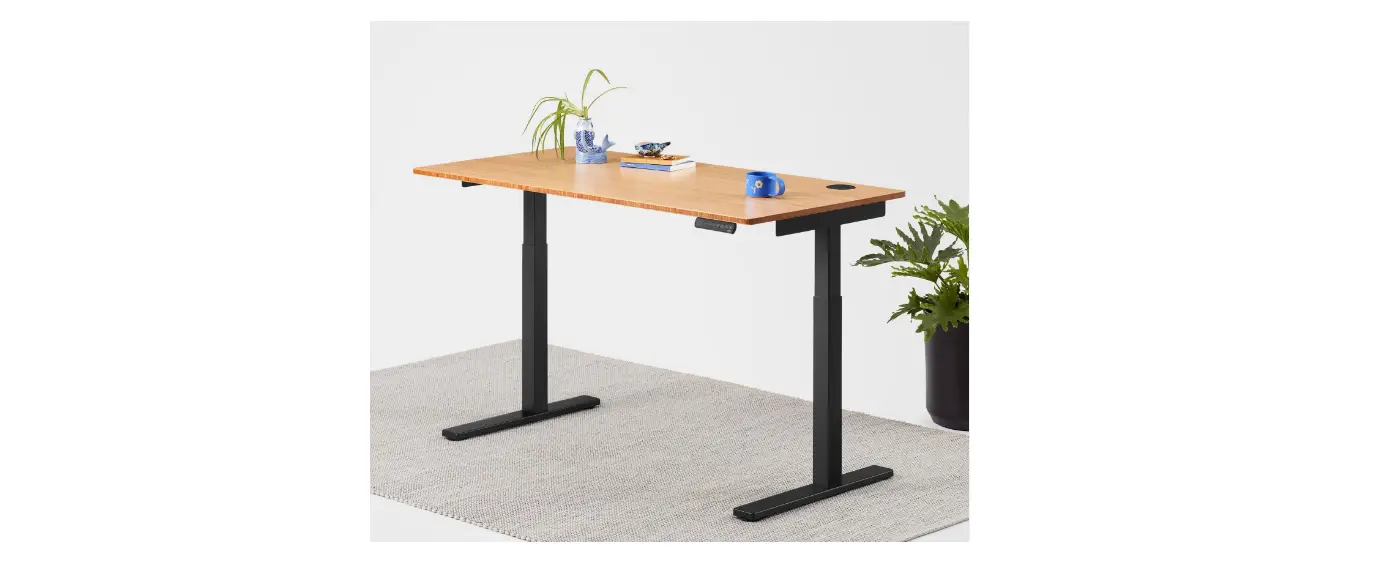
The Agile+ Desk is a height-adjustable desk that allows users to
easily change the height to their preferred position. The desk
comes with a handset that provides convenient control and
adjustment options. The desk features a display screen that shows
the current height, up and down keys for adjusting the desk height,
and memory keys for saving preferred heights. The handset also has
a locking feature to prevent accidental adjustments. Additionally,
the desk has anti-collision technology to avoid any potential
obstacles during height adjustment.
Product Usage Instructions:
Using the Handset:
- Press either the UP or DOWN key on the handset to activate the
display screen. - The display screen will light up, indicating that the handset
is ready for use. - If there is no button pressed within 30 seconds, the screen
will turn off and the M1/M2/M3/M4 keys will be disabled
accordingly.
Adjusting Desk Height:
- Press the UP or DOWN key on the handset to adjust the desk
height. - Continue pressing the respective key until you reach your
desired height.
Saving Preferred Heights:
- Raise or lower the desk to the desired height using the UP or
DOWN key. - Hold one of the M1/M2/M3/M4 keys for approximately 5 seconds
until you hear a beep. - The height will be successfully saved to the corresponding
memory key. - To automatically move the desk to a saved height, press the
corresponding M1/M2/M3/M4 key when the desk is ready for use.
Locking and Unlocking the Handset:
- To lock the handset, when the handset is ready for use, press
both the UP and M4 keys for approximately 5 seconds until the
display shows “LOC”. - To unlock the desk, when the handset is ready for use, press
both the DOWN and M4 keys for approximately 5 seconds until the
display returns to the height number.
Resetting the Desk:
There are three methods to reset the desk:
- When “RST” is displayed on the screen:
- Press the DOWN key until the desk frame reaches its lowest
point. - After the desk frame rebounds slightly, you will hear a beep
and the desk will be reset. - Do not release the button during this operation, as it may
cause the reset to fail.
- Press the DOWN key until the desk frame reaches its lowest
point. - Release the button and press it again for about 5 seconds until
the desk frame rebounds and you hear a beep.
- When a new controller is changed or the settings need to be
restored to the factory defaults, press both the UP and DOWN
buttons simultaneously. - You will hear the first beep after about 5 seconds and a second
beep after 10 seconds. - Once the display screen shows “RST”, complete a Forced Reset as
mentioned above.
Advance Function Settings – Setting Maximum and/or Minimum
Height:
- To set a maximum height:
- Raise the desk to the desired maximum height (above 97).
- Hold both the UP and DOWN buttons for around 5 seconds until
you hear a beep.
- Raise the desk to the limited maximum height.
- Hold both the UP and DOWN buttons for around 5 seconds until
you hear a beep.
- Lower the desk to the desired minimum height (below 96).
- Hold both the UP and DOWN buttons for around 5 seconds until
you hear a beep.
Agile+ Desk
Handset instructions
To use the handset, press either the UP or DOWN keys and the display screen will light up to confirm the handset is ready for use. If there is no button pressed within 30 seconds, the screen turns off and the M1/M2/M3/M4 keys are disabled accordingly.
Display Screen
Displays the height of the desk
Up & Down Keys
Press the ” ” or ” ” key to adjust desk height until you get an optimum height
Memory Key M1/M2/M3/M4
Raise or lower the desk to the desired height and hold one of the M1/M2/M3/M4 keys for around 5 seconds, until the “beep”, and the height will be successfully saved. When the desk is ready for use, press M1/M2/M3/M4 and the desk will move to the saved height automatically.
Locking the Handset
To lock the handset, when the handset is ready for use, press both the ” ” and M4 keys for around 5 seconds until the display shows “LOC”. To unlock the desk, when the handset is ready for use, press both the DOWN and M4 keys for around 5 seconds until the display returns to the height number.
Resetting the Desk
1. When “RST”
is on the display screen, press the ” ” button until the desk frame reaches its lowest point.
After desk frame rebounds slightly, you will hear a “beep” and the desk will be reset.
(The button cannot be released during this operation, otherwise the reset will fail).
2. Forced Reset: Press the ” ” button until the desk frame reaches its lowest point, then release the button and press it again for about 5 seconds until desk frame rebounds you hear a “beep”.
3. Restore the factory settings: When new controller is changed, or the settings need to be restored to the factory defaults, press the ” ” and ” ” buttons simultaneously, you will hear the first beep after about 5 seconds and a second “beep” after 10 seconds. Once the display screen shows “RST”, complete a `Forced Reset’.
Anti-Collision
When the desktop is raising or lowering, if it encounters resistance the desk will rebound and show “E05″. Wait for the height number to return and check for any obstacles.
Handset shows error code and solution
Power fault Handset fault Anticollision alert Desktop sloping Connection cable failure Controller fault Motor fault Overloading Overtime operation
Reset reminder
Power off for 30 seconds and restart Unplug and replug the cable of hand set and reset the desk Rebound reminder, check for obstacles and reset Reset the desk Check the connecting cable between motor and control box Exchange the controller Change motor Reduce the weight on desk and reset Automatic recovery after 20 minutes
Press the down arrow until the desk reaches it’s lowest height until the numbers reappear
Agile+ Desk
Handset instructions
Advance Function Settings Setting a Maximum and/or Minimum Height:
To set a maximum height, raise the desk to the desired maximum height (above 97) and hold both the ” ” and ” ” buttons for around 5 seconds until you hear a “beep”.
To remove the limited maximum height, raise the desk to the limited maximum and hold both the ” ” and ” ” buttons for around 5 seconds until you hear a “beep”.
To set a minimum height, lower the desk to the desired minimum height (below 96) and hold both the ” ” and ” ” buttons for around 5 seconds until you hear a “beep”.
To remove the limited minimum height, lower the desk to the limited minimum and hold both the ” ” and ” ” buttons for around 5 seconds until you hear a “beep”.