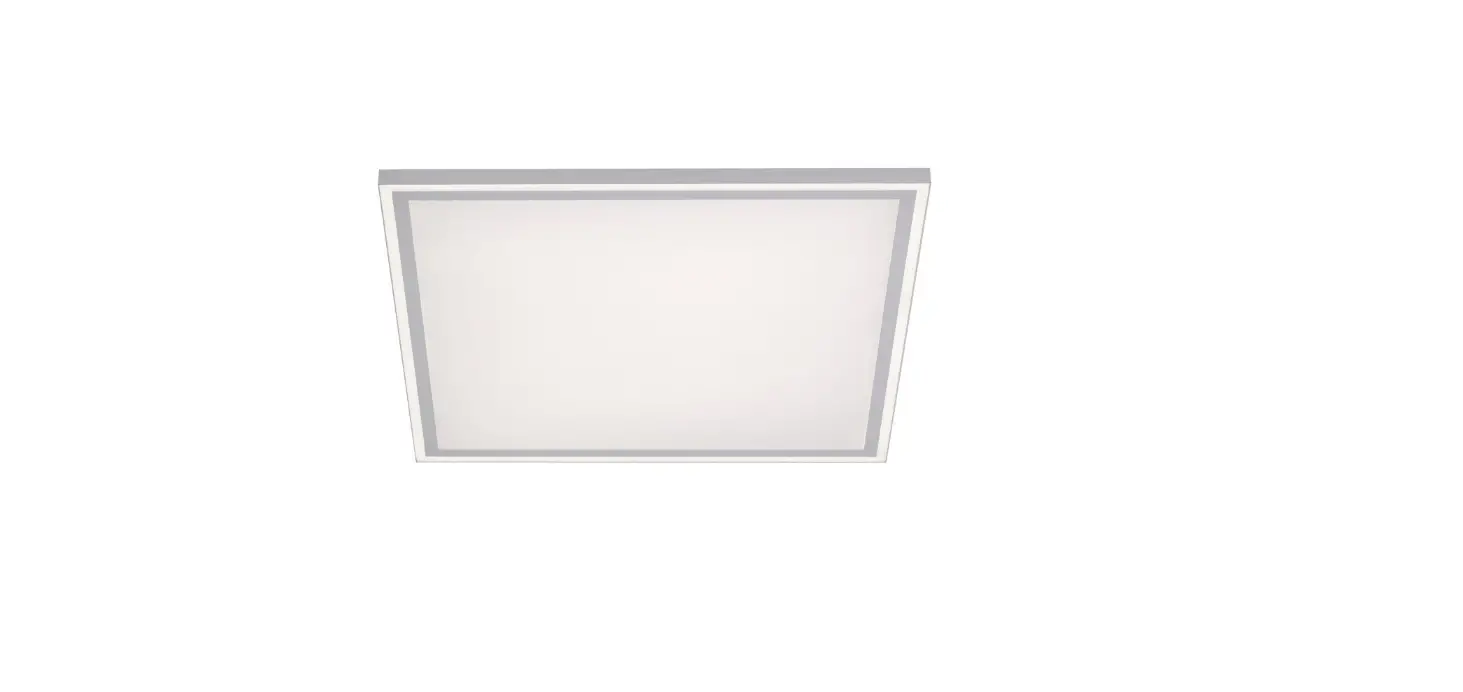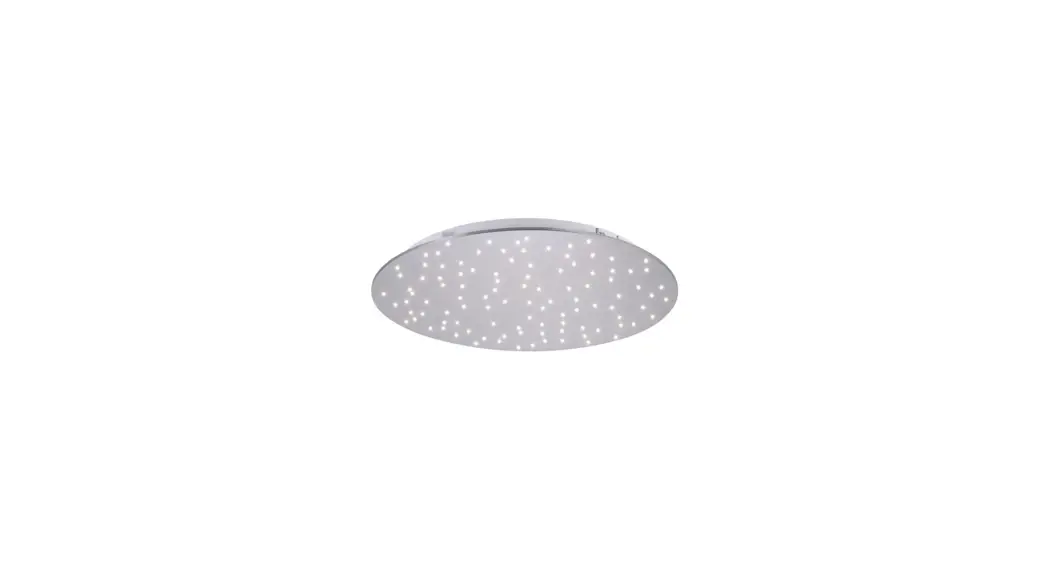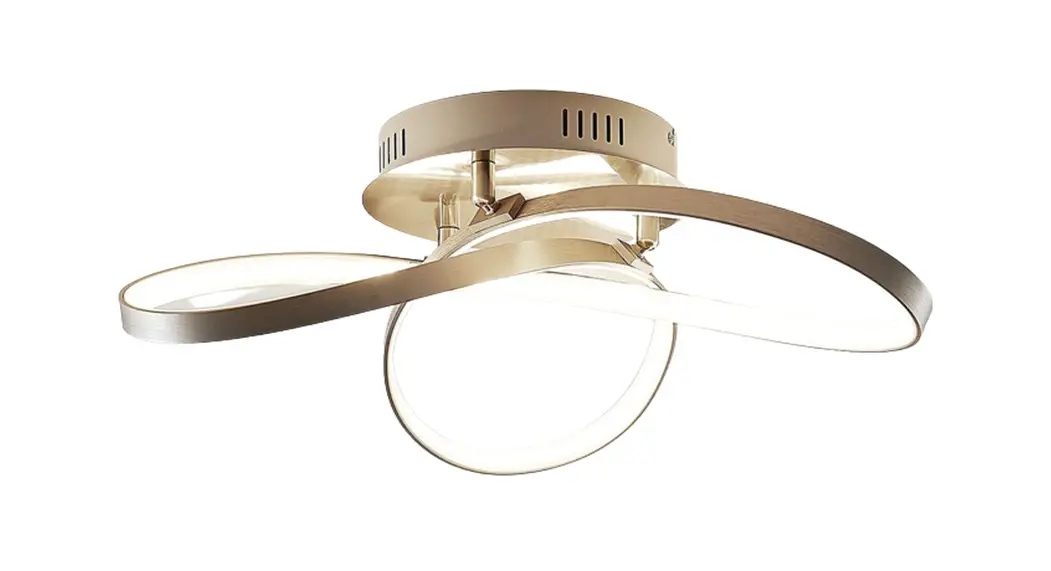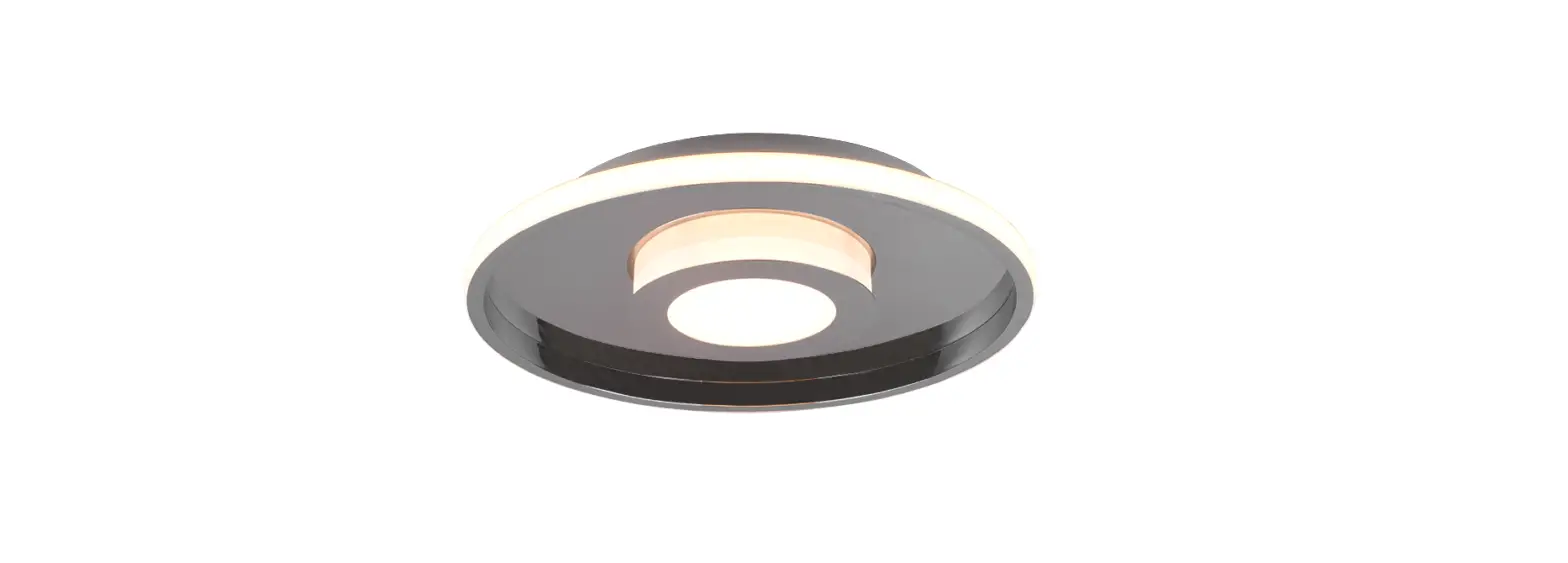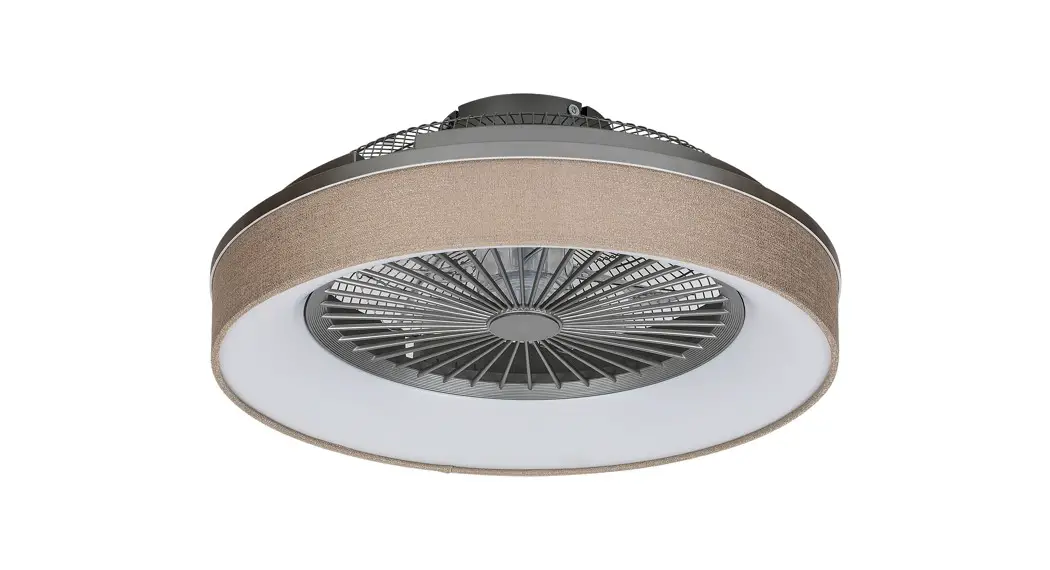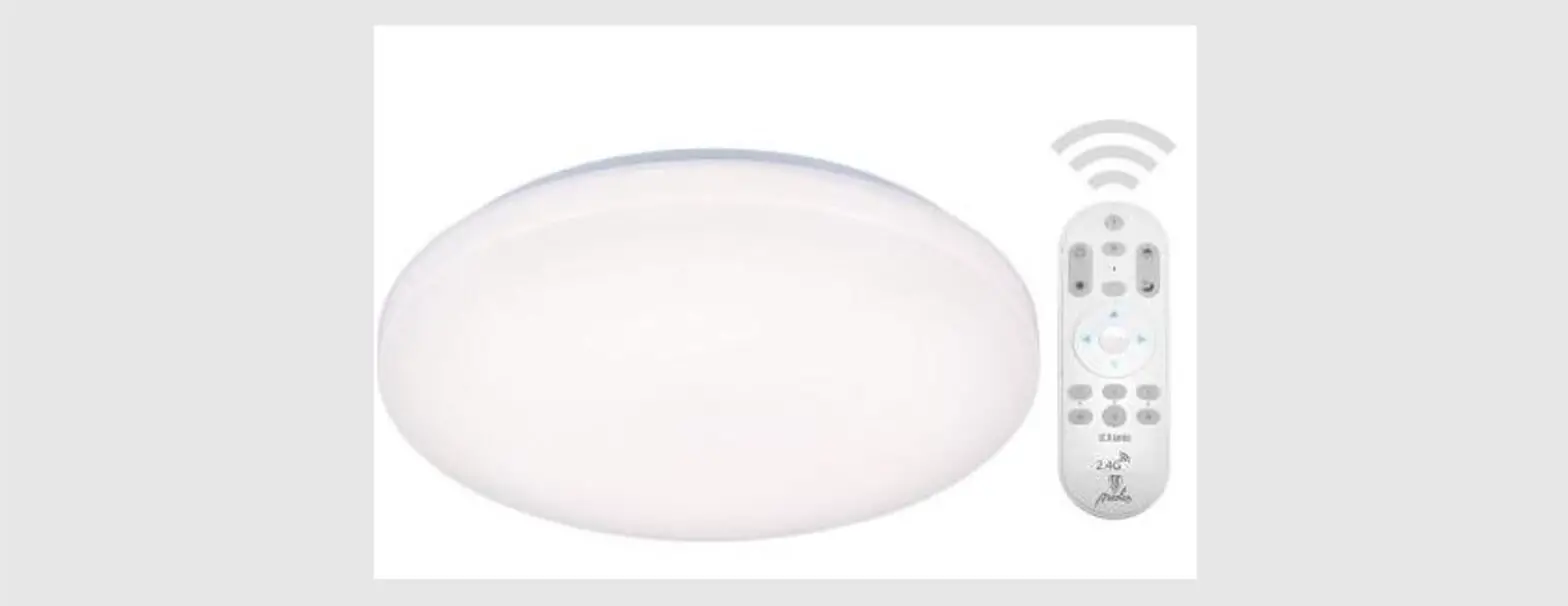

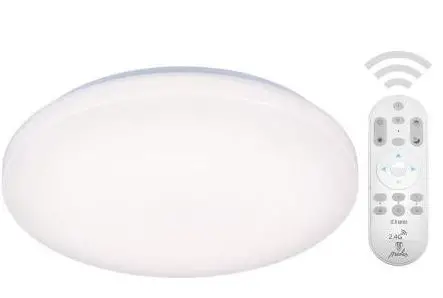
Nedes LC9 Smart Remote-Controlled Ceiling LED Lamp
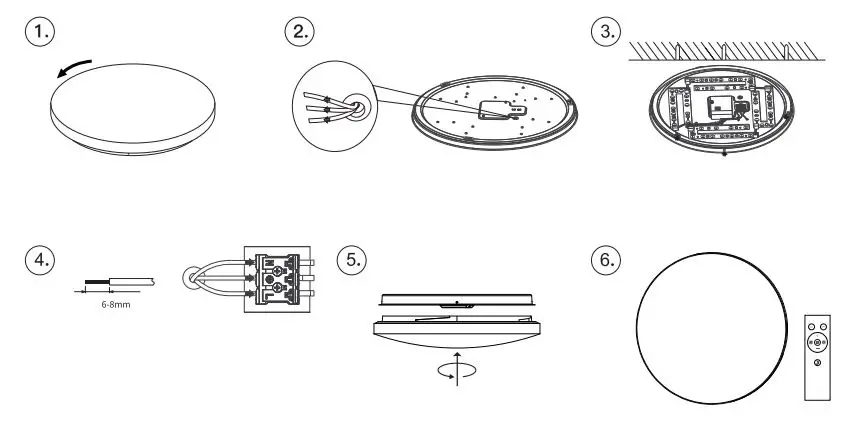
INSTRUCTION
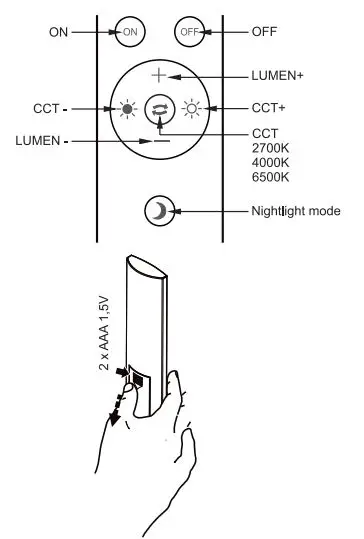
Remote control operation manual
Tuya APP operation manual
- Connect your mobile with Wifi-246hz, use the wall switch to control On and Off cycle for 5 times, the light will be blinking rapidly
- Click “in the upper right corner of the homepage. Choose the device Ceiling light 1BLE-WFI, enter your wif, t will connect automatically,
- If connect failed or light is not searched, please repeat the above steps
- Remark: After connection with Tuya App, the light will have a memory function when you turn on/of.
How To Download
Scan QR download in App Store or Google Play