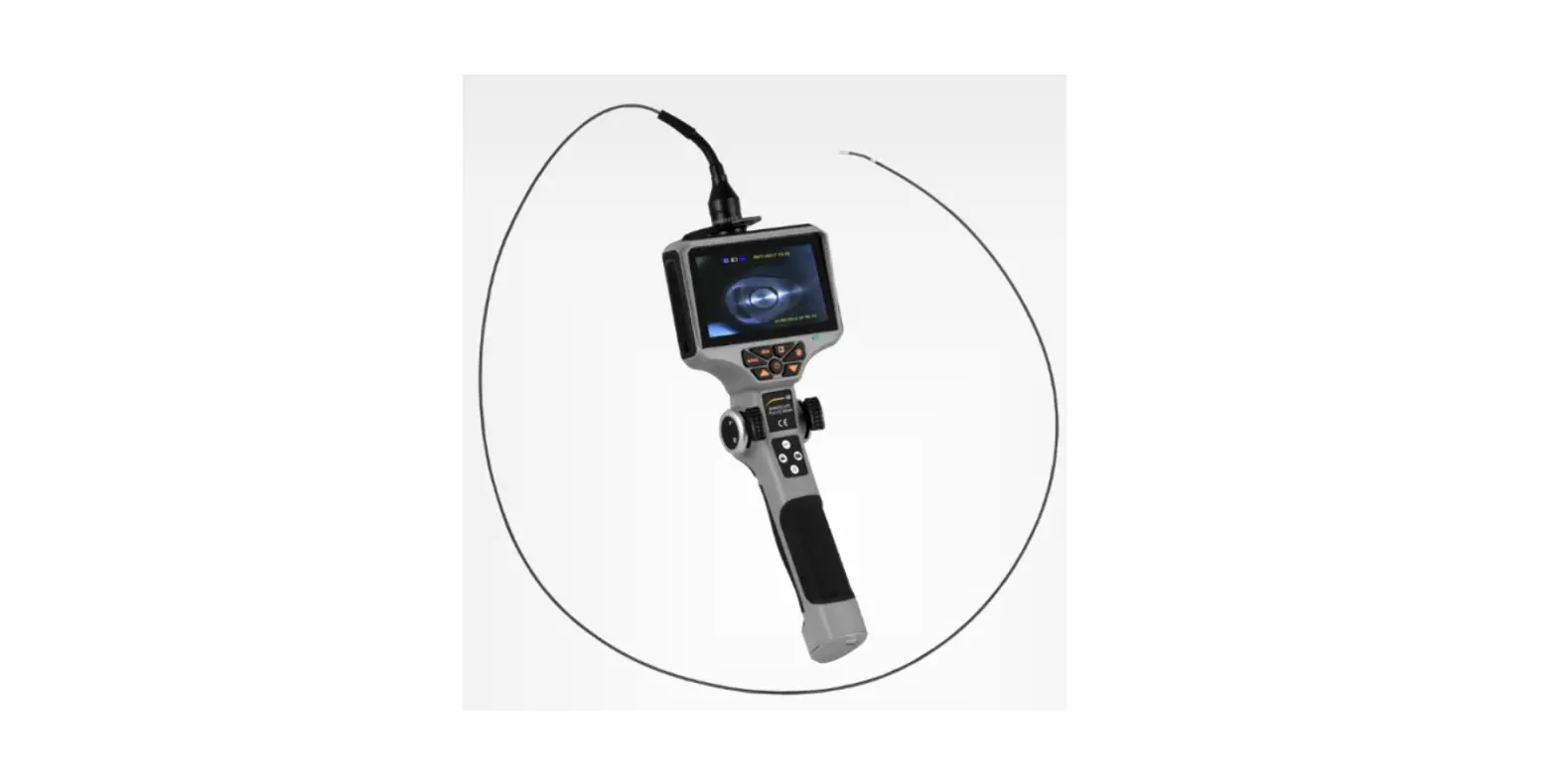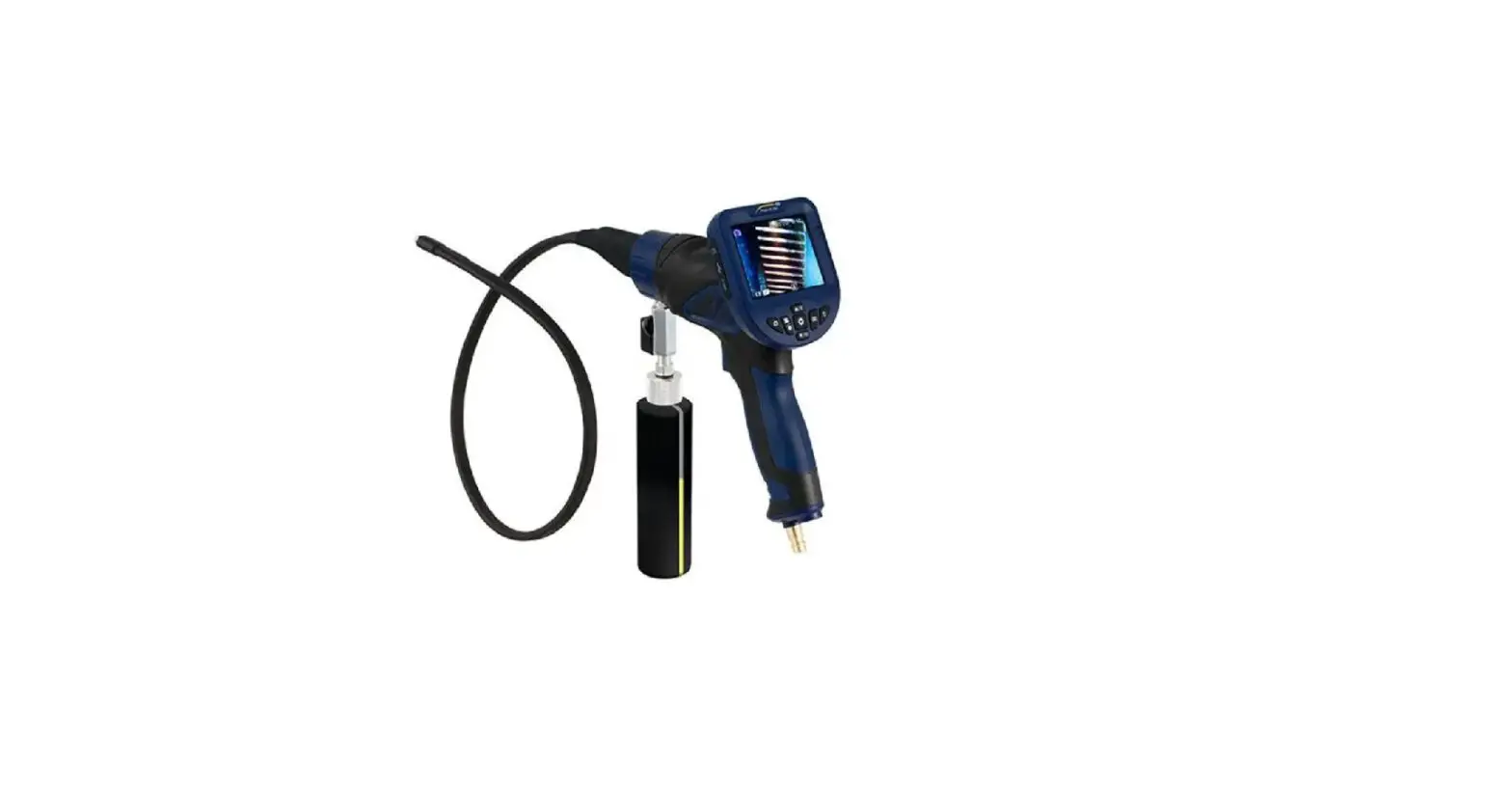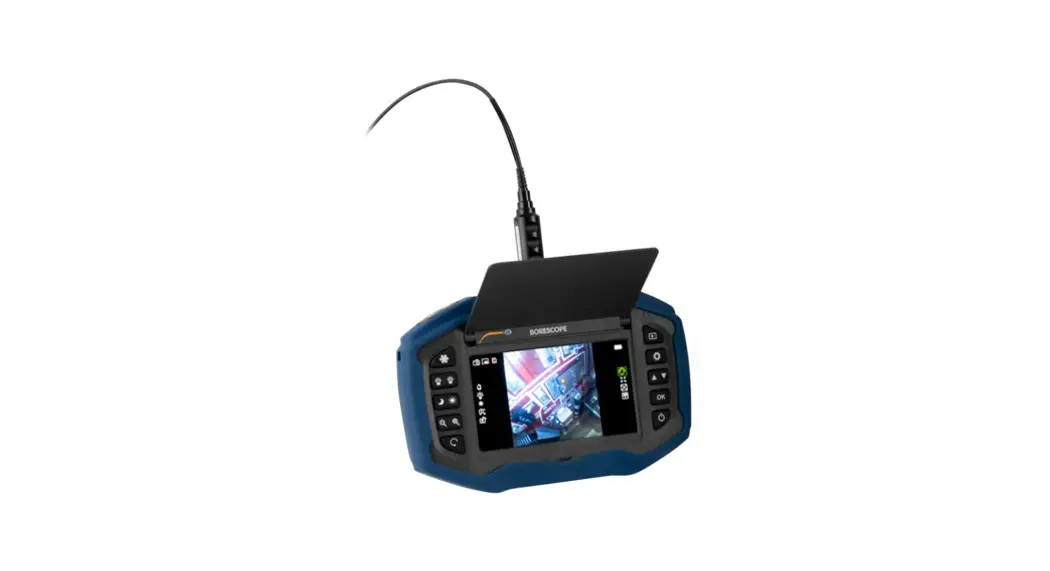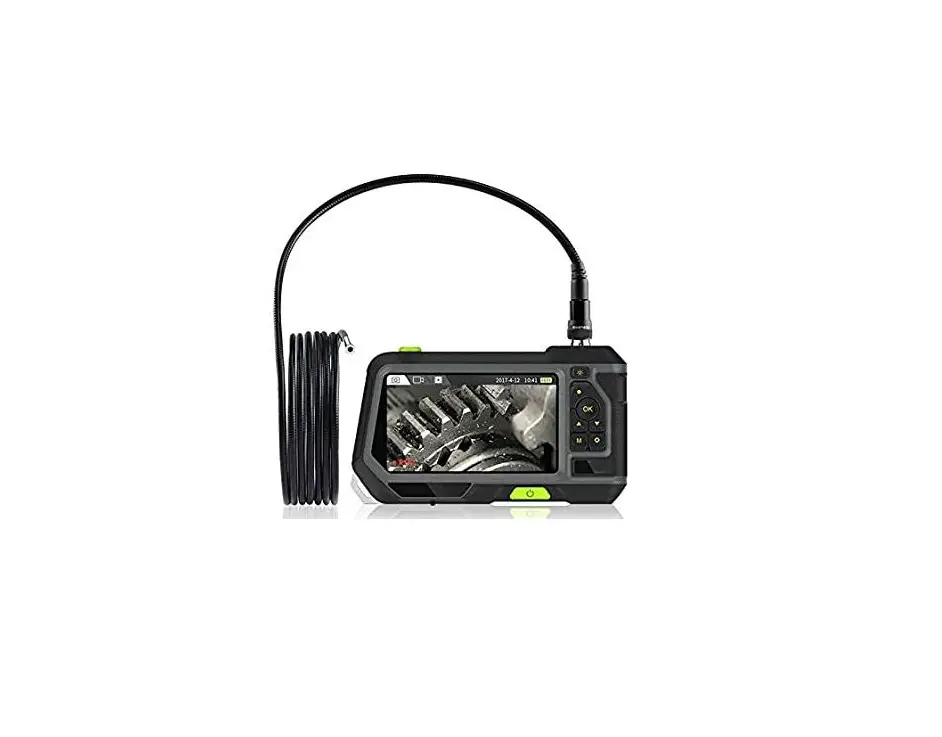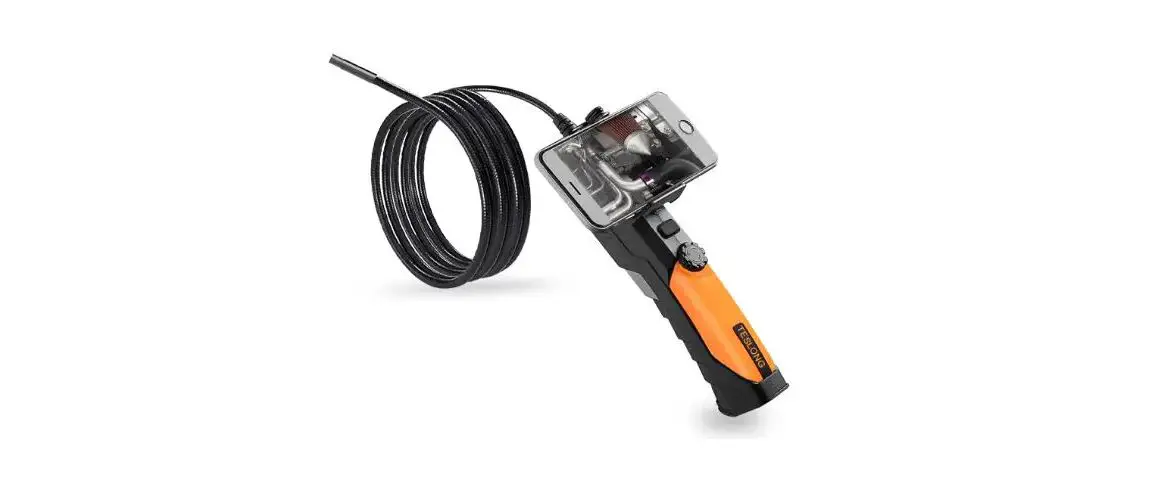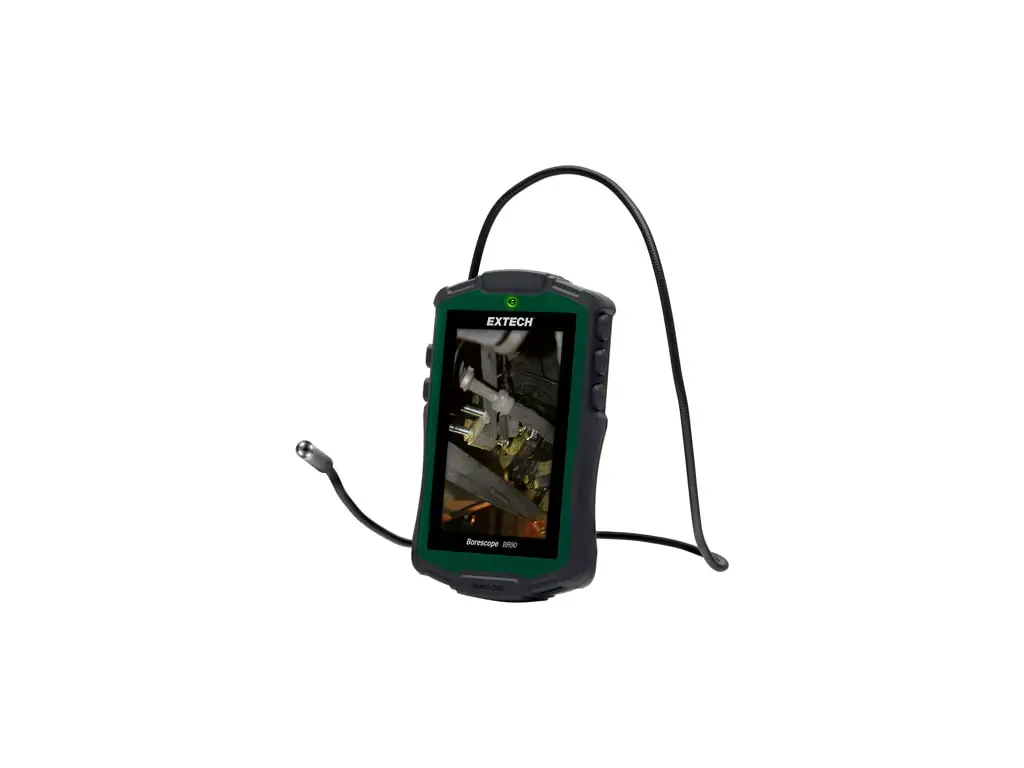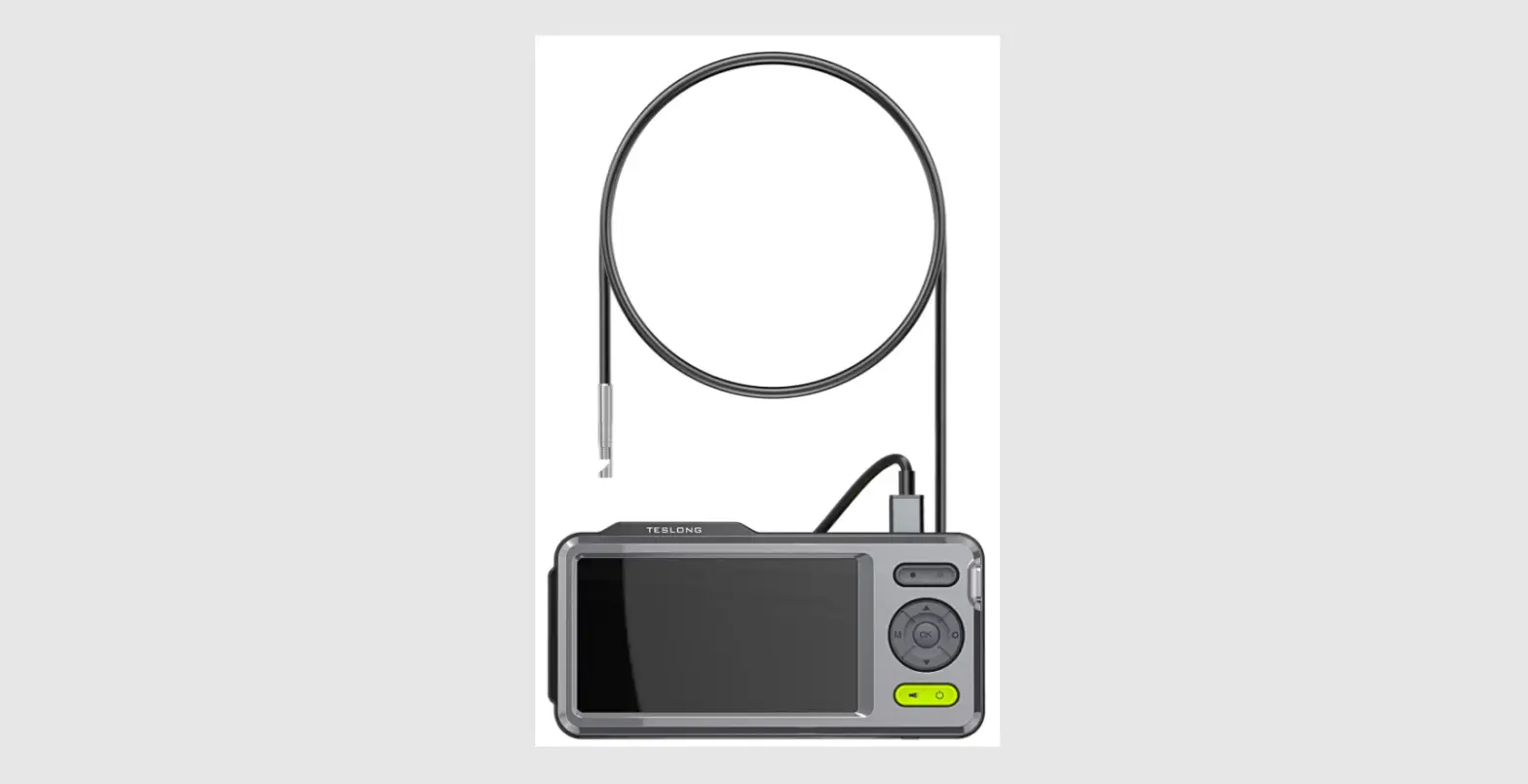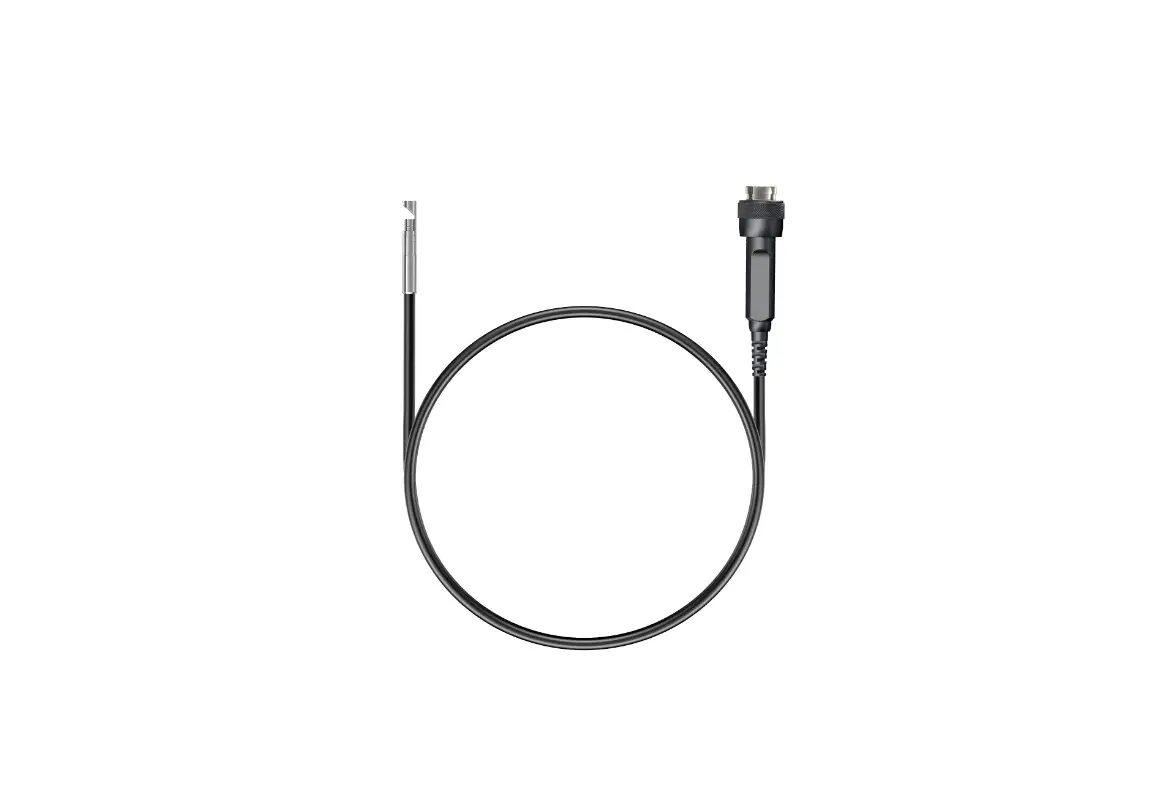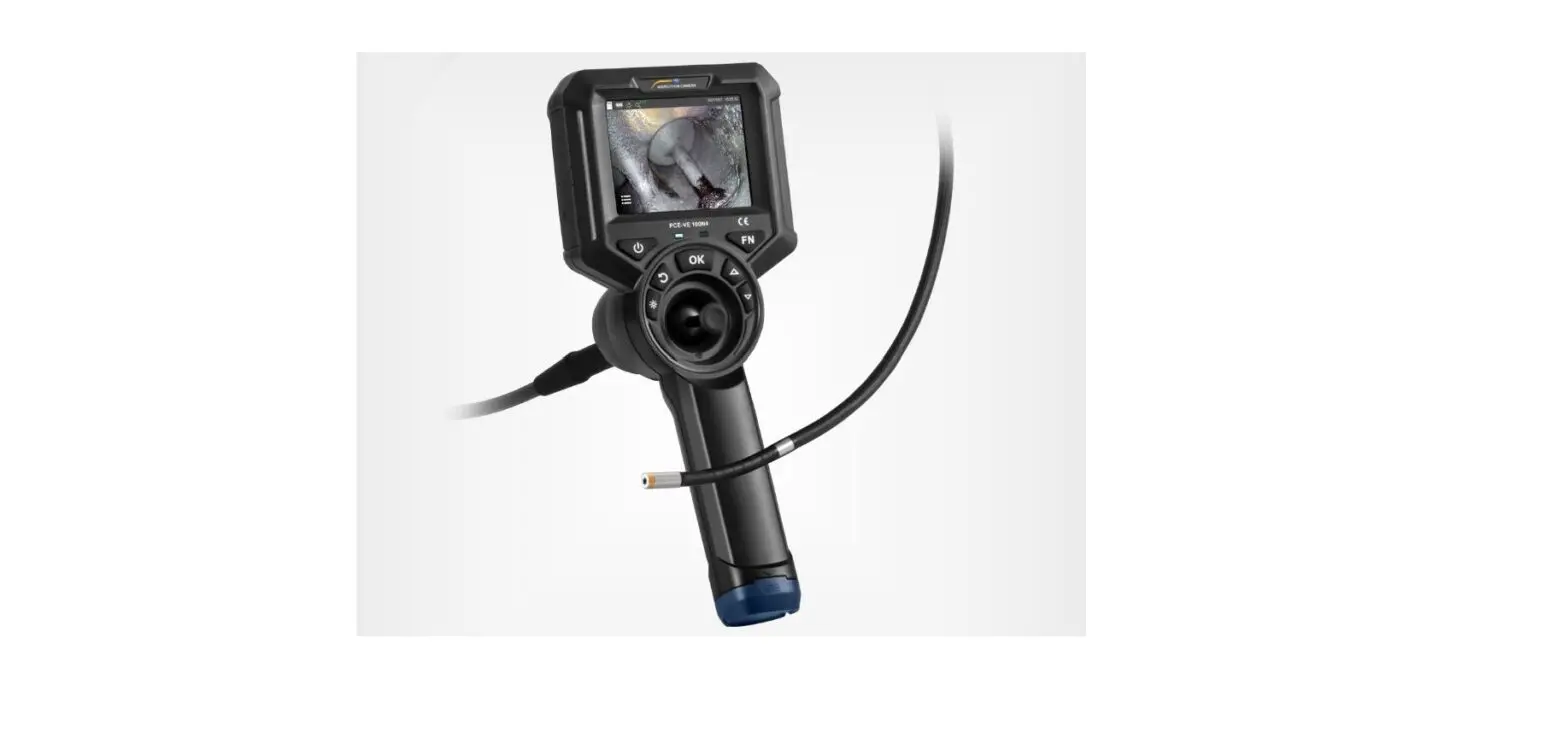

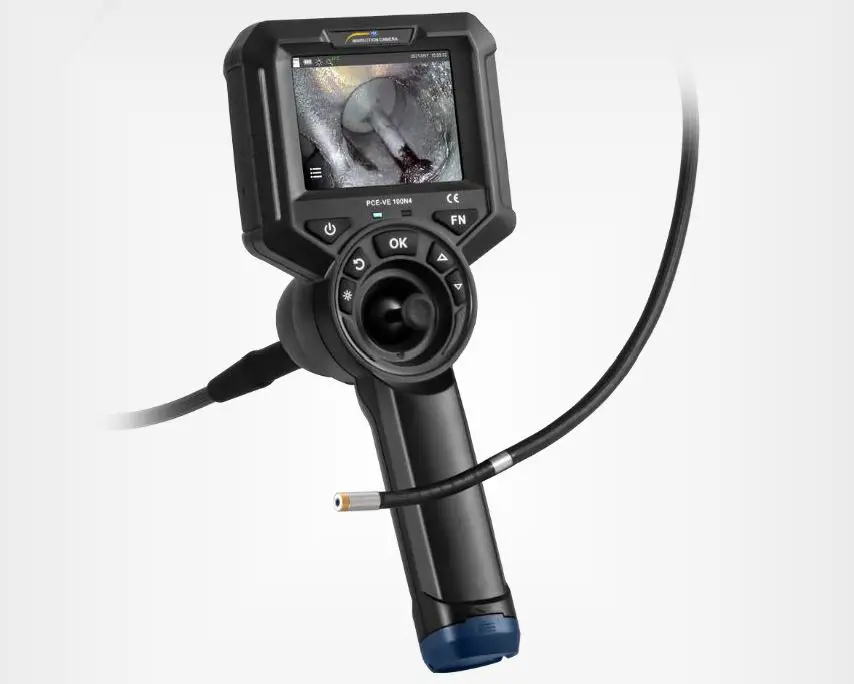
PCE-VE 100N4 Industrial Borescope 
Safety notes
Please read this manual carefully and completely before you use the device for the first time. The device may only be used by qualified personnel and repaired by PCE Instruments personnel. Damage or injuries caused by non-observance of the manual are excluded from our liability and not covered by our warranty.
- The device must only be used as described in this instruction manual. If used otherwise, this can cause dangerous situations for the user and damage to the meter.
- The instrument may only be used if the environmental conditions (temperature, relative humidity, …) are within the ranges stated in the technical specifications. Do not expose the device to extreme temperatures, direct sunlight, extreme humidity or moisture.
- Do not expose the device to shocks or strong vibrations.
- The case should only be opened by qualified PCE Instruments personnel.
- Never use the instrument when your hands are wet.
- You must not make any technical changes to the device.
- The appliance should only be cleaned with a damp cloth. Use only pH-neutral cleaner, no abrasives or solvents.
- The device must only be used with accessories from PCE Instruments or equivalent.
- Before each use, inspect the case for visible damage. If any damage is visible, do not use the device.
- Avoid excessive bending, stretching, twisting or rolling of the cable as this may cause the cable to break.
- Clean the front part of the instrument in time after finishing use to avoid corrosion.
- The measuring device must not be used in an explosive atmosphere.
- Do not use the product to check live objects to avoid electric shock.
- Never look directly into the LED light source at the end of the lens to avoid eye injury.
- Non-observance of the safety notes can cause damage to the device and injuries to the user.
- This instrument is NOT suitable for medical purposes!
We do not assume liability for printing errors or any other mistakes in this manual.
We expressly point to our general guarantee terms which can be found in our general terms of business.
If you have any questions please contact PCE Instruments. The contact details can be found at the end of this manual.
This product does not contain any spare parts that can be repaired by the user. Any disassembly, reassembly or maintenance is not permitted. Should any damage or loss occur as a result, we will not accept any liability. Product maintenance must only carried out by authorised dealers and distributors.
Technical specifications
| Model | PCE-VE 100N4 |
| Cable / head diameter | Ø 6 mm / 0.23″ |
| Camera head length | 13 mm (±0.3 mm) / 0.51″ (±0.01″) |
| Cable length | 1 m / 3 ft 2″ |
| Camera pixels | 1,000,000 |
| Depth of field | 7 … 110 mm / 0.27…. 4.33″ |
| Field of view | 120° |
| Swivel range | 360° |
| Illuminance | five levels, adjustable up to 25,000 lx |
| Cable material | tungsten, braided |
| Bending radius | >220° |
| Display | 3.5″ IPS |
| Display resolution | 640 x 480 pixels |
| Image and video format | JPG / MP4 |
| Image and video resolution | 960 x 720 pixels / 1280 x 720 pixels |
| Magnification | 5x |
| Protection class | cable: IP67 display: IP65 |
| Memory | 16 GB micro SD card |
| Power supply battery | 1 x 3.7 V 3200 mAh 18650 battery |
| Power consumption | 3.5 W |
| Operating time | >3 h |
| Power supply mains operation | primary: 100 … 240V AC, 50 … 60 Hz, 0.35 A secondary: 5 V DC, 2 A |
| Interface | mini-HDMI (image transmission) micro-USB connector (charging port) |
| Storage conditions | -10 … +63 °C / 14 … 145 °F, <92 % RH, non-condensing |
| Operating conditions display* | -10 … +50 °C / 14 … 122 °F, <92 % RH, non-condensing |
| Operating conditions camera* | -10 … +80 °C / 14 … 176 °F, <92 % RH, non-condensing |
| Dimensions | 277 x 106 x 92 mm / 10.9 x 4.1 x 3.6″ |
| Weight | approx. 500 g / 17.6 oz |
At temperatures below 0 °C / 32 °F, the display must be pre-heated and the camera head must not be be swivelled completely.
Delivery scope 
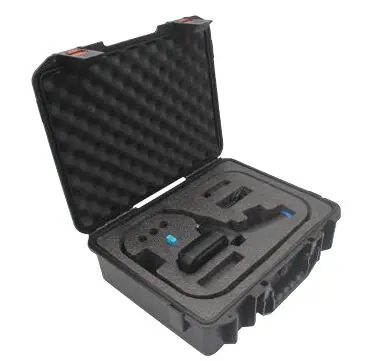
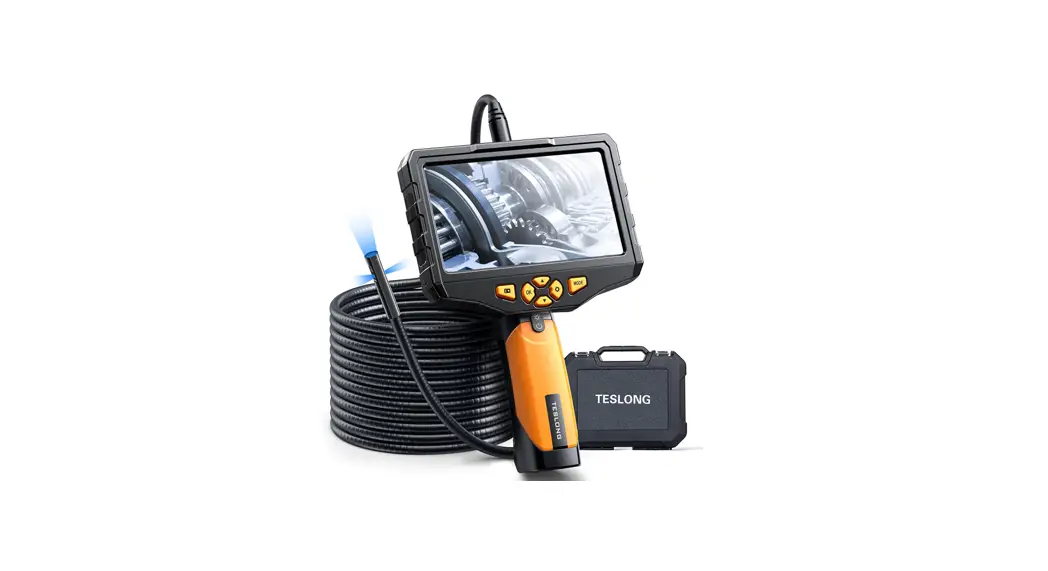
- 1 x 4-way borescope PCE-VE 100N4
- 1 x 3.7 V 18650 battery
- 1 x micro USB cable
- 1 x USB mains adaptor
- 1 x micro SD memory card
- 1 x micro SD card adaptor
- 1 x carrying case
- 1 x screwdriver
- 1 x user manual
Device description
Keys 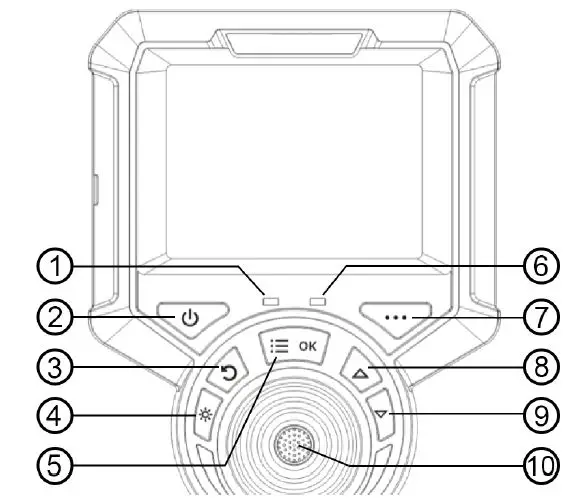
- On/Off indicator light: flashes twice when the instrument is switched on and when taking images and videos.
- ON/OFF key
- Back key: in the menu, you can return to the next upper menu level
- LED light: switch on the light, press repeatedly to increase the brightness in 5 steps, then it goes off.
- Menu/OK: calling up the menu, confirmation key, switching between the settings depending on the menu item
- Charging indicator
- Key without function
- Arrow key: In the menu, this key can be used to move to the left
- Arrow key: In the menu, this key can be used to move to the right
- Recording key: initiation of images and videos
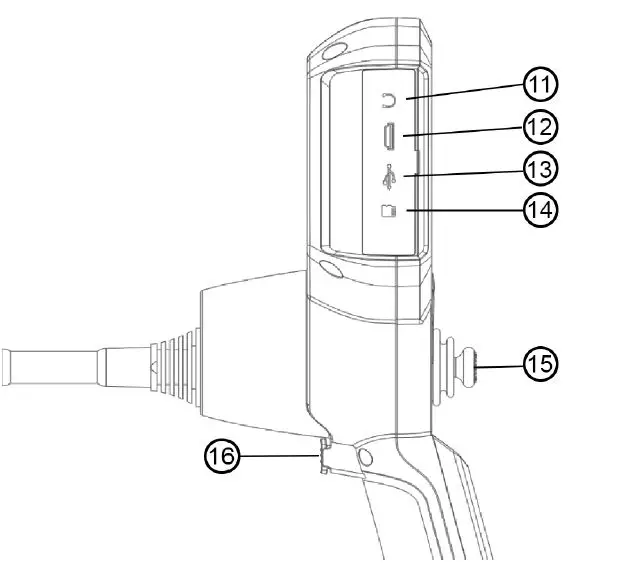
Interfaces
- Headphone jack not available
- HDMI video output: for the output of video signals
- Micro USB charging port: for charging the device, voltage 5 V / current 1 A
- SD card slot: for external SD card, as device memory
- Joystick: 360° control of camera head
- Recording key: initiation of images and videos
Start-up
First steps
Open the carrying case, remove the handheld unit and set it aside. Be careful when removing the probe cable and avoid collisions with hard surfaces and objects as well as scratches on the probe lens.
Visually check that the videoscope is intact, insert the SD card, straighten the insertion tube and set the direction of the probe to 0°.
Display indication 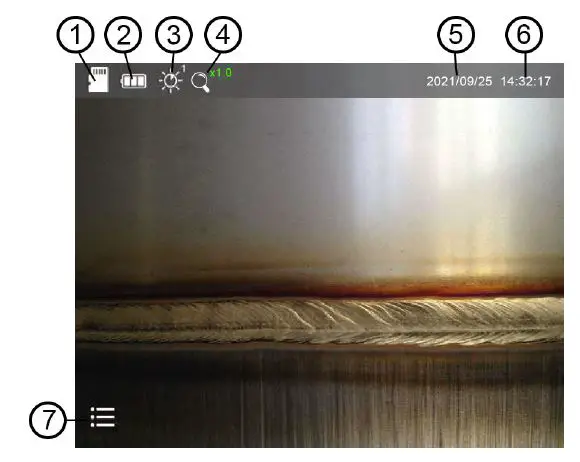
- SD card – If the icon is red with an X, no SD card is inserted.
- Battery status display
- LED brightness – the brightness level is displayed at the top right of the icon There are 5 brightness levels.
- Zoom x1…x5 (adjustable in steps of 0.5)
- Date
- Time
- Menu icon
Probe control
Keep the cable below the flexible camera head. Now make some test movements via the joystick and check whether the head moves properly. If you notice any resistance in the joystick control during use, stop the application immediately. Straighten the sensor head and remove the cable from the item under test. Visually inspect the cable.
Menu functions
To open the function menu, press the “OK” key. The function menu appears at the bottom edge, as shown in the picture. You can now select between the functions with the arrow keys. The selected function is marked in the centre with a green arrow and can be confirmed with the “OK” key. To exit the secondary menu options, press the back key. 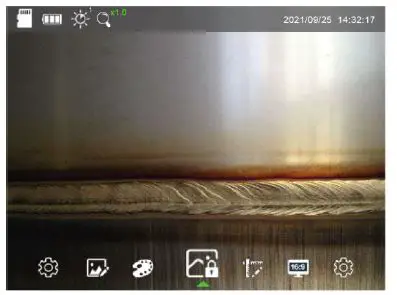
General settings 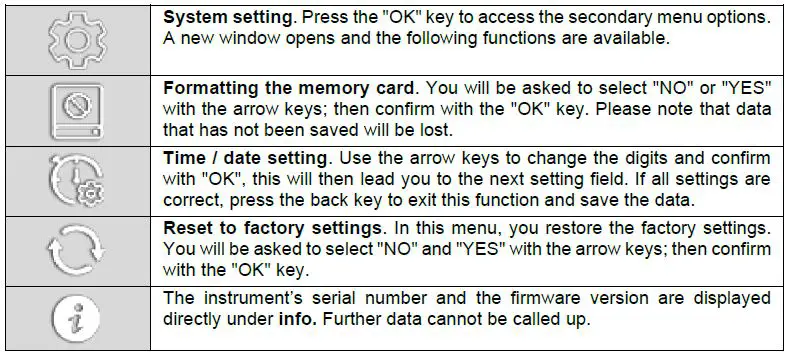
Image settings 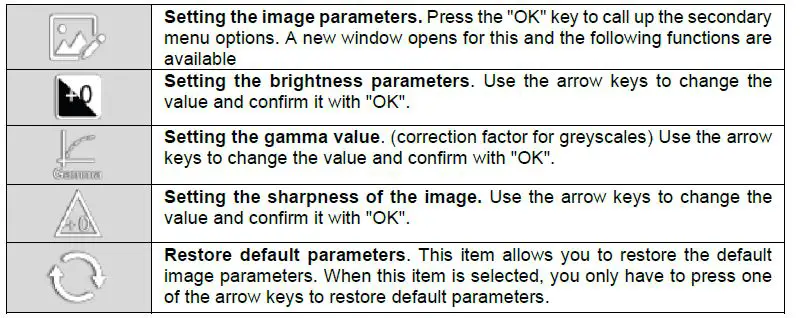 Image effects
If you confirm this item with the “OK” key, another window does not open but you immediately switch to the next mode. Press again to switch to the next mode. Only by pressing the arrow keys, you switch to the next setting menu.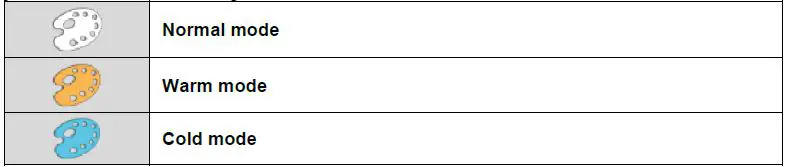
Freeze image
If you confirm this item with the “OK” key, another window does not open but you immediately switch to the next mode. Press again to switch to the next mode. Only by pressing the arrow keys, you switch to the next setting menu.
Scaling
If you confirm this item with the “OK” key, another window does not open but you immediately switch to the next mode. Press again to switch to the next mode. Only by pressing the arrow keys, you switch to the next setting menu. 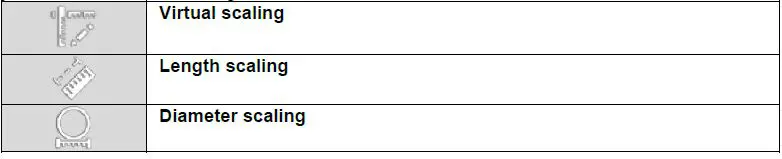
Aspect ratio
If you confirm this item with the “OK” key, another window does not open but you immediately switch to the next mode. Press again to switch to the next mode. Only by pressing the arrow keys, you switch to the next setting menu. 
Recording images and videos
In view/operating mode, a short press on the recording key is enough for an image to be recorded. While the image is being saved, a small icon to the left of the date indicates the status. For a video, you have to hold down the recording key for approx. 3 seconds. Again, a red “REC” to the left of the date indicates that recording is in progress. To stop the recording, press and hold the recording key again for 3 seconds.
The names of the saved images and videos consist of the date and time, which makes it easier to assign them later.
Recalling the saved data
If you press the back key in display/operating mode, all the images you have taken are first displayed in small format. You can select one with the arrow keys and display it in large format by confirming with the “OK” key. By pressing the back key again, you can go back to the listing in small format.
If you now press the back button again, you will see the list of recorded videos. Here, you can also select one with the arrow keys and have it displayed in large format by pressing the “OK” key. Press the back key to go back to small view and press it again to return to operating mode.
Troubleshooting
| Problem | Cause | Solution |
| No response when switched on | Battery flat | Charge battery |
| Instrument switches off | Insufficient power supply | Charge or replace the battery |
| The start screen freezes | System start-up failed or insufficient power supply | Switch off the instrument / remove the battery and reinsert it / force a reset – the switch is next to the SD card slot (small hole) |
| Image/video cannot be recorded or found | Capacity of SD card not sufficient | Replace the SD card or delete unusable files |
| Image freezes and instrument cannot be switched off | System got stuck | Force a reset – the switch is next to the SD card slot (small hole) |
Warranty
You can read our warranty terms in our General Business Terms which you can find here: https://www.pce-instruments.com/english/terms.
Disposal
For the disposal of batteries in the EU, the 2006/66/EC directive of the European Parliament applies. Due to the contained pollutants, batteries must not be disposed of as household waste. They must be given to collection points designed for that purpose.
In order to comply with the EU directive 2012/19/EU we take our devices back. We either re-use them or give them to a recycling company which disposes of the devices in line with law.
For countries outside the EU, batteries and devices should be disposed of in accordance with your local waste regulations.
If you have any questions, please contact PCE Instruments. 
PCE Instruments contact information
Germany
PCE Deutschland GmbH
Im Langel 26
D-59872 Meschede
Deutschland
Tel.: +49 (0) 2903 976 99 0
Fax: +49 (0) 2903 976 99 29 [email protected]
www.pce-instruments.com/deutsch
United Kingdom
PCE Instruments UK Ltd
Unit 11 Southpoint Business Park Ensign Way, Southampton Hampshire
United Kingdom, SO31 4RF
Tel: +44 (0) 2380 98703 0
Fax: +44 (0) 2380 98703 9
[email protected]
www.pce-instruments.com/english
The Netherlands
PCE Brookhuis B.V. Institutenweg 15
7521 PH Enschede
Nederland
Telefoon: +31 (0)53 737 01 92 [email protected]
www.pce-instruments.com/dutch
France
PCE Instruments France EURL
23, rue de Strasbourg
67250 Soultz-Sous-Forets
France
Téléphone: +33 (0) 972 3537 17 Numéro de fax: +33 (0) 972 3537 18 [email protected]
www.pce-instruments.com/french
Italy
PCE Italia s.r.l.
Via Pesciatina 878 / B-Interno 6 55010 Loc. Gragnano
Capannori (Lucca)
Italia
Telefono: +39 0583 975 114
Fax: +39 0583 974 824
[email protected]
www.pce-instruments.com/italiano
United States of America
PCE Americas Inc.
1201 Jupiter Park Drive, Suite 8 Jupiter / Palm Beach
33458 FL
USA
Tel: +1 (561) 320-9162
Fax: +1 (561) 320-9176
[email protected]
www.pce-instruments.com/us
Spain
PCE Ibérica S.L.
Calle Mayor, 53
02500 Tobarra (Albacete) España
Tel. : +34 967 543 548
Fax: +34 967 543 542
[email protected]
www.pce-instruments.com/espanol
Turkey
PCE Teknik Cihazları Ltd.Şti. Halkalı Merkez Mah.
Pehlivan Sok. No.6/C
34303 Küçükçekmece – İstanbul Türkiye
Tel: 0212 471 11 47
Faks: 0212 705 53 93
[email protected]
www.pce-instruments.com/turkish
References
 France.fr : Actualités, destinations et infos du tourisme en France
-
iberica.es
 Make an offer on the domain instruments.co.uk - Domains.co.uk
-
Computer Instruments | Home
 Discover Italy: Official Tourism Website - Italia.it
-
Industrial Measurement Products and Solutions | PCE Instruments
-
PCE Deutschland GmbH Prüfgeräte vom Hersteller | PCE Instruments
-
PCE Brookhuis B.V. | PCE Instruments
-
PCE Americas Inc. : Test Instruments | PCE Instruments
-
PCE Iberica S.L. Instrumentación | PCE Instruments
-
PCE Instruments France | PCE Instruments
-
PCE Italia s.r.l. / Strumenti di Misura | PCE Instruments
-
PCE Teknik Cihazlar Paz. Tic. Ltd.Şti. | PCE Instruments
-
PCE Americas Inc. : Test Instruments | PCE Instruments
 France.fr : Actualités, destinations et infos du tourisme en France
 iberica.es
 Make an offer on the domain instruments.co.uk - Domains.co.uk
 Computer Instruments | Home
 Discover Italy: Official Tourism Website - Italia.it
 Industrial Measurement Products and Solutions | PCE Instruments