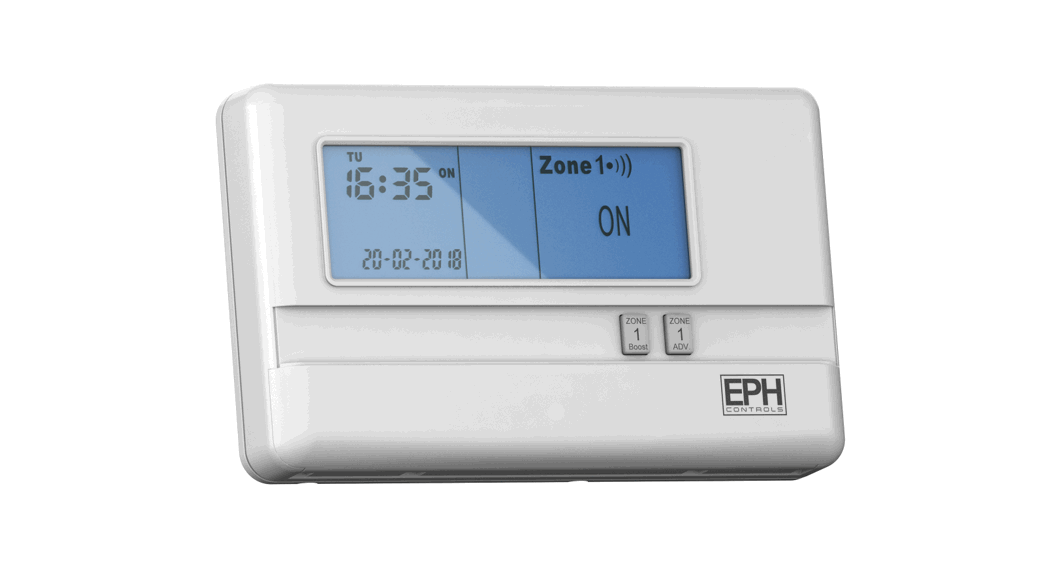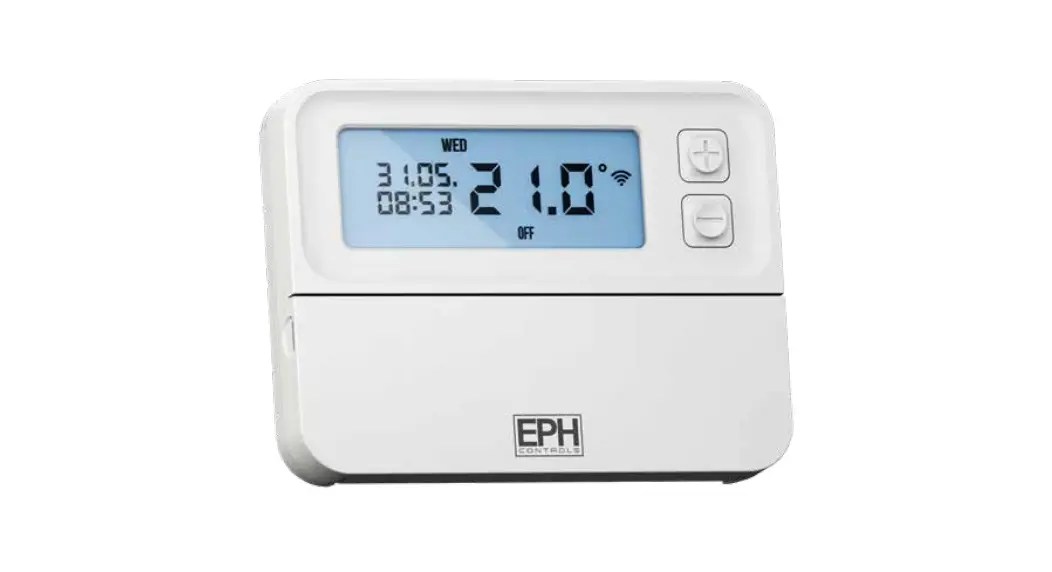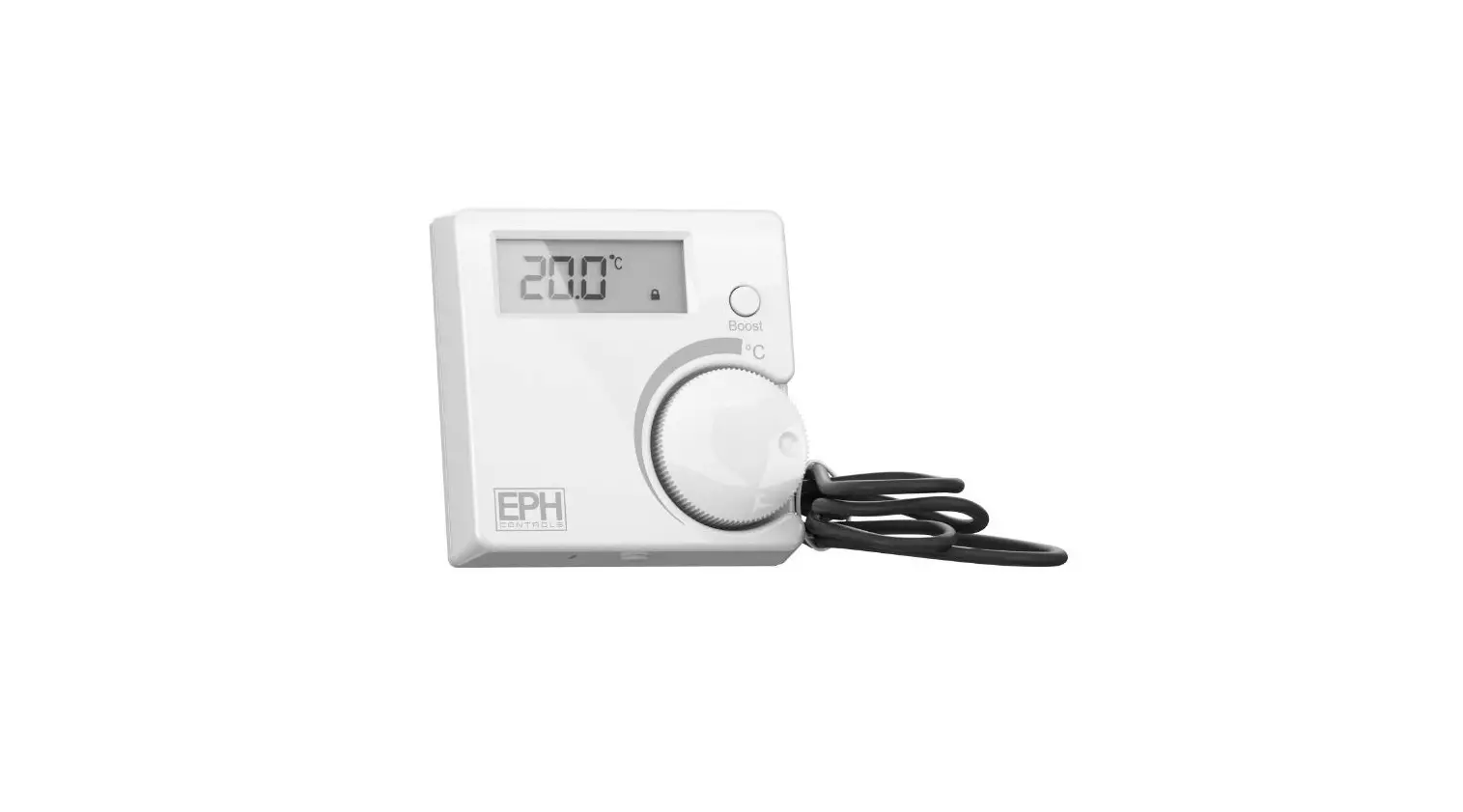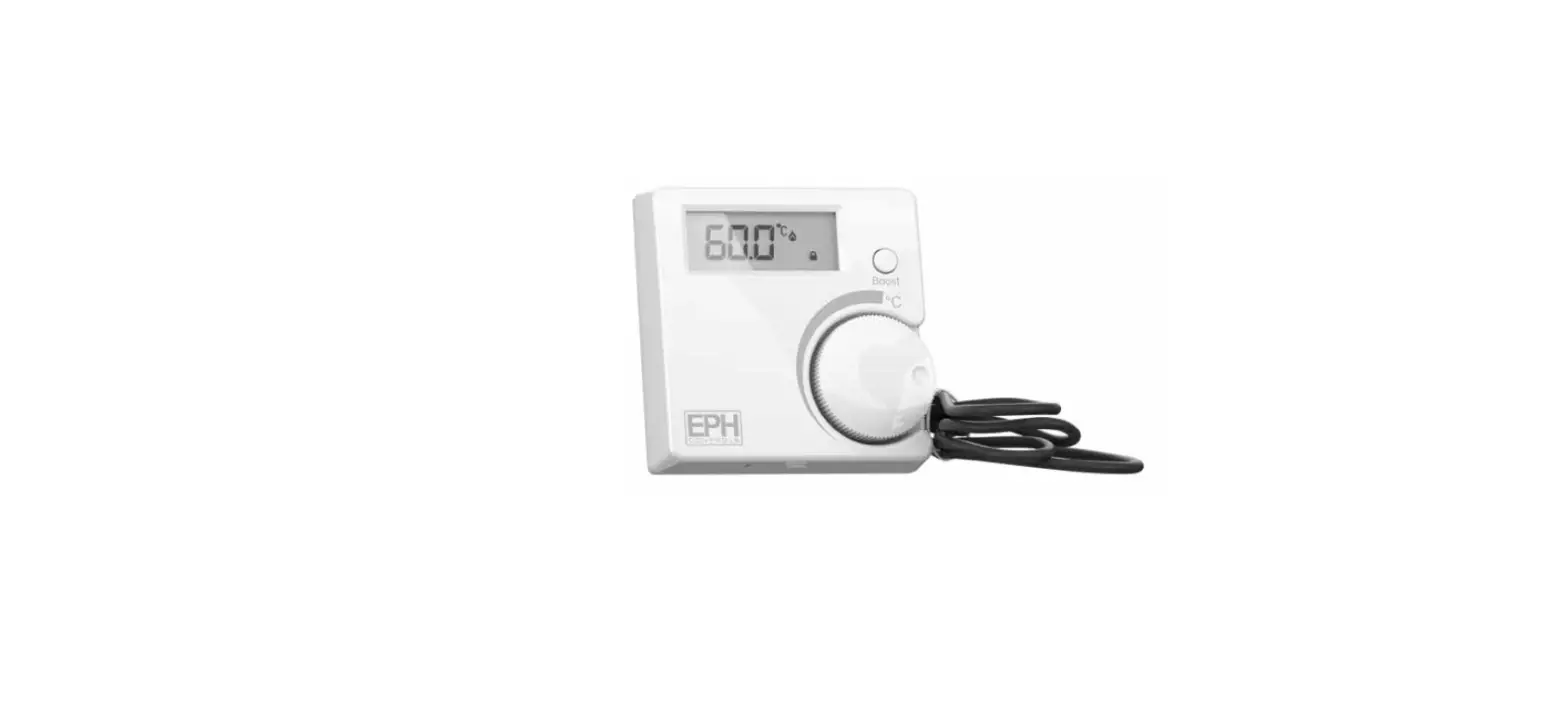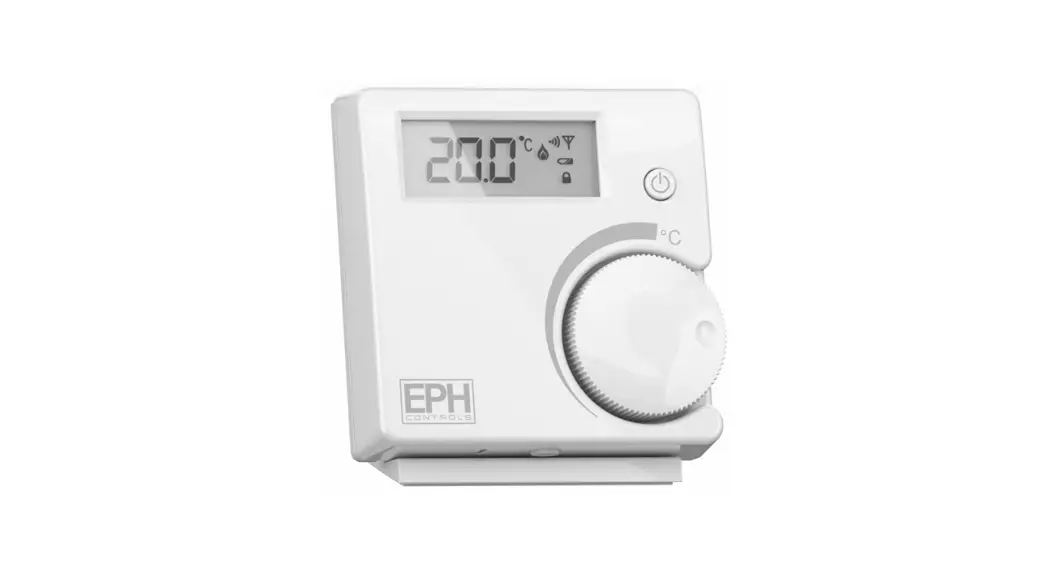

EPH CONTROLS RF1A-OT Wireless Receiver with RFRP-HW-OT
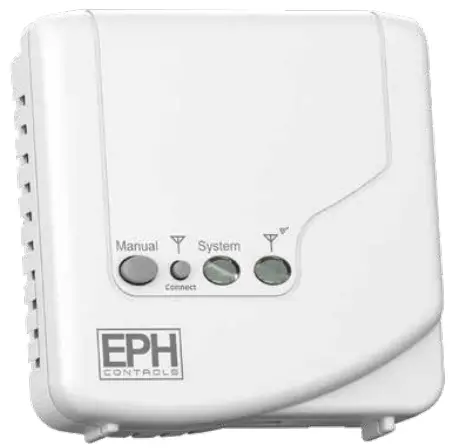
RF1A-OT – Wireless Receiver with RFRP-HW-OT
Important: Keep this document
Prior to operation, it is neccessary to complete all required settings described in this section.
Operating Instructions
CAUTION!
- Before commencing any work on the electrical mains. None of the 230V connections must be live until the installation has been completed and the housing is closed. permitted to open the terminal box.
- There are parts that carry mains voltage behind the cover. The terminal box must not be left unsupervised when open. (Prevent non specialists and especially children from gaining access to it.)
- Ensure that this wireless enabled receiver is installed 1 metre from any metalic object, television, radio or wireless internet transmitter.
Specifications and wiring
- Power Supply: 200 – 240Vac 50-60Hz
- Contact Rating: 250 Vac 10(3)A
- Ambient Temp: 0~45°C
- Automatic Action: Type 1.C.Q
- Class II appliance Pollution degree: Pollution degree2
- Rated Impulse Voltage: Resistance to voltage surge 2500V; as per EN 60730
- IP Rating: IP20
Internal wiring diagram for RF1A-OT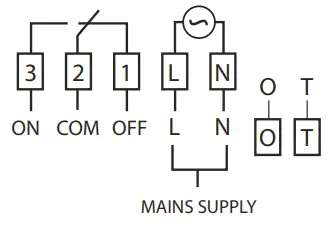
* If mains voltage output is required, terminals L & 2 must be electrically linked.
Important: Do not connect Mains Voltage to OpenTherm® terminals.
Mounting
The RF1A-OT receiver should be wall mounted in an area within 20 metres distance of the wireless thermostat.
It is important that the receiver is mounted more than 1 metre away from The receiver should also be installed at least 1metre from any electronic devices such as radio, TV, microwave or wireless network adaptor.
- Recessed conduit boxes
- Surface mounting boxes
Installation
Slacken the fastening screw on the bottom of the receiver with a philips screwdriver.
The receiver is hinged and can be opened 180 degrees. Mount the unit as described in section 2. Wire the unit as described in section 1. Close the receiver and tighten the fastening screw.
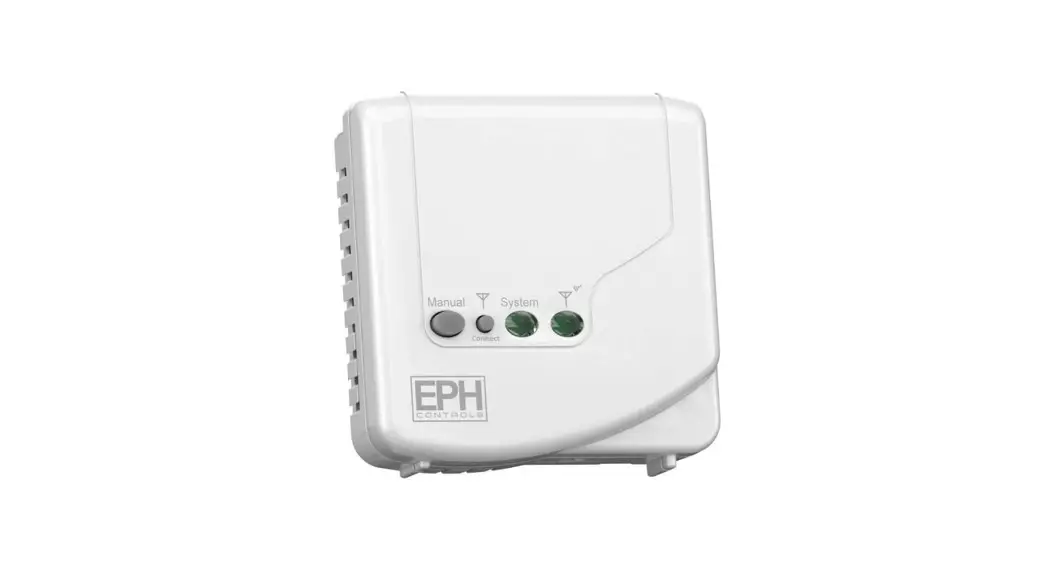
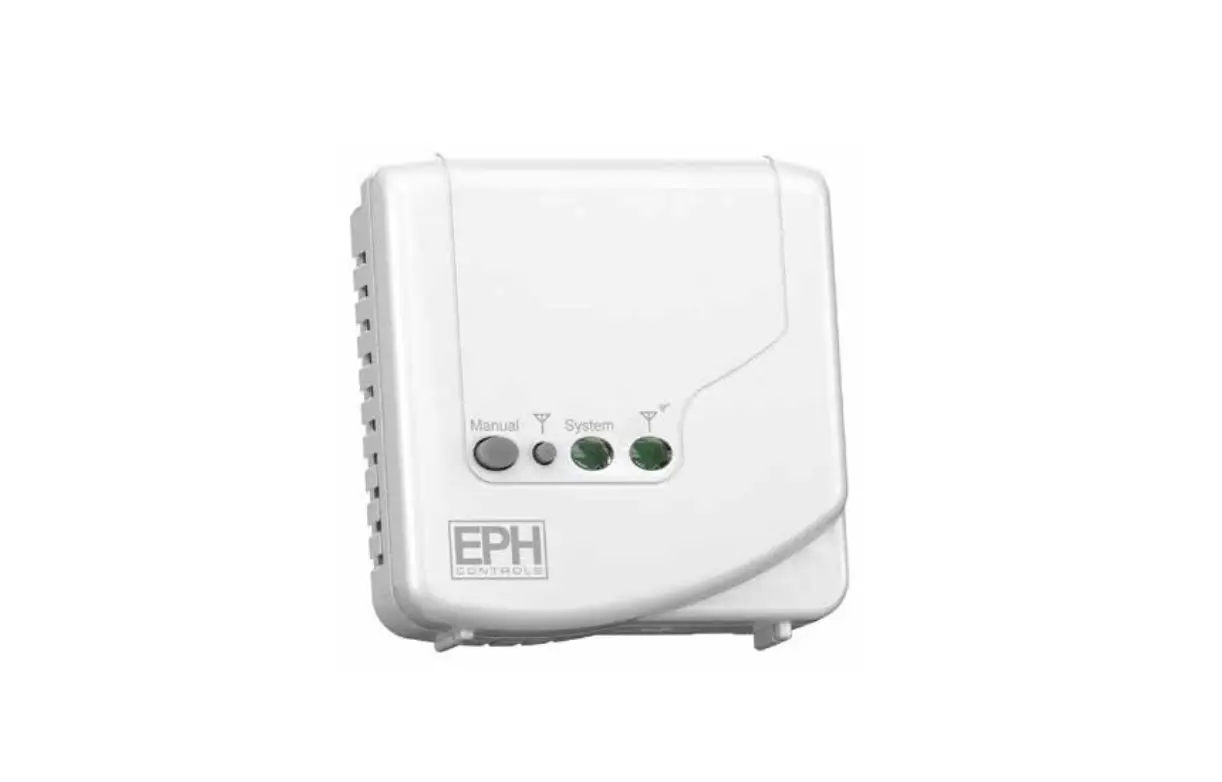
Button / LED description
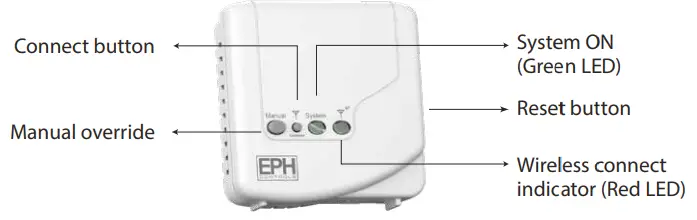
Wireless connect: Once voltage has been applied this button may be pressed to initialise the pairing process with the wireless thermostat.
Manual override: This button will manually override the system.
LED description:
| OT Connection Normal Operation | Green LED | Red LED |
| RF1A-OT On | ON | communicating via RF |
| OFF | communicating via RF |
| OT Communication Error | Green LED | Red LED |
| RF1A-OT On | Constant Flash | OFF |
| Constant Flash | ON |
| RF Communication Error | Green LED | Red LED |
| RF1A-OT On | ON | Constant Flash |
| OFF | Constant Flash |
| Summary | Green LED | Red LED |
| RF Communication Error | OFF or ON | Constant Flash |
| OT Communication Error | Constant Flash | OFF or ON |
| Normal Operation RF1A On | ON | OFF or Flashing |
| OFF | ON or Flashing |
- Resetting the RF1A-OT receiver
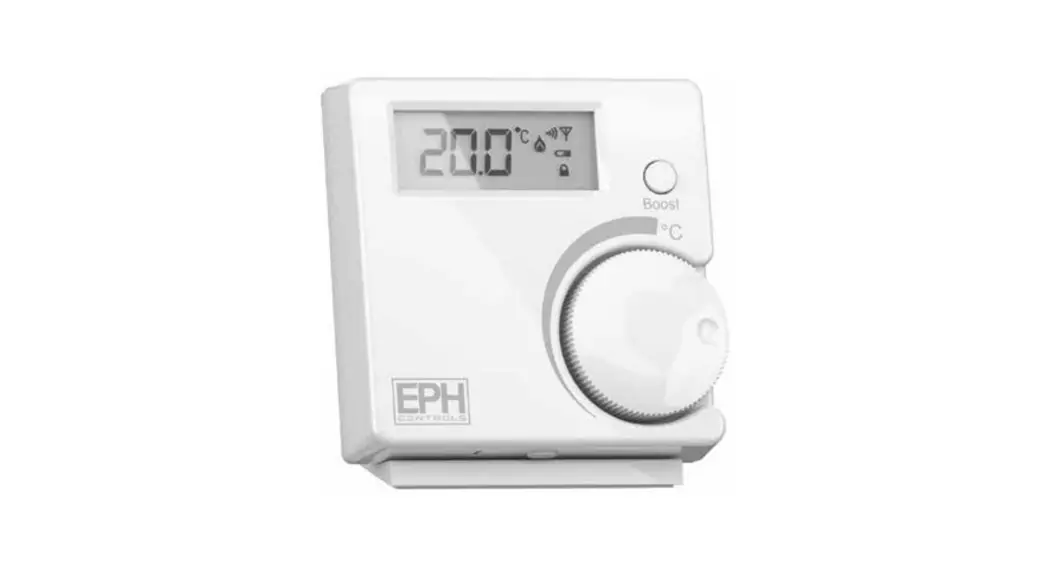
Press the button located on the side of the receiver. The RF1A-OT receiver is now reset. - To connect the RFRP-HW-OT thermostat to an RF1A-OT receiver
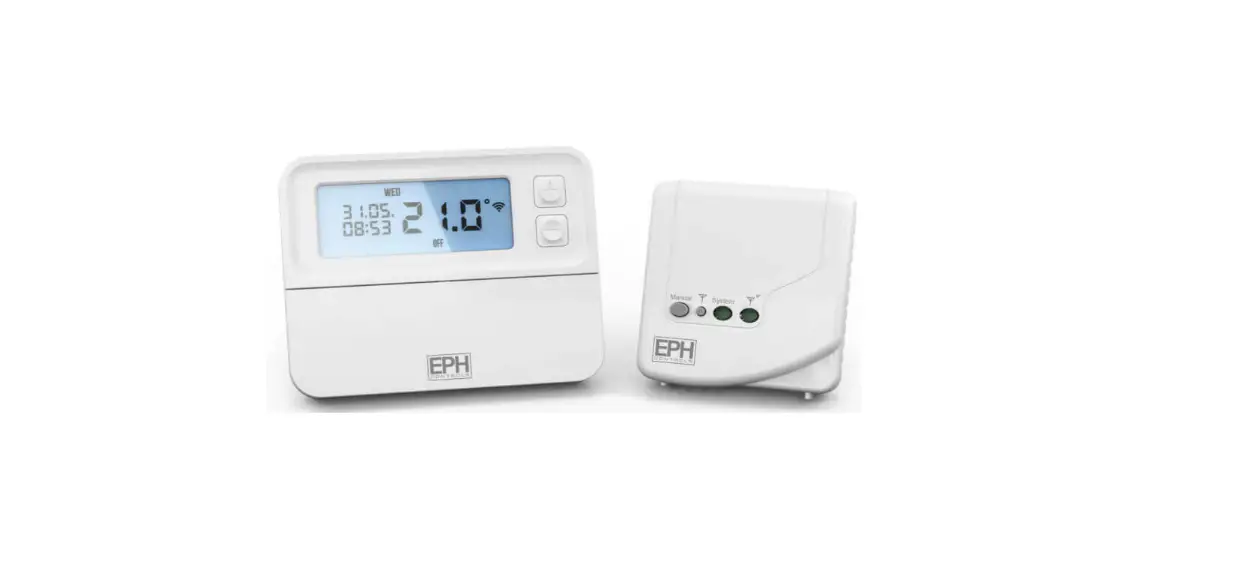
Please note, If you are installing a CP4-HW-OT, the RFRP-HW-OT thermostat and the RF1A-OT receiver will have a pre-established RF connection so it is not necessary to carry out the RF connection process below.
On the RF1A-OT receiver:
Press the button on the RF1A-OT receiver.
On the RFRP-HW-OT thermostat:
Press the button.
The thermostat will show “nOE” followed by “—”
Once an RF connection has been established the thermostat will show ‘r01’ on the LCD screen.
Press the ‘OK The thermostat is now connected to the RF1A-OT receiver. - To disconnect the RFRP-HW-OT thermostat from an RF1A-OT receiver
This can be done from either the thermostat or the receiver.
On the RFRP-HW-OT thermostat:
Press the button
The thermostat will begin to search through the RF channels.
Press and hold the ‘Copy’ button for 10 seconds. ‘Adr’ will appear on the screen of the thermostat.
Press the ‘OK’ button twice to complete the unpairing process.
The thermostat RFRP-HW-OT is now disconnected from the receiver RF1A-OT. - On the RF1A-OT receiver:
Red & green lights if using as a hub receiver.
The RF connection is now cleared.
 button on the RF1A-OT receiver.

 Home Page - EPH Controls
 Home Page - EPH Controls