 For use in normal environments.
CONTROLS R17-RF 1 Zone RF Timeswitch 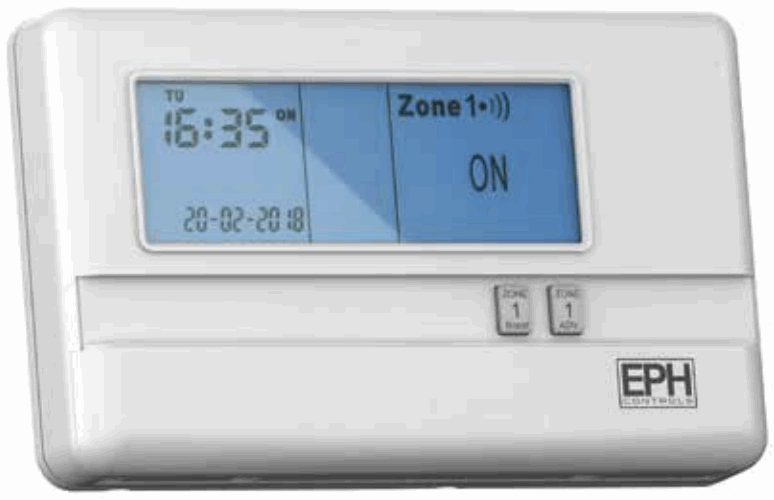 Installation Instructions
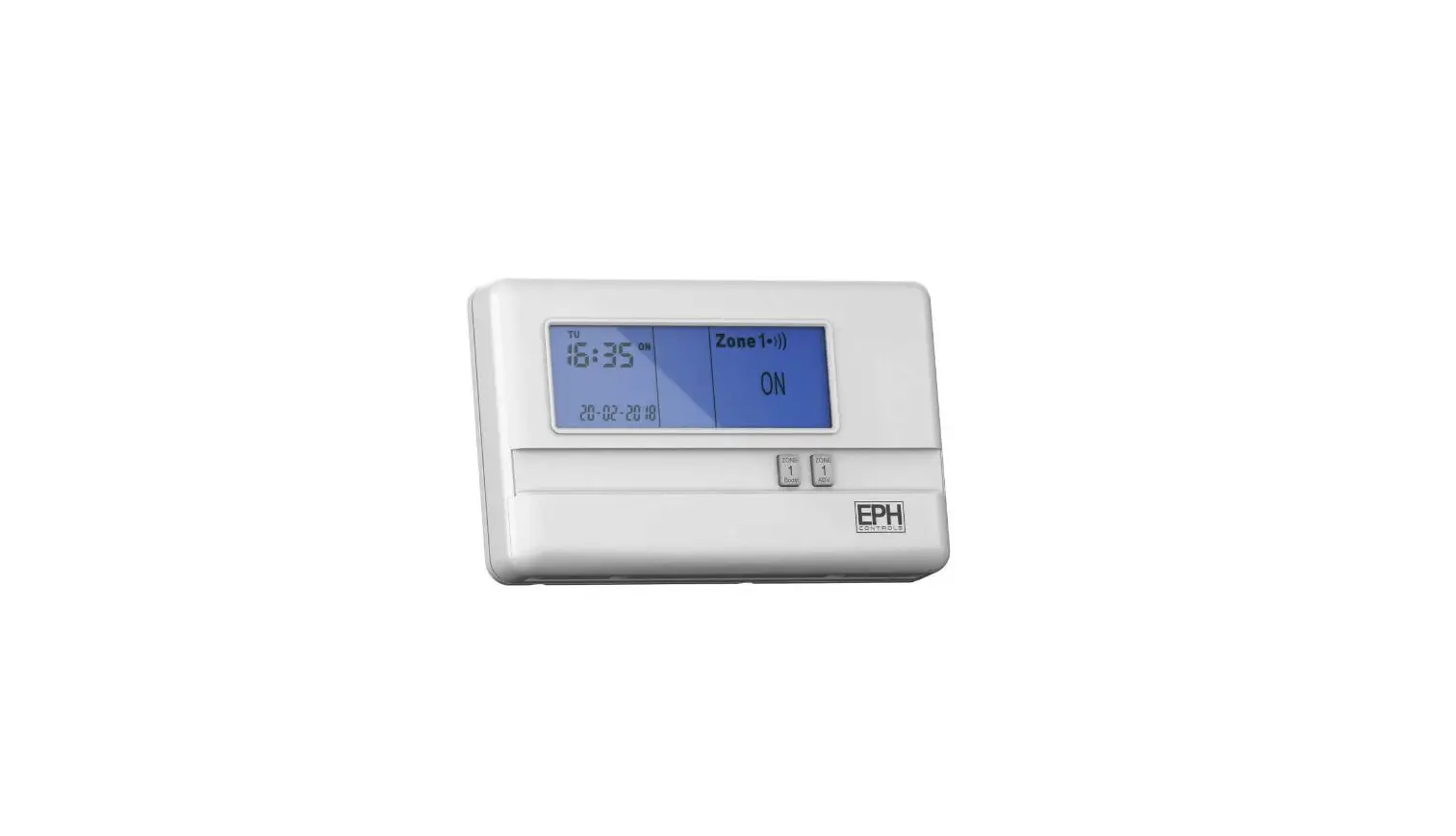
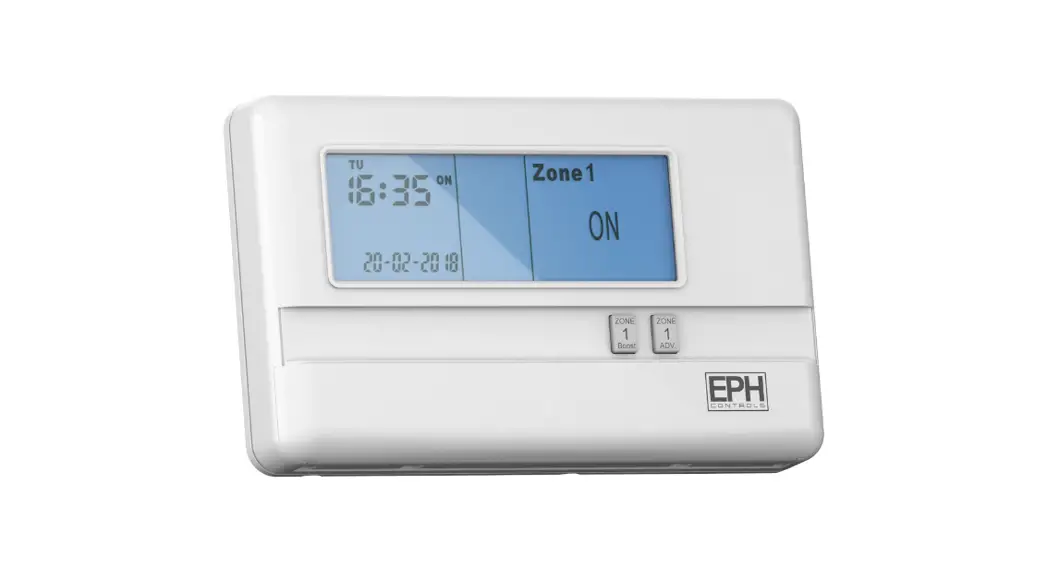
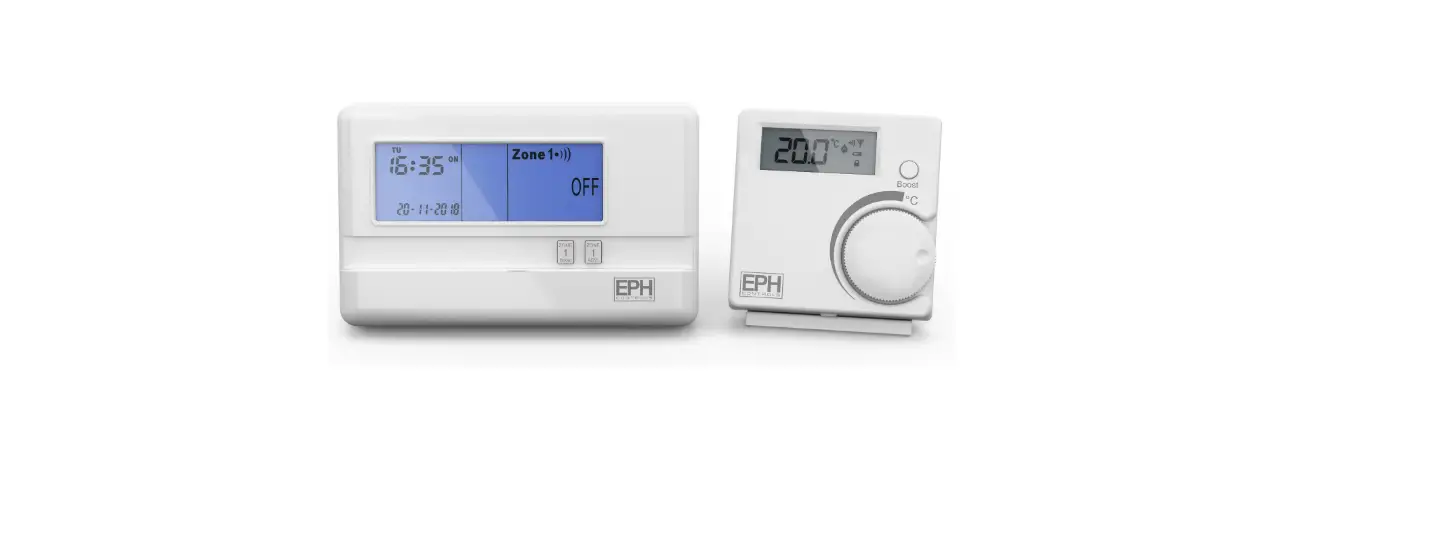
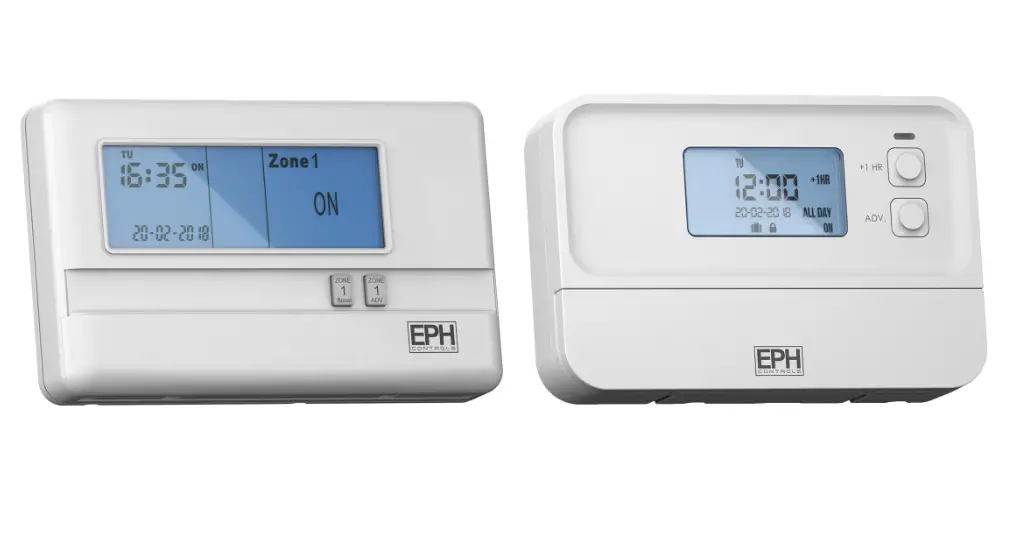
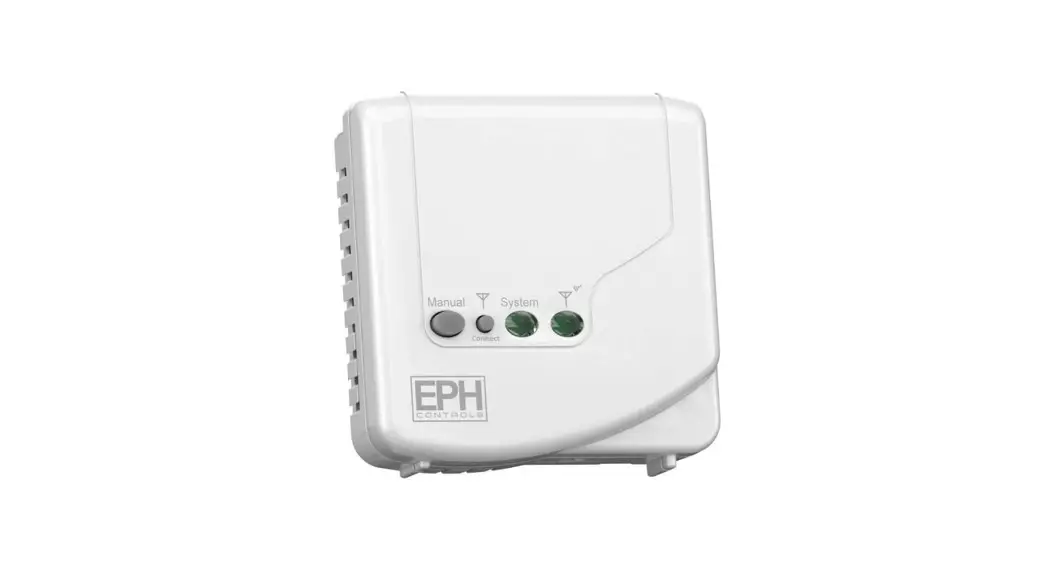
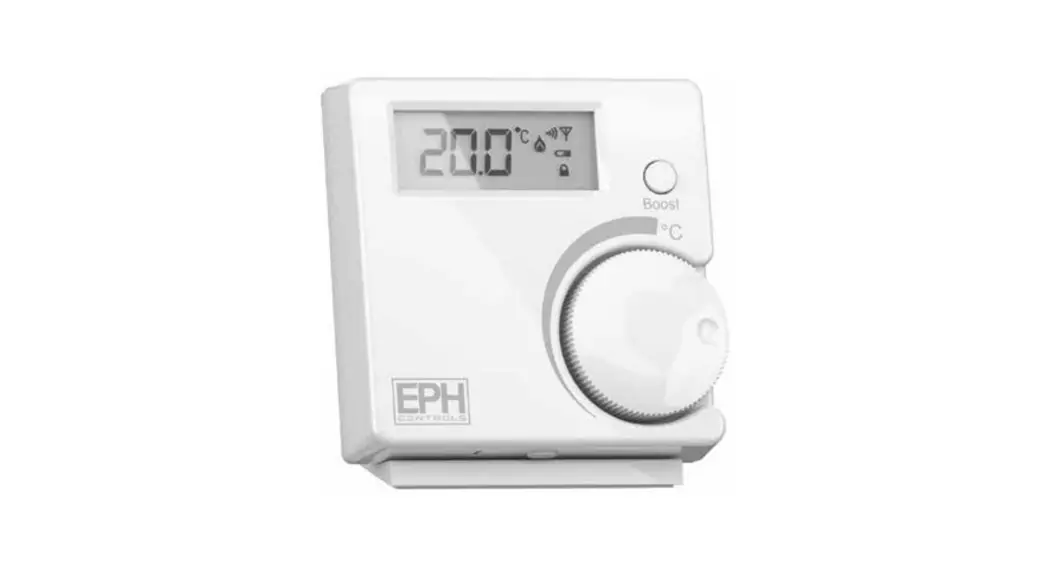
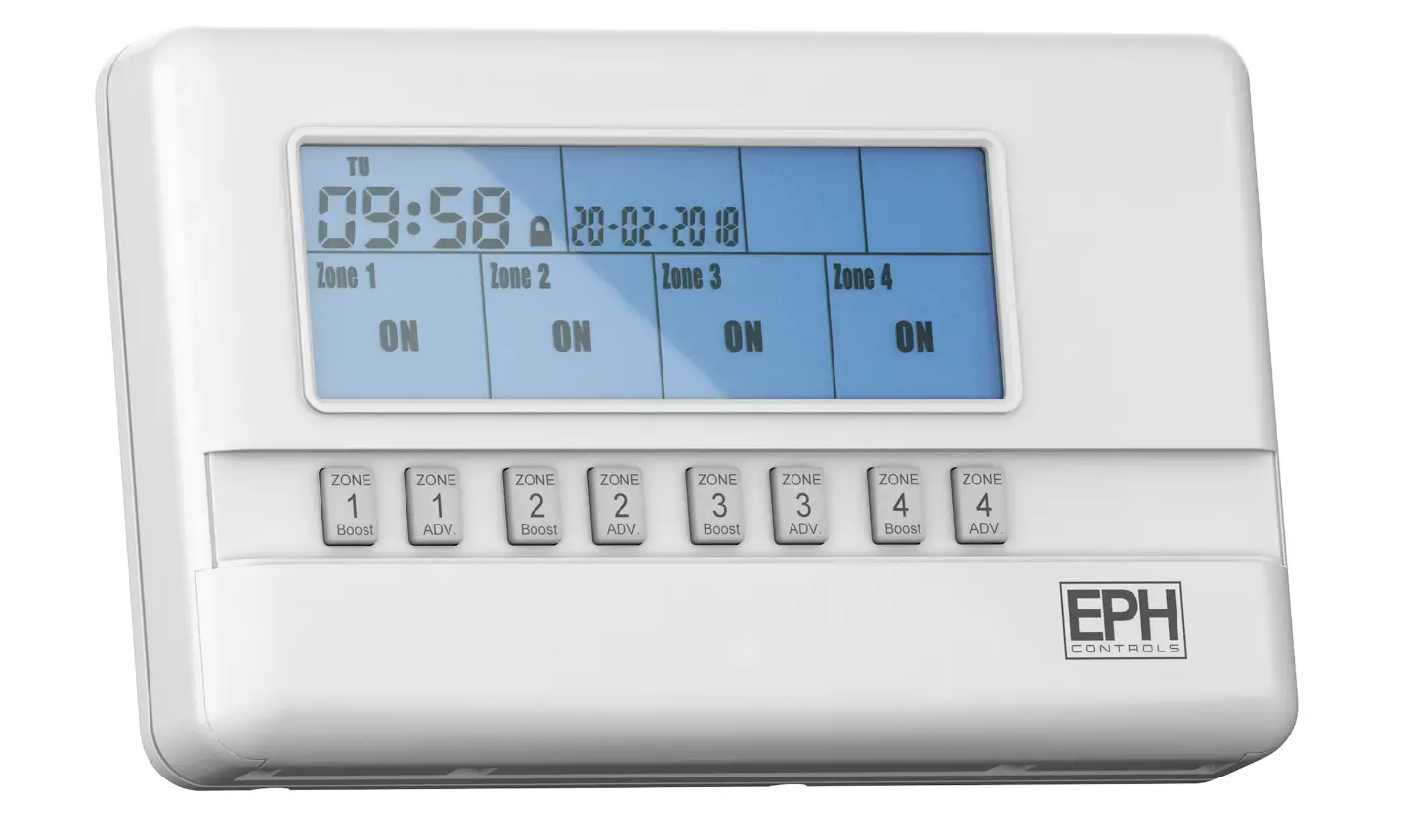
R17-RF 1 Zone RF Timeswitch
Important: Keep this document
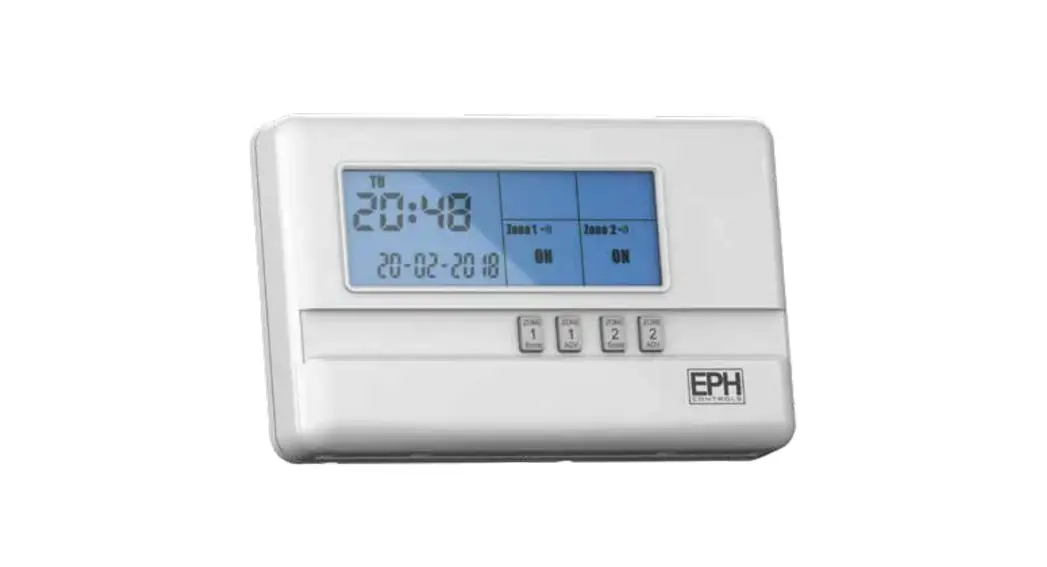
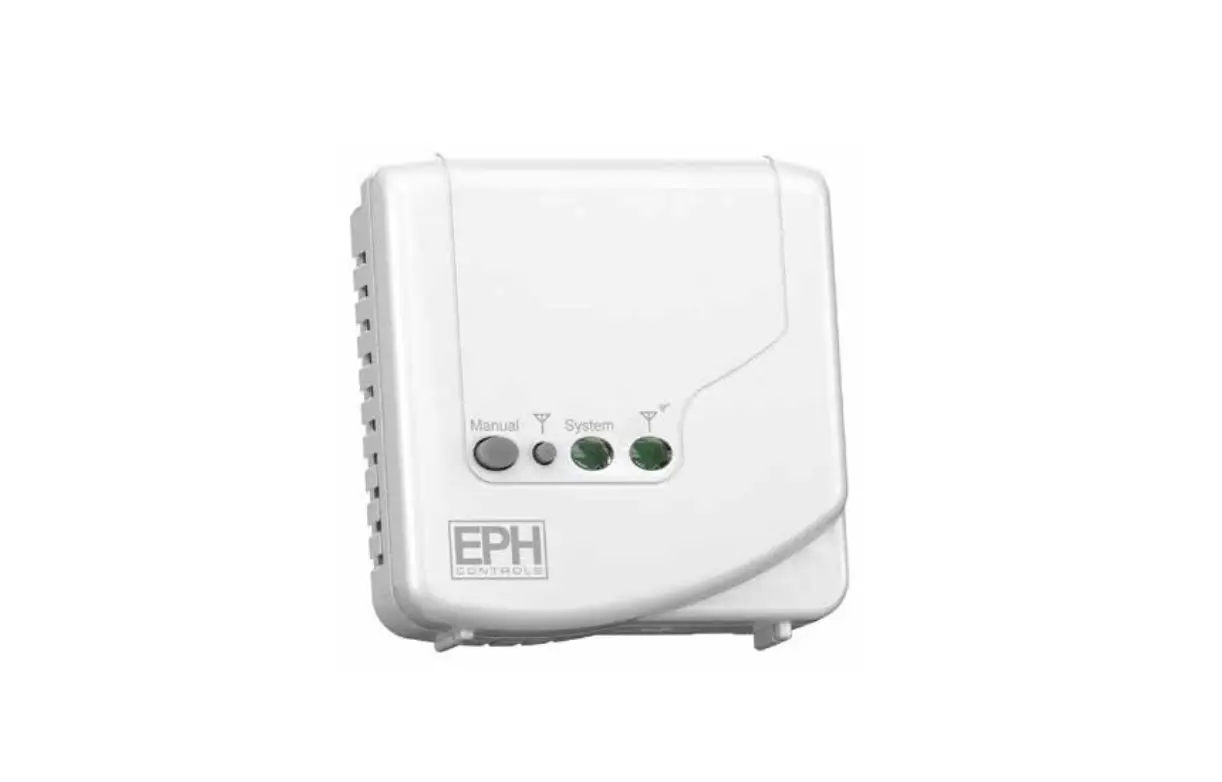
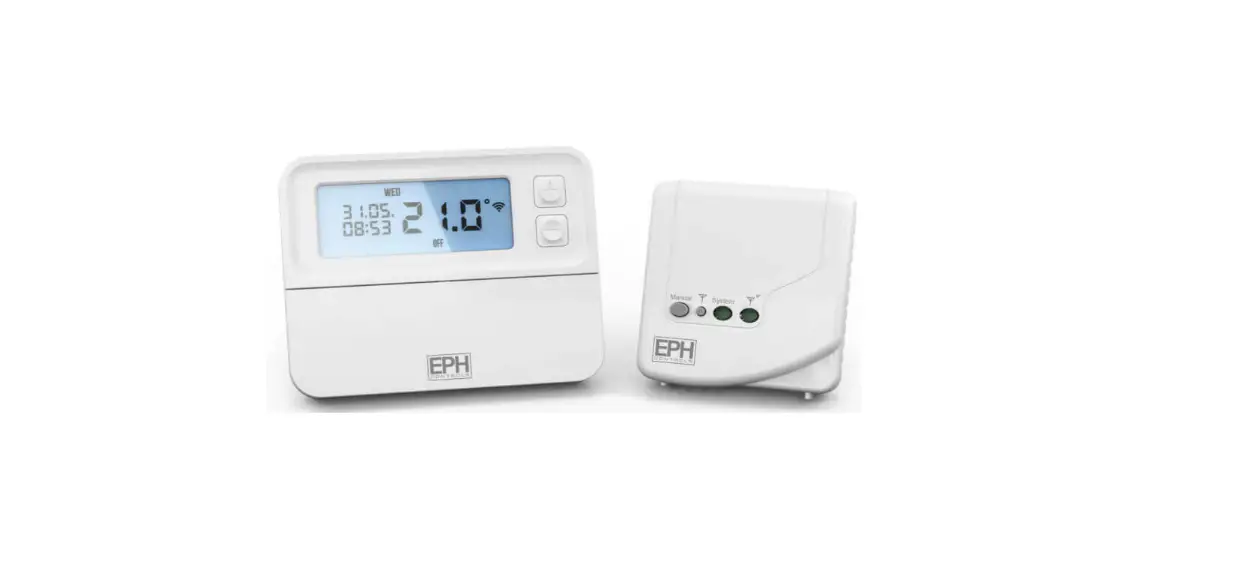
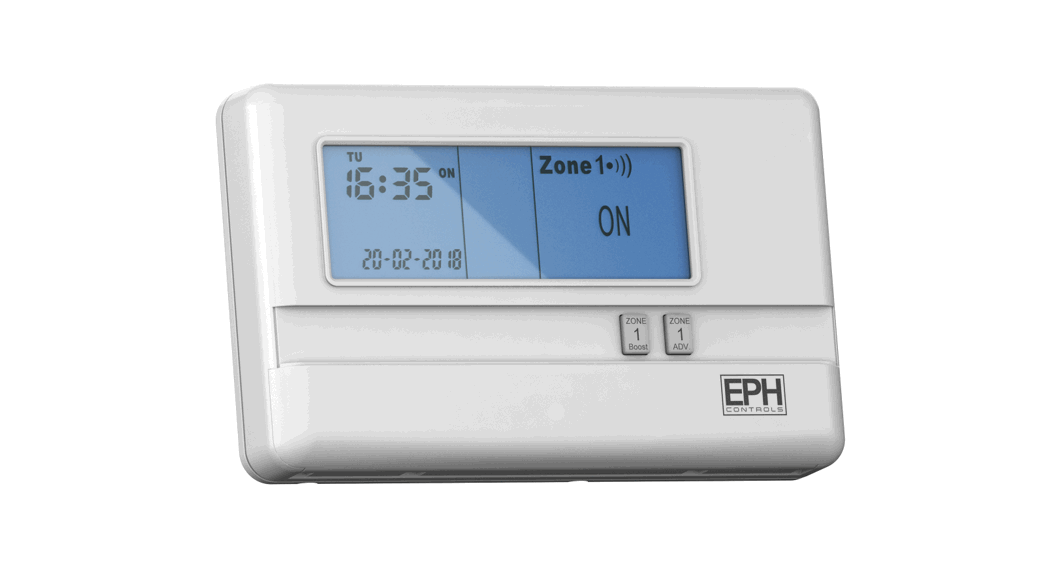
This 1 zone RF timeswitch is designed to provide ON/OFF control for 1 zone, with the value added application of in built frost protection.
CAUTION!
Installation and connection should only be carried out by a qualified person and in accordance with national wiring regulations.
- Before commencing any work on the electrical connections, you must first disconnect the timeswitch from the mains. None of the 230V connections must be live until the installation has been completed and the housing is closed. Only qualified electricians or authorised service staff are permitted to open the timeswitch. Disconnect from mains supply in the event of any damage to any buttons.
- There are parts that carry mains voltage behind the cover. The timeswitch must not be left unsupervised when open. (Prevent non specialists and especially children from gaining access to it.)
- If the timeswitch is used in a way not specified by the manufacturer, its safety may be impaired.
- Ensure that this wireless enabled timeswitch is installed 1 metre from any metalic object, television, radio or wireless internet transmitter.
- Prior to setting the timeswitch, it is neccessary to complete all required settings described in this section.
- Never remove this product from the electrical baseplate. Do not use sharp tools to push any button.
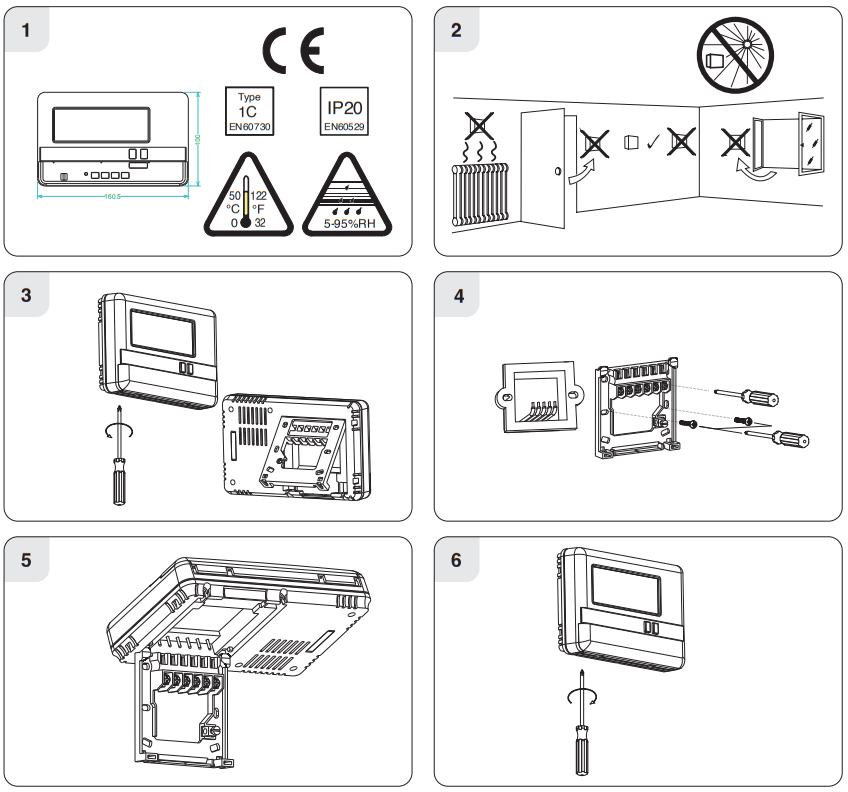
This timeswitch can be mounted in the following ways:
- Directly wall mounted
- Mounted to a recessed conduit box
Contents
- Factory default settings
- Specifications & wiring
- Setting the date & time
- Frost protection
- Master reset
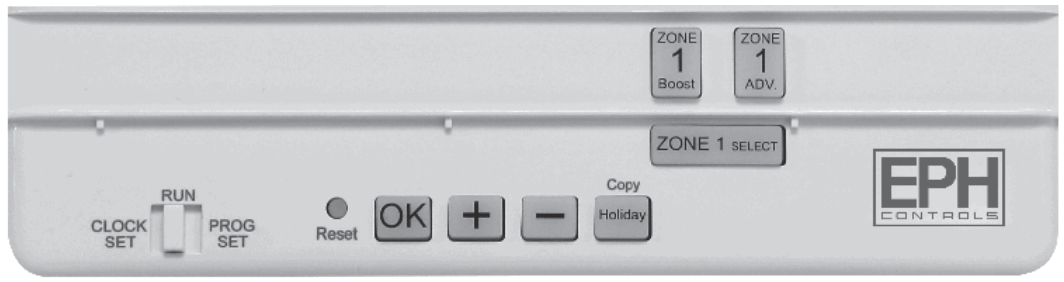
Factory default settings
| Contacts: | Volt free contact |
| Program: | 5/2D |
| Backlight: | On |
| Keypad: | Unlocked |
| Frost Protection: | Off |
| Clock type: | 24 Hr Clock |
Day-Light Saving
Specifications & wiring
| Power Supply: | 230 Vac |
| Ambient Temp: | 0~35°C |
| Contact Rating: | 250 Vac 3A(1A) |
| Program Memory backup: | 1 year |
| Battery: | 3Vdc Lithium LIR 2032 |
| Backlight: | Blue |
| IP rating: | IP20 |
| Backplate: | British System Standard |
| Pollution degree 2: | Resistance to voltage surge 2000V as per EN 60730 |
| Automatic Action: | Type 1.S |
| Software: | Class A |
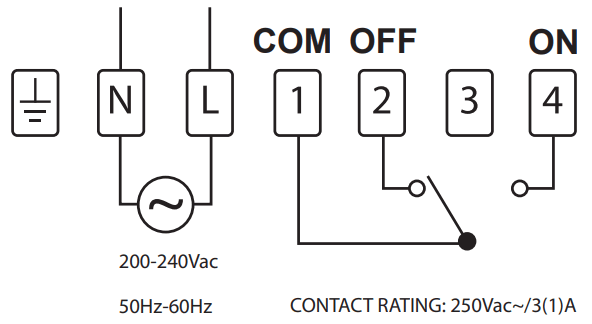
If mains voltage output is required, terminals L & 1 must be electrically linked. The cable link is provided with this timeswitch.
Setting the date and time 
Lower the cover on the front of the timeswitch.
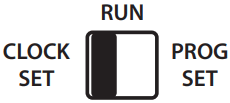
Move the selector switch to the CLOCK SET position.
Press the or buttons to select the day. Press 
Press the  or
or  buttons to select the month. Press
Press the or buttons to select the year. Press
Press the or buttons to select the hour. Press
Press the or buttons to select the minute. Press
Press the or buttons to select 5/2D, 7D or 24H _ Press
The date, time and function are now set.
Move the selector switch to the RUN position to run the program, or to the PROG SET position to change the program setting.
Frost protection function
Selectable range 5~20°C
This function is set to protect pipes against freezing or to prevent low room temperature when the timeswitch is programmed to be OFF or is manually OFF.
Frost protection can be activated by following the procedure below.
Move the selector switch to the RUN position.
Frost protection can be activated by following the procedure below.
Move the selector switch to the RUN position.
Press both the and buttons for 5 seconds, to enter selection mode.
Press either the or buttons to to turn On or turn Off frost protection.
Press button to confirm
Press either the or buttons to increase or decrease the desired frost protection setpoint.
Press to select.
Zone 1 will be switched ON in the event of room temperature falling below the frost protection setpoint.
Master reset
Lower the cover on the front of the timeswitch. There are four hinges holding the cover in place.
Between the 3rd and 4th hinges there is a circular hole. Insert a ball point pen or similar object to master reset the timeswitch.
After pressing the master reset button, the date and time will now need to be reprogrammed.
EPH Controls Ireland
[email protected]
www.ephcontrols.com
EPH Controls UK
[email protected]
www.ephcontrols.co.uk
 Home Page - EPH Controls
 Home Page - EPH Controls