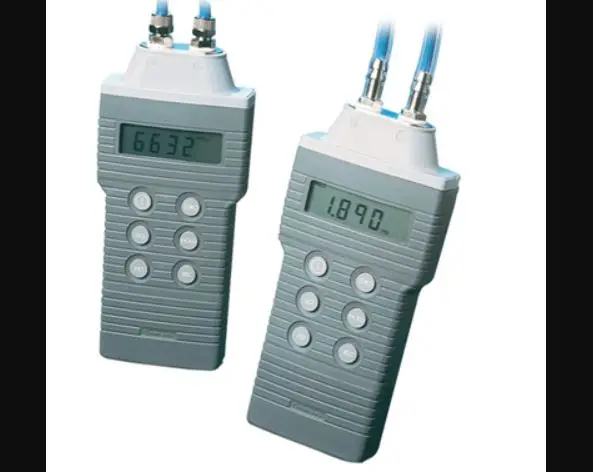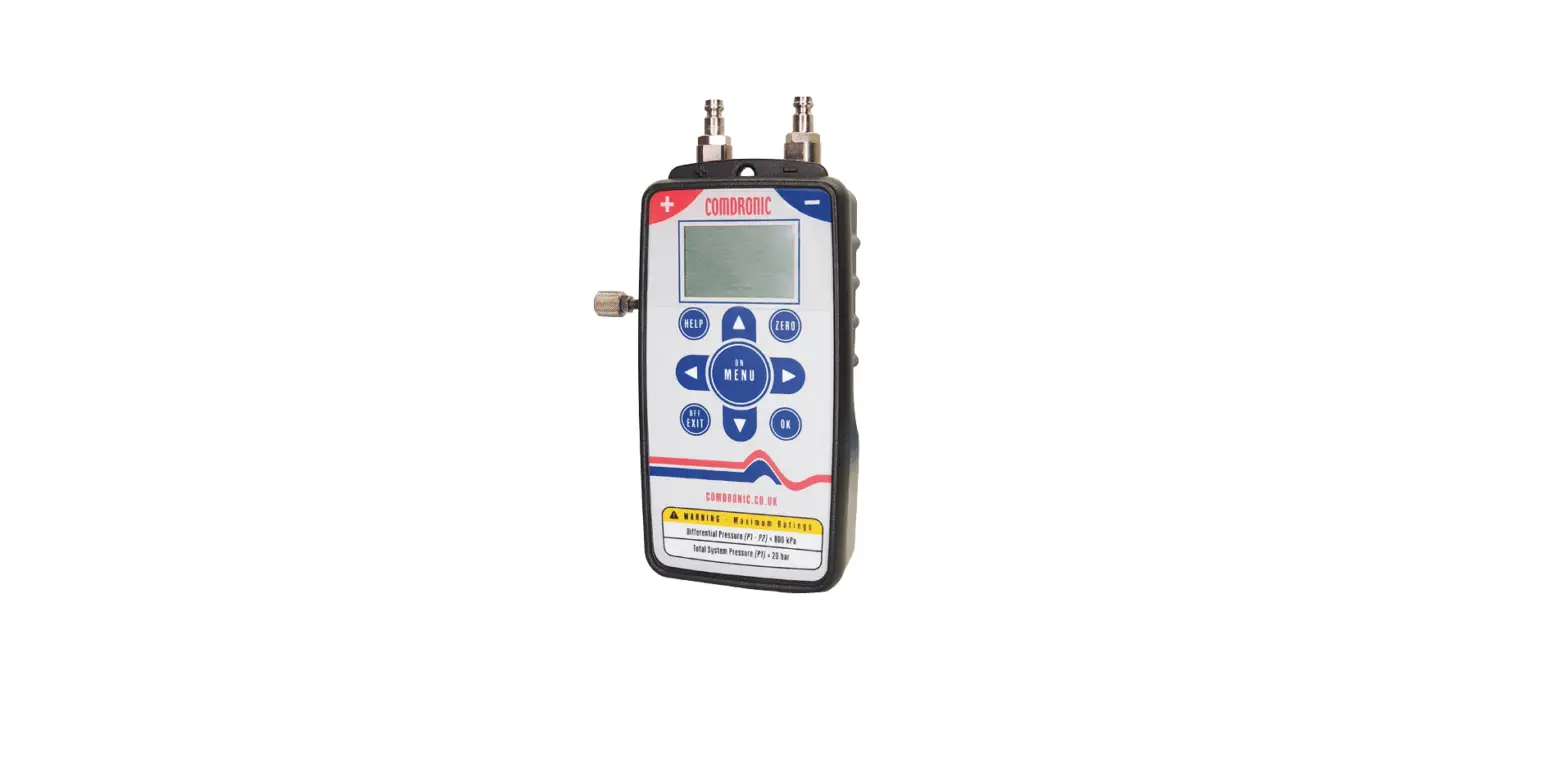

COMDRONIC Ltd AC7-HP+ High-Pressure Water Manometer
PROTECT FROM FROST IN STORAGE
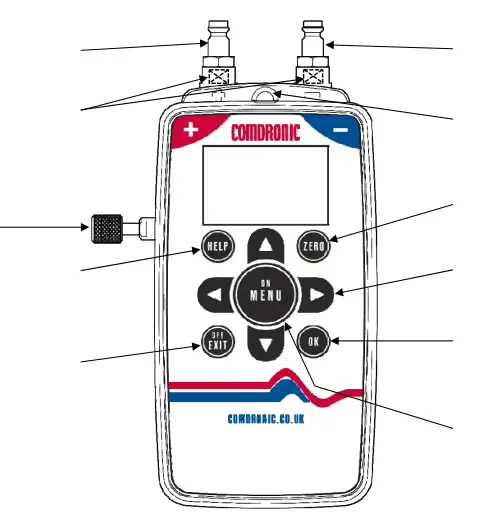
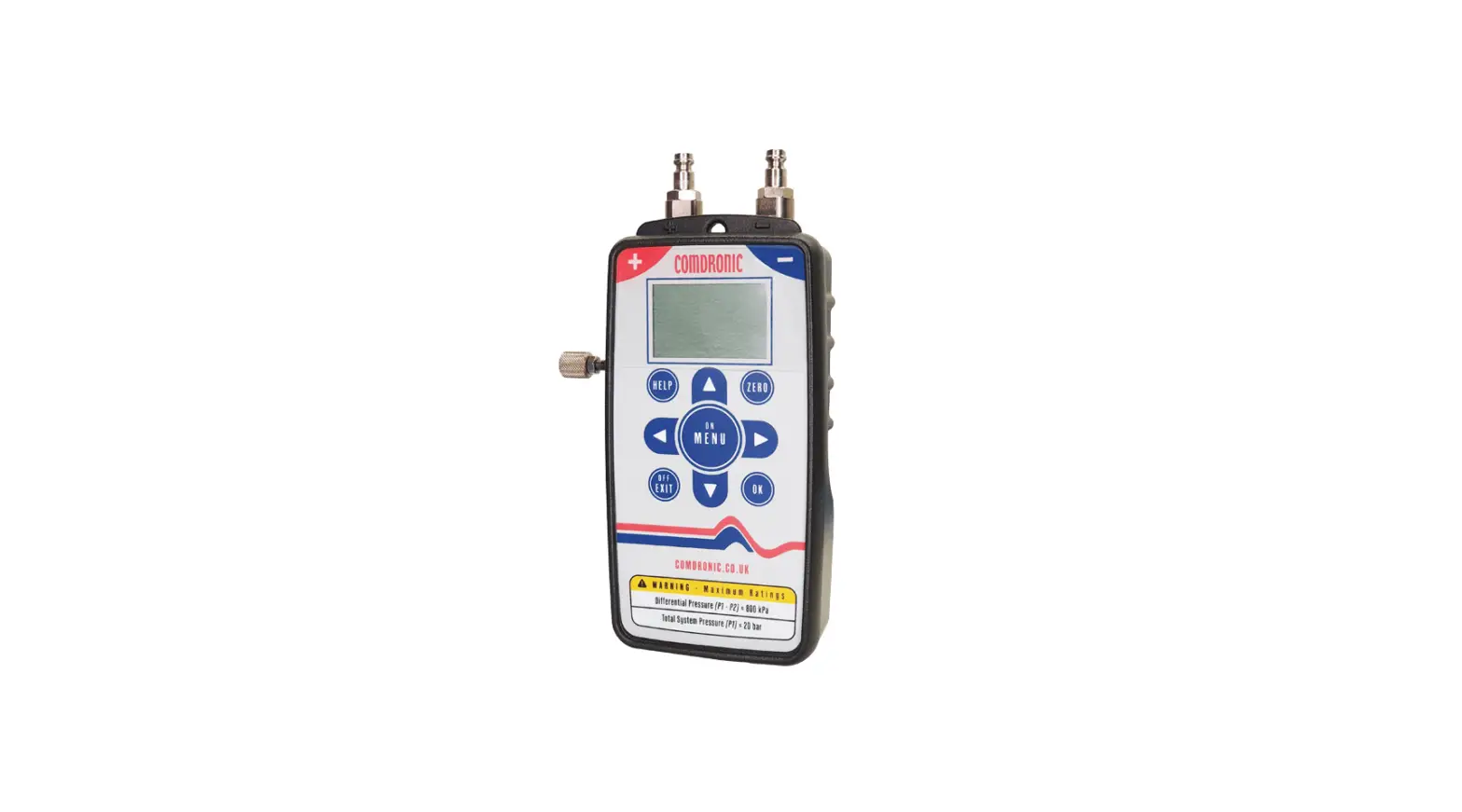
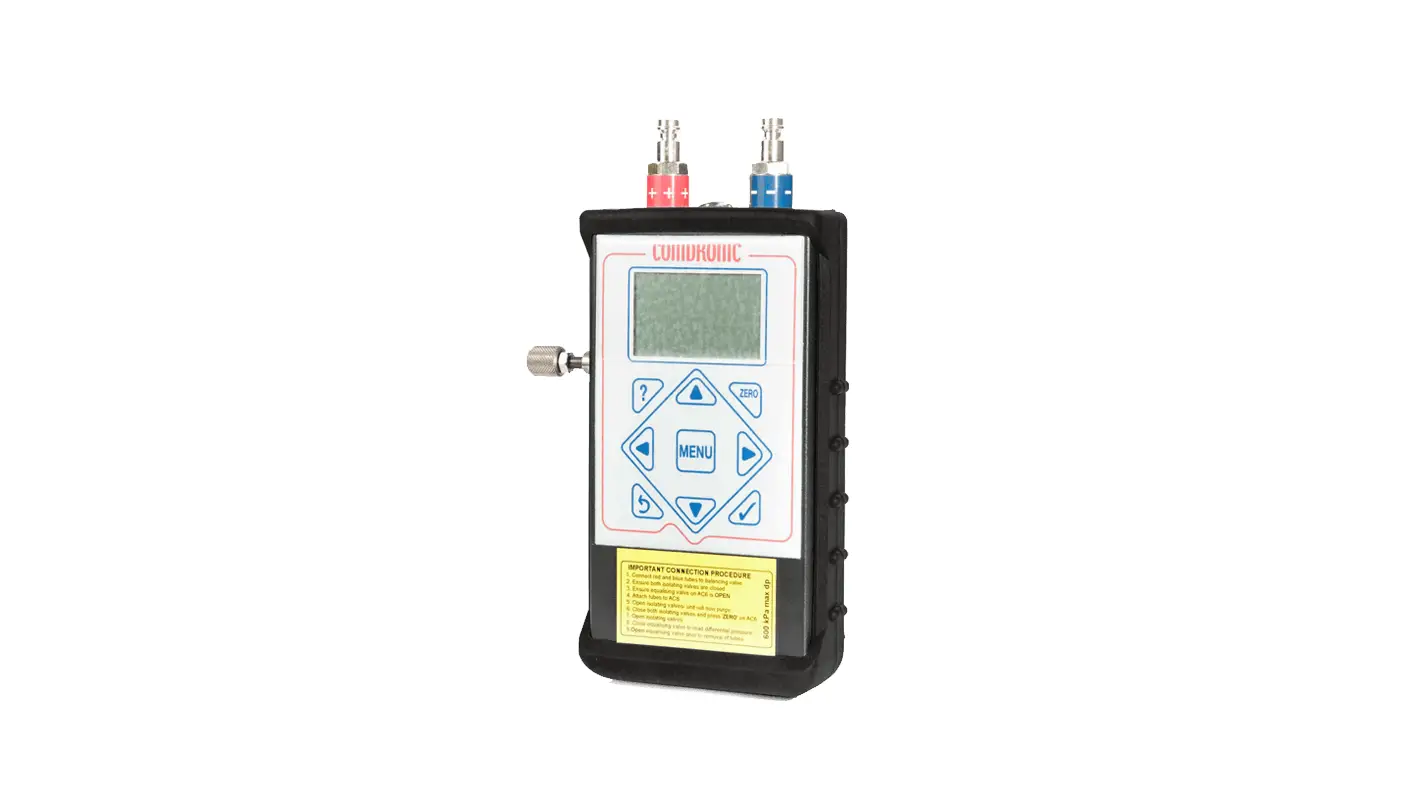
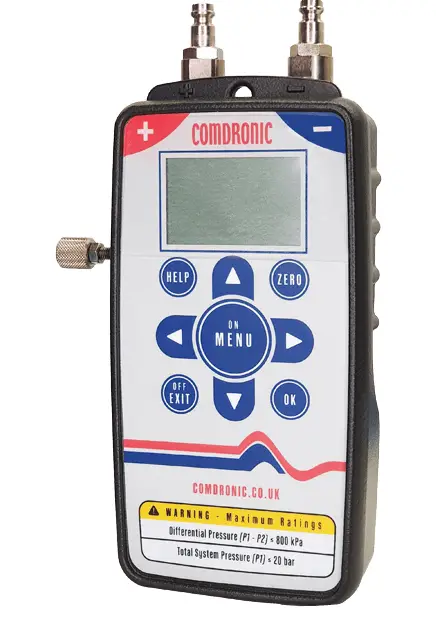
- Connect the RED connection tube to this connector. Internal strainers protect the sensor unit from small dirt particles. These are service parts.
- Note: blocked strainers will slow performance and reduce accuracy.
- Equalizing valve. Press to access the handset’s onboard valve database.
- Press to cancel an entry or to return to a previous screen. Also, use it to switch the AC7 ‘OFF’.
TOTAL SYSTEM PRESSURE = 20 BAR MAX.
- Connect the BLUE connection tube to this connector.
- Securing ring. Use the lanyard supplied to suspend the AC7 from pipework (or similar) while taking readings.
- Press to set a zero datum before taking a measurement.
- Use
 buttons for menu navigation and to enter numerical data – see note below.
 - Press to accept menu selections and screen entries.
- Press to enter menu screens.
- Numeric entries: use the
 buttons to increase or decrease values. Use the
 button to add a digit. If a decimal point is required,
press the button when the zero digits are showing. To enter a negative number, press the ZERO button before any number is added.
 buttons for menu navigation and to enter numerical data – see note below.
 buttons to increase or decrease values. Use the
 button to add a digit. If a decimal point is required,
 button when the zero digits are showing. To enter a negative number, press the ZERO button before any number is added.