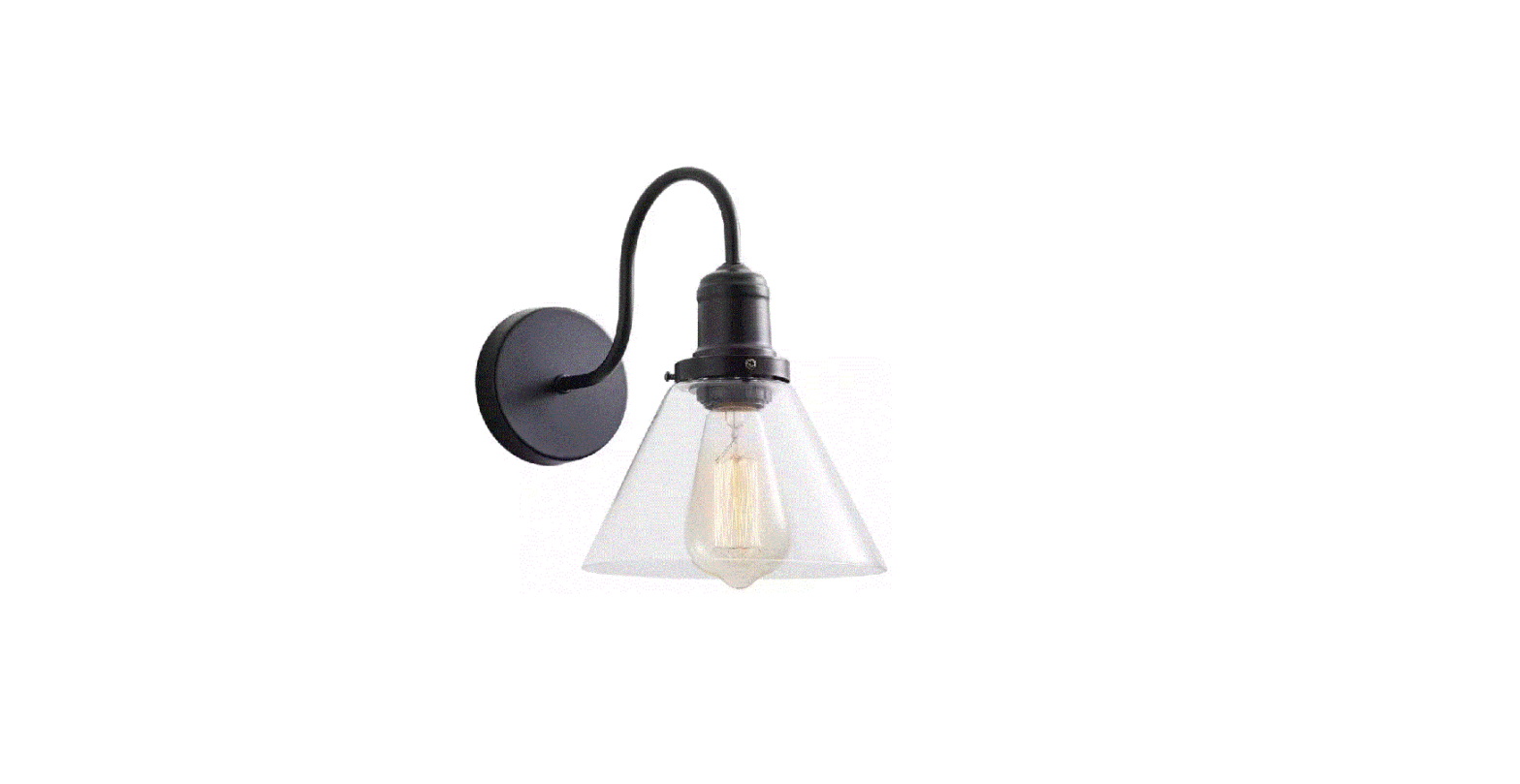
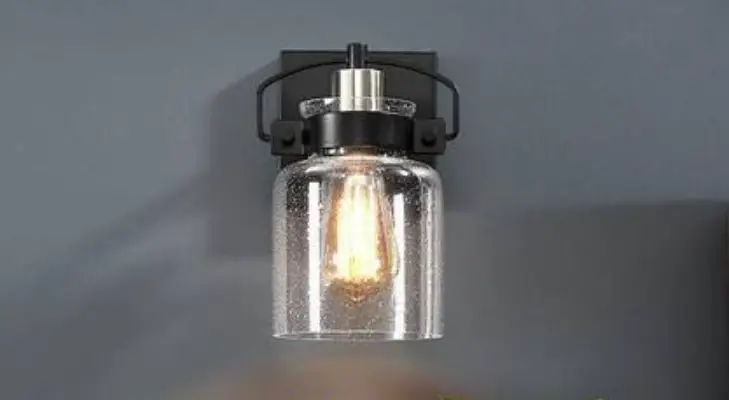
CA2206-W Light Black Wall Sconce with Clear Dome Glass Shade
Product Information
The CA2206-W is a light fixture that requires assembly and
installation. It comes with a glass cover, decorative nuts, and the
necessary wires for installation. The fixture requires a machine
screw bulb, which is not included in the package.
Please note that to avoid the risk of electrical shock, it is
essential to shut off power while installing or servicing the
fixture.
Product Usage Instructions
Before starting the installation process, ensure that the power
supply to the outlet box is turned off. This will prevent the risk
of electrical shock.
- Remove the old fixture from the outlet box.
- Attach the mounting bracket to the outlet box using the screws
provided. - Connect the wires from the outlet box to the wires from the
fixture. The black wire from the fixture should be connected to the
live wire from the outlet box. The white wire from the fixture
should be connected to the negative wire from the outlet box. The
ground wire from the fixture should be connected to the ground wire
from the outlet box. - Attach the glass cover to the fixture using the decorative nuts
provided. - Insert the machine screw bulb into the fixture.
- Turn on the power supply to test if the fixture is working
correctly.
If you encounter any difficulties during installation or have
any questions about using this product, please refer to the user
manual or contact our customer support team for assistance.
ASSEMBLY AND INSTALLATION INSTRUCTIONS
CA2206-W
WARNING: TO AVOID RISK OF ELECTRICAL SHOCK, BE SURE TO SHUT OFF POWER WHILE INSTALLING OR SERVICING THIS FIXTURE
Machine Screw Bulb(Not included)
Glass
Black Wire Machine Screw
Live Wire Outlet Box
Negative Wire
White Wire Ground Wire Decorative Nuts