
HDMI EXTENDER
over Single Cat 6 Cable
User Manual
JHIU0088
Thank you for purchasing this product. For optimum performance and safety, please read the instructions carefully and keep the manual for future reference.
Important Safety Notice
Please read below safety instructions carefully before installation and operation:
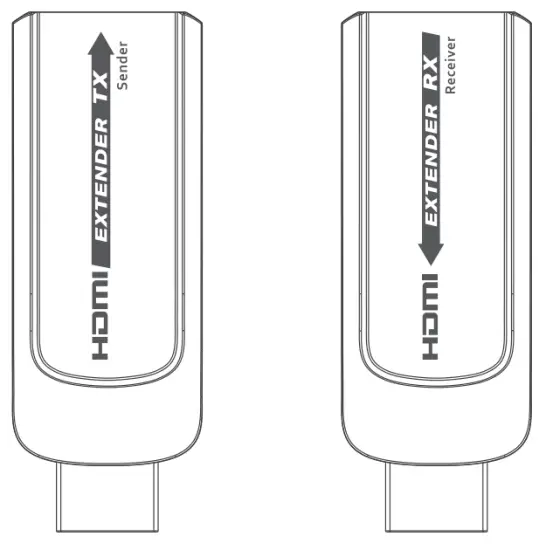
- Do not mix up the transmitter unit (TX) and the receiver unit (RX) before installation.
- Do not hot-plug when it is working.
- Please do not use other accessories to power this product.
- If it is found that it’s unstable when powered by a USB cable directly, please add an SV plug(with a USB port) to connect with the USB cable for the power supply.
Product Introduction
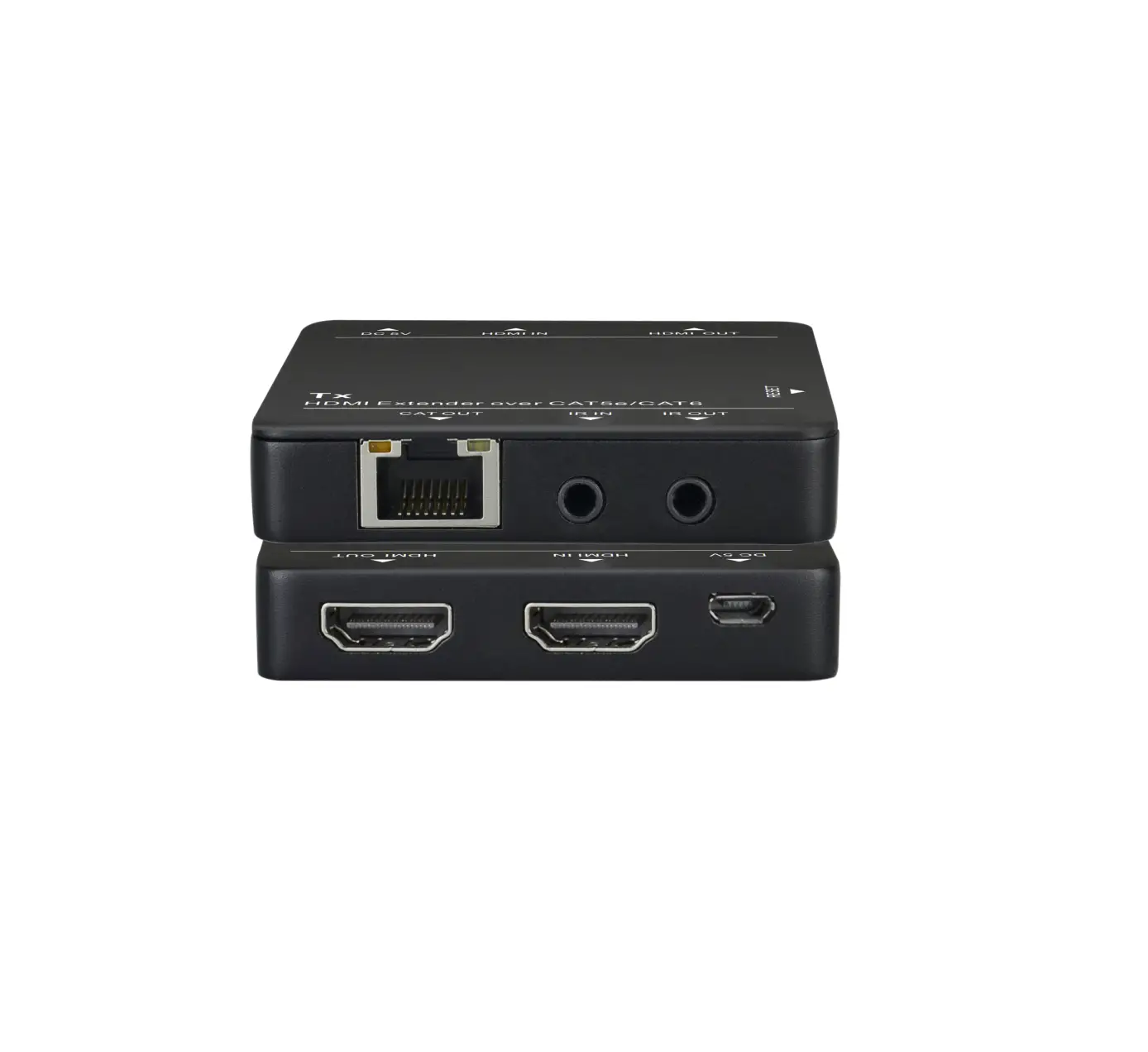
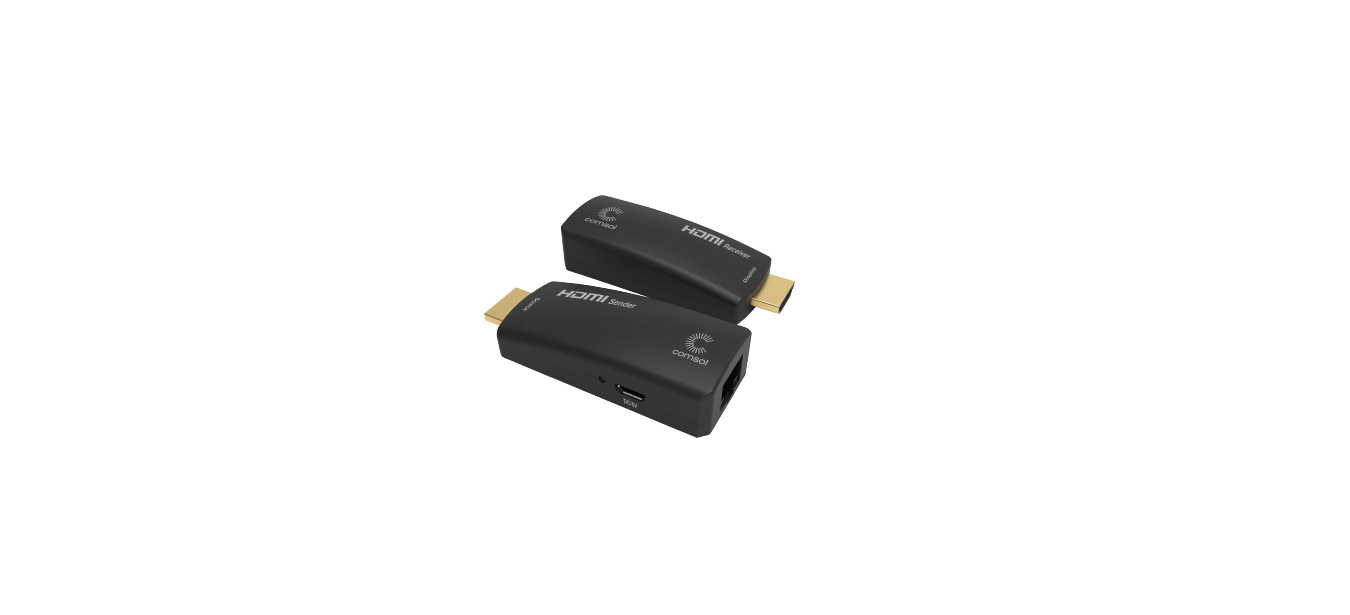
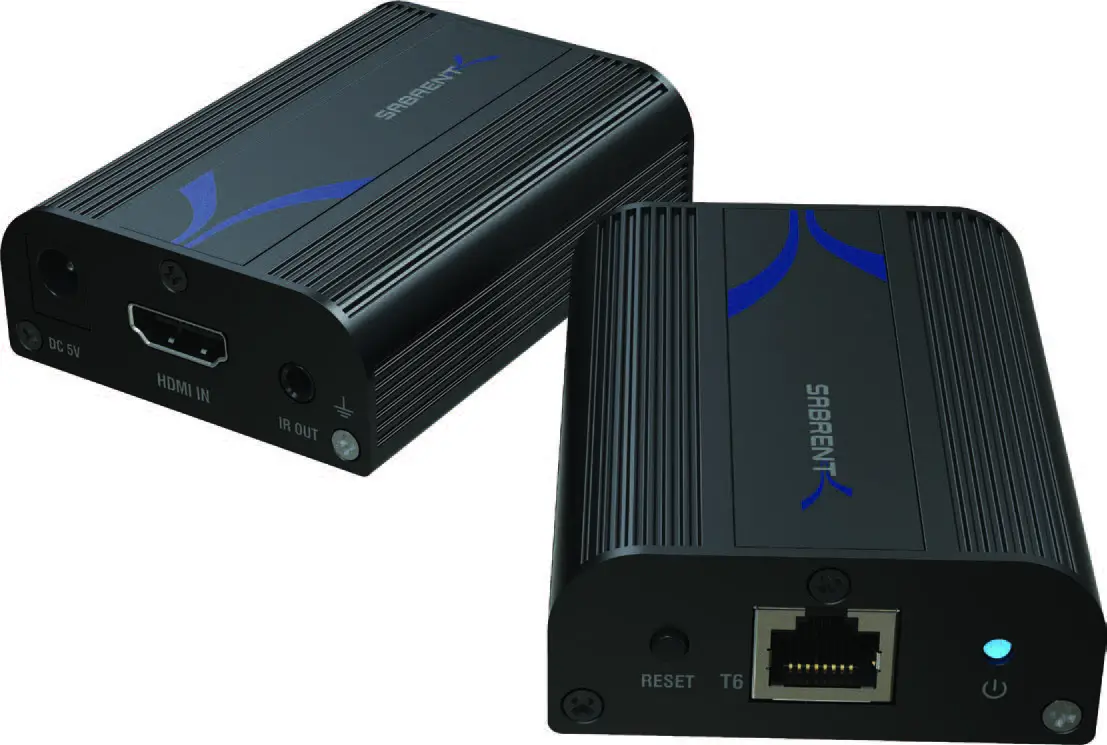
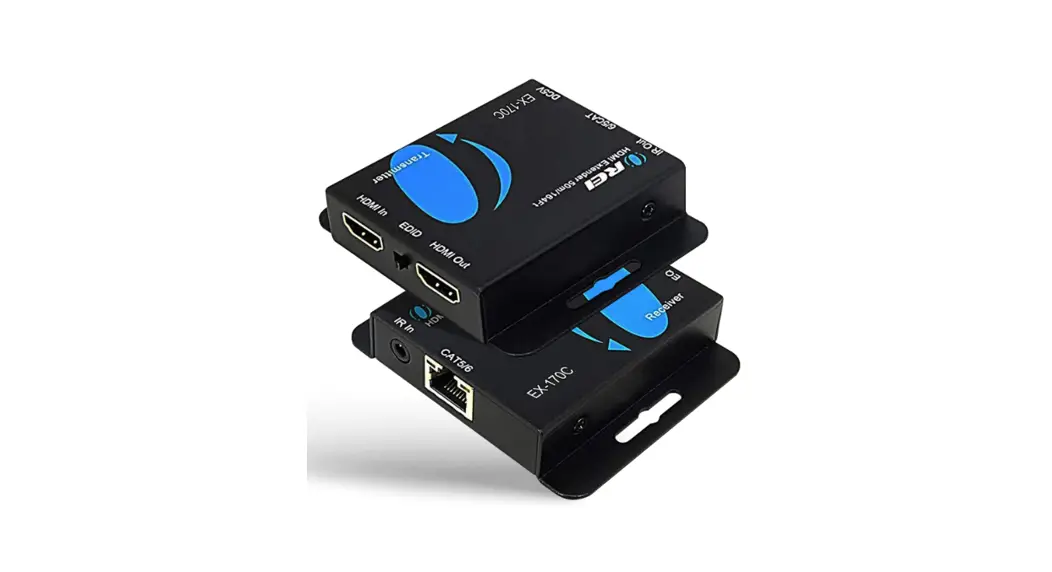
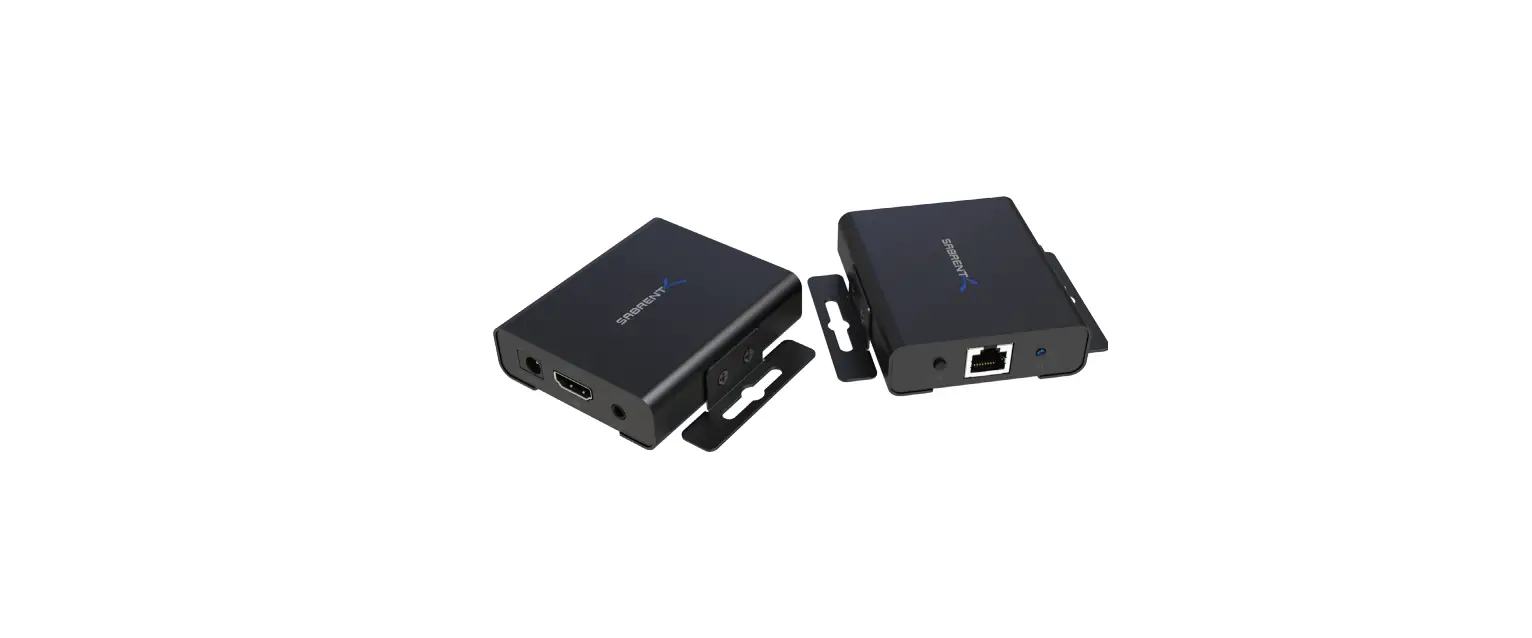
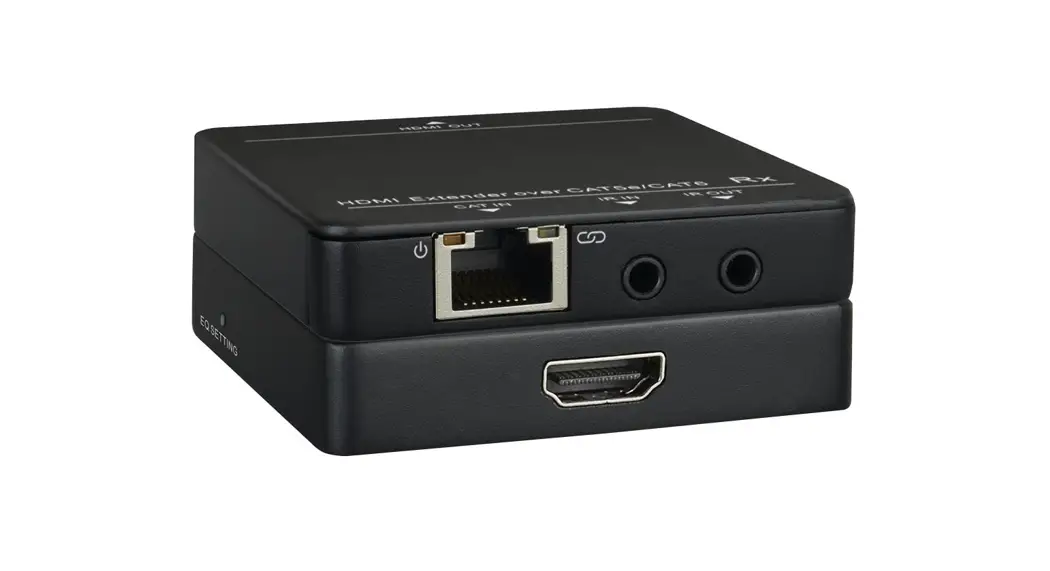
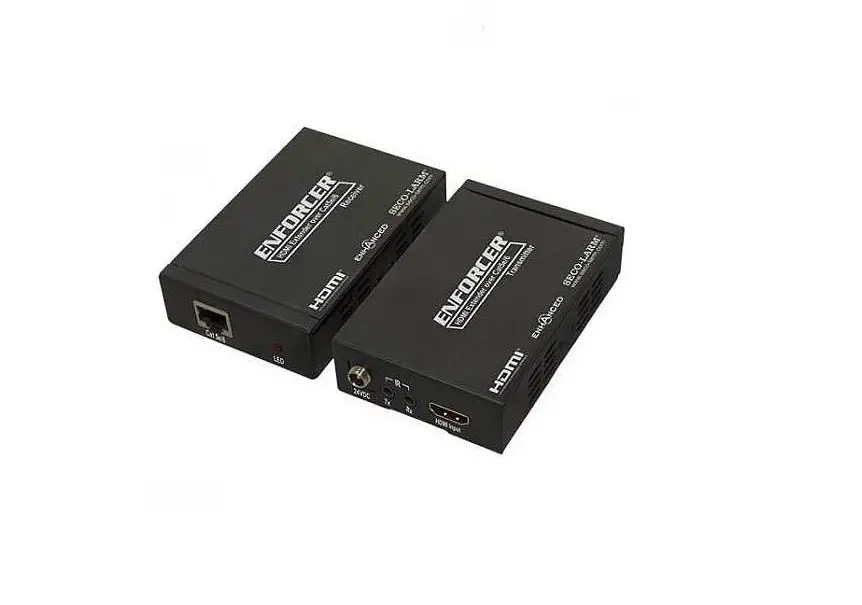
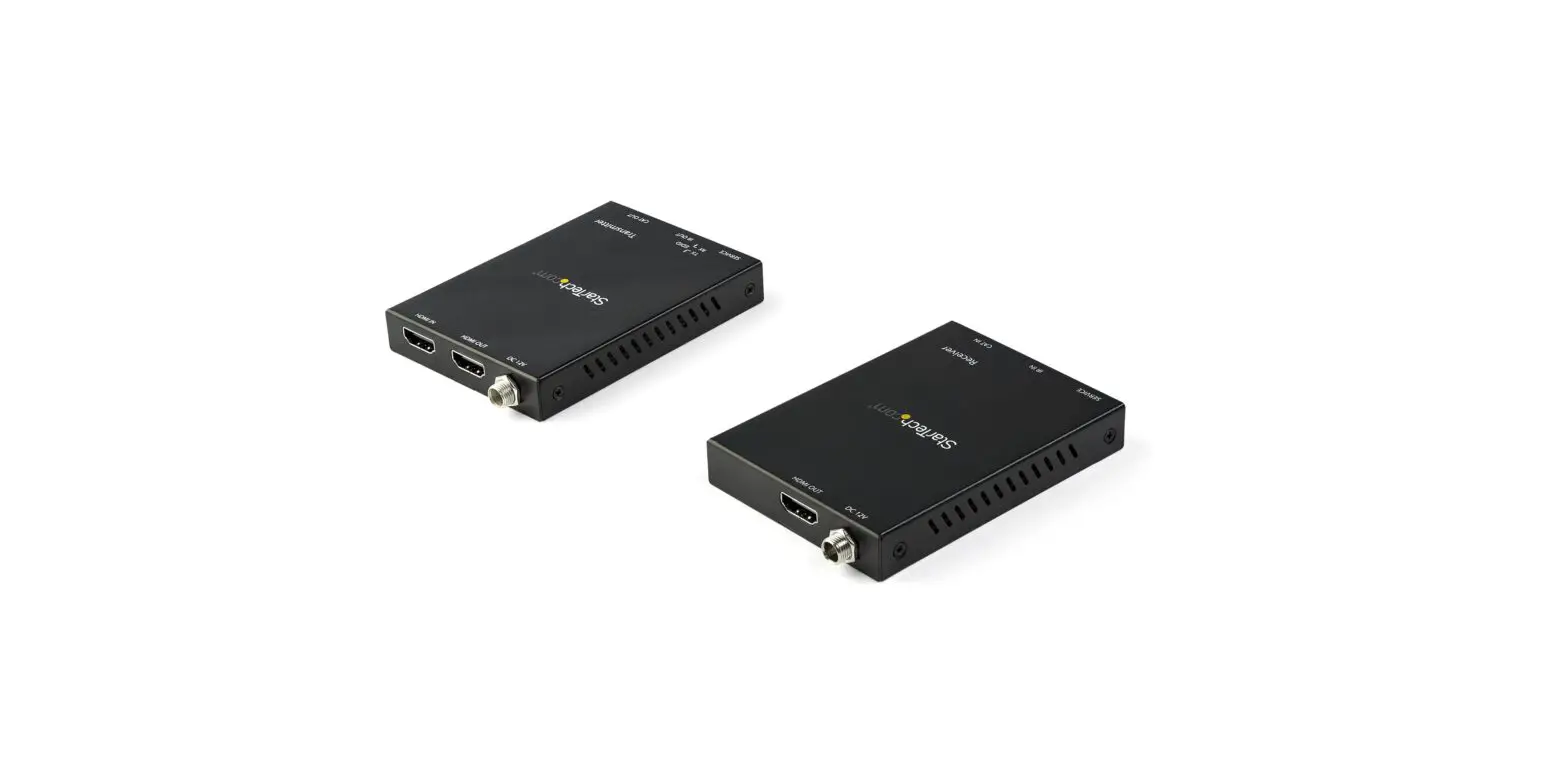
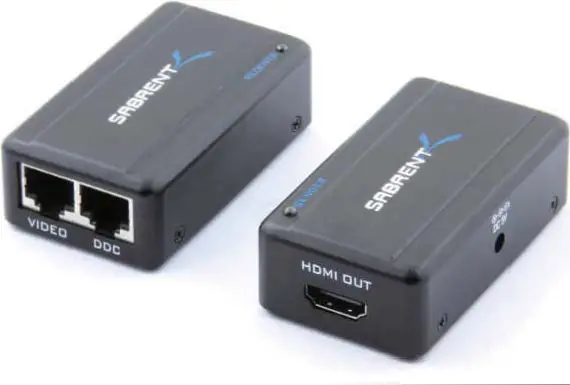
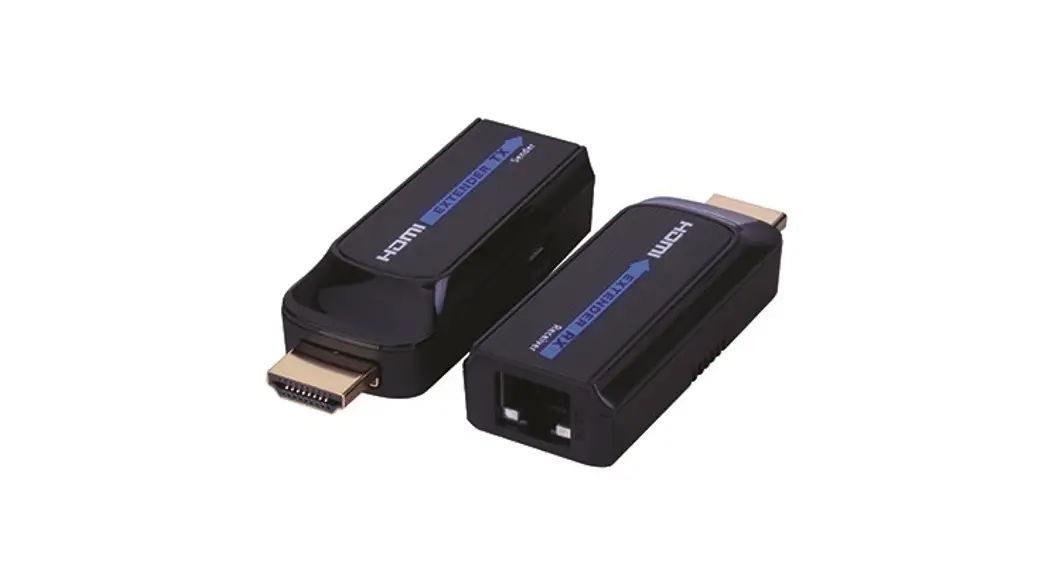
This HDMI Extender includes a transmitter unit (TX) and a receiver unit(RX), working as a pair. It allows for transmission and extension of uncompressed full HD 1080p@60Hz HDMI signal via CAT6/6N7 network cable, the transmission distance is up to 40 meters (131 feet) with zero latency. This product is perfect for AV transmission in applications of HD conference systems, HD video shooting, HD multimedia education systems, home entertainment, signage, etc.
Product Feature
- Portable size design.
- Support HDMil.3, compatible with HDCPl.2
- Resolution supported is up to full HD 1080p@60Hz.
- Use CAT6/6A/7 for long-distance transmission up to 40m (131 feet). If using CAT5e networking cable signals can be transmitted up to 25m (82 feet).
- Uncompressed and zero latency.
- Micro USB cable for both TX and RX.
- Plug and play.
Package Contents
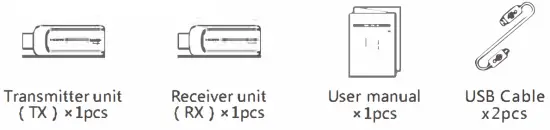
Installation Requirements
- HDMI source device(computer graphics card, DVD, PS3, HD monitoring equipment, etc).
- HDMI display device like SDTY, HDTV, projector with HDMI port.
- UTP/STP CAT6/6N7 cable, follow standard IEEE-568B.
Penal Description
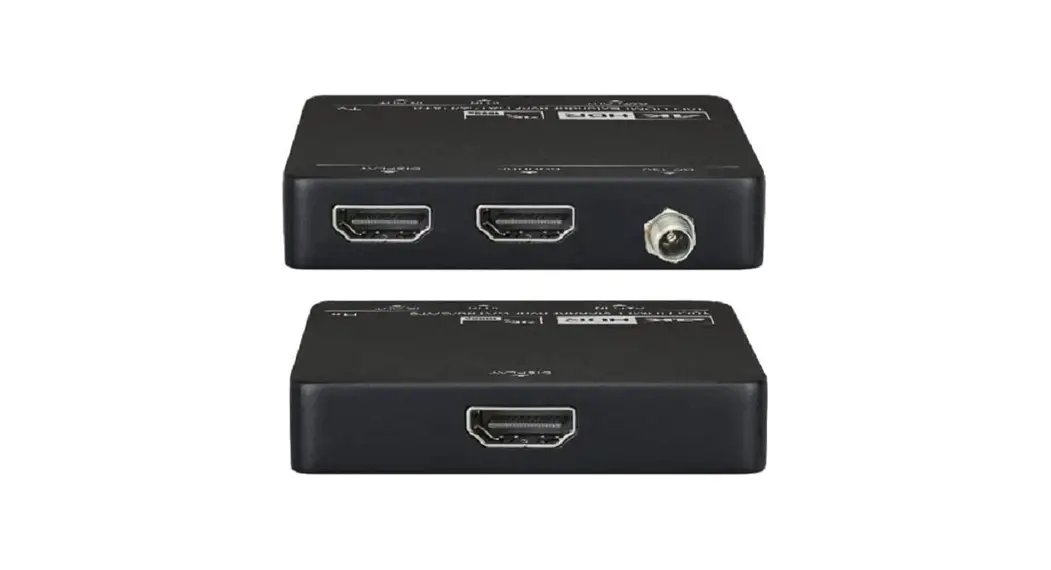
Transmitter unit(TX)
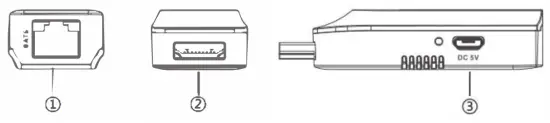
| ① RJ45 signal output | Output encoded HDMI signal |
| ② HDMI input | Connect with the source device |
| ③ Power input | Connect with the USB cable |
The receiver unit (RX)
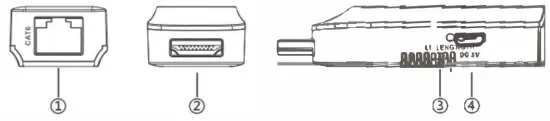
| ① RJ45 signal input | Input encoded H DMI signal |
| ② HDMI output | Connect with the display device |
| ③ LENGTH button | For adjusting the unit to self-adapt to the length of the network cable |
| ④ Power input | Connect with the USB cable (optional) |
Remarks: Users can press the button” Length” to adjust the transmission distance of this device automatically or manually. If users do not press this button when powering is on, then the device will work as last time because of the memory function. If users press this button after power, the first two presses will make the device adjust the distance according to the network cable length automatically. After these two presses, if users continue to press this button, they will go to the mode of adjusting transmission distance manually. There are 10 levels to tally and adding one more press means a new level. When users finish the 10 levels adjusting manually it will be back to adjust transmission distance automatically mode and into the new loop.
Installation and Connection
- How to make a CAT6/6A/7 network cable
Follow the standard of IEEE-568B: 1. white and orange; 2. orange; 3. white and green; 4. blue; 5. white and blue; 6. green; al.IP 7. white and brown; 8. brown.
 - Connection

- Connection instruction
It is recommended to use a length range within 15-50m (45 – 160 feet) CAT6 networking cable. If the CAT6 cable is too short, there may be no display output because the signal is too strong. If the CAT6 cable is too long, the output may be of poor quality. If using CAT5e networking cable signals can be transmitted up to 25m (82 feet).
1) Plug the transmitter unit (TX) into the HDMI output port of the source device (Digital Cable Box, BlueRay® Player) directly, and plug the receiver (RX) (HDTV) into the HDMI input port of the display device directly.
2) Connect the Transmitter unit (TX) and Receiver unit (RX) via network cables (CAT6, CAT6A, or CAT7).
3) Connect (1) the Micro USB to A Power Cables to the HDMI Transmitter (TX) unit and to a USB jack on the source device. Then, plug the other Micro
USB to USB A Power Cable into the Extender Receiver Unit (RX) and the USB jack on the Display (HDTV).
 1. white and orange; 2. orange; 3. white and green; 4. blue; 5. white and blue; 6. green; al.IP 7. white and brown; 8. brown.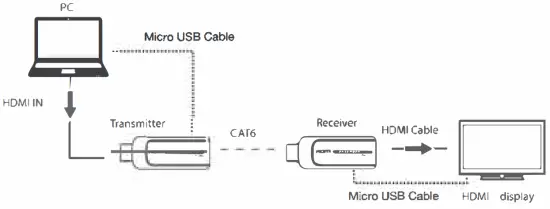
NOTE: You may find that the extender can work off of only a single side being powered by the USB cable. For a more reliable and stable connection, applying power to both ends is recommended.
FAQ
Q: No image output or audio and video display is not normal?
A: Press the Receiver “LENGTH” button for adjusting this unit to self-adapt to the length of the network cable.
Q: No image output?
A:
- Please make sure that the network cable is made according to the standard of IEEE-568B.
- Check and make sure there is an HDMI signal input to the transmitter.
- Press the Receiver “LENGTH” button to adjust this unit to self-adapt to the length of the network cable.
- Make sure the HDMI cable is well connected to the TV.
- Make sure the network cable is fine copper wires.
Specification
| Items | Specification | |
| Power supply | No power supply is attached, use a micro usb cable to the power the transmitter | |

MonsterProducts.com
www.justhookitupcables.com
Made in China
Manufactured and distributed under license from Monster by Vanco International,
Batavia, IL 60510 USA
| HDMI performance and interface | HDMI compliance | HDMI1.3 |
| HDCP compliance | HDCP1.2 | |
| HDMI resolution supported | 480i@60Hz, 480p@60Hz, 576i@50Hz 576p@50Hz, 720p@50/60Hz, 1080i@50/60Hz, 1080p@50/60Hz | |
| Supports audio formats | L/R stereo audio | |
| Maximum transfer rate | 10.2Gbps | |
| Audio signal transmission format | L/R stereo audio | |
| Input and output TMDS signal | 0.5~1.5Vp-p(TMDS) | |
| Input and output DDC signal | 5Vp-p(TTL) | |
| Input cable length supported | ≤5m(AWG26 HDMI1.3cable standard) | |
| Output cable length supported | ≤5m(AWG26 HDMI1.3cable standard) | |
| Protection level | Electrostatic protection of the whole machine | 1a Contact discharge level 3 |
| 1b Air discharge level 3 | ||
| Standard: IEC61000-4-2 | ||
| Operating environment | Working temperature | 0~50℃ |
| Storage temperature | -10~70℃ | |
| Humidity (no condensation) | 0~90% | |
| Body properties | Dimension | 71.35(L) x 25.9(W) x 11.05(H)mm |
| Material | ABS plastics | |
| Color | Black | |
| Weight | TX:10g RX:10g | |
| Reliability | Meantime between failures (MTBF) | >30000 Hours |
Disclaimer
The product name and brand name may be registered trademarks of related manufacturers. TM and ® may be omitted from the user manual.
The pictures on the user manual are just for reference, and there may be some slight differences from the real products.
We reserve the right to make changes without further notice to a product or system described here in to improve reliability, function, or design.