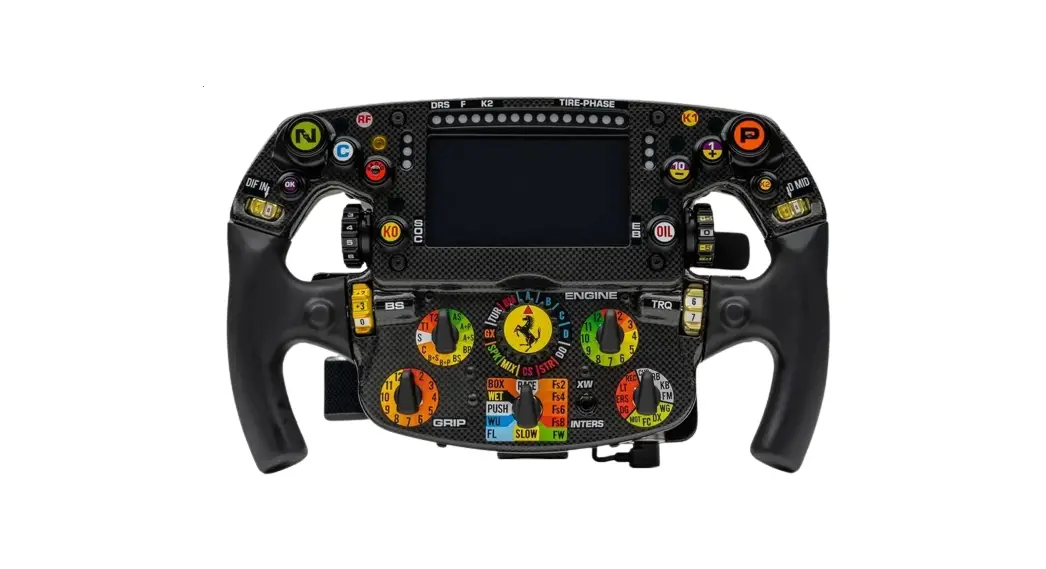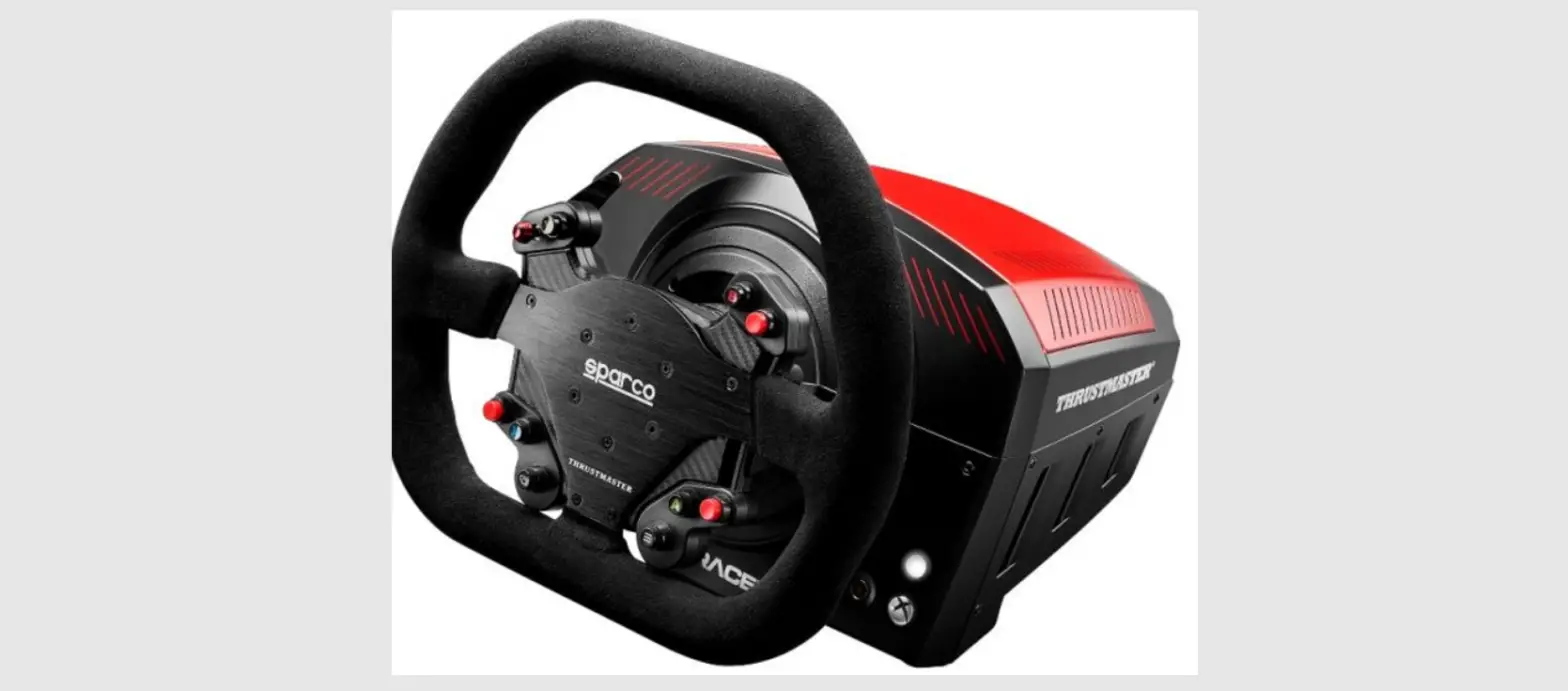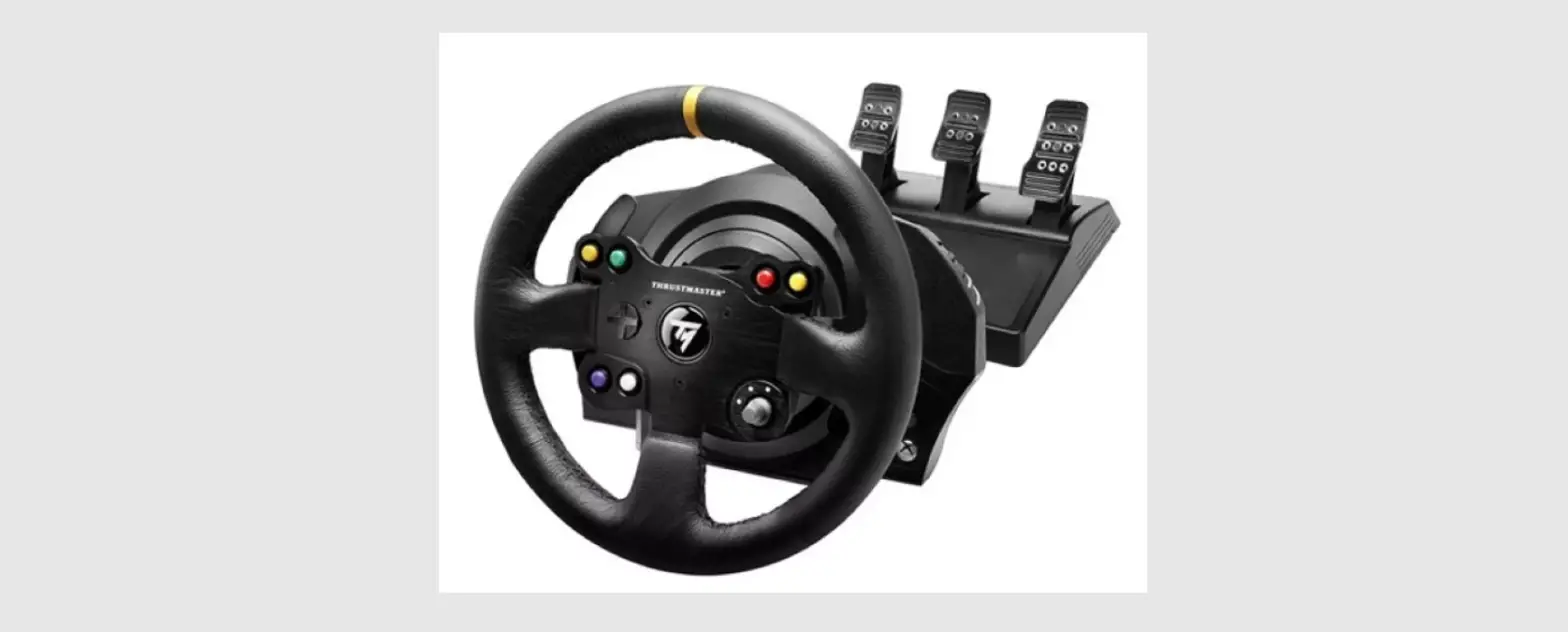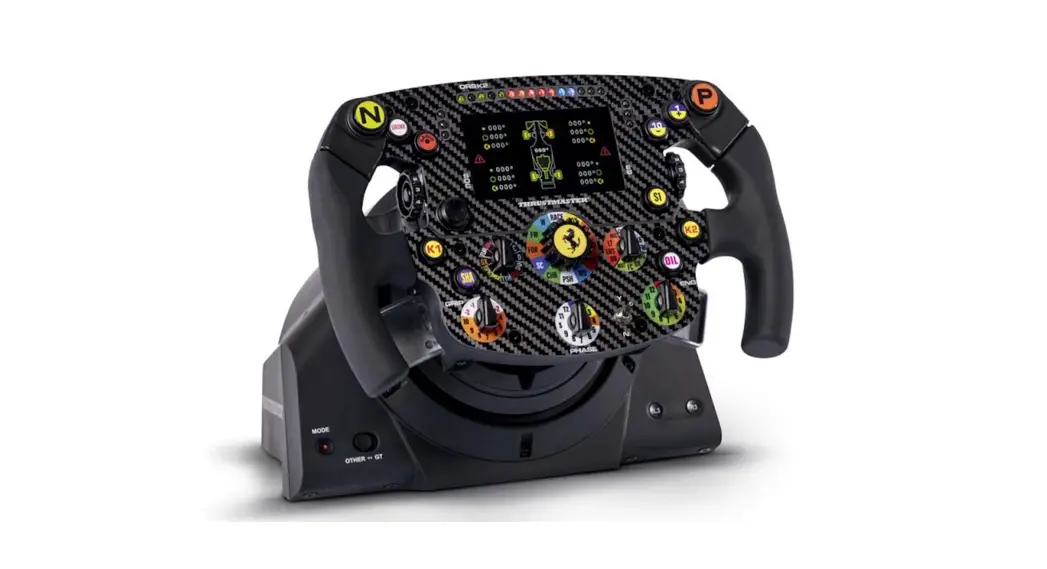

Formula Wheel Add-On Ferrari SF1000 Edition Wireless
User Guide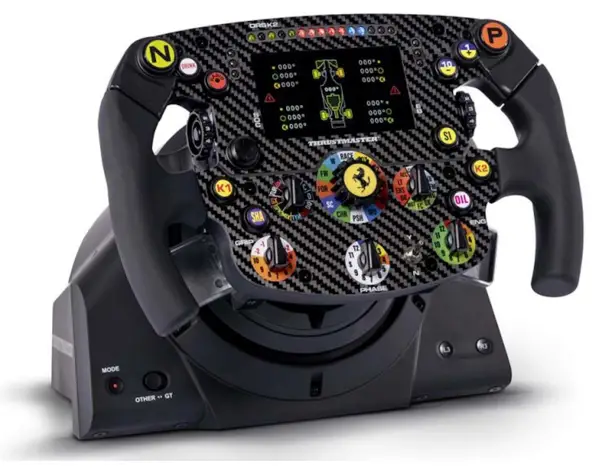
Formula Wheel Add-On Ferrari SF1000 Edition Wireless Connection Tutorial
Wi-Fi Pairing & UDP configuration
MAKE SURE TO UPDATE YOUR DRIVER AND FIRMWARE OF YOUR BASE
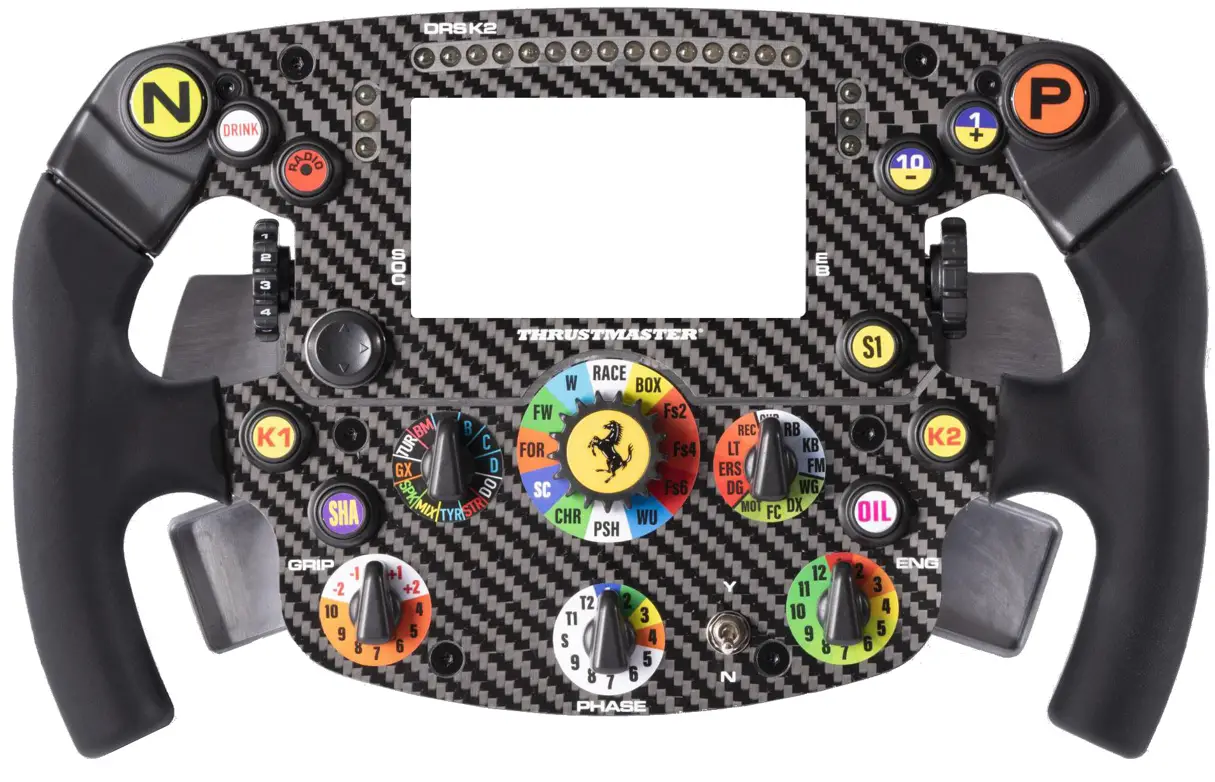
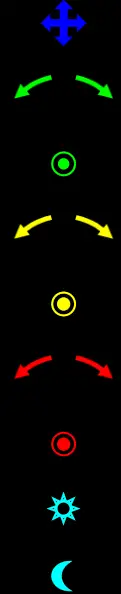 : Navigate in the menu (DPAD)
: Change Skin (turn left or right)
: Menu (push)
: Change Screen (turn left or right)
: Dark/Bright Mode (push)
: Change menu parameter (turn left or right)
: Validate menu parameter (push)
: Switch ON LED+LCD (Toggle up)
: Switch OFF LED+LCD (Toggle down)
Display buttons assignment
ENABLE WI-FI CONNECTION
To enable the Wi-Fi of your wheel:
a. First, enter the menu by pressing the E5 button ( ).
).
b. Then using the DPAD ( ), go right (
  ) to the Wi-Fi enable button (
  ).
).
c. Finally press the E7 (  ) button to enable Wi-Fi it the circle will move to the right (
 ).
).
2) PAIR YOUR WHEEL TO YOUR HOME NETWORK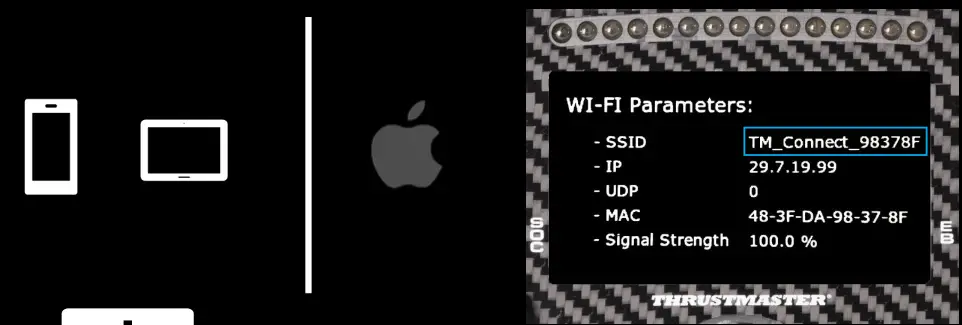 This wheel includes a Wi-Fi module to let you enjoy display functionalities through UDP-compatible games.
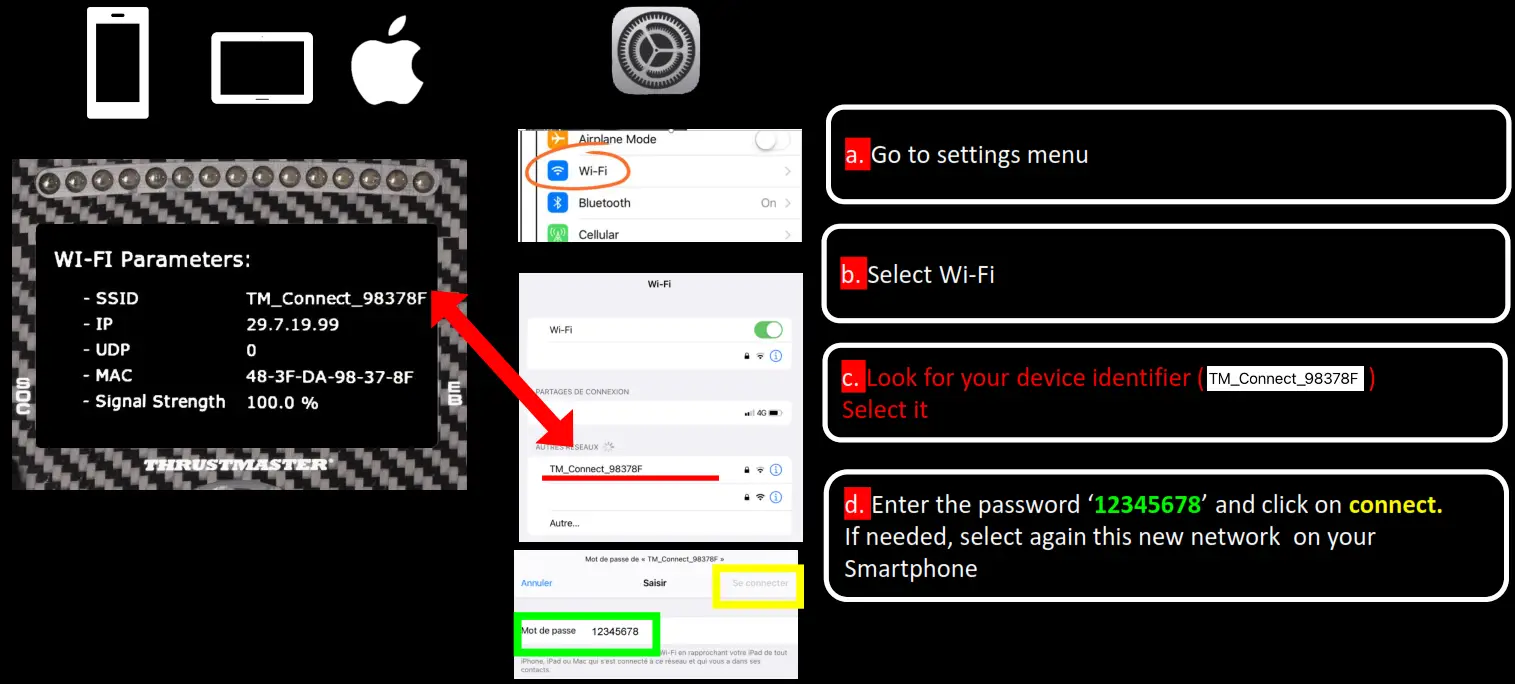
This Wi-Fi module has a unique identifier and when it is not paired to a network it will broadcast its identifier, in the example it is `TM_Connect_98378F’. At the end of the process, it will be replaced by your home network name. Please record this identifier as you will have to use in the pairing process
PAIR YOUR WHEEL TO YOUR PHONE OR TABLET (USING IOS)
THRUSTMASTER CONNECT PORTAL FINAL CHECK
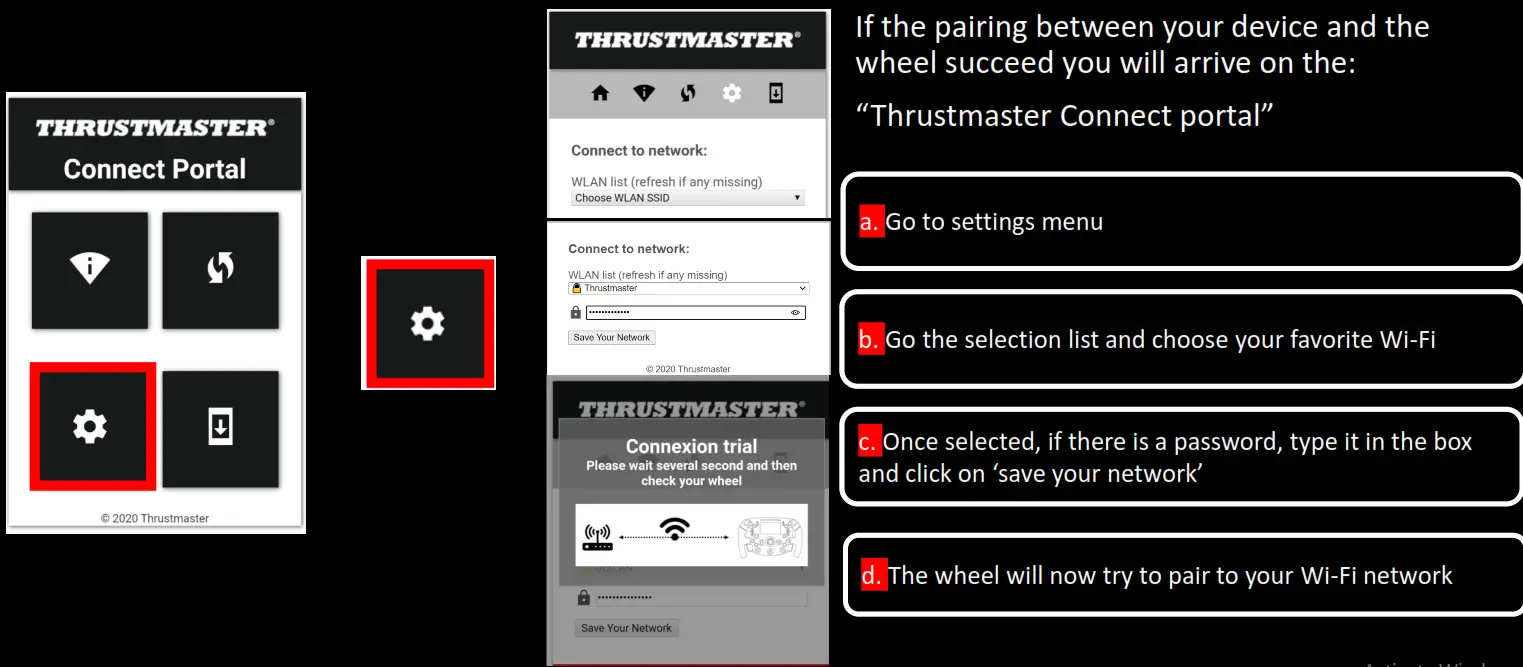 FINAL CHECK
Error message: don’t worry
At the end of the process, you may encounter a warning message ` impossible to access to the page’.
It is because Wi-Fi will save setting and then reboot to connect to your network. Don’t worry and follow the process
If you succeed to pair the wheel to your network, you will notice the SSID parameter changed from `wheel identifier’ to `your network name’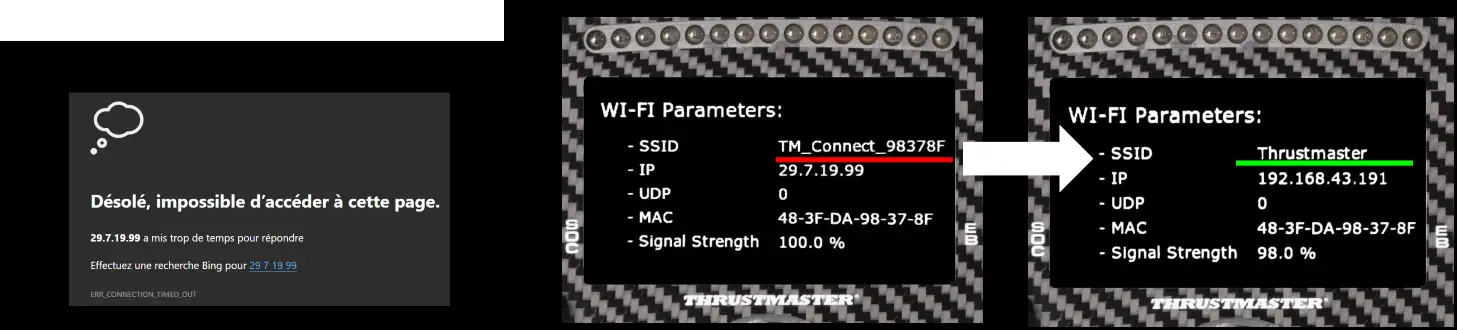
5) ENTER YOUR WHEEL IP IN THE F1 2020 GAME
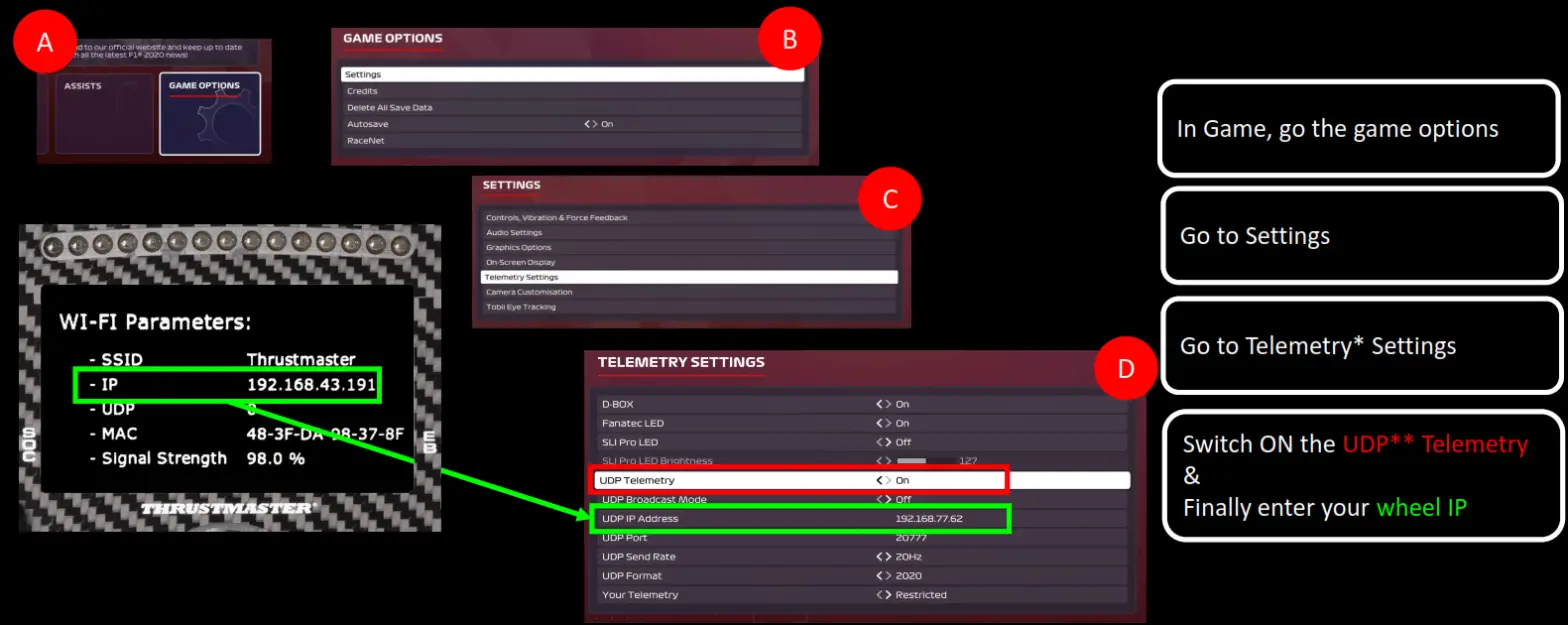
* Telemetry is a set of data such as (brake temperature, fuel load, tires wear…)
** UDP (User Datagram Protocol) is a protocol commonly used to exchange data between a PC/Console and a device
START THE UDP* SESSION
 Do this each time you start playing follow the process below:
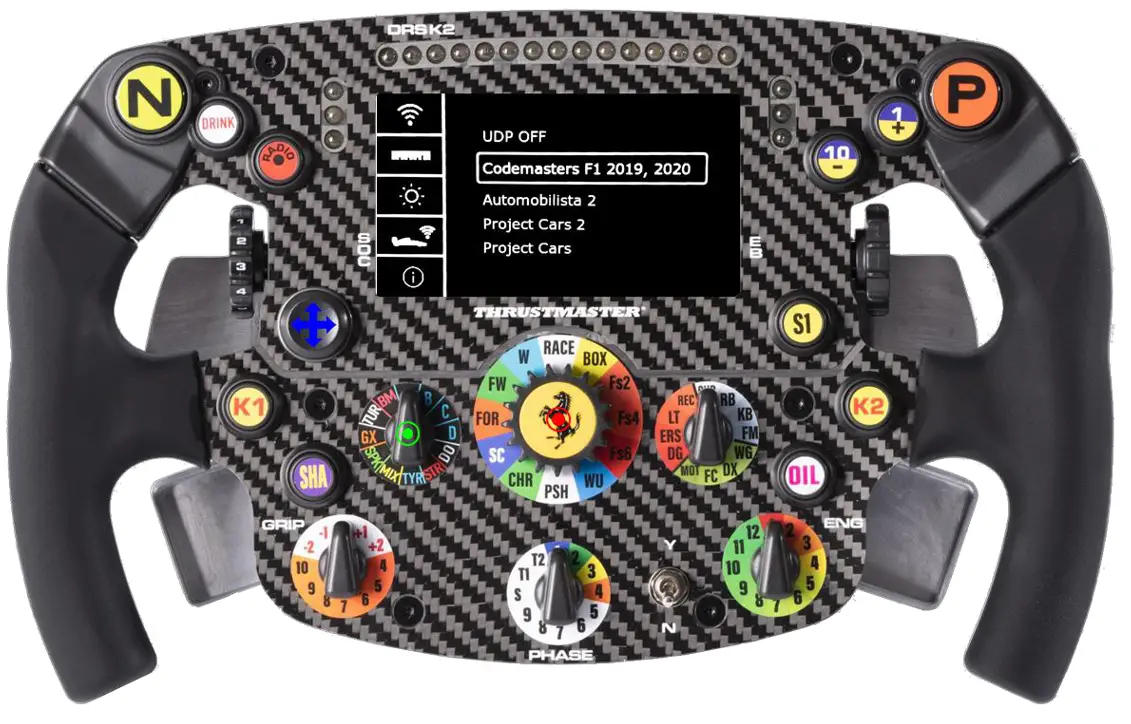 To start enjoying your display information with UDP :
First, enter the menu by pressing the E5 button ( ).
).
Second, go the UDP game ( )selection using the DPAD ( ).
Then using the DPAD ( ), go right ( ) to select your favorite game
Finally, press the E7 ( ) to start the UDP
* UDP (User Datagram Protocol) is a protocol commonly used to exchange data between a PC/Console and a device
OWN THE RACE