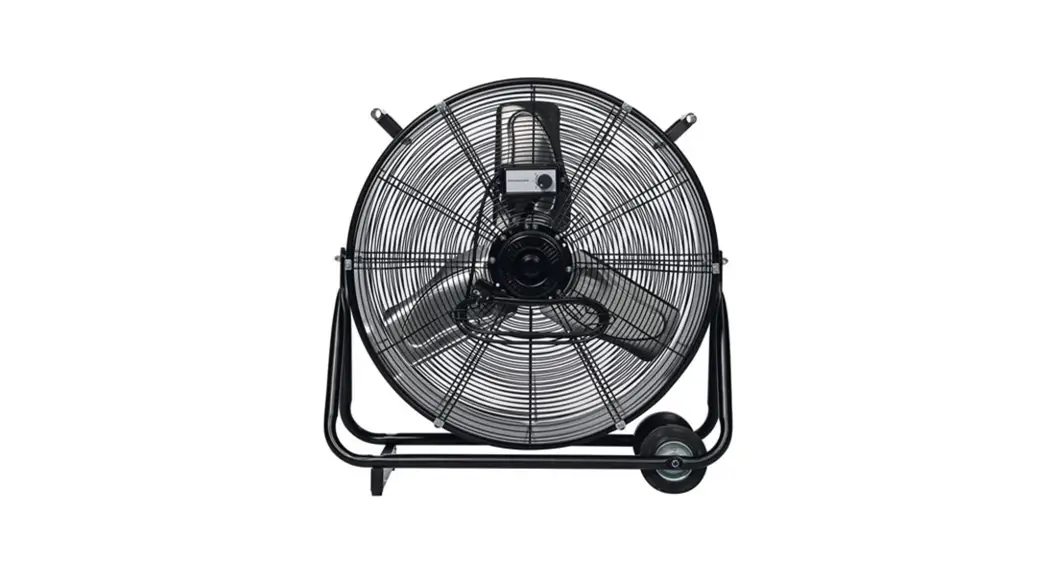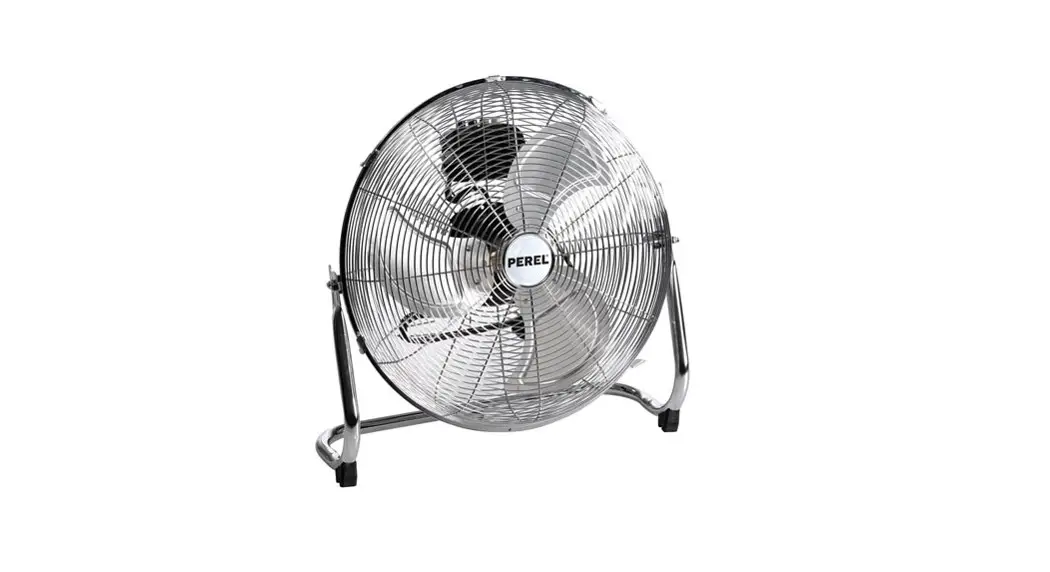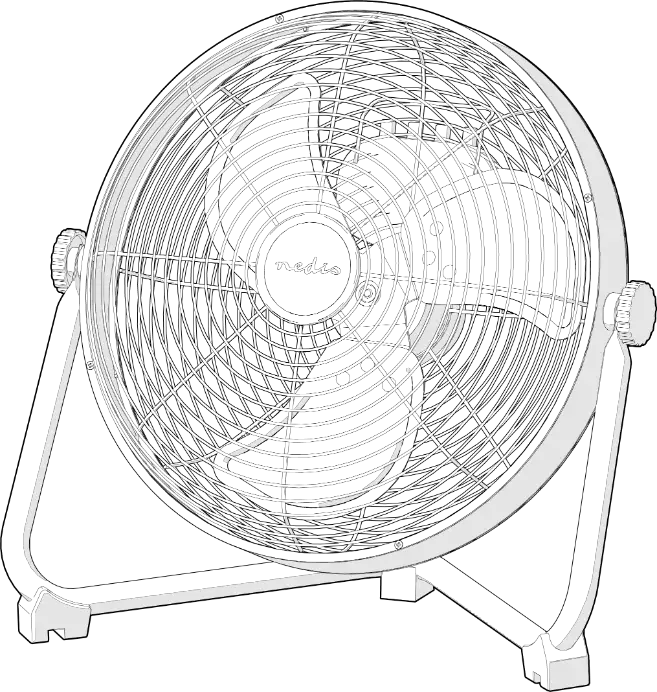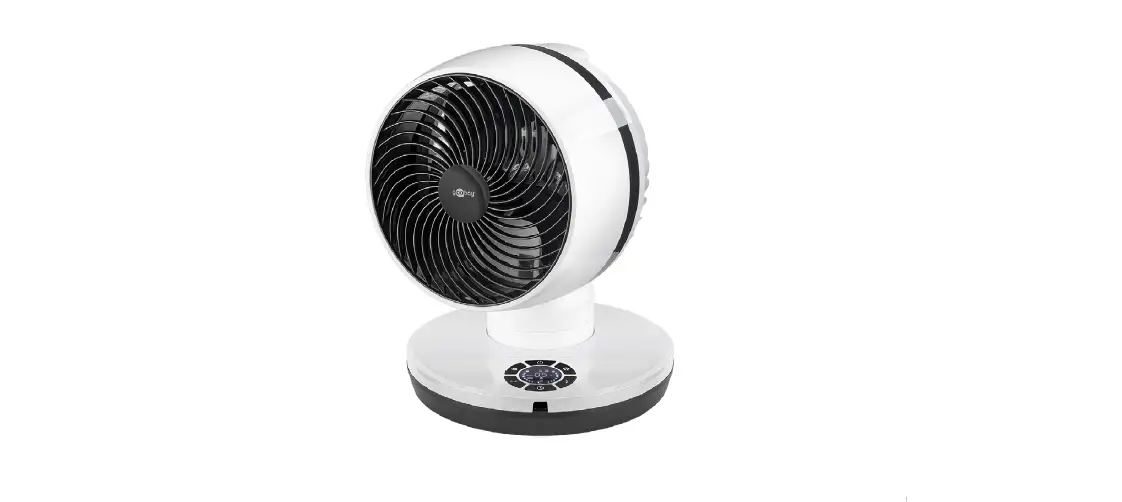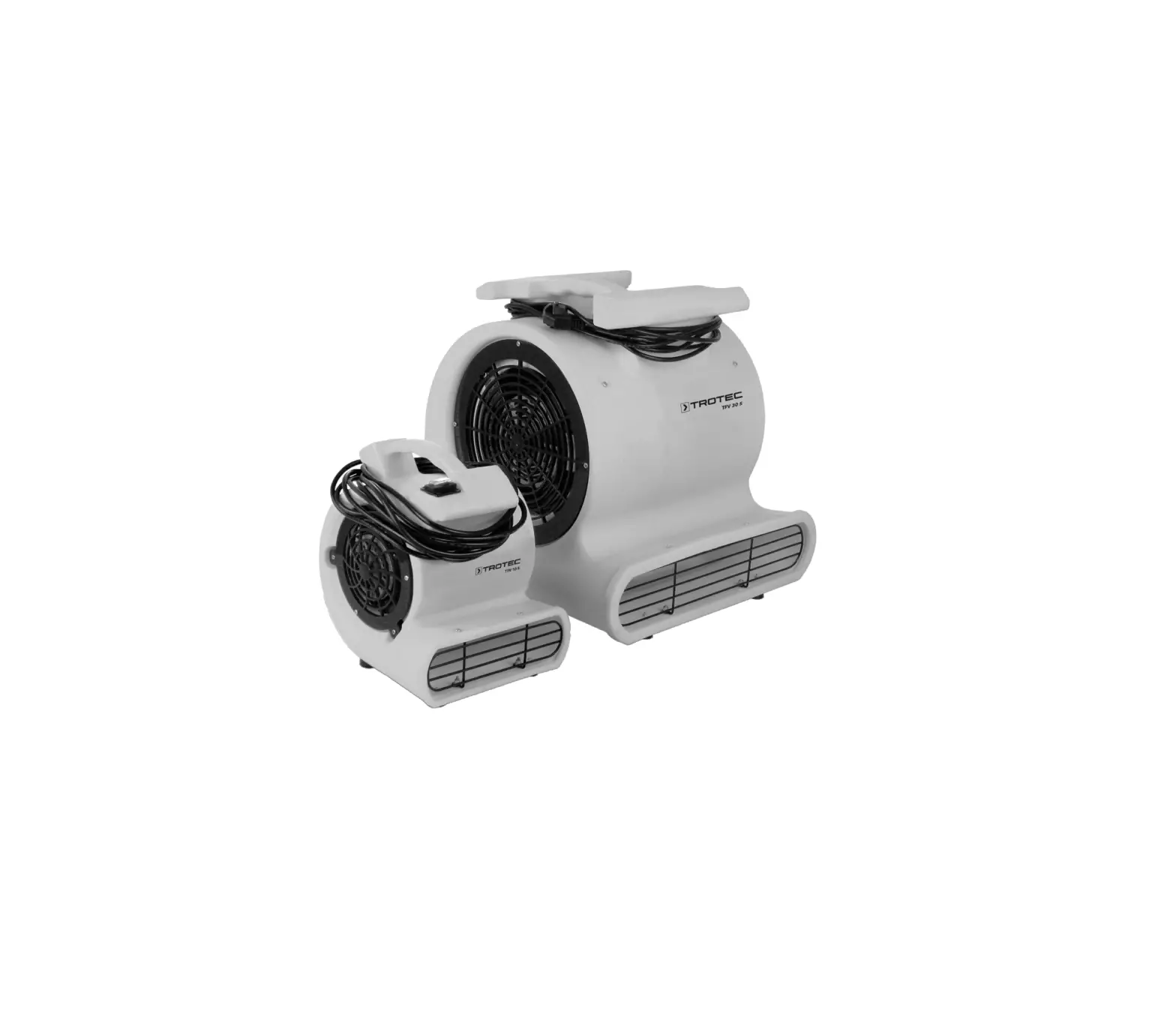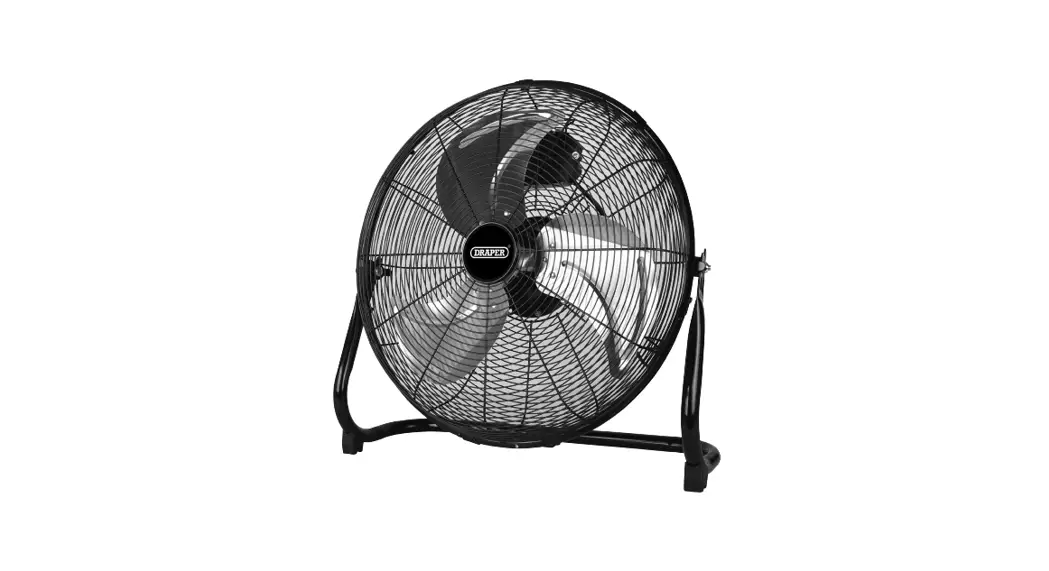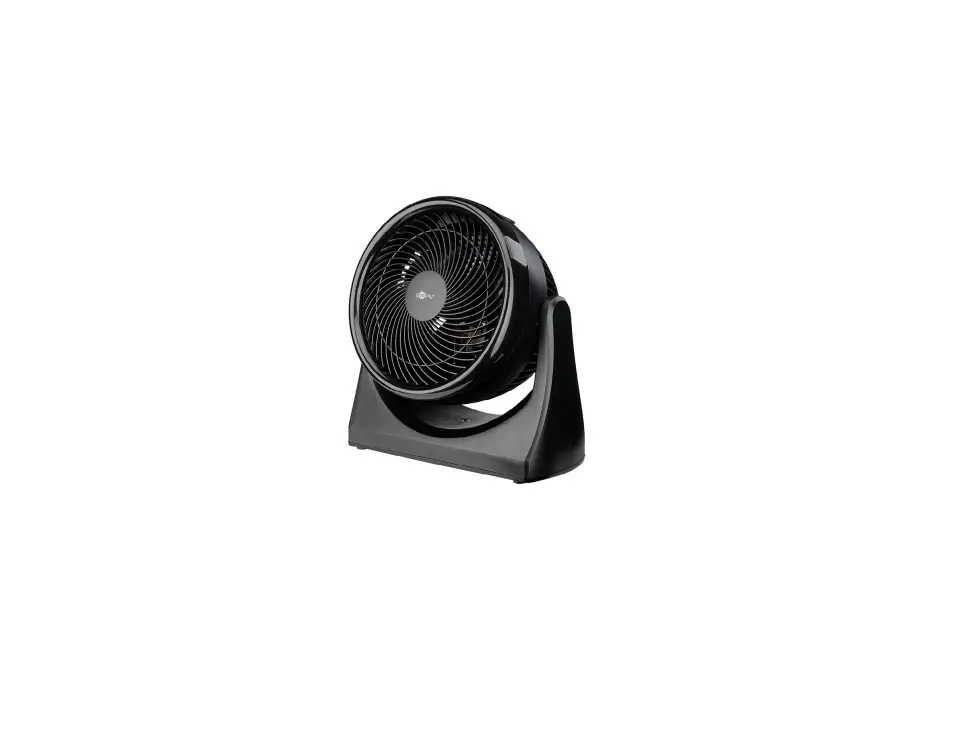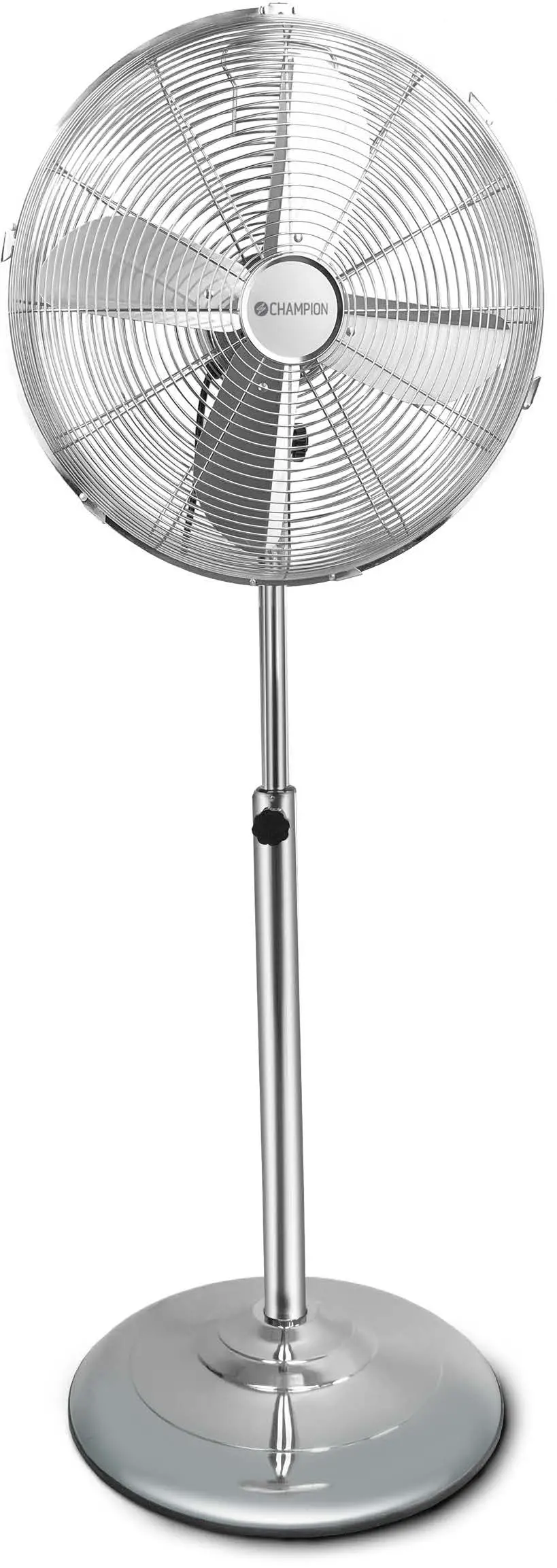
 TVM 11 Floor Fan
User Manual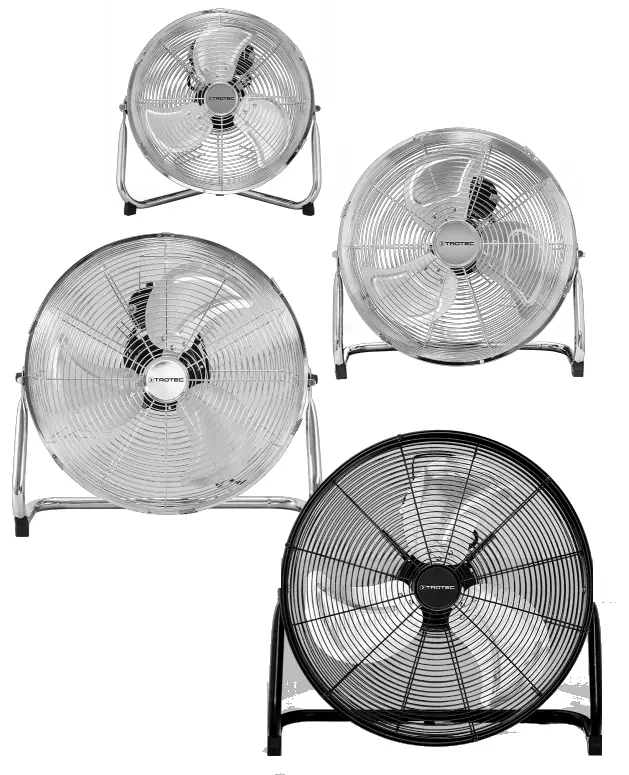
TVM 11 / TVM 12 / TVM 13 / TVM 14 / TVM 17 / TVM 18 / TVM 20 D / TVM 24 D
OPERATING MANUAL FLOOR FAN
TRT-BA-TVM11-12-13-14-17-18-20D-24D-TC220617TTRT07-005-EN
Notes regarding the operating manual
Symbols Warning of electrical voltage
This symbol indicates dangers to the life and health of persons due to electrical voltage. Warning
This signal word indicates a hazard with an average risk level which, if not avoided, can result in serious injury or death. Caution
This signal word indicates a hazard with a low-risk level which, if not avoided, can result in minor or moderate injury.
Note
This signal word indicates important information (e.g. material damage), but does not indicate hazards. Info
Info
Information marked with this symbol helps you to carry out your tasks quickly and safely. Follow the manual
Information marked with this symbol indicates that the operating manual must be observed.
You can download the current version of the operating manual and the EU declaration of conformity via the following link:
 https://hub.trotec.com/?id=41285
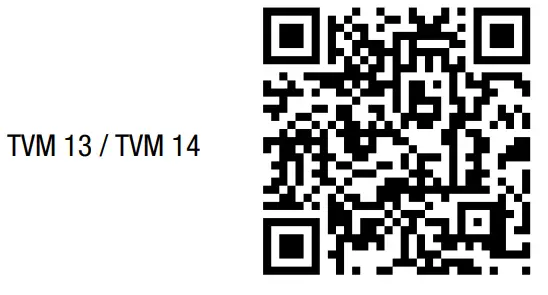 https://hub.trotec.com/?id=39590
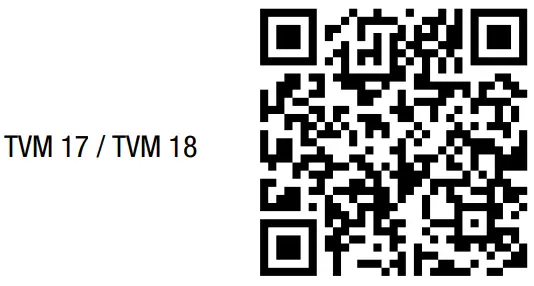 https://hub.trotec.com/?id=39591
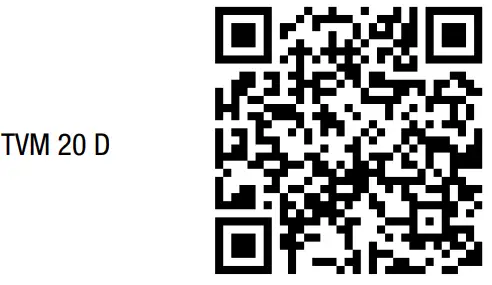 https://hub.trotec.com/?id=39593
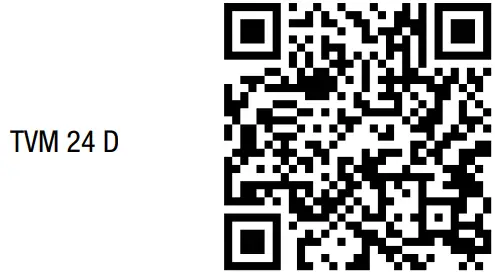 https://hub.trotec.com/?id=41288
Safety
Read this manual carefully before starting or using the device. Always store the manual in the immediate vicinity of the device or its site of use. Warning
Read all safety warnings and all instructions.
Failure to follow the warnings and instructions may result in electric shock, fire and/or serious injury. Save all warnings and instructions for future reference. This appliance can be used by children aged 8 years and above and persons with reduced physical, sensory or mental capabilities or lack of experience and knowledge if they have been given supervision or instruction concerning the use of the appliance in a safe way and understand the hazards involved. Children shall not play with the appliance. Cleaning and user maintenance shall not be made by children without supervision.
- Do not use the device in potentially explosive rooms or areas and do not install it there.
- Do not use the device in an aggressive atmosphere.
- Only put up the device in an upright, stable position on firm ground.
- Let the device dry out after a wet clean. Do not operate it when wet.
- Do not use the device with wet or damp hands.
- Do not expose the device to directly squirting water.
- Never insert any objects or limbs into the device.
- Do not cover the device during operation.
- Do not sit on the device.
- This device is not a toy. Keep away from children and animals. Do not leave the device unattended during operation.
- Check accessories and connection parts for possible damage prior to every use of the device. Do not use any defective devices or device parts.
- Ensure that all electric cables outside of the device are protected from damage (e.g. caused by animals). Never use the device if electric cables or the power connection are damaged!
- The mains connection must correspond to the specifications in the Technical annex.
- Insert the mains plug into a properly fused mains socket.
- Observe the technical data when selecting extensions to the power cable. Completely unroll the extension cable. Avoid electrical overload.
- Before carrying out maintenance, care or repair work on the device, remove the mains plug from the mains socket. Hold onto the mains plug while doing so.
- Switch the device off and disconnect the power cable from the main socket when the device is not in use.
- Check the power cable and mains plug for damage. If you notice damages, do not try to take the device back into operation. Order a new power cable with a mains plug from Trotec and replace the defective power cable with the mains plug with the new one. Defective power cables pose a serious health risk!
- When positioning the device, observe the minimum distances from walls and other objects as well as the storage and operating conditions specified in the Technical annex.
- Make sure that the air inlet and outlet are not obstructed.
- Make sure that there are no loose items or dirt located in the immediate surroundings of air inlet and air outlet.
- When unmounted, the device should be neither operated nor connected to the mains.
- Improper installation can lead to a fire, electric shock or severe personal injury.
Intended use
Only use the devices as floor fans for the ventilation of interior spaces whilst adhering to the technical data.
Foreseeable misuse
- Do not place the device on wet or flooded ground.
- Do not use the device in dusty surroundings.
- Do not place any objects, e.g. clothing, on the device.
- Do not use the device out of doors.
- Any use other than the intended use is regarded as a reasonably foreseeable misuse.
- Any unauthorized modifications, alterations or structural changes to the device are forbidden.
Personnel qualifications
People who use this device must:
- be aware of the dangers that occur when working with electric devices in damp areas.
- have read and understood the operating manual, especially the Safety chapter.
Residual risks Warning of electrical voltage
Work on the electrical components must only be carried out by an authorized specialist company! Warning of electrical voltage
Before any work on the device, remove the mains plug from the mains socket! Do not touch the mains plug with wet or damp hands. Hold onto the mains plug while pulling the power cable out of the mains socket. Warning
Dangers can occur at the device when it is used by untrained people in an unprofessional or improper way! Observe the personnel qualifications! Warning
The device is not a toy and does not belong in the hands of children. Warning
Risk of suffocation! Do not leave the packaging lying around. Children may use it as a dangerous toy.
Note
Do not use abrasive cleaners or solvents to clean the device.
Behavior in the event of an emergency
- Switch the device off.
- In an emergency, disconnect the device from the mains feed-in: Hold onto the mains plug while pulling the power cable out of the mains socket.
- Do not reconnect a defective device to the mains.
Information about the device
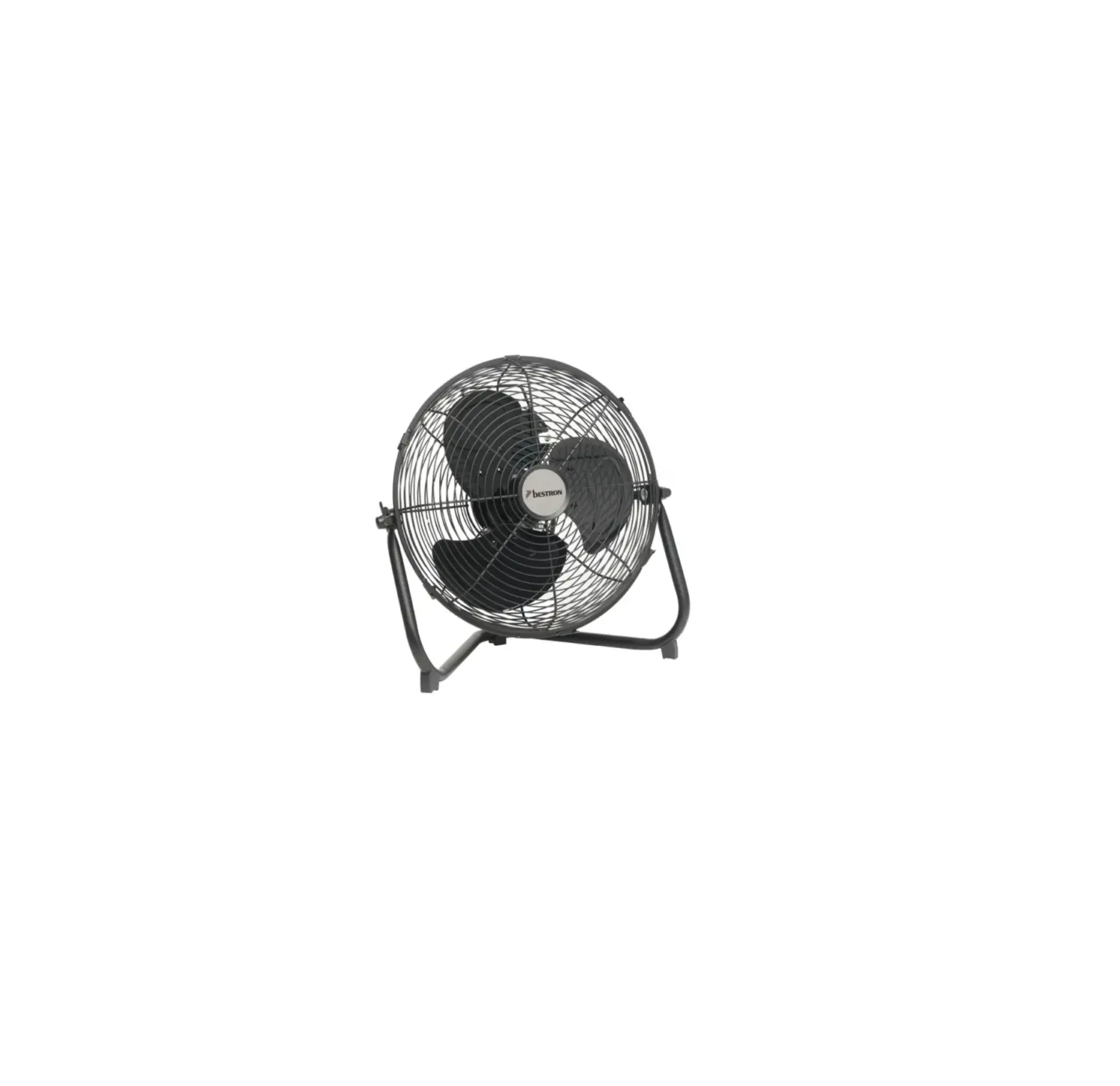
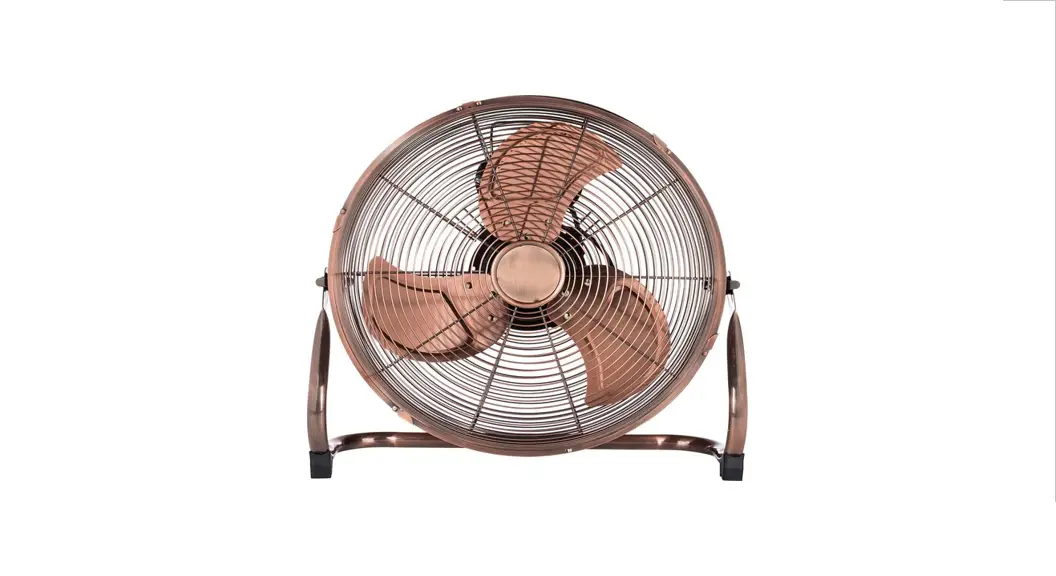
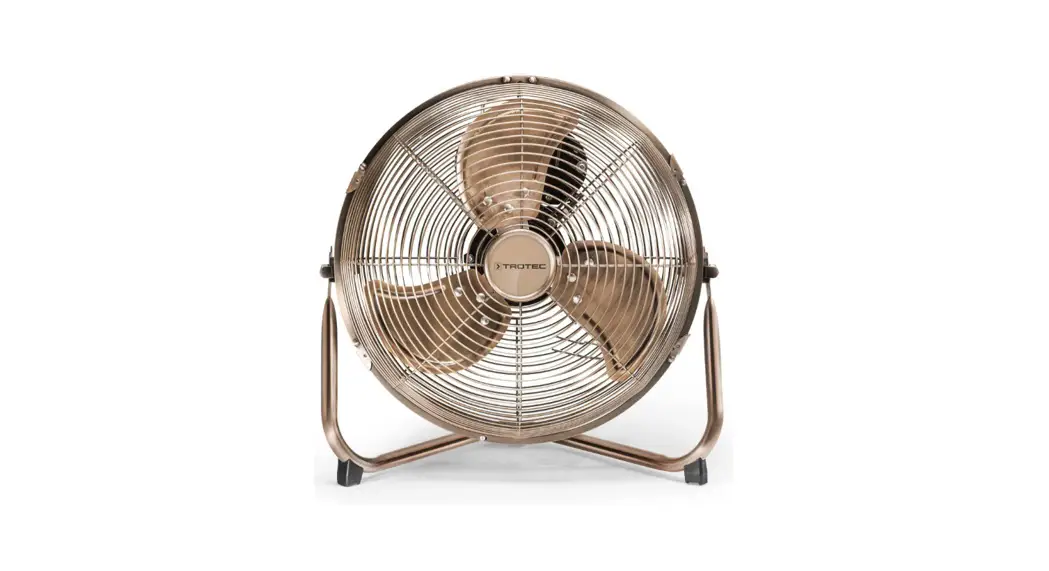
Device description The floor fans of the TVM series are suitable for indoor air circulation.
The devices have the following features:
- 3-speed levels
- Infinitely adjustable inclination angle:
– up to 100° (TVM 11, TVM 12, TVM 13, TVM 14)
– up to 110° (TVM 17, TVM 18)
– up to 360° (TVM 20 D) up to 135° (TVM 24 D) - Transport handle for easy transport
- Cable winder (TVM 11, TVM 12, TVM 13, TVM 14, TVM 17, TVM 18, TVM 24 D)
Device depiction
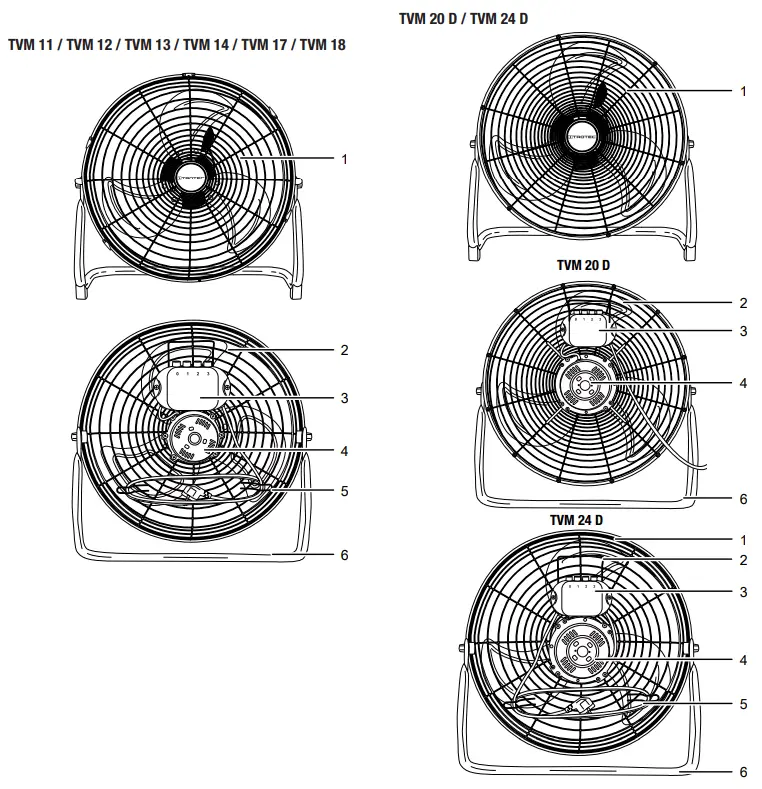
| No. | Designation |
| 1 | Protective grid |
| 2 | Transport handle |
| 3 | Operating element |
| 4 | Motor |
| 5 | Cable winder |
| 6 | Foot |
Transport and storage
Note
If you store or transport the device improperly, the device may be damaged.
Note the information regarding transport and storage of the device.
Transport
To make the device easier to transport, it is fitted with a transport handle.
Before transporting the device, observe the following:
- Switch the device off.
- Hold onto the mains plug while pulling the power cable out of the mains socket.
- Do not use the power cable to drag the device.
After transporting the device, proceed as follows:
- Set up the device in an upright position after transport.
Storage
Before storing the device, proceed as follows:
- Hold onto the mains plug while pulling the power cable out of the main socket.
When the device is not being used, observe the following storage conditions:
- Store the device in a dry location and protected it from frost and heat.
- If required, use a cover to protect the device from invasive dust.
- Place no further devices or objects on top of the device to prevent it from being damaged.
Assembly and start-up
Scope of delivery
- 1 x device
- 1 x manual
Unpacking the device
- Open the cardboard box and take the device out.
- Completely remove the packaging.
- Fully unwind the power cable. Make sure that the power cable is not damaged and that you do not damage it during unwinding.
Assembly
The floor fan is supplied completely pre-assembled.
Setting the fan’s inclination angle
The fans’ inclination angles can be manually adjusted. The individual inclination angles of the devices are provided in the technical data.
1. Move the fan head forward or back so that it is slightly inclined either to the front or to the rear.
The fan’s inclination angle has been set and the air will flow out at the selected inclination angle.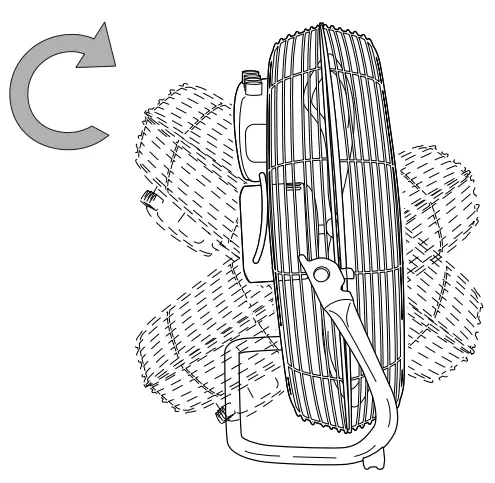 Start-up
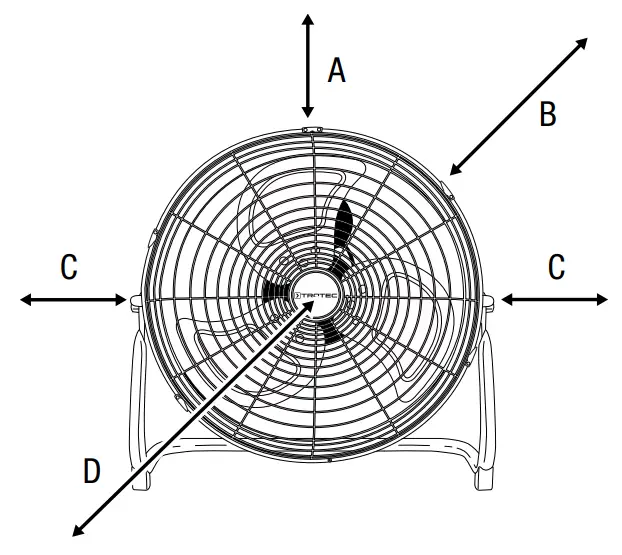
When positioning the device, observe the minimum distance from walls or other objects as described in the chapter Technical annex.
Positioning
 Warning
Risk of injury due to incorrect start-up! There is a risk of injury if the protective grid is not installed correctly around the impeller. The protective grid must be installed correctly before the device is switched on. Warning
Risk of injury if the protective grid is removed! There is a risk of injury if the protective grid is removed during operation. Do not remove the protective grid while the device is in operation!
- Before restarting the device, check the condition of the power cable. If there are doubts as to the sound condition, contact customer service.
- Set the device up in an upright and stable position.
- Do not create tripping hazards when laying the power cable or other electric cables, especially when positioning the device in the middle of the room. Use cable bridges.
- Make sure that extension cables are completely unrolled.
- Make sure that no curtains or other objects interfere with the airflow.
Connecting the power cable
- Insert the mains plug into a properly fused mains socket.
Operation
Operating elements
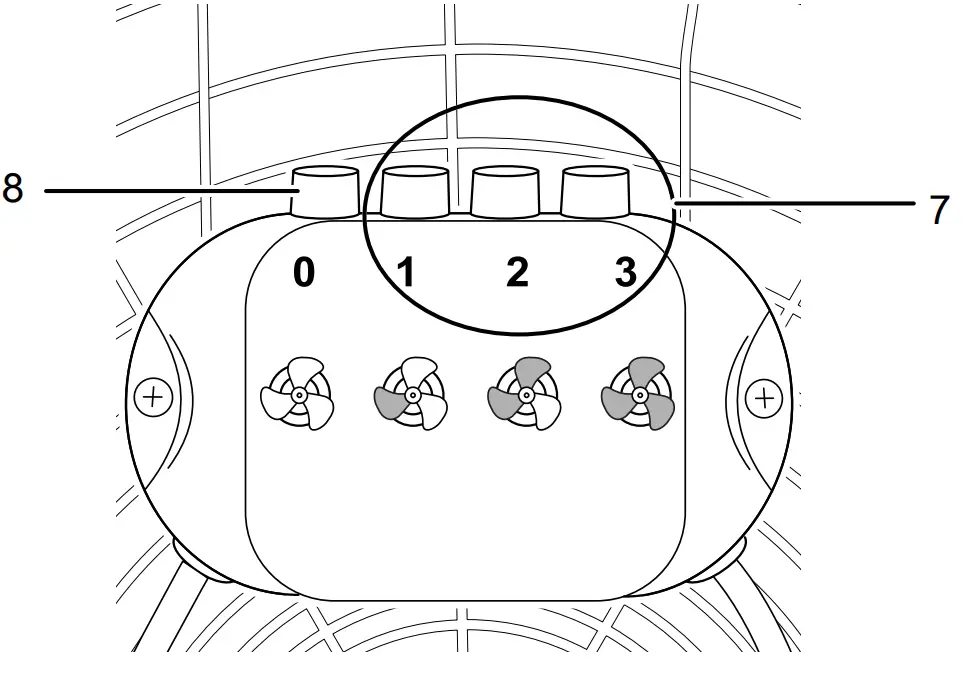
| No. | Designation | Meaning |
| 7 | Fan stage buttons 1 2 3 | Setting the fan speed: Stage 1 = low Stage 2 = medium Stage 3 = high |
| 8 | 0 button | Switching the device off |
Switching the device on
Once you have completely installed the device as described in the chapter Assembly and start-up, you can switch it on. 1. Press one of the fan stage buttons (7).
ð The device switches over to the selected fan stage.
Shutdown Warning of electrical voltage
- Do not touch the mains plug with wet or damp hands. · Switch off the device by pressing the 0 buttons (8).
- Hold onto the mains plug while pulling the power cable out of the mains socket.
- Clean the device according to the Maintenance chapter.
- Store the device according to the Transport and storage chapter.
Errors and faults
The device has been checked for proper functioning several times during production. If malfunctions occur nonetheless, check the device according to the following list.
The device does not start:
- Check the power connection.
- Check the power cable and mains plug for damage.
- Check the on-site fusing.
- Wait for 10 minutes before restarting the device. If the device is not starting, have the electrics checked by a specialist company or by Trotec.
The fan does not start:
- Check whether the unit is switched on.
- Check the power supply and whether the plug or cable is defective.
The device is loud or vibrates:
- Check whether the device is set up in a stable and upright position.
- Check whether the device is mounted correctly.
Note Wait for at least 10 minutes after maintenance and repair work. Only then switch the device back on.
The device still does not operate correctly after these checks:
Please contact customer service. If necessary, bring the device to an authorized specialist electrical company or to Trotec for repair.
Maintenance
Activities required before starting maintenance Warning of electrical voltage
Do not touch the mains plug with wet or damp hands.
- Switch the device off.
- Hold onto the mains plug while pulling the power cable out of the mains socket.
Cleaning the housing
Clean the housing with a soft, damp, and lint-free cloth. Make sure that no moisture enters the housing. Protect electrical components from moisture. Do not use any aggressive cleaning agents such as cleaning sprays, solvents, alcohol-based or abrasive cleaners to dampen the cloth.
Removing the protective grid for cleaning
To be able to clean the fan blades as described in the Maintenance chapter, remove the protective grid (1) as described below. The devices TVM 20 D / TVM 24 D are not equipped with fastening clamps. All you need to do here is unscrew the connection screw (9).
- The device is switched off.
- The power cable has been removed from the main socket.
- Open the four fastening clamps at the protective grid.

- Unscrew the connection screw (9) below the protective grid (1).

- To reinstall the protective grid after cleaning, screw in the connection screw (9) and close the four fastening clamps again.
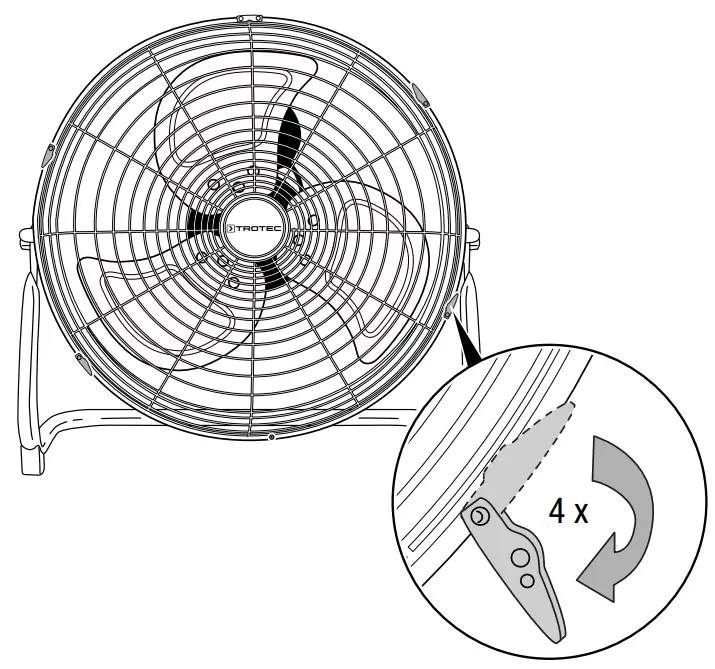
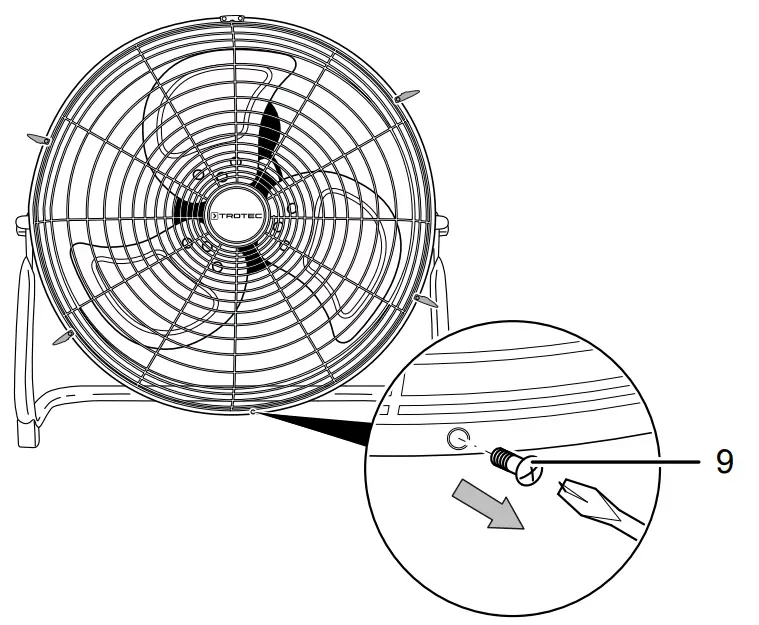
Cleaning the fan blades  The device is switched off. The power cable has been removed from the main socket.
- Remove the protective grid following the instructions above.
- Clean the fan blades with a soft, damp, and lint-free cloth.
Ensure that no moisture enters the housing. Protect electrical components from moisture. Do not use any aggressive cleaning agents such as cleaning sprays, solvents, alcohol-based or abrasive cleaners to dampen the cloth. Other than that, the device does not require maintenance.
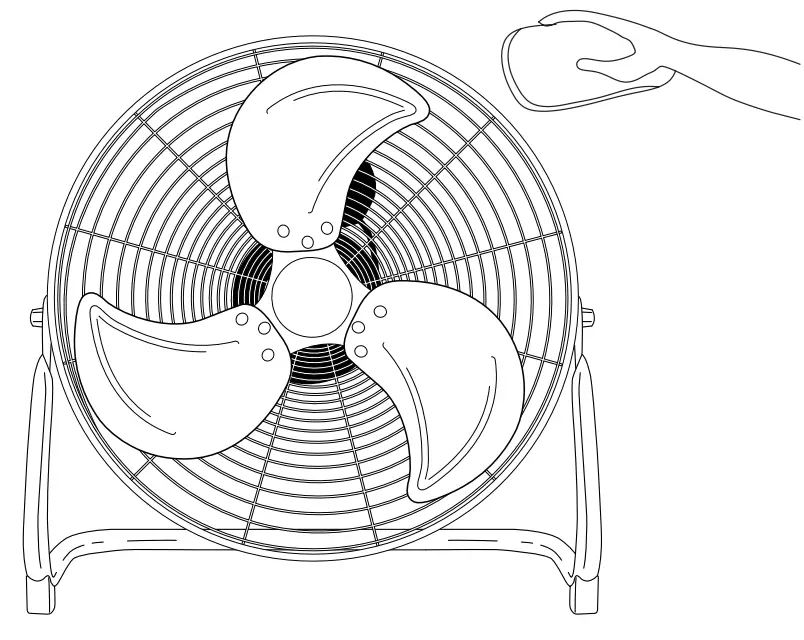 Other than that, the device does not require maintenance.
Technical data
Technical annex
| Model: | TVM 11 / TVM 12 | TVM 13 / TVM 14 | TVM 17 / TVM 18 | TVM 20 D | TVM 24 D |
| Fan stages: | 3 | 3 | 3 | 3 | 3 |
| Air velocity: | 2.92 m/s | 3.2 m/s | 3.95 m/s | 4.25 m/s | 3.32 m/s |
| Input voltage: | 220 — 240 V / 50 Hz | 220 — 240 V / 50 Hz | 220 — 240 V / 50 Hz | 220 — 240 V / 50 Hz | 220 — 240 V / 50 Hz |
| Power input: | 37 W | 44 W | 100 W | 120 W | 124 W |
| Length of the power cable: | 1.5 m | 1.5 m | 1.5 m | 1.5 m | 1.5 m |
| Storage and operating conditions: | •dry and protected from frost and heat •in an upright position •protected from direct sunlight | ||||
| Adjustable inclination angle: | 100° | 100° | 110° | 360° | 135° |
| Sound pressure level (at 1 m distance, stage 3): | 58 dB(A) | 59 dB(A) | 65 dB(A) | 65 dB(A) | 72.4 dB(A) |
| Fan blade diameter | 30 cm | 35 cm | 45 cm | 50 cm | 60 cm |
| Dimensions (length x width x height): | 185 x 395 x 375 mm | 175x 440 x 435 mm | 190 x 545 x 560 mm | 205 x 585 x 575 mm | 200 x 720 x 685 mm |
| Weight | 2.8 kg | 3 kg | 4.5 kg | 5 kg | 9 kg |
| Minimum distance to walls and other objects: top (A): rear (B): sides (C): front (D): | 30 cm 30 cm 30 cm 30 cm | ||||
Disposal
Always dispose of packing materials in an environmentally friendly manner and in accordance with the applicable local disposal regulations.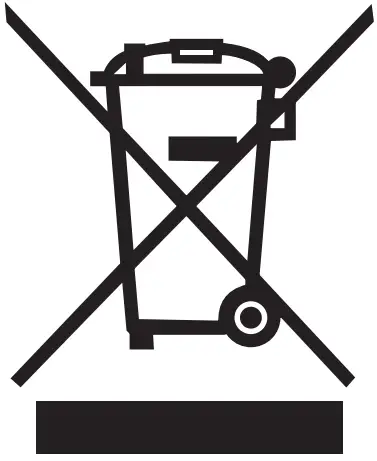 The icon with the crossed-out waste bin on waste electrical or electronic equipment stipulates that this equipment must not be disposed of with the household waste at the end of its life. You will find collection points for free return of waste electrical and electronic equipment in your vicinity. The addresses can be obtained from your municipality or local administration. You can also find out about other return options that apply to many EU countries on the website https://hub.trotec.com/?id=45090. Otherwise, please contact an official recycling center for electronic and electrical equipment authorized for your country.
The separate collection of waste electrical and electronic equipment aims to enable the re-use, recycling, and other forms of recovery of waste equipment as well as to prevent negative effects on the environment and human health caused by the disposal of hazardous substances potentially contained in the equipment.
Only for the United Kingdom
According to Waste Electrical and Electronic Equipment Regulations, 2013 (SI 2013/3113) devices that are no longer usable must be collected separately and disposed of in an environmentally friendly manner.
Trotec GmbH
Grebbener Str. 7 D-52525 Heinsberg
+49 2452 962-400
+49 2452 962-200
[email protected]
www.trotec.com
 The Trotec Group: best conditions for your success - TROTEC
 Floor fan TVM 13 / TVM 14 - TROTEC