

MATHURA
S / M / L / XL
ASSEMBLY INSTRUCTIONS
KOONTIOHJEET
SELAK store
ASSEMBLY INSTRUCTIONS
Congratulations! You chose a SELKA product! Hope you will enjoy using it as much as we enjoyed making it!
See video instructions:

PACKAGE INCLUDES:
A 8/12 pcs M6x10* mm Allen screw
B 4 pcs M6x40 mm thread pin
C 2 pcs M5x12* mm Allen screw
D 4 pcs M6 crown nut
E 1 kpl 3 mm hex key
F 1 kpl 4 mm hex key
G 1 pcs cable holder
*with oak table top 16 mm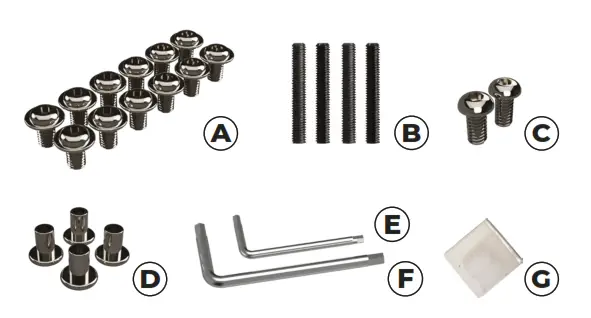
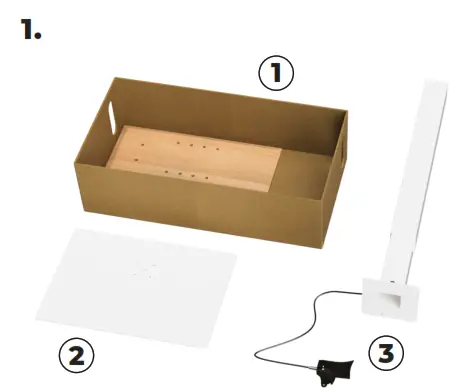
TABLE COMPONENTS:
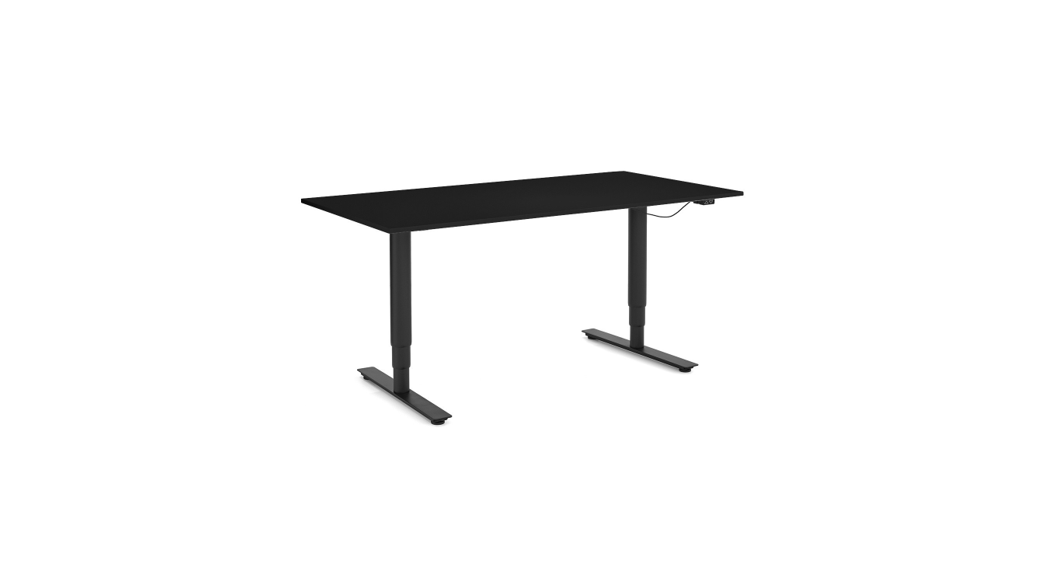
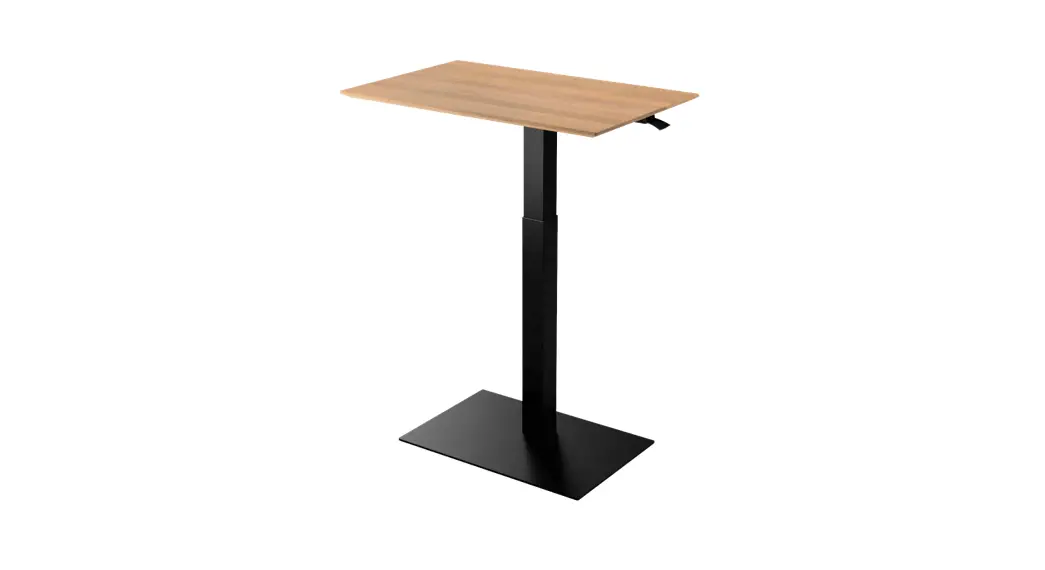
- Tabletop
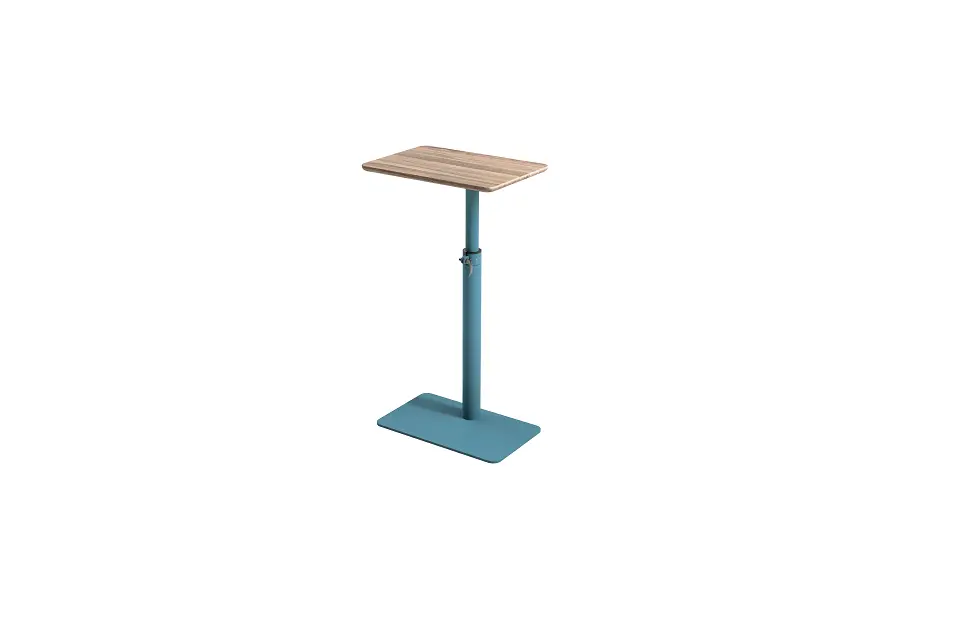
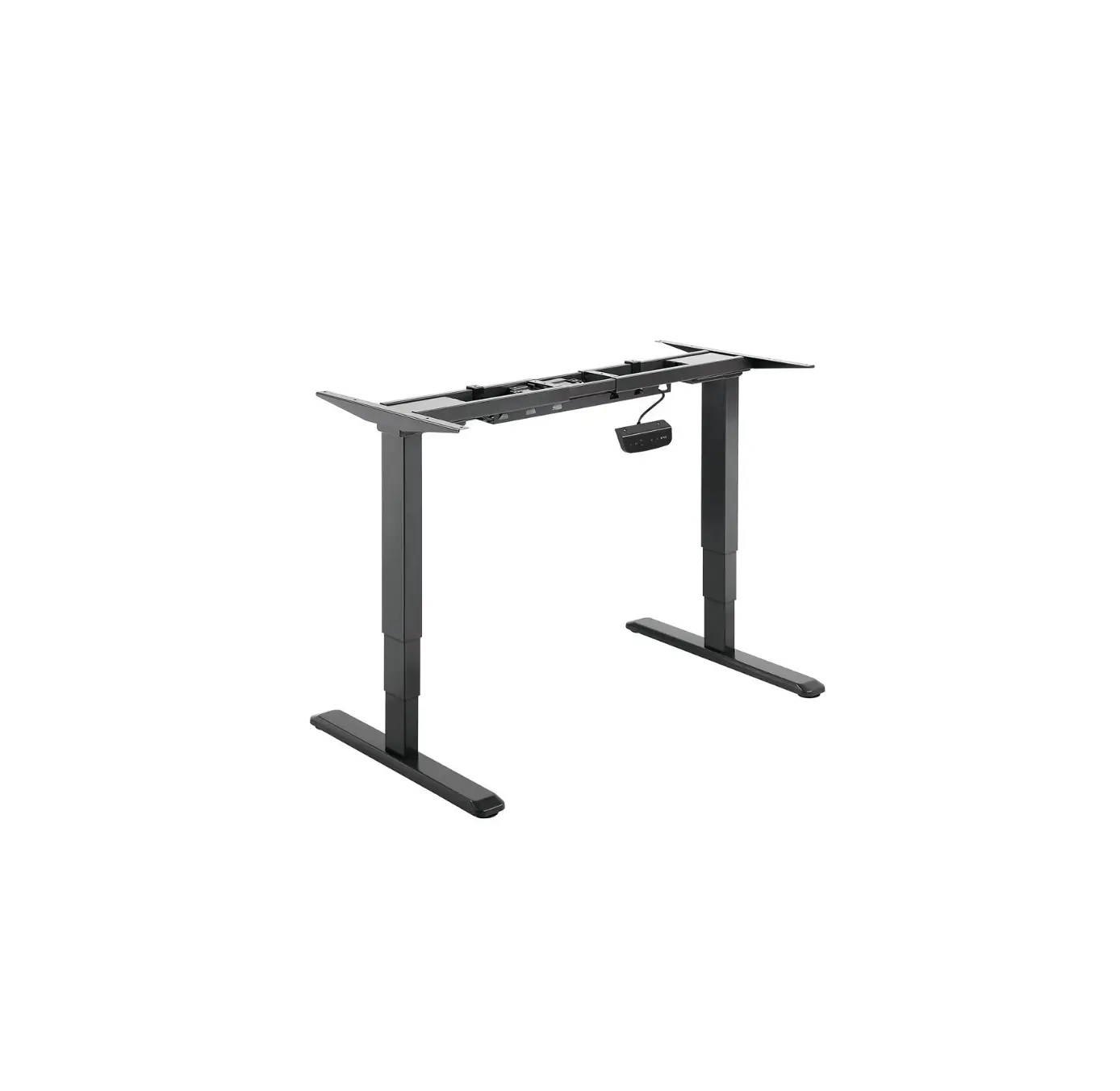
- Table pedestal
- Table leg
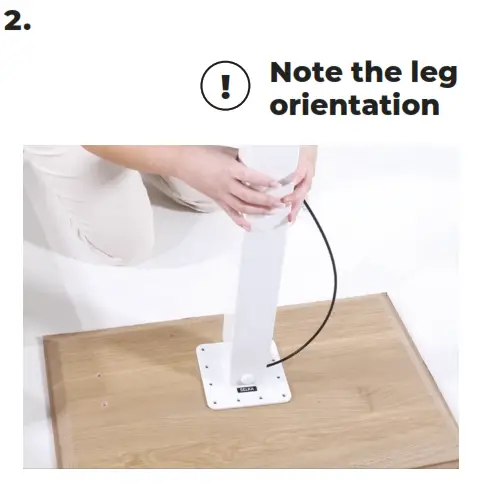
Protect the tabletop with cardboard and attach the leg. 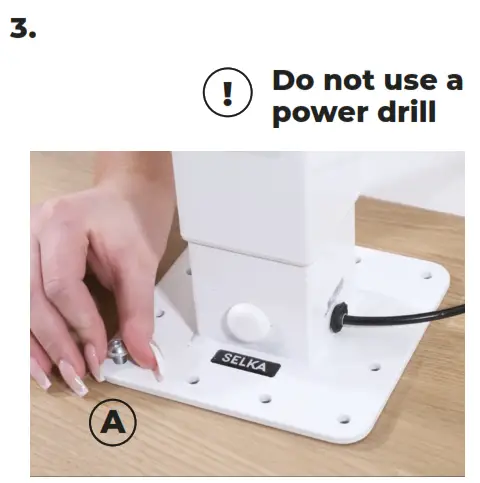
Place the A allen screws by hand and then tighten them carefully with the F hex key.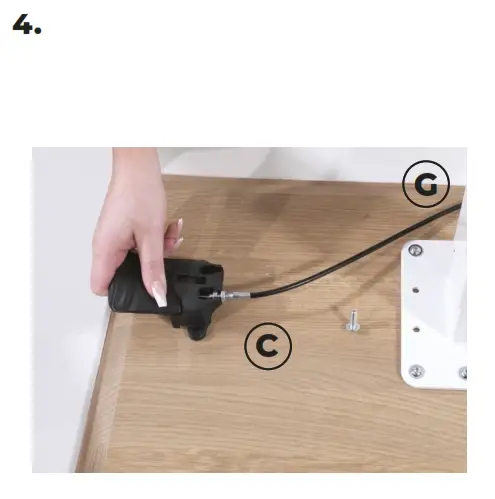 Attach the lever with the C allen screws and the cable with the G cable holder.
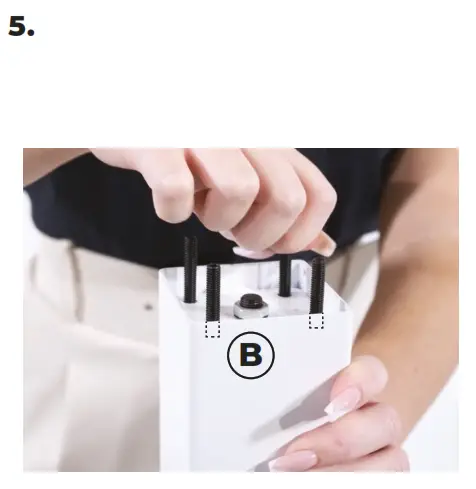 Fasten the B thread pins to the table leg by turning them few rounds.
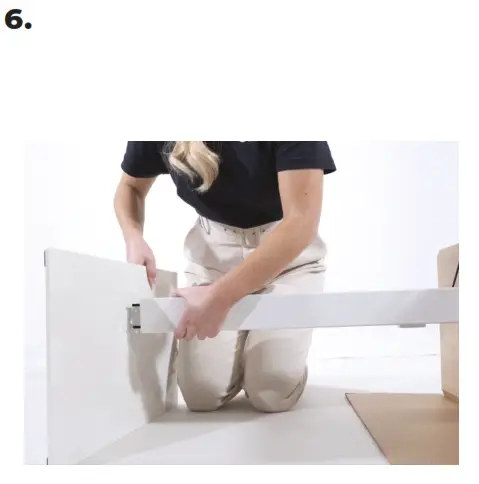 Turn the table sideways and place the pedestal.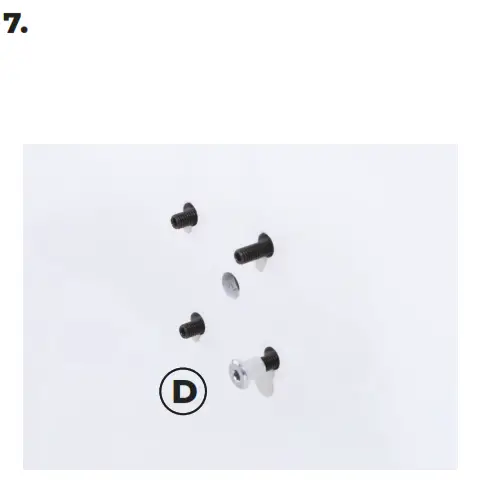
Use the F hex key to fasten D the crown nuts to the B thread pins.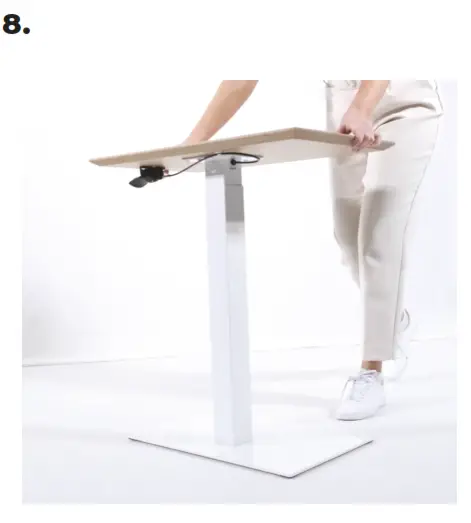 Turn the table upright and you’re finished!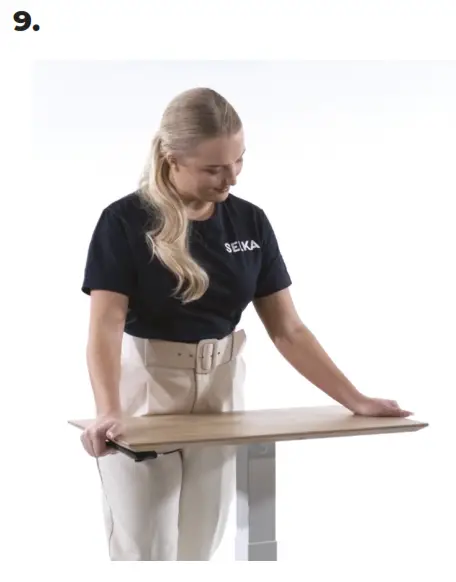
ADJUSTING THE HEIGHT
Adjust the height of the table by pulling the handle upward and pushing the table top down at the same time.
Use your body weight to help assist in lowering the tabletop