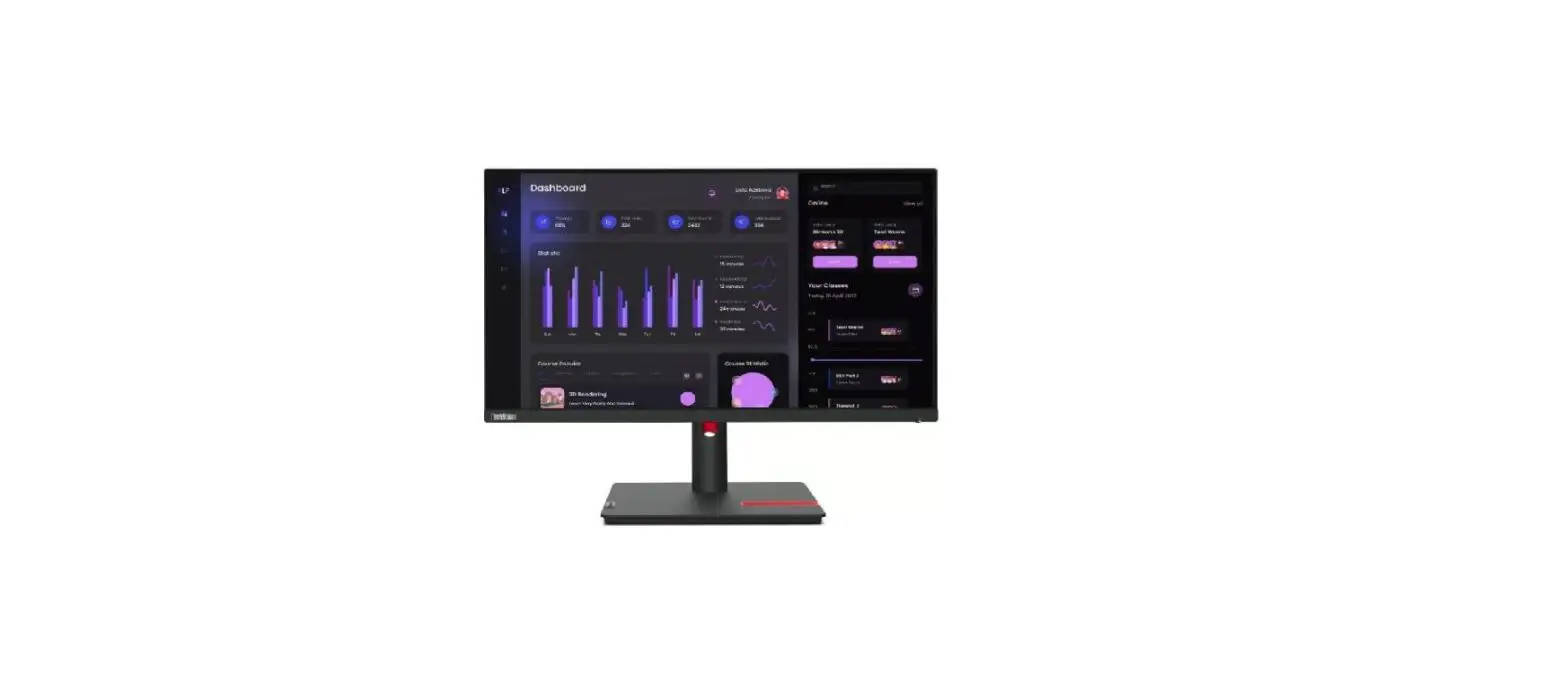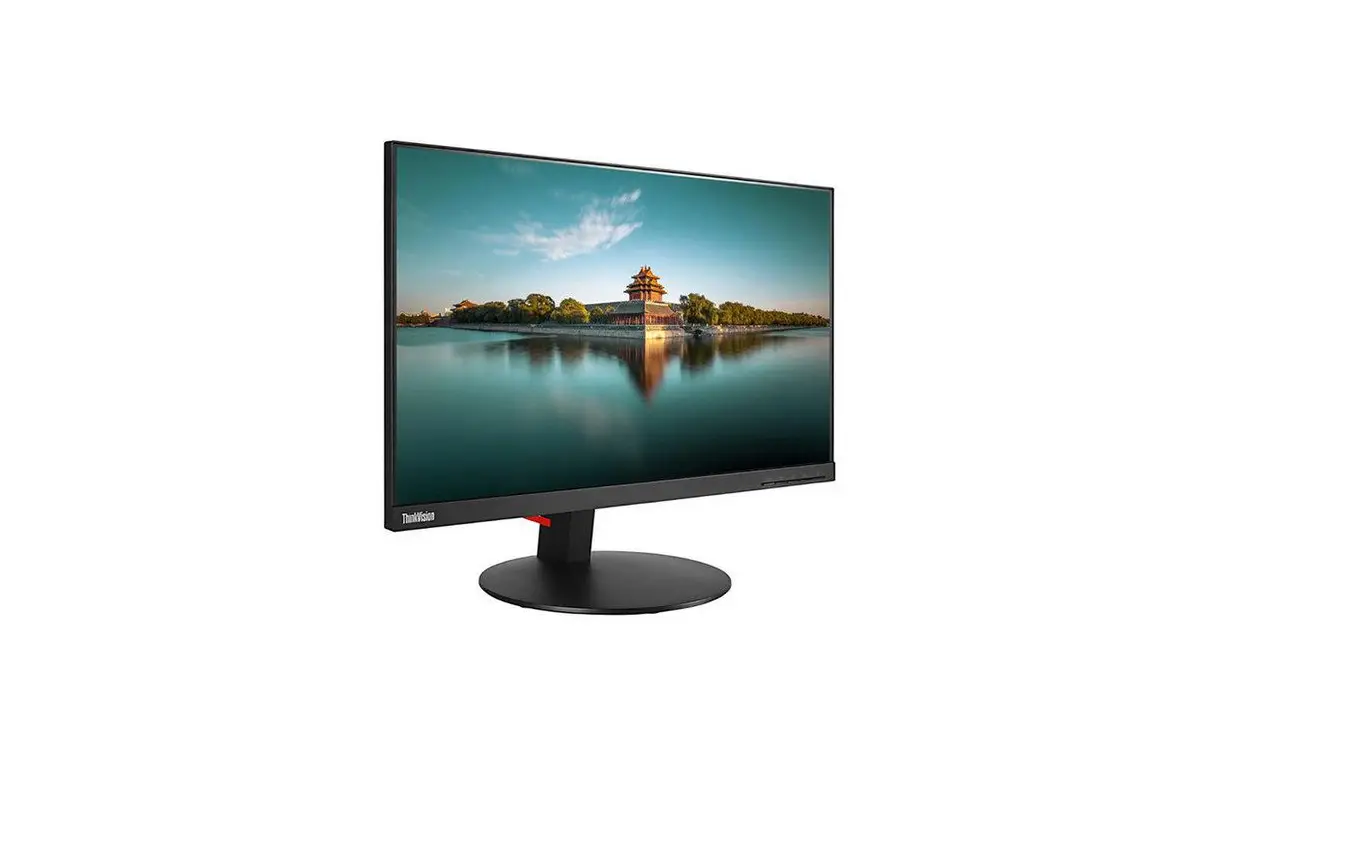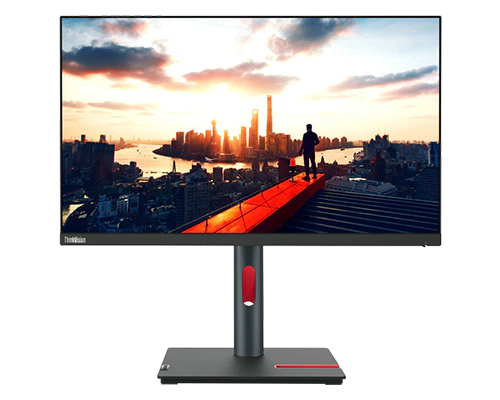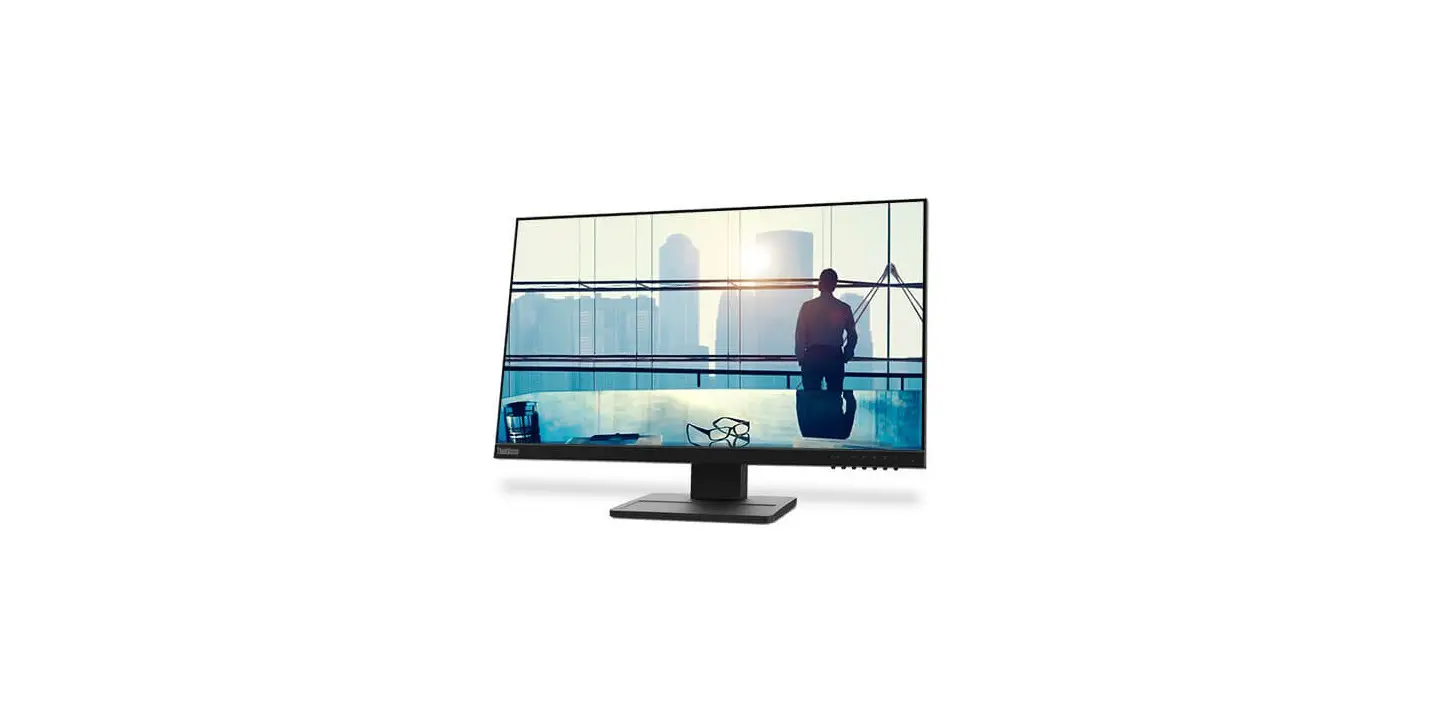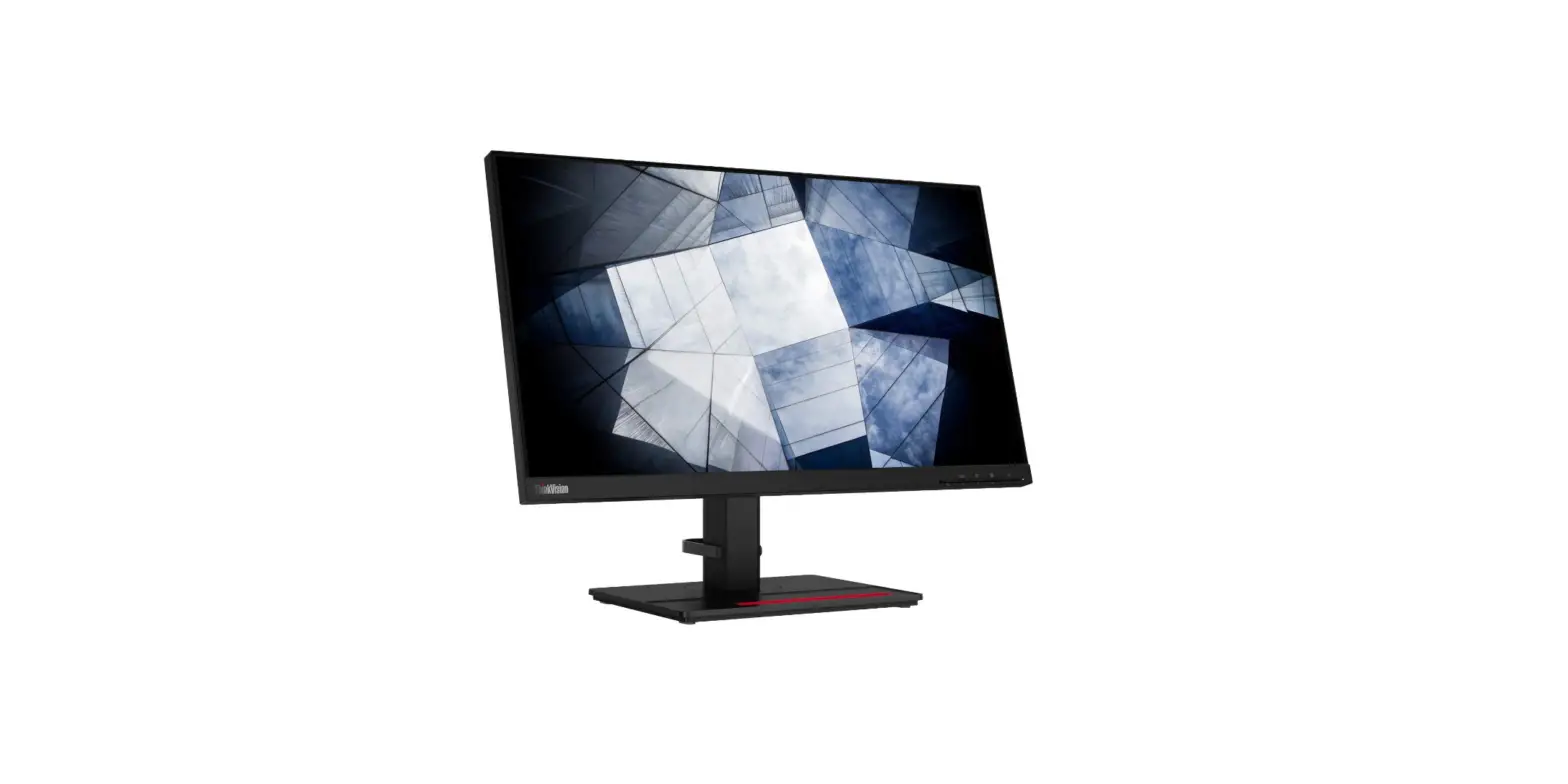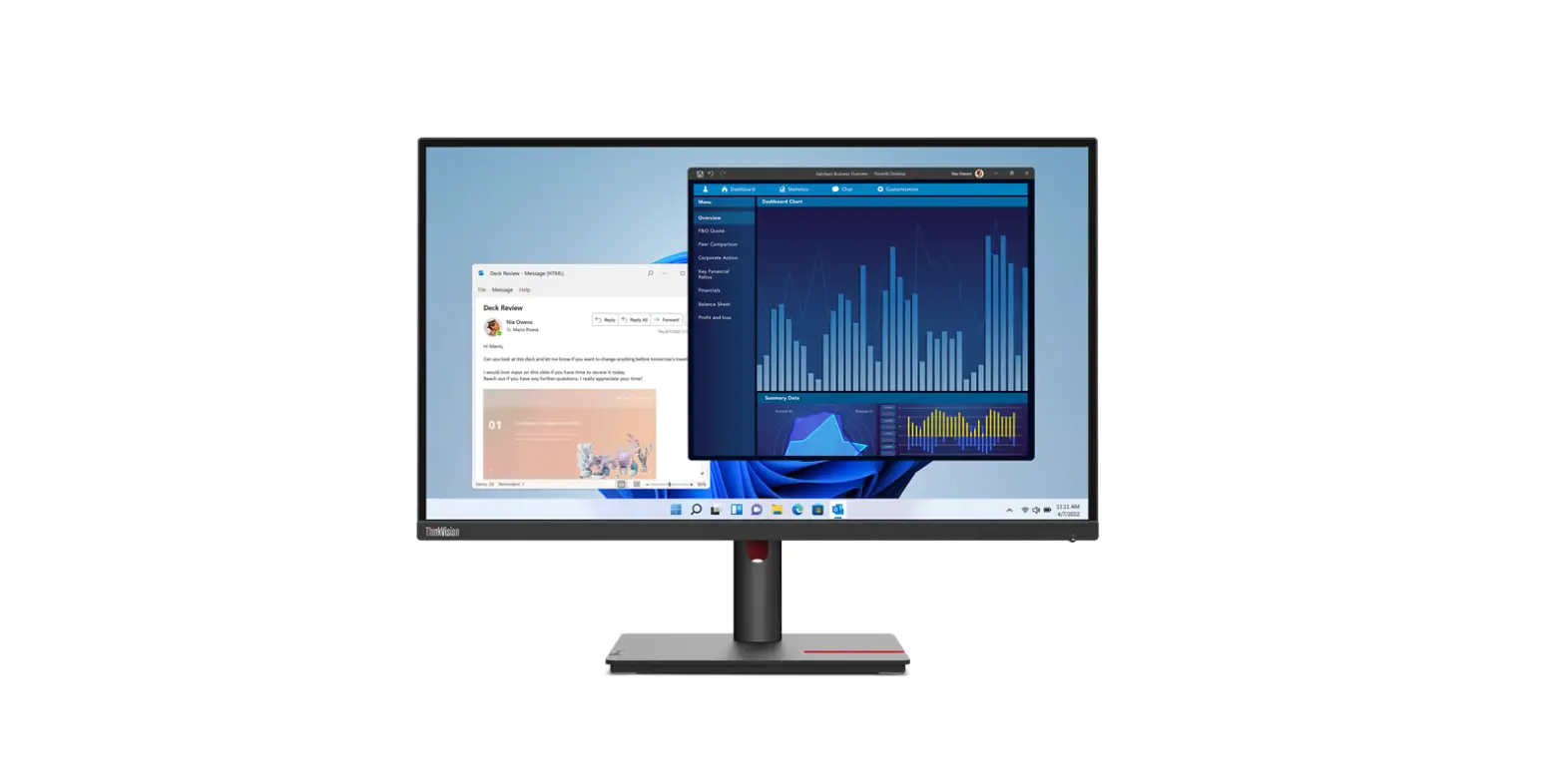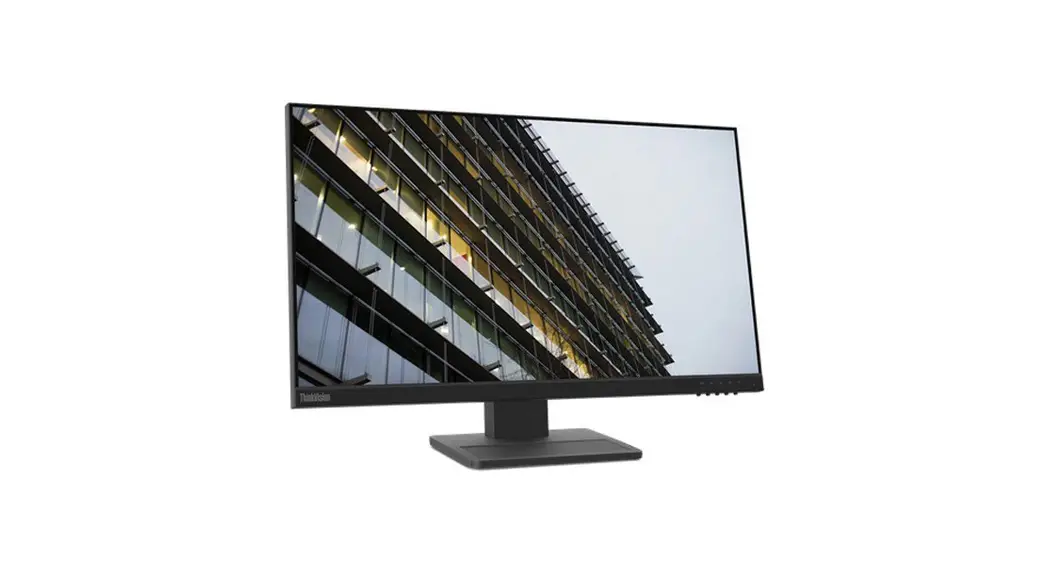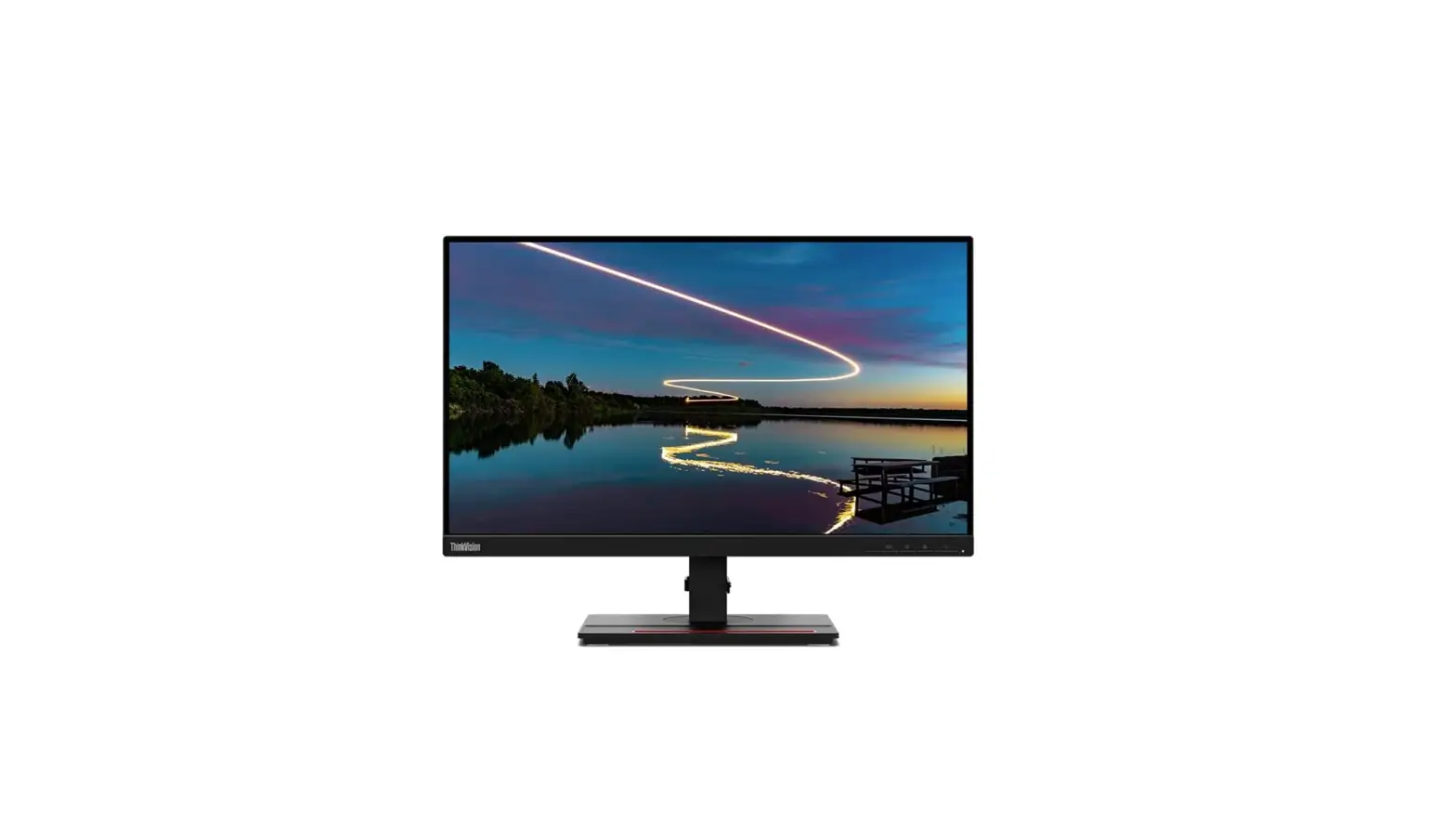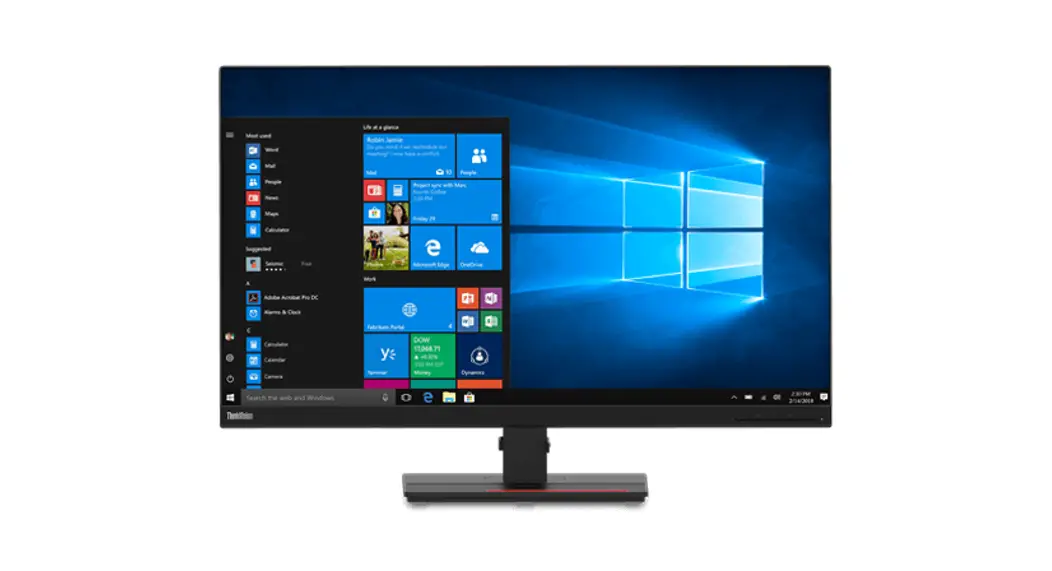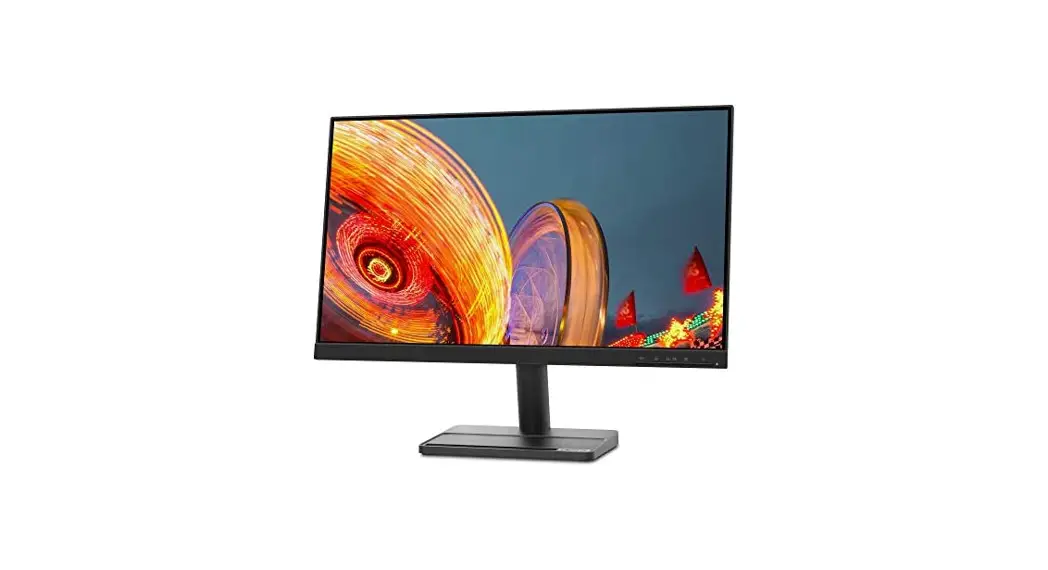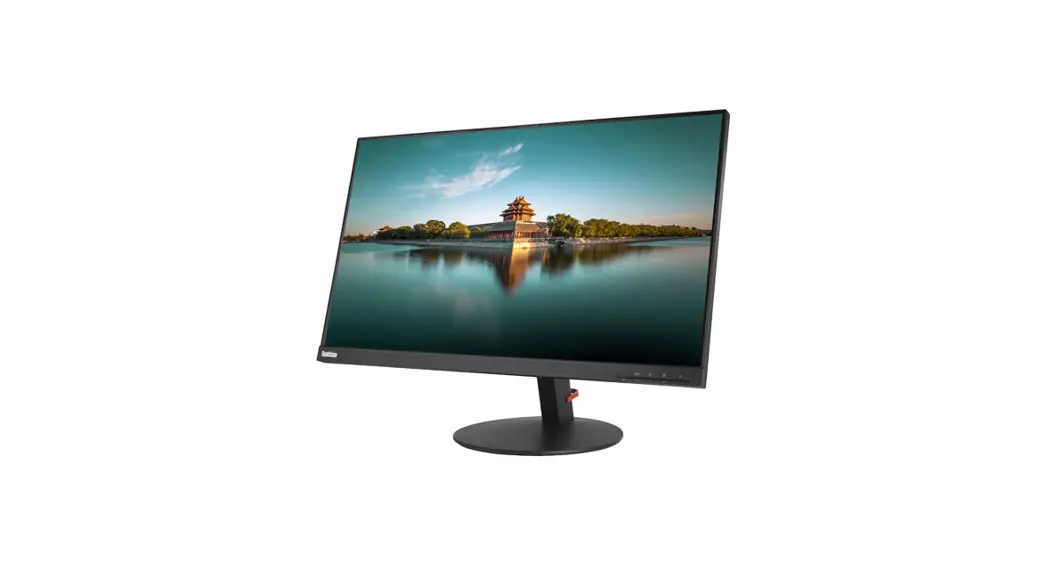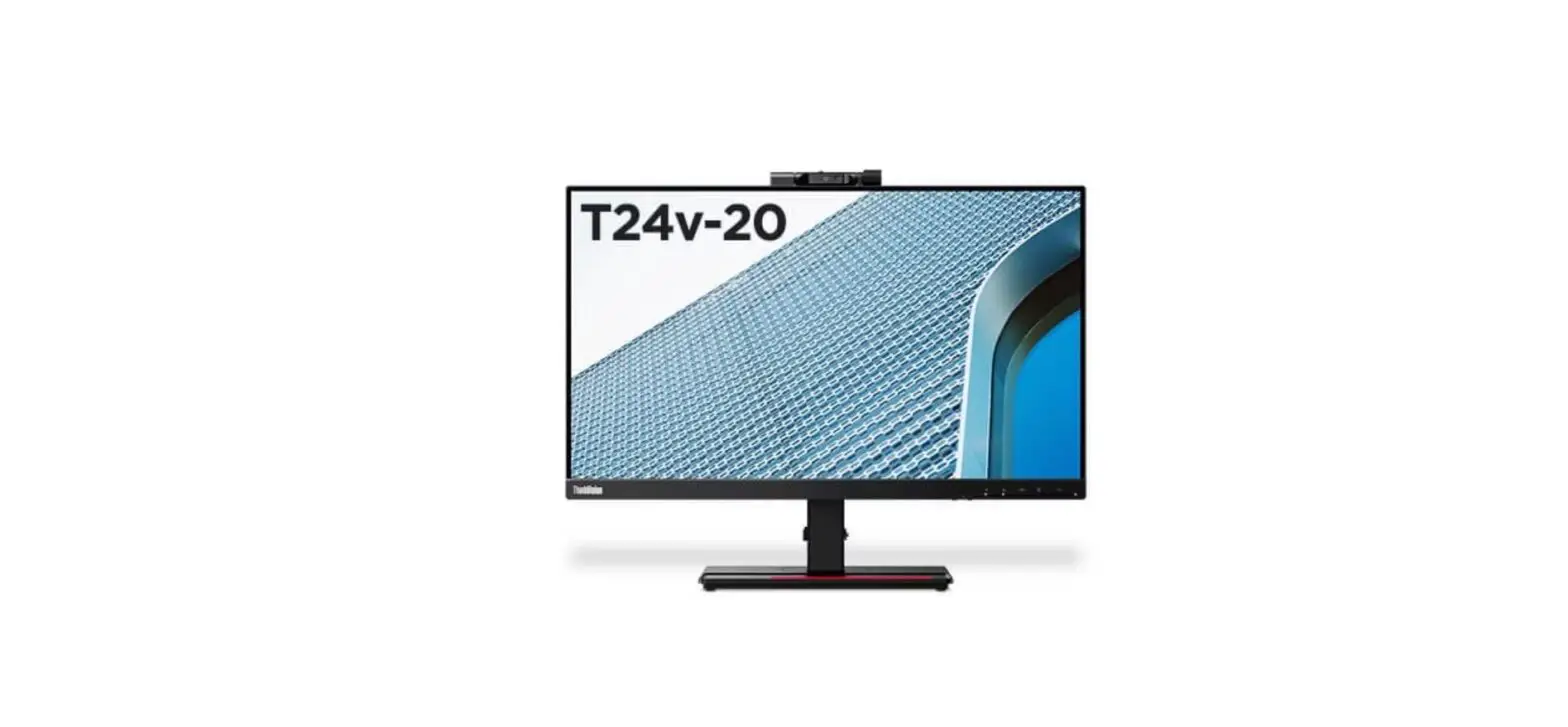

Lenovo 61FCMAT6EU ThinkVision T24v-20 24 Inch FHD Monitor
Product Information
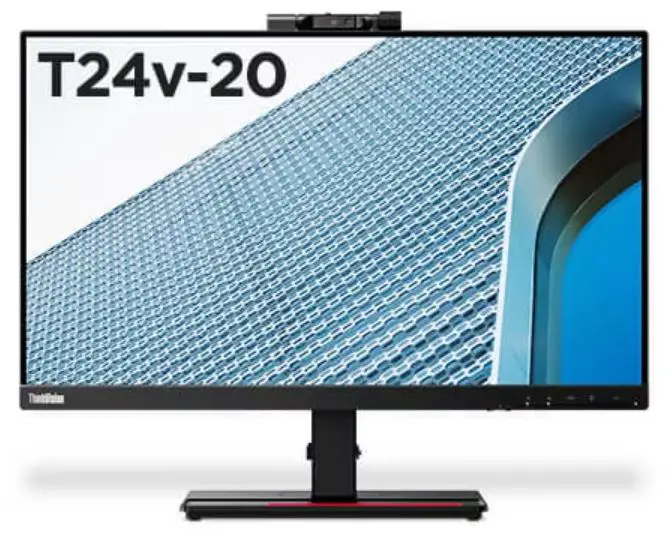
Lenovo T24v-20 Monitor
The Lenovo T24v-20 is a monitor with a 23.8-inch display and a resolution of 1920 x 1080 pixels. The monitor has an IPS panel with a 178-degree viewing angle and a contrast ratio of 1000:1. It also has a response time of 4ms and a brightness level of 250 nits. The monitor has an HDMI port, a VGA port, and a USB hub with two USB 3.0 ports.
Product Usage Instructions
Dismantling
If you need to dismantle the Lenovo T24v-20 monitor, follow these instructions:
- Precaution: Before starting the dismantling process, make sure all power connectors are removed and the monitor is turned off. Prepare a soft cloth and sponge as a working platform to place the LCD monitor horizontally. Carefully hold the LCD by the side and avoid touching or pressing the panel directly.
- Appropriate tools: Select the appropriate tools for disassembly and re-assembly, including a Phillips screwdriver (#2), spacer screwdriver, C/D disassembly tool, and gloves or soft cloth.
- Disassembly SOP:
- Put the monitor on a flat surface (put the EPE on under the monitor).
- Push the button to release the stand.
- Remove the four screws using a screwdriver #2.
- Use the C/D disassembly tool to release Rear cover hook from disassemble hole on bottom.
- Remove the chassis screw and all tape and light bar connector using a screwdriver #2.
- Hold the main chassis to release the Panel cable and overturned the chassis.
- Take out the mylar sheet from Main chassis.
- Remove PCB screw and peel off the tape of all using a screwdriver #2 and spacer screwdriver.
- Hold the PCB and release all connectors.
- Remove screws to take out the front bezel using a screwdriver #2.
- Remove screws to take out the Camera module using a screwdriver #1.
- Use force to release the knob as shown by the red arrow and take out the camera stand and knob.
- Remove screws to take out the camera stand using a screwdriver #1.
- Remove screws to take out the Camera hinge using a screwdriver #1.
- Use force to release the camera front and camera back cover as shown by the red arrow.
Note: These instructions are only for dismantling the Lenovo T24v-20 monitor. For any other issues, please refer to the user manual or contact customer support.
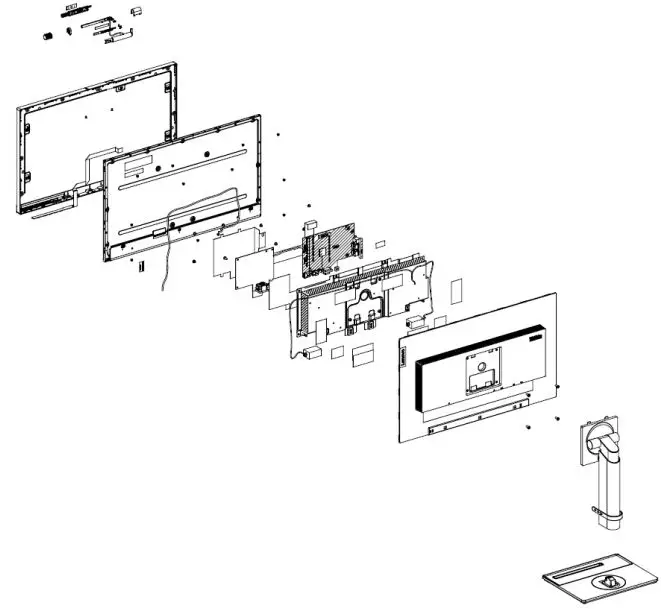
Exploded Diagram 
Precaution
- Please read the precaution as follows to prevent any damages to the LCD Monitor.
- Make sure all power connector is removed. Be sure that the LCD Monitor is in power off status.
| Prepare soft cloth and sponge as working platform to place LCD monitor horizontally. |  |
| Hold LCD by the side carefully and DON’T touch or press panel directly. | 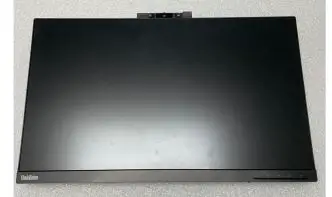 |
Appropriate tools
Select the Appropriate tools for disassembly and re-assembly.
| Phillips screwdriver (#2) | 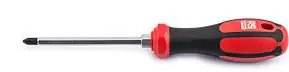 |
| spacer screwdriver | 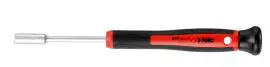 |
| C/D disassembly tool |  |
| Gloves or soft cloth | 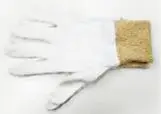 |
Disassembly SOP
| Put the monitor on a flat surface (Put the EPE on under the monitor) | 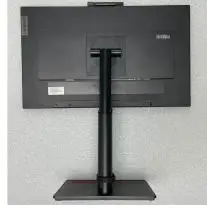 |
| Push the button to release the stand | 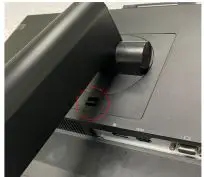 |
| Remove the screw * 4pcs Tool : Screwdriver #2 | 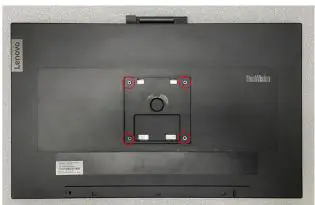 |
| Use the C/D disassembly tool to release Rear cover hook from disassemble hole on bottom | 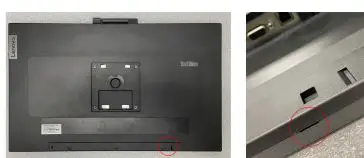 |
| Remove the chassis screw. Remove All tape and light bar connector Tool : Screwdriver #2 | 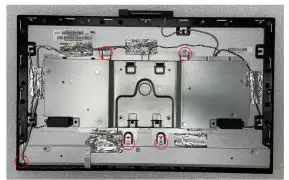 |
| Hold the main chassis to release the Panel cable and overturned the chassis | 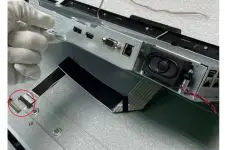 |
| Take out the mylar sheet from Main chassis | 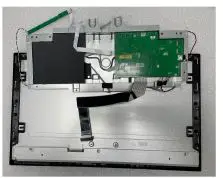 |
| Remove PCB screw and Peel off the tape of all. Tool : Screwdriver #2 And Spacer screwdriver | 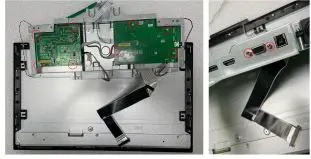 |
| Hold the PCB and release all connector. | 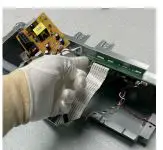 |
| Remove screws to take out the Front bezel. Tool : Screwdriver #2 | 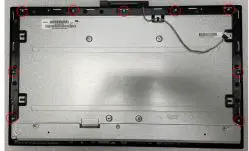 |
| Remove screws to take out the Camera module Tool : Screwdriver #1 | 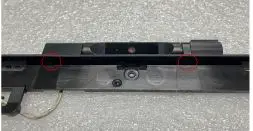 |
| Used the force to release the knob as red arrow showing. | 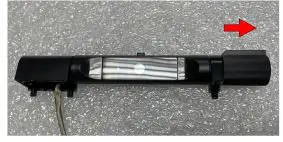 |
| Take out the camera stand and knob. |  |
| Remove screws to take out the Camera stand Tool : Screwdriver #1 | 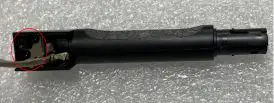 |
| Remove screws to take out the Camera hinge Tool : Screwdriver #1 | 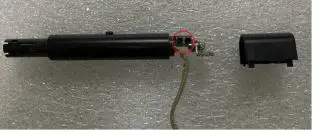 |
| Used the force to release the camera front and camera back cover as red arrow showing. | 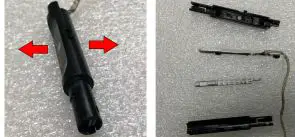 |