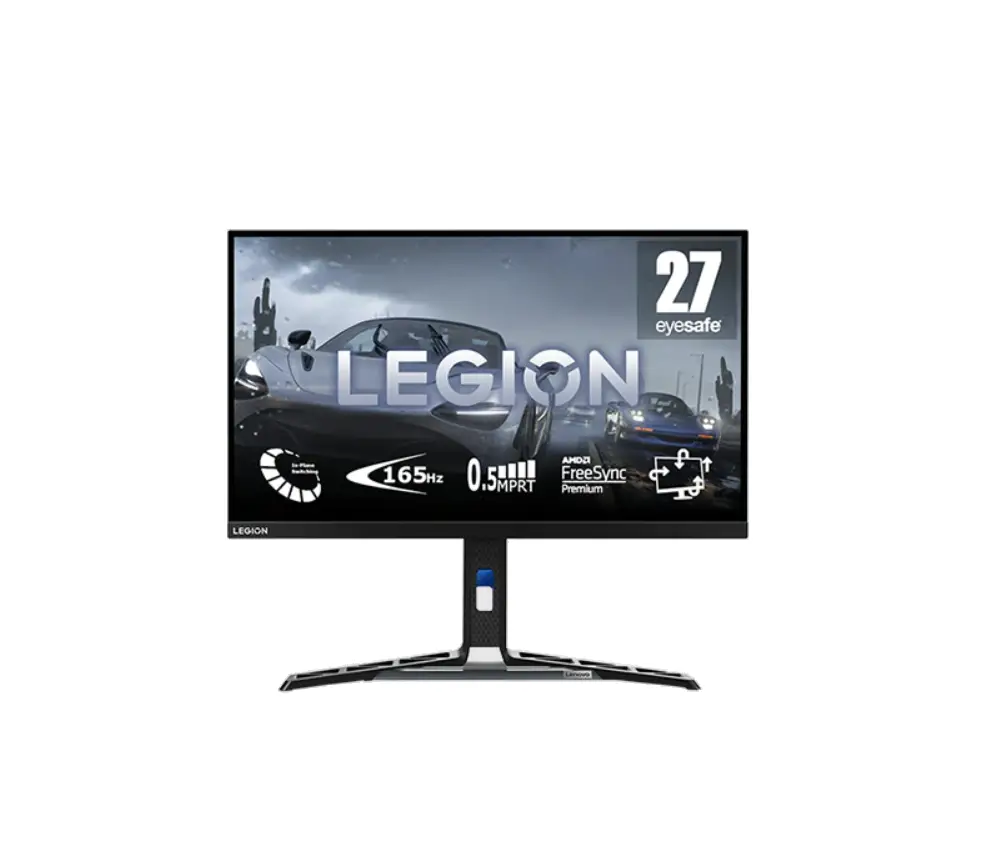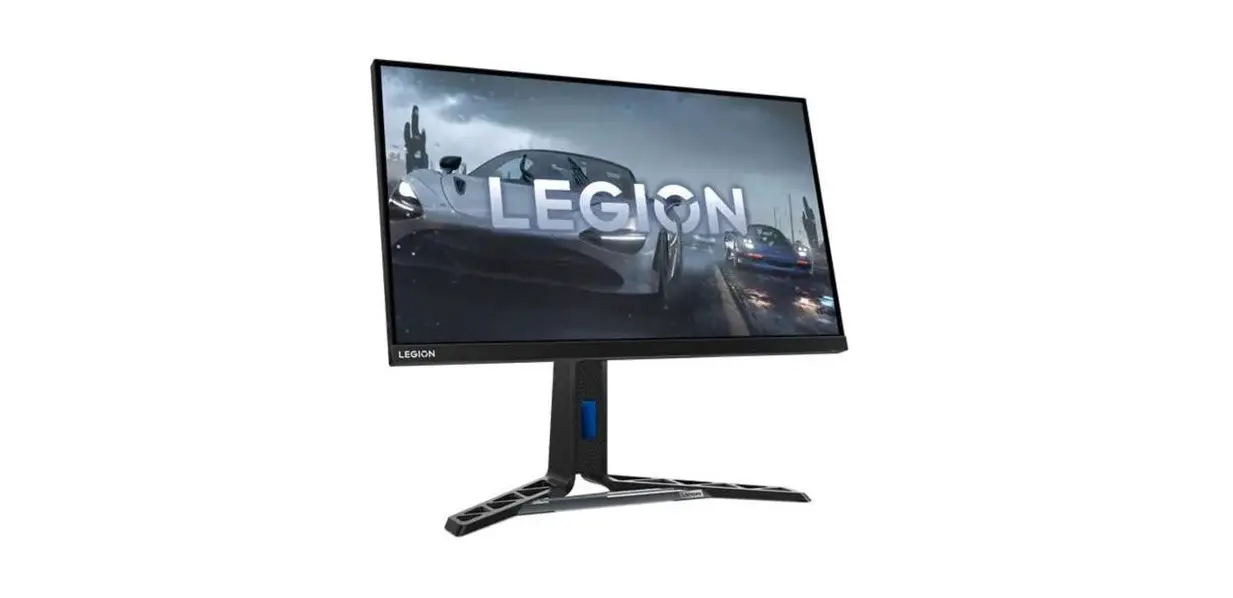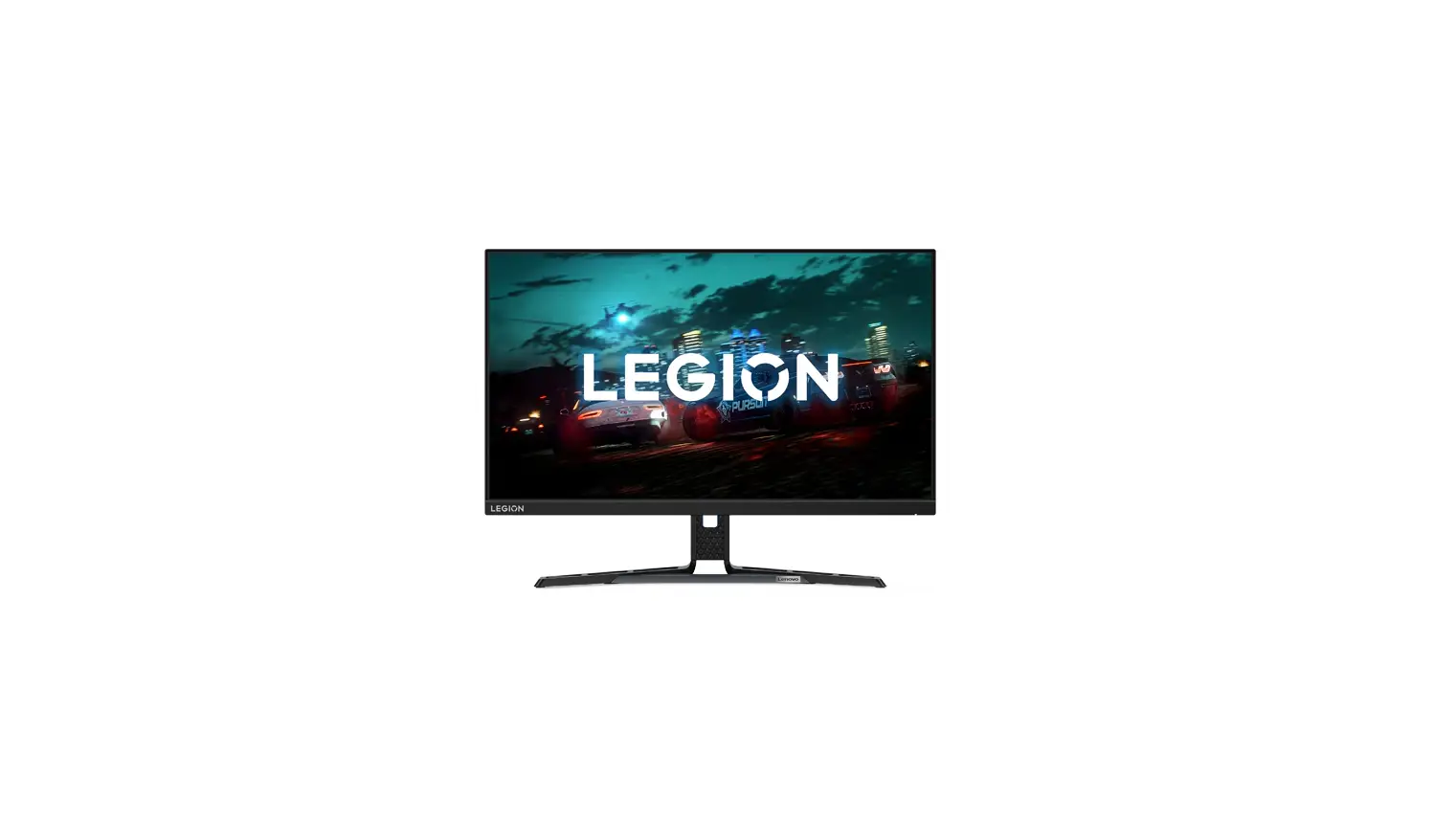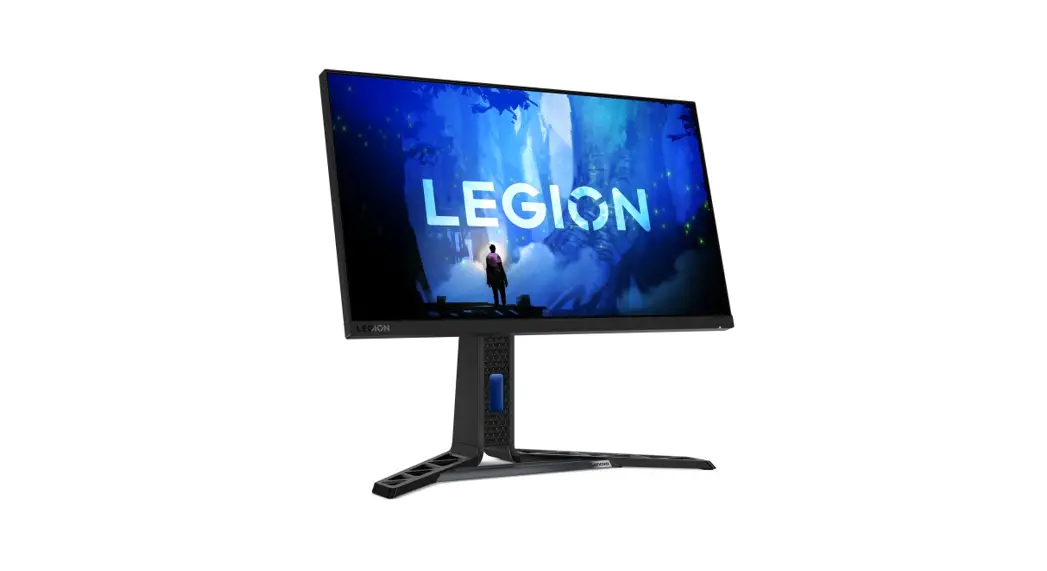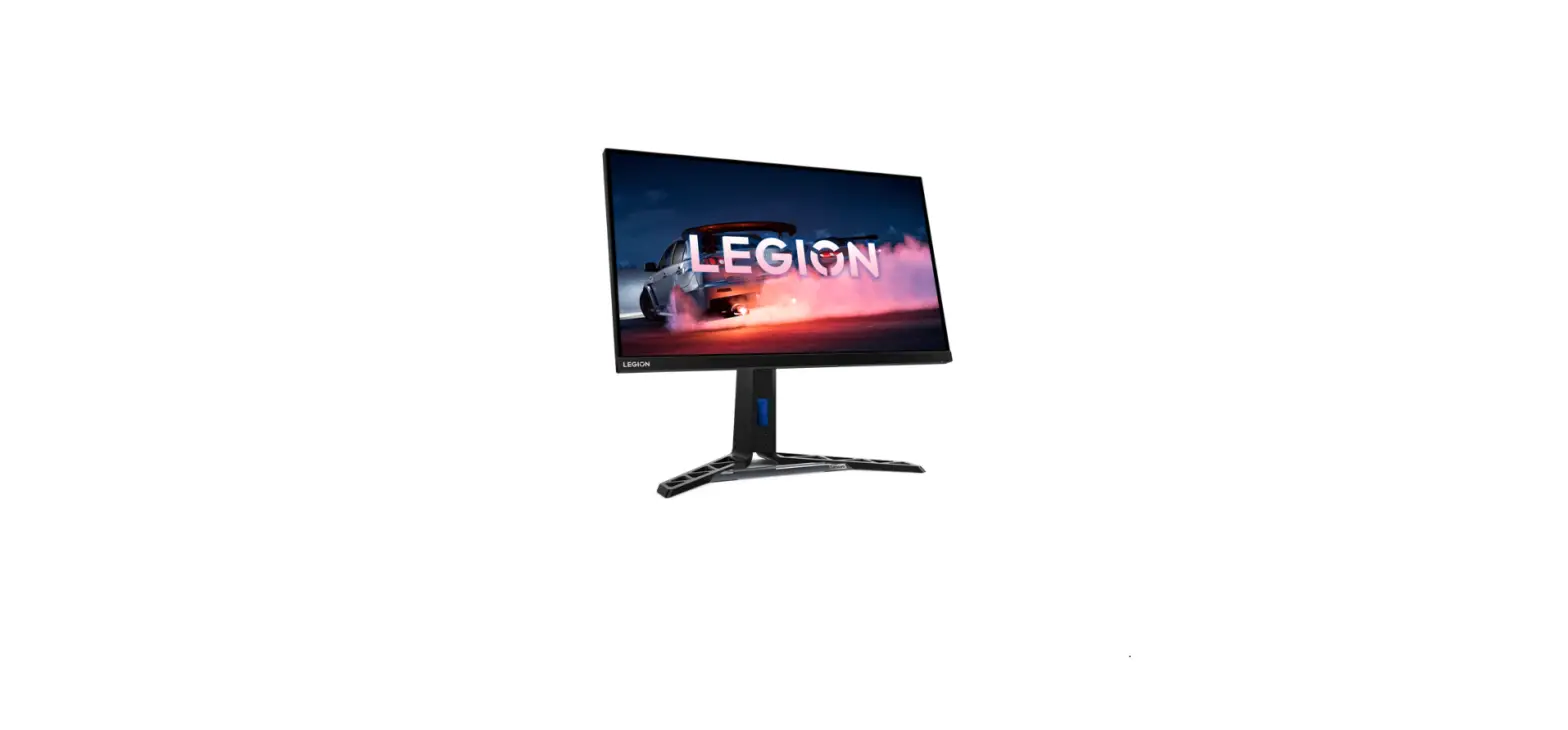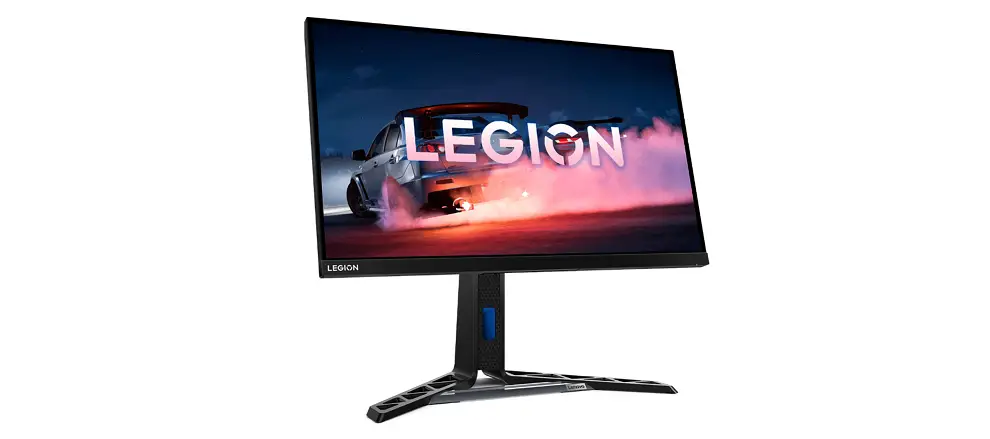

Lenovo Y27Q-30 27 Inch Monitor

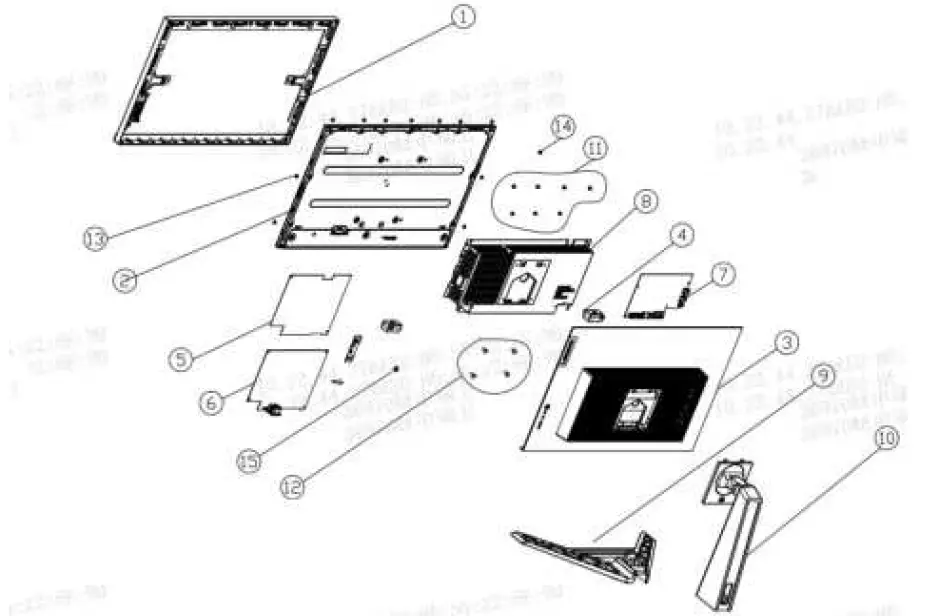
Exploded Diagram
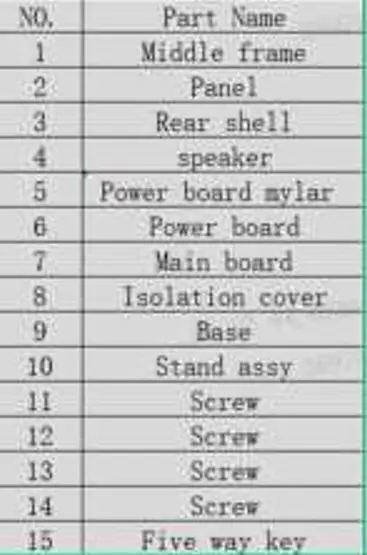
Precaution
Please read the precaution as follows to prevent any damages to the LCD Monitor.
Make sure all power connector is removed. Be sure that the LCD Monitor is in power off status.
| Prepare soft cloth and sponge as working platform to place LCD monitor horizontally. | 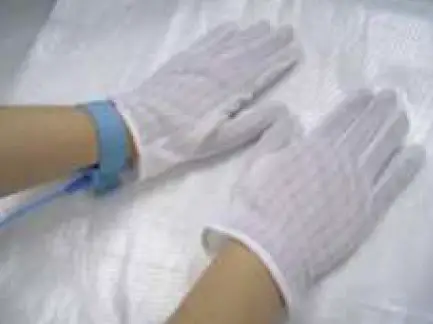 |
| Hold LCD by the side carefully and DON’T touch or press panel directly. | 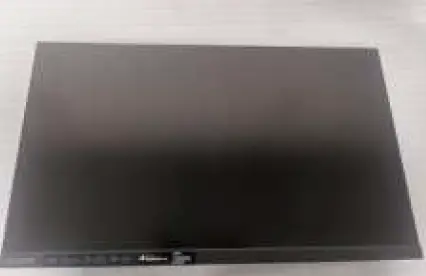 |
Appropriate tools
Select the Appropriate tools for disassembly and re-assembly.
| Phillips screwdriver (#2) |  |
| spacer screwdriver |  |
| C/D disassembly tool |  |
| Gloves or soft cloth | 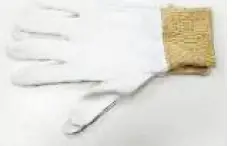 |
Disassembly SOP
| Put the monitor on a flat surface (Put the EPE on under the monitor) | 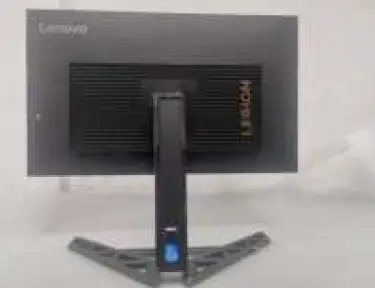 |
| Disassemble the bracket through the button in the circle | 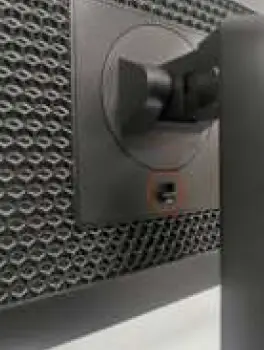 |
| Pull out stand | 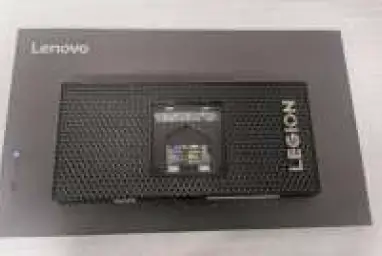 |
| Remove the screws | 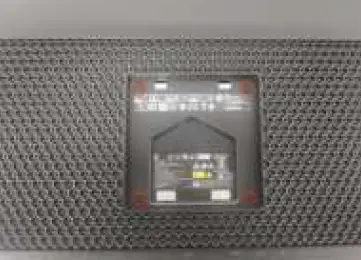 |
| Use the C/D disassembly tool to release Rear cover hook from disassemble hole on bottom | 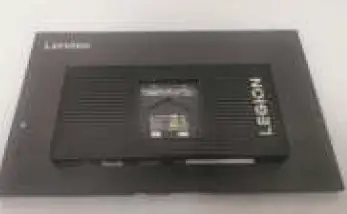 |
| Remove All tape and foil | 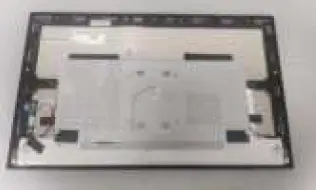 |
| Remove the left and right light bar lines, Then remove the wires connecting the key board and take out the key board and LED board | 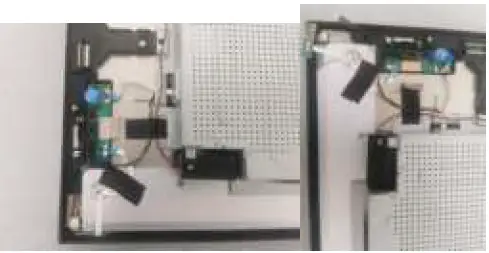 |
| Remove FFC line | 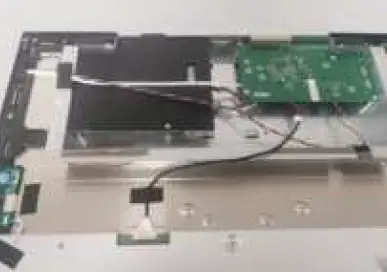 |
| Remove screw. Take out the Mylar sheet from board | 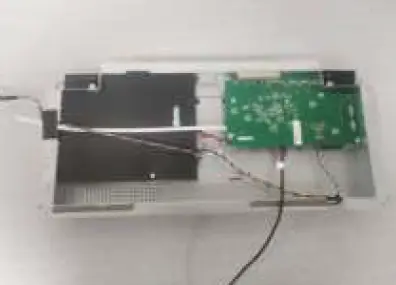 |
| Remove the main board and power board screws | 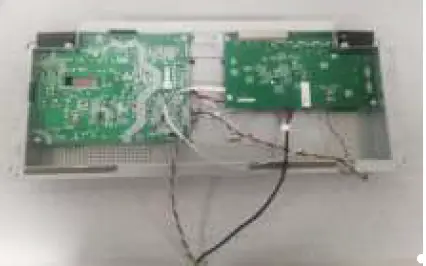 |
| Take out the main board and power board | 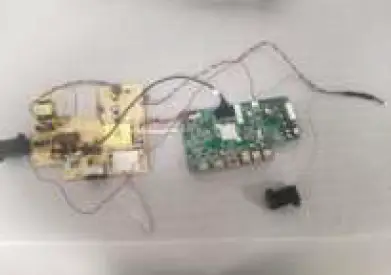 |