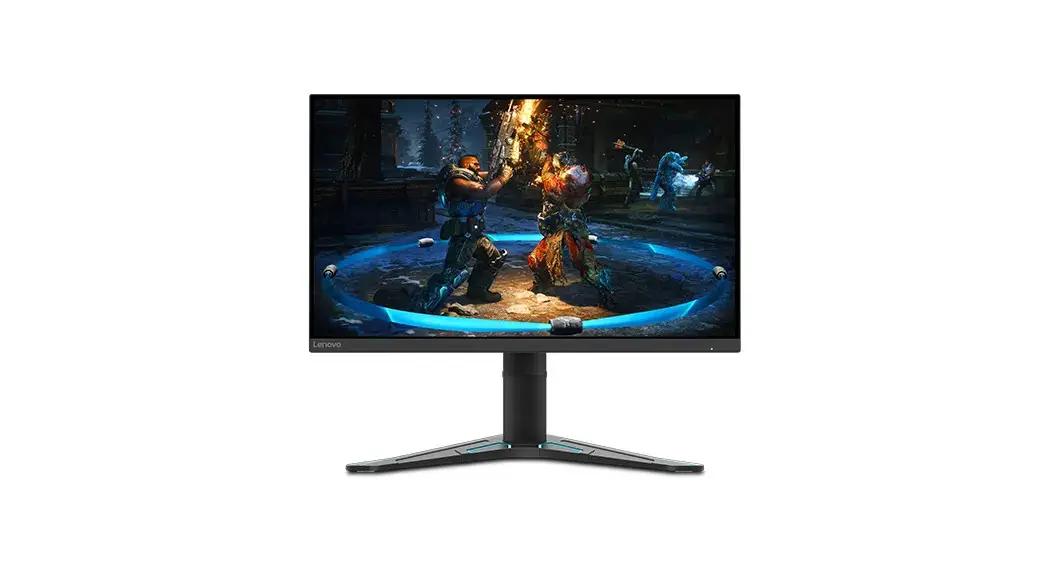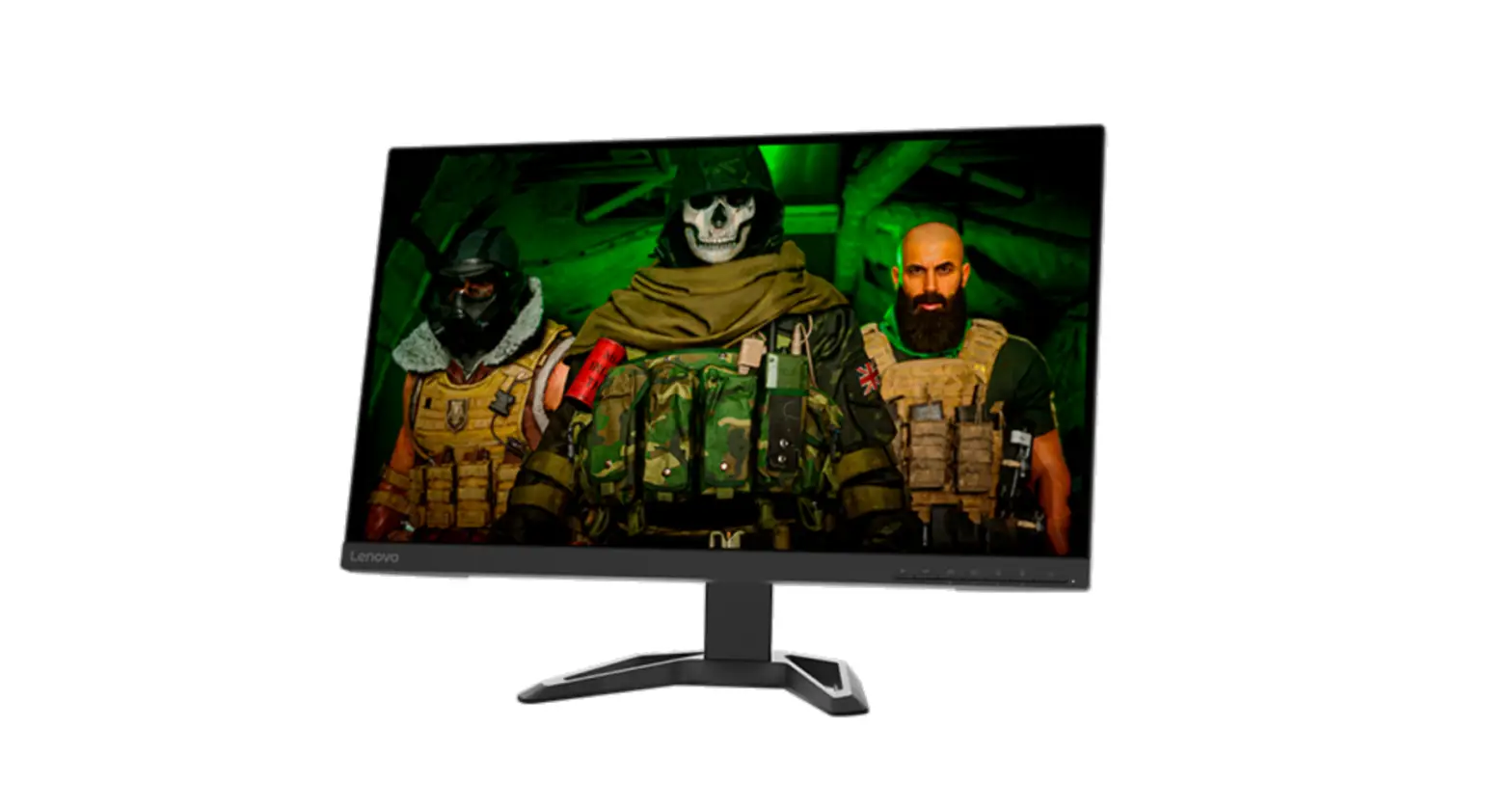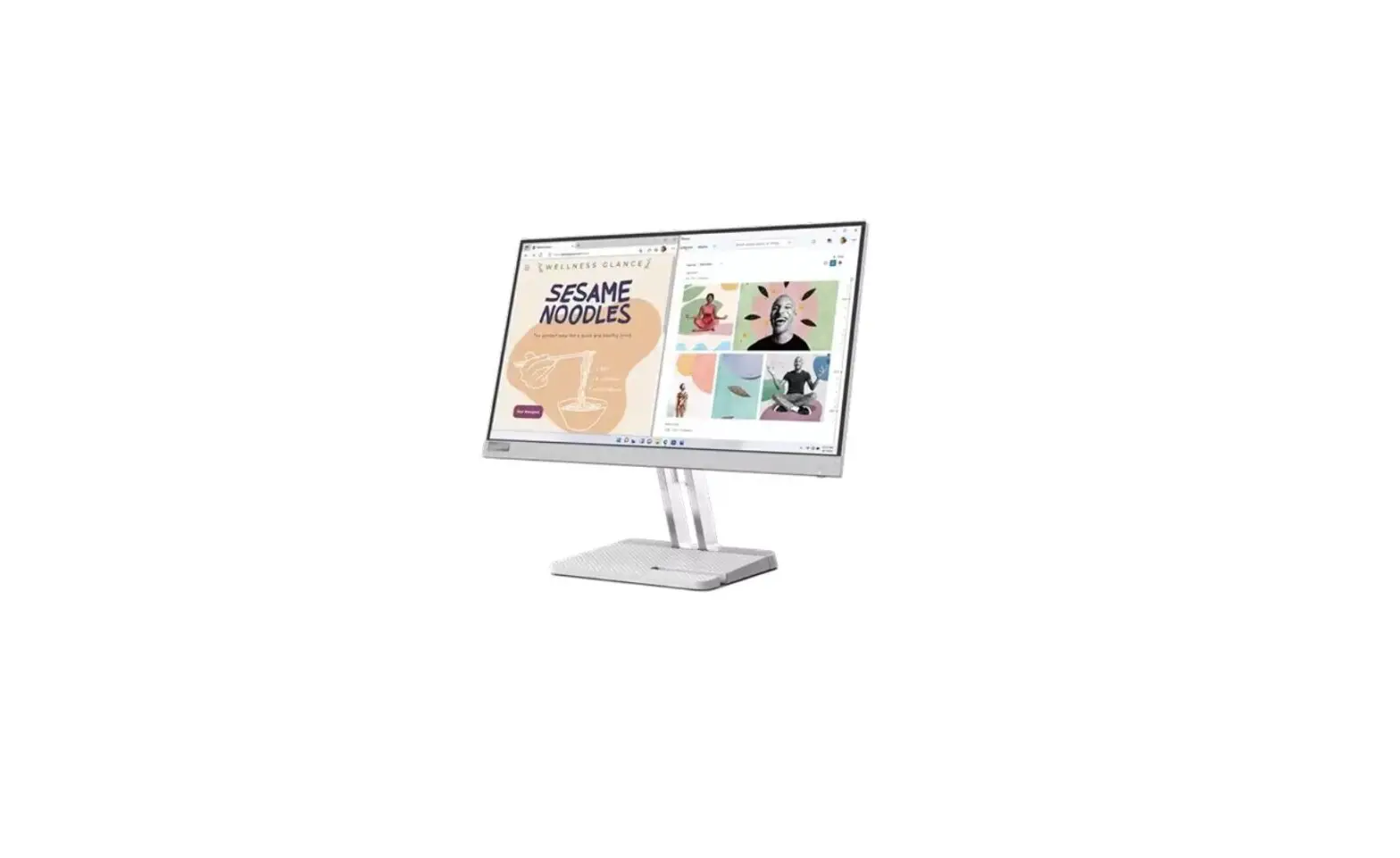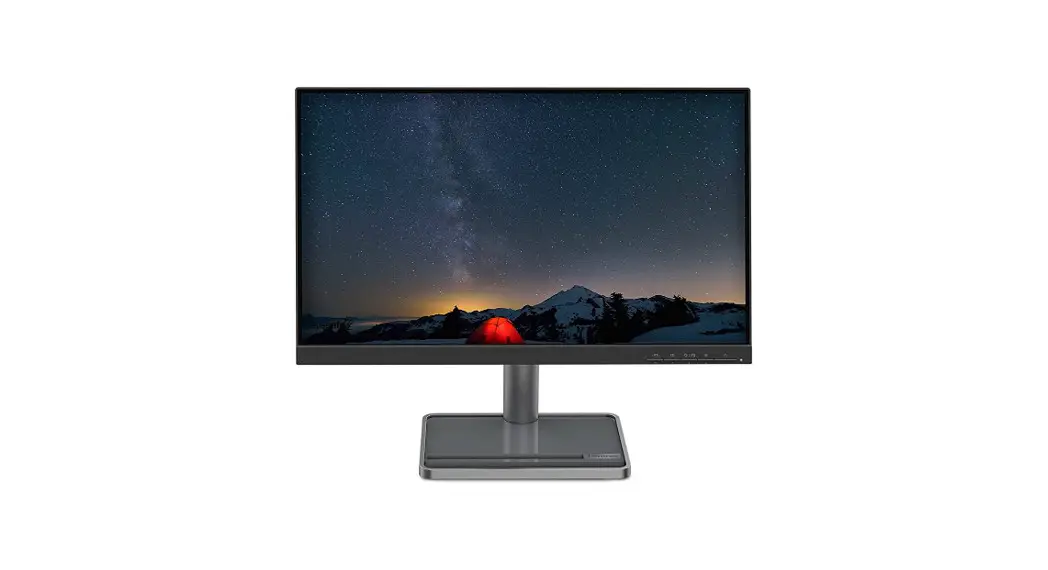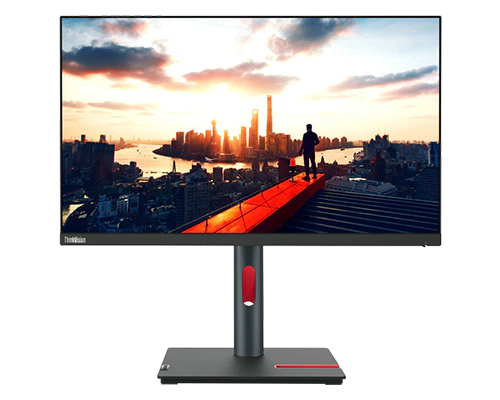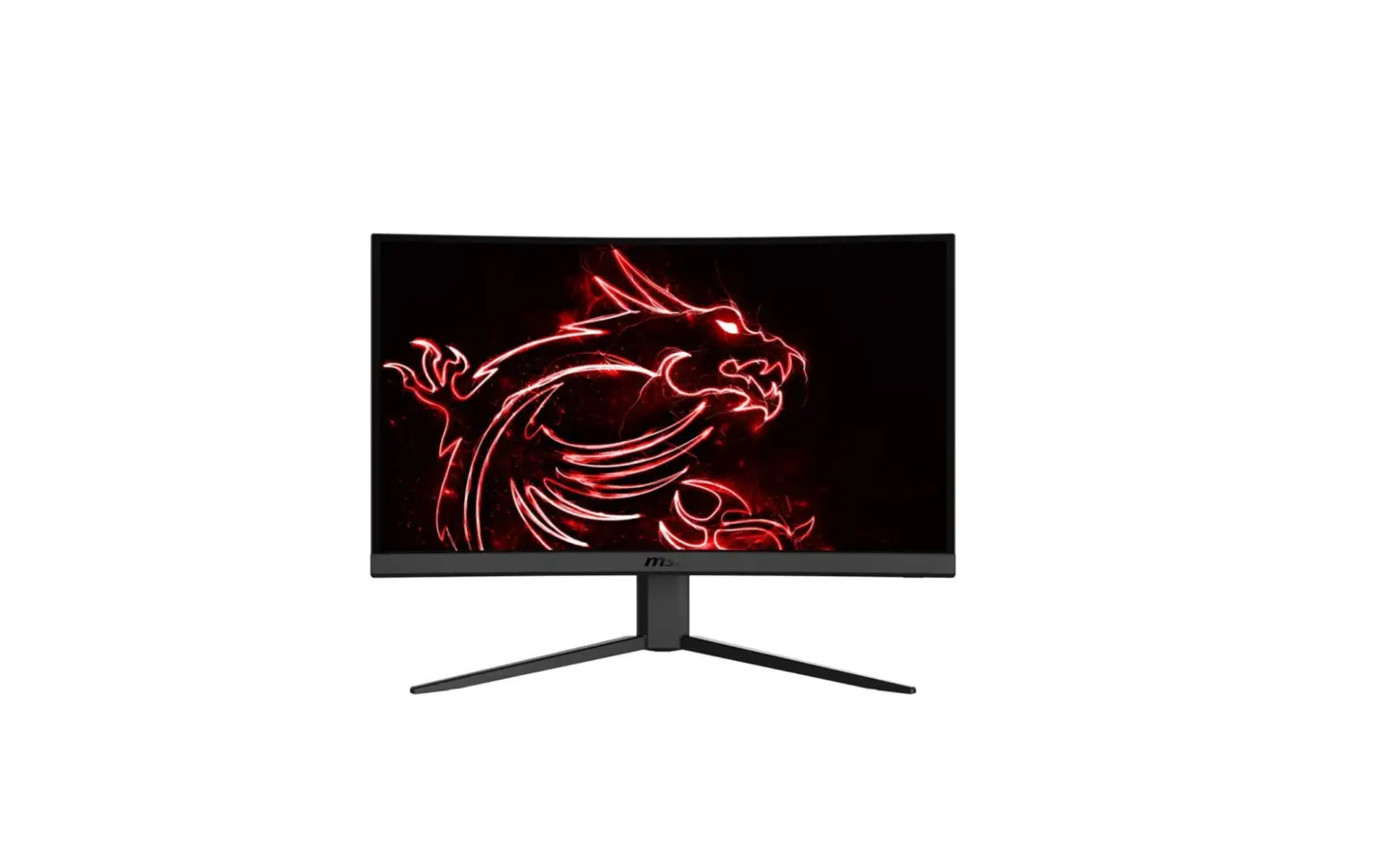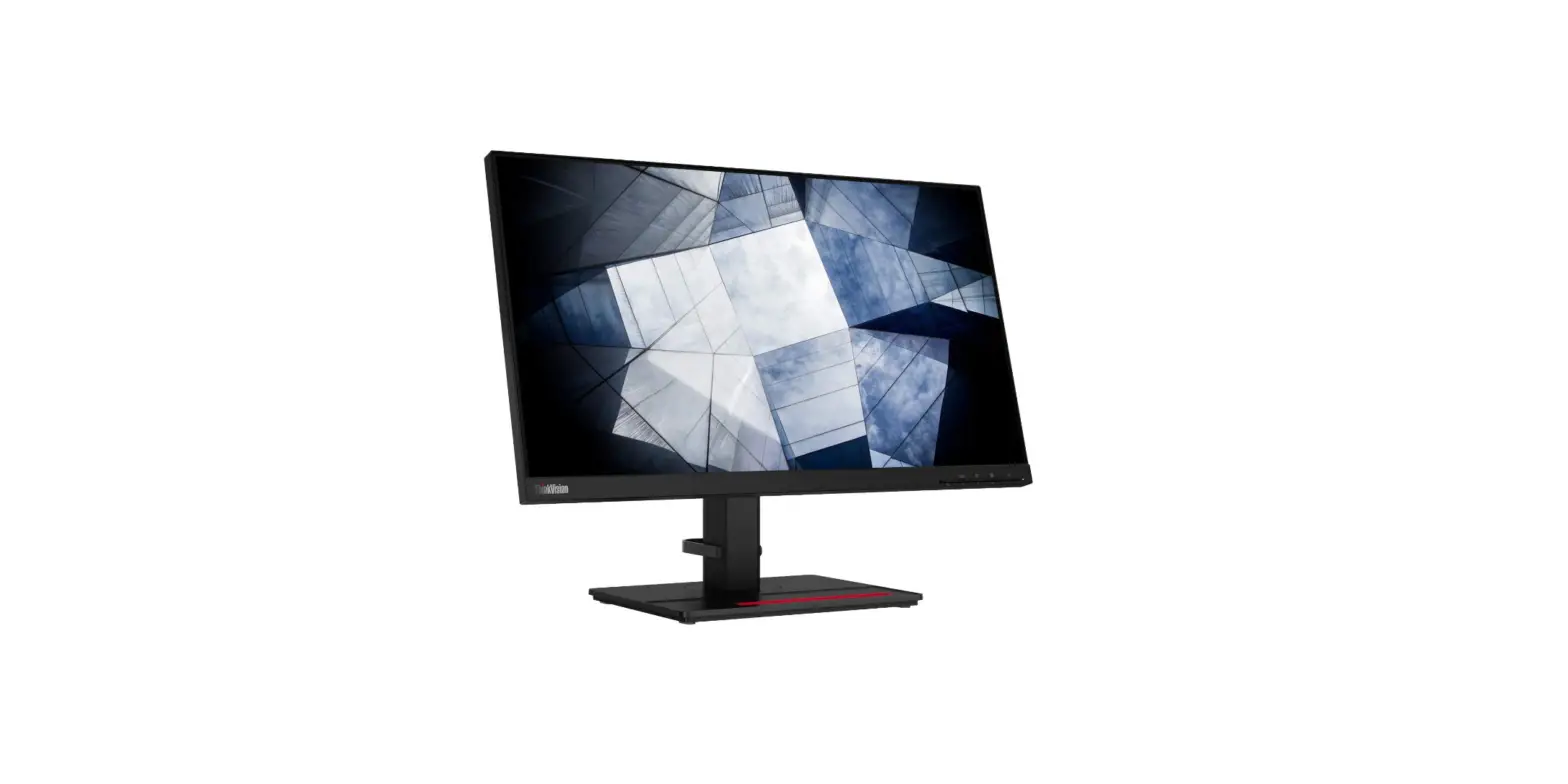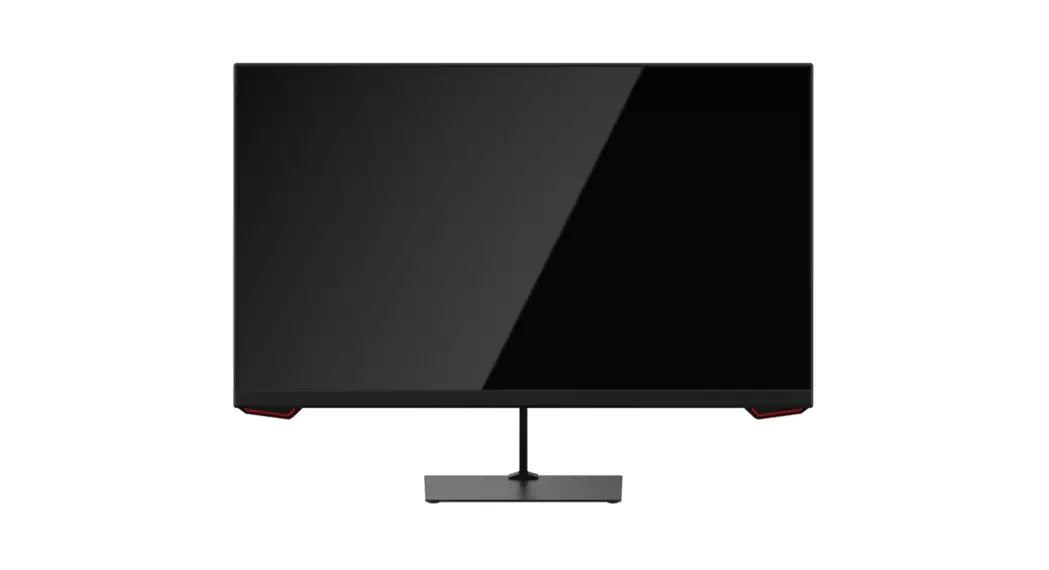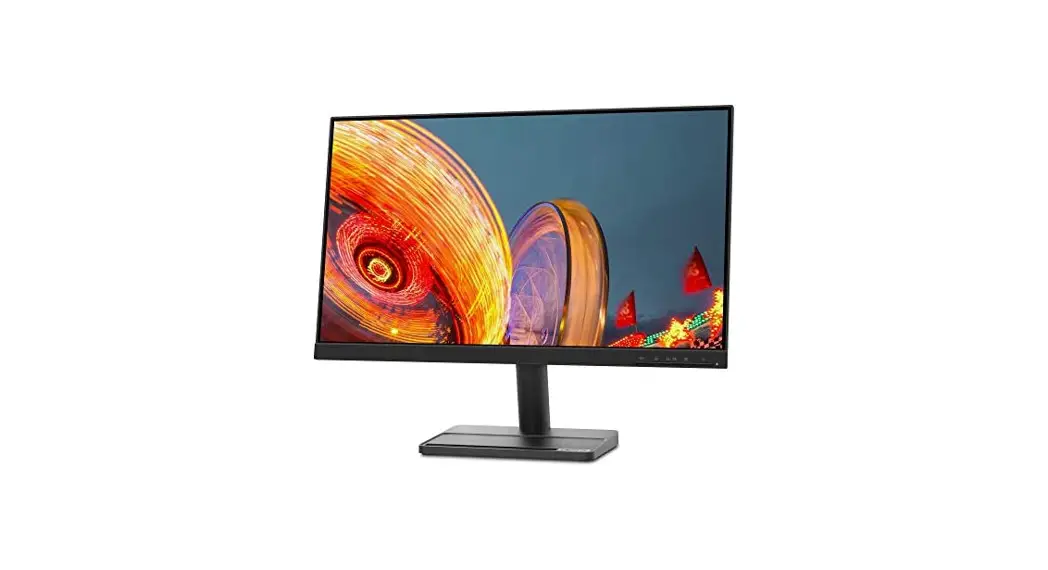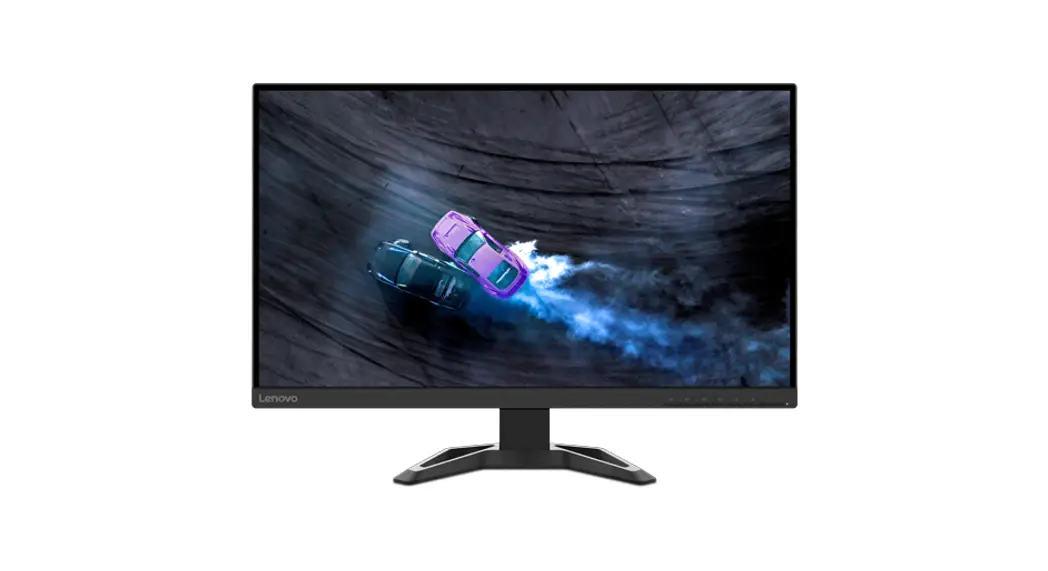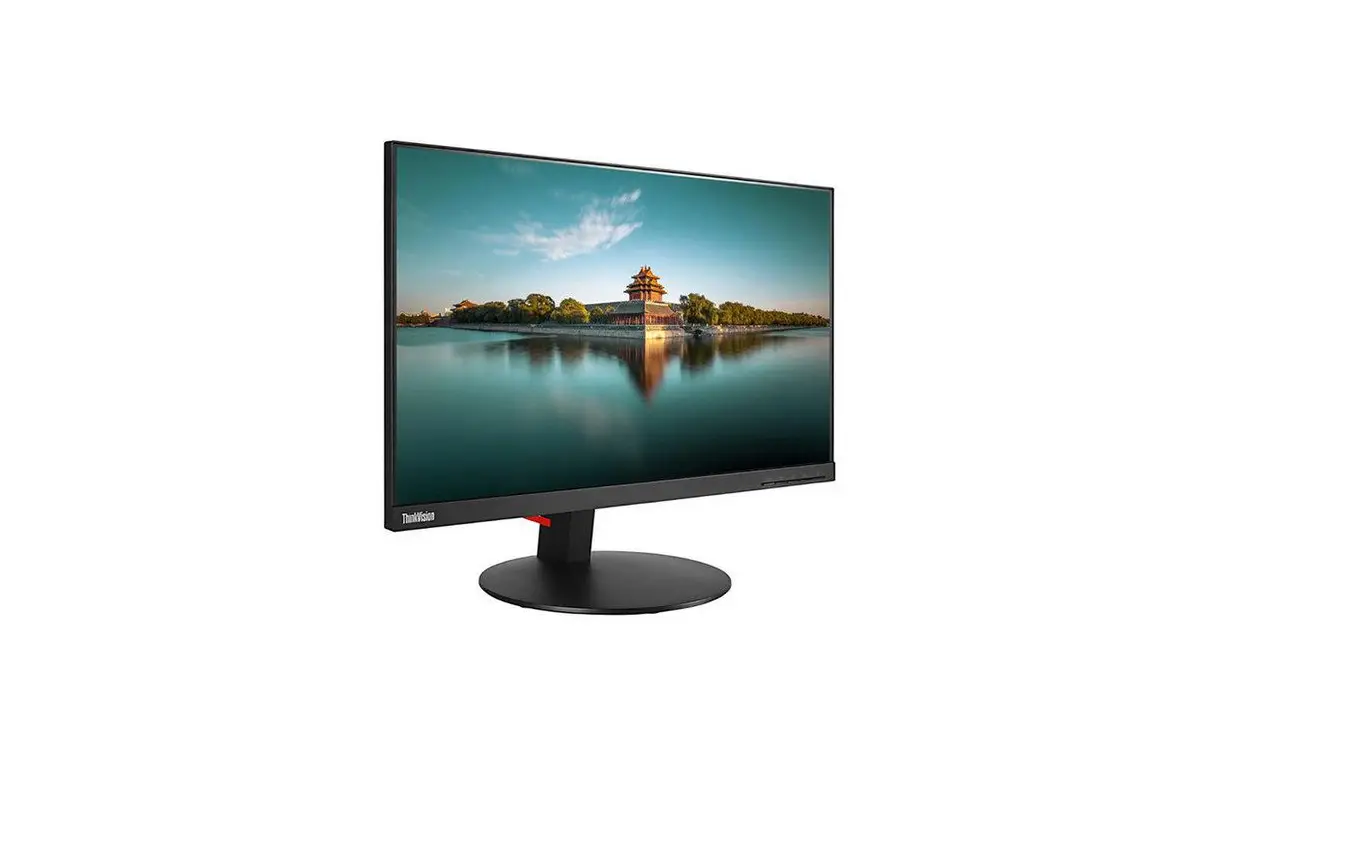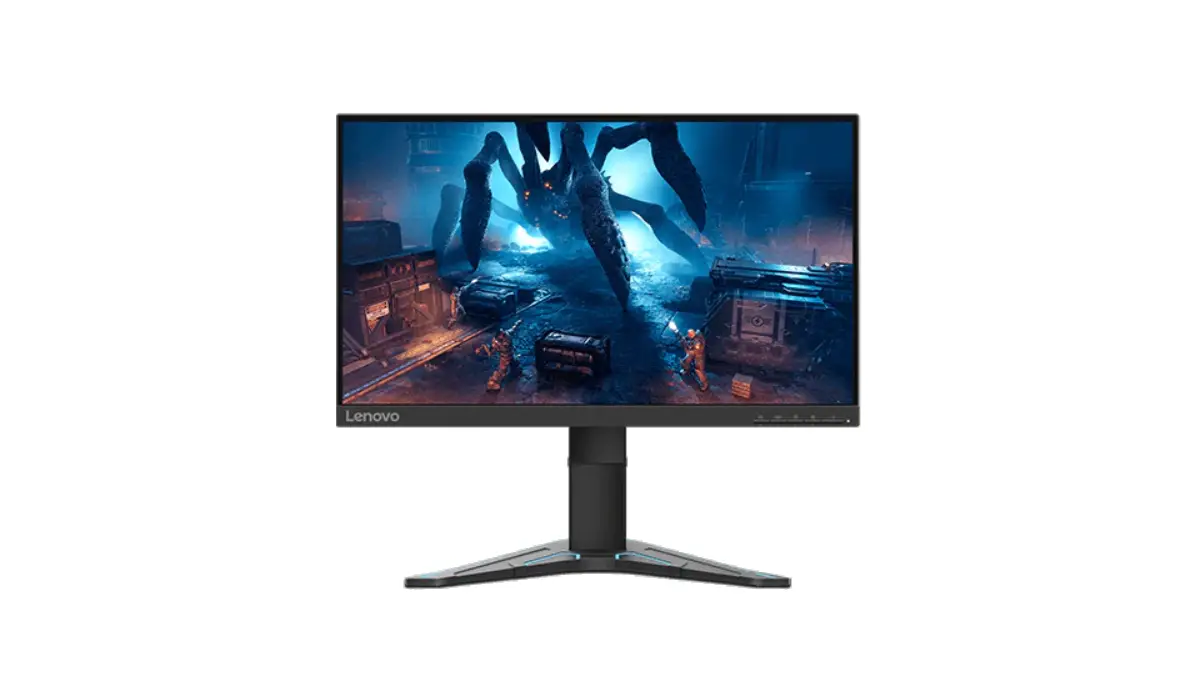
Lenovo G25-20 24.5 Inch FHD Gaming Monitor User Guide
Instructions
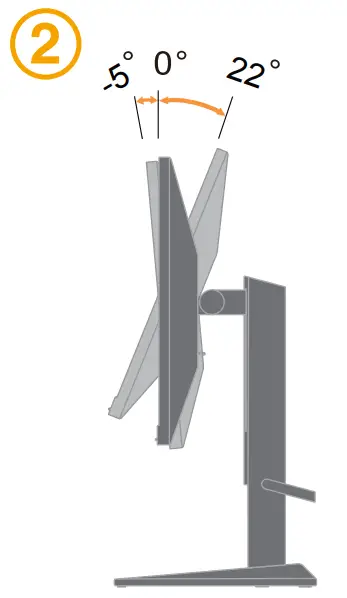
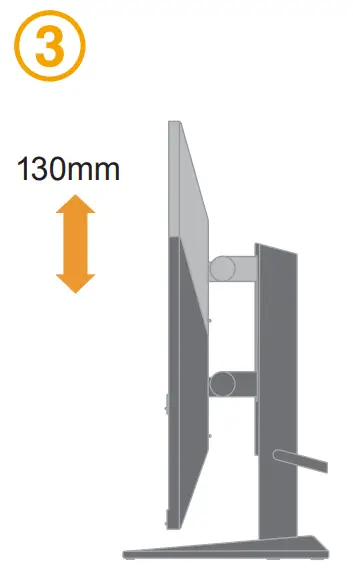
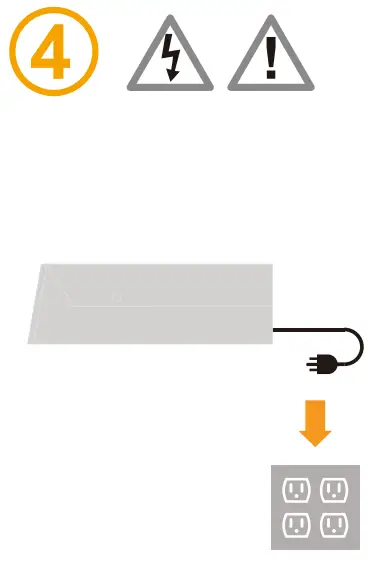
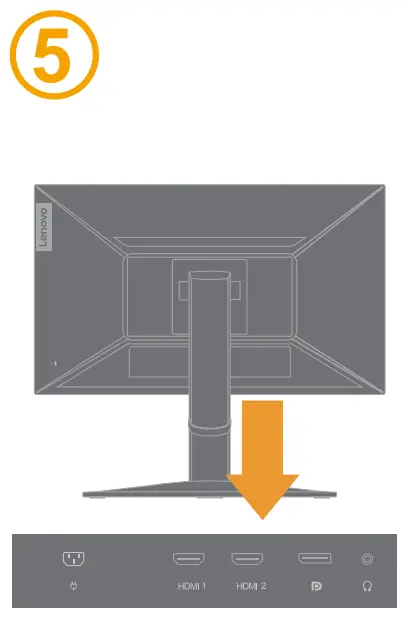
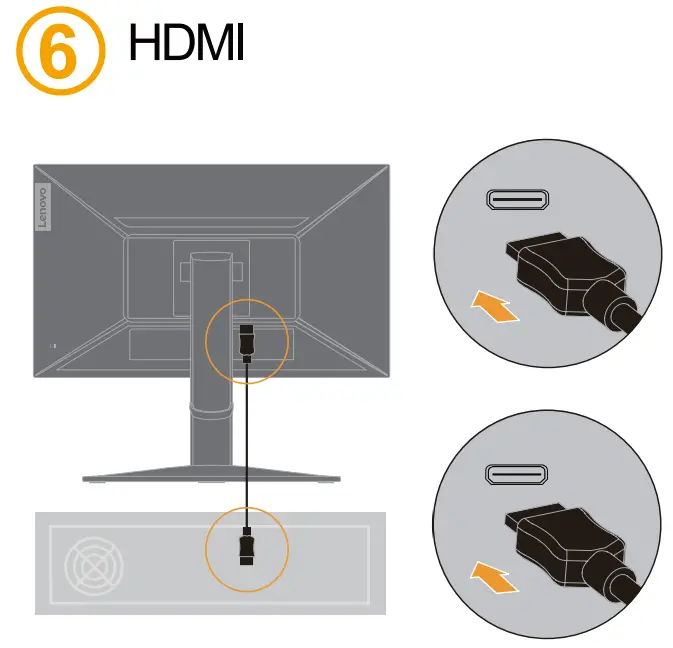
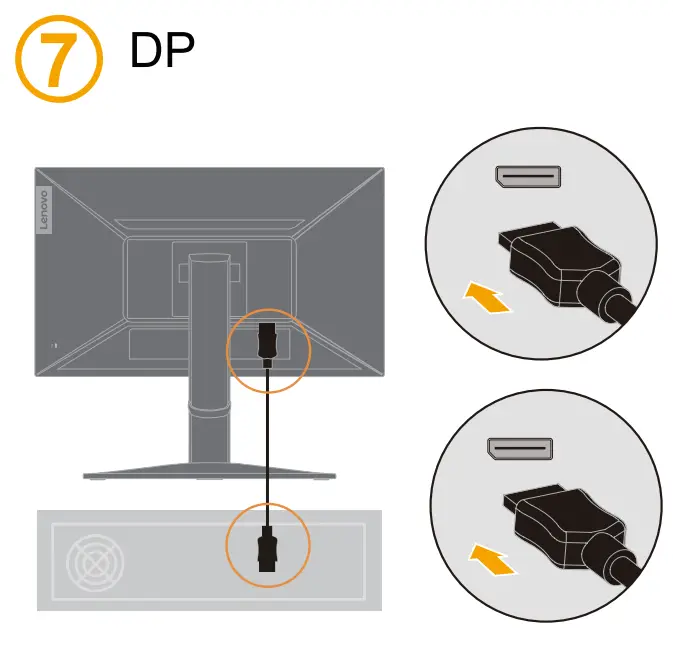
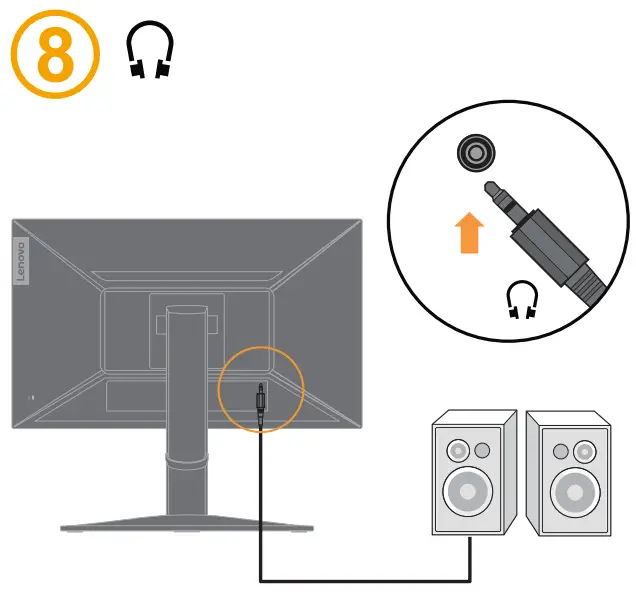
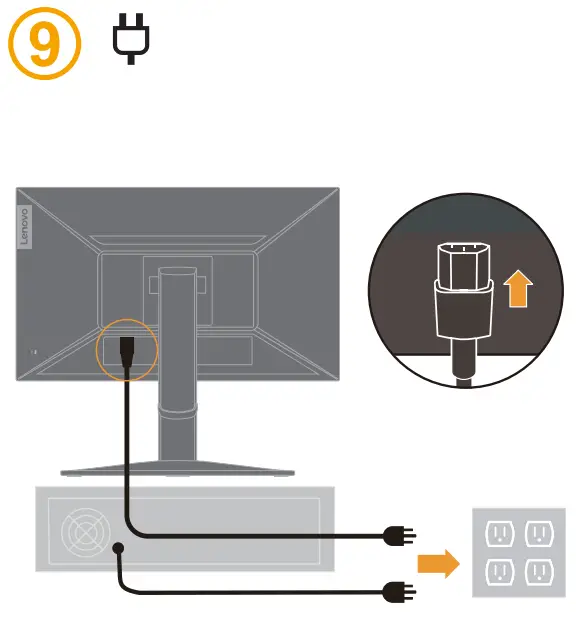


The drivers, documentations and warranty information for this monitor can be downloaded from https://pcsupport.lenovo.com/solutions/g25_20 or scan QR code.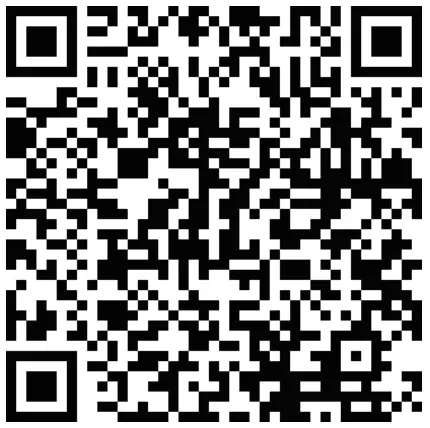
Safety information
 DANGER To avoid shock hazard:
- Do not remove the covers.
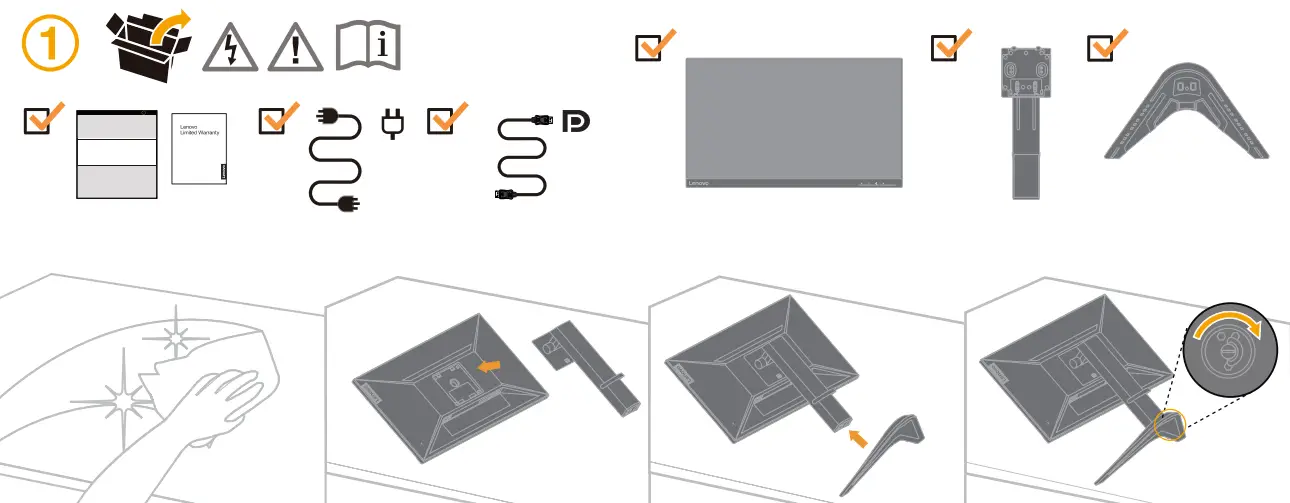
- Do not operate this product unless the stand is attached.
- Do not connect or disconnect this product during an electrical storm.
- The power cord plug must be connected to a properly wired and grounded power outlet.
- Any equipment to which this product will be attached must also be connected to properly wired and grounded power outlets.
- To isolate the monitor from the electrical supply, you must remove the plug from the power outlet. The power outlet should be easily! accessible.
Handling:
- If your monitor weighs more than 18 kg (39.68 lb), it is recommended that it be moved or lifted by two people.
Important Battery Recycling and WEEE information
 Don’t dispose of your product or battery with your household waste.
Refer to the Compliance Guide that came with your product for further information. or go to https://www.lenovo.com/recycling

EPREL registration number: XXXXX
This device complies with Part 15 of the FCC Rules.
Operation is subject to the following two conditions:
- this device may not cause harmful interference, and
- this device must accept any interference received, including interference that may cause undesired operation.
The drivers, documentations and warranty information for this monitor can be downloaded from
https://pcsupport.lenovo.com/solutions/g25_20 or scan QR code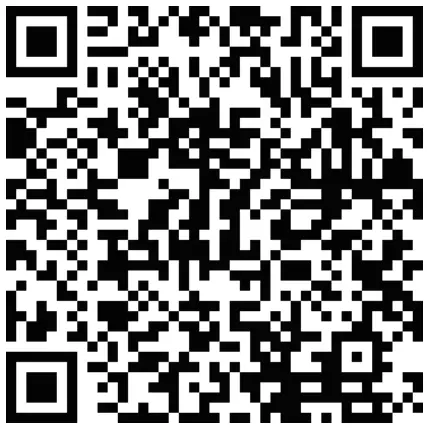
Lenovo G25-20 supports Lenovo
Display Control Center – Artery.

References
 Regulatory Compliance | Recycling | Lenovo US
-
Regulatory Compliance | Personal Computer Safety | Lenovo US
 Contactus - Lenovo Support US
-
Lenovo G25-20 Monitor - Overview and Service Parts - Lenovo Support US
-
Lenovo Support | Drivers, Troubleshooting, Warranty, Repair | Lenovo Support US
-
Regulatory Compliance | Recycling | Lenovo US
 Regulatory Compliance | Recycling | Lenovo US
 Contactus - Lenovo Support US
 Lenovo Support | Drivers, Troubleshooting, Warranty, Repair | Lenovo Support US