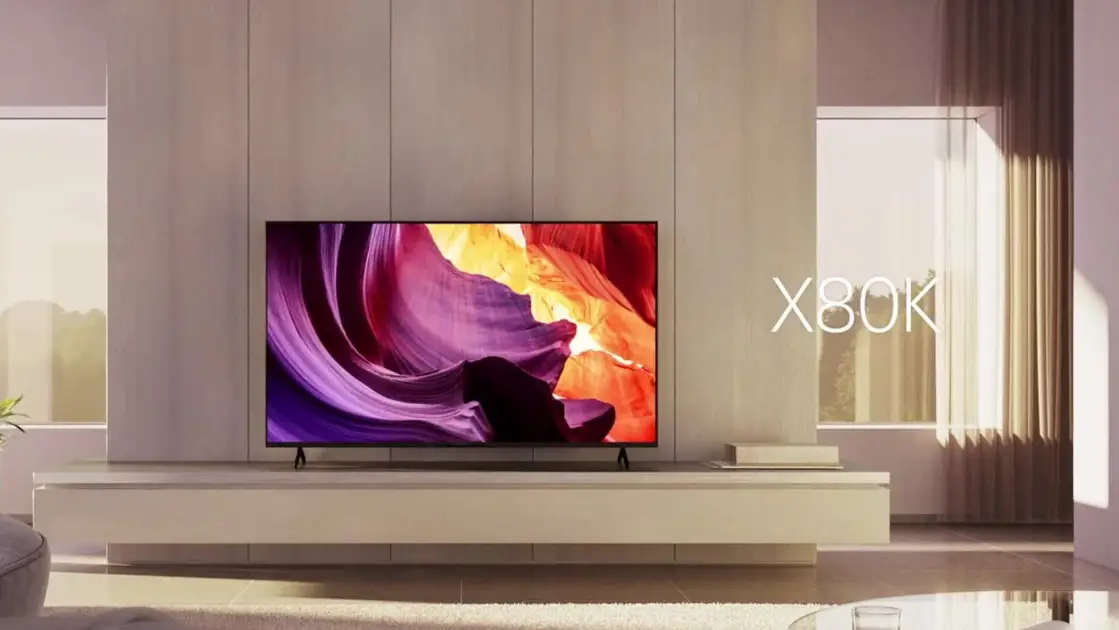
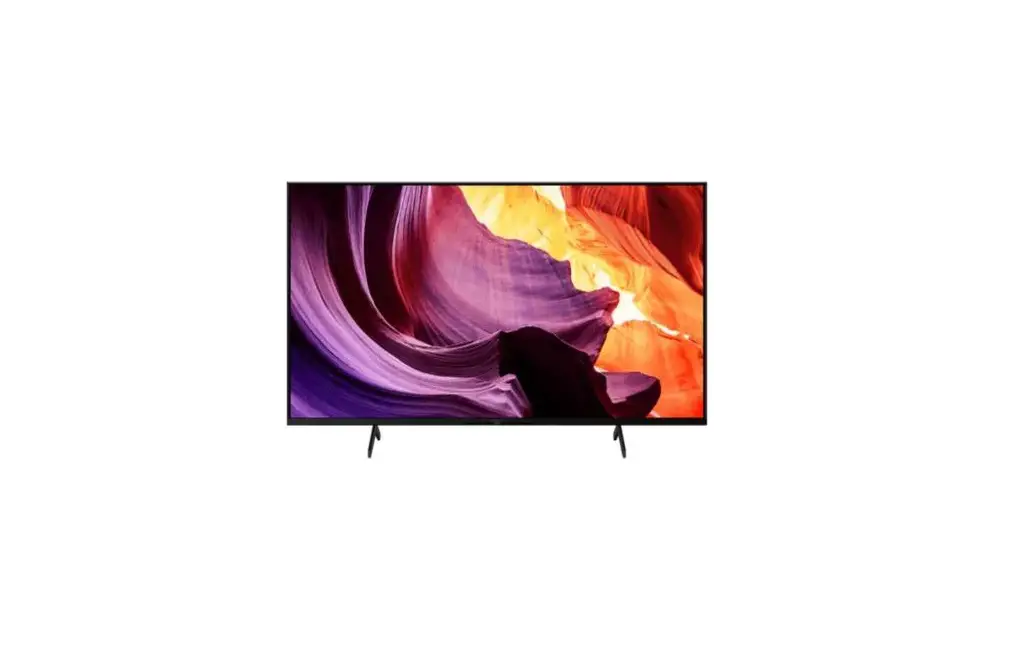
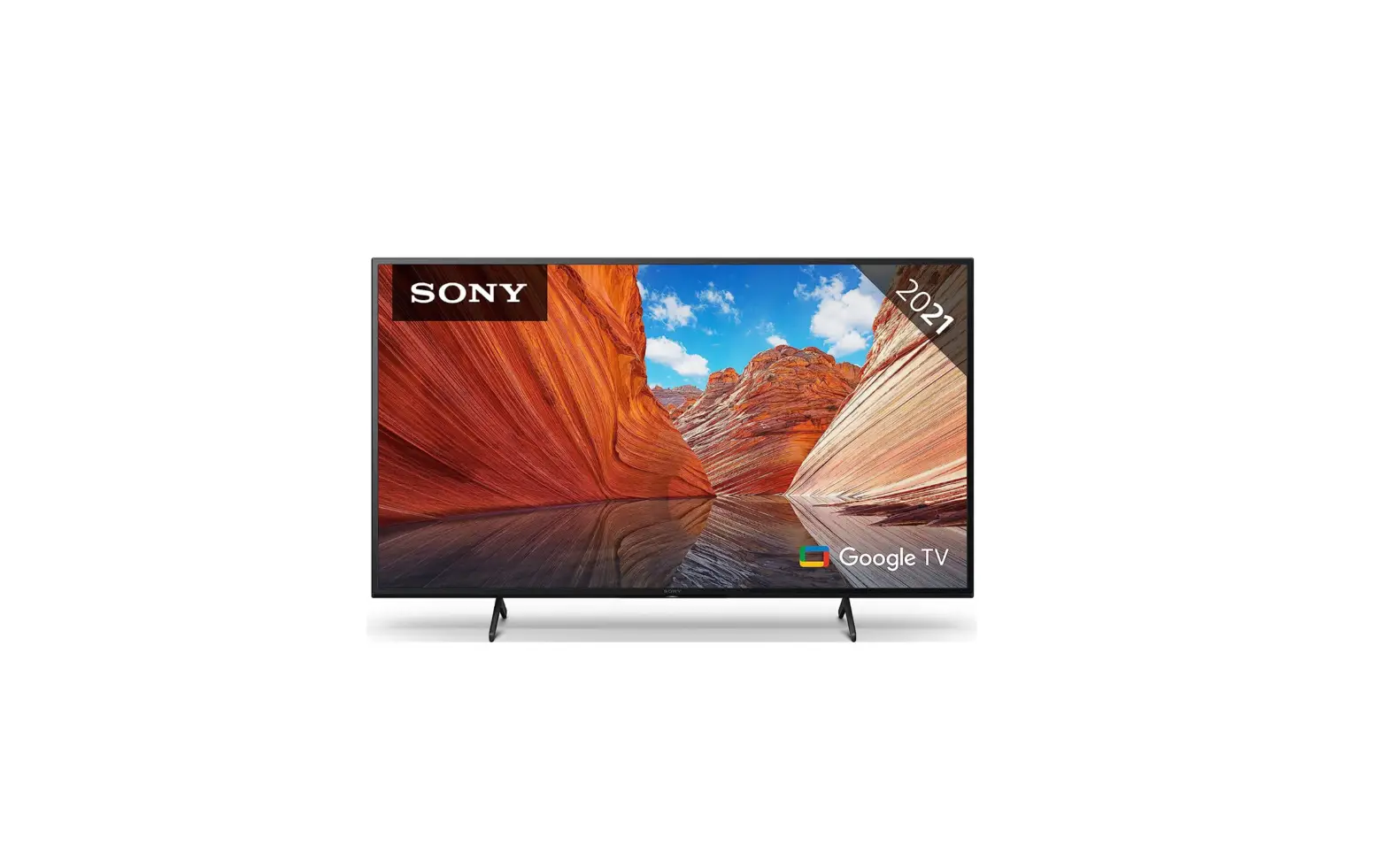
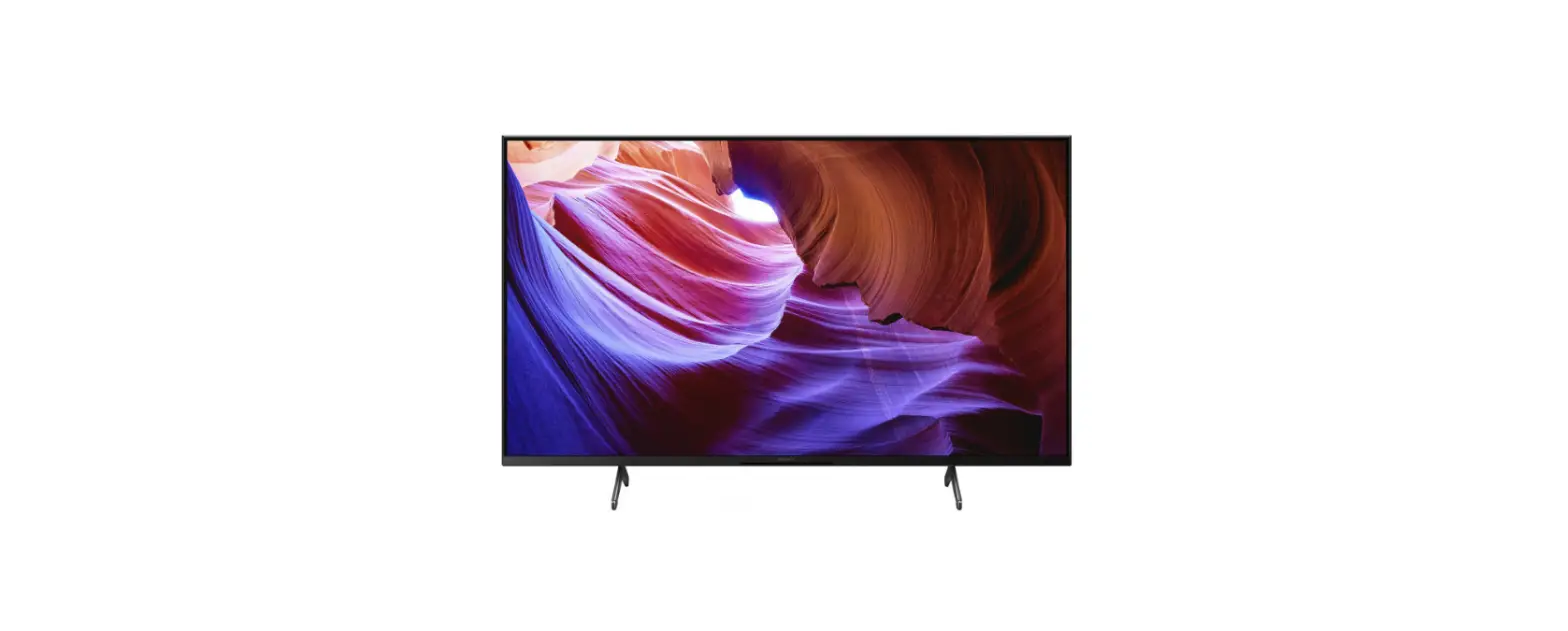
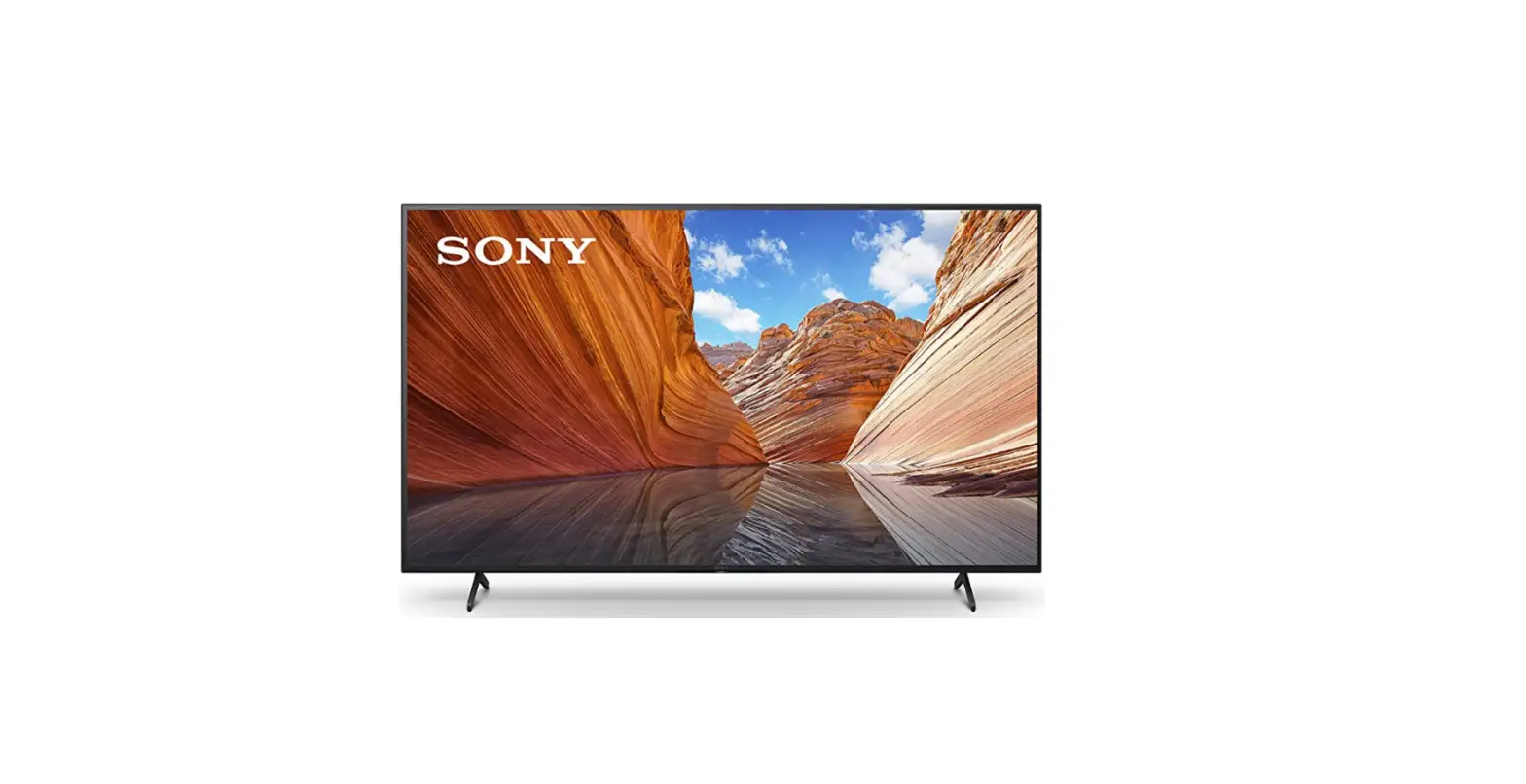
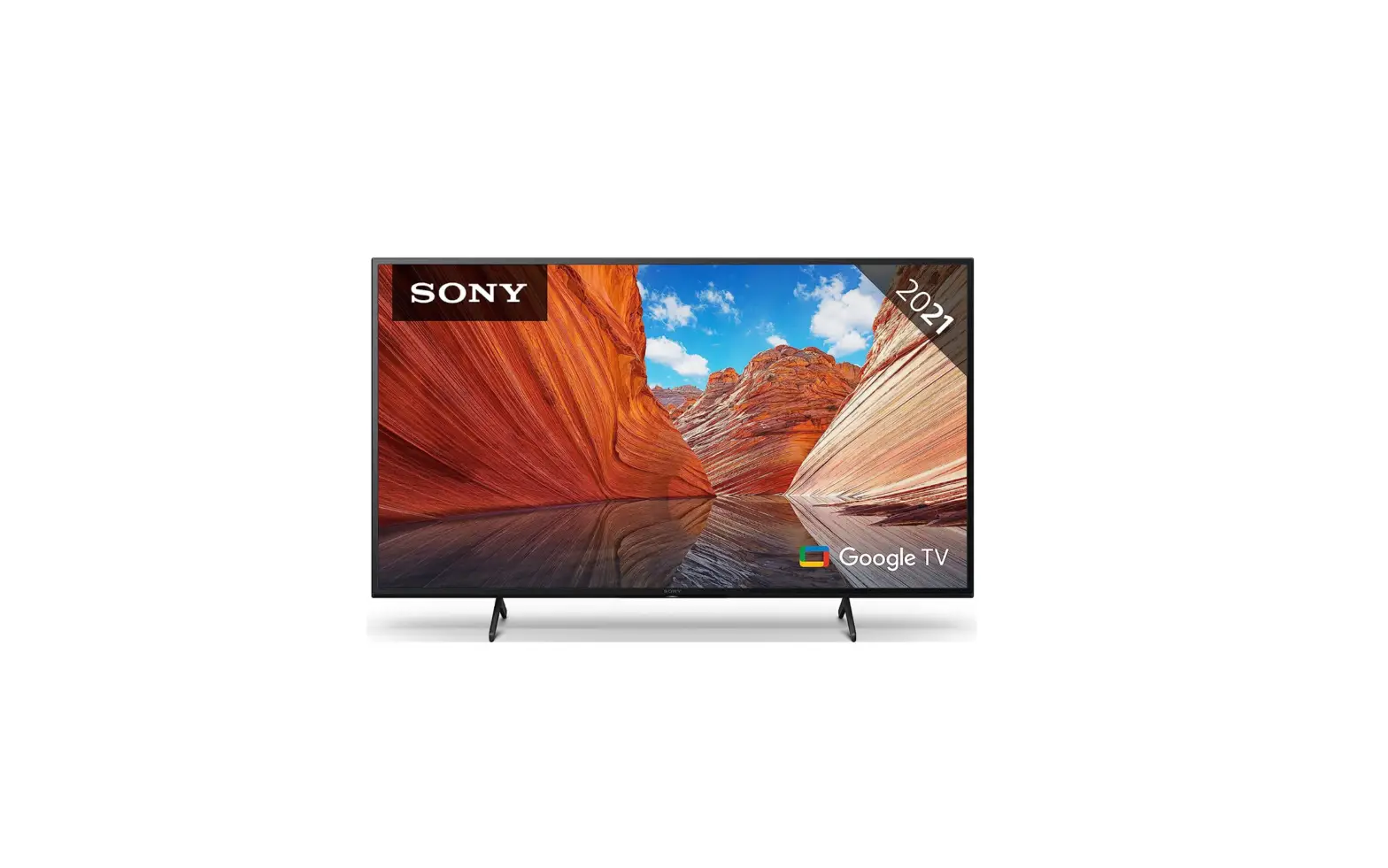
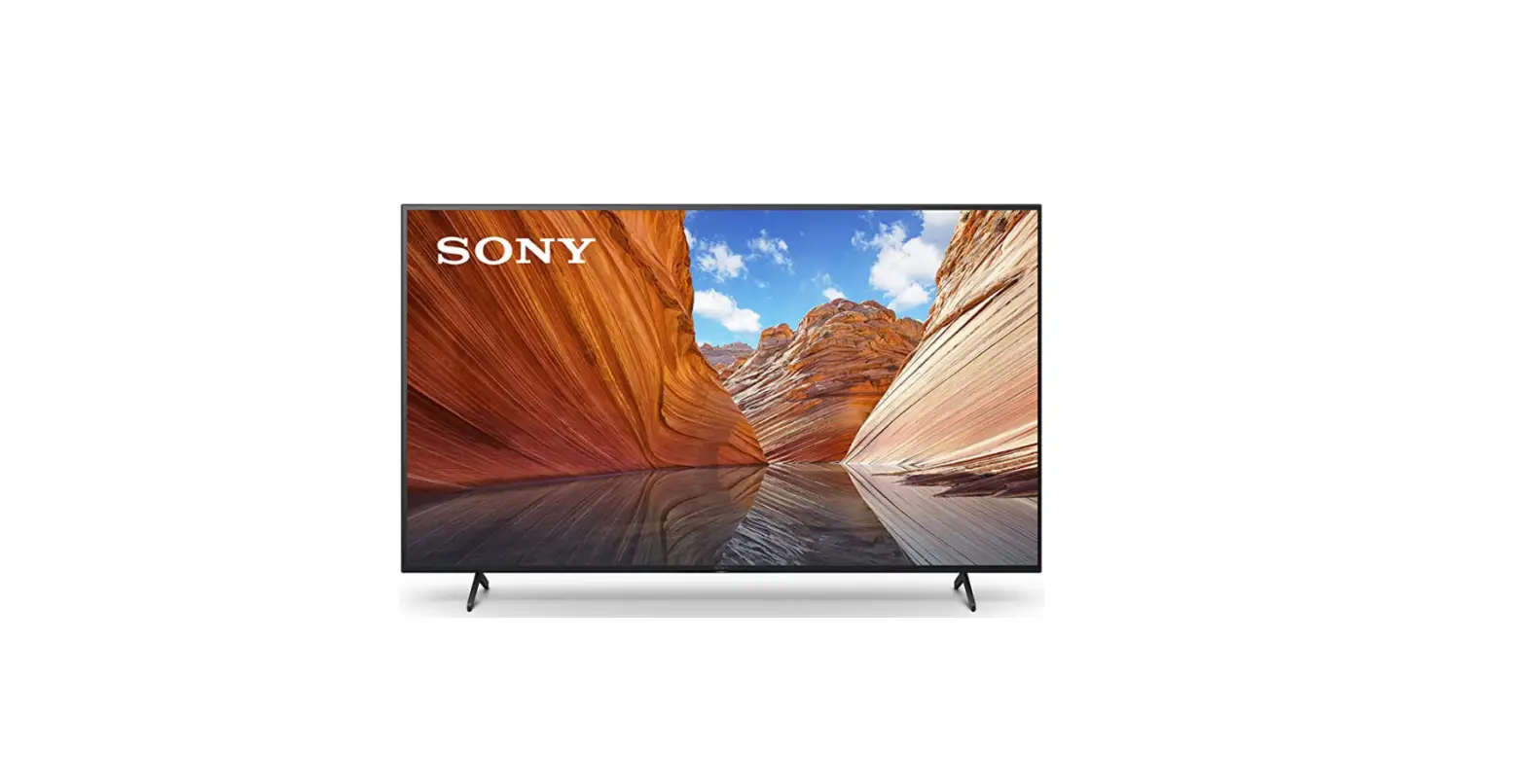
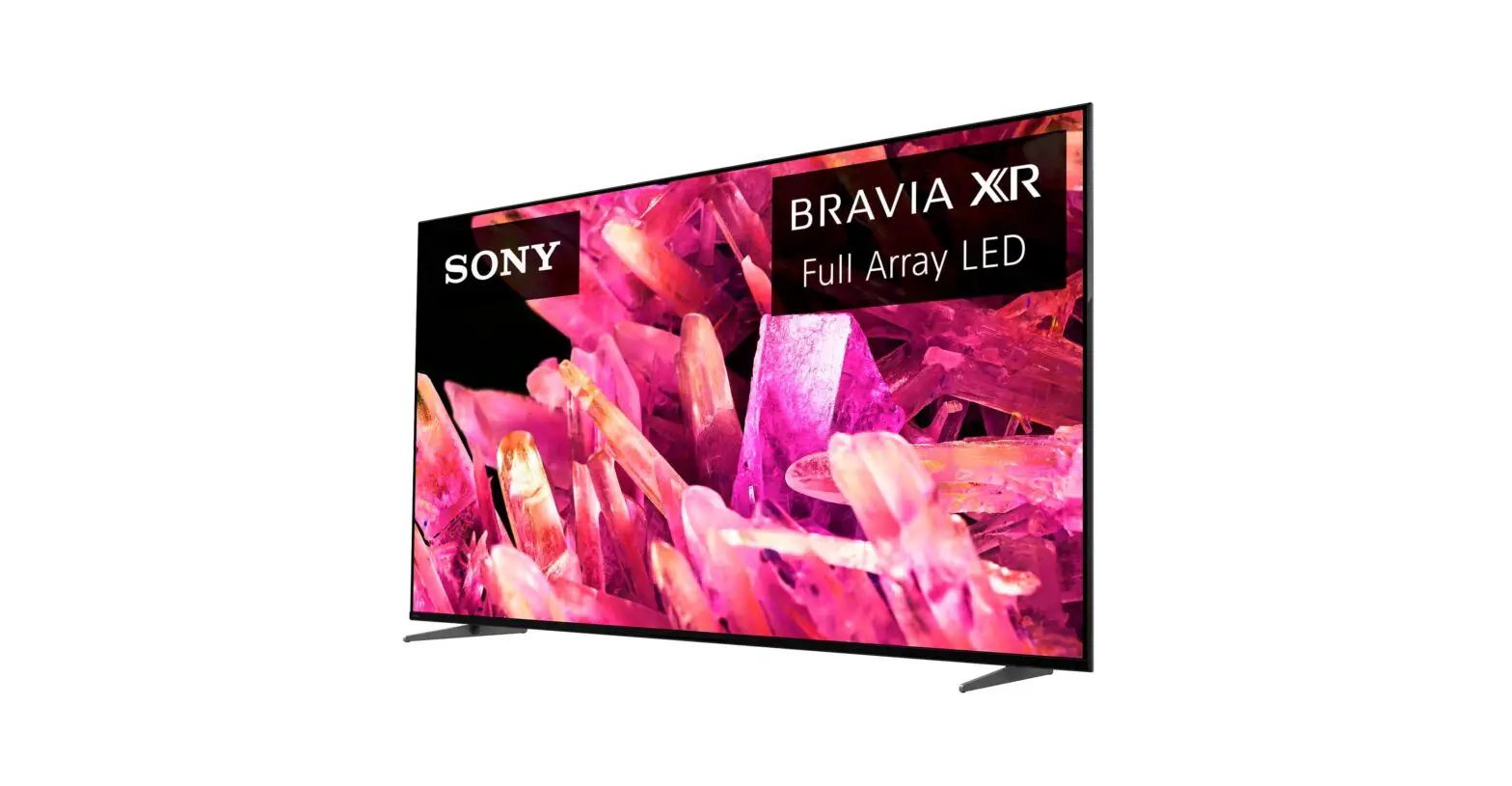
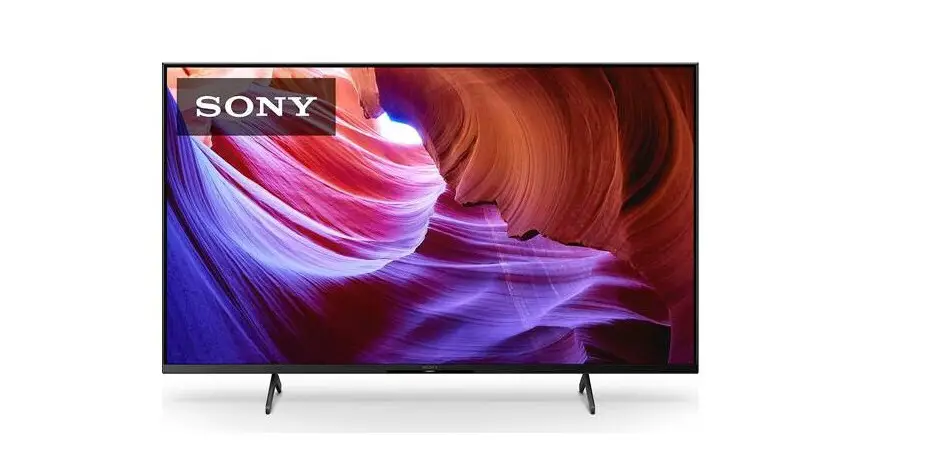
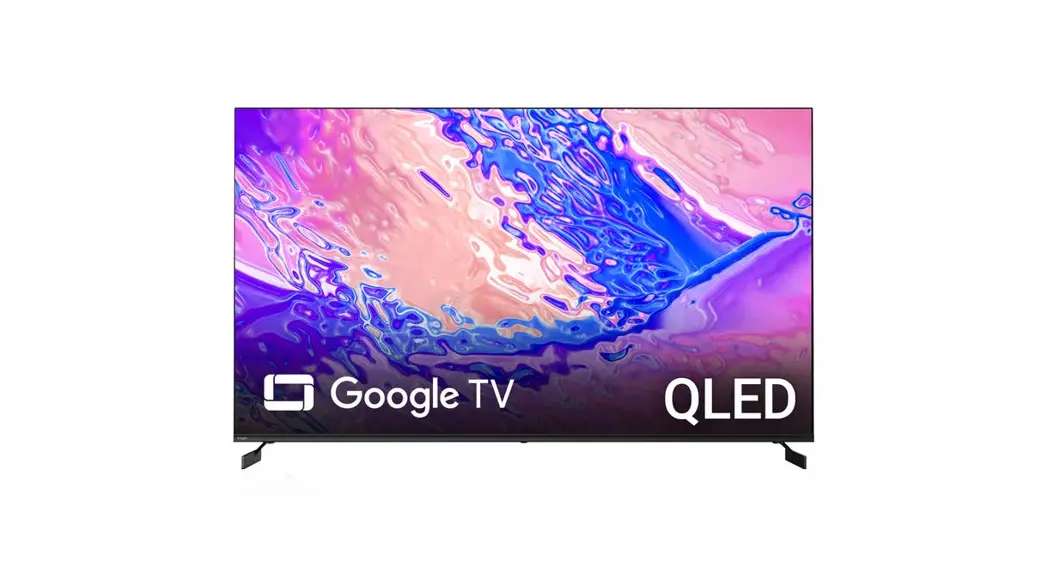
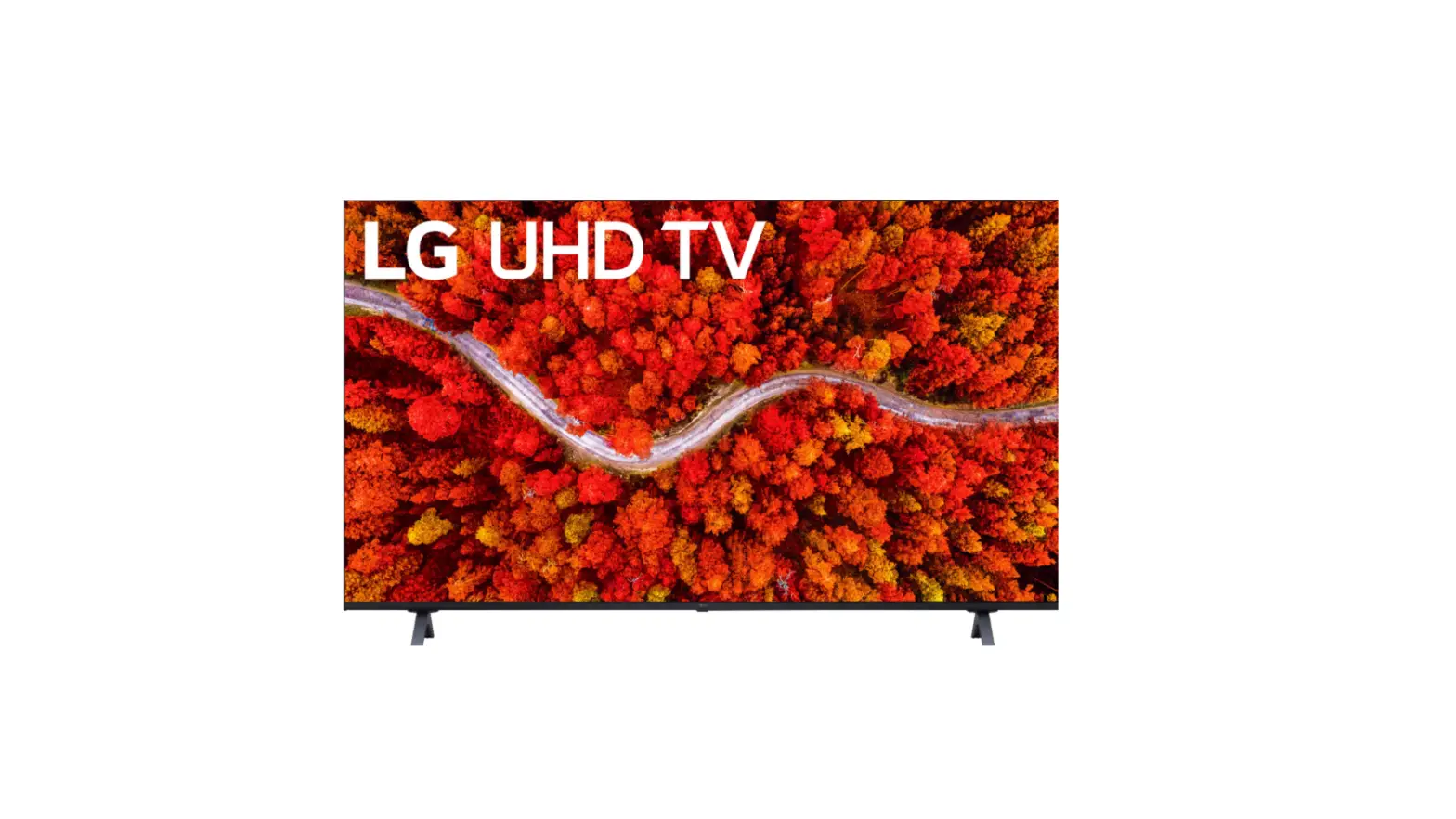
KD-65X75L 65 Inch 4K Ultra HD Smart Google TV
Product Information:
| Model | TV Series | Country/Region |
|---|---|---|
| KD-65X75L / 65X74L | X75L | Not specified |
| KD-55X75L / 55X74L | X75L | Not specified |
Product Usage Instructions:
- Unpack the television and place it on a stable surface.
- Ensure that all the necessary accessories are included in the
package. - Locate the wood screws (M6, 8mm – 12mm) provided.
- Using the wood screws, securely attach the TV stand or wall
mount bracket to the television. Refer to the mounting instructions
for more details. - Connect the necessary cables (HDMI, power, etc.) to the
appropriate ports on the TV. - Plug in the power cord to a power outlet.
- Turn on the television using the power button located on the TV
or the remote control. - Follow the on-screen instructions to complete the initial setup
process. - Adjust the settings according to your preferences.
- Your television is now ready to use.
C:UsersUserDesktopSONY TW2023SYTW23_APL3_65_IN_SG50488710115048871011.indd
Television
Setup Guide
1
2
SB11
2
IM
M4L10
CL
1.2 Nm/1,2 Nm {12 kgfcm}
5
6
5-048-871-01(1)
EN Setup Guide
3
7
KD-65X75L / 65X74L KD-55X75L / 55X74L
4
8
CL
*1 Only for limited region/country/model.
© 2023 Sony Corporation Printed in India
CL
Sony KD-65X75L / 65X74L / 55X75L / 55X74L [EN] 5-048-871-01(1)
C:UsersUserDesktopSONY TW2023SYTW23_APL3_65_IN_SG50488710115048871011.indd
9
10
1
*2
*3
*4 Wood screw
M6 (8 mm – 12 mm)
1.2 N·m {12 kgf·cm}
*4
12
13
*2
*2
*3
11
FB
Sony KD-65X75L / 65X74L / 55X75L / 55X74L [EN] 5-048-871-01(1)