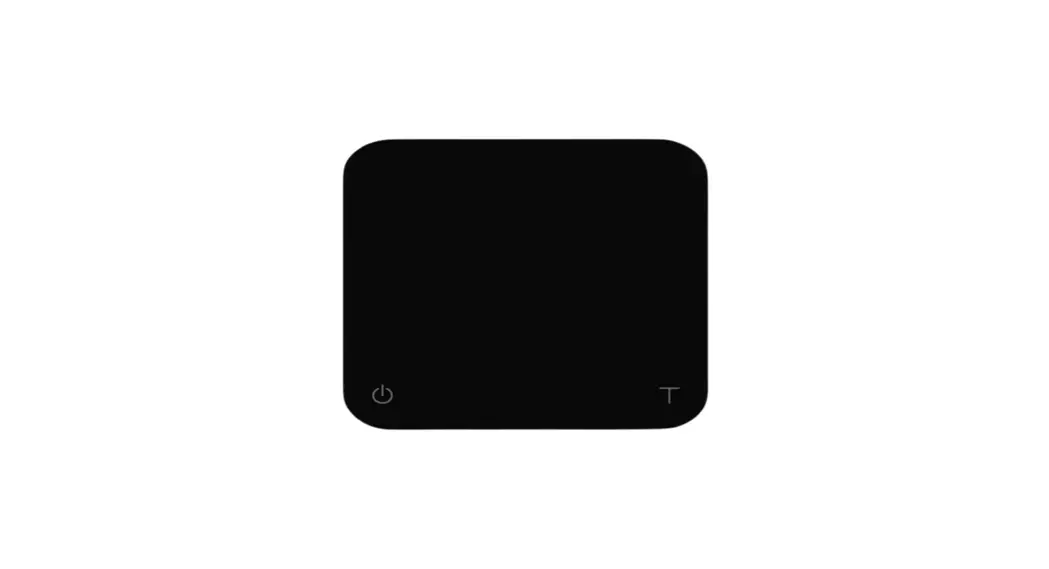
 GET STARTED
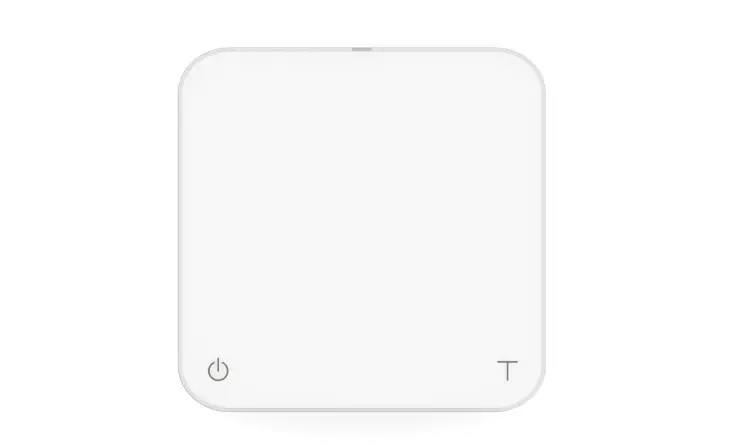
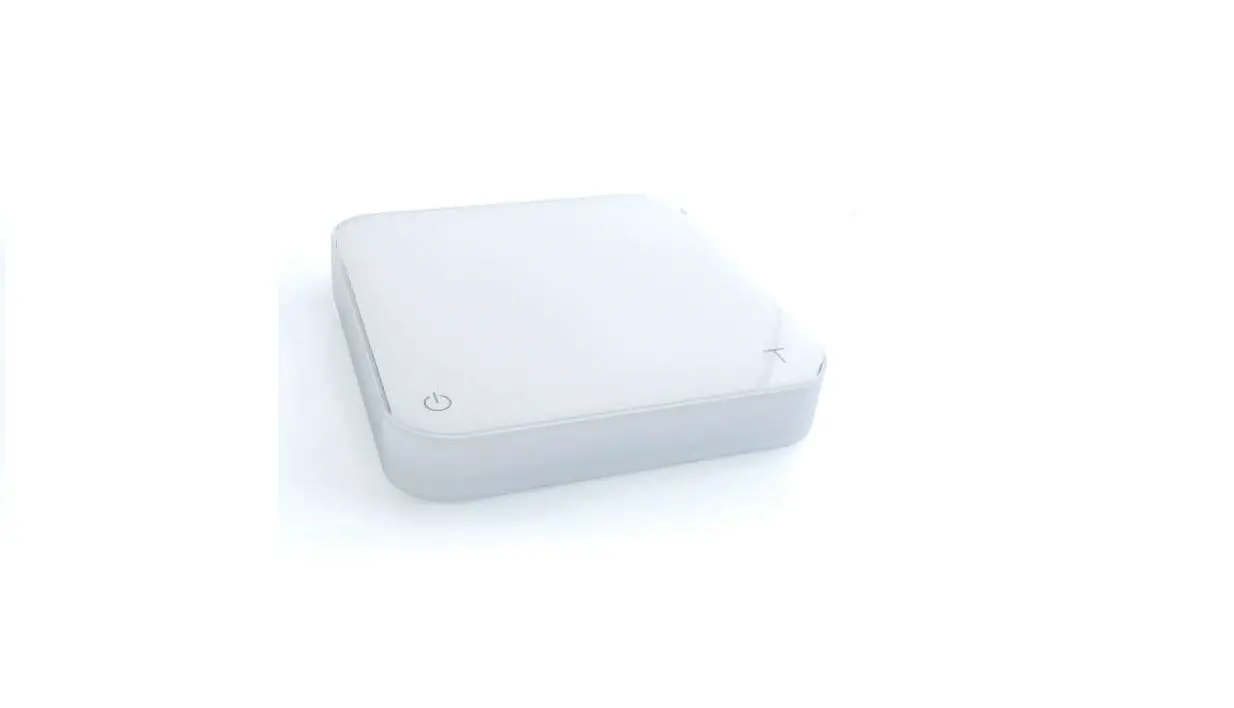
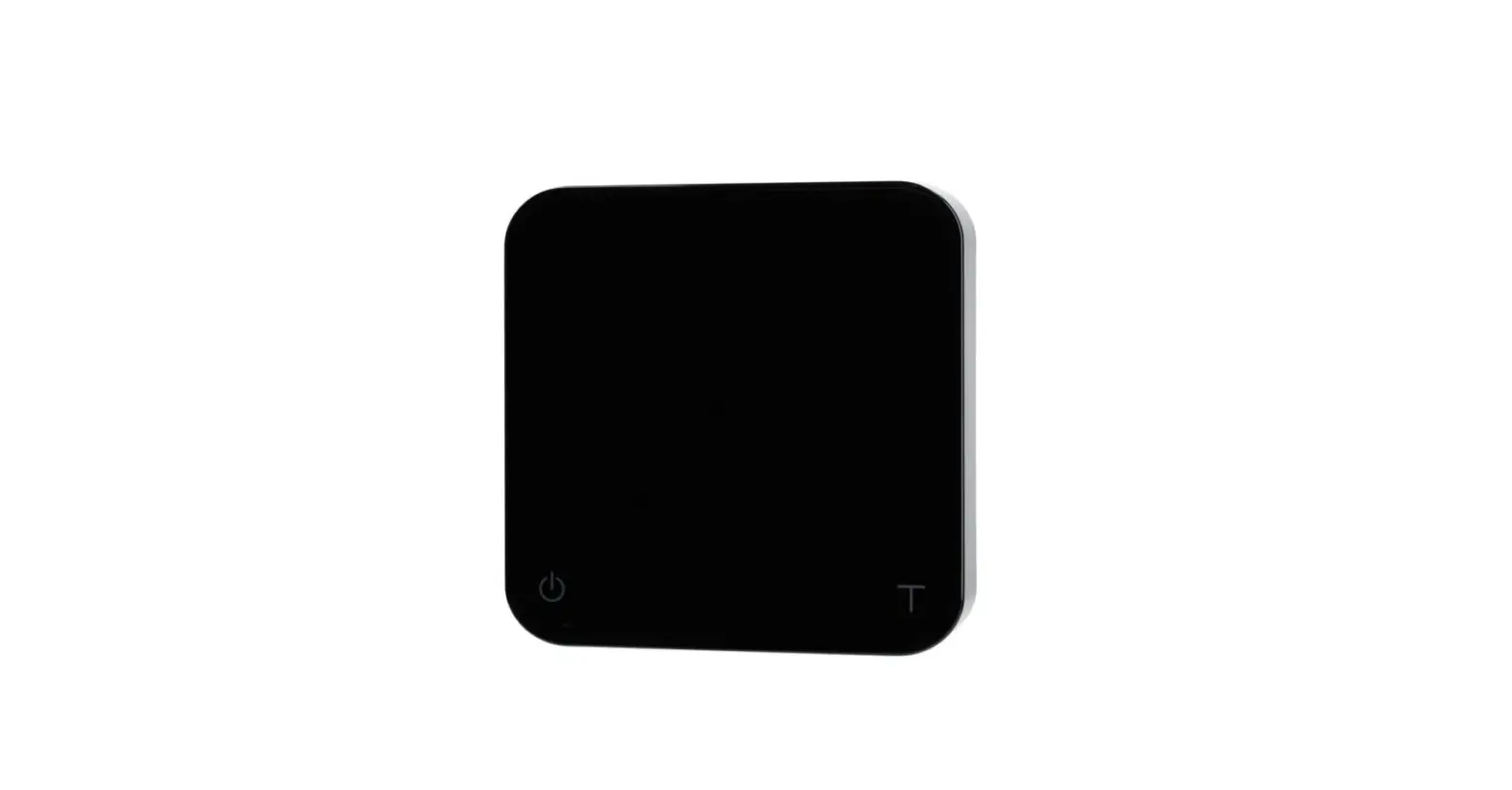
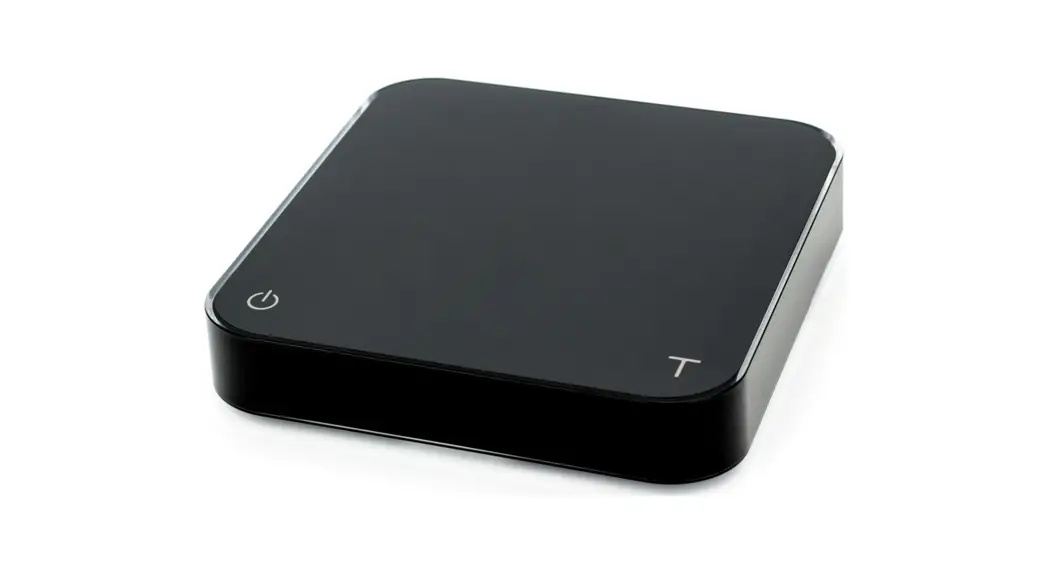
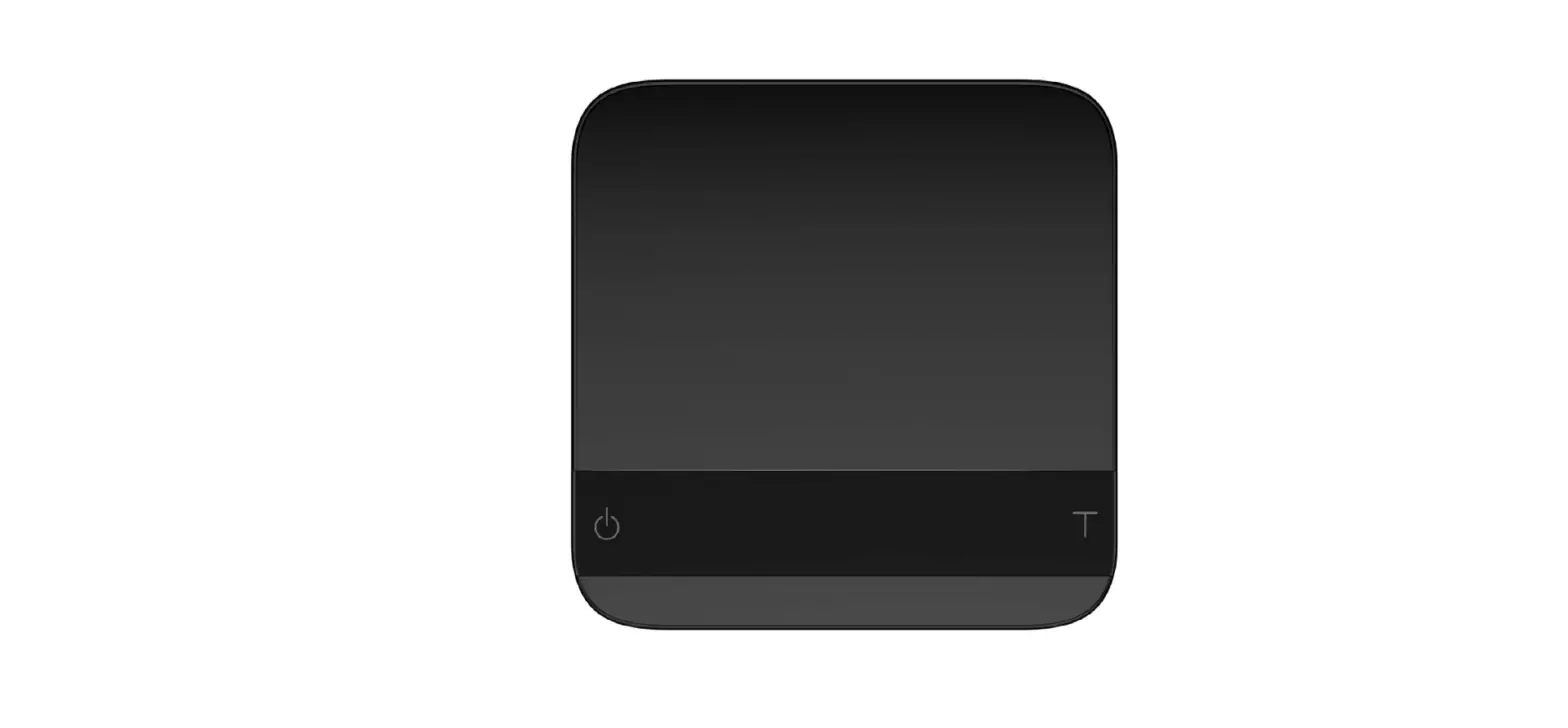
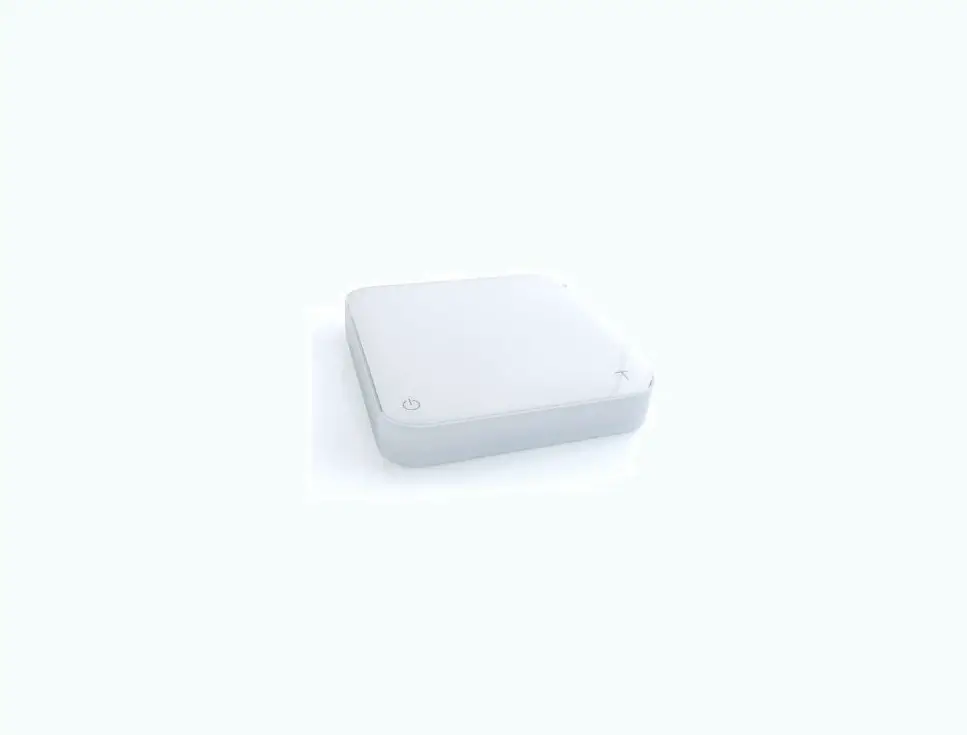
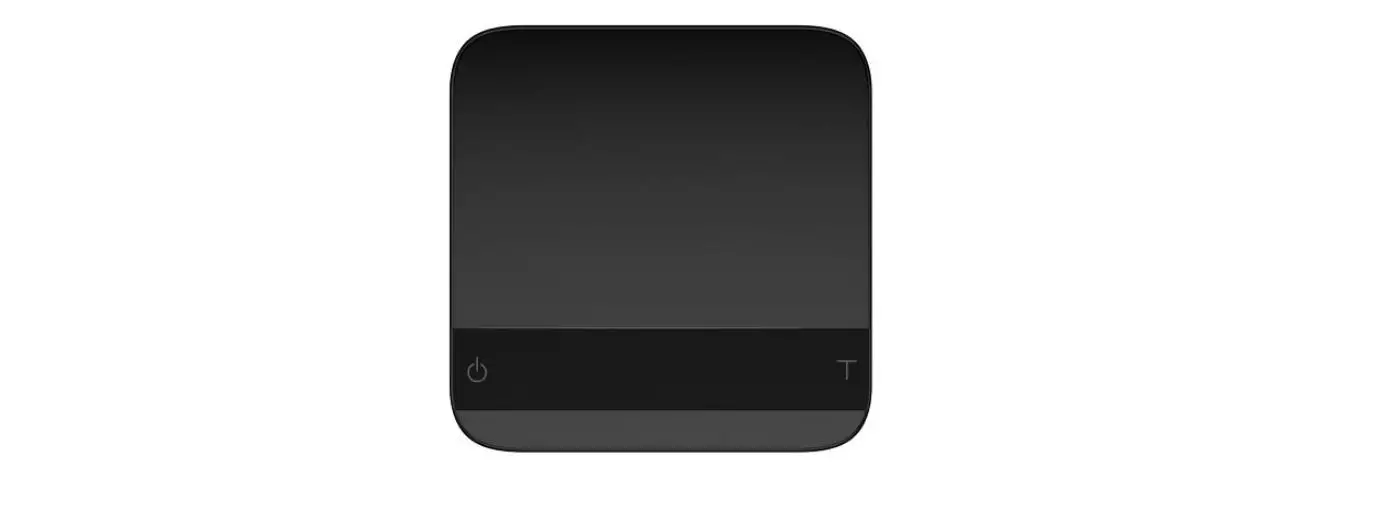
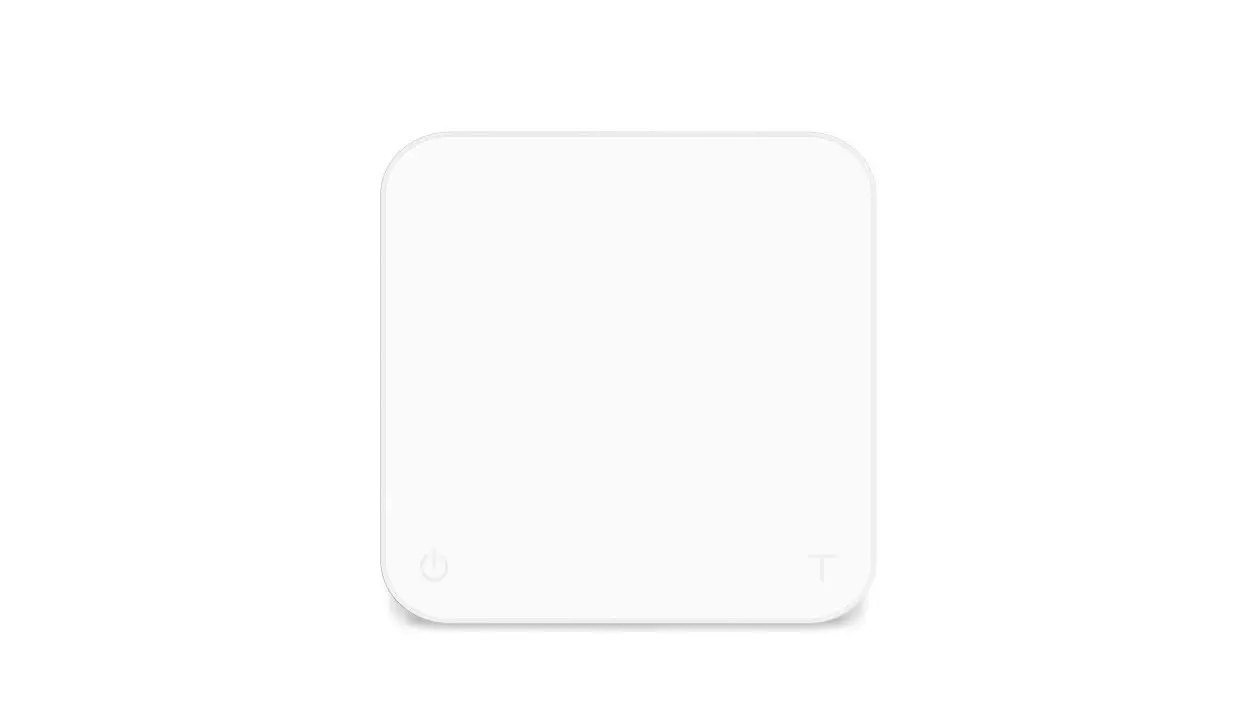
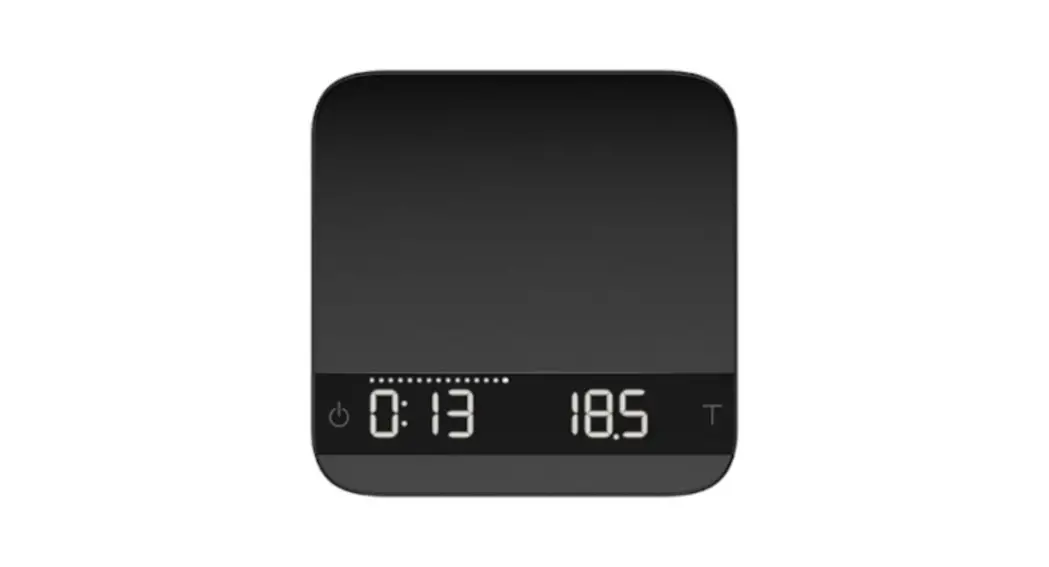
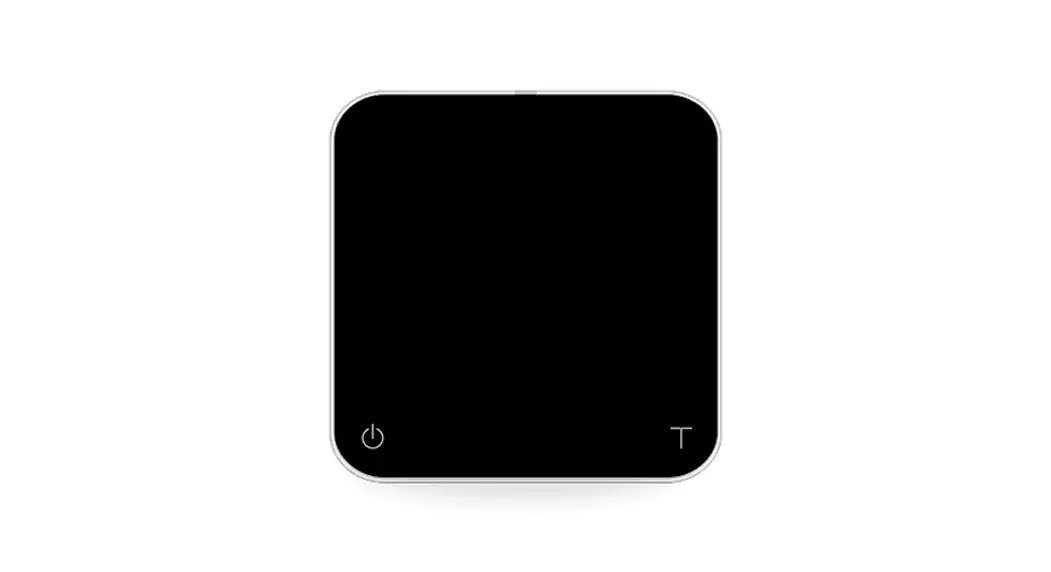
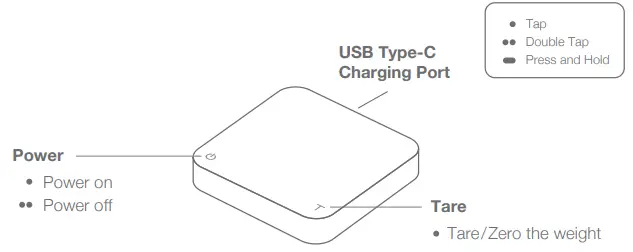
Scale Overview
LED Indicators
 Charging/Low Battery Indicator
 Bluetooth Connection Indicator
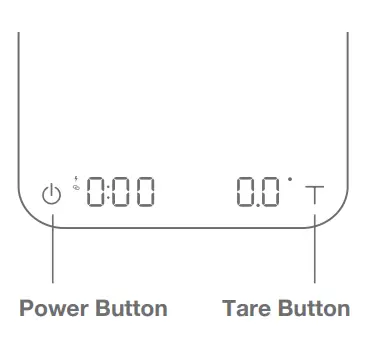
 Button Pressed/Stabilizing Indicator
Before Using Your Pearl
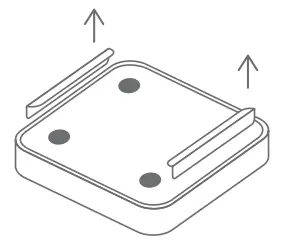
Remove the warning sticker on the front
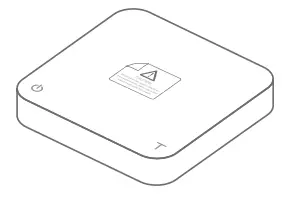
Remove the protective cardboard
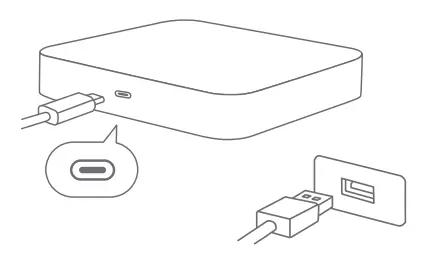
Battery Charging
You can use the included USB Type-C charger cable to connect the Pearl to a USB port for charging. Fully charged and with normal use, the scale can be used continuously for about 30-40 hours.
The Acaia Pearl is equipped with charging protection to avoid charging under high temperatures. Battery charging function will be enabled again when the scale has cooled.
Calibrating Your Scale
To perform a smart calibration, please follow the steps below:
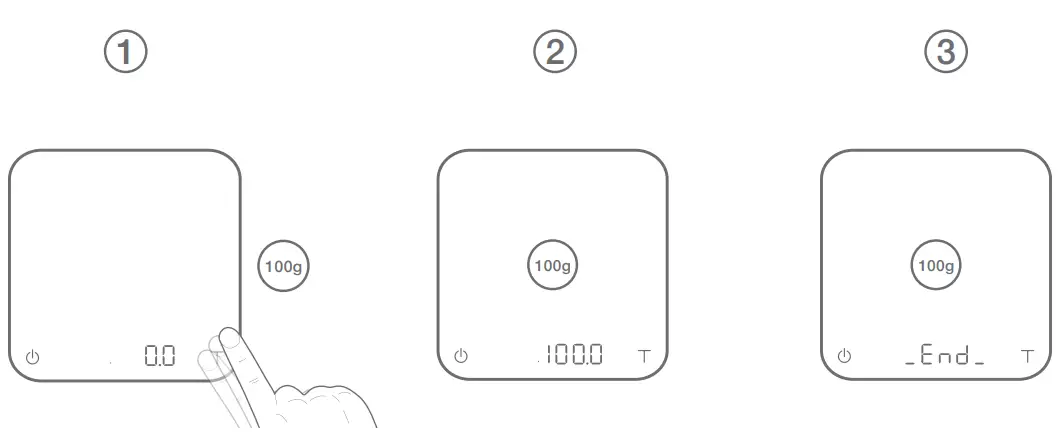
Step 1. Rapidly tap until screen displays CRL.
Step 2. Place a calibration weight on the center of the scale.
Step 3. Calibration complete. Remove the weight.
Note: You may also use 500 g, 1000 g or 2000 g weights. We recommend standard F2 class standard calibration weights.
Caution
– Do not charge when the scale is wet.
– Do not place hot objects directly on the weighing pan.
– Any modification made without the consent of the manufacturer may result in damage to scale.
– Avoid using the scale near very strong magnetic fields.