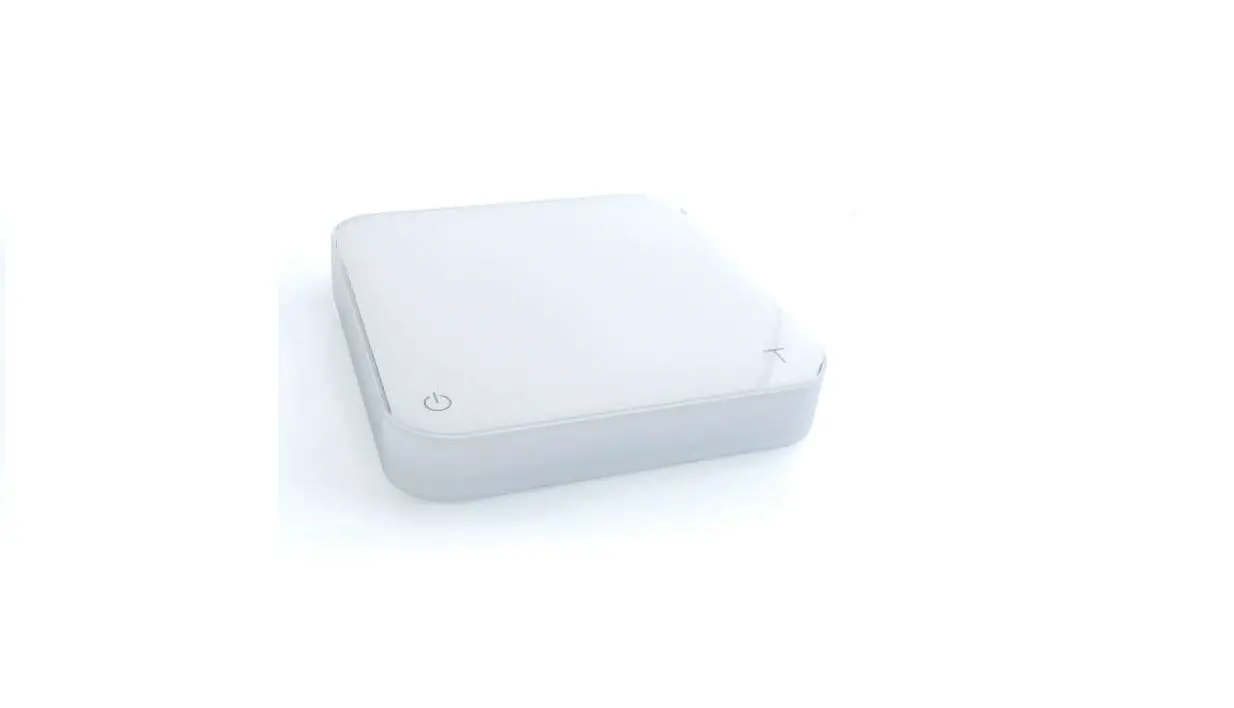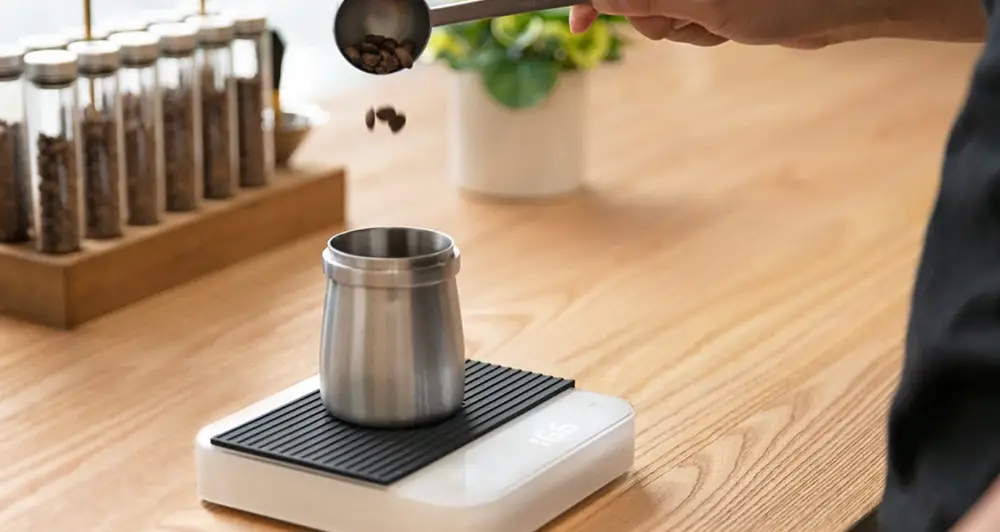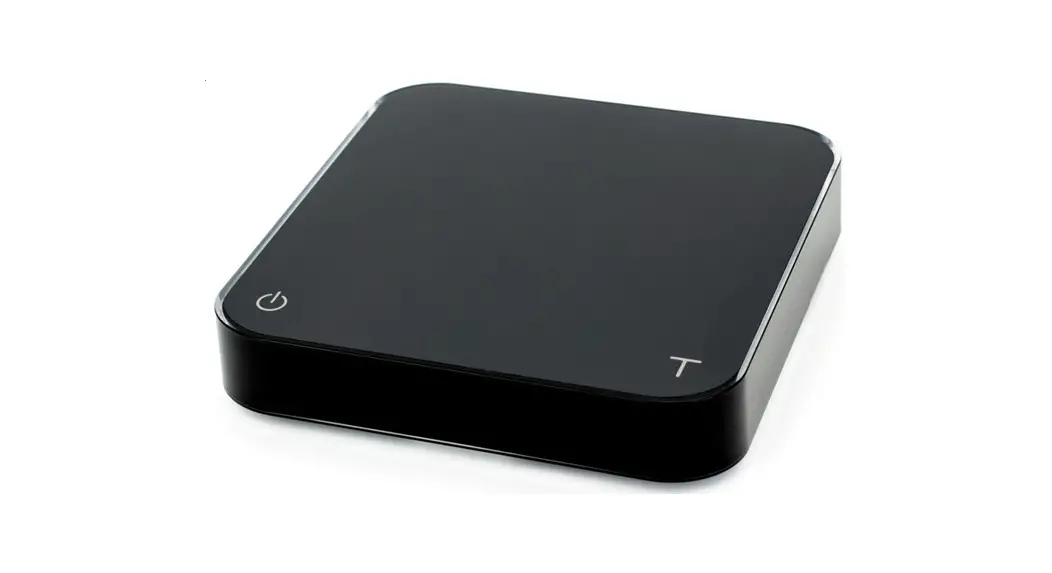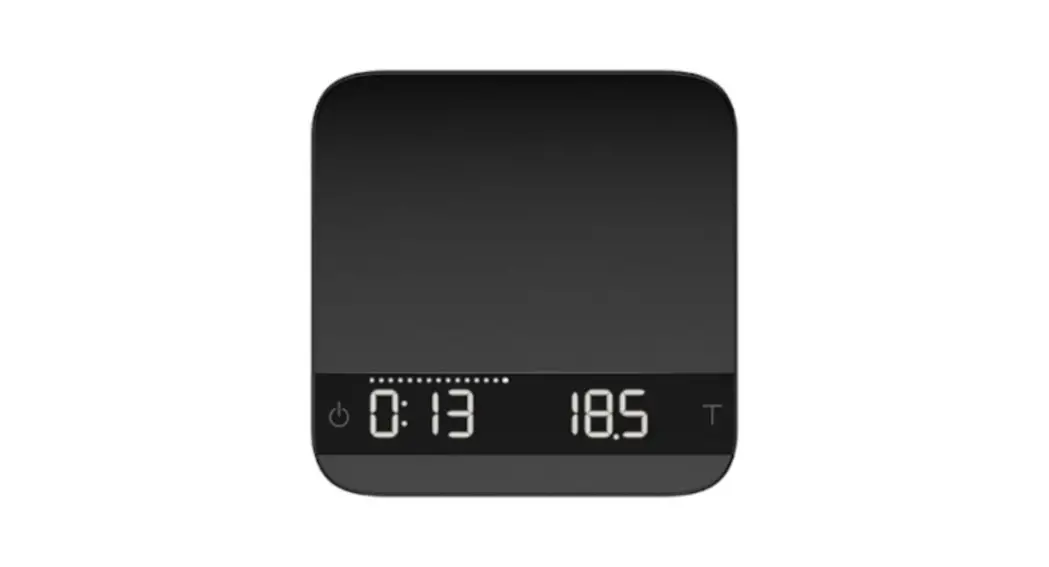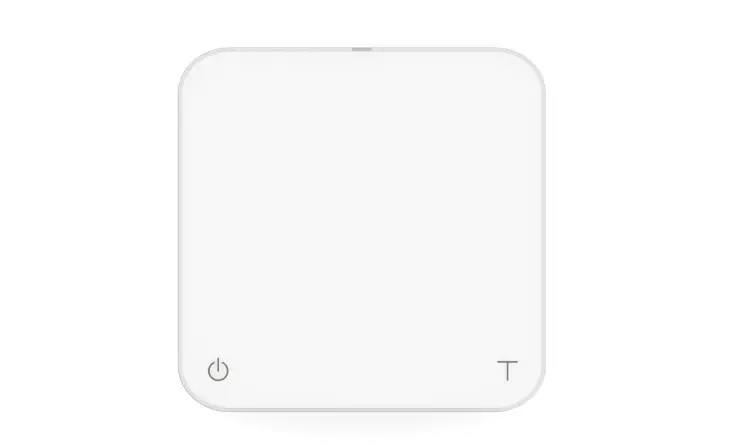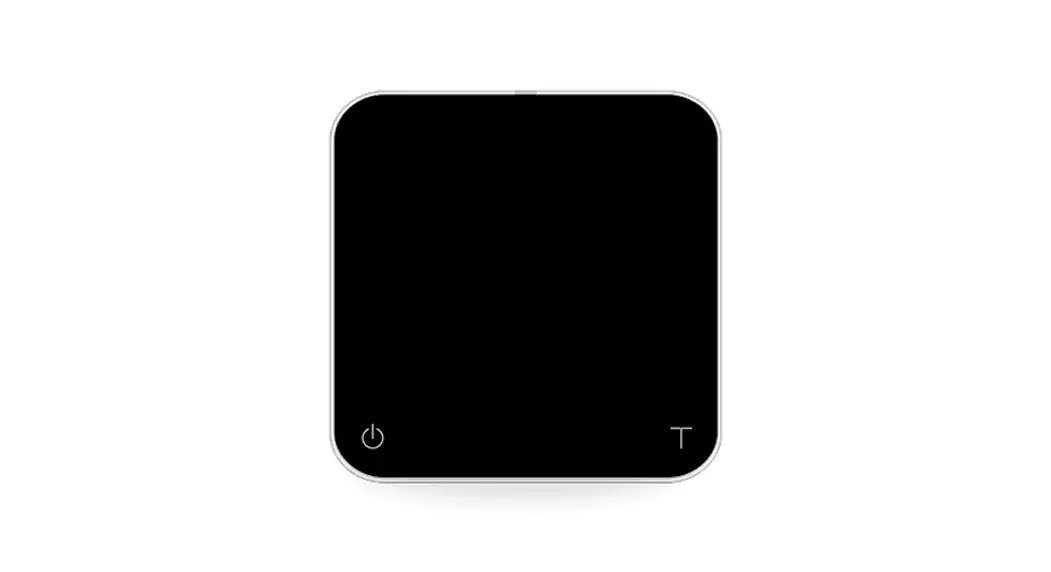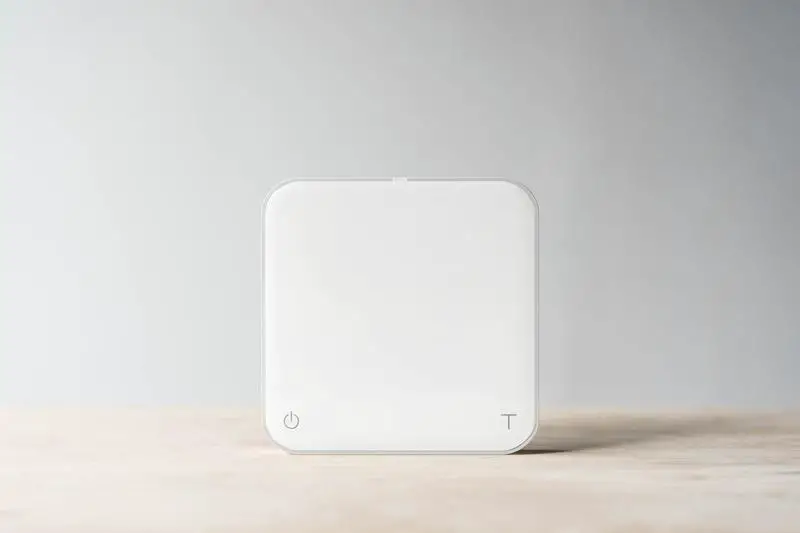

acaia Orion Pearl Brewing Scale
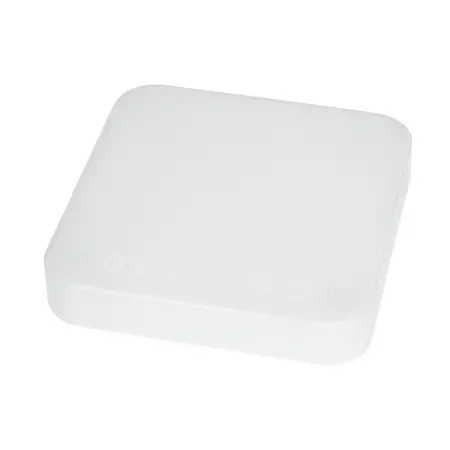
TURN ON/OFF
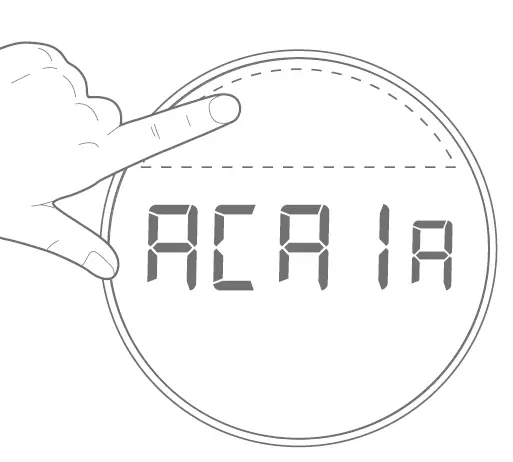
[Press] Power Button to turn on device.
[Double Tapl Power Button to turn off device.
DOSING
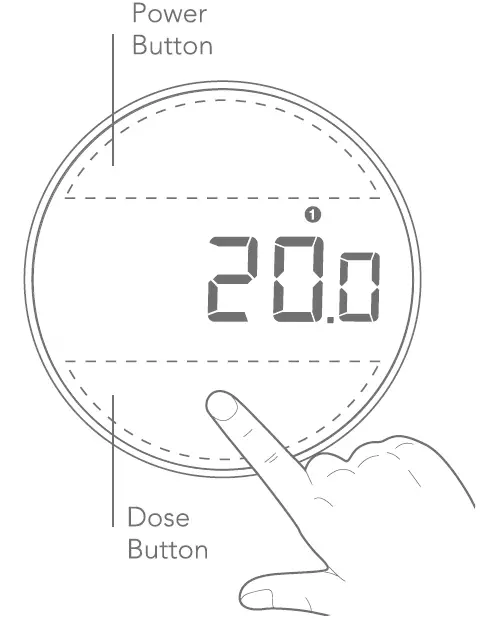
[Press] Dose Button to start dosing. Press again to manually stop dosing. At the end of each dose, press this button again to dose 1-2 beans.
[Press and hold for five seconds] Dose Button to empty hopper. Press Dose Button to reset dose.
DIAL INTERFACE 
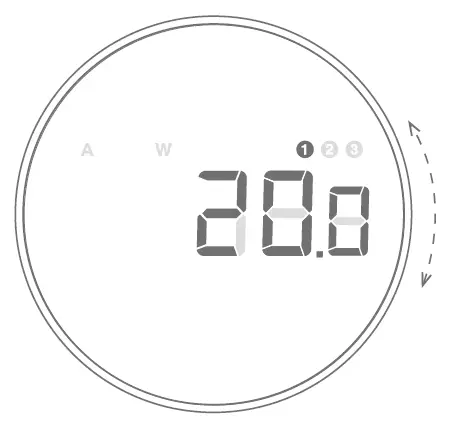
[Rotate] Dial to toggle presets, switch modes, or adjust preset weights.
ADJUST PRESET WEIGHTS
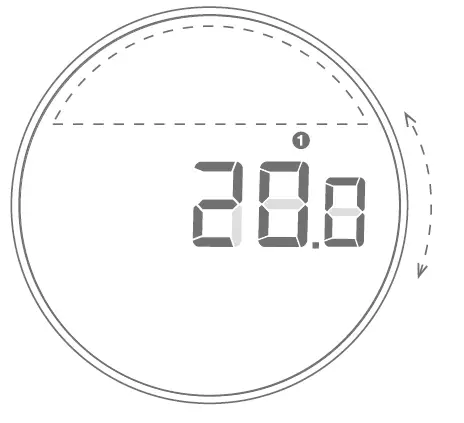
[Press] Power Button to enter preset weight setting.
[Rotate] Dial to change value.
[Press] Power/Dose Button to save preset value.
WEIGHING SCALE MODE
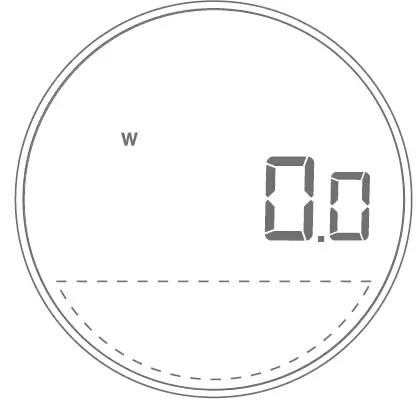
[Press] Dose Button to tare weight.
AUTO DOSING MODE
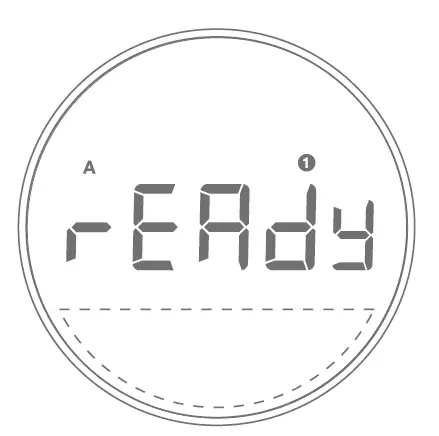
[Press and hold for five second PowerButtonto select Auto mode with the Dial.
[Press] Power Button again to confirm mode.
[Press] Dose Button to enter Ready mode. You can then begin auto-tare and auto-dosing.
For the complete user manual, please visit acaia.co/manual
Need help? Contact us at [email protected]