
timberk T-STCF70 Steam Cleaner
Product Information
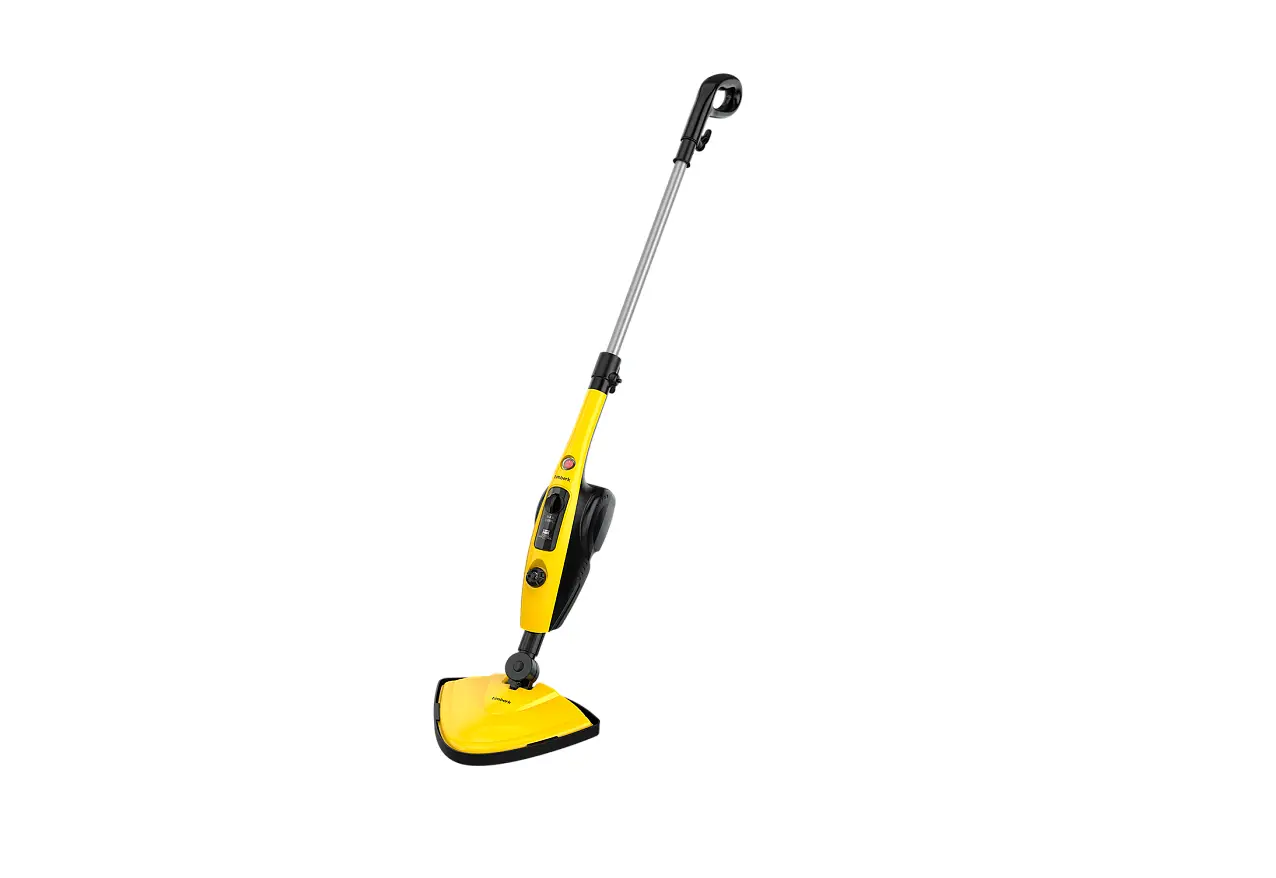
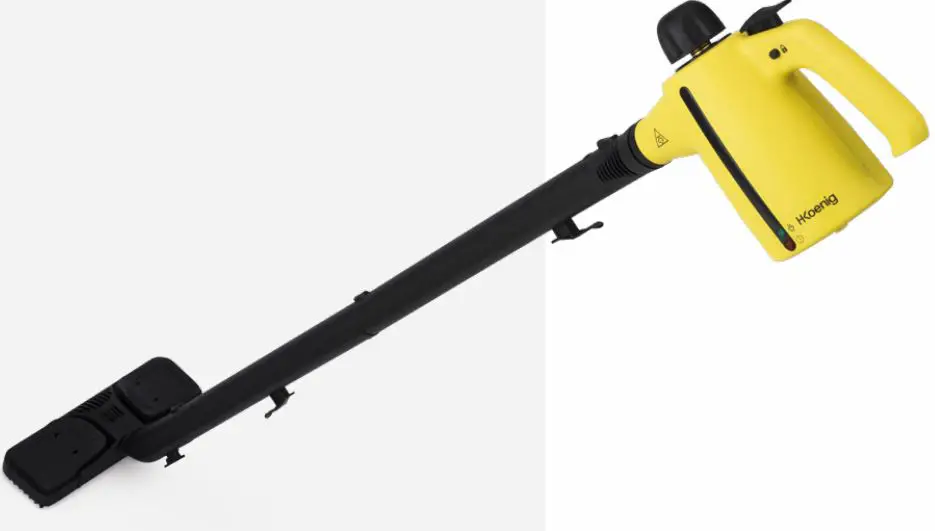
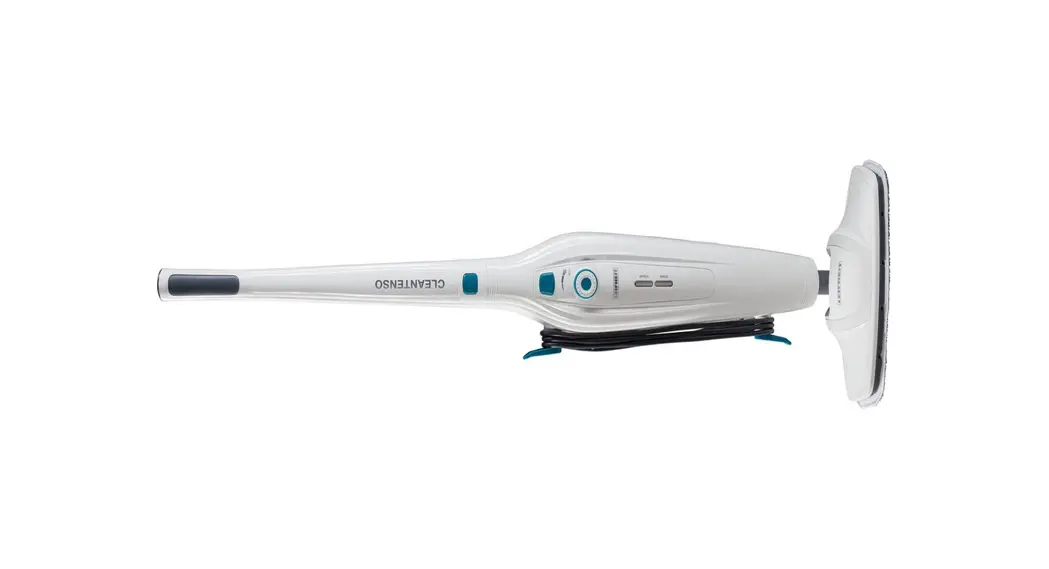
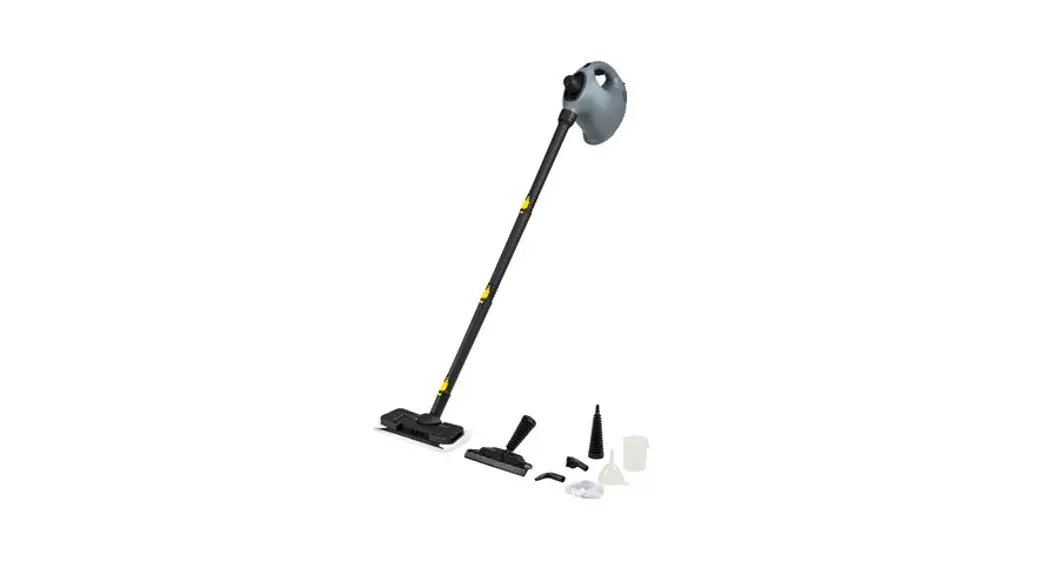
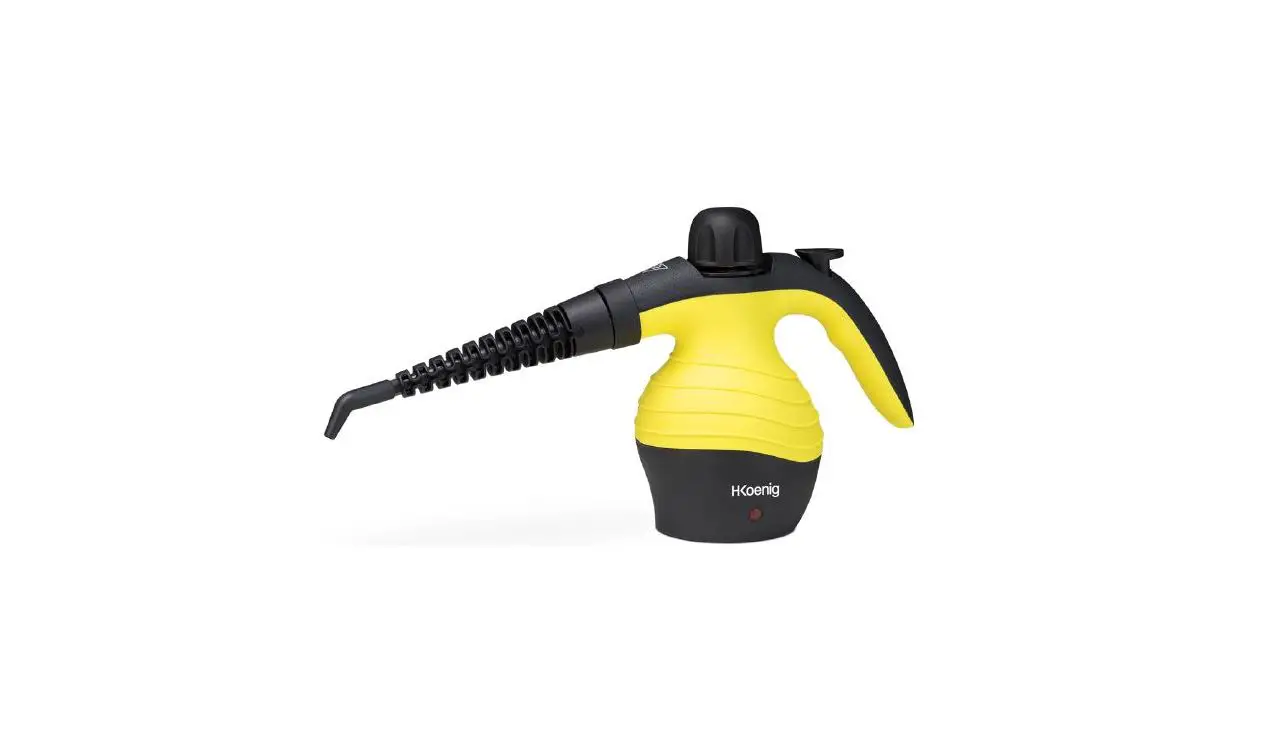
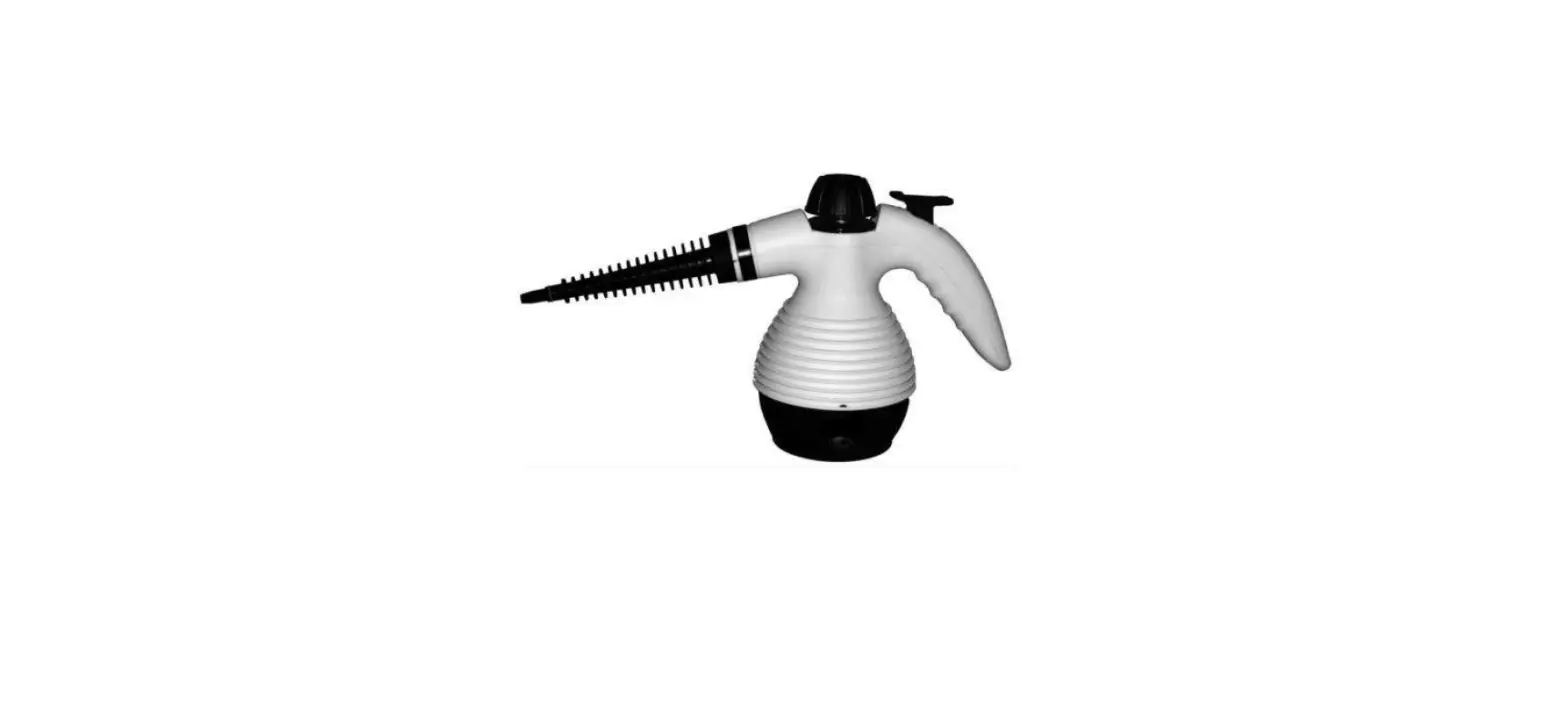
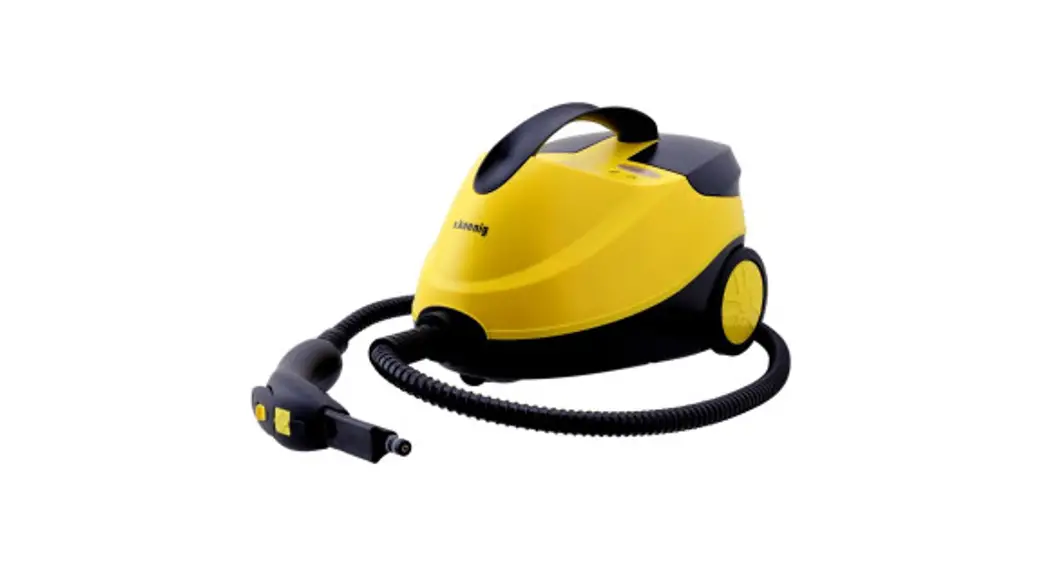
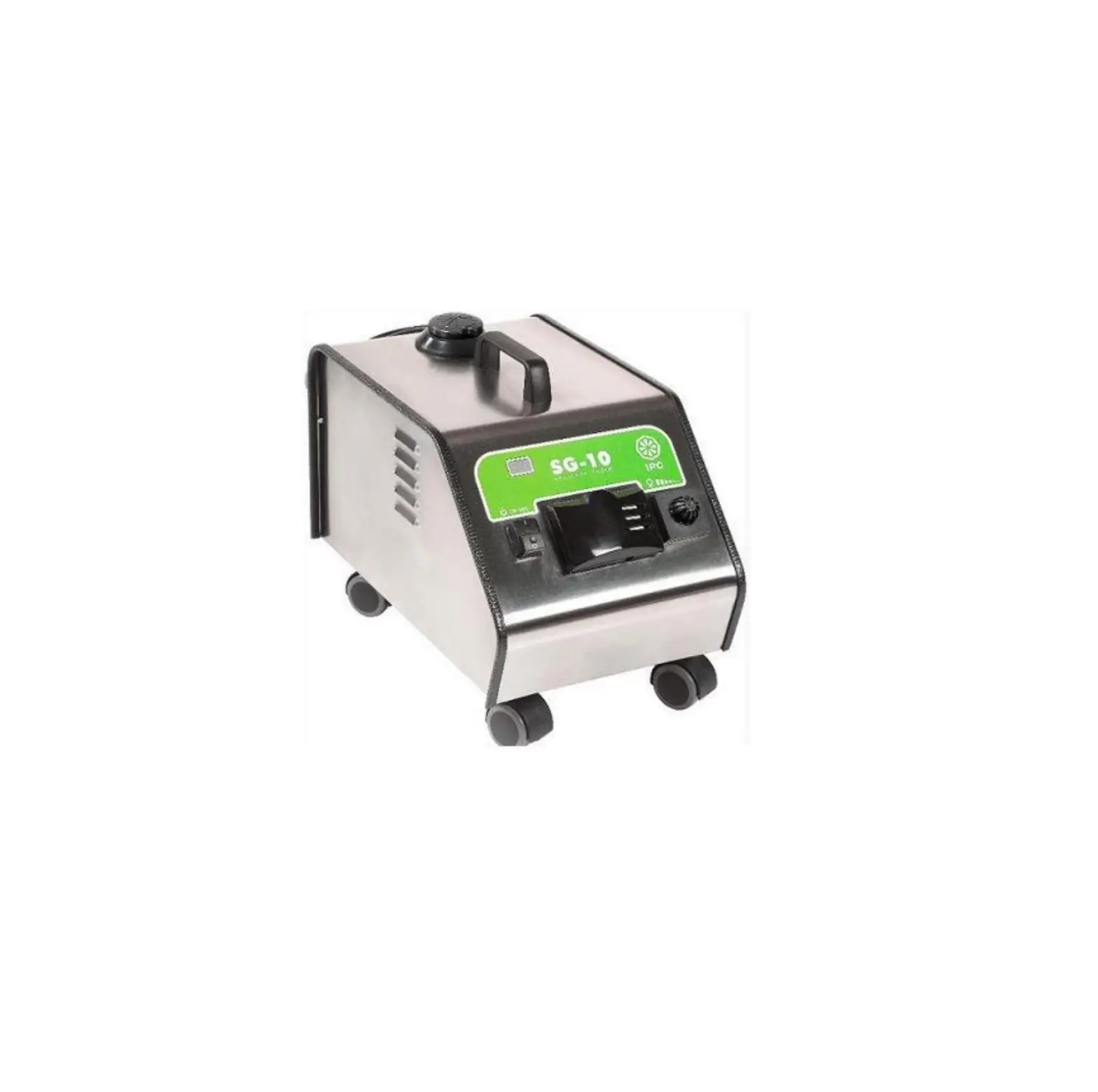
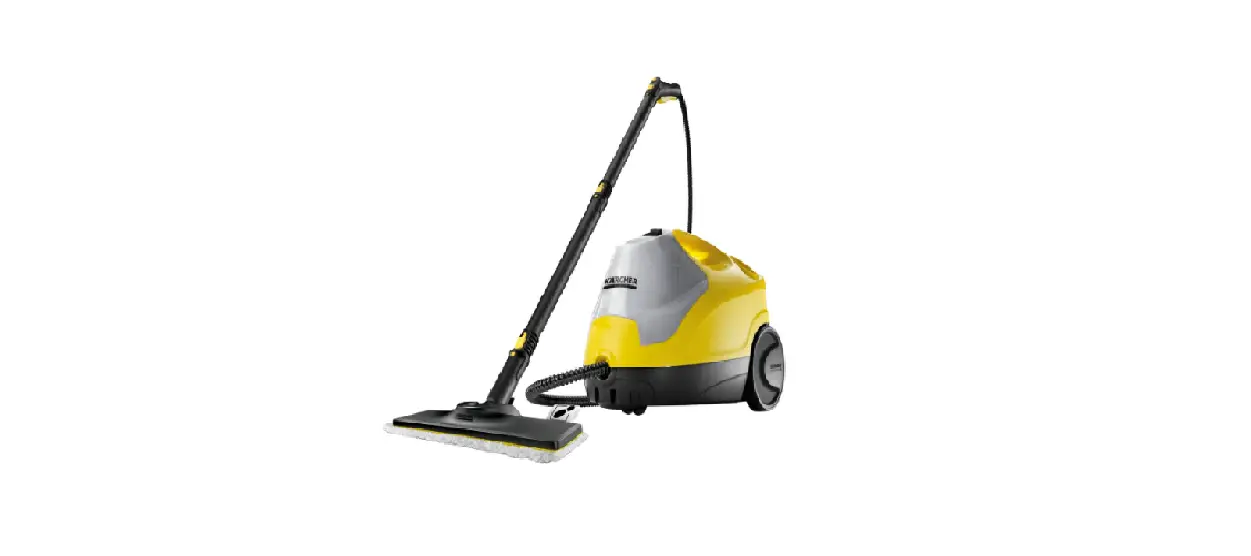
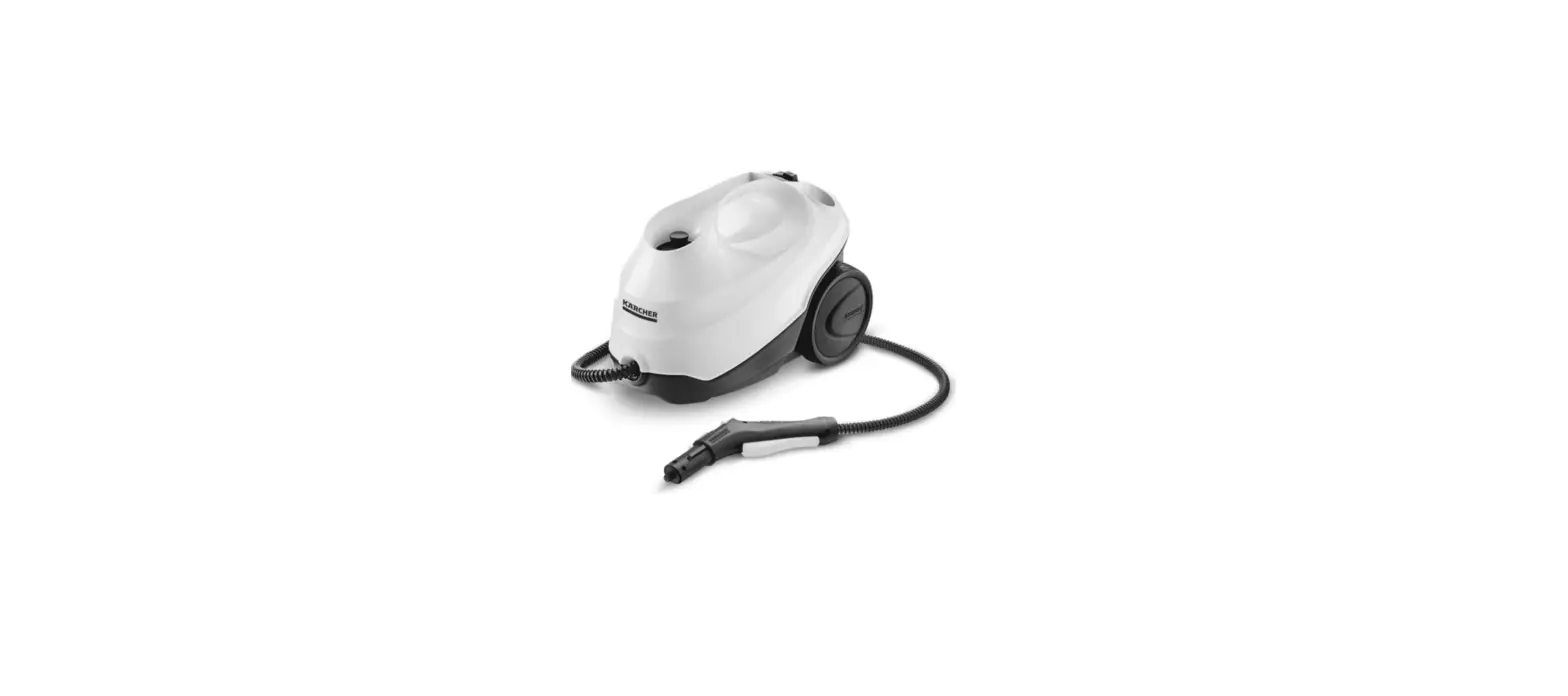
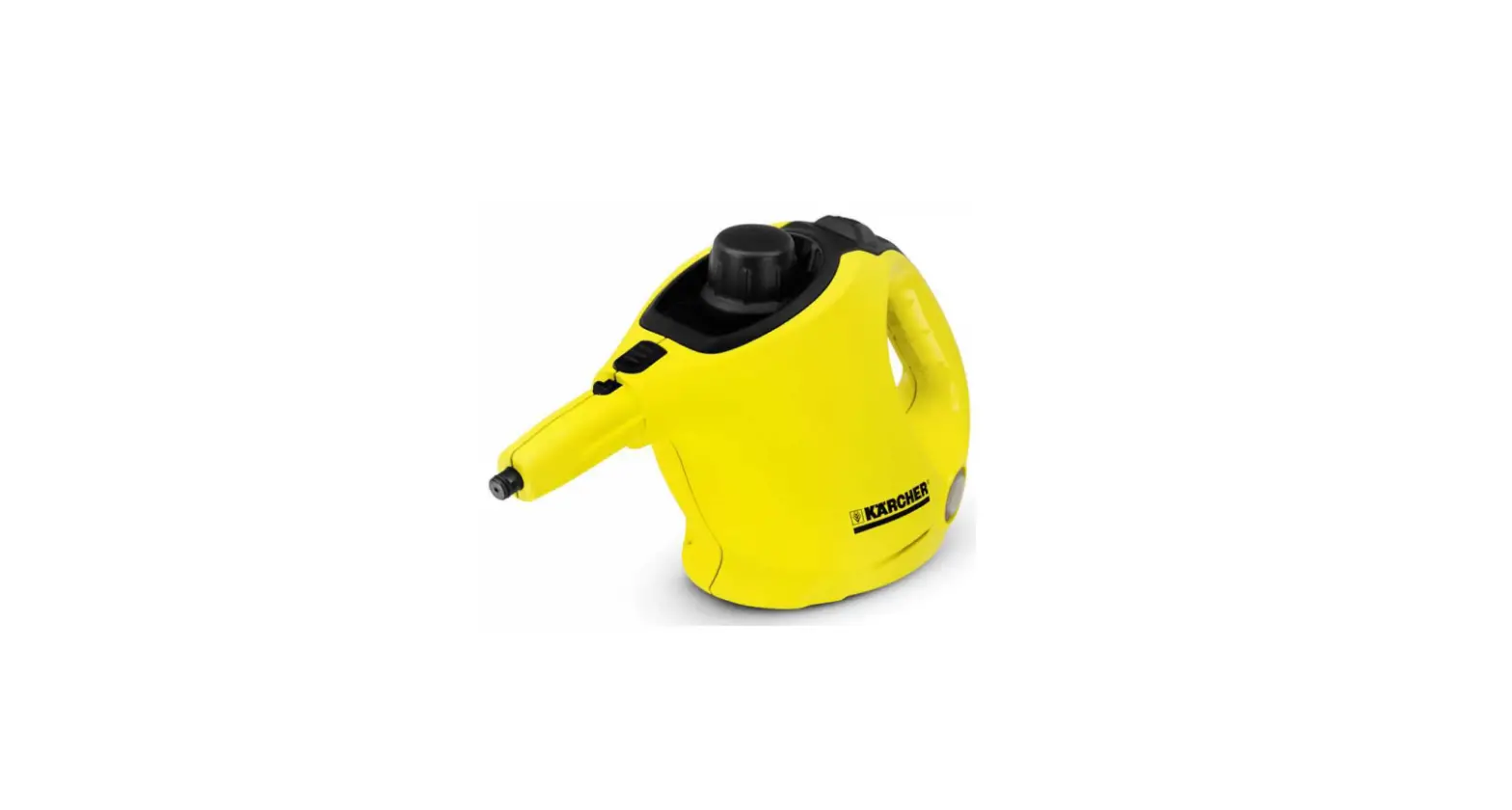
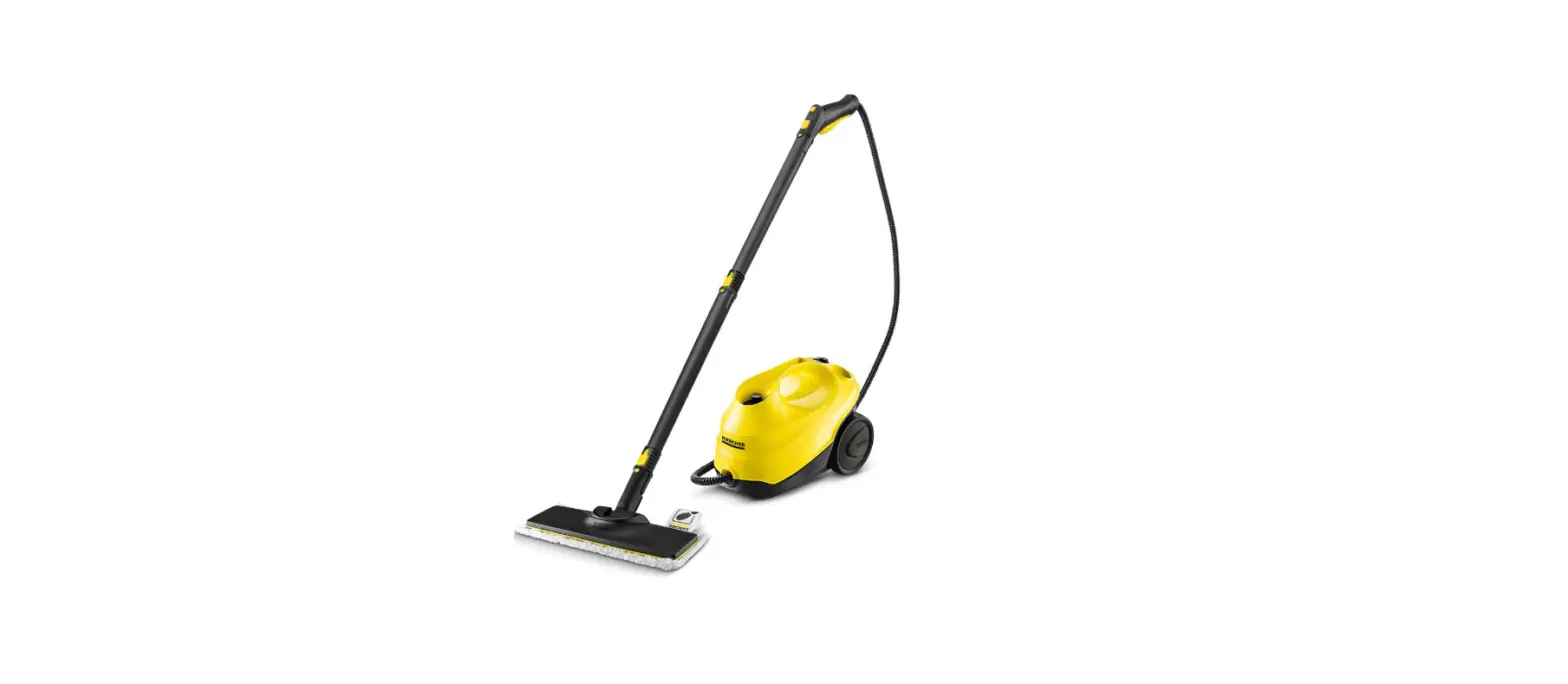
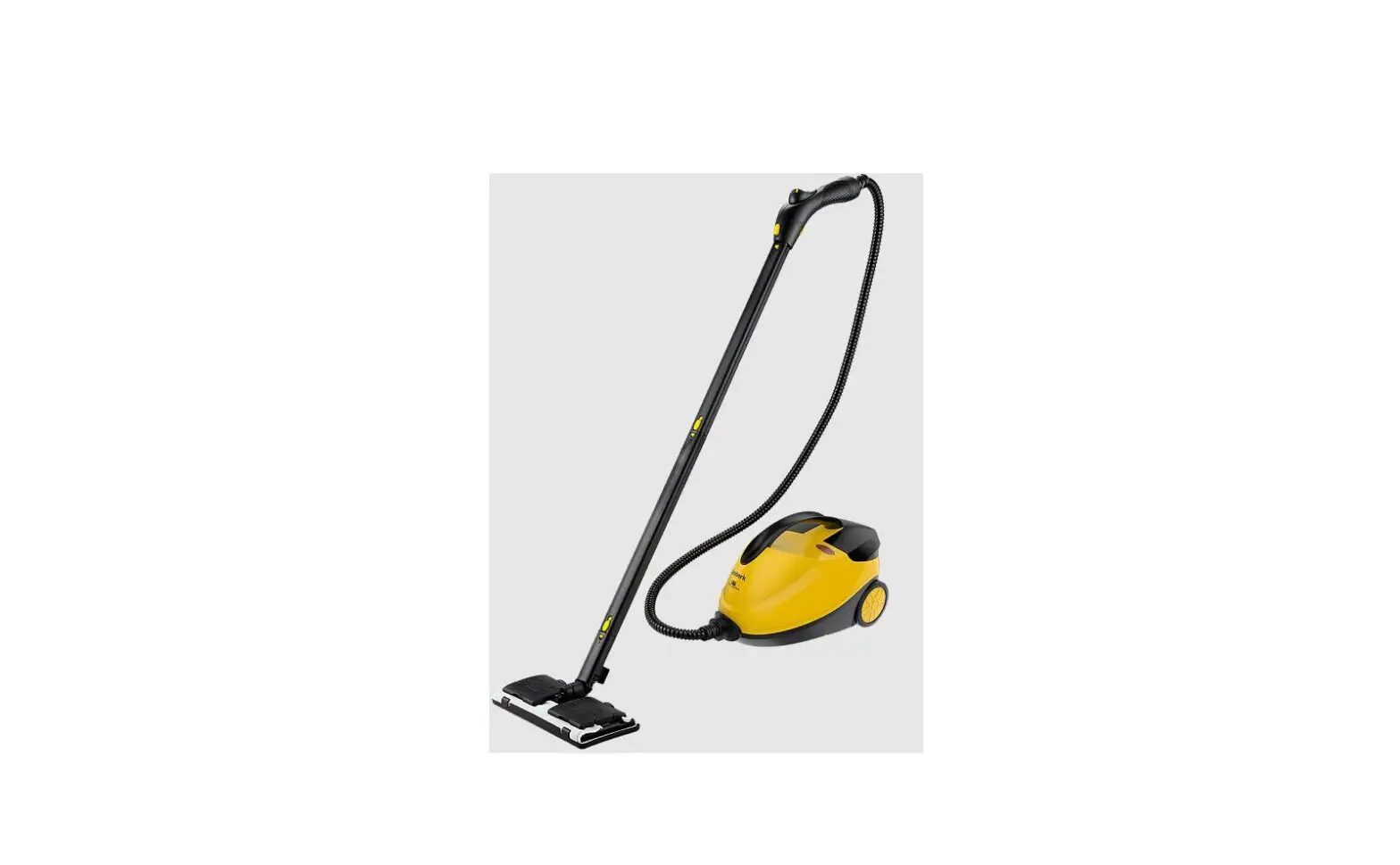
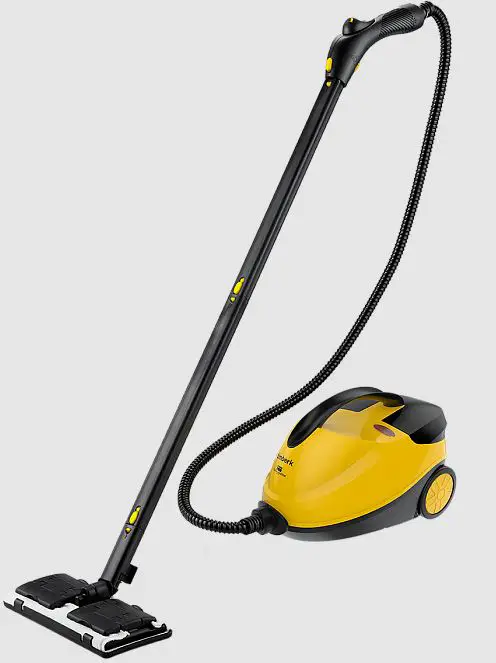
The T-STCF70 steam cleaner is a household appliance designed to clean surfaces using steam. It has a power input of 2100W and operates at a voltage range of 220-240V/50Hz. The appliance has an IPX4 rating and is classified as Class I. It measures 256x415x248mm and weighs 4.6kg. The device comes with several accessories including a measuring cup, extension tubes, a floor brush, and a cloth.
Product Usage Instructions
- Before using the steam cleaner, carefully read the instruction manual and follow all precautions.
- Fill the water tank with clean water up to the maximum level indicated on the tank.
- Plug in the device and turn it on using the ON/OFF switch (No. 9). The indicator light will turn on.
- Wait for the device to heat up. This will take approximately 5-6 minutes (No. 7).
- Select the appropriate accessory for the surface you want to clean.
- Hold the accessory against the surface and press the steam button (No. 4) to release steam.
- Move the accessory over the surface in a back-and-forth motion to clean it thoroughly.
- When finished, turn off the device and unplug it from the power source.
- Empty any remaining water from the tank and clean the device and accessories according to the instructions in the manual.
- Store the device and accessories in a cool, dry place.
Dear Customer!
Thanks for purchasing our steam cleaner. It will serve you for a long time.
IMPORTANT INFORMATION
Please, read this manual before using the device. This manual contains important information regarding your safety, as well as recommendations concerning the correct use and maintenance of this appliance. Keep this manual together with a warranty card, cash register receipt and, if possible, carton and packaging material. This instruction manual describes different types of this device. The device you purchased may differ slightly from the description in the manual, which does not affect the methods of use and operation. The manufacturer reserves the right to make minor changes to the device without additional notice which is not fundamentally affect its safety, performance and functionality. There may be some misprints in text and digital notations in the present manual.
IMPORTANT!
Important safeguards and descriptions contained in this manual do not include all possible situations that you may experience using the device. The manufacturer is not responsible for damage of the appliance or its parts during transportation, as a result of incorrect installation or voltage fluctuations, as well as when any part of the appliance has been changed or modified.
NOTE
There is a label on the device which has all the necessary technical data and other useful information about the device. Use the appliance only for the purpose specified in this manual.
PRECAUTIONS
When using this device, please observe the following precautions. Improper operation while ignoring these precautions can result in an injury to the user and others, as well as damage to their property.
Safety Guards
- Before starting up for the first time, check that the specifications on the product comply with the power supply specifications.
- Use only for domestic purposes in accordance with this instruction manual
- The device is not intended for use by persons (including children) with reduced physical, sensory or mental abilities or in the absence of their life experience or knowledge, unless they are supervised or instructed on the use of the device by the person responsible for their safety.
- Children must be supervised to prevent playing with the appliance.
- If the power cord or plug is damaged, to avoid danger, it must be replaced by the manufacturer, authorized service center, or similar qualified personnel.
- Make sure that the power cord does not touch sharp edges or hot surfaces.
- Do not attempt to repair the device or change its parts by yourself. To repair the product, contact an authorized service center.
- If the device was at a temperature below 0ºC for some time, it must be kept at room temperature for at least 2 hours before turning it on.
The below notice is to prevent harm and damage to the user and others, it separated as [Forbidden] & [Attention].
| Forbidden | |
| Do not spray to any aim in same position for more than 5 sec | Do not put heavy weight on power cord or stamp on |
| Do not unplug the power source | Do not touch steam within 20cm from gun |
| Do not open safety valve when usage. | Do not use broken power cord or switch |
| Do not pour any other liquid except water | Please do not let children play. |
| Do not put machine in heat surface | Do not use water to rinse |
| Do not use when no water. | Do not dump when power is on |
| Attention | |
| Turn off the power when Power failure, , machine failure | Machine must be in ventilated room |
| This product is only suitable for family | please be sure to lock children lock when stopped using |
| please check whether damaged before using | Please pay attention when filling water |
| There may some water in the steam for first usage. | Do not change, replace or remove any parts until cool |
| If temperature is lower than 0 oC, please do not clean window | Do not spray the steam to clean glass in the same position more than 2 seconds |
| Please revolve the safety valve before power on or hot water will pour out | When not in use or leave, please turn off the power switch |
| Any failure must send to professional service center | Please open the safety valve after complete cooling |
Explanation of warning signs:
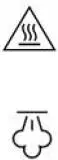 CAUTION! Hot surface
WARNING! Danger of burns
DESIGNATION
Product Features
Advantage
With Unique patented technology by using high temperature and steam pressure to clean floor, Windows, lampblack machine, air conditioner. No chemical reagent, almost zero injury of cleaning items.
Safety
High sensitivity of the temperature control system.
Automatic power off when water used up.
If steam pressure in the boiler is too high, it will be released directly.
Durable
Super thick aluminum boiler with die-casting design can make quick heating up time and long life usage.
Energy saving
Special heating pipe with the boiler integration design make it complete heating with high efficiency & energy conservation.
SPECIFICATIONS
Technical parameters
Technical parameters are shown in table 1
Table 1
| Parameter | Units | T-STCF70 |
| Power supply | V/Hz | 220-240~/50 |
| Rated power consumption | W | 2100 |
| Steam preassure | bar | 5.0 |
| Steam function | g/min | 200 |
| Heating time | min | from 3 |
| Water tank capacity | l | 1.5 |
| Working time | min | up to 30 |
| Power cord length | m | 7 |
| Moisture protection class | – | IPX4 |
| Electrical protection class | – | Class I |
| Device dimensions | mm | 256x415x248 |
| Net weight | kg | 4.6 |
DESCRIPTION OF THE DEVICE
Structure of Unit
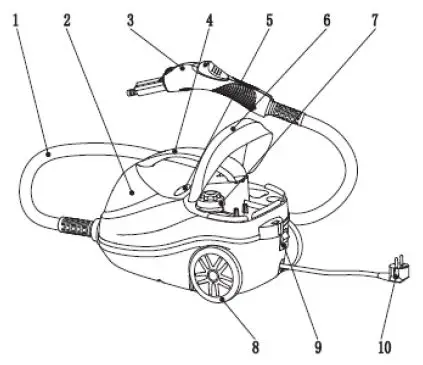
| No. | Name | Function |
| 1 | Flexible hose | Deliver the steam from unit |
| 2 | Unit | Produce the steam and storage |
| 3 | Steam gun | Control the steam on/off. |
| 4 | Handle | Move by hand |
| 5 | Led light | Display the steam states. |
| 6 | Cover | To fill water and store small accessories |
| 7 | Safety valve | Fill water & release the excessive pressure |
| 8 | Wheel | Easy for moving |
| 9 | Power switch | Control the electric power |
| 10 | Power plug | Connect with socket to get electricity |
Structure of Steam Gun
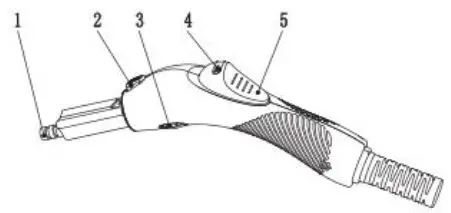
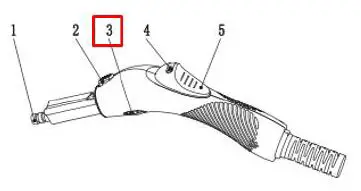
| No. | Name | Function |
| 1 | Steam nozzle | Output of steam |
| 2 | Accessory lock | Connected with accessories. Remove the accessories when pressed down |
| 3 | Adjust button | Adjust the steam amount |
| 4 | Steam lock | Steam off / Steam auto come out |
| 5 | Steam button | Control the steam states |
DELIVERY SET
Accessory list
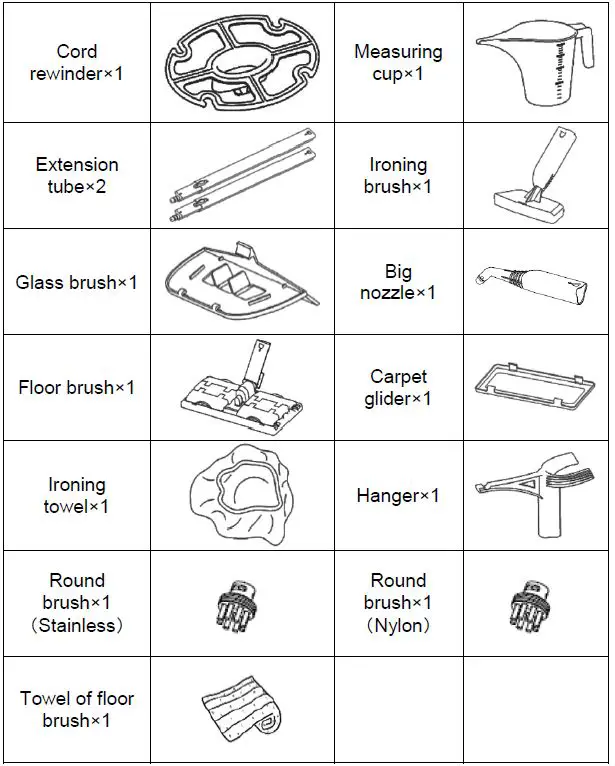
- Instruction manual – 1 pc.
- Warranty card – 1 pc.
- Packaging – 1 pc.
- Bag for accessories – 1 pc.
OPERATION
Operation Instruction
- Fill water
Please kindly using the measuring cup to fill water before using.
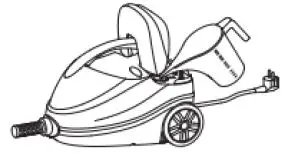
Remark:
- Please make sure that no residual water in the boiler before add water. Pour out the rest water and clean the boiler. There will be calcification inside which may clog the steam after long time.
- Method of cleaning boiler: first add a small amount of water in the boiler, fully shaking hands rock the machine, and pour out the water. Suggest you can repeat above action if the water contains a lot of impurity.
- In order to get high dry steam, please be sure to fill 0.5L – 1.5L water. Max water can be filled 1.6L.
- Please screw the safety valve when water filled in.
Do not inject any liquid except clean water
Power on
- Please ensure that the boiler with water and the relief valve in a tight status before power on.
- Put the plug into socket and open the power switch. If the power is on, the red light in switch will on.
Do not use wet hand to touch the power
Do not use any power cord, power socket in broken status.
Operation
If green light show at the first time, means steam is ready. Normally it need 5-6 minuets. The final time depends on how many water your filled.
Hold on the steam gun by hand and move the steam button ahead. Steam will come out directly.
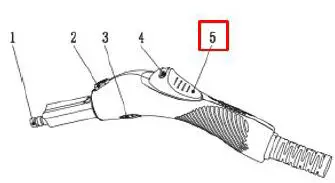
If you need automatic steam without hand, just turn the steam lock to the right side when in using.
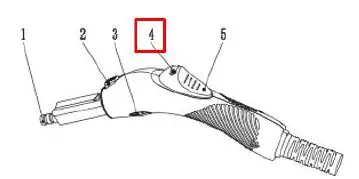
There will be some water first. Do not use to clean carpet, ironing cloth etc. Suggest you can spray to some container. It will be normal in 2-3 seconds.
Here is steam adjustable button in the gun. Please kindly adjust the steam amount accordingly to actually situation.
For a long time of using, you can turn the steam lock to the right side  and than steam come out without the hand touch. For stopping, just turn the steam lock to the left side.
Any temporary leave (get a call), please stop the steam and turn the steam lock to the right side , and than you can not trigger the steam anymore.
- Please choose the appropriate accessories according to the actual situation. Detailed please refer to the accessories instructions.
If the user left for a long time, please shut off the power. - Red light show on it means short of water.
If you want to continue use, please turn off the power switch and wait cool for about 20 minutes before open the safety valve for water.
The right way to open the safety cap is Press down the dot first, at the same time unscrew the safety valve by anti clockwise.
Please note that there is a risk of burns when pouring water since it is still hot.
Following steps from 1 ~3 for repeat using.
Instruction Using For Accessories
- Extension tube
Mount the extension tube to use the steam cleaner to clean the floor, high windows or inaccessible areas. Place the open end of tube on the steam gun until the steam gun release button clicks in the place. Use one or two extension tube, as necessary. To remove the extension, press the release button and pull the tubes apart with a downward motion.
- Big nozzle
This nozzle makes it perform a deep cleaning and easily reach places such as corners, junctions or bathrooms. Simply push the nozzle firmly and adjust the gun directly.
- Round brush
Round nylon and metal brushes are inserted firmly into big nozzle. You can even eliminate stubborn dirt from blinds, radiators, etc. Use the small metal brush. The nylon brush is suitable for heavier stains on less sensitive materials such as stainless steel. To remove it, you just have to push it down and remove it directly.
- Ironing brush
To iron a chair, sofa, bed, etc, place the white ironing towel on ironing brush and connect with the steam gun.
In addition, you can adjust the extension tube in the middle of unit hole. You can put the clothes on it directly.
We suggest you using a small amount of steam when using this function.
- Window brush
To clean window, mirrors, or tiles or objects with smooth surface, use the window brush, which has a rubber for cleaning. When installed, set in the two prominent parts of the hook scraper; then place the glass brush cover for ironing;an audible click will sound, and the installation is complete.
If temperature is lower than 0 oC, please do not use this product to clean glass
Do not placed in the same position more than 2 seconds - Floor brush
Connecting the nozzle on the floor brush to the end of extension tube. Make sure that the nozzle fits properly in place. Connect the nozzle until you hear «click» sound.
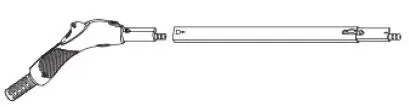
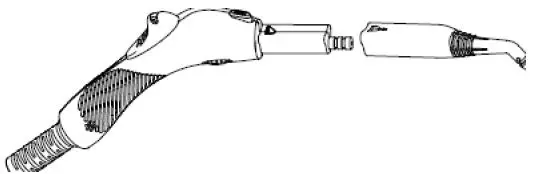
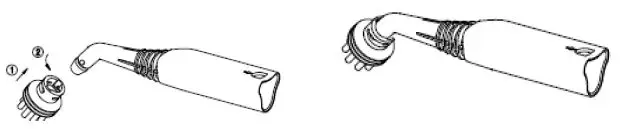
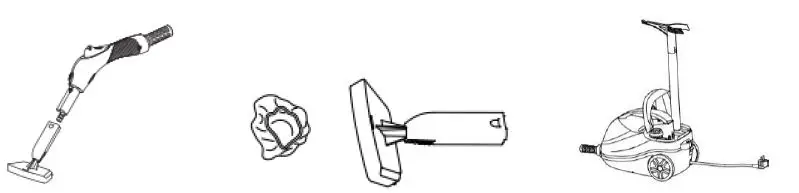
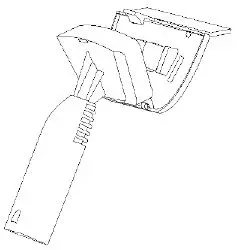
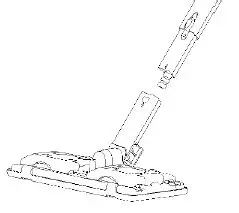
The floor brush is ideal for cleaning washable walls and floor coverings.
After connecting nozzle to the tube, open 4 locks on the upper side of the nozzle, attach the cloth and close the locks (fold the cloth in half if needed)
If you need to clean the carpet, attach the carpet glider to the nozzle with cloth 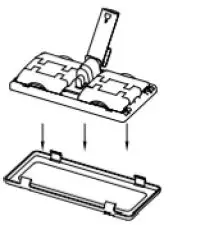
CARE AND CLEANING
Storage & Cleaning
After use, please turn the power off.
If the water has not fully released, please open the safety valve until cooling and then pour out the water.
- If there is dirt on the surface of body, please use dry dishcloth with some water to wipe gently.
Do not use water to spray the machine.
Don’t place it under damp which may cause short circuit.
You can install the cord rewinder on the back of unit and assemble the power cord on it.
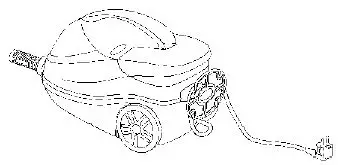
After cleaning please keep it in a dark and dry place.
TROUBLESHOOTING
Trouble shooting
| Situation | Case | Solution |
|
No spray steam | Plug not insert to the power socket tightly | Insert again or change the socket |
| Switch indicator light off | Turn on the switch | |
| No water | Fill water | |
| Not press the steam button | Press on children’s lock | |
| Water is flowing from nozzle | There may some water in the steam for first usage or stopped for a while. | normal phenomenon. Will disappear quickly |
| Influence the normal use | Ask professional service | |
|
Others | Steam come out besides the nozzle |
Ask professional service |
| plastic deformation and softening phenomenon | ||
| Other electric equipment cannot be used | ||
| Steam come out from safety valve |
UTILIZATION RULES

The symbol on the unit, packing materials and/or documentations means used electrical and electronic units should not be toss in the garbage with ordinary household garbage. These units should be pass to special receiving point.
For additional information about actual system of the garbage collection, address to the local authority.
Valid utilization will help to save valuable resources and avoid negative work on the public health and environment which happens with incorrect using garbage.
After the lifetime of the device expires, it should be recycled in compliance with the laws, rules and methods in region of recycling. Detailed information about the recycling of the device, you can receive from a representative of the local authorities, after providing full information about the device.
The manufacturer and authorized organization of the manufacturer do not carry responsibility for the fulfillment by the Buyer of the requirements of legislation on utilization and methods of utilization of the device selected by the Buyer. The lifetime of the device is indicated in the warranty card. Warranty period for the device and warranty terms are specified in the warranty card. The warranty card is an integral part of the documentation supplied with this unit. If there is no warranty card in the delivery set, ask for it from the Seller. The warranty card provided by the Seller must conform to the manufacturer’s form.
The manufacturer and the authorized organization of the manufacturer remove responsibility for any possible harm which can be caused to people, animals or property directly or indirectly, if this harm occurred as a result of noncompliance with the rules and operating conditions, installation of the device, intentional or reckless actions of the user- and / or third parties, as well as in situations caused by natural and/or anthropogenic accidents.
 Timberk - Официальный сайт бренда бытовой техники