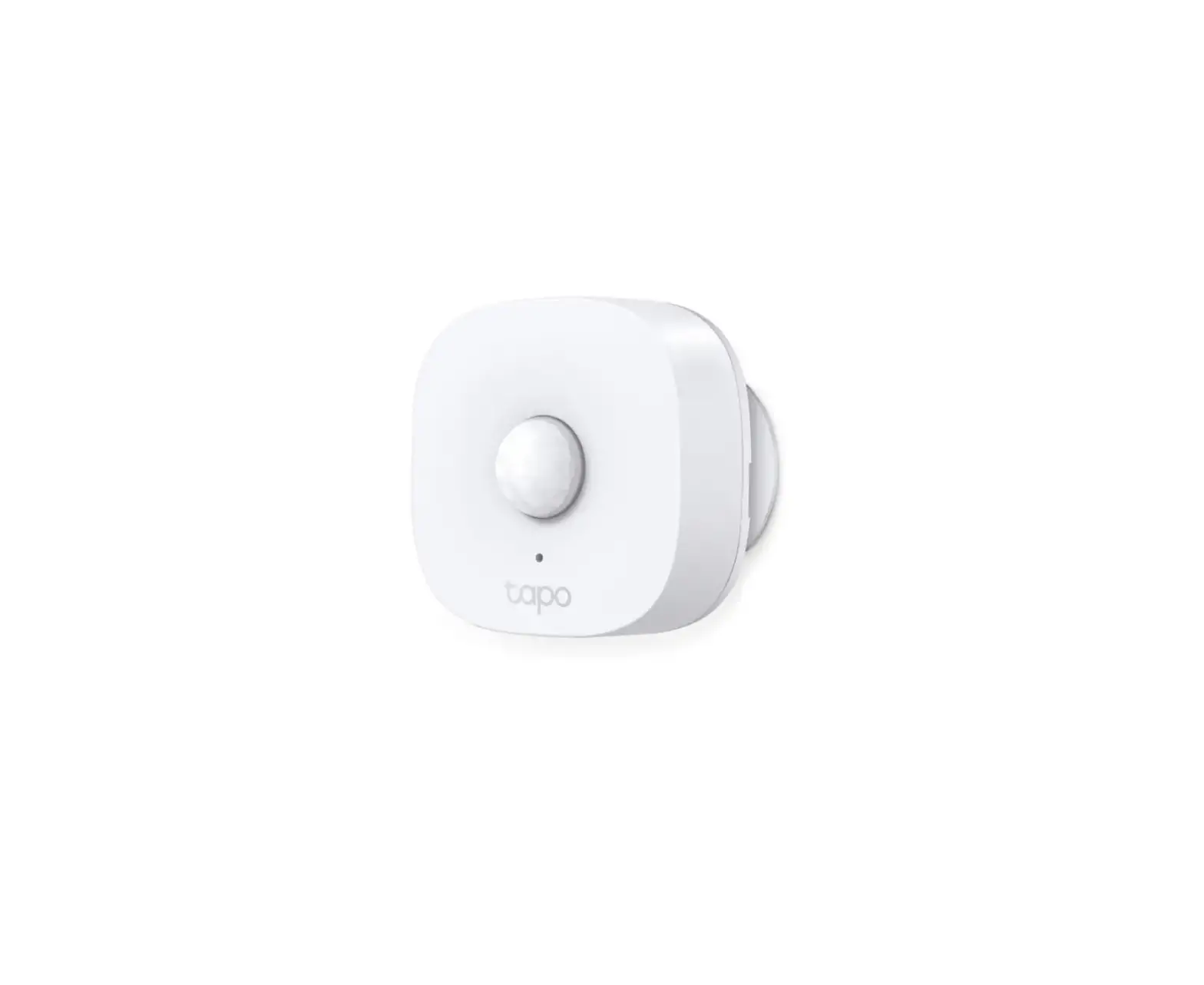
 |
|
1



 OR
OR
Tapo App
2
 Remove tab
Placement Guide
1 2
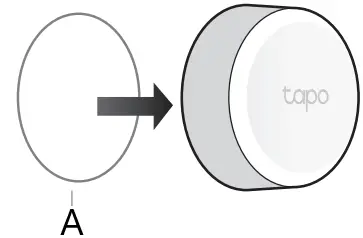
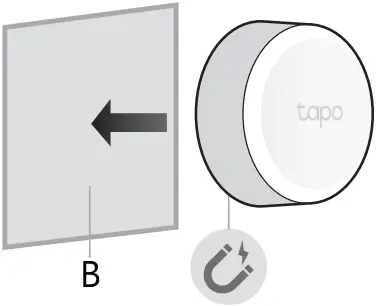

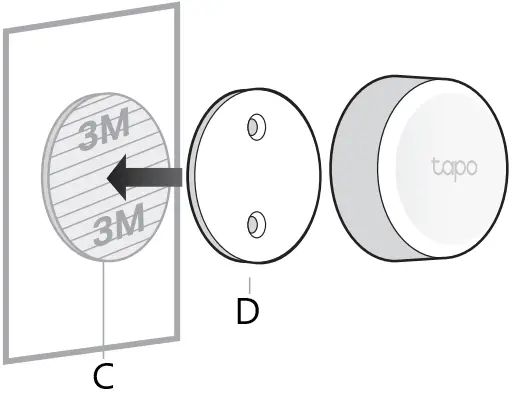
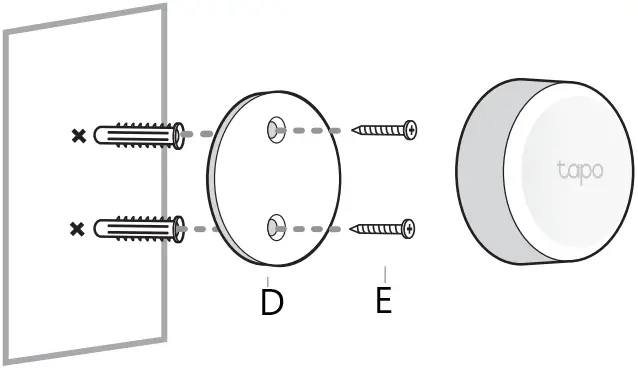
A Non-slip Pad
B Metallic Object
C Tape
D Bracket
E Screws

https://www.tp-link.com/support/setup-video/#home-smart-switches

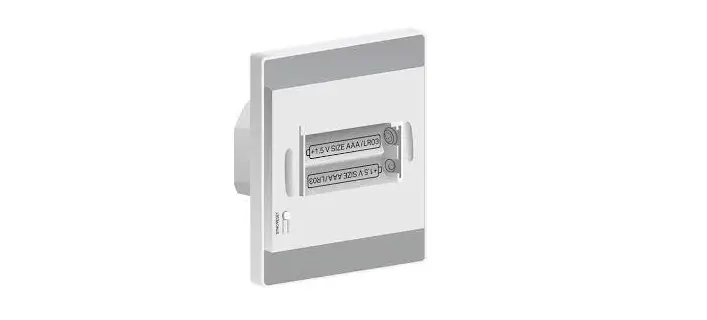
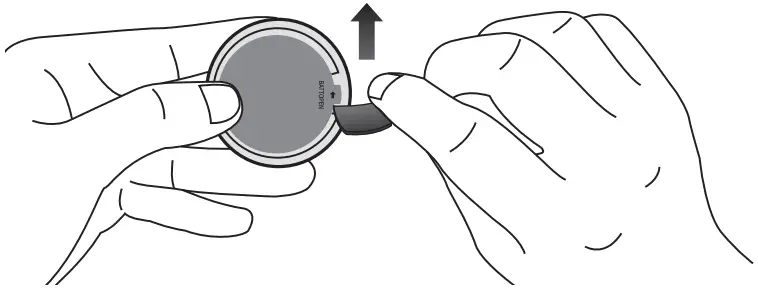
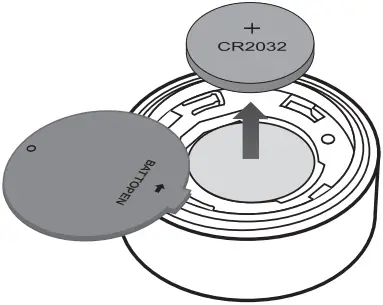
How to Replace Battery
1
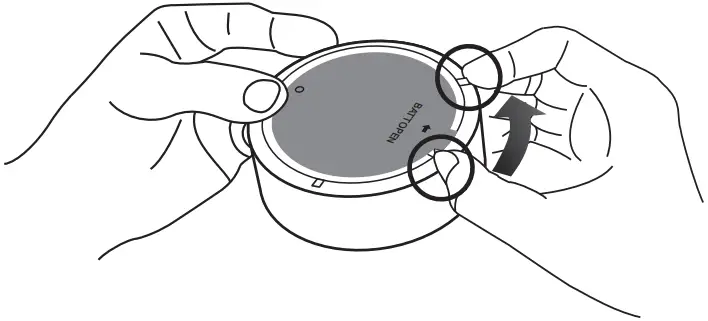
2
7106509659 REV1.0.1 ©2022 TP-Link


|
1
OR
Tapo App
2
Remove tab
1 2
A Non-slip Pad
B Metallic Object
C Tape
D Bracket
E Screws
https://www.tp-link.com/support/setup-video/#home-smart-switches
1
2
7106509659 REV1.0.1 ©2022 TP-Link
Download manual
Here you can download full pdf version of manual, it may contain additional safety instructions, warranty information, FCC rules, etc.
 TP-Link Product Support - Wireless Networking Equipment Support