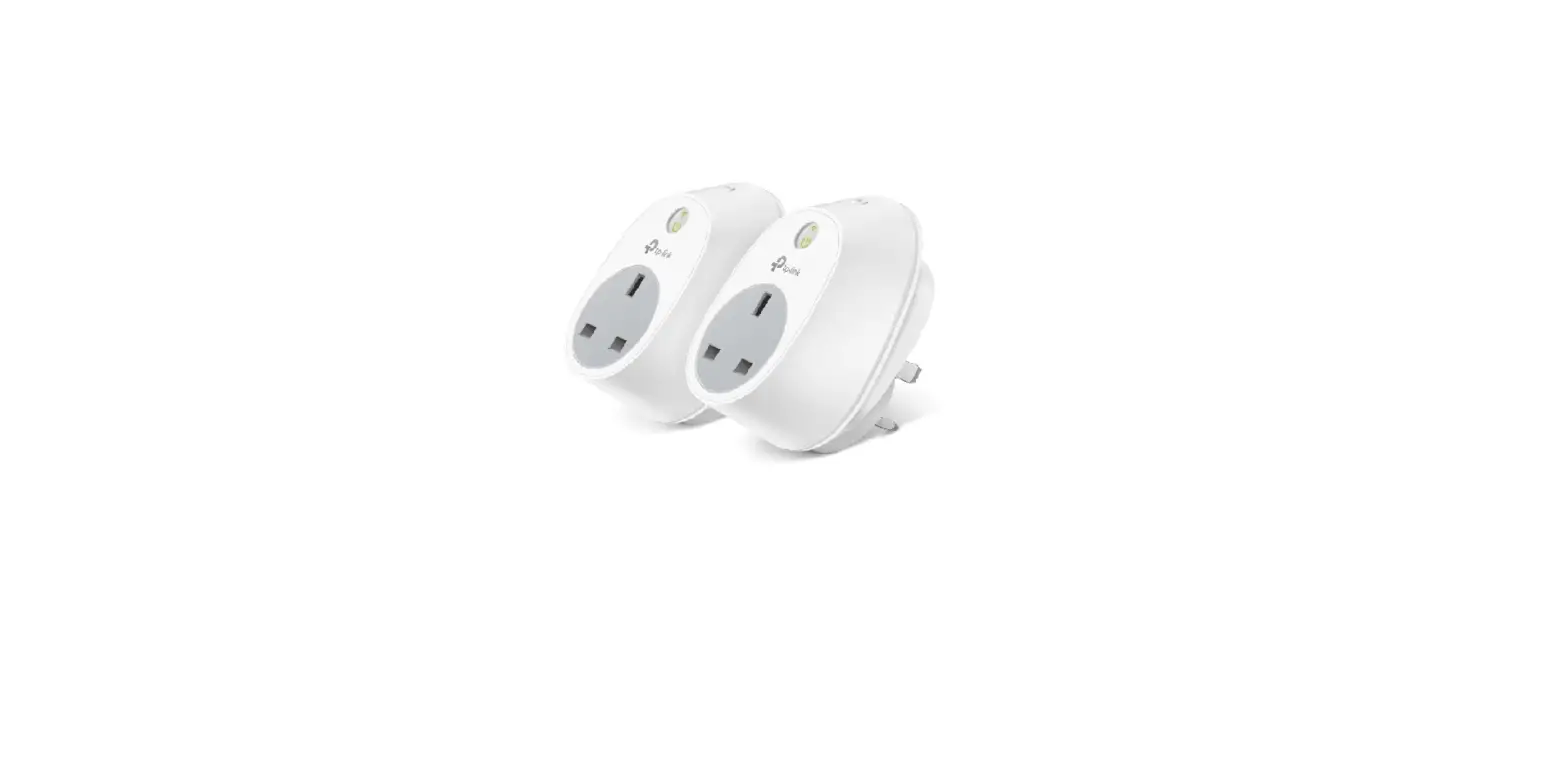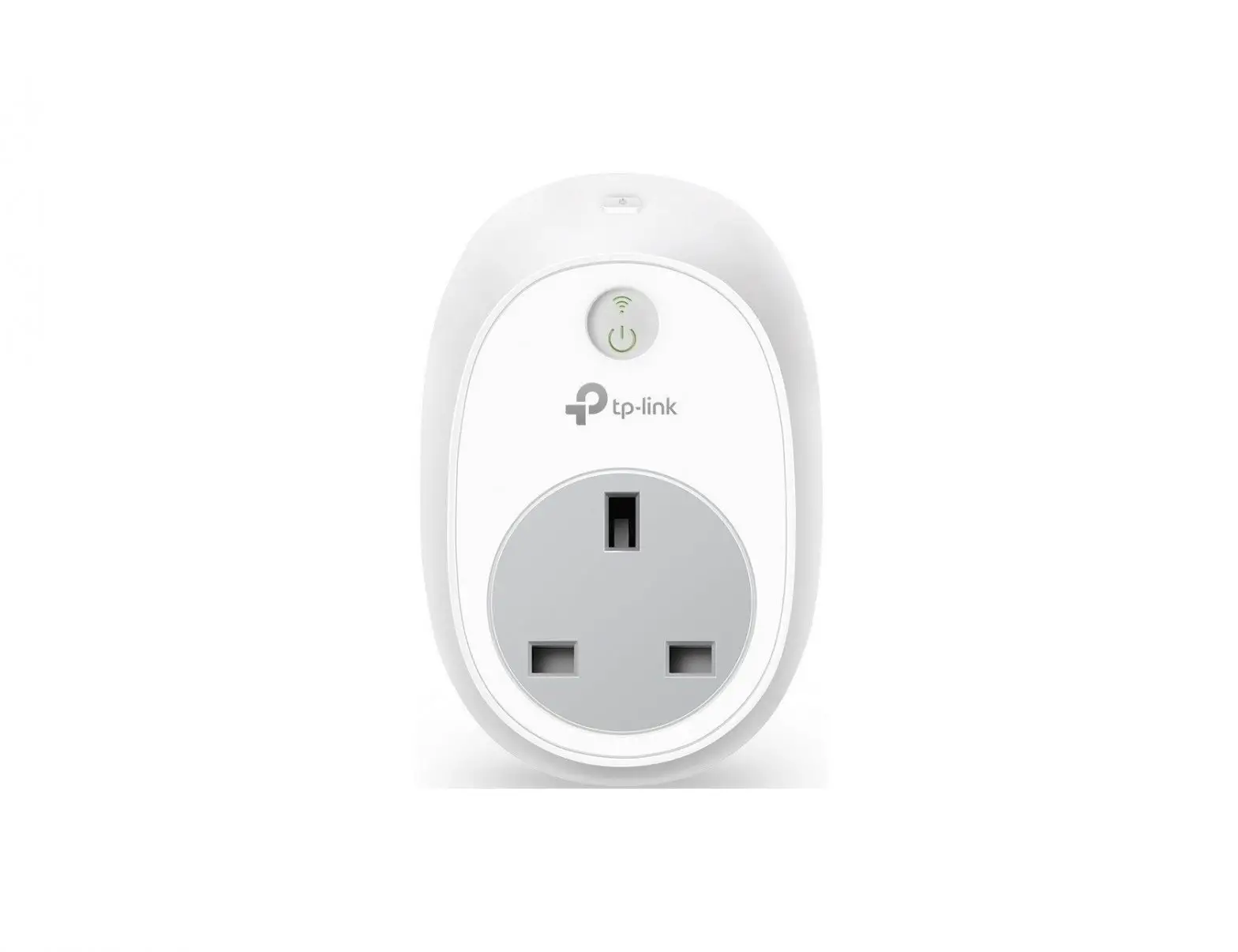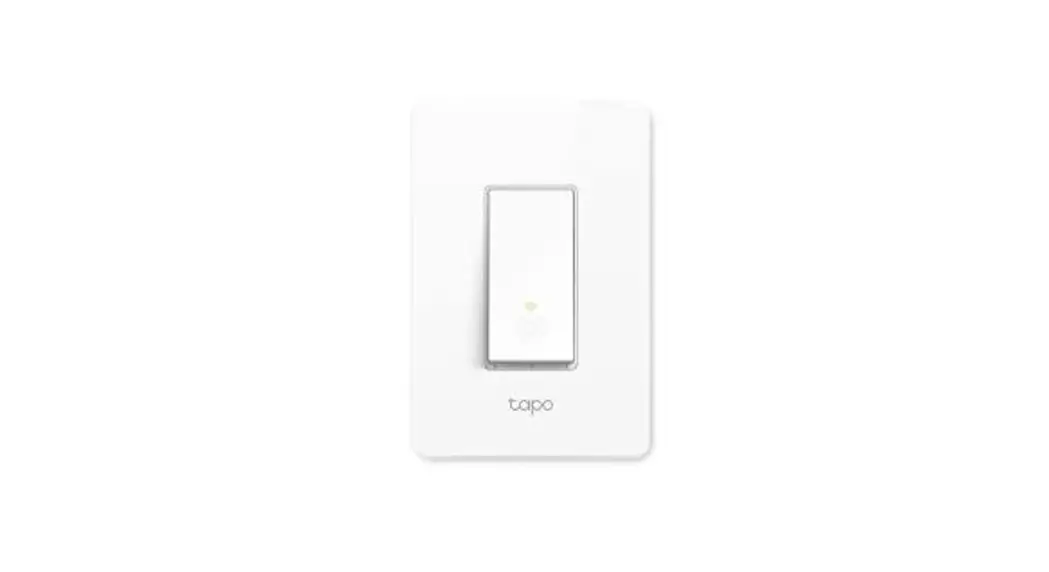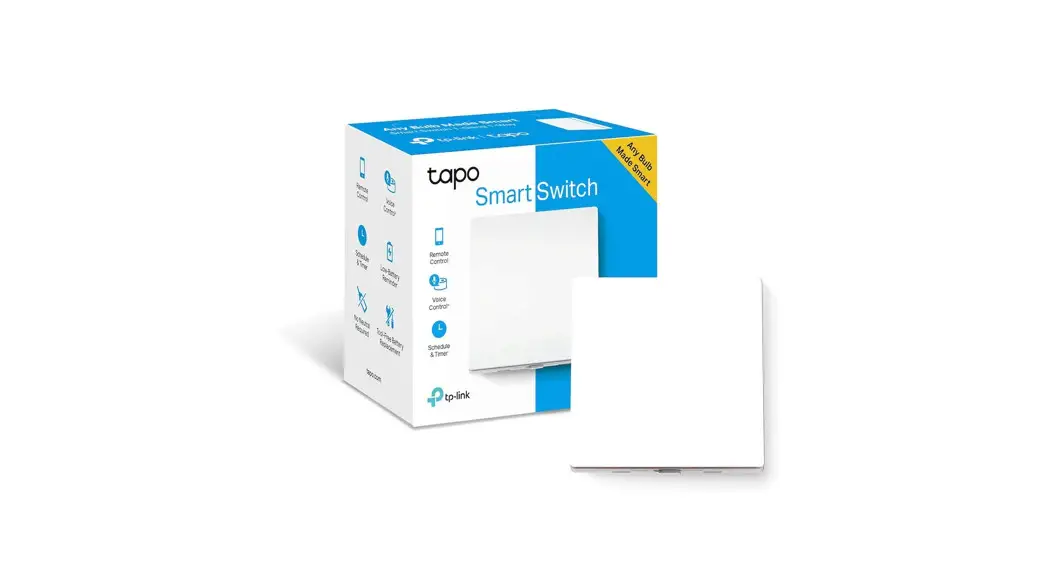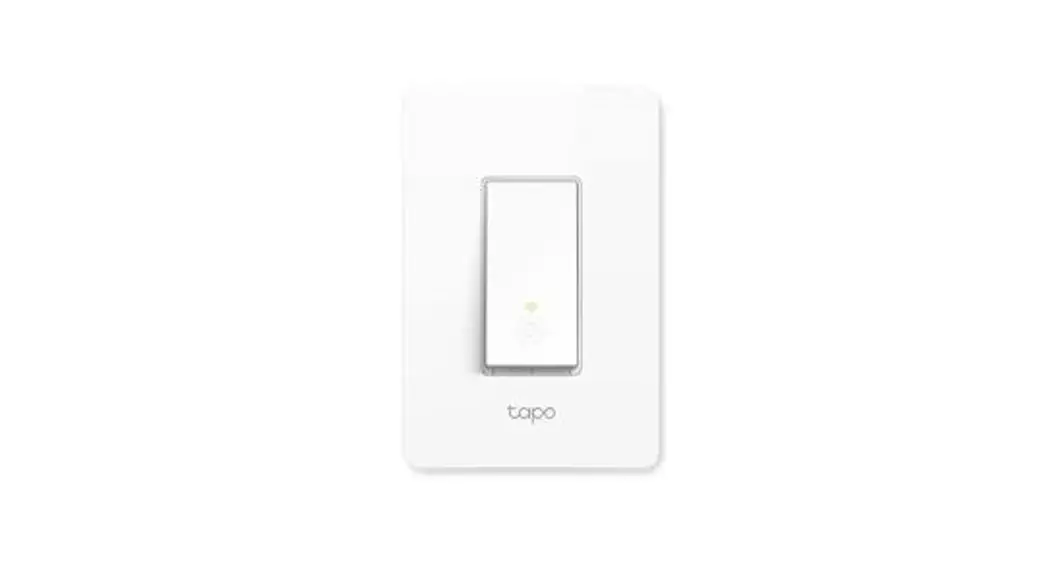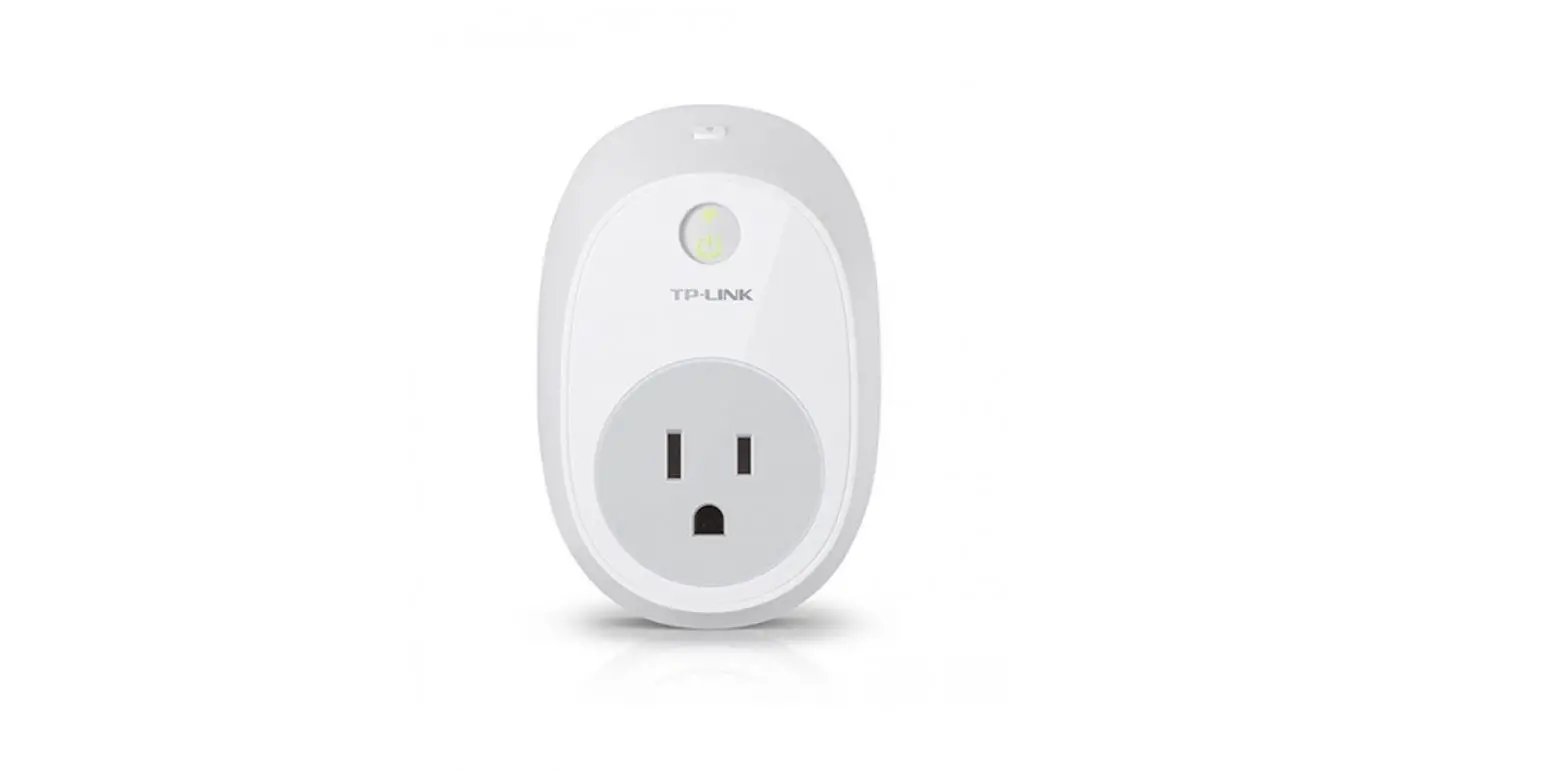
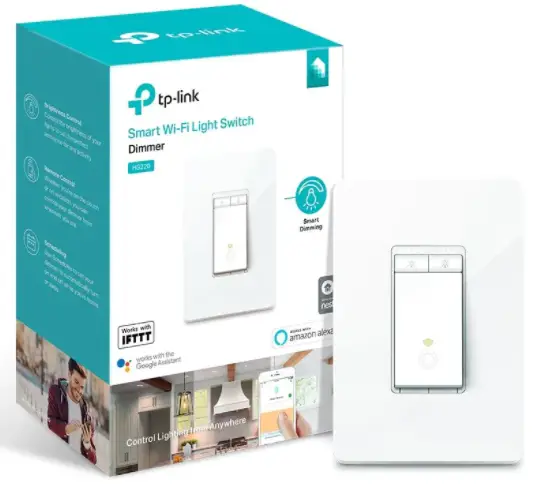
tp-link Smart Switch
SAFETY FIRST
- Read and follow all safety precautions in the Kasa Smart app.
- Read warnings on the next page.
STEP 1: DOWNLOAD KASA
Get the Kasa Smart app from the Apple App Store or Google Play.
STEP 2: ADD TO KASA
Follow the instructions in the Kasa app to complete the installation and setup.
Need some help?
Visit www.tp-link.com/support
for Technical Support, User Guides,
FAQs, Warranty & more
WARNING:
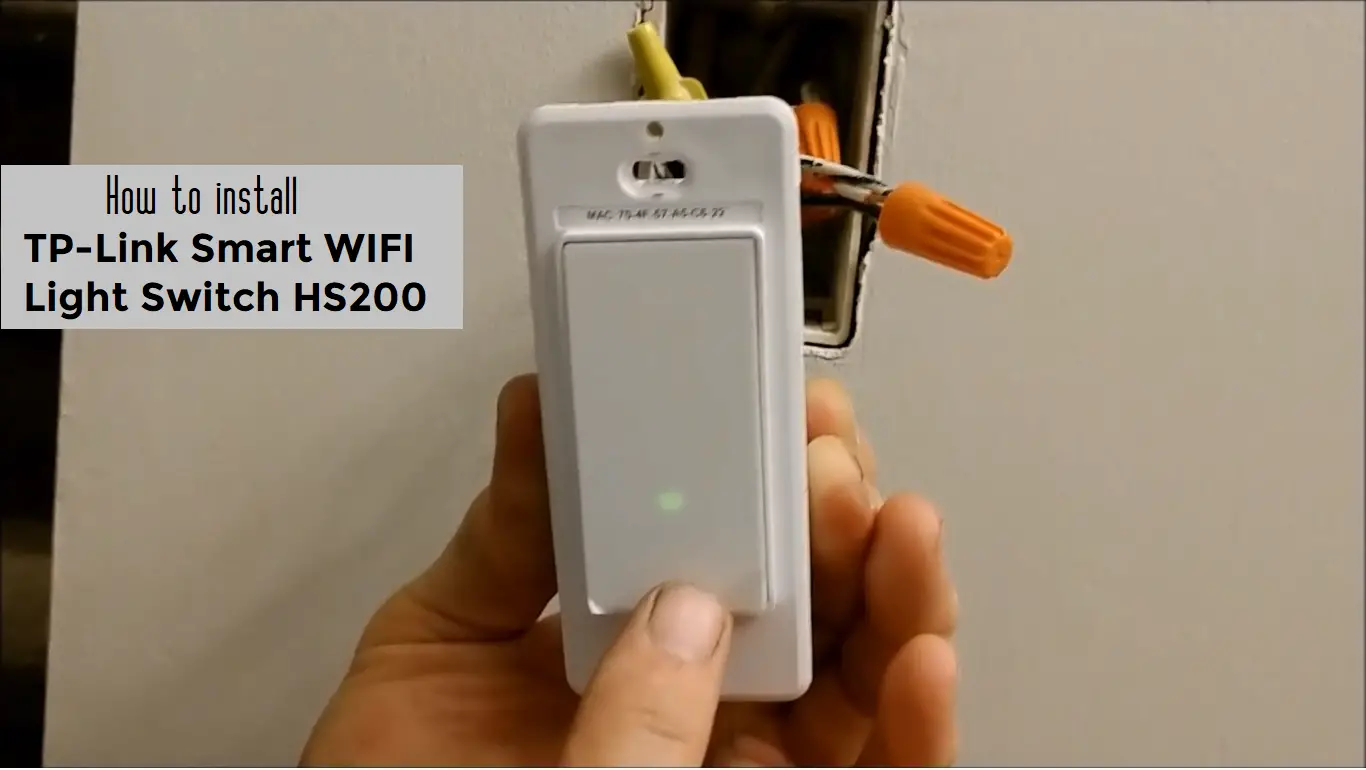
- Follow all national and local safety regulations and practices. If you are uncertain or uncomfortable when performing the installation, consult a qualified electrician.
- Install only in a suitable UL or equivalent Listed outlet box.
- CAUTION – Risk of electric Shock – More than one disconnect switch may be required to de-energize the equipment before servicing. A circuit breaker which disconnects the Live and Neutral conductor simultaneously is suitable. Ensure power is off at the circuit breaker before removing or installing any wall switch.
- Tighten terminal screws to 13 lbf-in (for Kasa switch with screw terminals).

 WiFi Networking Equipment for Home & Business | TP-Link