SHORT INSTRUCTION MANUAL
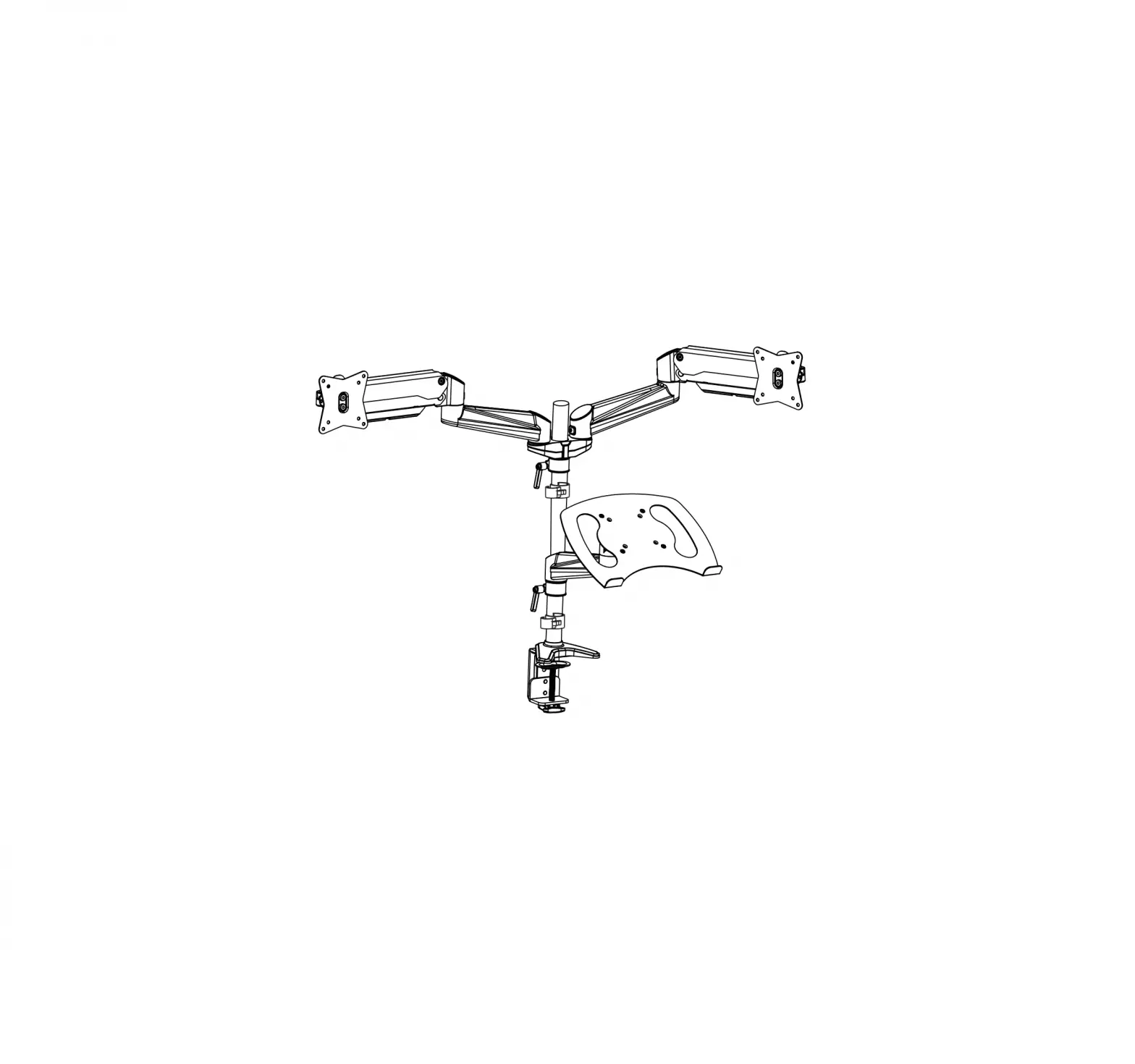
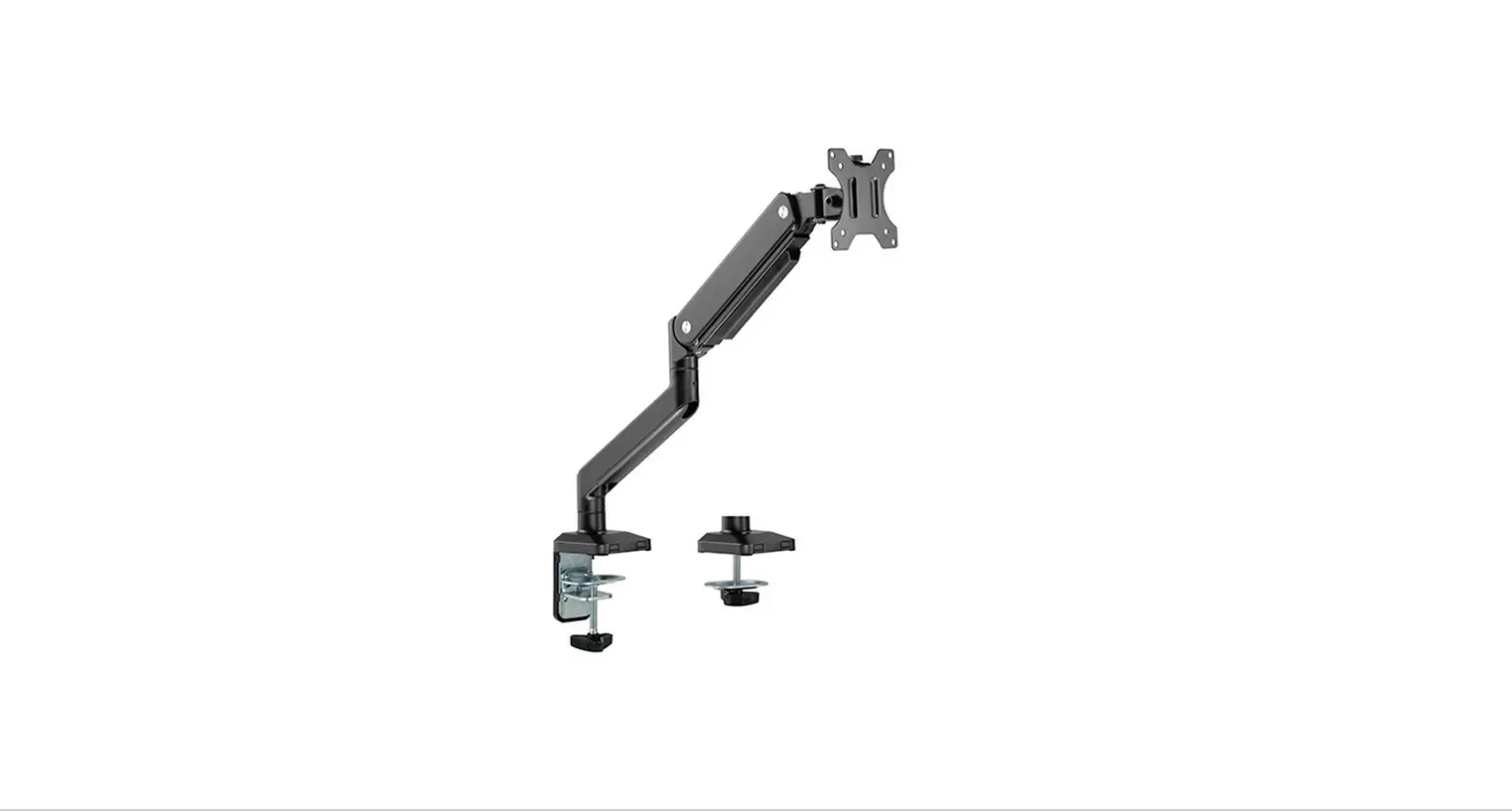
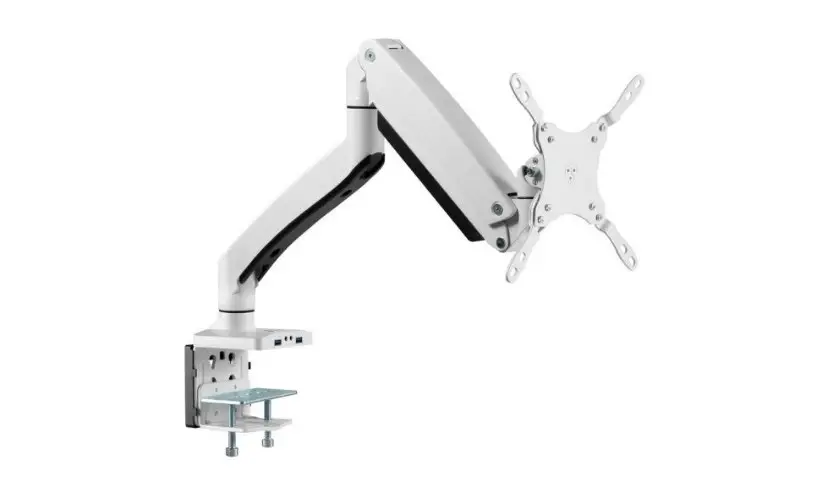
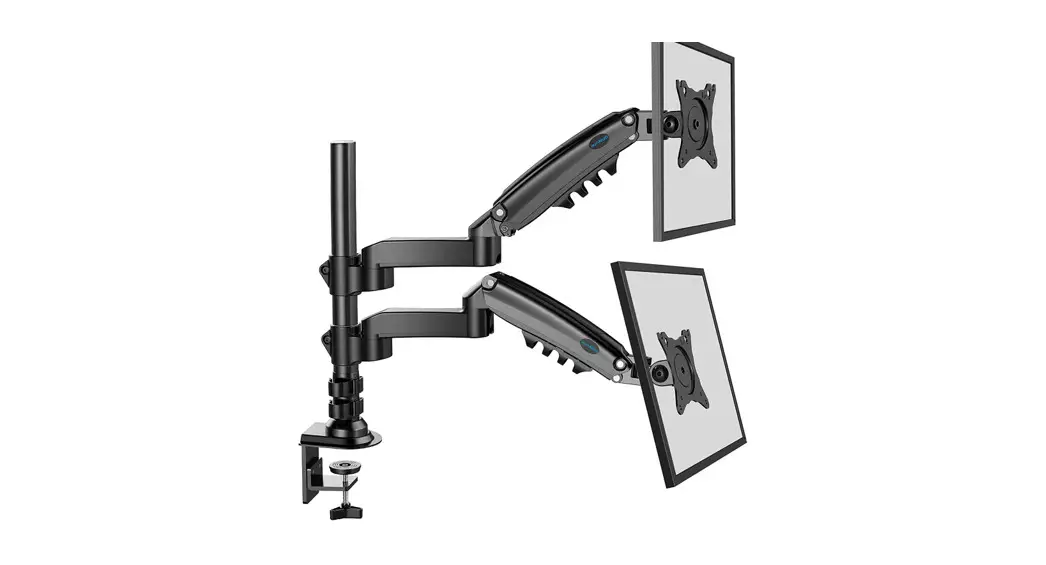
80004 – Monitor support with pressure spring for 1 screen from 17 to 27 inches
- Open the box

- Take the screws

- Attach the pieces

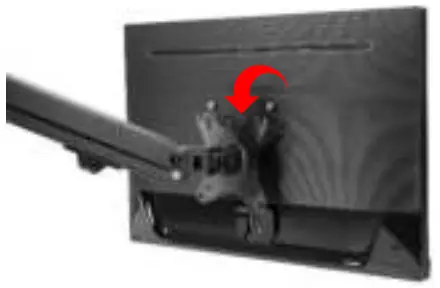
- Now attach the monitor to the arm

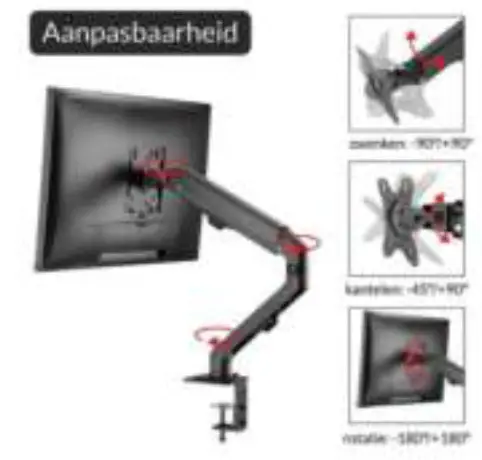
- Adjust the viewing angle to your taste


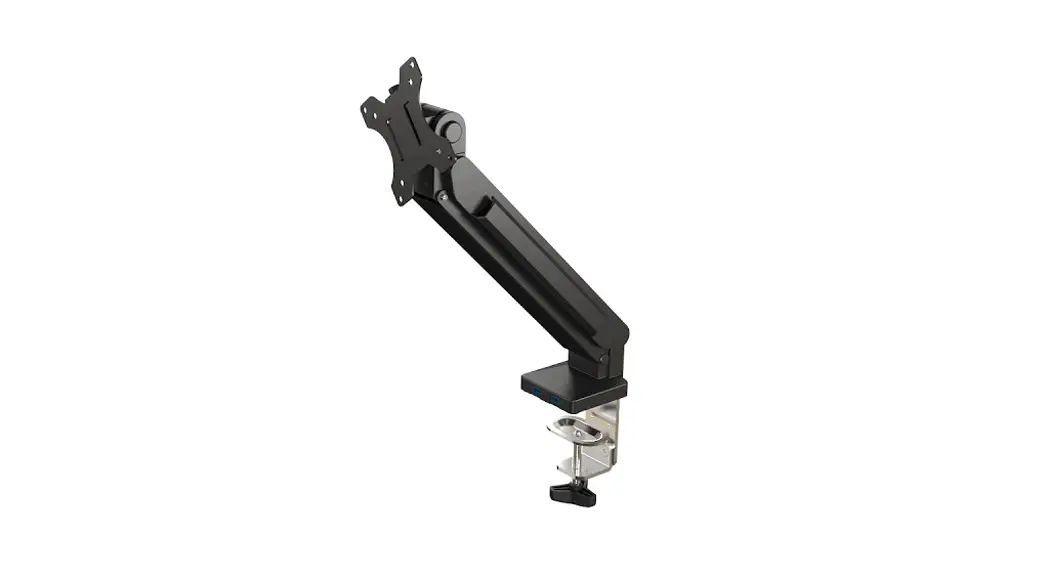
SHORT INSTRUCTION MANUAL
80004 – Monitor support with pressure spring for 1 screen from 17 to 27 inches
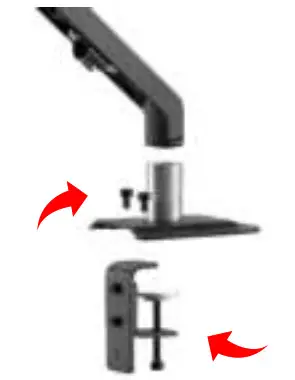
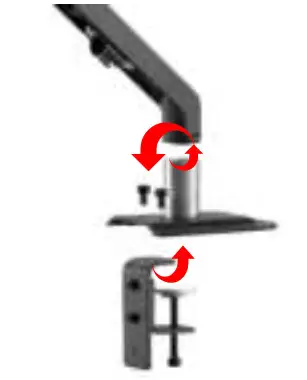
Download manual
Here you can download full pdf version of manual, it may contain additional safety instructions, warranty information, FCC rules, etc.

![Actiiv Blood Pressure Monitor Instructions [acmmd002]](https://static-data1.manualsee.com/1/img/310/65166/2021/02/Actiiv-Blood-Pressure-Monitor-Instructions-ACMMD002.jpg "Actiiv Blood Pressure Monitor Instructions [acmmd002]")