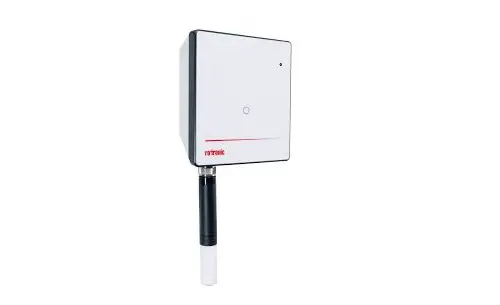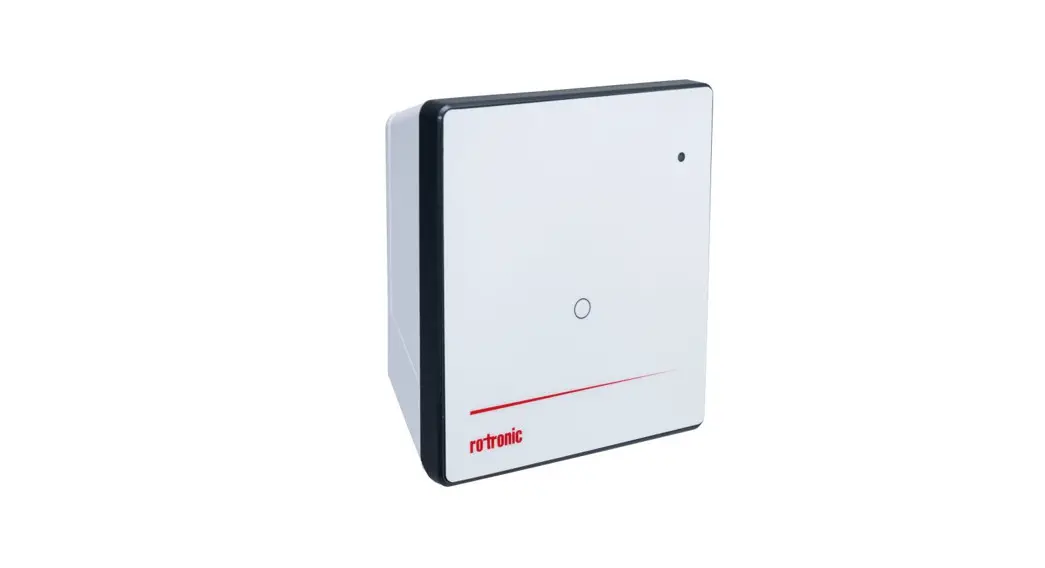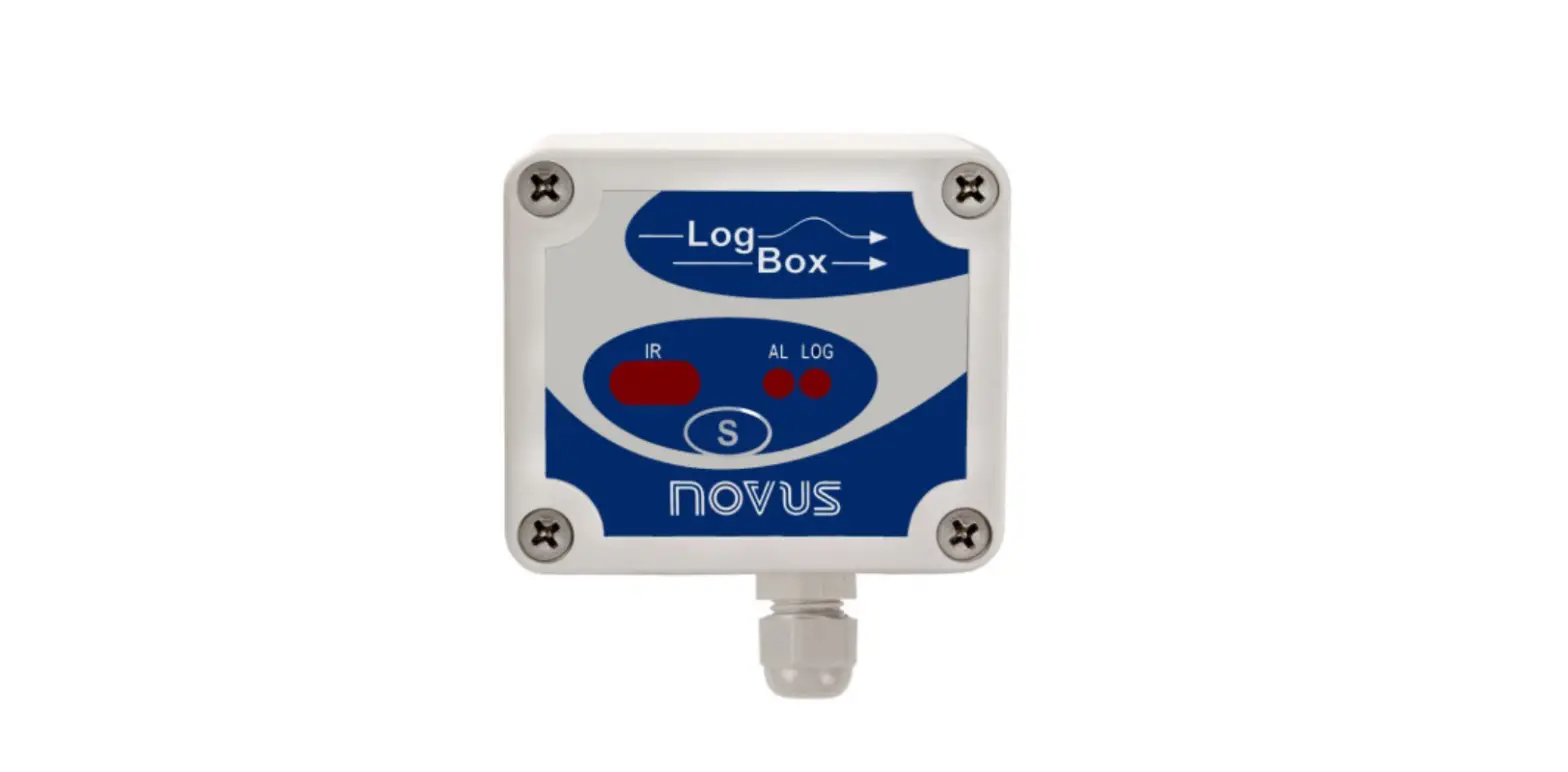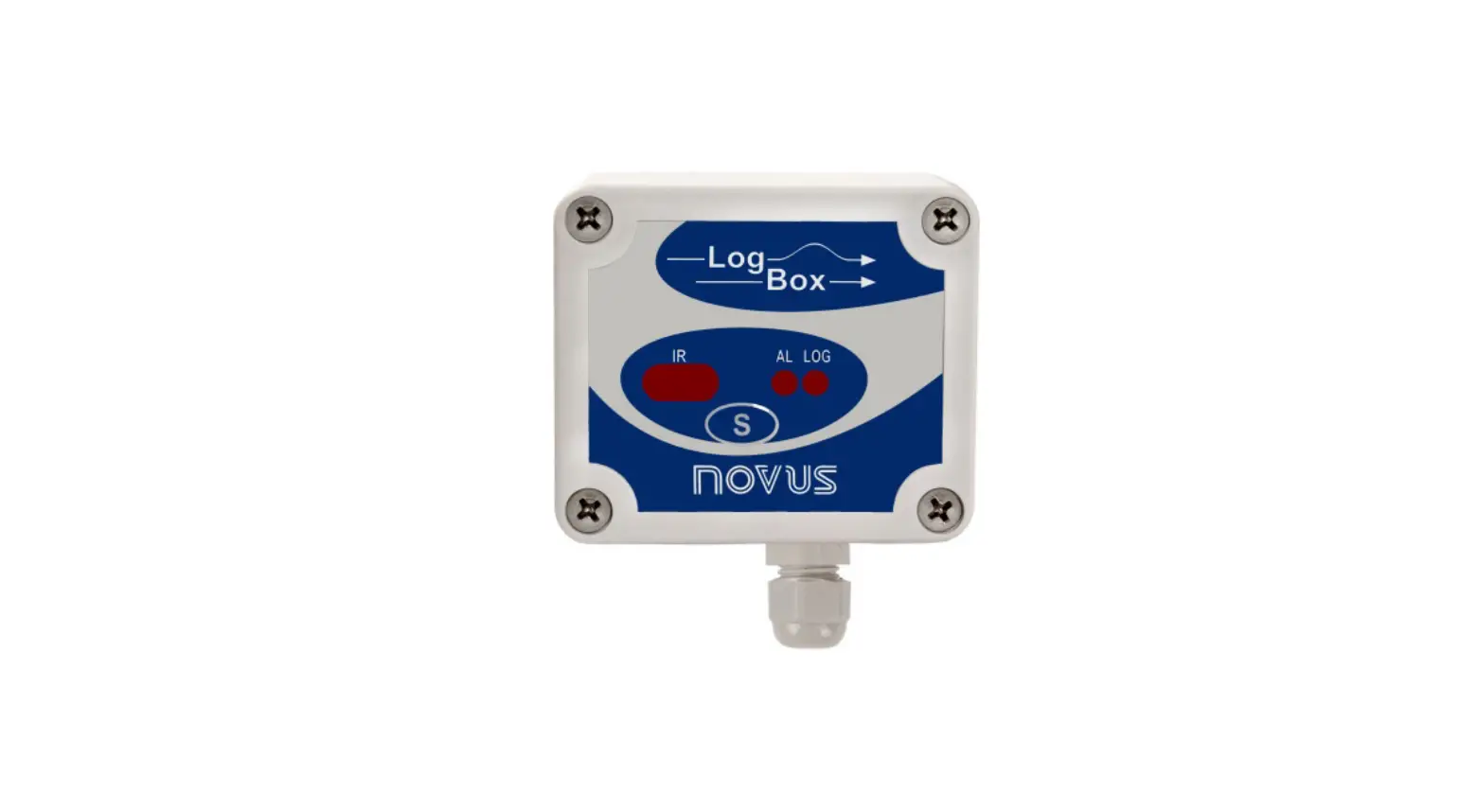
 RMS-LOG-L-D
Short instruction manual
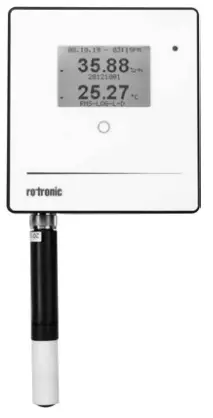
GENERAL DESCRIPTION
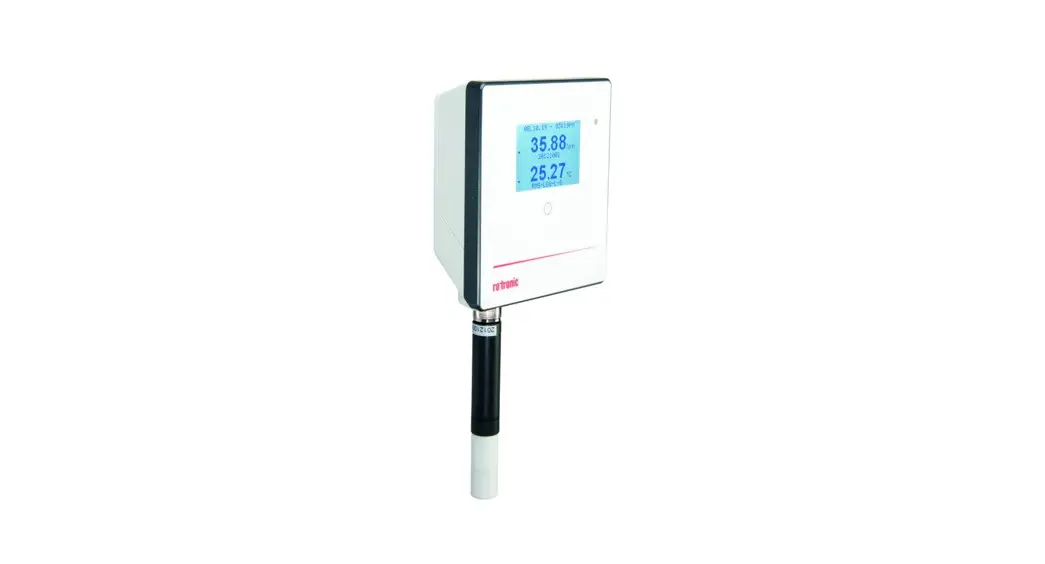
Congratulations on your new RMS data logger. The data logger has an internal data memory of 44,000 measured-value pairs and transmits these values continuously to the RMS software by Ethernet. These short instructions describe the main functions of the device. Please read these short instructions and the instruction manual at https://service.rotronic.com/manual/ carefully scan the QR code to open the instruction manual directly.
 https://rotronic.live/RMS-LOG-L-D
COMMISSIONING
The device is supplied with power as soon as the data logger is supplied with 24 V (terminal block: V+ / V-) or PoE. Only then can the data be transmitted. The data logger can be mounted easily with the wall bracket. Choose a suitable position for measurement. Avoid disruptive influences such as sunlight, heating elements, etc. The device is connected to the RMS software by pairing.
Cloud integration
Integration of LAN devices into the Rotronic Public Cloud requires for the local network Port 80 to be enabled and a DHCP server must assign an IP address to the LAN device. For all other integrations, please check the online manual.
INTEGRATION OF A DATA LOGGER (PAIRING) IN 6 STEPS
- If you do not want to connect the LAN device to the Rotronic Cloud, the server must be configured in the device.
a. Connect the device to the local network and start the RMS configuration software.
b. Search for the device under Device > Search > Network Device. The software finds all RMS devices in the local network.
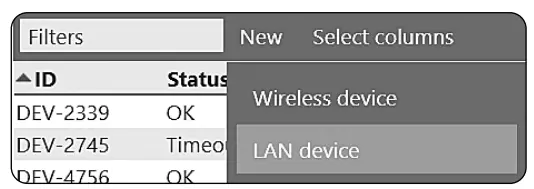
c. Enter the host (server address) and the URL of the software services under Settings. d. Finish configuration by clicking “Write”. Close the software. - Log into the RMS software/Cloud. Select Tools > Setup > Device > New Wireless device or LAN device.

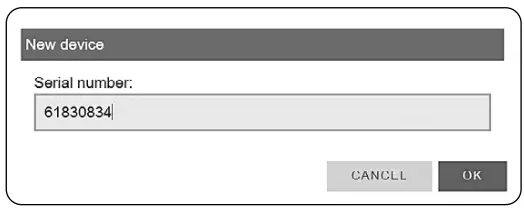
- LAN device — Enter the serial number of the device.

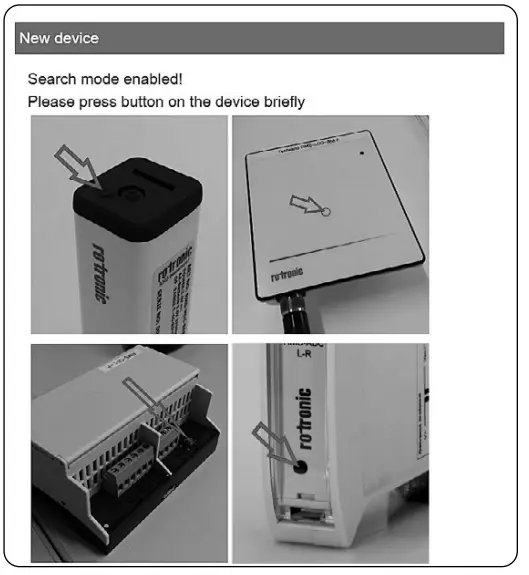
- Wait until the device flashes orange. Briefly press the button on the device as shown in the picture of the RMS software. The LED flashes green when the connection is successful.

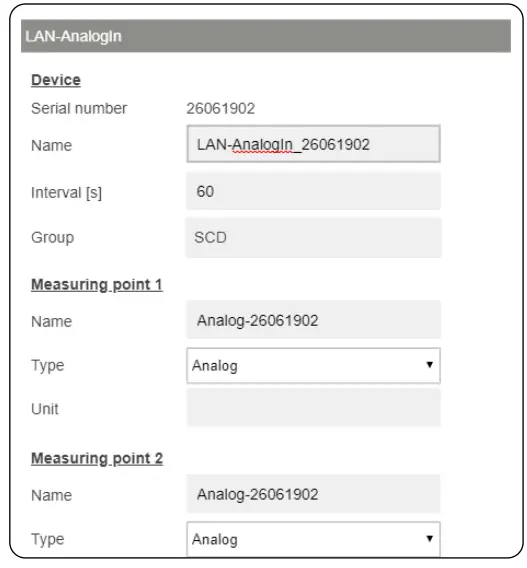
- Configure the device.
- Finish configuration.
LED INDICATORS
State | LED function | Meaning |
| Connected | Flashes green | Status OK, data transmitted |
| Flashes orange | Device not connected to the Internet | |
| Flashes red |
| |
| Not connected | Flashes orange | Device waiting for integration into the software |
ACCESSORIES
- RMS-PS: Power supply, 24 VDC, 15 W
- E2-OXA :Extension cable, various lengths
TECHNICAL DATA
General specifications | |
| Measurement interval | 10 s to 300 s |
| Startup time | < 10 s |
| Software compatibility | V1.3.0, from V2.1 all functions |
| Application range | -20…70°C, non-condensing |
| Storage conditions | -20…30 °C, non-condensing |
| Maximum altitude | 2000 m ASL |
| Power supply | 24 VDC ±10 %/ Battery: RMS-BAT (2xAA, LiSocl2) |
| Max. current consumption | 50 mA |
| AC adapter requirements | 24 VDC ±10 %, 4 W minimum, ) 5W Limited Power Source |
| PoE | 802.3af-2003, Class 1 |
Device data | |
| Order code | RMS-LOG-L-D |
| Ethernet cable requirement | Min. Cat 5, SFTP, max. 30 m |
| Interface | Ethernet |
| Protocols | HTTP / ModbusTCP |
| Number of measuring points | 2 |
| Battery life (@60 s & 600 s interval) | HCD-S / HCD-IC: 7 d |
| CCD-S-XXX: 2.4 d | |
| PCD-S-XXX: 15 d | |
| Storage capacity | 44,000 data points |
Conformity with standards | |
| Soldering material | Lead free / RoHS conformity |
| FDA/GAMP directives | 21 CFR Part 11 / GAMP 5 |
Housing / Mechanics | |
| Housing material | PC. ABS |
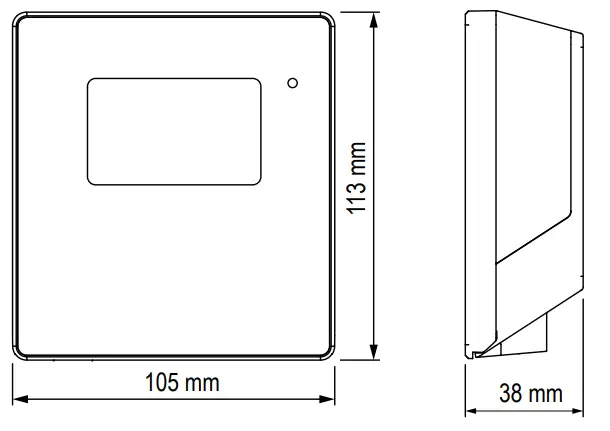
| Dimensions | 105 x 113 x 38 mm |
| IP protection class | IP65 |
| Fire protection class | UL94-V2 |
| Weight | 240 g |
CONNECTIONS
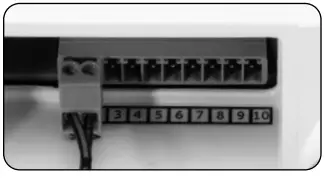
Marking | Function |
| Ethernet | PoE / Ethernet interface |
| V+ | Power supply + |
| V- | Power supply – |
DIMENSIONS
DELIVERY PACKAGE
- Data logger, with clamps
- Short instruction manual
- 2 batteries
- Certificate
- Velcro strips
Any changes or modifications to this device not expressly approved by the manufacturer could void your authorization to use the device.
www.rotronic.com
12.1264.010
 service.rotronic.com/manual/