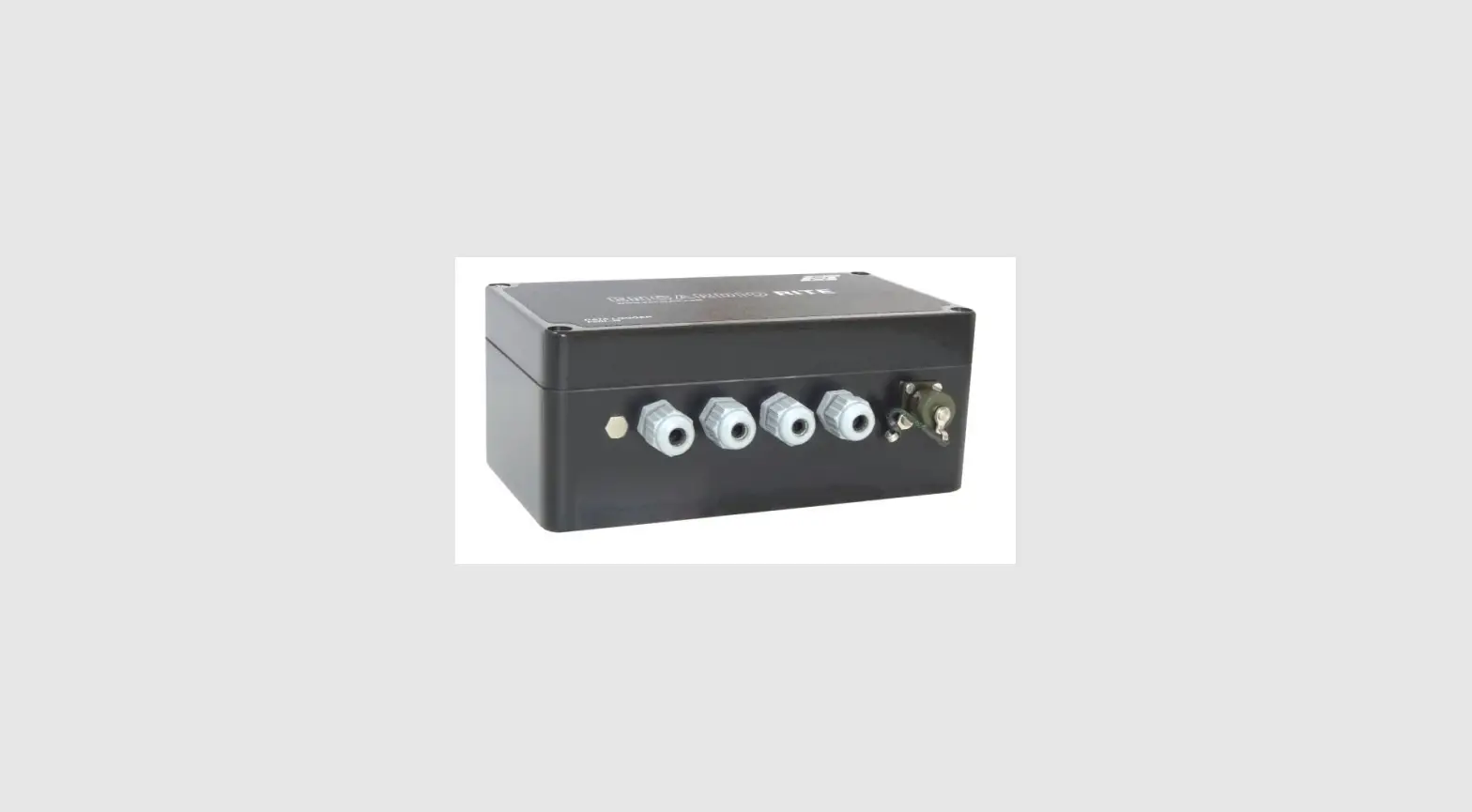
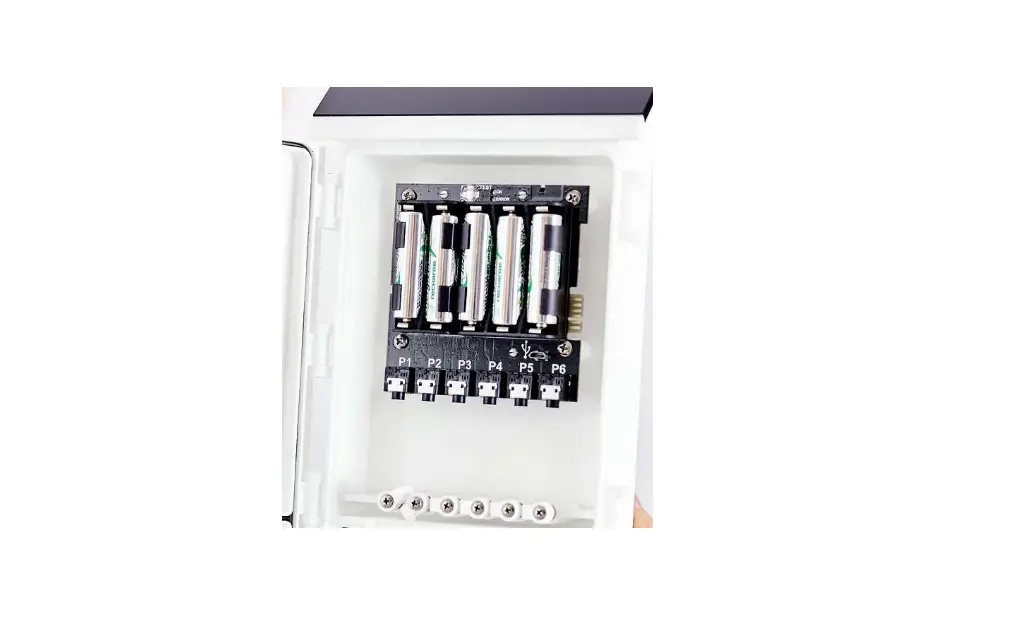
EM50 Em50 Digital-Analog Data Logger
Product Information:
The T8 is a device that is used to measure water tension in soil.
It communicates with the Em50 device through the SDI-12 bus. An
adapter cable with a stereo jack and an 8pol female M12 connector
is required to connect the T8 to the Em50. The T8 needs to be
configured before using it with the Em50. The T8 should run on FW
3.0 or higher and should have its SDI/SDI12 interface and 3V supply
settings turned on.
Product Usage:
- Connect the T8 to the Em50 using an adapter cable with a stereo
jack and an 8pol female M12 connector. - If the T8 is shipped together with the Em50, the necessary
configurations may already be done. If not, use tensioVIEW (Version
1.30 or higher) and the tensioLINK USB-converter to change the
settings of the T8. Turn on the SDI/SDI12 interface and 3V supply
settings. - The Em50 needs to run FW 2.23 or higher. Use the latest ECH20
utility for the setup. Connect the T8 to any of the five ports
available on the Em50. Choose UMS T8 Tensiometer for the port you
connected to the T8. - If you run a scan, it should deliver water tension and
temperature as values.
HOW TO USE THE T8 WITH THE EM50 1. CONNECTION
The Em50 uses the SDI-12 bus to communicate with the T8. To connect the T8 to the Em50, an adapter cable with stereo jack and 8pol female M12 connector is available from METER. Wiring: Em50:
Figure 1. Pigtail vs. stereo
Table 1. Sensor connector wiring
2. T8 CONFIGURATION SETTINGS
In order to use the T8 with the Em50, some configurations have to be changed from the default settings. If the T8 is shipped together with the Em50, this is already done. Use tensioVIEW (Version 1.30 or higher) and the tensioLINK USB-converter to change the settings of the T8. The T8 needs to run FW 3.0 or higher.
Change the following settings to “on”: SDI/SDI12 interface onon System/3V supplyon
The sensor address and the sync mode has no influence on the behavior since the Em50 powers the T8 only on request and uses a broadcast address.
All other settings are not important for the Em50 usage.
3. EM50 SETUP
The Em50 needs to run FW 2.23 or higher. Use the latest ECH20 utility for the setup. You can use any of the five ports to connect a T8. Choose “UMS T8 Tensiometer” for the port you connected to the T8. If you run a scan, it should deliver water tension and temperature as values.