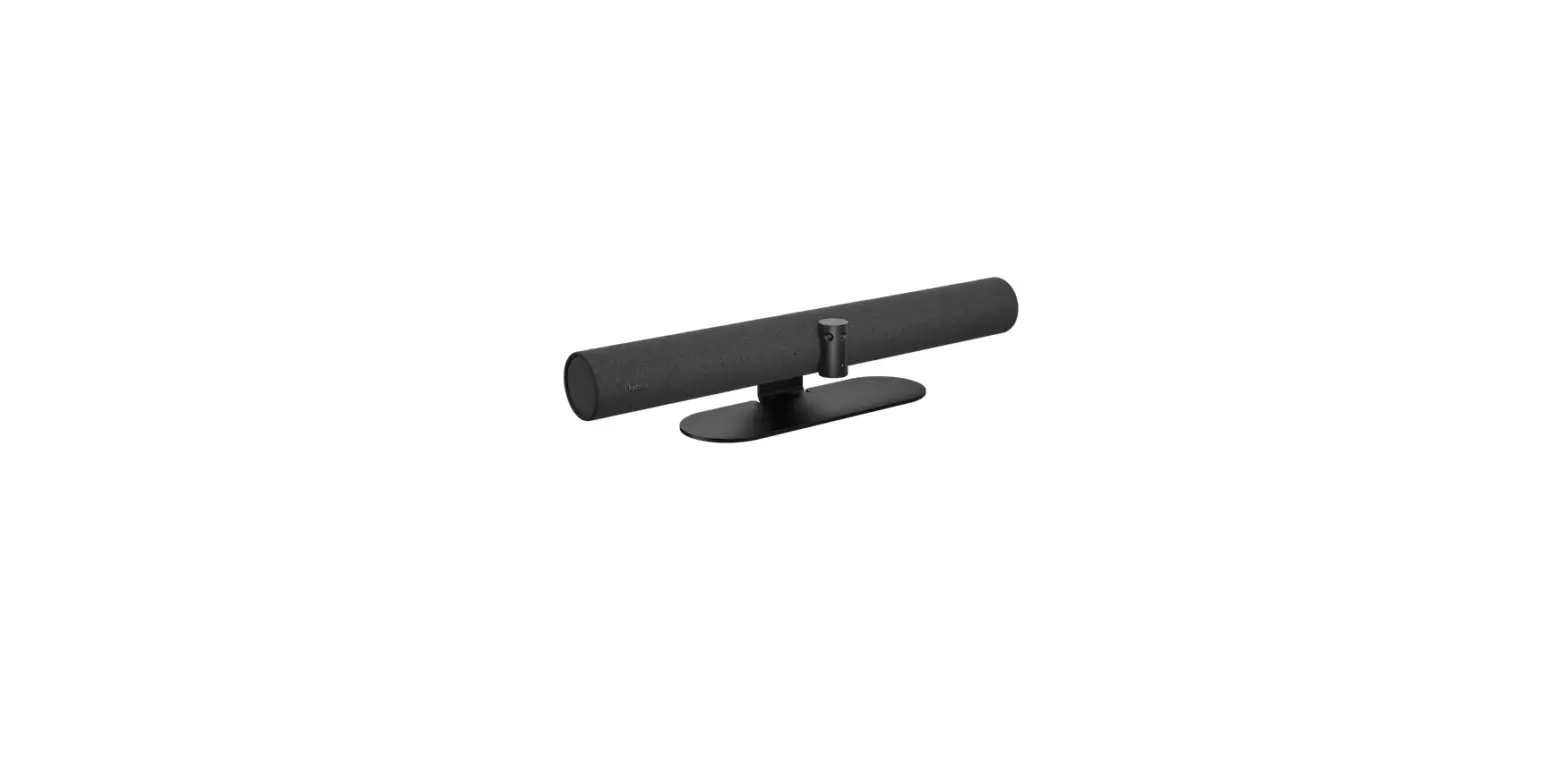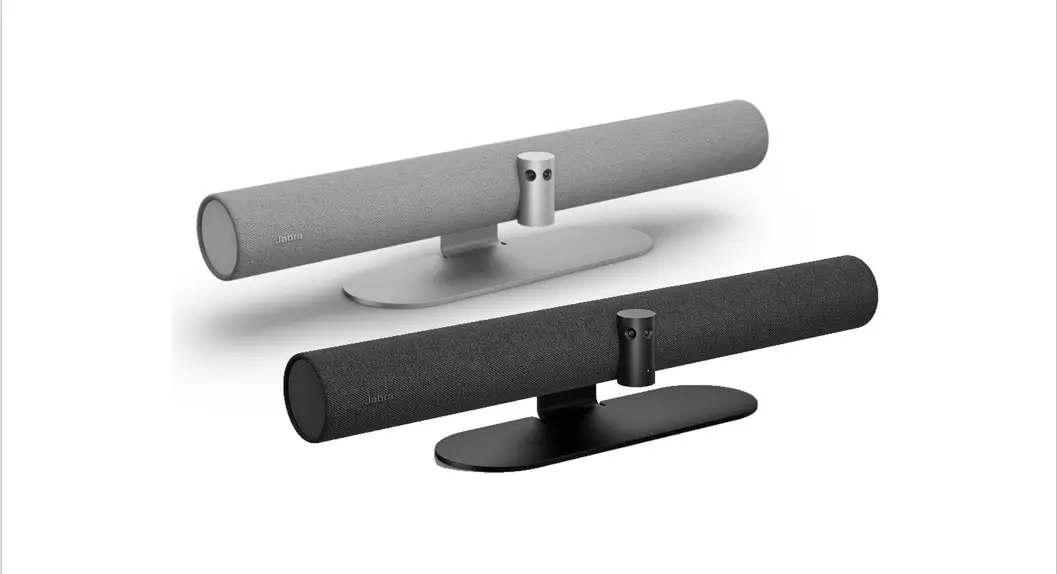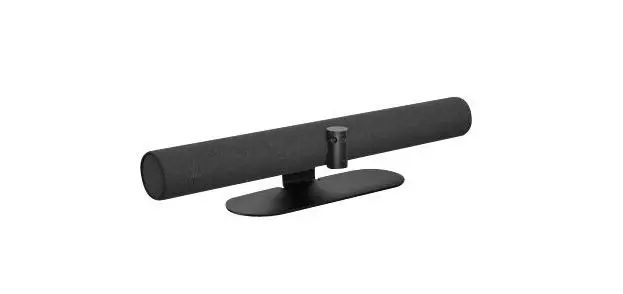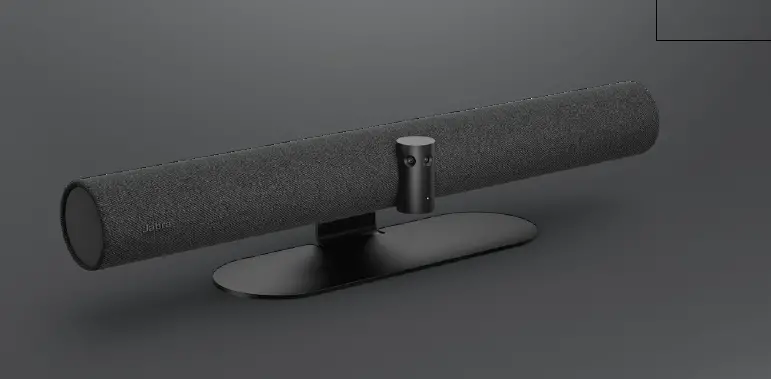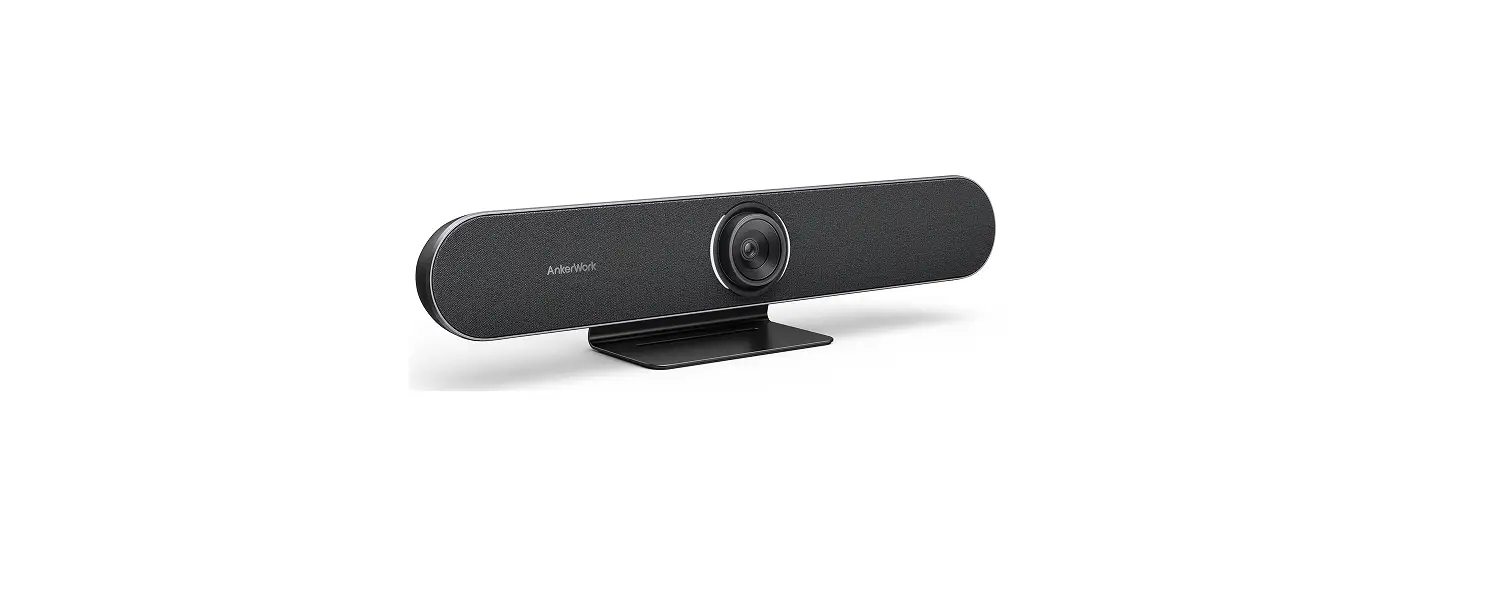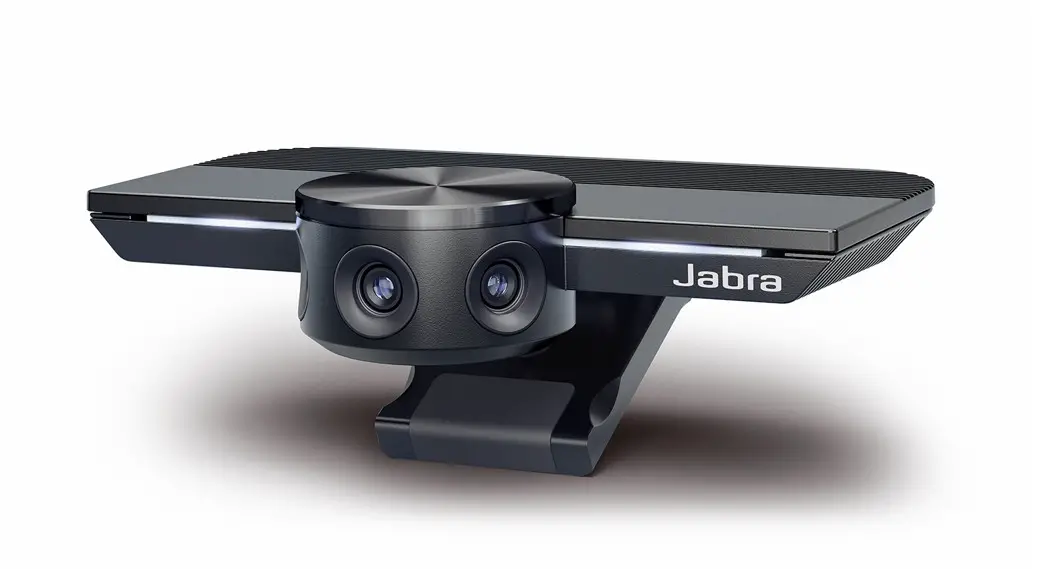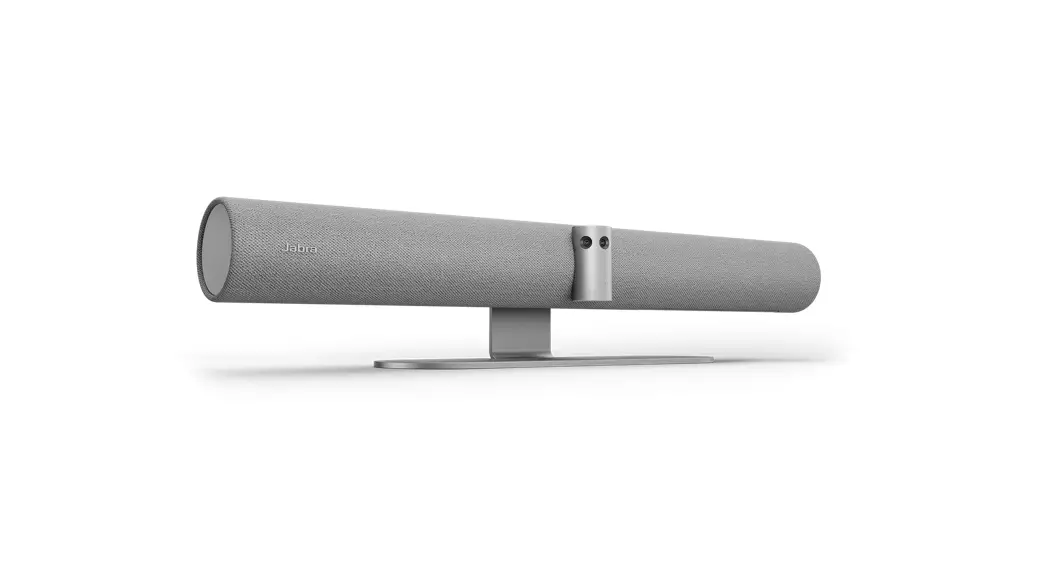
 PanaCast 50 Grey Video Conferencing Bar
Instructions
PanaCast 50 Grey Video Conferencing Bar
What is the Jabra PanaCast 50 Quick startup wizard?
Prerequisites
Jabra Direct – latest version
The first time a Jabra PanaCast 50 is connected to a computer that has Jabra Direct installed, the Quick startup wizard will automatically open.
The wizard will guide you through the following steps.
- Naming your device.
- Creating a password to protect the Jabra PanaCast 50 settings.
- Enabling Jabra Xpress management through an Ethernet connection.
- Setting up the Jabra PanaCast 50 to be remotely managed by Jabra Xpress.
- Linking to a valid Jabra Xpress package URL.
You can change these settings at any time in Jabra Direct > Jabra PanaCast 50 > Settings > General.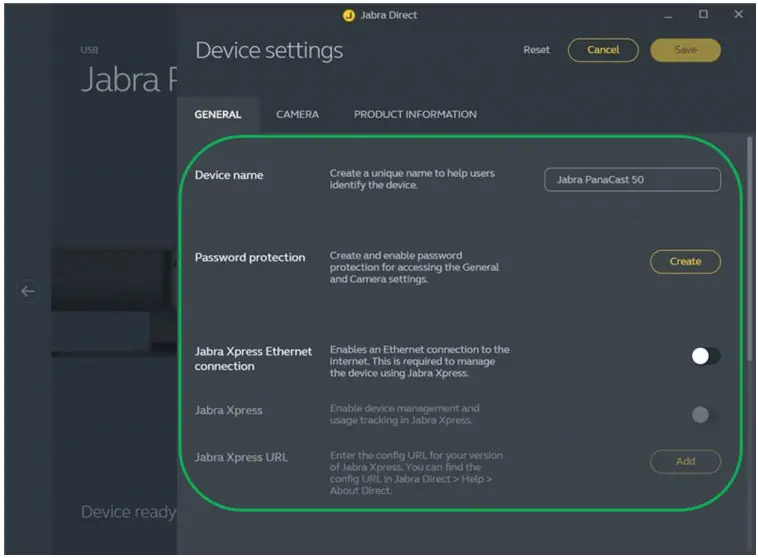
https://www.jabra.in/supportpages/jabra-panacast-50/8201-234/faq/f406f7ca-0628-4159a19a-3bd0b3a683cf
 Jabra Direct - Engineered to optimize and personalize your headset
 [FAQTitle] | Jabra PanaCast 50 - Grey | FAQ | Jabra Support