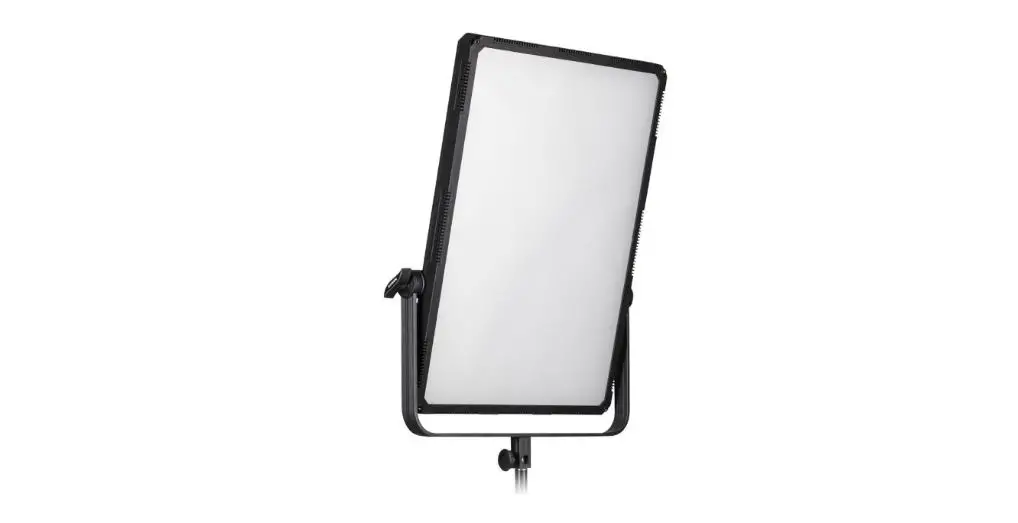
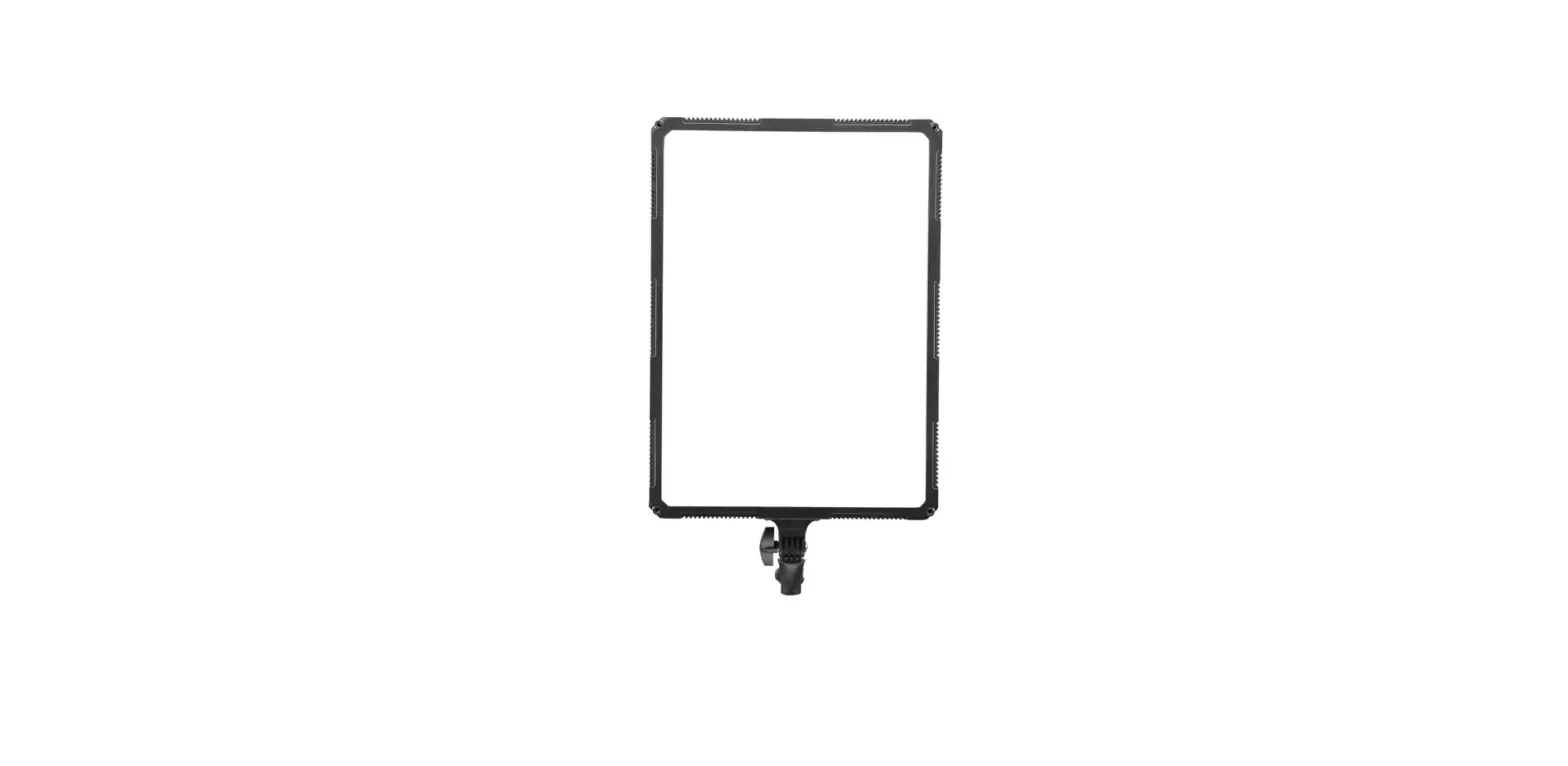
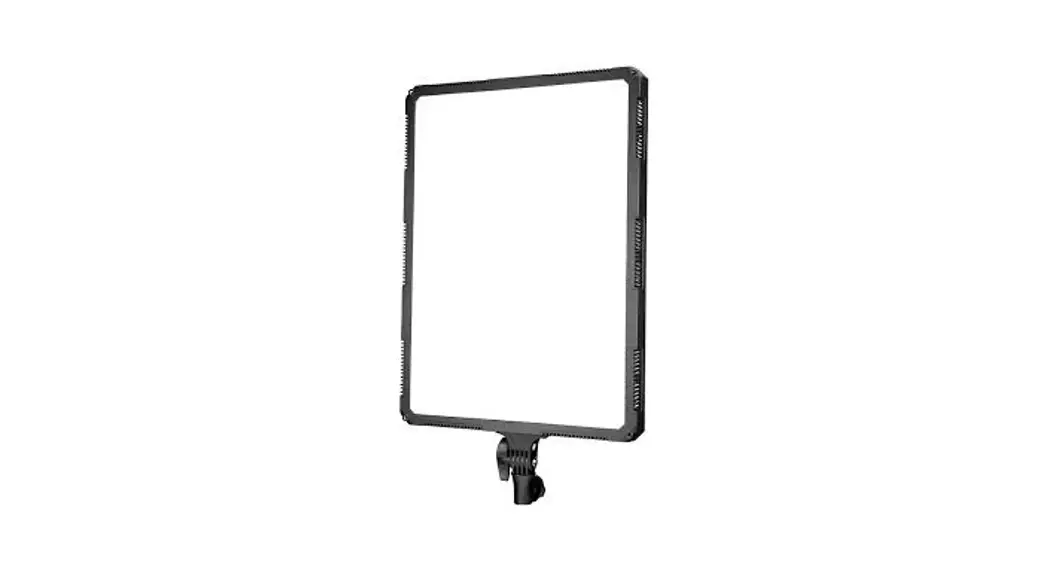
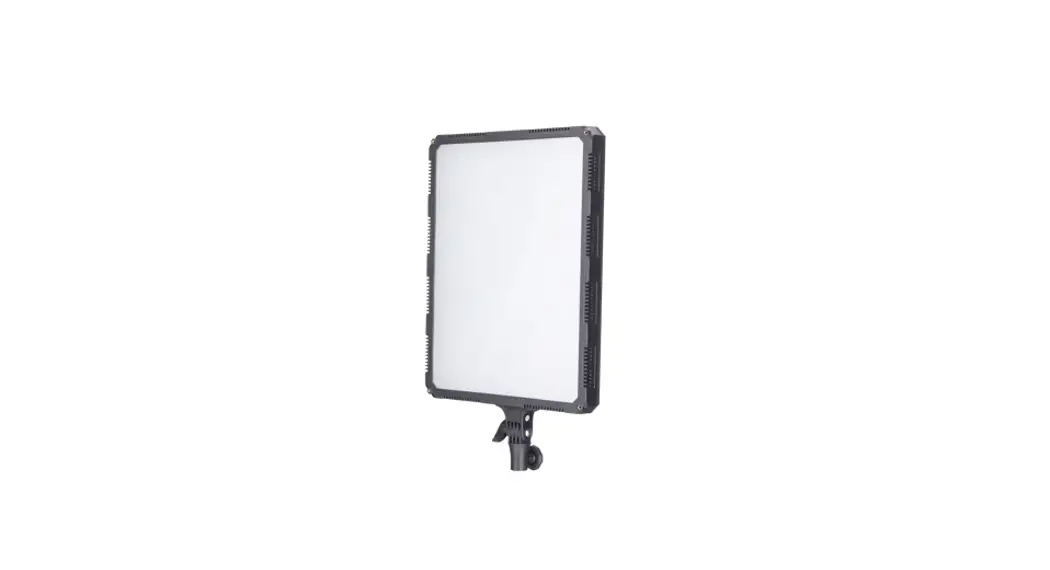
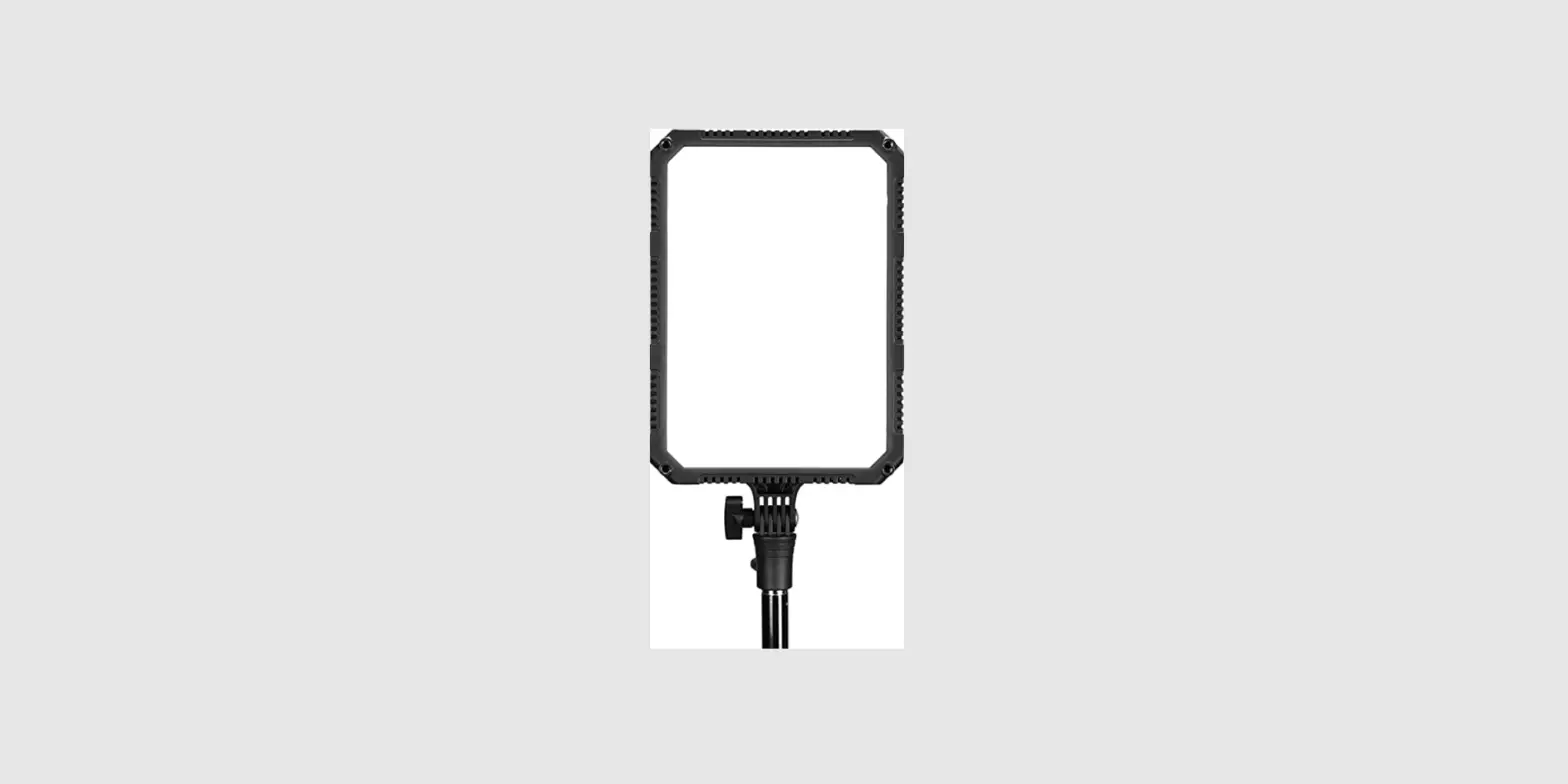
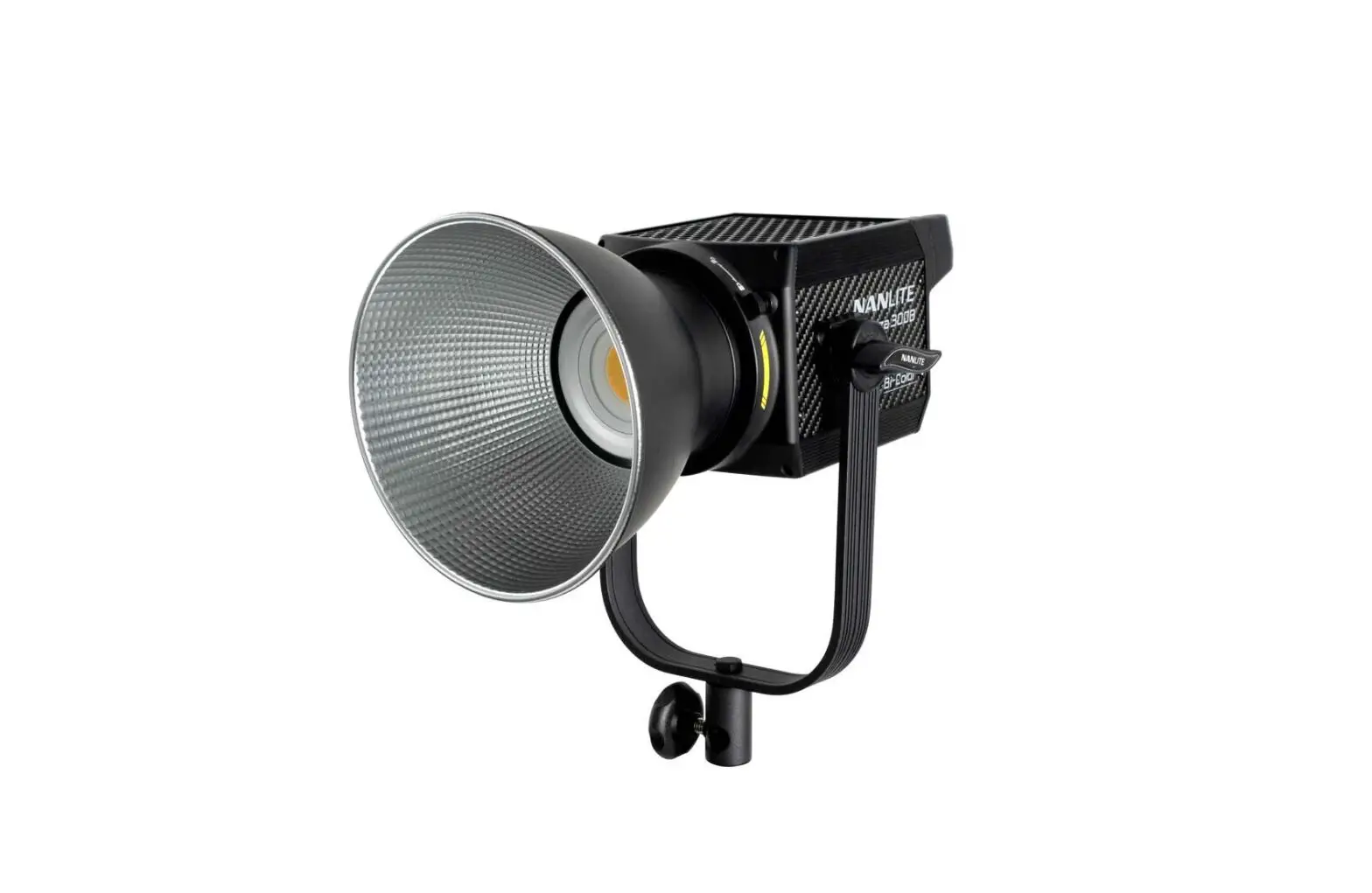
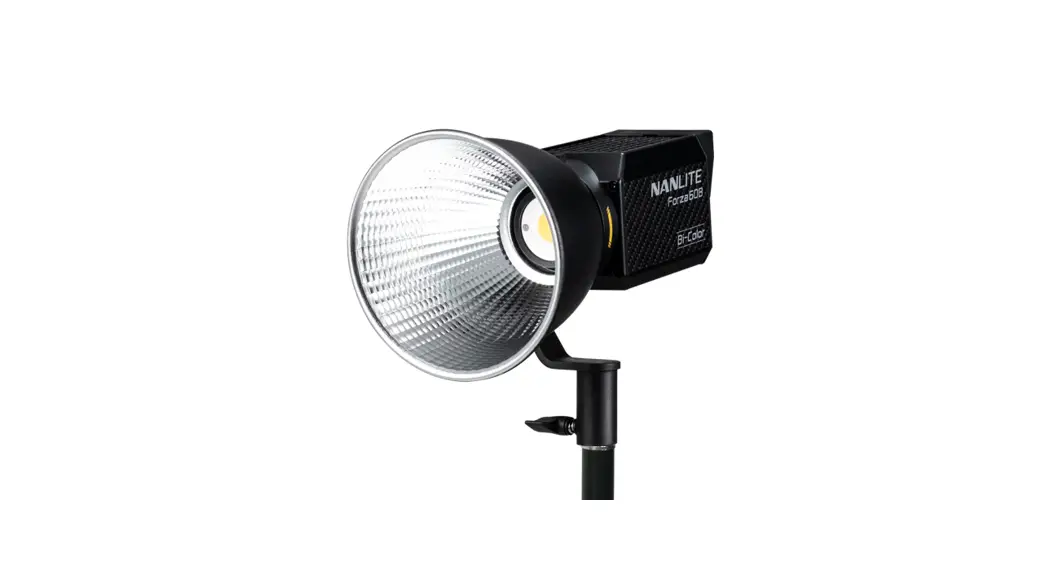
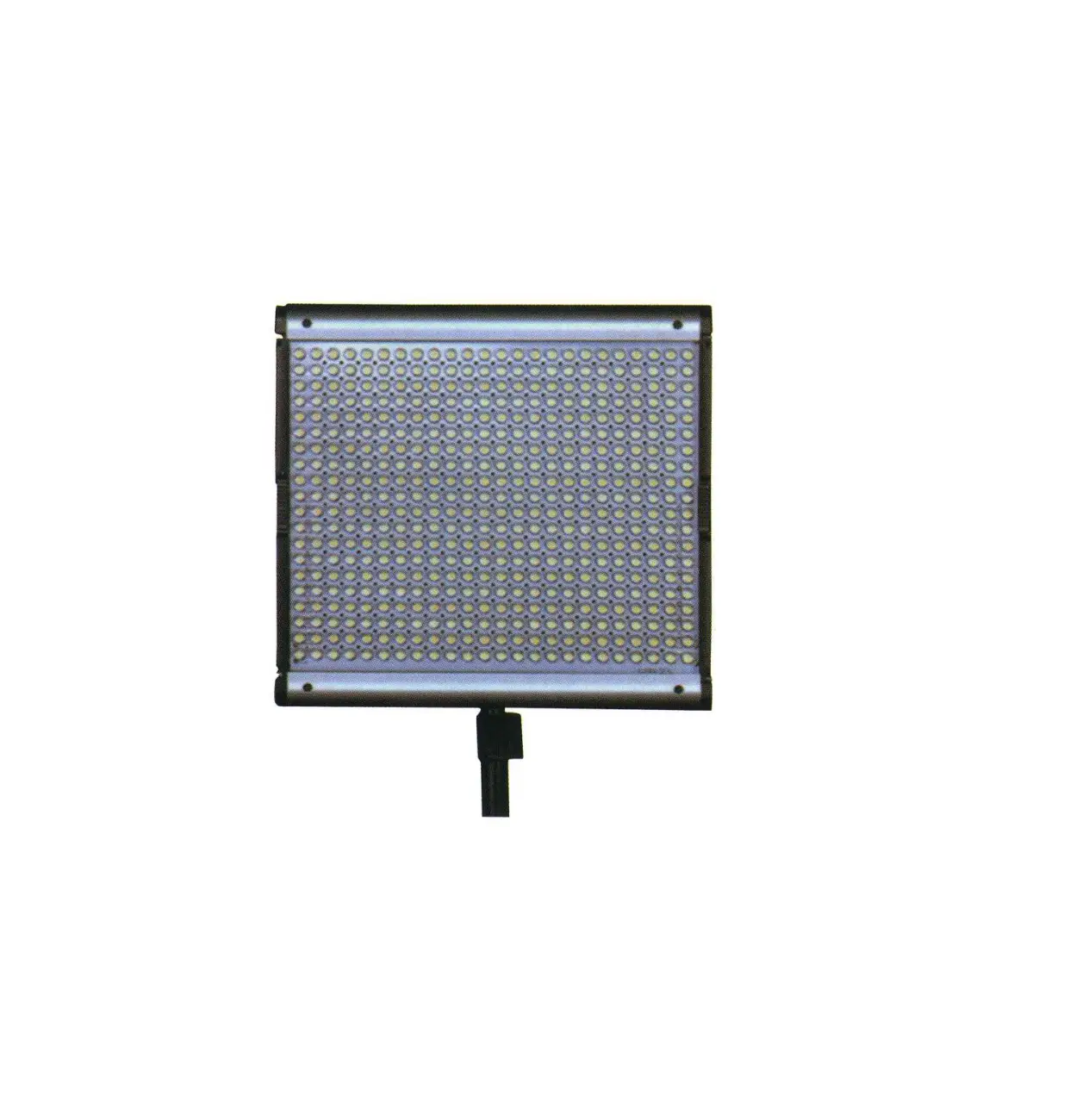
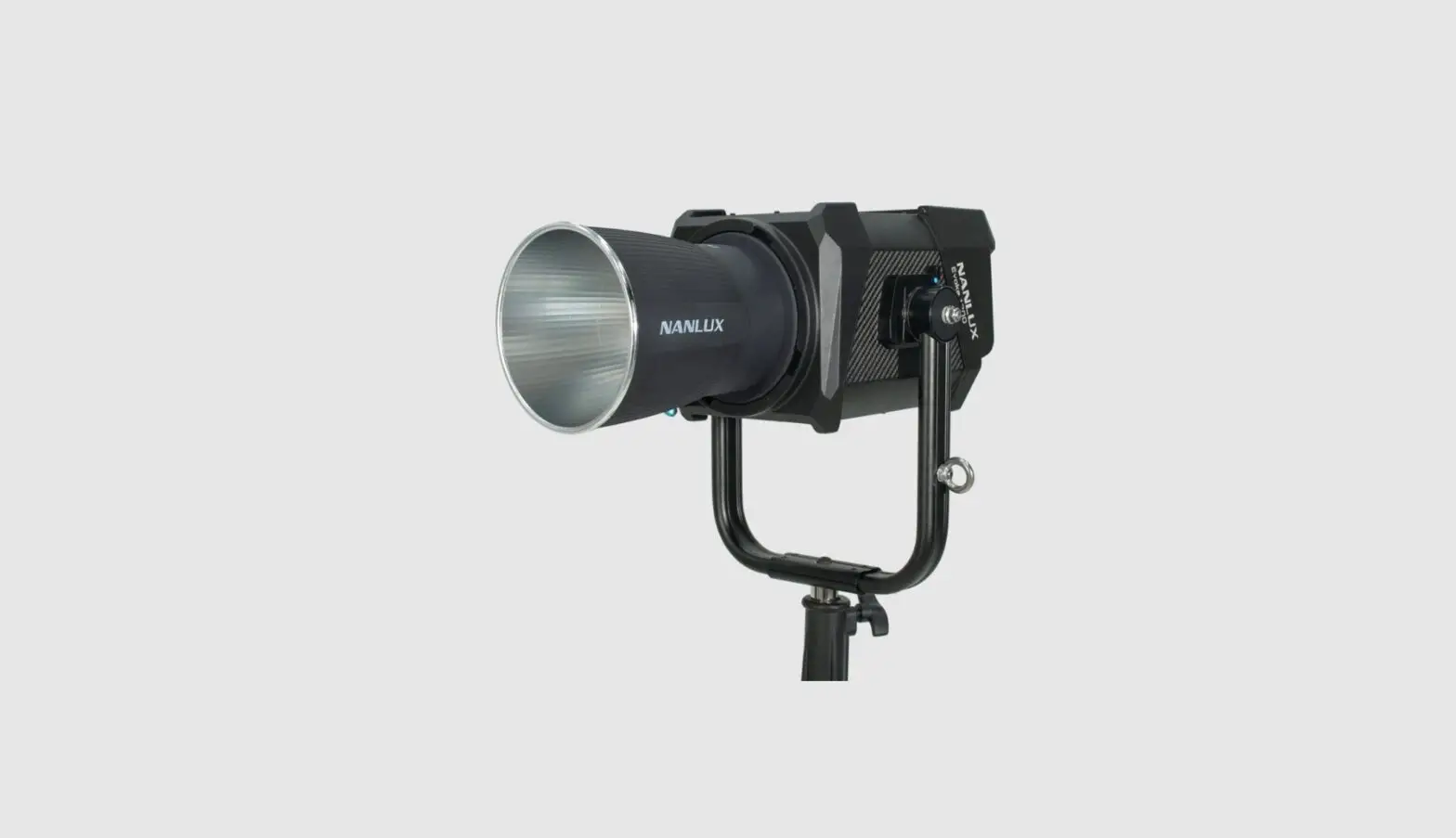
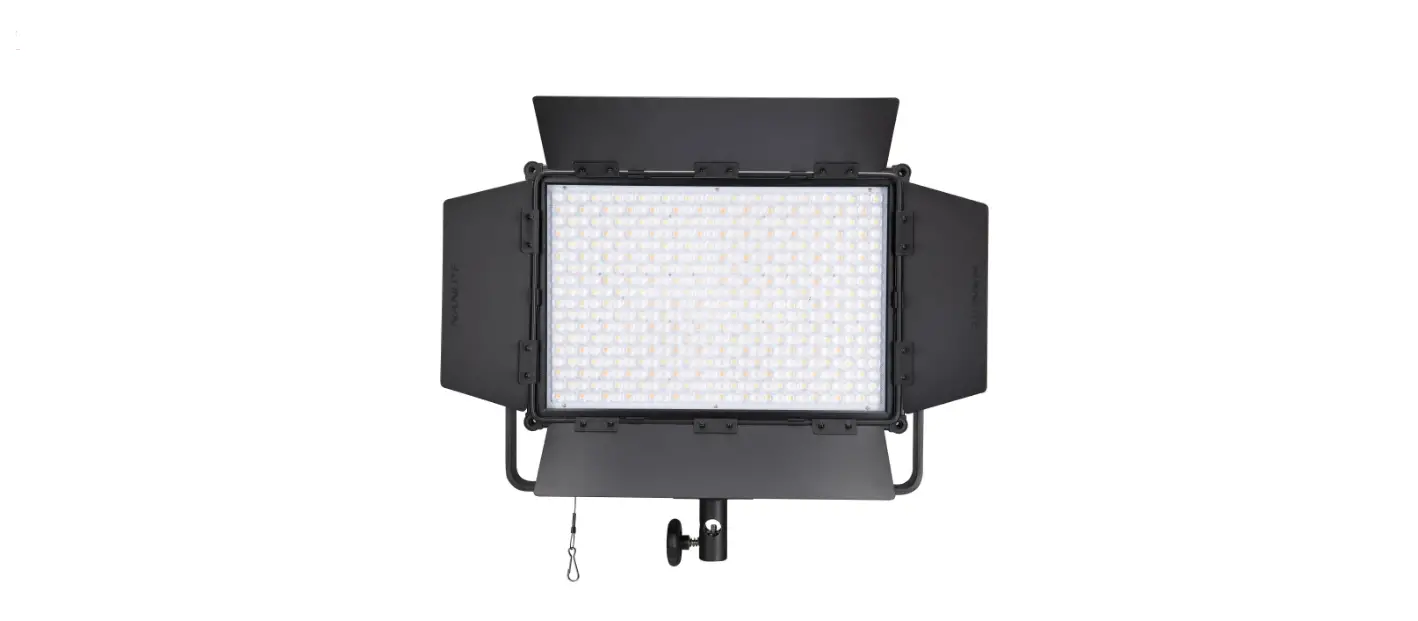
600SA LED Studio Light
Product Information
600SA/900SA/1200SA LED Studio Light
Technical Data
- Model: 600SA
- LED Quantity: 600pcs
- LED Power: 36W
- AC Input Power: 100V – 240V
- DC Input Power: 15V
- Color Temperature: 3200K/5600K
- CRI(Ra): 95
- Model: 900SA
- LED Quantity: 900pcs
- LED Power: 54W
- AC Input Power: 100V – 240V
- DC Input Power: 15V
- Color Temperature: 3200K/5600K
- CRI(Ra): 95
- Model: 1200SA
- LED Quantity: 1152pcs
- LED Power: 72W
- AC Input Power: 100V – 240V
- DC Input Power: 15V
- Color Temperature: 3200K/5600K
- CRI(Ra): 95
Product Detail
- Barndoor
- Dimmer knob
- Angle fixing knob
- Sony V-Mount battery holder
- Battery lock button
- Yoke
- Digital display
- ADDR button
- Power Switch
- DC power socket
- Filters (Soft diffuser, enhanced soft diffuser, blue
filter)
Product Usage Instructions
- Please install the fixture on the light stand and adjust the
fixture according to the desired position, then open the
barndoor. - Make sure the fixture is in the off position and connect the
power adapter or battery. Install the attaching plug of the fixture
to the DC power socket. NOTE: Make sure the power,
voltage, and frequency are consistent with the provided power
adapter. When using a battery, make sure to turn off the fixture
before plugging in the battery. - When turning on the fixture, the display will light up
normally, indicating that the power is active. - Adjust the fixture’s brightness via the Dimmer knob to meet the
shooting needs. - Please change the filters to get different lighting
effects. - 2.4G Wireless Remote Control:
600SA/900SA/1200SA are designed to work with a 2.4G remote
controller or NANLITE Wi-Fi app via Wi-Fi transfer device to
control light freely. NOTE: 2.4G remote controller
or Wi-Fi transfer devices should be bought additionally. (See
separate instructions for the remote controller or Wi-Fi transfer
device.) - Turn off the switch when you stop using it and remove the power
adapter or battery.
Safety Precautions
- Please open the package to check if it is damaged due to
transportation after receiving the light. In the case of damage
caused in transportation, please do not use this light and contact
the dealer or manufacturer as soon as possible. - Do not use a power cord with damaged insulation. Do not unplug
hard or drag the power cord directly. - Make sure that the power supply voltage used matches the
voltage specified by the light before installation. - When not using or cleaning the light, please turn it off.
- Keep the light safely stored and away from children.
600SA/900SA 1200SA
USER MANUAL
Guangdong NanGuang Photo&Video Systems Co., Ltd
600SA/900SA/1200SA LED Studio Light
Product Show
600SA
900SA
1200SA
Technical Data
Model: 600SA LED Quantity: 600pcs LED Power: 36W AC Input Power: 100V – 240V DC Input Power: 15V Color Temperature: 3200K/5600K CRI(Ra): 95
Model: 900SA LED Quantity: 900pcs LED Power: 54W AC Input Power: 100V – 240V DC Input Power: 15V Color Temperature: 3200K/5600K CRI(Ra): 95
Model: 1200SA LED Quantity: 1152pcs LED Power: 72W AC Input Power: 100V – 240V DC Input Power: 15V Color Temperature: 3200K/5600K CRI(Ra): 95
1
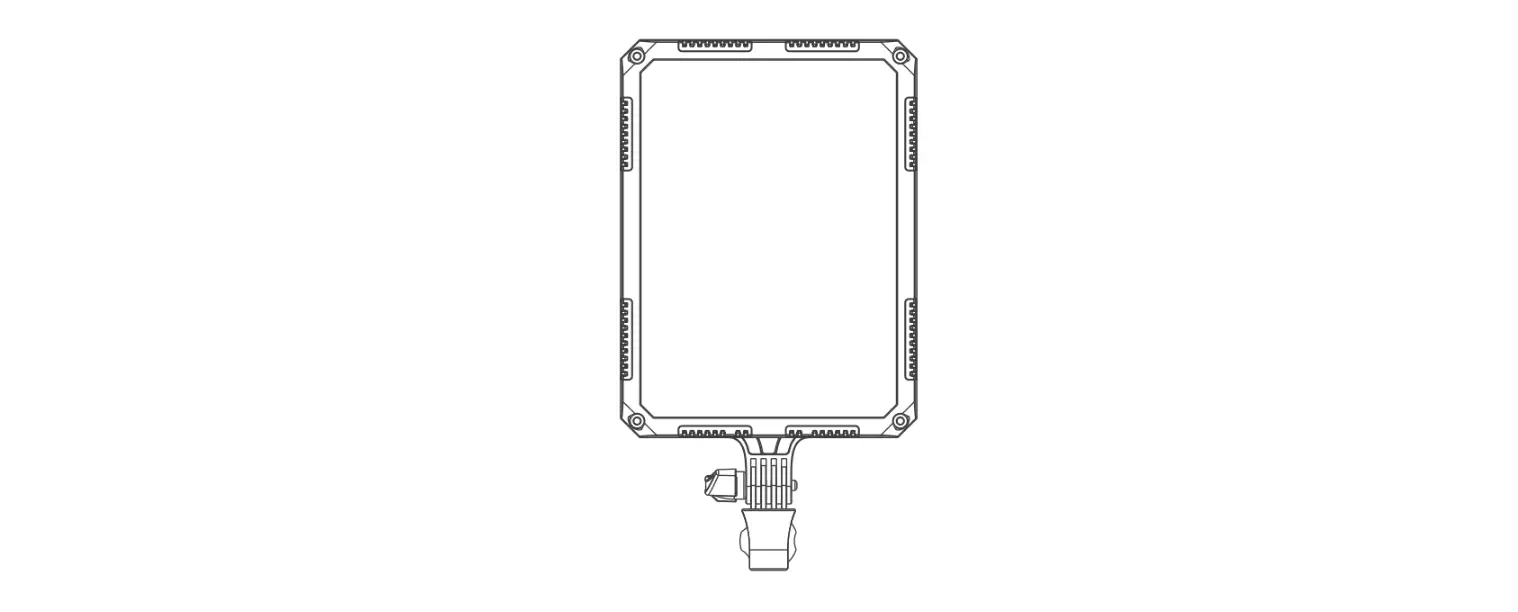
Product Detail
1. Barndoor
2. Dimmer knob 3. Angle fixing knob
4. Sony V-Mount battery holder
5. Battery lock button
6. Yoke
3. Angle fixing knob
7. Digital display 8. ADDR button 9. Power Switch 10. DC power socket
11. Filters 2
Detail Description
1. Barndoor: For adjusting the illuminated area. 2. Dimmer knob: For adjusting the brightness. 3. Angle fixing knob: For fixing the fixture on the light stand and adjusting the illumination direction of fixture. 4. Sony V-Mount battery holder: For installing the Sony V-mount battery, or holding the power adapter when install
the adapter holder. NOTE: If using Anton/Panasonic battery, make sure change to corresponding battery holder. 5. Battery lock button: For installing or removing the battery. 6. Yoke: For connecting the fixture to the light stand and adjusting the tilt and pan of fixture. 7. Digital display: For showing the fixture’s brightness, color temperature and lighting code. 8. ADDR button: For adjusting the adress of the fixture. 9. Power switch:Turn on/off the fixture. 10. DC power socket: DC power input interface.
11. FilterSoft diffuser, enhanced soft diffuser, blue filter. Without diffuser, it creates spotlight effect and suitable for shooting at a relatively long distance. With diffuser or enhanced soft diffuser, it creates the corresponding soft effect. With blue filter, the color temperature changes to 7500K.
Usage
1. Please install the fixture on the light stand and adjust the fixture according to desired position, then open the barndoor. 2. Make sure the fixture is in the “off” position and connect the power adapter or battery.
Install the attaching plug of fixture to the DC power socket. NOTE: Make sure the power, voltage and frequency are consistent with the provided power adapter.
When using battery, make sure to turn off the fixture, then plug in the battery. 3. When turn on the fixture, the display will light up normally, that means the power is active. 4. Adjust the fixture’s brightness via “Dimmer knob” to meet the shooting needs.
3
5. Please change the filters to get different lighting effects. 6.2.4G Wireless Remote Control
600SA/900SA/1200SA are designed to work with a 2.4G remote controller or NANLITE Wi-Fi app via Wi-Fi transfer device to control light freely. NOTE: 2.4G remote controller or WiFi transfer devices should be bought additionally. (See separate instructions
for remote controller or Wi-Fi transfer device.) 7. Turn off the switch when you stop using it and remove the power adapter or battery.
Safety Precautions
1. Please open the package to check if it is damaged due to transportation after receiving the light. In the case of damage caused in transportation, please do not use this light and contact the dealer or manufacturer as soon as possible.
2. Do not use a power cord with damaged insulation. Do not unplug hard or drag the power cord directly. 3. Make sure that the power supply voltage used match the voltage specified by the light before installation. 4. When not using or cleaning the light, please turn it off. 5. Keep the light safely stored and away from children.
Notice
1. Before using, please read the instruction sheet carefully and install the product according to the instruction sheet. 2. Pull insert plug, please do not use to much force to pull connection. And do not touch the connection by wet hand. 3. Please keep this fixture in dry and ventilated place, to avoid the circuit get wet, and cause short circuit. 4. When stop suing, please turn off the power to preserve the life of the LEDs.
4
What’s in the box? Please kindly check.
600SA/900SA/1200SA × 1pcs
Power Adapter × 1pcs Power Cable × 1pcs
Filters × 1set
Carrying Bag × 1pcs User Manual × 1pcs
600SA/900SA 1200SA USER MANUAL
Guangdong NanGuang Photo&Video Systems Co., Ltd
Genaral Fault Detection and Diagnosis
Potential Malfunction
Diagnosis
The light can not light up!
1. Check if the battery is properly installed. 2. Press the power switch, if the display doesn’t light up, consider
using a different compatible battery. 3. Check if the connection between adapter and fixture is loose ,
adapter’s voltage and current is within specified range.
The lamp is flickering.
1. Check if the battery capacity is enough, or change a compatible battery with full capacity to test.
2. Check if the power adapter is within the specified range. 3. Check if there is any high temperature object near the
light that could cause the operating environment temperature too high.
The instruction was written according to the strict prodution test of our company, if there are
any changes related to the design of the product later, we will not keep you updated for that.
5
Version: V3 2022-08-09
+86-754-85751187 [email protected]
+86-754-85300887 Zhanglin,324,Dongli Chenghai Shantou Guangdong China
www.nanlite.com
 NANLITE