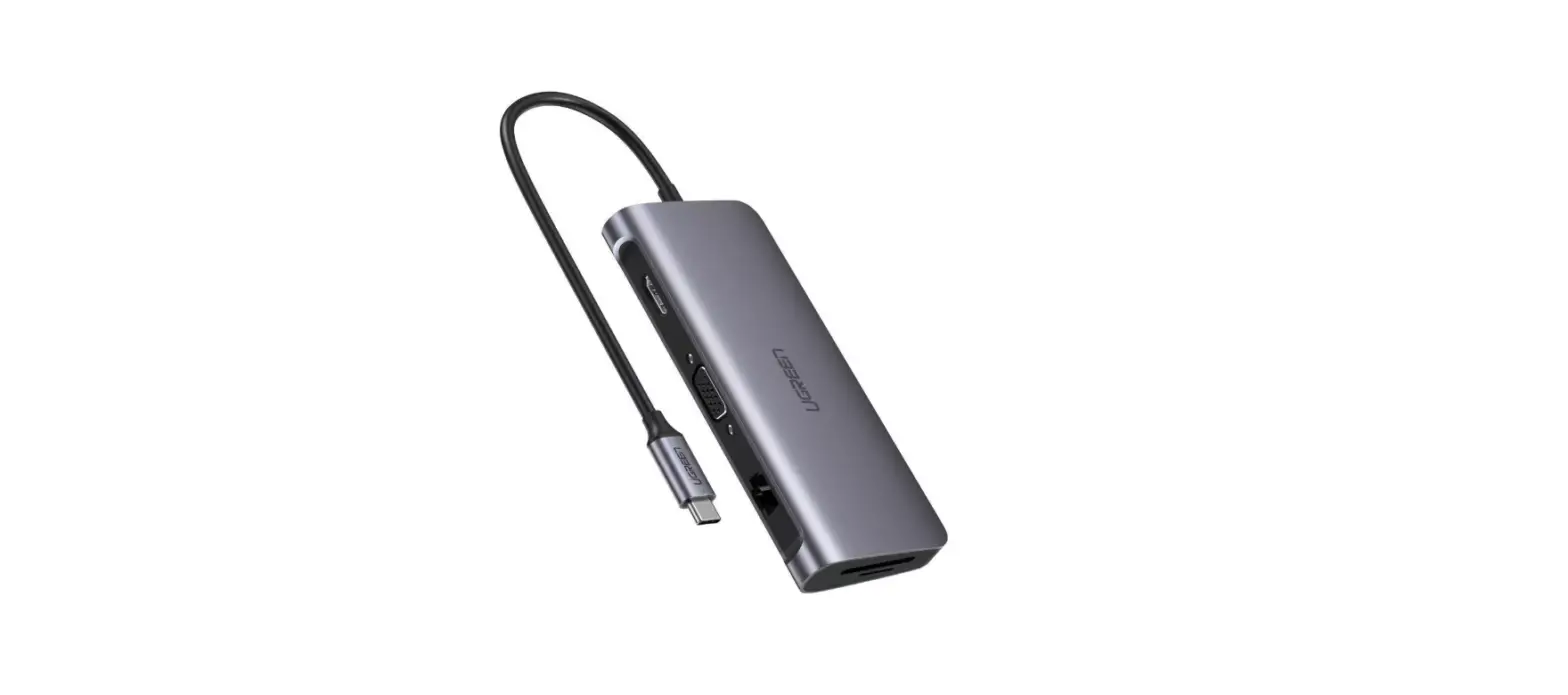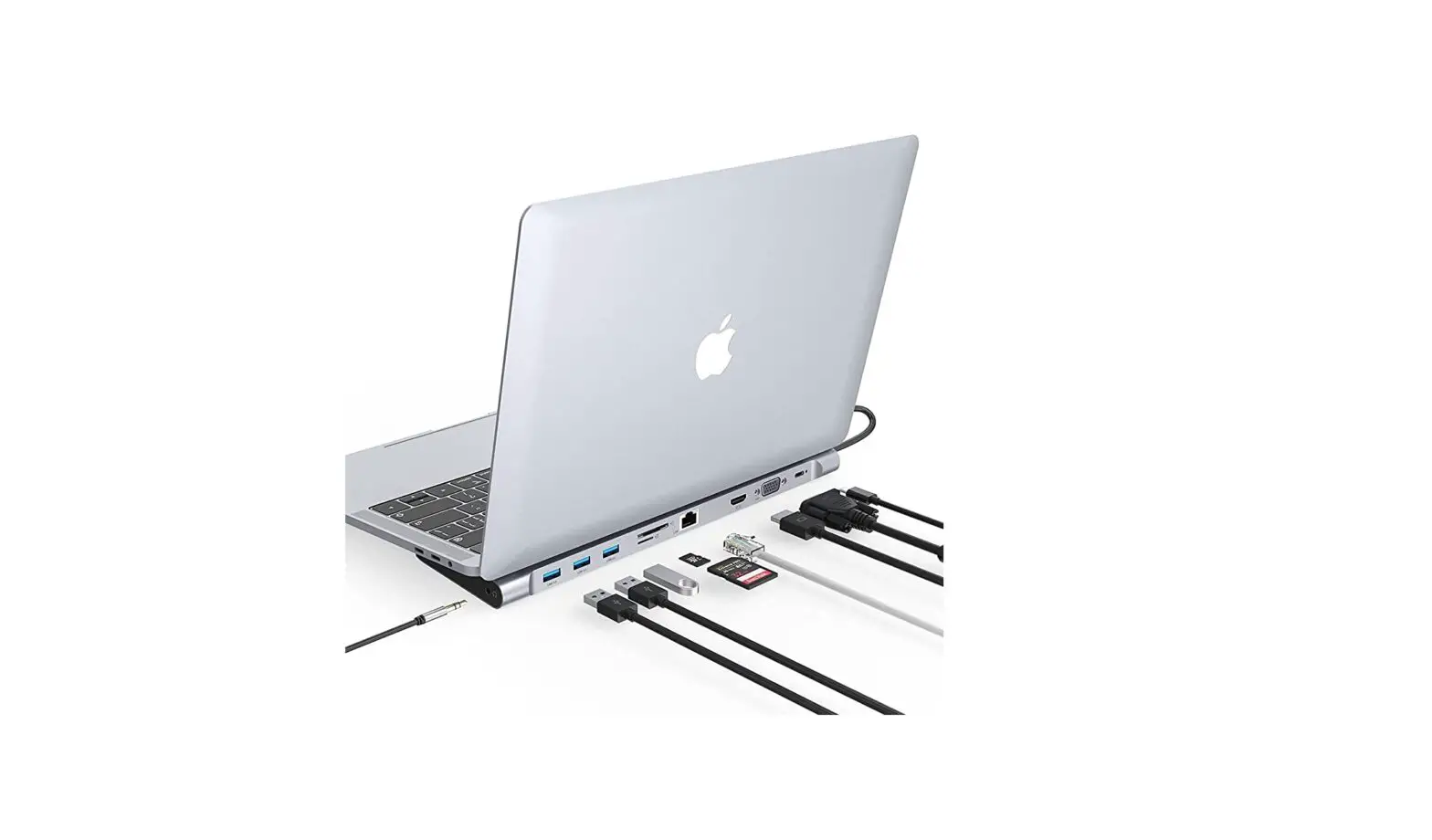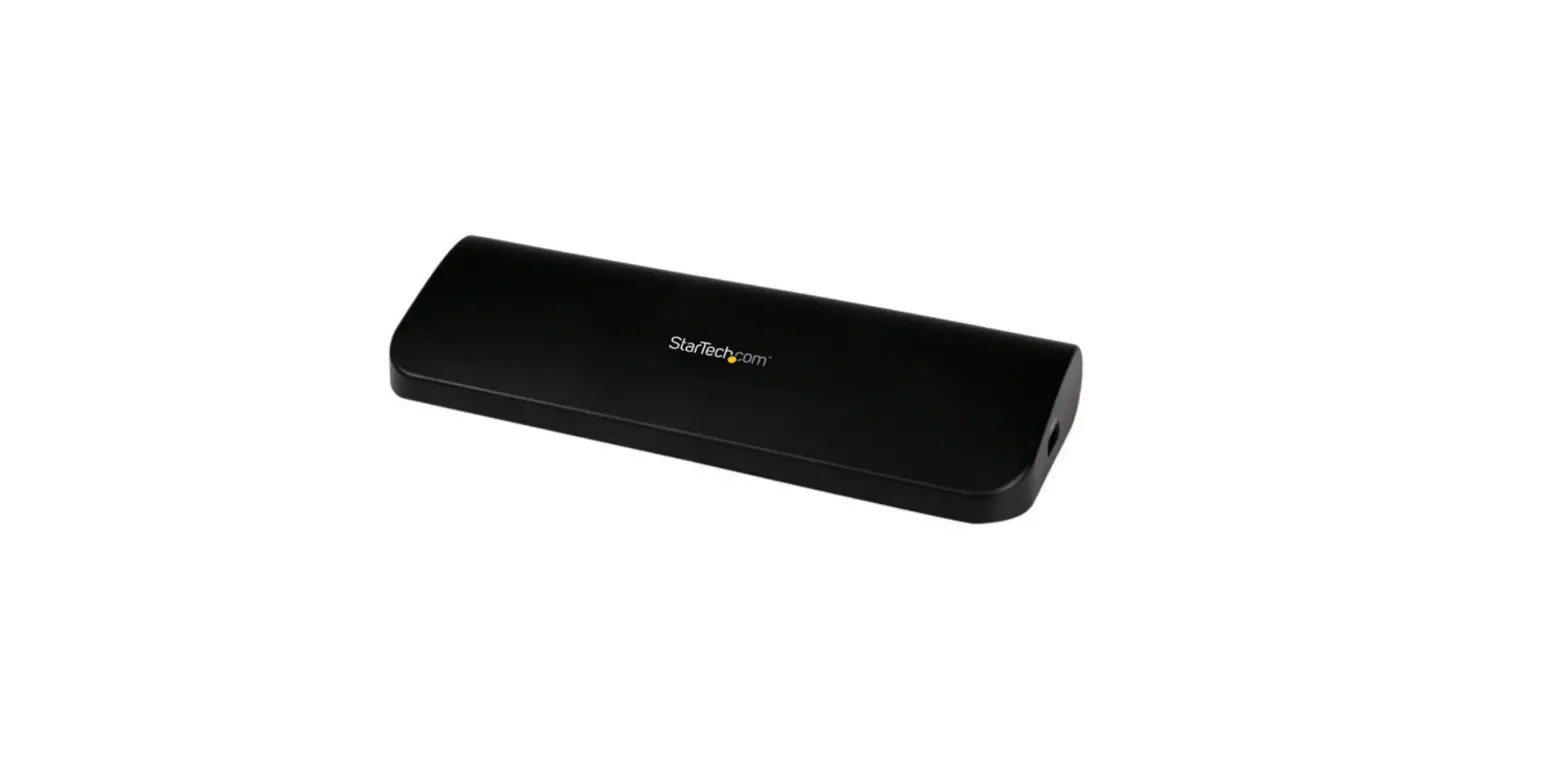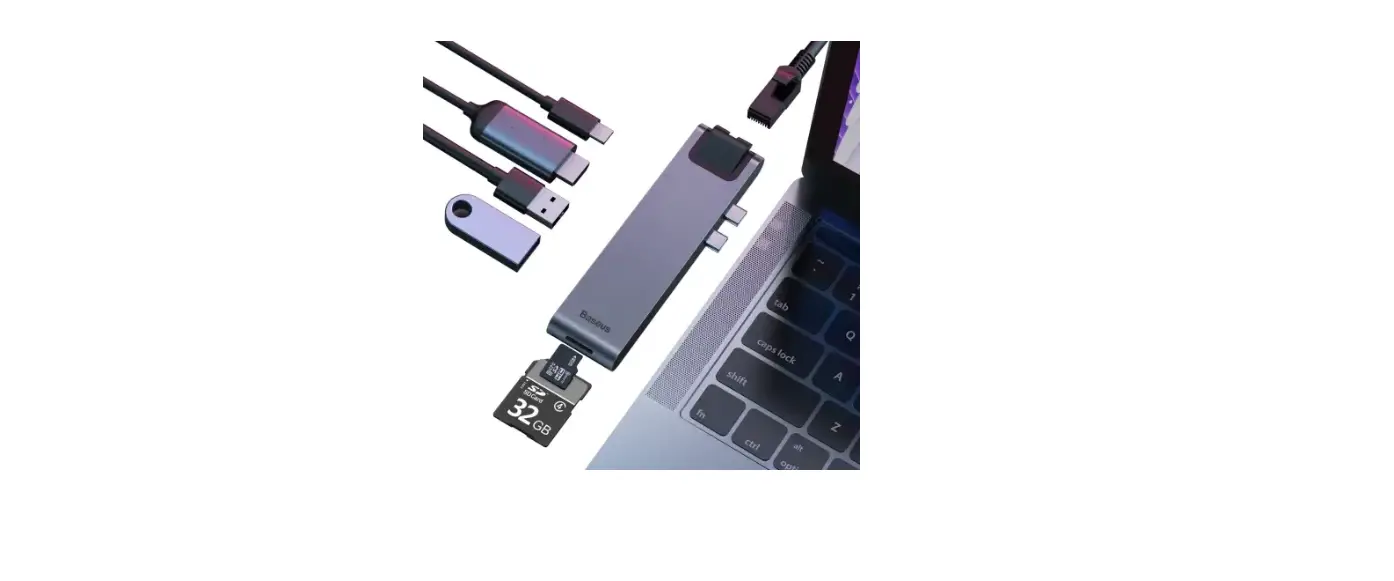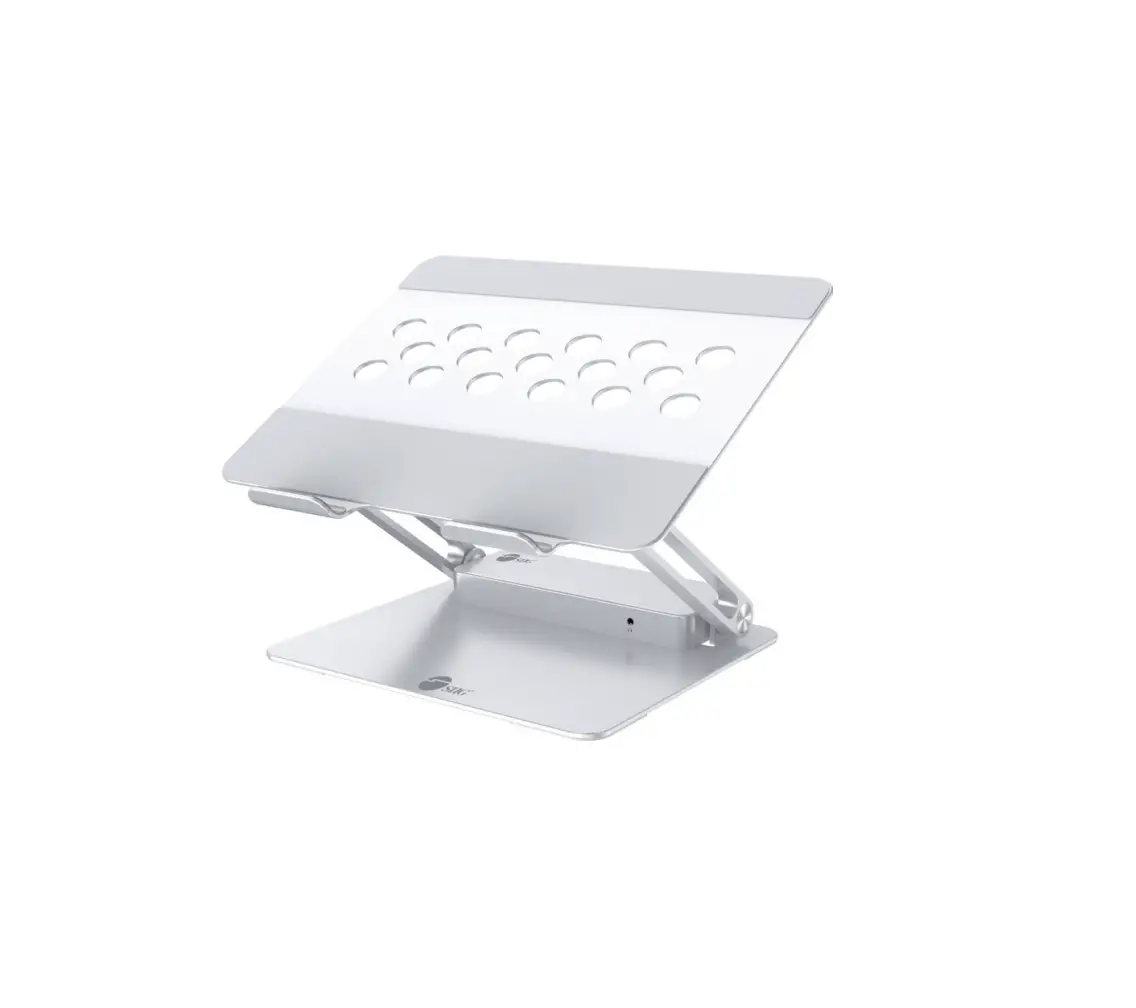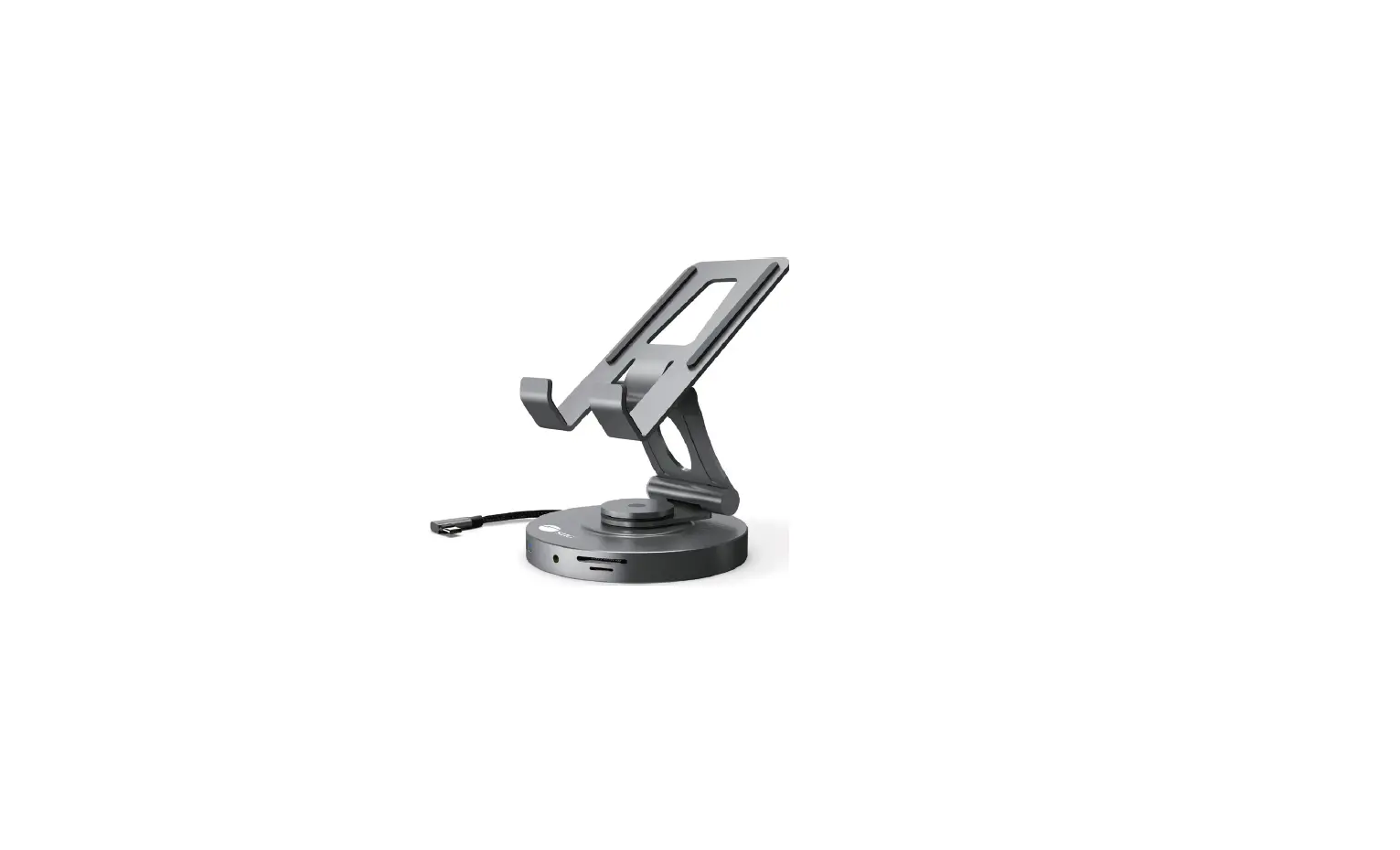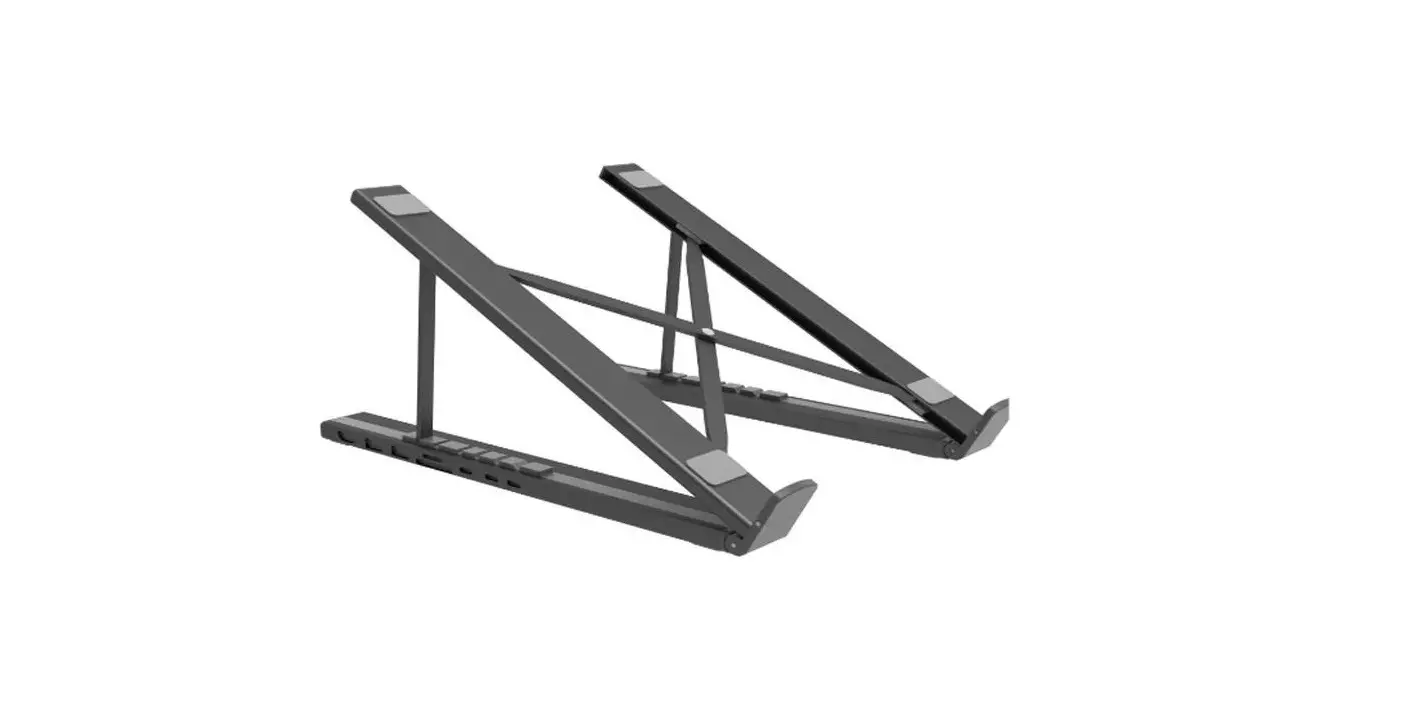
Choetech HUB-M48 7 in 1 Laptop Stand Docking Station User Manual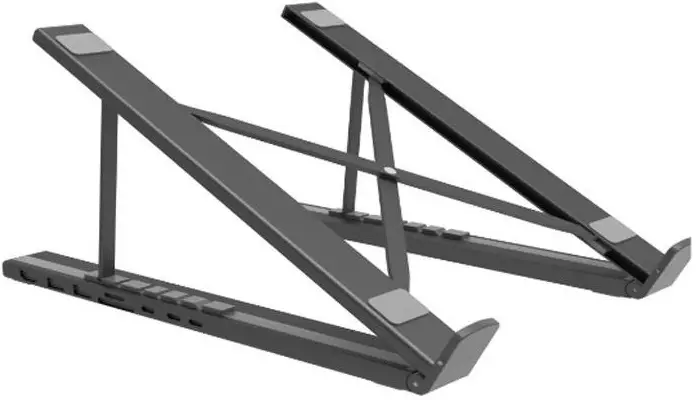
Package List
1 x 7 in 1 USB-C HUB & Laptop Stand, 1 User Manual
Specifications
| Model | HUB-M4 |
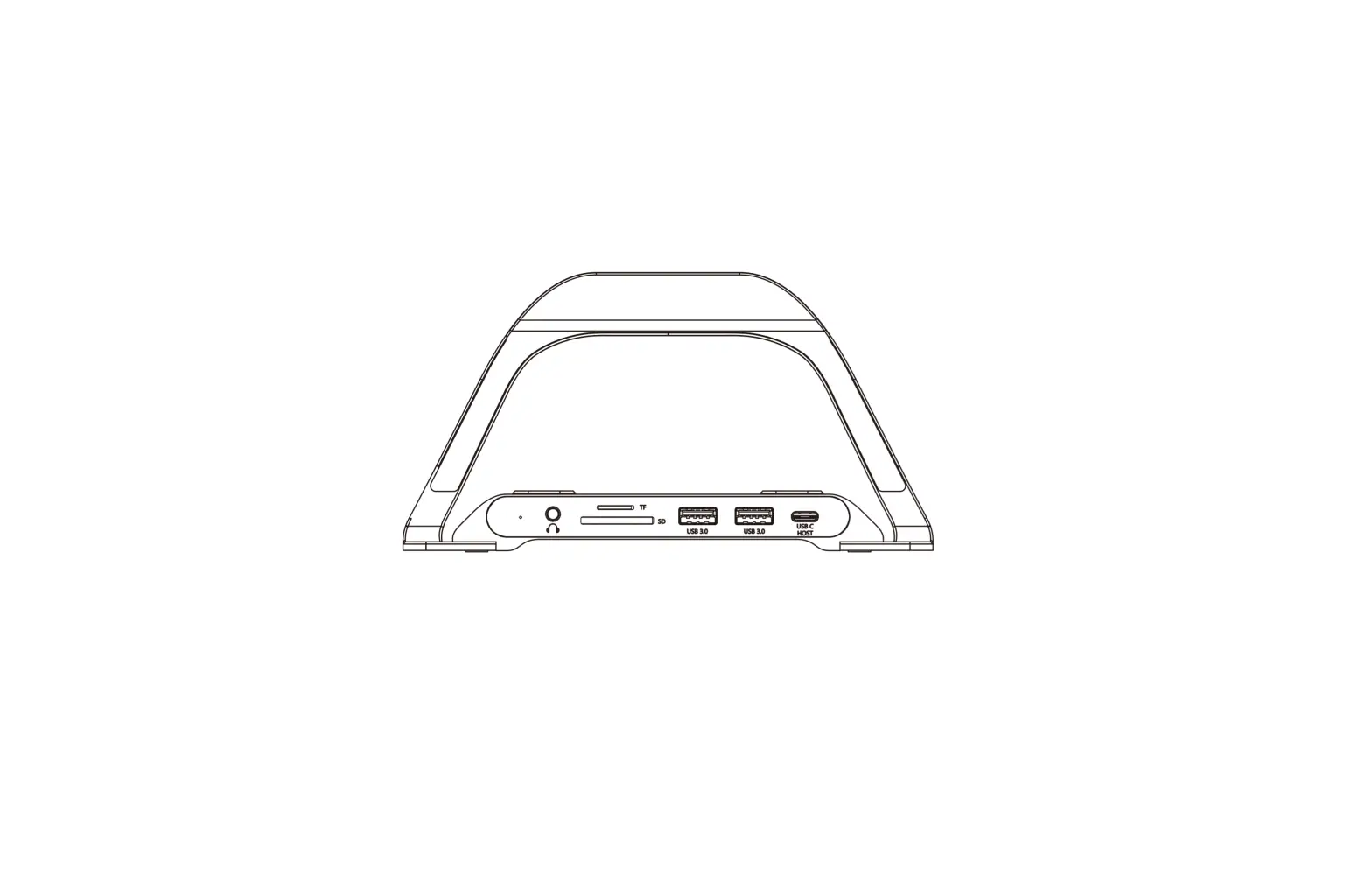
| Interface | 1 x USB-C Female, 1 x USB-C PD, 1x USB-C Data, 1 x SD, 1x TF, 2 x USB-A, 1 x HDM |
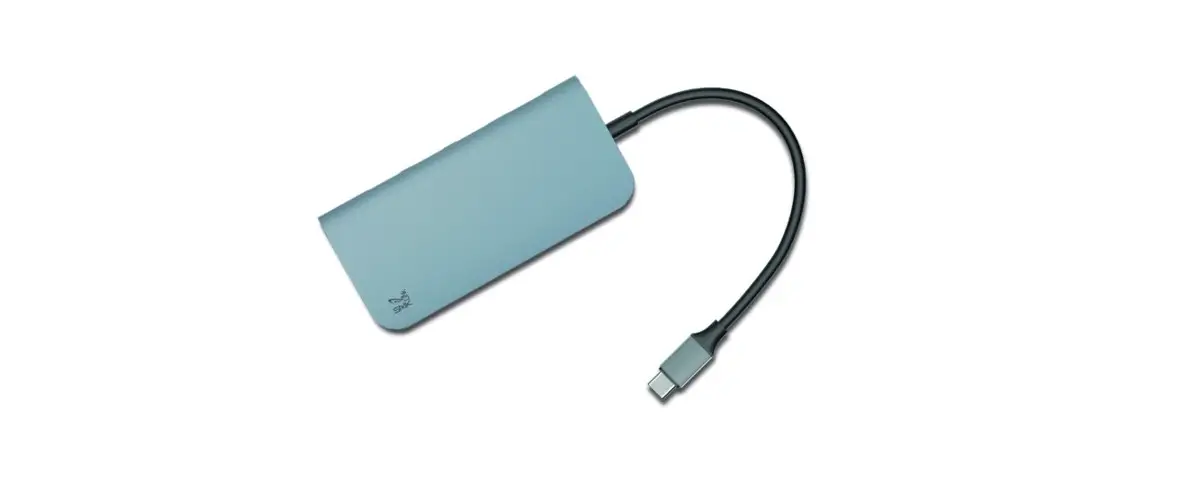
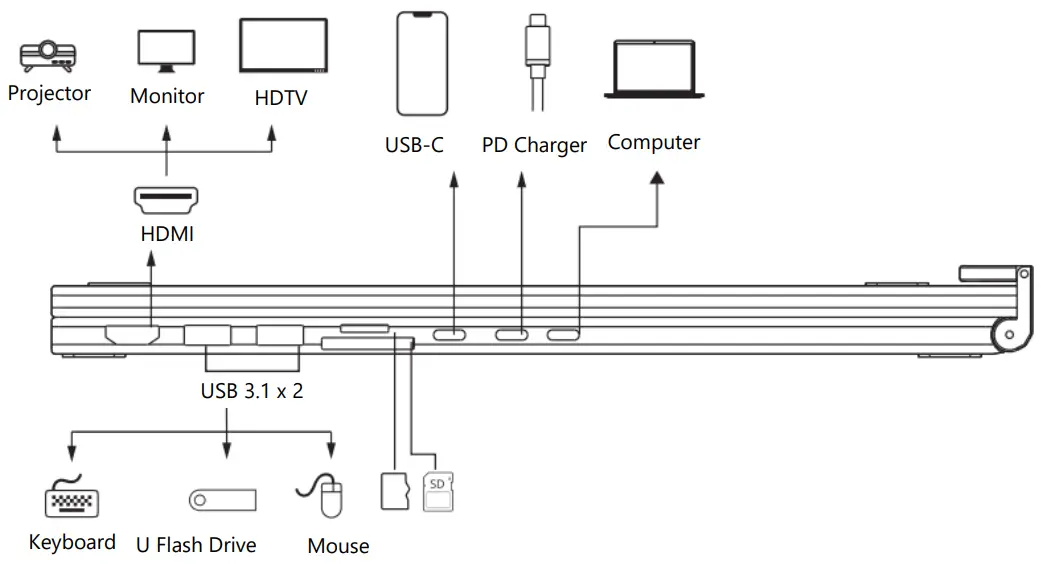
| 1 x USB-C/F | Connect to the computer |
| 1 x USB-C | Support PD3.0, 20/5A (Max) Charging |
| 1 x USB-C | Transmission speed: GEN 1, 5Gbps |
| 1 x SD/TF | Support USB3.0 data reading simultaneousl |
| 2 x USB-A | Transmission speed: Support USB3.1, GEN 1, 5Gbps (Max) |
| 1 x HDMI | Support 4K 3840*2160 @30Hz (Max) Support 1080P@60Hz and downward compatibility |
How to use
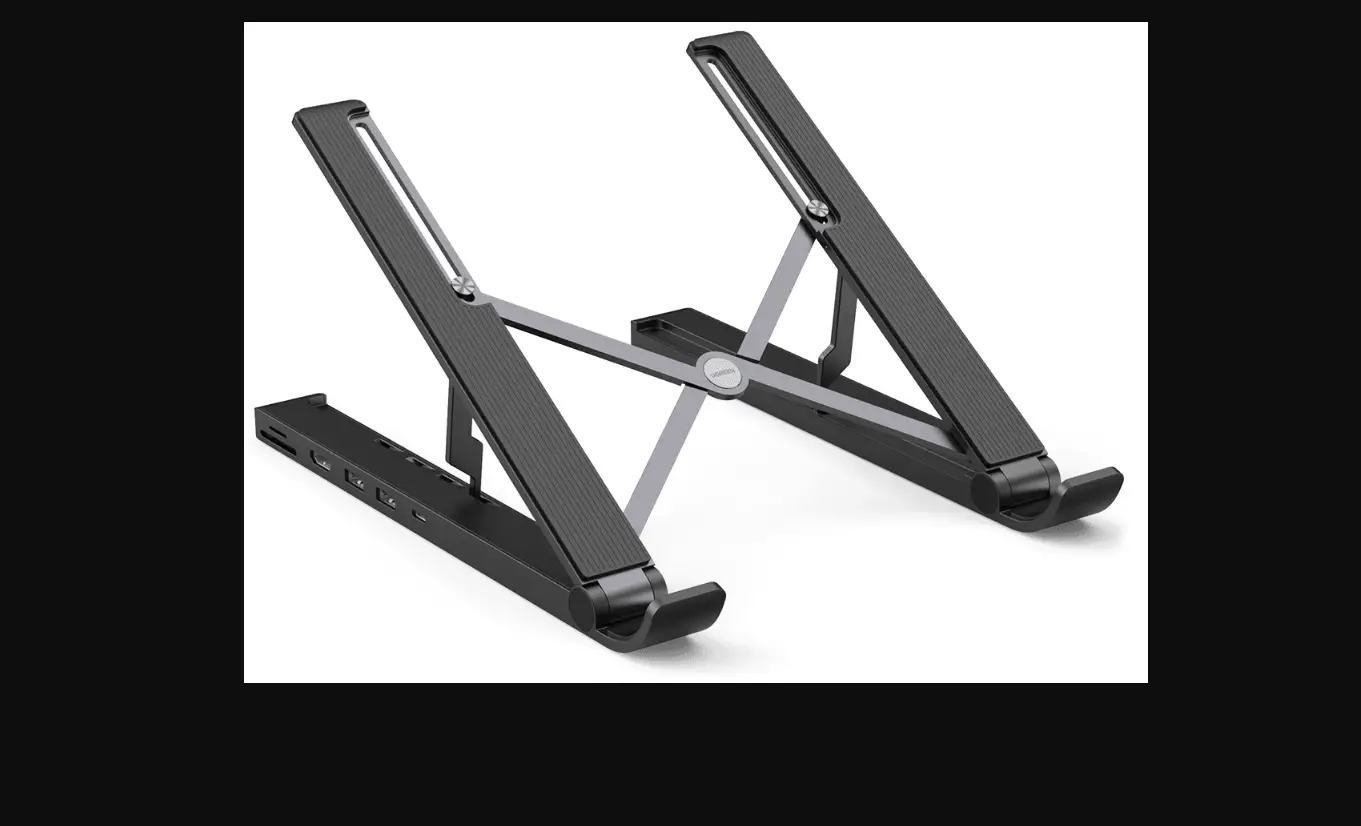
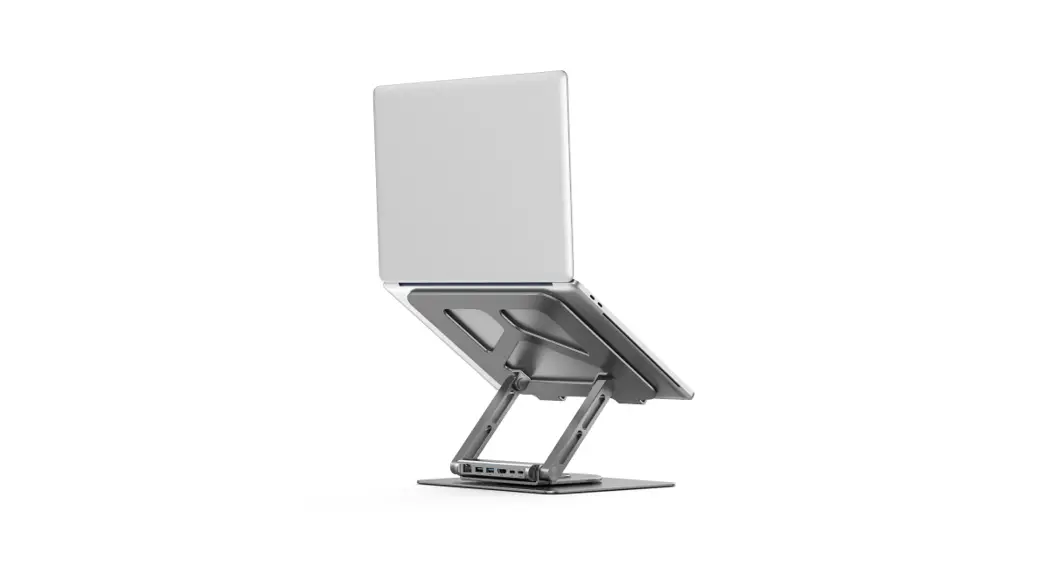
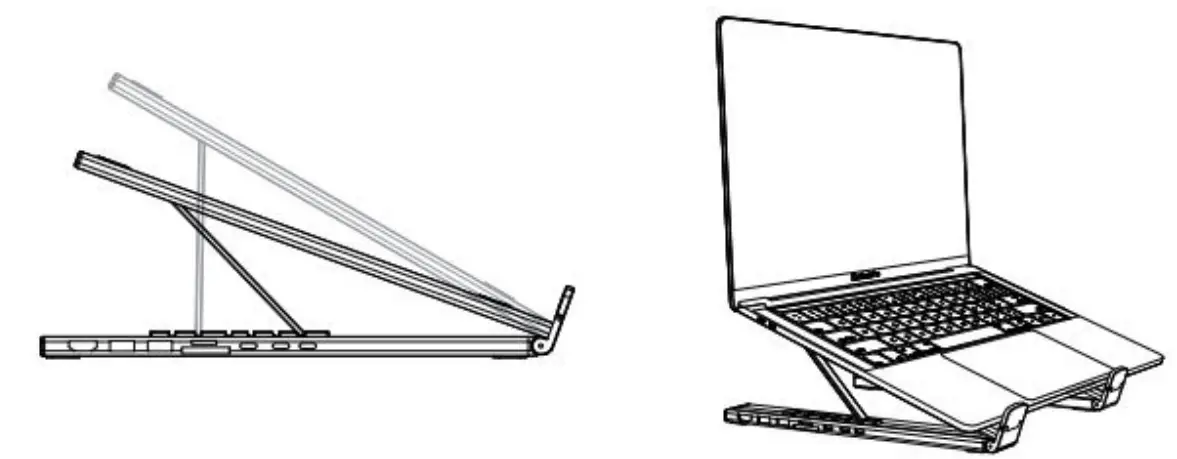
- Adjust to Stand Angle.
- Set up your USB-C device.

- Connect the USB-C connector with your USB-C device.
- Connect the specific port with the peripheral devices that you need like picture above.
EU Declaration of Conformity
This equipment is in compliance with the essential requirements and other relevant provisions of EU directives.
Dear customer,
Thank you for purchasing our product. Please read the following instructions carefully before
first use and keep this user manual for future reference. Pay particular attention to the safety
instructions. If you have any questions or comments about the device, please contact the
customer line.
✉ www.alza.co.uk/kontakt
✆ +44 (0)203 514 4411
Importer Alza.cz a.s., Jankovcova 1522/53, Holešovice, 170 00 Prague 7, www.alza.cz
 alza.at
 Alza | Alza.co.uk
 alza.de
 alza.hu
 alza.sk