
Installation Instructions
MODEL: KDock-6
USB-C 8 in 1 Docking & Laptop Stand
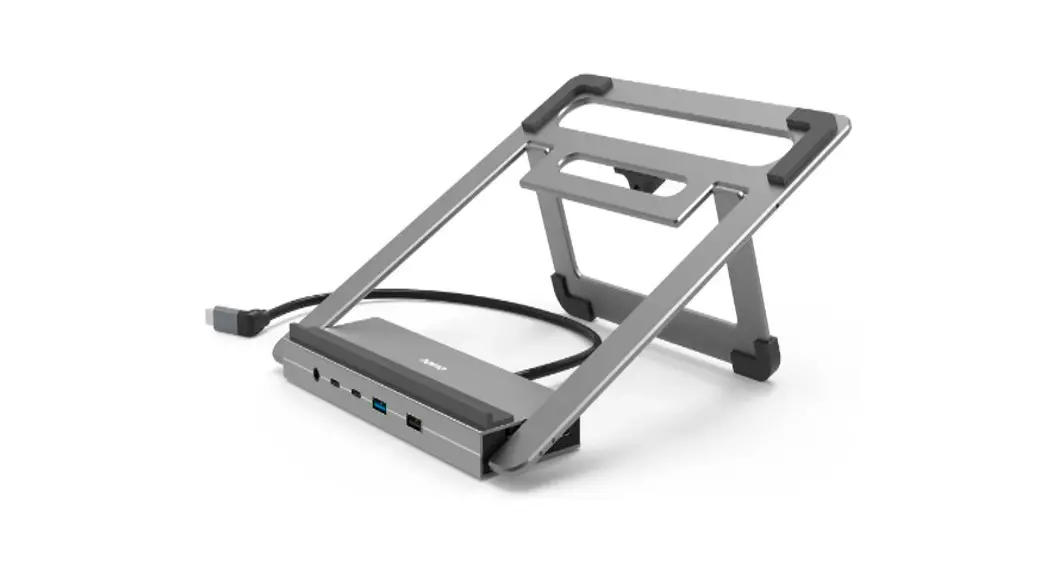
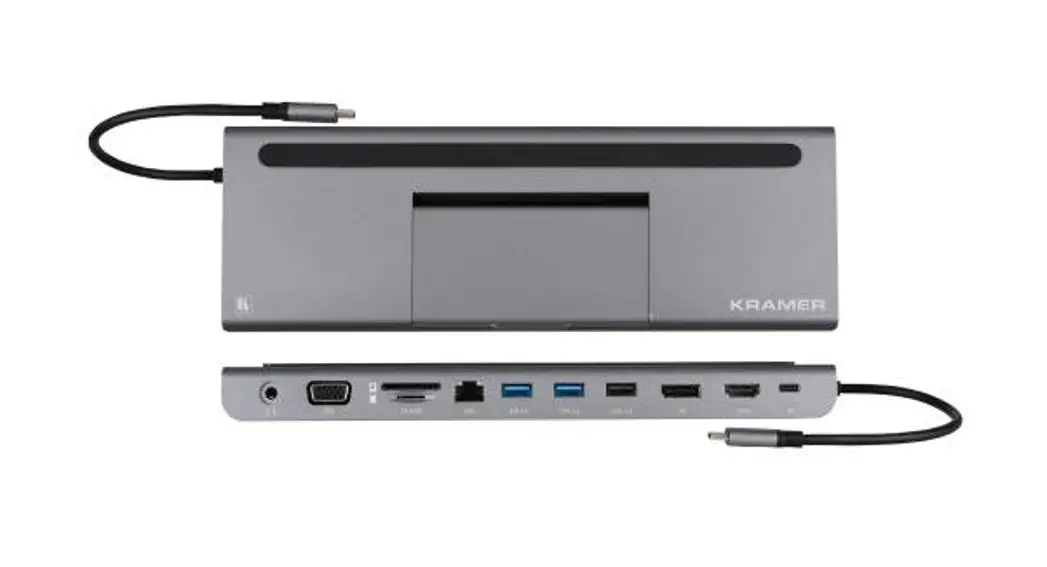
KDock-6 USB-C 8-In-1 Docking and Laptop Stand
 SAFETY WARNING
Disconnect the unit from the power supply before opening and servicing.
For the latest information on our products and a list of Kramer distributors, visit our Web site where updates to these installation instructions may be found. We welcome your questions, comments, and feedback.
www.kramerAV.com
[email protected]
Introduction
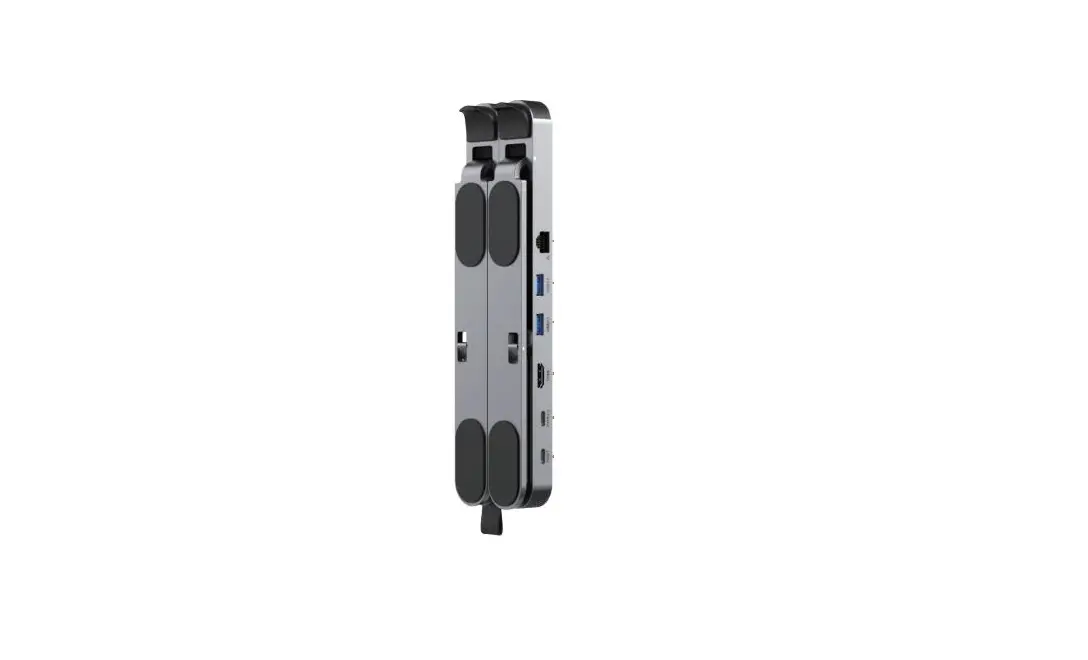
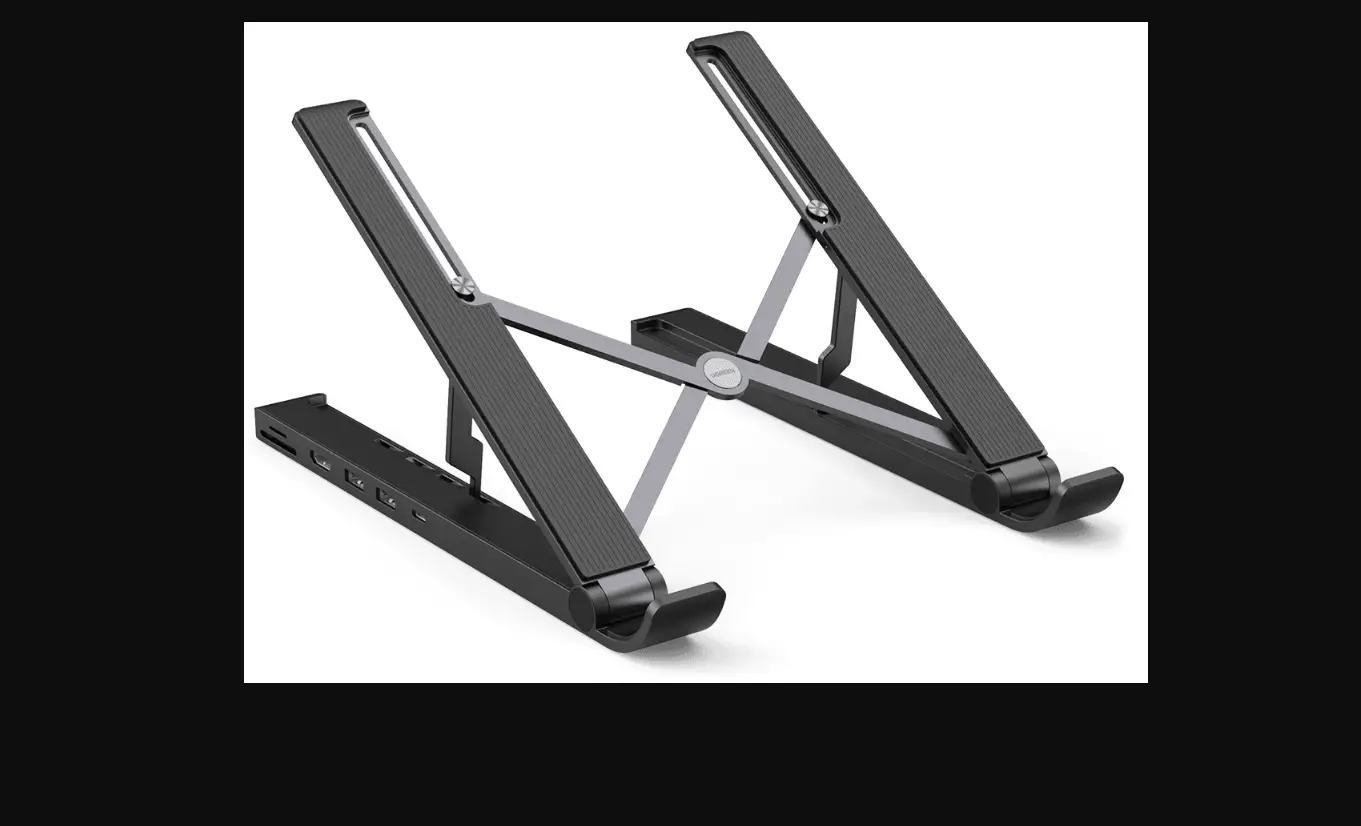
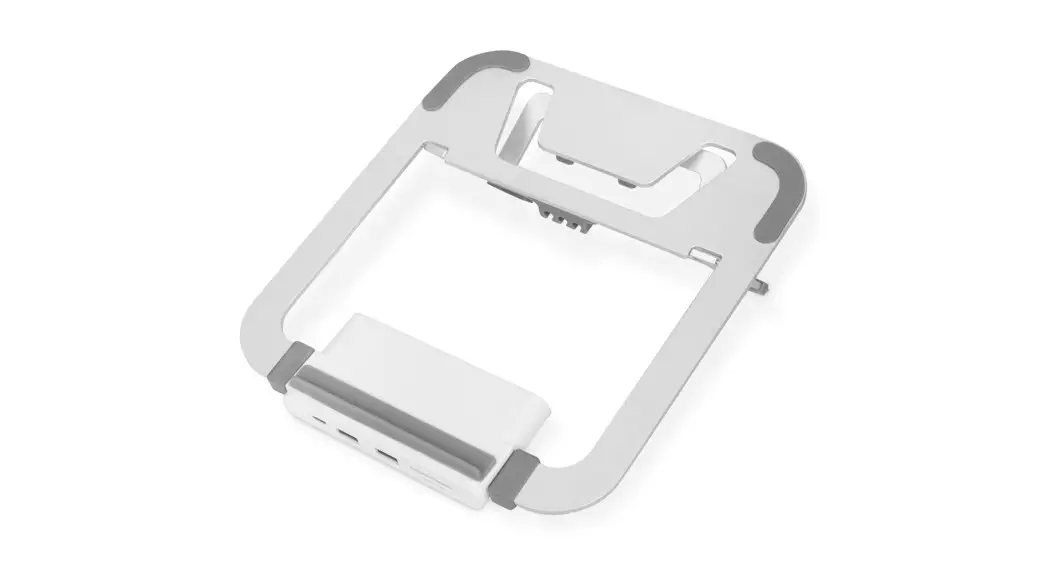
Congratulations on purchasing your Kramer KDock-6 USB-C 8-in-1 Docking & Laptop Stand. KDock-6 supports HDMI and DisplayPort video outputs for Windows MST mode and MAC OS SST mode. It has 2 USB Type-A ports and 1 USB-C port. It’s an ideal accessory for MacBooks, laptops equipped with USB Type-C, mobile phones, and tablets.
Features
KDock-6 includes the following features: · Supports HDMI and DisplayPort video outputs.
- Supports USB 5G speed connection between device (for example, keyboard, mouse, and/or hard drive) and docking station.
- Supports 1Gbps Ethernet.
- Includes a 3.5 mm headset jack.
- Silicon layer over bracket panel prevents slipping of laptop/tablet or other devices.
- Bracket and dock are affixed with a magnetic suction and buckle.
- Bracket panel is designed for better heat dissipation to prevent overheating devices.
Get to know your KDock-6
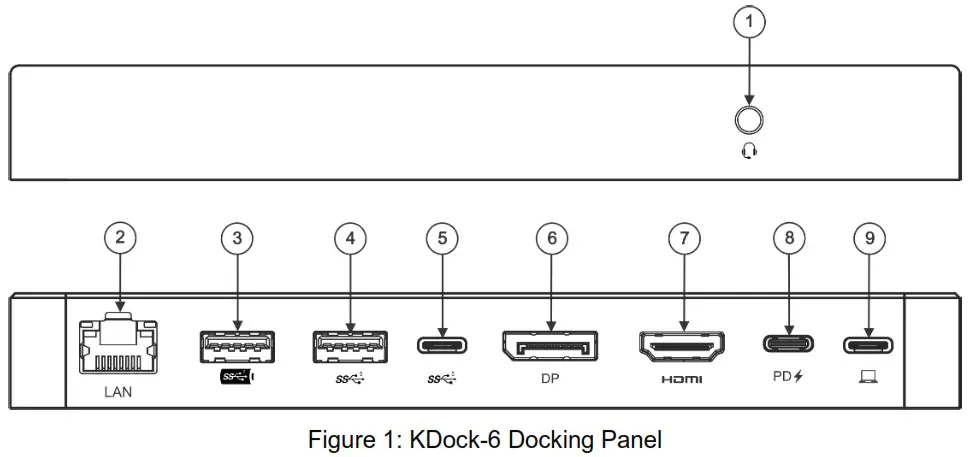
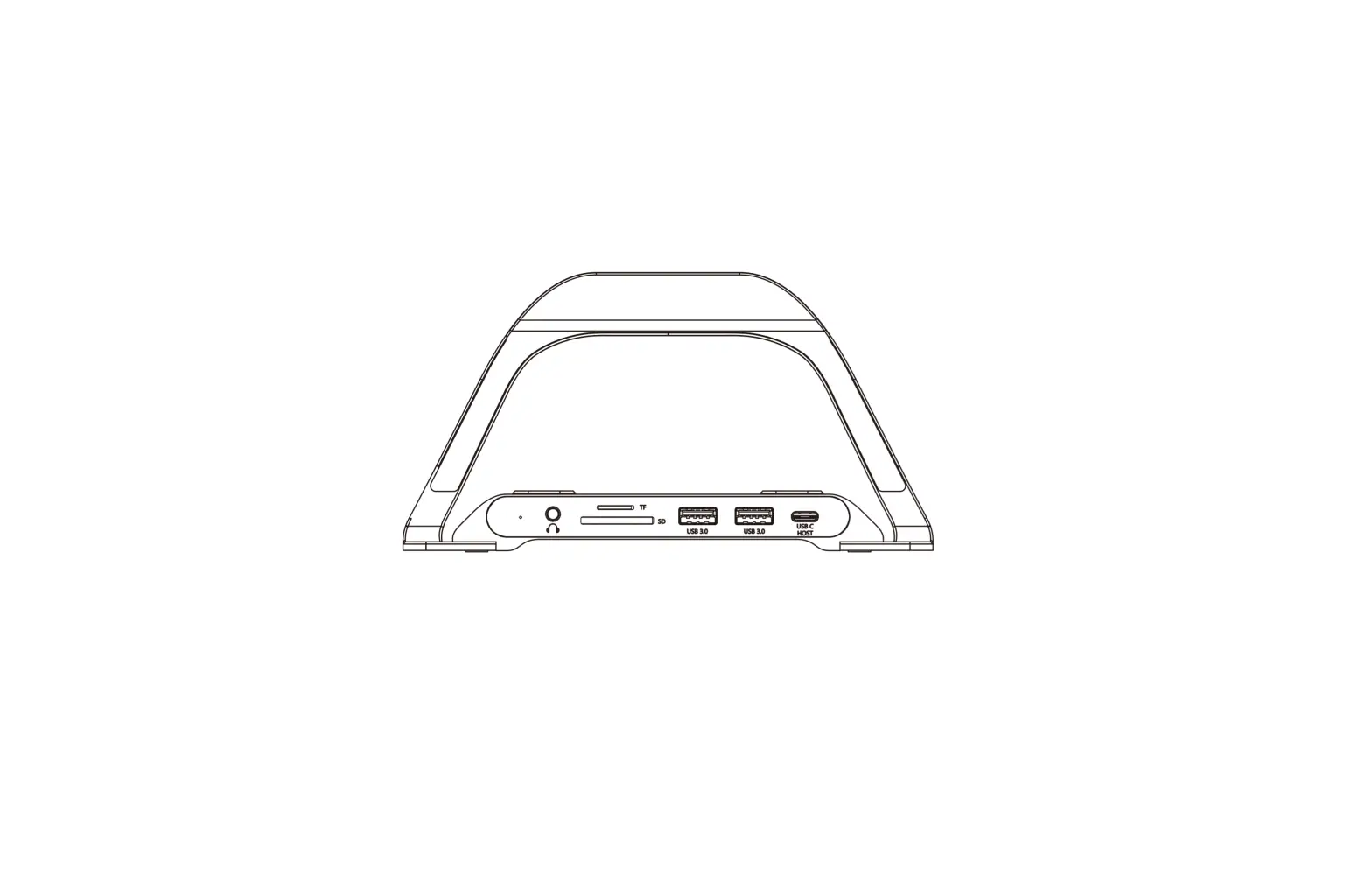
| # | Feature | Function |
| 1 | 3.5 mm Headset Jack | Connect to Headset (audio and microphone). |
| 2 | LAN RJ-45 Port | Ethernet Port 1000 Mbps. |
| 3 | USB 5G Type-A Port | Supports USB 5Gbps speed and 5V/1.5A power output. |
| 4 | USB 5G Type-A Port | Supports USB 5Gbps speed and 5V/0.9A power output. |
| 5 | USB 5G Type-C Port | Supports 5Gbps speed, and 5V/0.9A power output. |
| 6 | DisplayPort video Output | Connect to a DisplayPort acceptor. |
| 7 | HDMI video Output | Connect to an HDMI acceptor. |
| 8 | PD Charging Input | Connect to a PD charger. Input:100W (Max). |
| 9 | USB-C Host | Connect to a USB-C port — supports DP Alt Mode and Power Delivery. |
KDock-6 USB-C 8 in 1 Docking & Laptop Stand
How to Use Your KDock-6
To use your KDock-6:
- Adjust the KDock-6 height and angle by moving the bracket.

- Set your device on the KDock-6.
- Connect your device to KDock-6 with a USB-C cable (included).
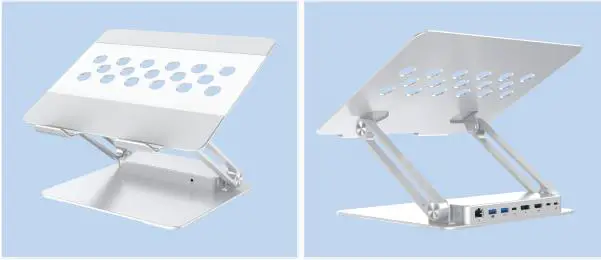
Connect the KDock-6
Once your device is set on the KDock-6, you can connect other devices and accessories.
See the illustration the Figure 2 as an example.
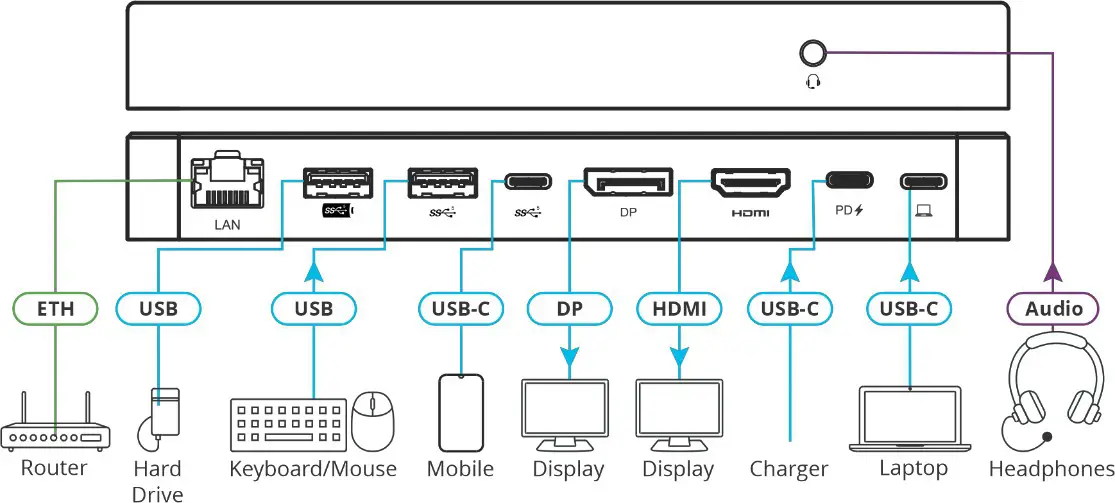
Figure 2: KDock-6 installation
Technical Specification
| Input | 1 USB-C | On a USB-C connector |
| Outputs | 1 HDMI | On an HDMI connector |
| 1 DP | On a DisplayPort connector | |
| Video | Windows MST Mode Max. Resolution | 3840x2160P@60Hz, when a single display is attached to the device. 3840x2160P@30Hz, when two displays are attached to the device. |
| MAC OS SST Mode Max Resolution | 3840x2160P@60Hz, when a single or dual display is attached to the device. | |
| Ports | 1 LAN | On an RJ-45 port (1000Mbps) |
| 2 USB3.0 Type A | 5Gbps, one supports BC1.2 | |
| 1 USB-C | 5Gbps | |
| 1 USB-C PD3.0 | 100W | |
| Audio | Stereo | On a 3.5mm mini jack |
| Regulatory compliance | Safety | CE, FCC |
| Environment | RoSH, REACH, | |
| Environmental Conditions | Operating Temperature | 0° to +45°C (32° to 113°F) |
| Storage Temperature | -20° to +70°C (-4° to 158°F) | |
| Humidity | 10% to 90%, RHL non-condensing | |
| Regulatory Compliance | Safety | CE, FCC |
| Environmental | RoHs, REACH, WEEE | |
| Enclosure | Type | Aluminum |
| General | Net Dimensions (W, D, H) | 27.5cm x 25cm x 3.5cm (10.8″ x 9.8″ x 1.4″) |
| Shipping Dimensions (W, D, H) | 32cm x 27cm x 5.8cm (12.6″ x 10.6″ x 2.3″) | |
| Extended height | 31.5cm | |
| Load Bearing Capacity | 6kg | |
| Net Weight | 1.1kg (2.4lbs) approx. | |
| Shipping Weight | 1.4kg (3.1Ibs) approx. |
Specifications are subject to change without notice at www.kramerav.com
The terms HDMI, HDMI High-Definition Multimedia Interface, and the HDMI Logo are trademarks or registered trademarks of HDMI Licensing Administrator, Inc.
KDock-6 USB-C 8 in 1 Docking & Laptop Stand