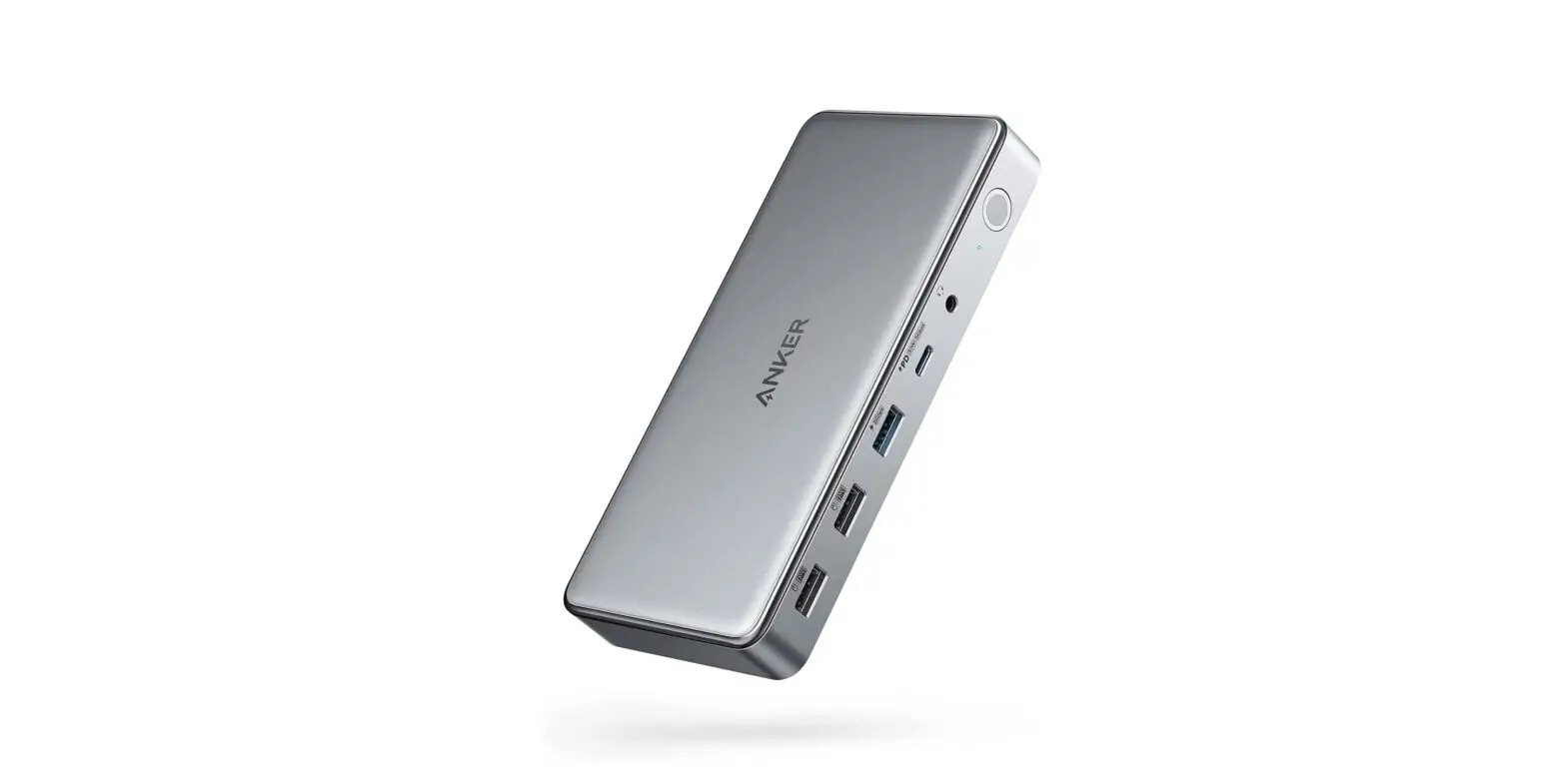
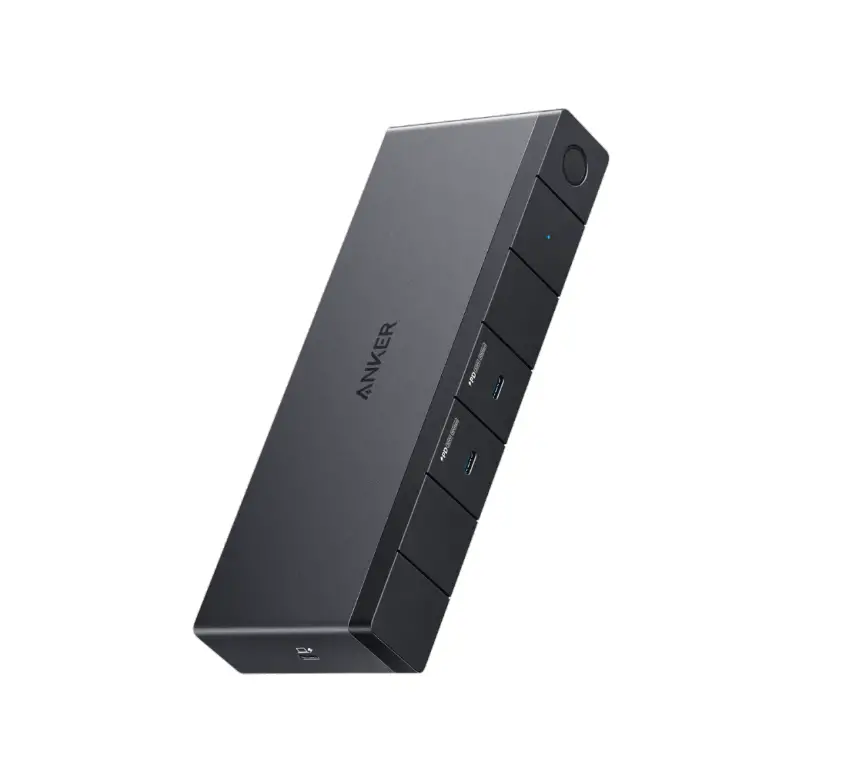
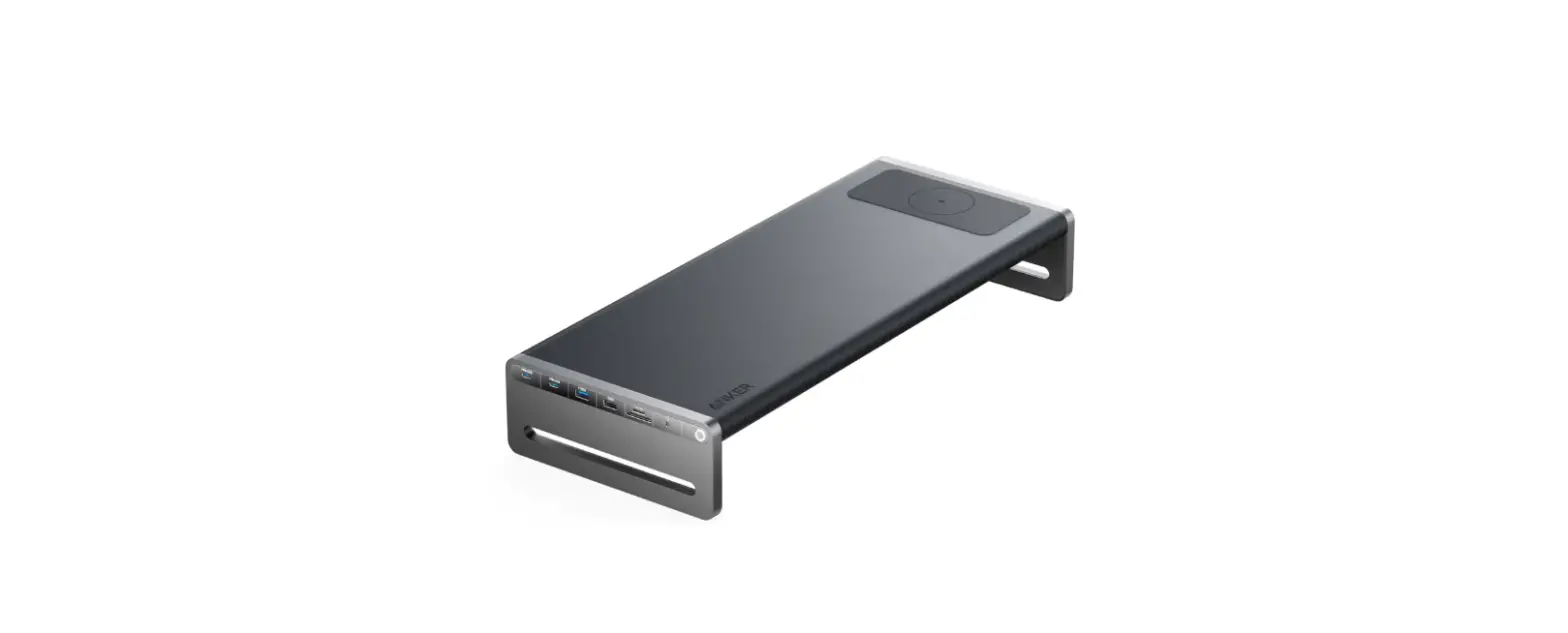
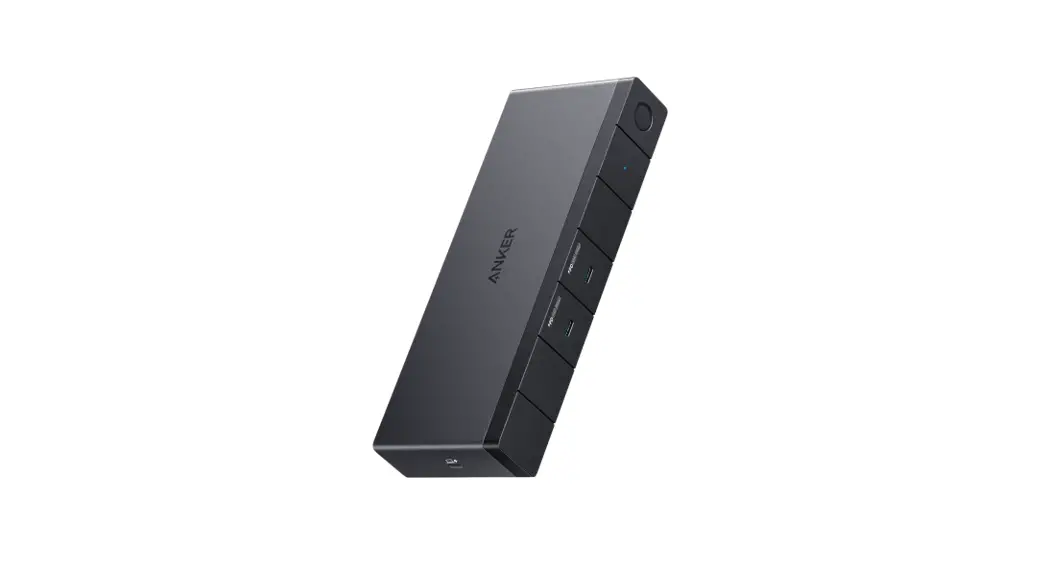
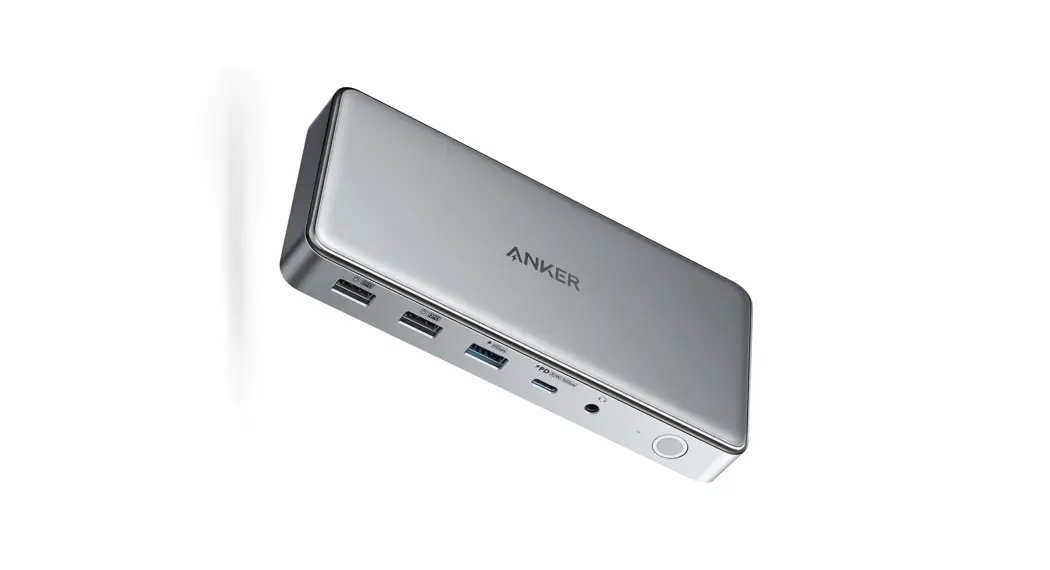
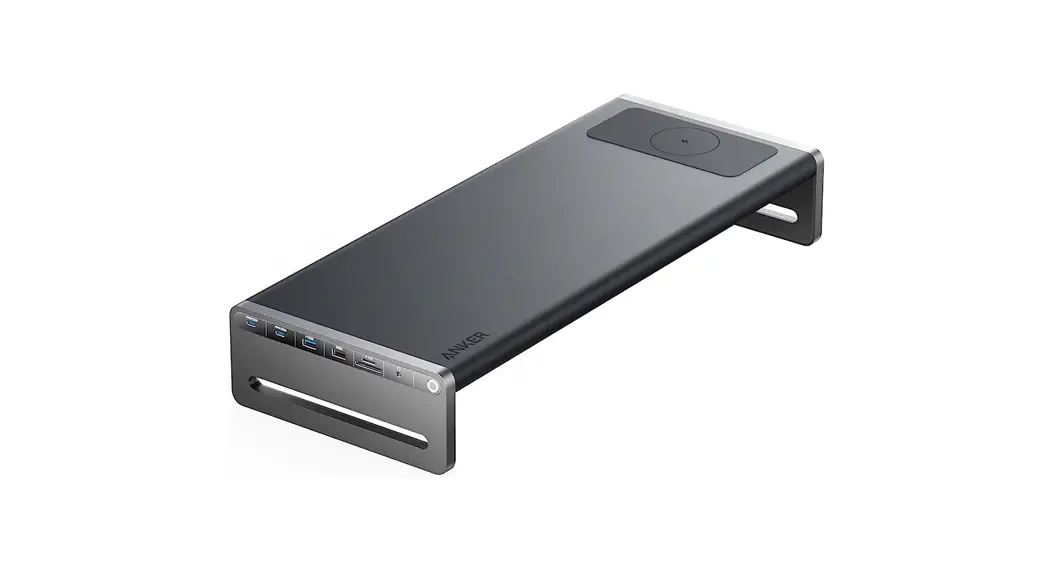
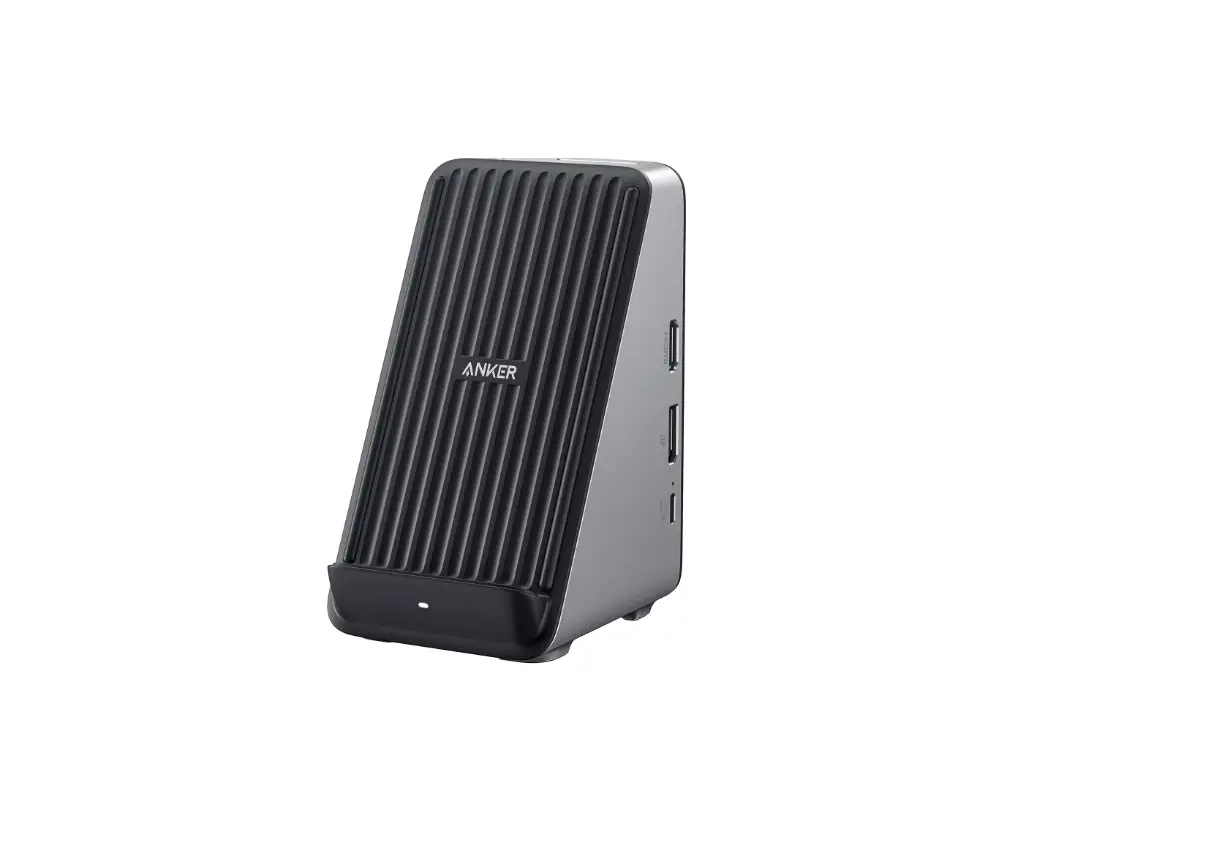
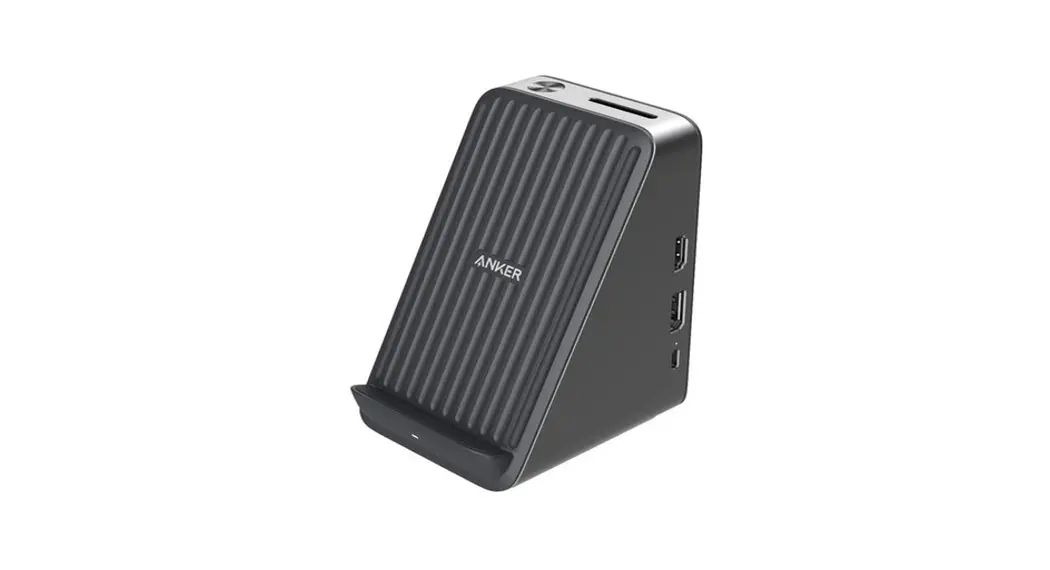
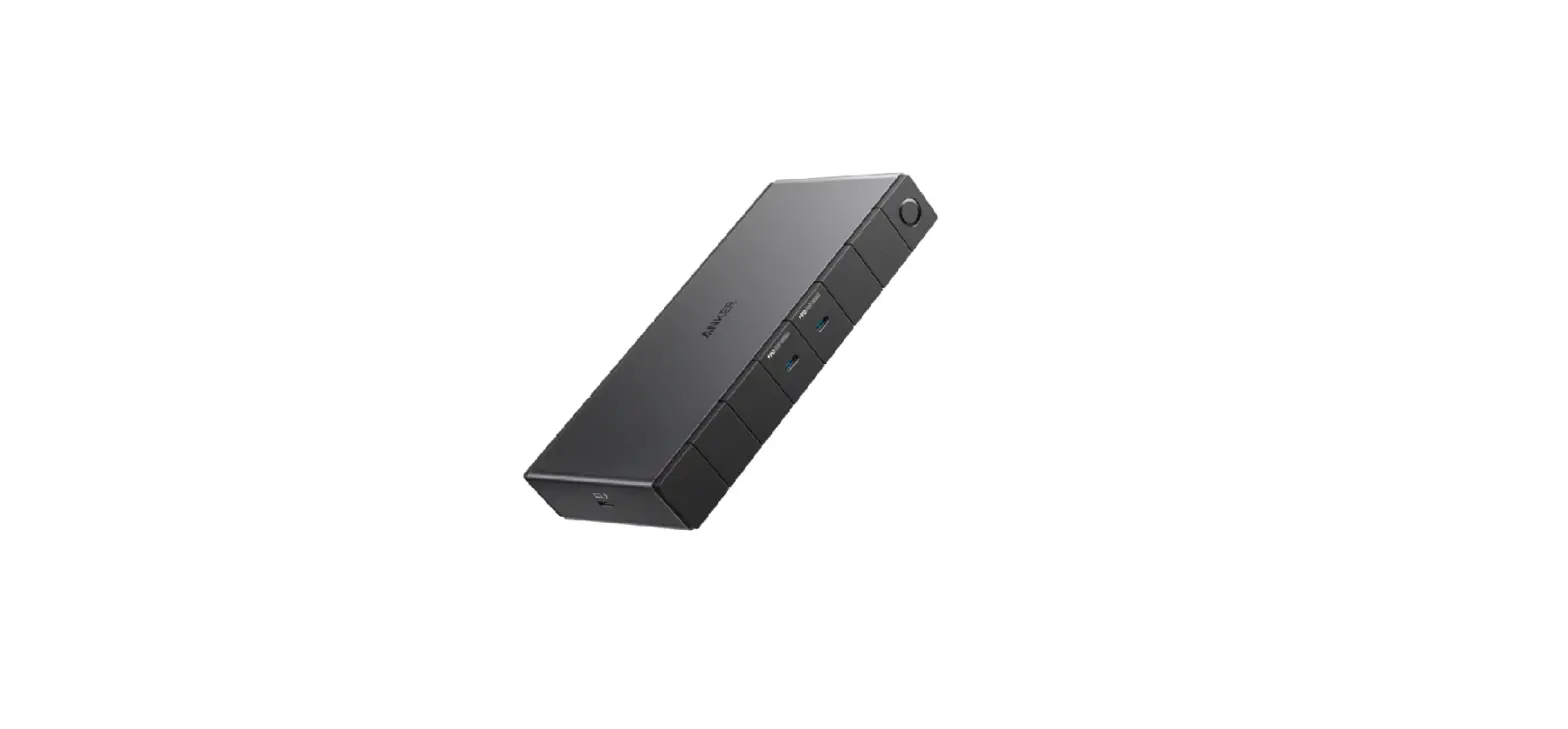
564 USB-C Docking Station
Product Information
The Anker 564 USB-C Docking Station (10-in-1) is designed for
MacBook users. It allows you to connect up to 10 devices to your
MacBook through a single USB-C cable. The docking station comes
with a power adapter and a USB-C cable.
Product Features
- 10-in-1 Docking Station
- Designed for MacBook
- Connects up to 10 devices through a single USB-C cable
Package Contents
- Anker 564 USB-C Docking Station (10-in-1)
- Power Adapter
- USB-C Cable
Product Usage Instructions
- Connect the power adapter to the docking station.
- Connect the USB-C cable to the docking station and your
MacBook. Use only the included USB-C cable. - Connect your devices (monitor, keyboard, mouse, etc.) to the
docking station. - Turn on your MacBook.
- Your MacBook will automatically recognize the connected
devices.
For more information and FAQs, please visit https://support.anker.com.
SERIES
5
Anker 564 USB-C Docking Station (10-in-1, for MacBook)
QUICK START GUIDE
Laptop
Step 2
Tips: Please use the included USB-C cable. USB-C
Step 1
Power Adapter
Step 3
For FAQs and more information, please visit:
anker.com/support
Devices Connection
Laptop
@anker_official @AnkerDeutschland @AnkerOfficial
@anker_jp
@AnkerJapan
@Anker_JP
@Anker
For tutorial videos, FAQs, manuals, and more information, please visit:https://support.anker.com Or scan the QR code below:
Product Number: A83A5 51005003845 V01
Monitor
 download - Anker US
 Anker Support