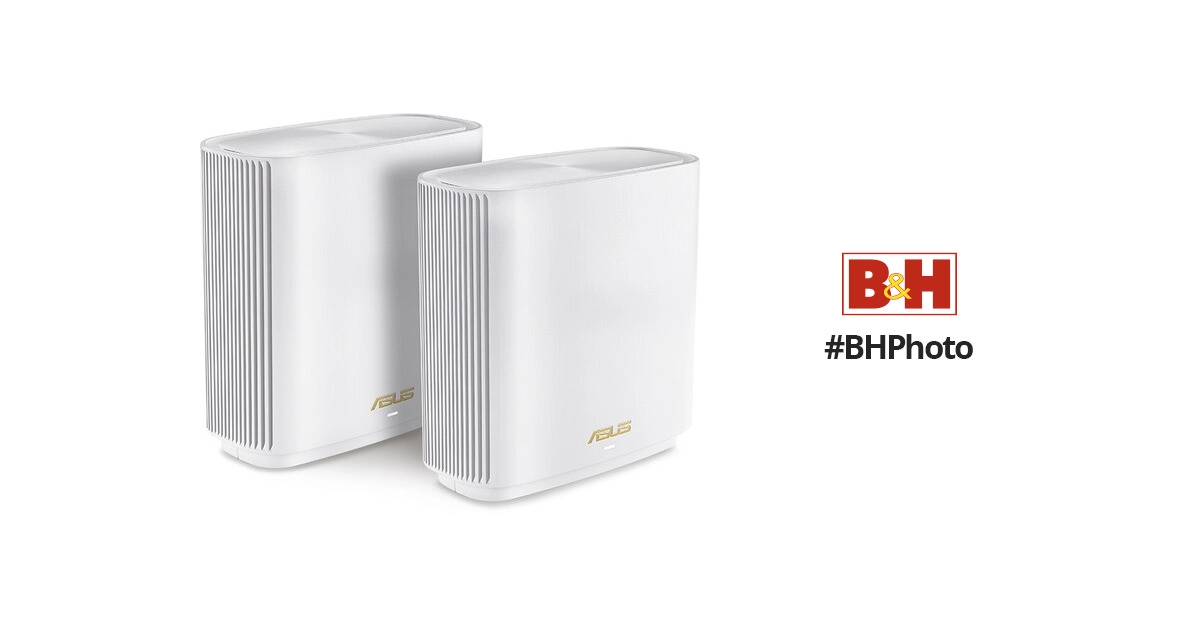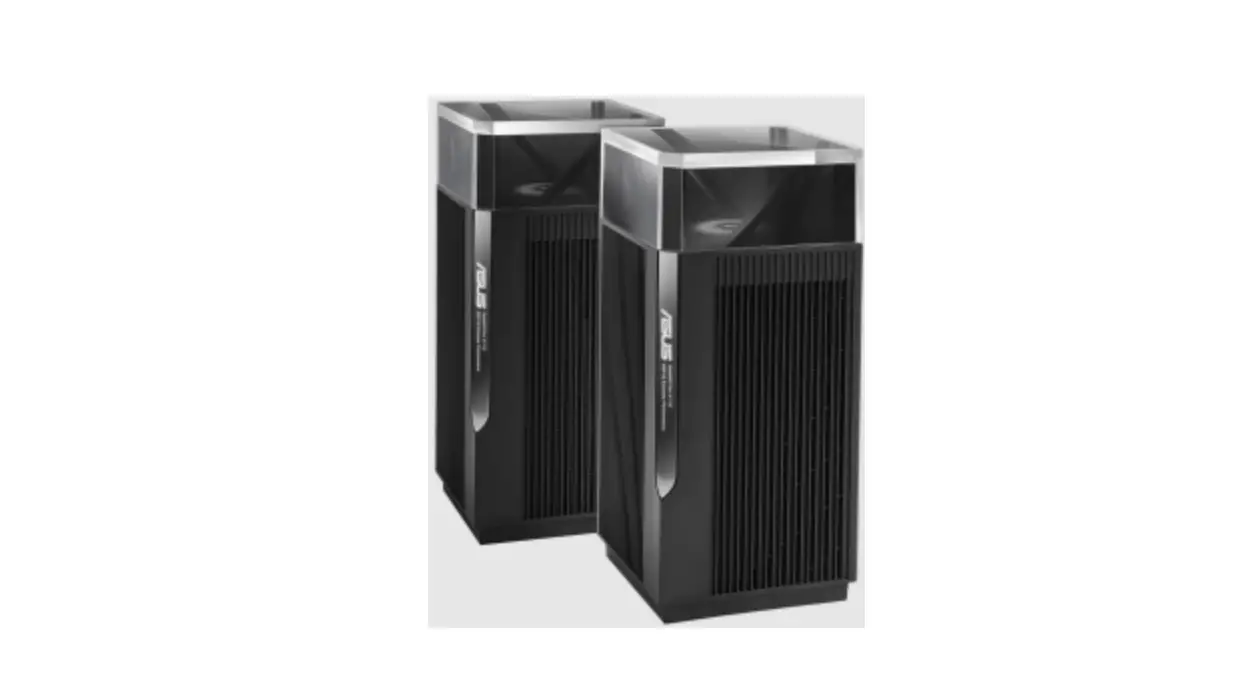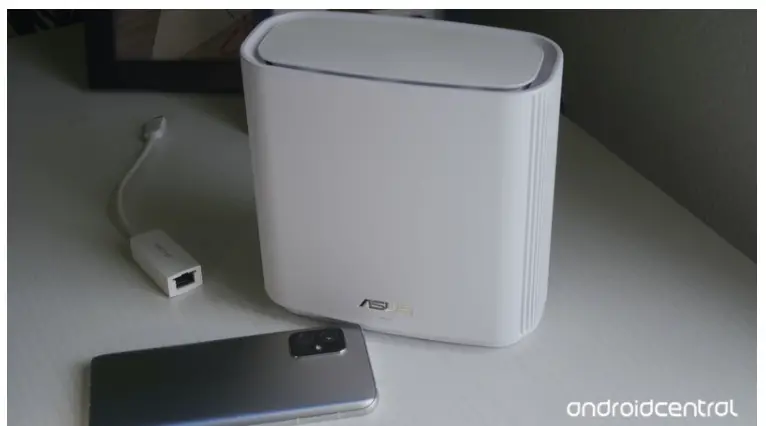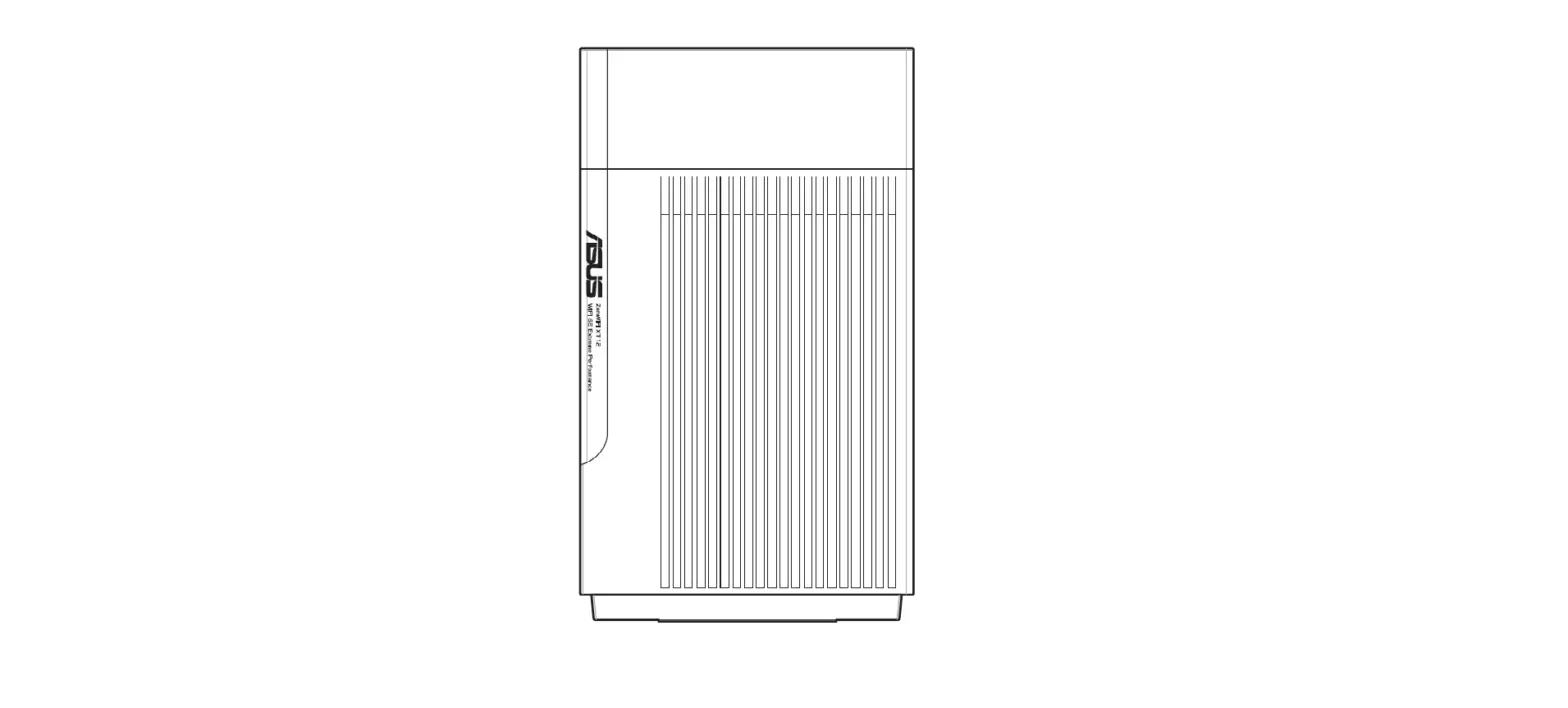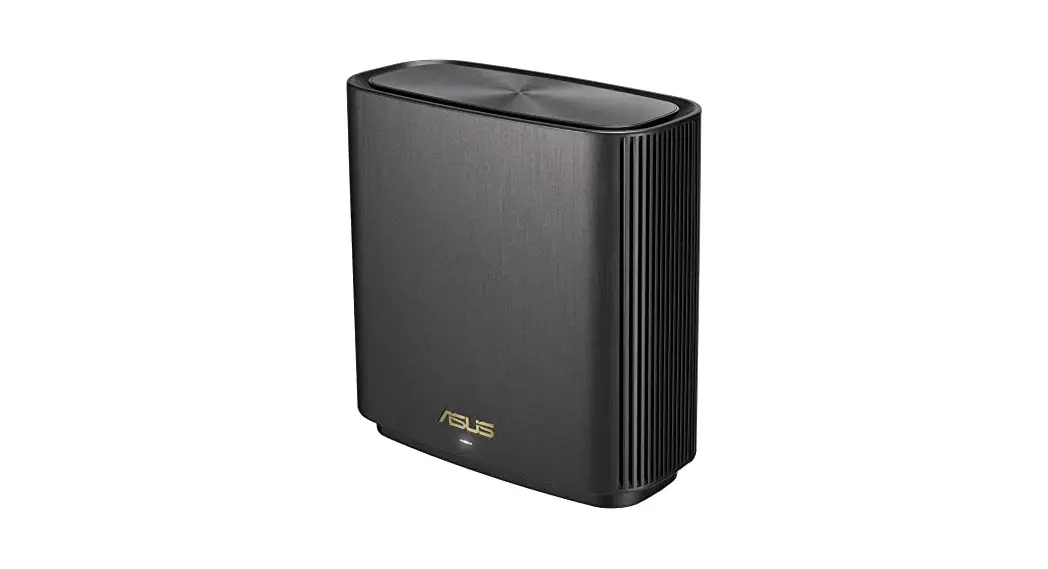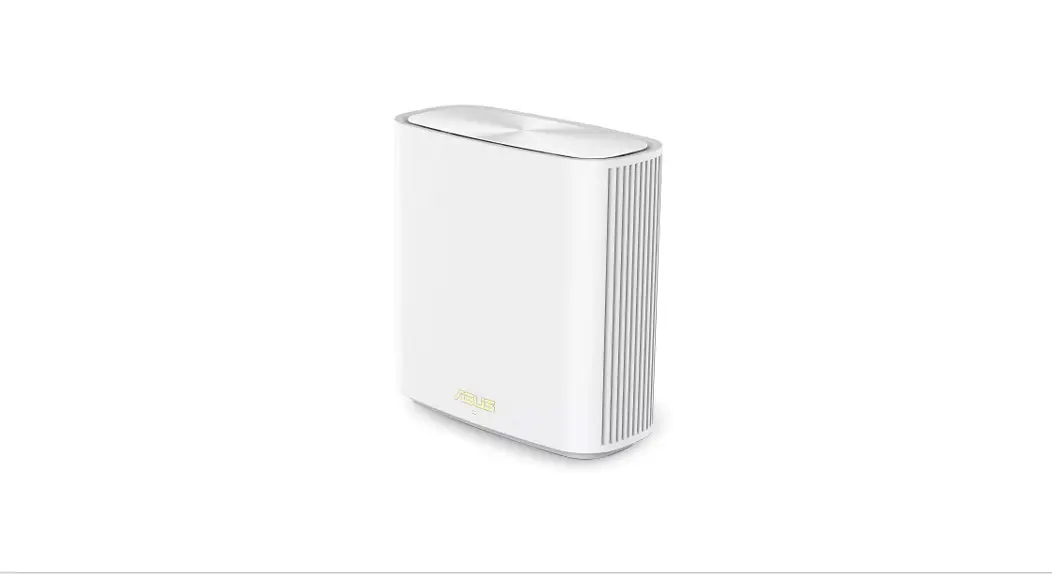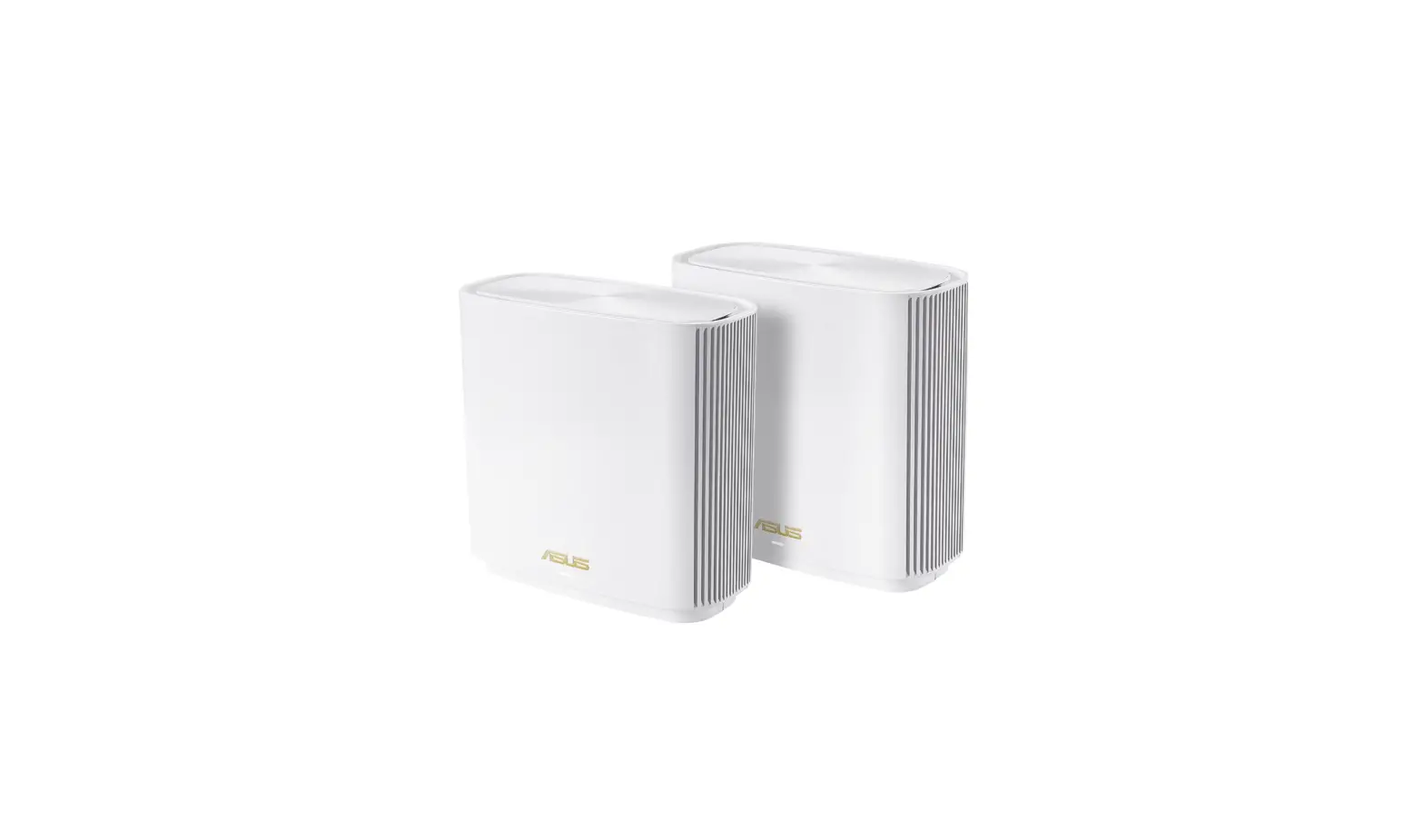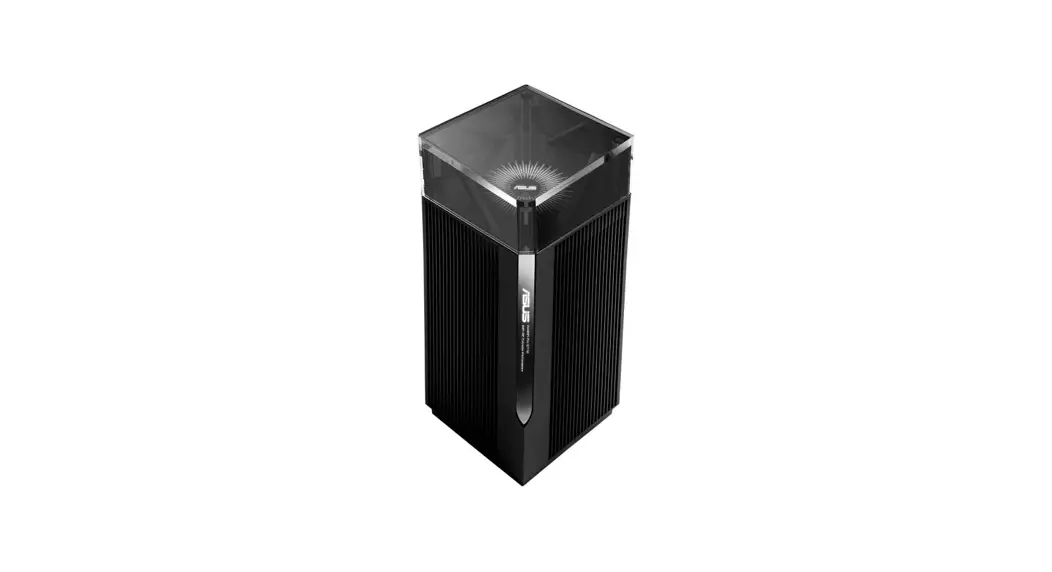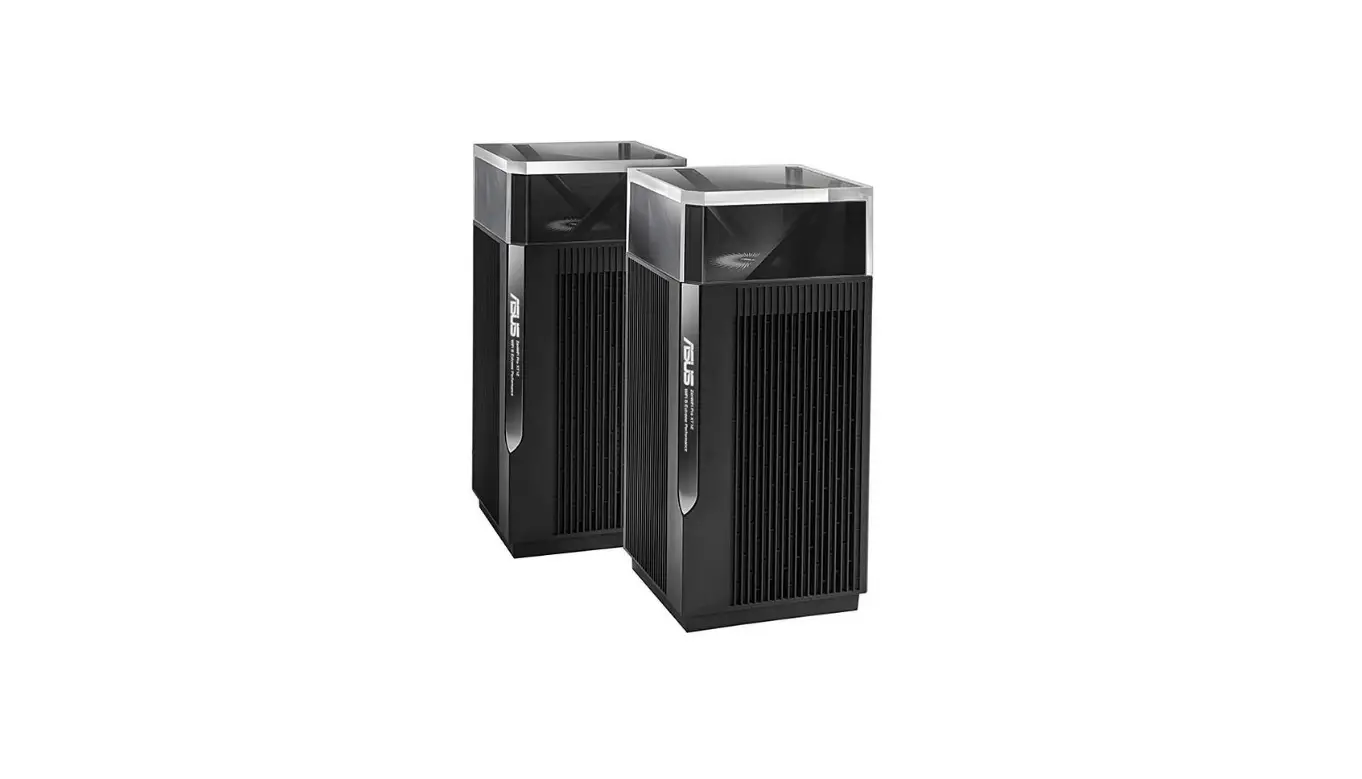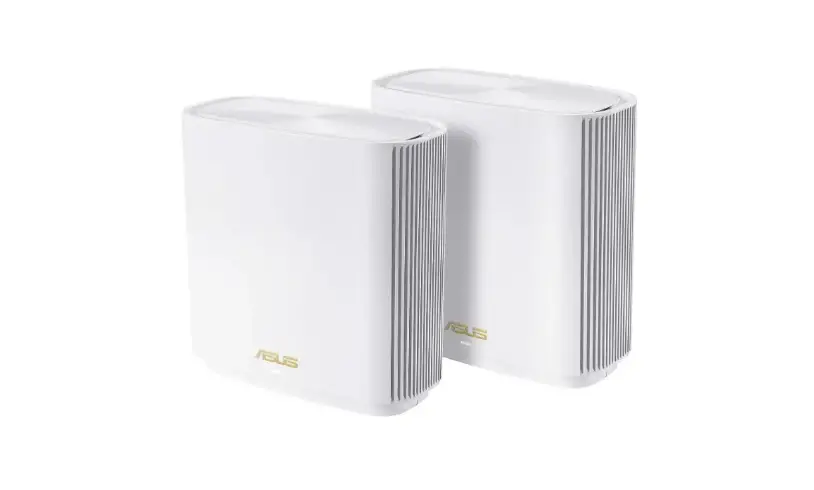
ASUS ZenWiFi XT9 AX7800 Tri Band WiFi Router User Guide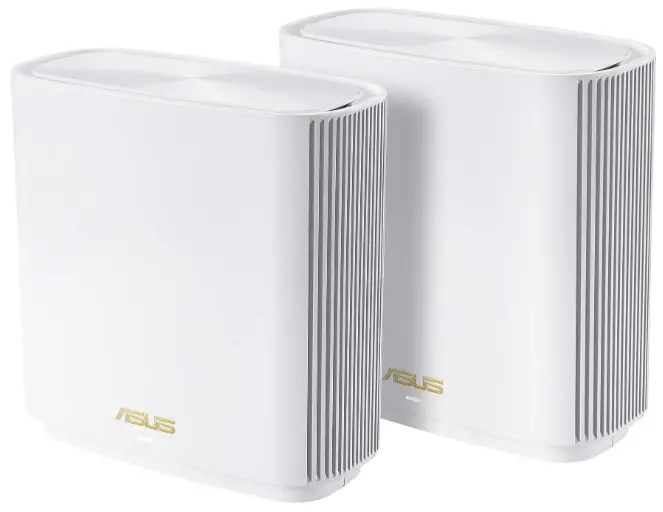
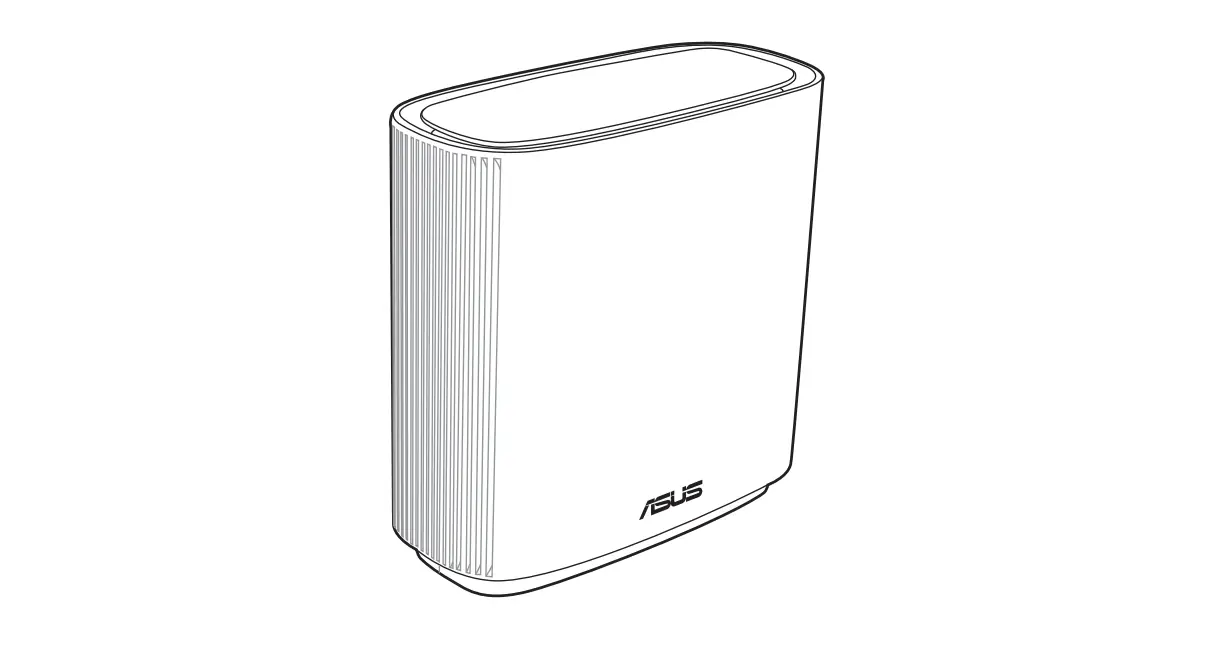
Router Overview
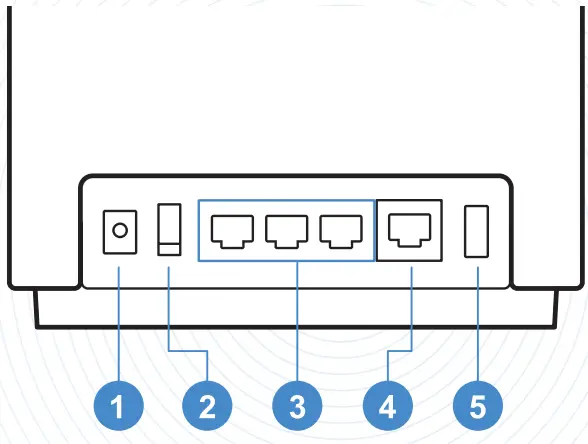
- Power (DCIN) port
- Power switch
- LAN 1~3 ports
- 2.5G / 1G WAN port
- USB 3.2 Gen 1×1

For detailed information, please refer to
https://asus.click/
ZenWiFiXT9
Scan Me
Using Instruction
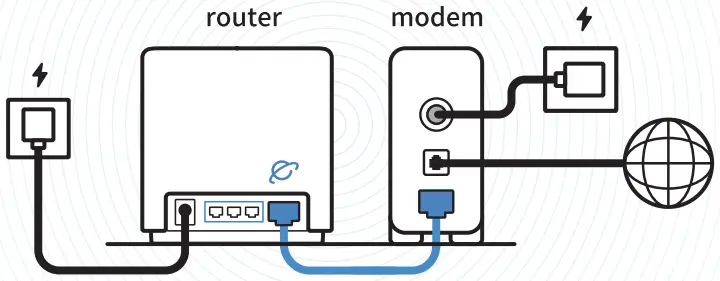
- Reboot modem and ensure its connection is ready
Notice: Unplug modem for 10 sec then plug back in
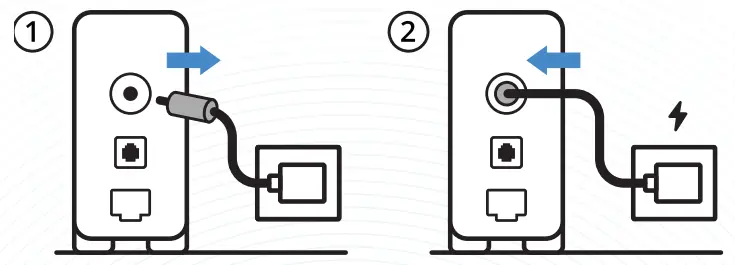
- Prepare your ASUS router and power it on
Once the status light is solid blue then it’s ready for setup
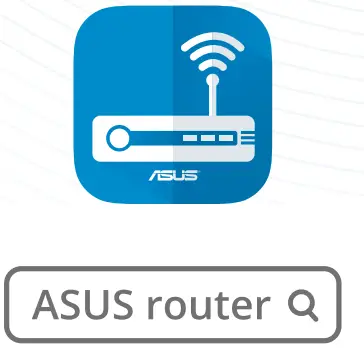
- Scan the QR code and download ASUS Router app for setup
For more information, please scan the QR code on the cover
Scam Me

Scan Me