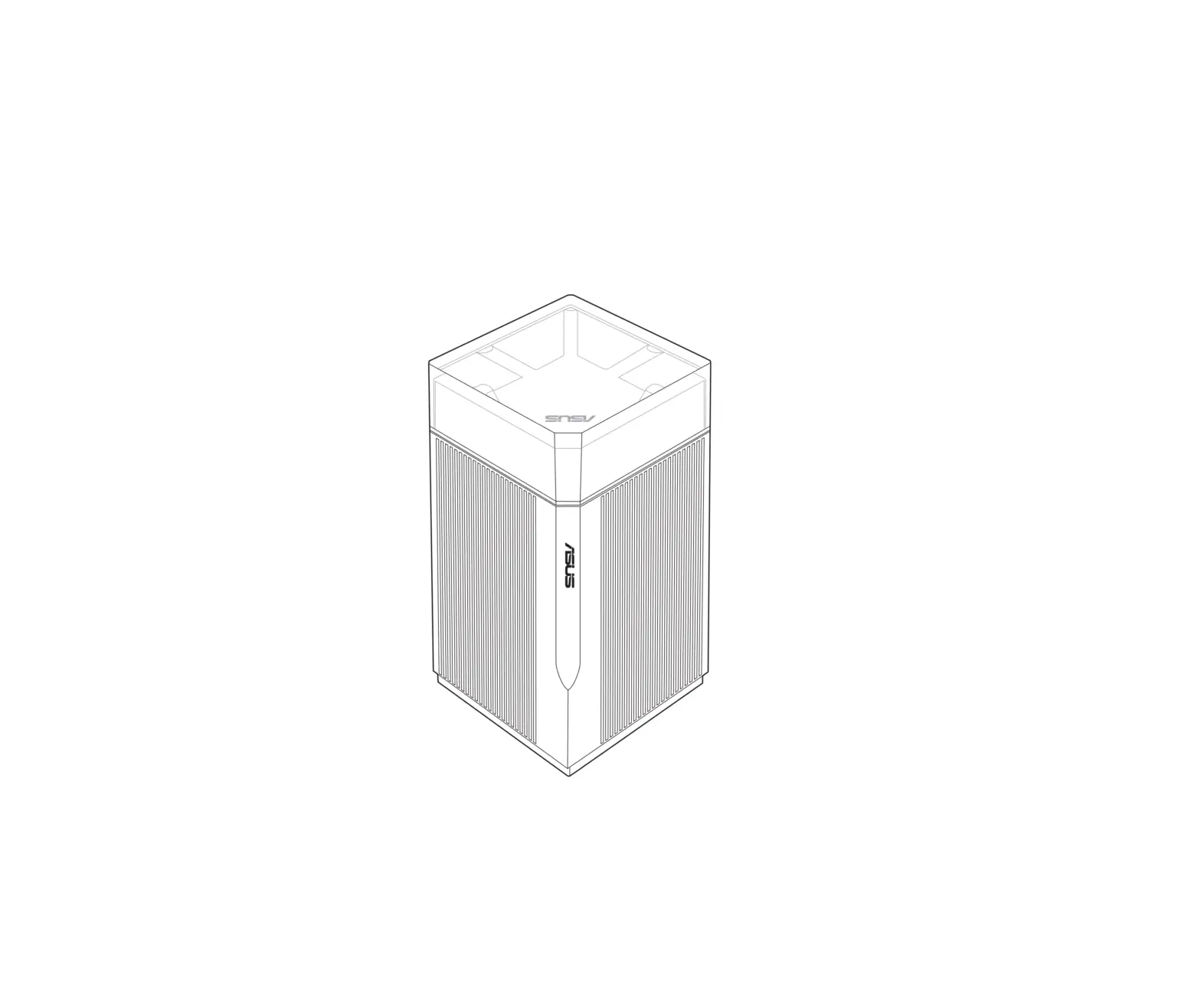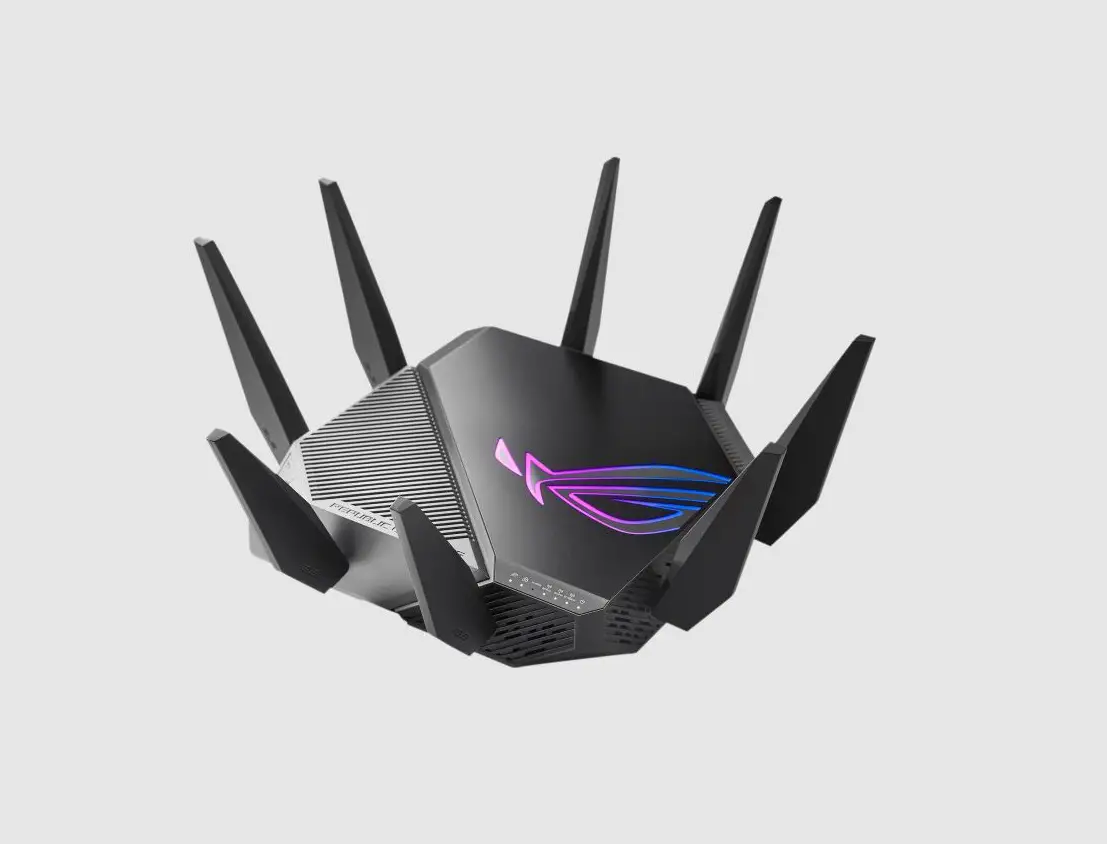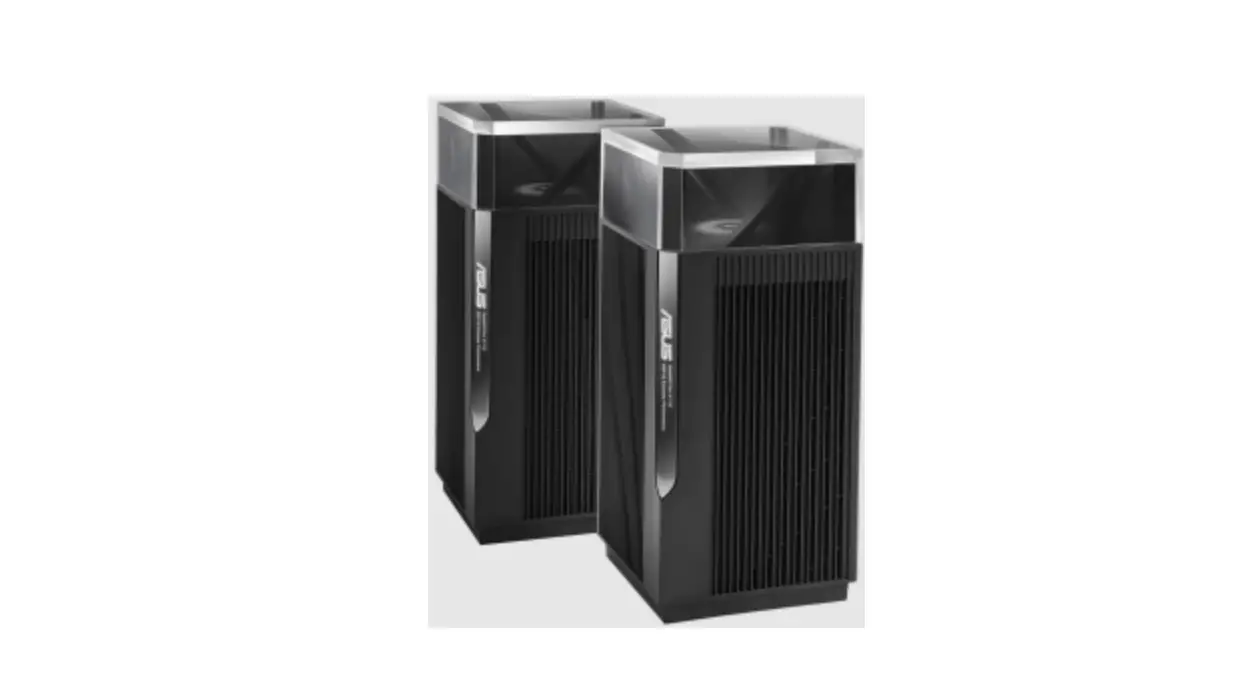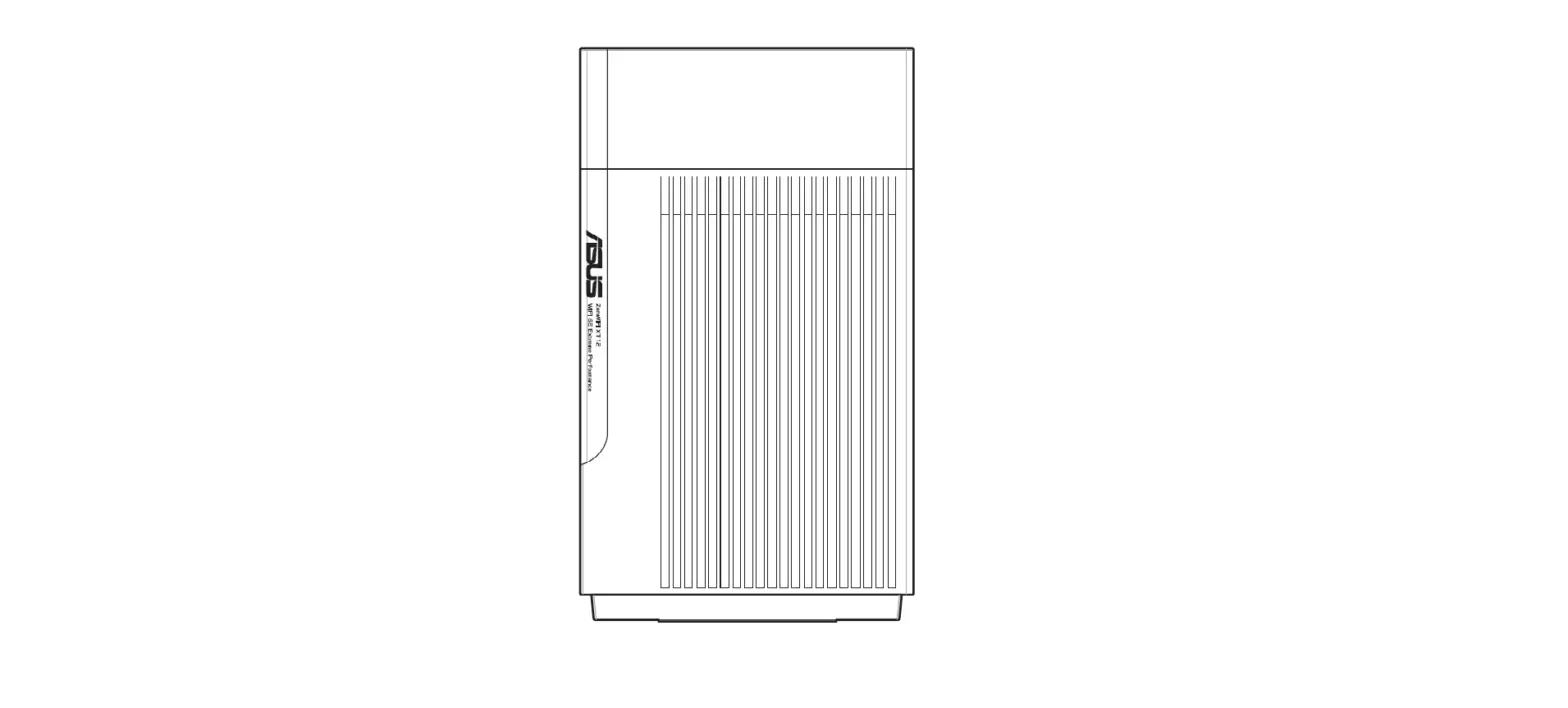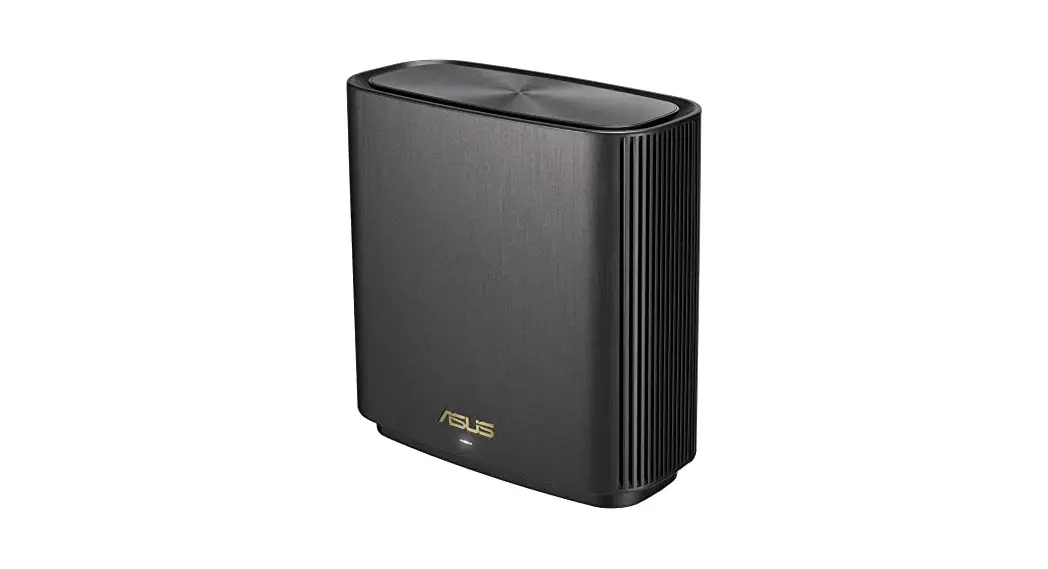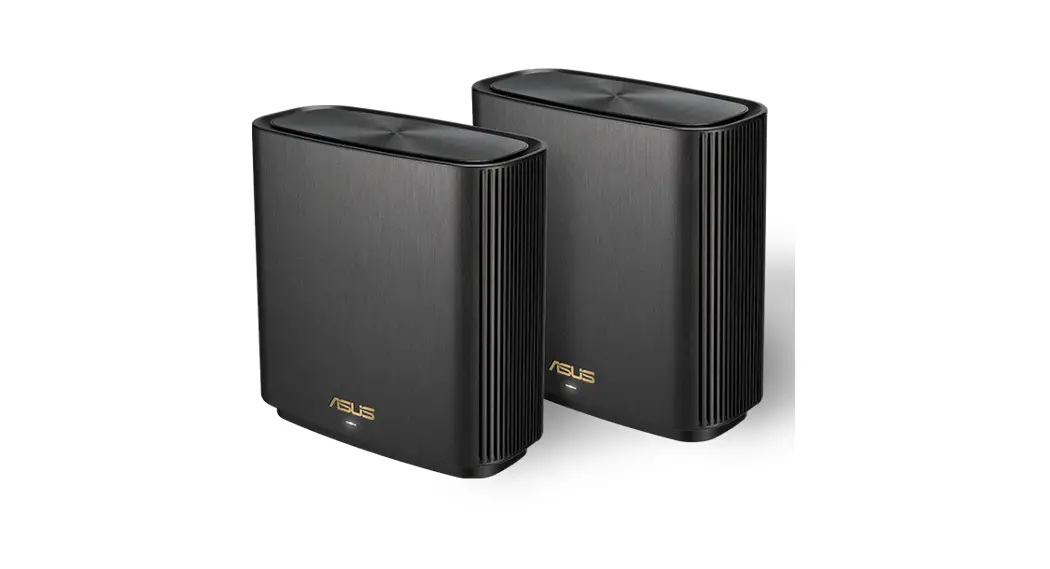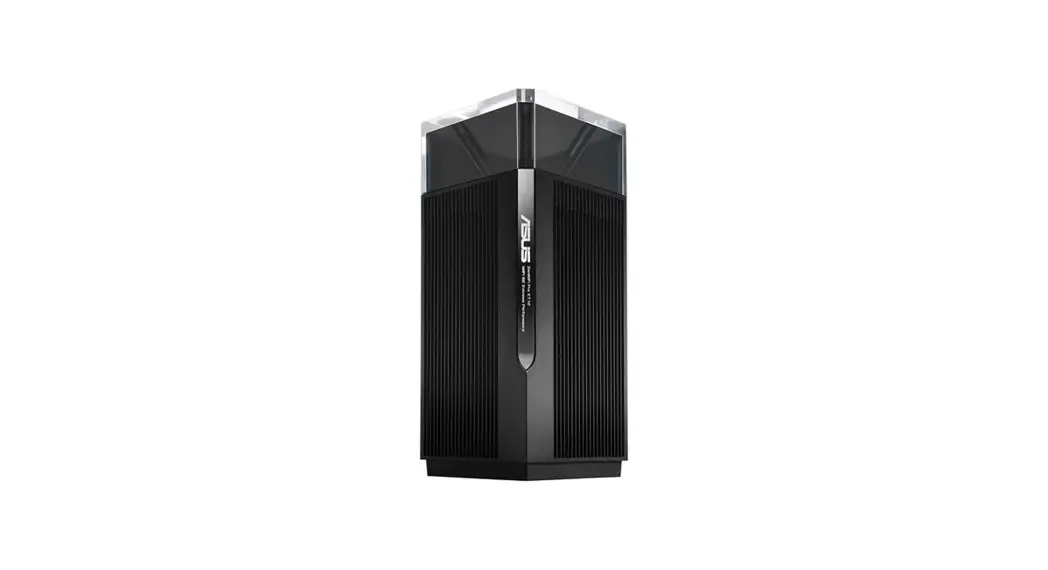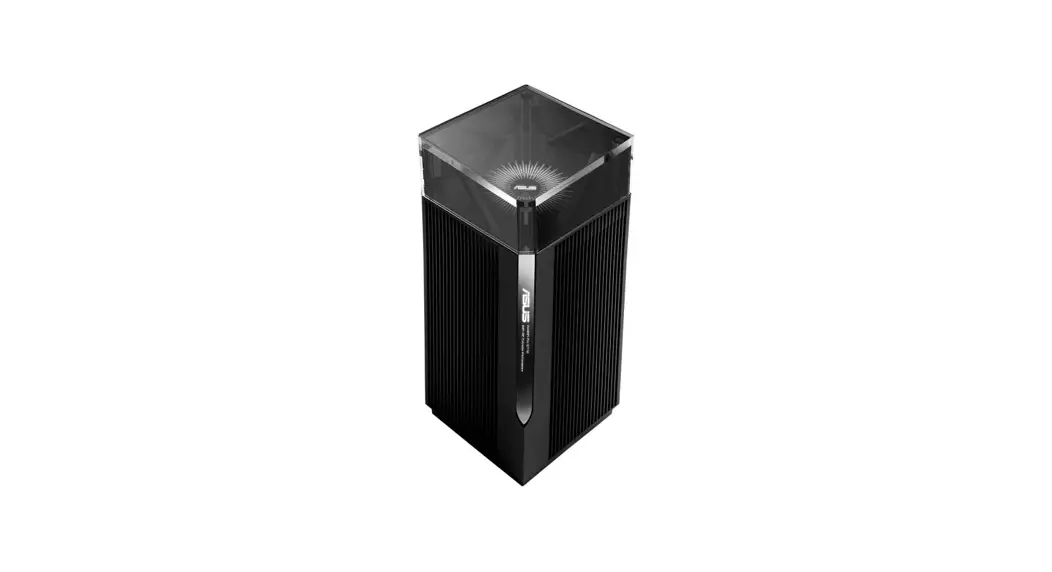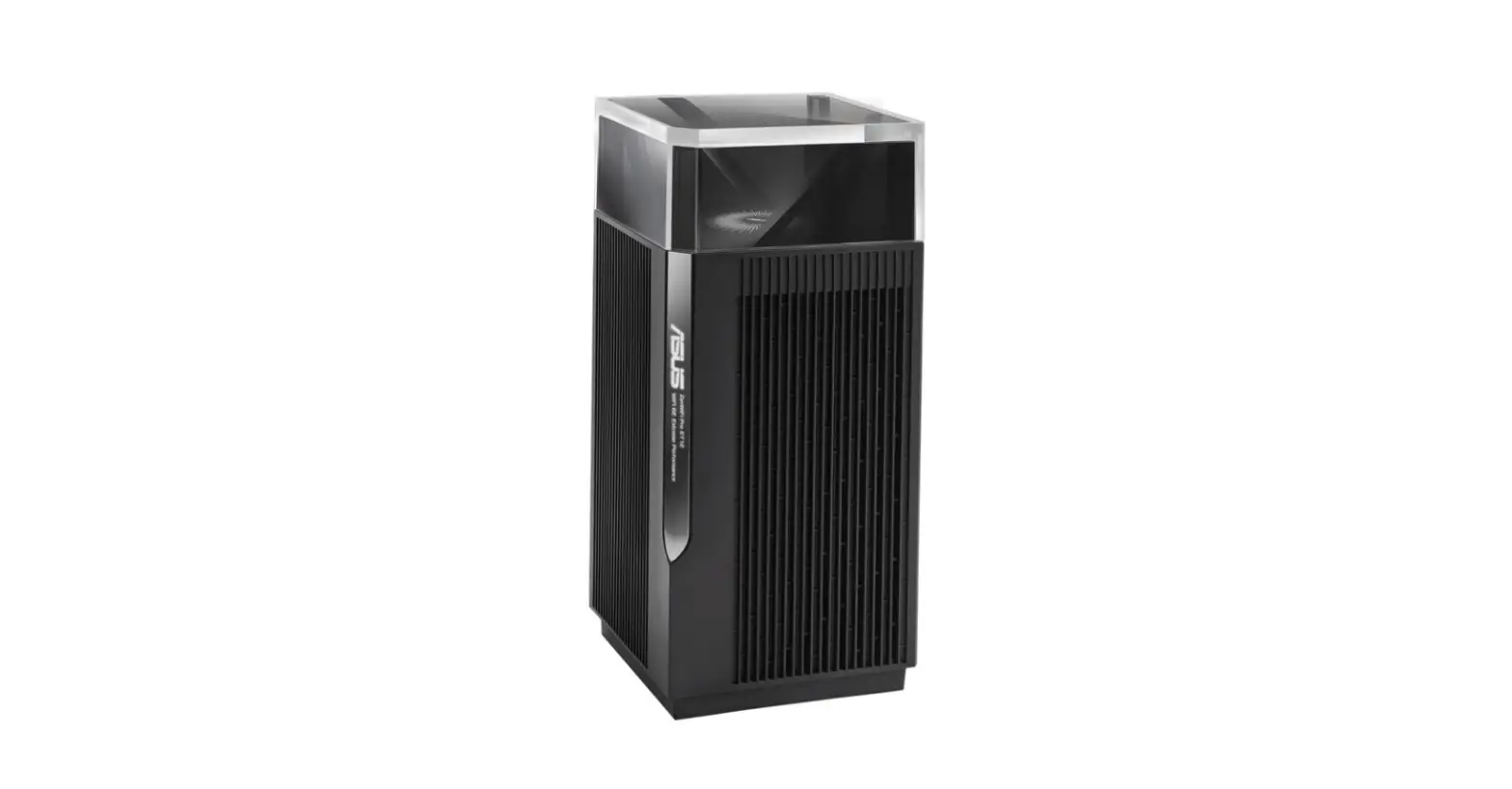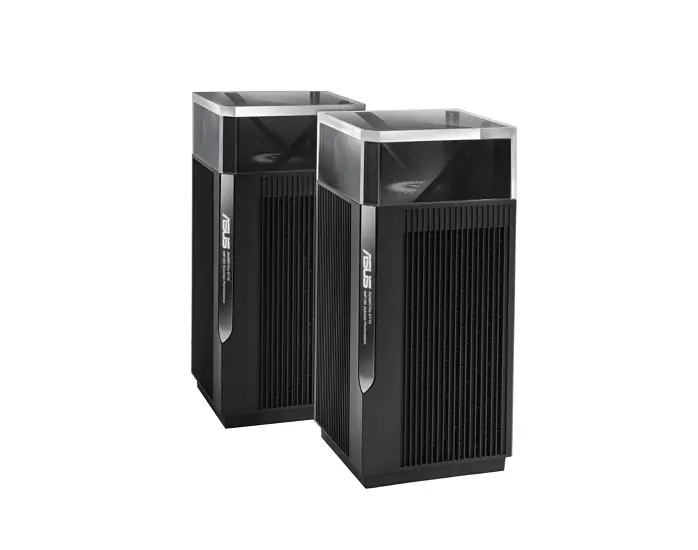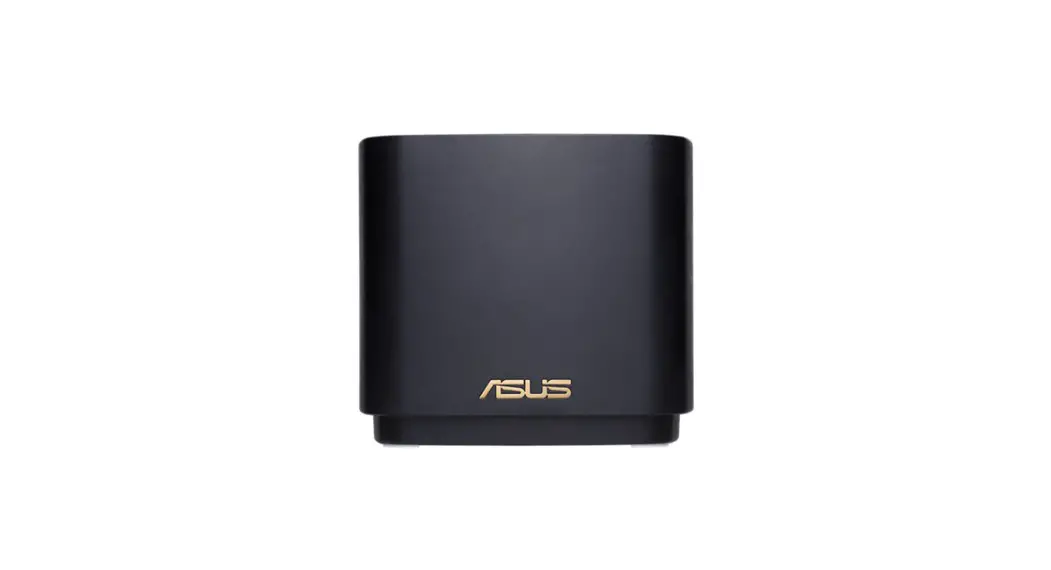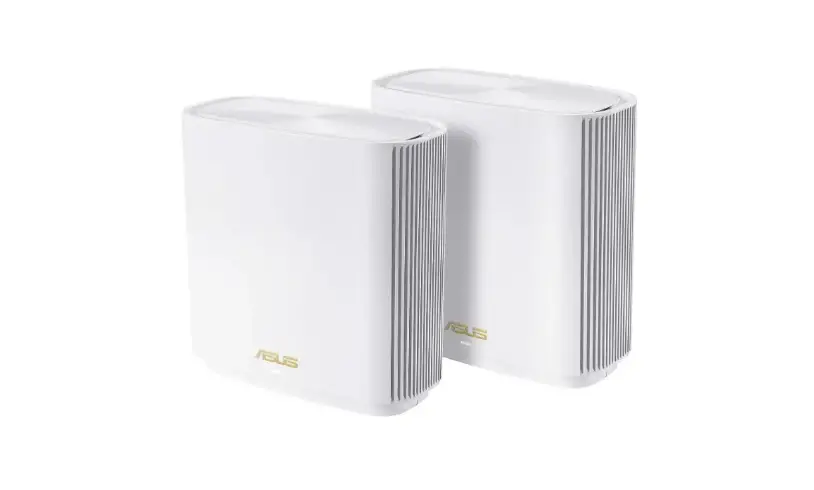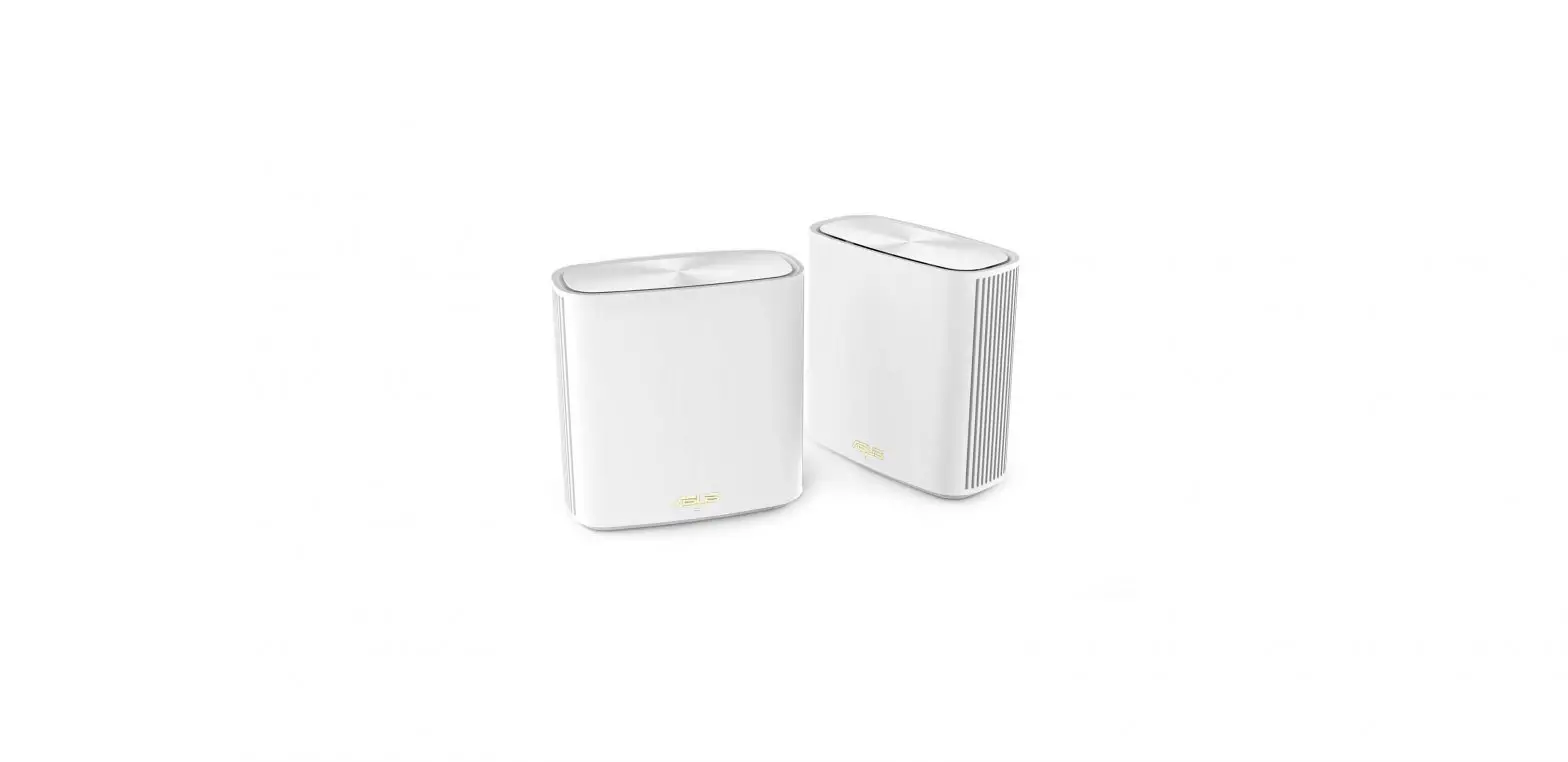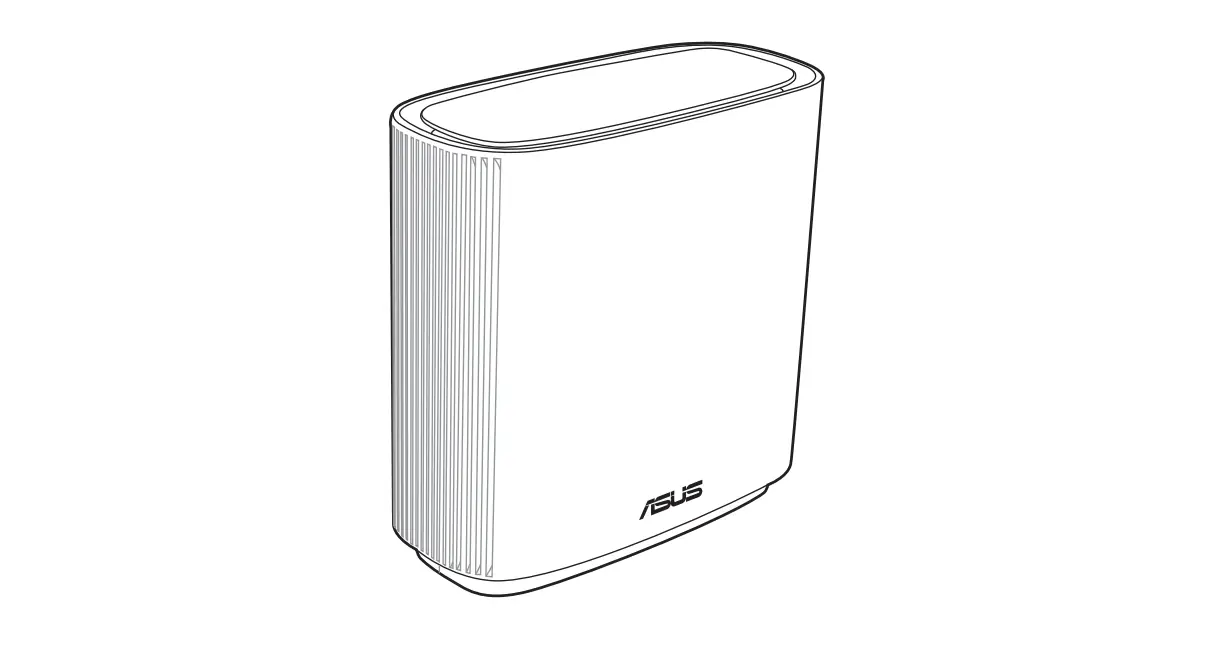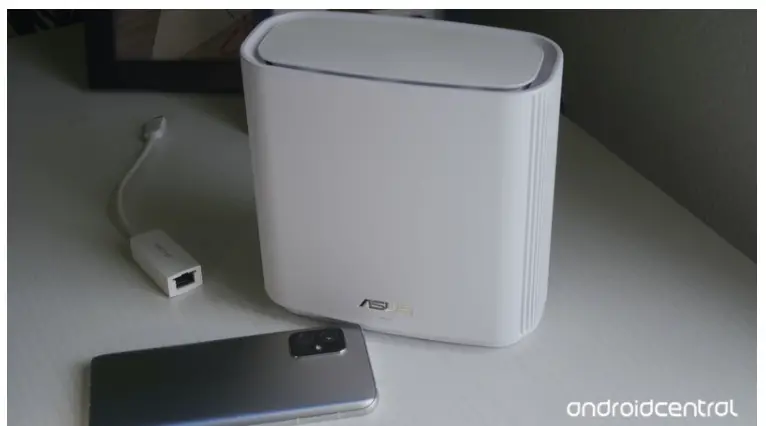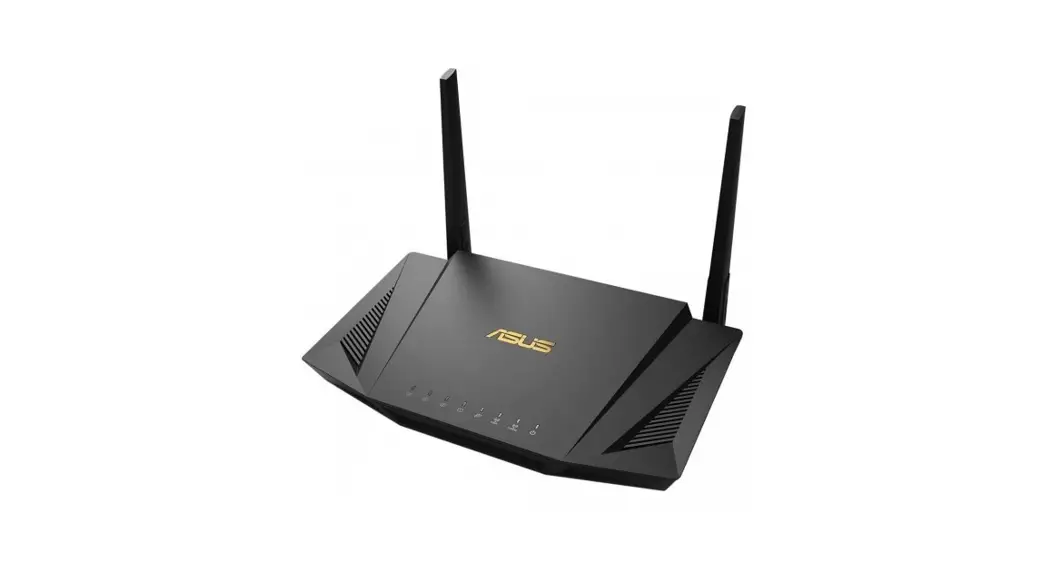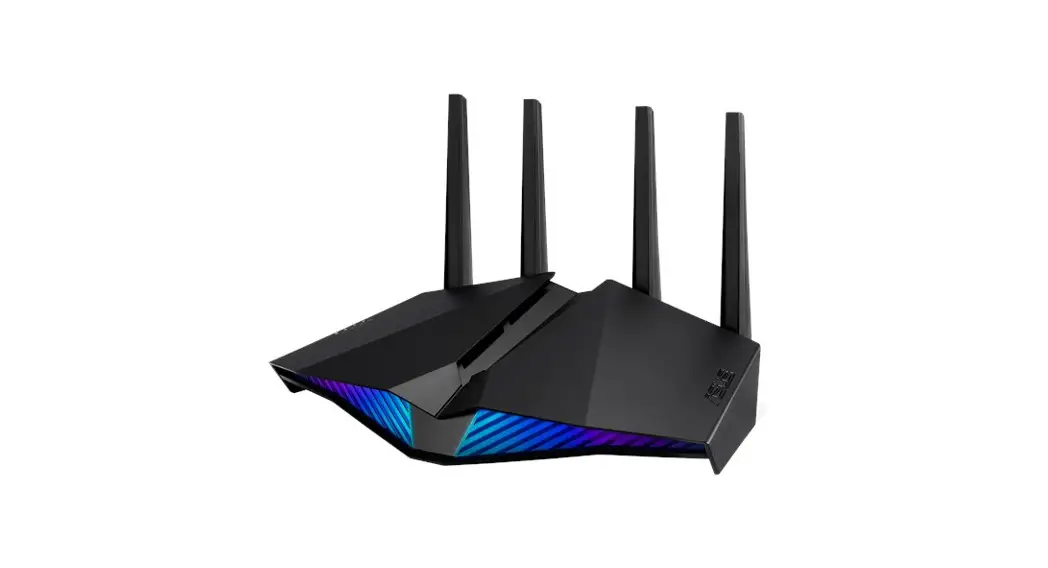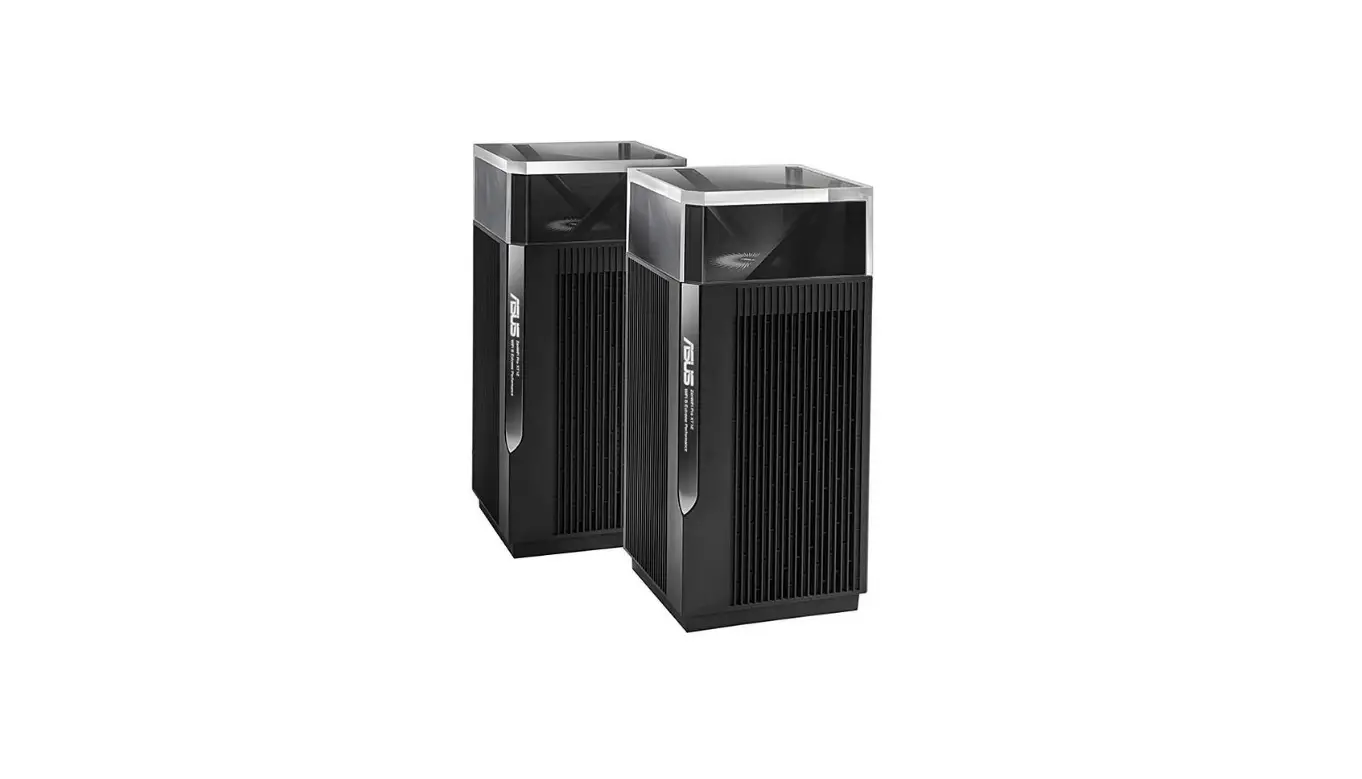

ASUS XT12 AX11000 Tri Band WiFi Router
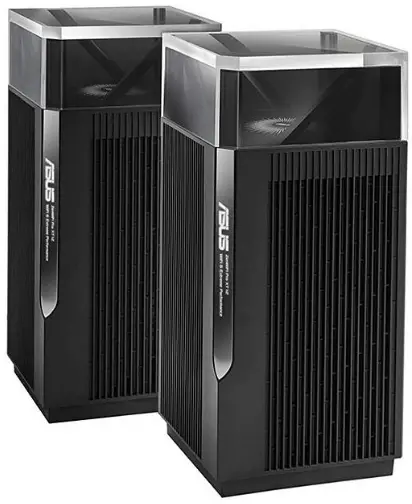
Hardware Explanations
- Plug the adapter into the DCIN port, and press the power switch.
- The power LED will light up when your hardware is ready.
Button and Port Explanations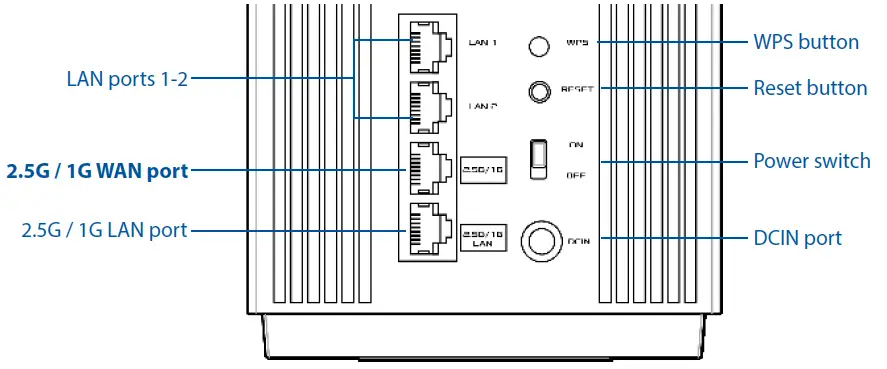
- 2.5G / 1G WAN port
Connect your optical modem to this port with a network cable. - LAN ports 1-2
Connect your PC to a LAN port with a network cable. - 2.5G / 1G LAN port
Connect your PC to a 2.5G / 1G LAN port with a network cable.
Specifications:
| DC Power adapter | DC Output: +19V with max 2.37A current DC Output: +19.5V with max 2.31A current | ||
| Operating Temperature | 0~40oC | Storage Temperature | 0~70oC |
| Operating Humidity | 50~90% | Storage Humidity | 20~90% |
Before Setup
Preparing to set up an AiMesh WiFi system
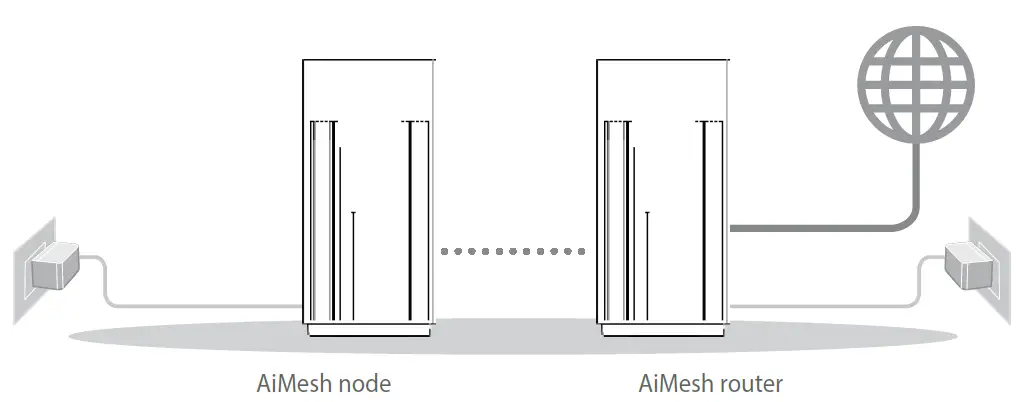
- Find two ZenWiFi Pro XT12, and power both on.
- Use a network cable to connect your optical modem to the WAN port of either ZenWiFi Pro XT12. This ZenWiFi Pro XT12 will be the AiMesh router, and the other ZenWiFi Pro XT12 will be the AiMesh node.
- The LED turns solid blue to indicate that ZenWiFi Pro XT12 is ready for setup.

ASUS ROUTER APP
Download free ASUS Router APP to set up and manage your router(s).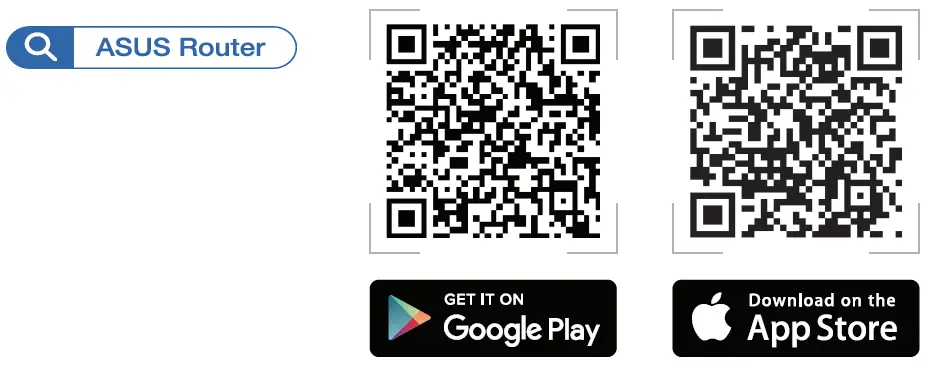
AiMesh Setup Steps
- Prepare
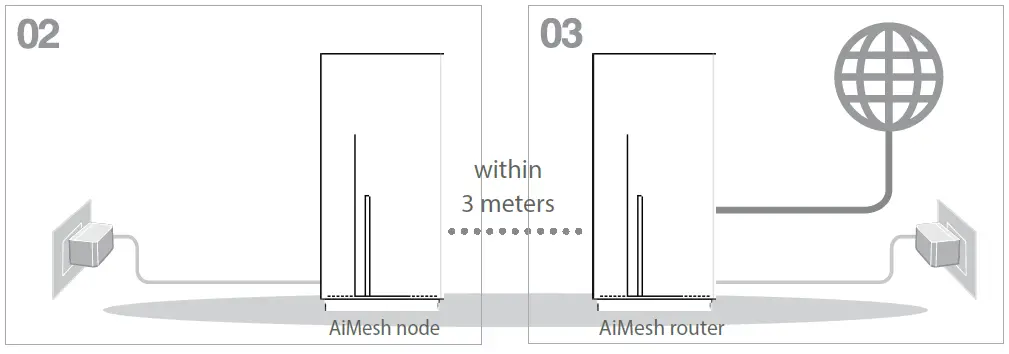
Place your AiMesh router and node within 3 meters of each other during the setup process.
- AiMesh node
Keep your AiMesh node powered on and standby for AiMesh system settings. - Enabling Bluetooth
Enable Bluetooth on your phone. - Launching ASUS Router APP
Launch ASUS Router APP, and then follow the on-screen instructions to finish the AiMesh setup.
Precautions for the use of the device
- a. Pay particular attention to the personal safety when use this device in airports, hospitals, gas stations and professional garages.
- b. Medical device interference: Maintain a minimum distance of at least 15 cm (6 inches) between implanted medical devices and ASUS products in order to reduce the risk of interference.
- c. Kindly use ASUS products in good reception conditions in order to minimize the radiation’s level.
- d. Keep the device away from pregnant women and the lower abdomen of the teenager.
Troubleshooting
If your AiMesh router cannot find any AiMesh node nearby or synchronization fails, please check the following and try again.
- Move your AiMesh node closer to the AiMesh router ideally. Ensure that it is within 3 meters.
- Your AiMesh node is powered on.
Relocation
THE BEST PERFORMANCE
Locate the AiMesh router and node at the best place.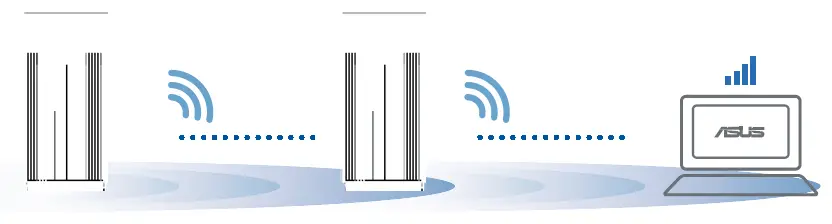
NOTES: To minimize interference, keep the routers away from devices like cordless phones, Bluetooth devices and microwave ovens.
We recommend that you place the routers in an open or spacious location.
ZenWiFi Pro XT12 LED indications

- Solid white: Good signal
- Solid yellow: Weak signal
- Solid red: No signal
FREQUENTLY ASKED QUESTIONS
- Q1: Does the AiMesh router support Access Point mode?
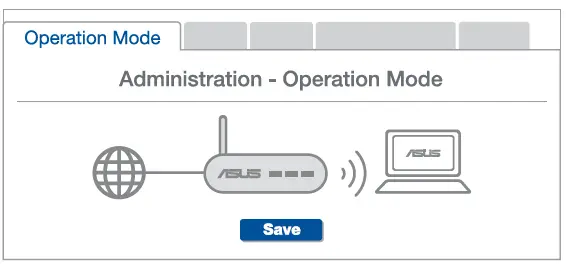
A: Yes. You can choose to set the AiMesh router as router mode or access point mode. Please go to web GUI (http://router.asus.com), and go to the page Administration > Operation Mode.
- Q2: Could I setup wired connection between AiMesh routers (Ethernet backhaul)?
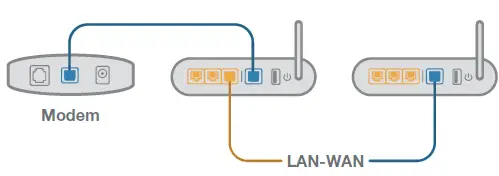
A: Yes. AiMesh system supports both wireless and wired connection between AiMesh router and node to maximize throughput and stability. AiMesh analyzes the wireless signal strength for each frequency band available, and then determines automatically whether a wireless or wired connection is best to serve as the interrouter connection backbone.- Follow the setup steps to establish a connection between the AiMesh router and node via WiFi first.
- Place the node in the ideal locations for best coverage. Run an Ethernet cable from the LAN port of the AiMesh router to the WAN port of AiMesh node.

- AiMesh system will auto-select the best path for data transmission, whether wired or wireless.
ASUS Recycling/Takeback Services
ASUS recycling and takeback programs come from our commitment to the highest standards for protecting our environment. We believe in providing solutions for you to be able to responsibly recycle our products, batteries, other components, as well as the packaging materials. Please go to http://csr.asus.com/english/Takeback.htm for the detailed recycling information in different regions.
REACH
Complying with the REACH (Registration, Evaluation, Authorisation, and Restriction of Chemicals) regulatory framework, we published the chemical substances in our products at ASUS REACH website at http://csr.asus.com/english/REACH.htm
Federal Communications Commission Statement
This device complies with Part 15 of the FCC Rules. Operation is subject to the following two conditions:
- This device may not cause harmful interference.
- This device must accept any interference received, including interference that may cause undesired operation.
This equipment has been tested and found to comply with the limits for a class B digital device, pursuant to part 15 of the FCC Rules. These limits are designed to provide reasonable protection against harmful interference in a residential installation. This equipment generates, uses and can radiate radio frequency energy and, if not installed and used in accordance with the instructions, may cause harmful interference to radio communications. However, there is no guarantee that interference will not occur in a particular installation. If this equipment does cause harmful interference to radio or television reception, which can be determined by turning the equipment off and on, the user is encouraged to try to correct the interference by one or more of the following measures:
- Reorient or relocate the receiving antenna.
- Increase the separation between the equipment and receiver.
- Connect the equipment into an outlet on a circuit different from that to which the receiver is connected.
- Consult the dealer or an experienced radio/TV technician for help.
WARNING! Any changes or modifications not expressly approved by the party responsible for compliance could void the user’s authority to operate the equipment.
Prohibition of Co-location
This device and its antenna(s) must not be co-located or operating in conjunction with any other antenna or transmitter.
IMPORTANT NOTE:
Radiation Exposure Statement: This equipment complies with FCC radiation exposure limits set forth for an uncontrolled environment. End users must follow the specific operating instructions for satisfying RF exposure compliance. To maintain compliance with FCC exposure compliance requirement, please follow operation instruction as documented in this manual.
WARNING! This equipment must be installed and operated in accordance with provided instructions and the antenna(s) used for this transmitter must be installed to provide a separation distance of at least 20 cm from all persons and must not be co-located or operating in conjunction with any other antenna or transmitter.
Compliance Statement of Innovation, Science and Economic Development Canada (ISED)
This device complies with Innovation, Science and Economic Development Canada licence exempt RSS standard(s). Operation is subject to the following two conditions: (1) this device may not cause interference, and (2) this device must accept any interference, including interference that may cause undesired operation of the device. Operation in the band 5150–5250 MHz is only for indoor use to reduce the potential for harmful interference to co-channel mobile satellite systems. CAN ICES-003(B)/NMB-003(B)
Radio Frequency (RF) Exposure Information
The radiated output power of the ASUS Wireless Device is below the Innovation, Science and Economic Development Canada radio frequency exposure limits. The ASUS Wireless Device should be used in such a manner such that the potential for human contact during normal operation is minimized. This equipment should be installed and operated with a minimum distance of 20 cm between the radiator any part of your body. This device has been certified for use in Canada. Status of the listing in the Innovation, Science and Economic Development Canada’s REL (Radio Equipment List) can be found at the following web address: http://www.ic.gc.ca/eic/site/ceb-bhst.nsf/eng/h_tt00020.html
Additional Canadian information on RF exposure also can be found at the following web: https://www.ic.gc.ca/eic/site/smt-gst.nsf/eng/sf08792.html
India RoHS
This product complies with the “India E-Waste (Management) Rules, 2016” and prohibits use of lead, mercury, hexavalent chromium, polybrominated biphenyls(PBBs) and polybrominated diphenyl ethers (PBDEs) in concentrations exceeding 0.1 % by weight in homogenous materials and 0.01 % by weight in homogenous materials for cadmium, except for the exemptions listed in Schedule II of the Rule.
Manufacturer :
ASUSTeK Computer Inc.
Tel: +886-2-2894-3447
Address: 1F, No. 15, LIDE RD., BEITOU DIST., TAIPEI CITY 112, TAIWAN
Authorised representative in Europe ASUS Computer GmbH
Address: HARKORT STR. 21-23, 40880 RATINGEN, GERMANY
Authorised distributors in Turkey
BOGAZICI BILGISAYAR TICARET VE SANAYI A.S.
Tel./FAX No.: +90 212 331 10 00 / +90 212 332 28 90
Address: ESENTEPE MAH. BUYUKDERE CAD. ERCAN HAN B BLOK NO.121 SISLI, ISTANBUL 34394
Networks Global Hotline Information
| Area | Country/ Region | Hotline Number | Service Hours |
| Europe | Cyprus | 800-92491 | 09:00-13:00; 14:00-18:00 Mon-Fri |
| France | 0033-170949400 | 09:00-18:00 Mon-Fri | |
| Germany | 0049-1805010920 0049-1805010923 (component support ) 0049-2102959911 (Fax) | 09:00-18:00 Mon-Fri 10:00-17:00 Mon-Fri | |
| Hungary | 0036-15054561 | 09:00-17:30 Mon-Fri | |
| Italy | 06-97626662 | 09:00-13:00 14:00-18:00 Mon-Fri | |
| Greece | 00800-44142044 | 09:00-13:00 14:00-18:00 Mon-Fri | |
| Austria | 0043-820240513 | 09:00-18:00 Mon-Fri | |
| Netherlands/ Luxembourg | 0031-591570290 | 09:00-17:00 Mon-Fri | |
| Belgium | 0032-78150231 | 09:00-17:00 Mon-Fri | |
| Norway | 0047-2316-2682 | 09:00-18:00 Mon-Fri | |
| Sweden | +46-858769407 | 09:00-18:00 Mon-Fri | |
| Finland | 00358-969379690 | 10:00-19:00 Mon-Fri | |
| Denmark | 0045-38322943 | 09:00-18:00 Mon-Fri | |
| Poland | 0048-225718040 | 08:30-17:30 Mon-Fri | |
| Spain | 0034-902889688 | 09:00-18:00 Mon-Fri | |
| Portugal | 00351-707500310 | 09:00-18:00 Mon-Fri | |
| Slovak Republic | 00421-232162621 | 08:00-17:00 Mon-Fri | |
| Czech Republic | 00420-596766888 | 08:00-17:00 Mon-Fri | |
| Switzerland-German | 0041-848111010 | 09:00-18:00 Mon-Fri | |
| Switzerland-French | 0041-848111014 | 09:00-18:00 Mon-Fri | |
| Switzerland-Italian | 0041-848111012 | 09:00-18:00 Mon-Fri | |
| United Kingdom | 0044-1442265548 | 09:00-17:00 Mon-Fri | |
| Ireland | 0035-31890719918 | 09:00-17:00 Mon-Fri | |
| Russia and CIS | 008-800-100-ASUS | 09:00-18:00 Mon-Fri | |
| Ukraine | 0038-0445457727 | 09:00-18:00 Mon-Fri |
| Area | Country/ Region | Hotline Numbers | Service Hours |
| Australia | 1300-278788 | 09:00-18:00 Mon-Fri | |
| New Zealand | 0800-278788 | 09:00-18:00 Mon-Fri | |
| 0800-1232787 | 09:00-19:00 Mon-Sun | ||
| Japan | 0081-570783886 (Non-Toll Free) | 09:00-19:00 Mon-Sun | |
| Korea | 0082-215666868 | 09:30-17:00 Mon-Fri | |
| Thailand | 0066-24011717 | 09:00-18:00 Mon-Fri | |
| 1800-8525201 | |||
| 0065-64157917 | 11:00-19:00 Mon-Fri | ||
| Asia-Pacific | Singapore | 0065-67203835 (Repair Status Only) | 11:00-19:00 Mon-Fri 11:00-13:00 Sat |
| Malaysia | 1300-88-3495 | 9:00-18:00 Mon-Fri | |
| Philippine | 1800-18550163 | 09:00-18:00 Mon-Fri | |
| India | 1800-2090365 | 09:00-18:00 Mon-Sat | |
| India(WL/NW) | 09:00-21:00 Mon-Sun | ||
| Indonesia | 0062-2129495000 | 09:30-17:00 Mon-Fri | |
| 500128 (Local Only) | 9:30 – 12:00 Sat | ||
| Vietnam | 1900-555581 | 08:00-12:00 | |
| 13:30-17:30 Mon-Sat | |||
| Hong Kong | 00852-35824770 | 10:00-19:00 Mon-Sat | |
| Americas | USA Canada | 1-812-282-2787 | 8:30-12:00 EST Mon-Fri 9:00-18:00 EST Sat-Sun |
| Mexico | 001-8008367847 | 08:00-20:00 CST Mon-Fri 08:00-15:00 CST Sat |
| Area | Country/ Region | Hotline Numbers | Service Hours |
| Middle East + Africa | Egypt | 800-2787349 | 09:00-18:00 Sun-Thu |
| Saudi Arabia | 800-1212787 | 09:00-18:00 Sat-Wed | |
| UAE | 00971-42958941 | 09:00-18:00 Sun-Thu | |
| Turkey | 0090-2165243000 | 09:00-18:00 Mon-Fri | |
| South Africa | 0861-278772 | 08:00-17:00 Mon-Fri | |
| Israel | *6557/00972-39142800 *9770/00972-35598555 | 08:00-17:00 Sun-Thu 08:30-17:30 Sun-Thu | |
| Balkan Countries | Romania | 0040-213301786 | 09:00-18:30 Mon-Fri |
| Bosnia Herzegovina | 00387-33773163 | 09:00-17:00 Mon-Fri | |
| Bulgaria | 00359-70014411 00359-29889170 | 09:30-18:30 Mon-Fri 09:30-18:00 Mon-Fri | |
| Croatia | 00385-16401111 | 09:00-17:00 Mon-Fri | |
| Montenegro | 00382-20608251 | 09:00-17:00 Mon-Fri | |
| Serbia | 00381-112070677 | 09:00-17:00 Mon-Fri | |
| Slovenia | 00368-59045400 00368-59045401 | 08:00-16:00 Mon-Fri | |
| Baltic Countries | Estonia | 00372-6671796 | 09:00-18:00 Mon-Fri |
| Latvia | 00371-67408838 | 09:00-18:00 Mon-Fri | |
| Lithuania-Kaunas | 00370-37329000 | 09:00-18:00 Mon-Fri | |
| Lithuania-Vilnius | 00370-522101160 | 09:00-18:00 Mon-Fri |
NOTES:
- UK support e-mail: [email protected]
- For more information, visit the ASUS support site at: https://www.asus.com/support
 ASUS Global
 ASUS Corporate Social Responsibility
 Radio equipment list (REL)
 Official Support | ASUS Global