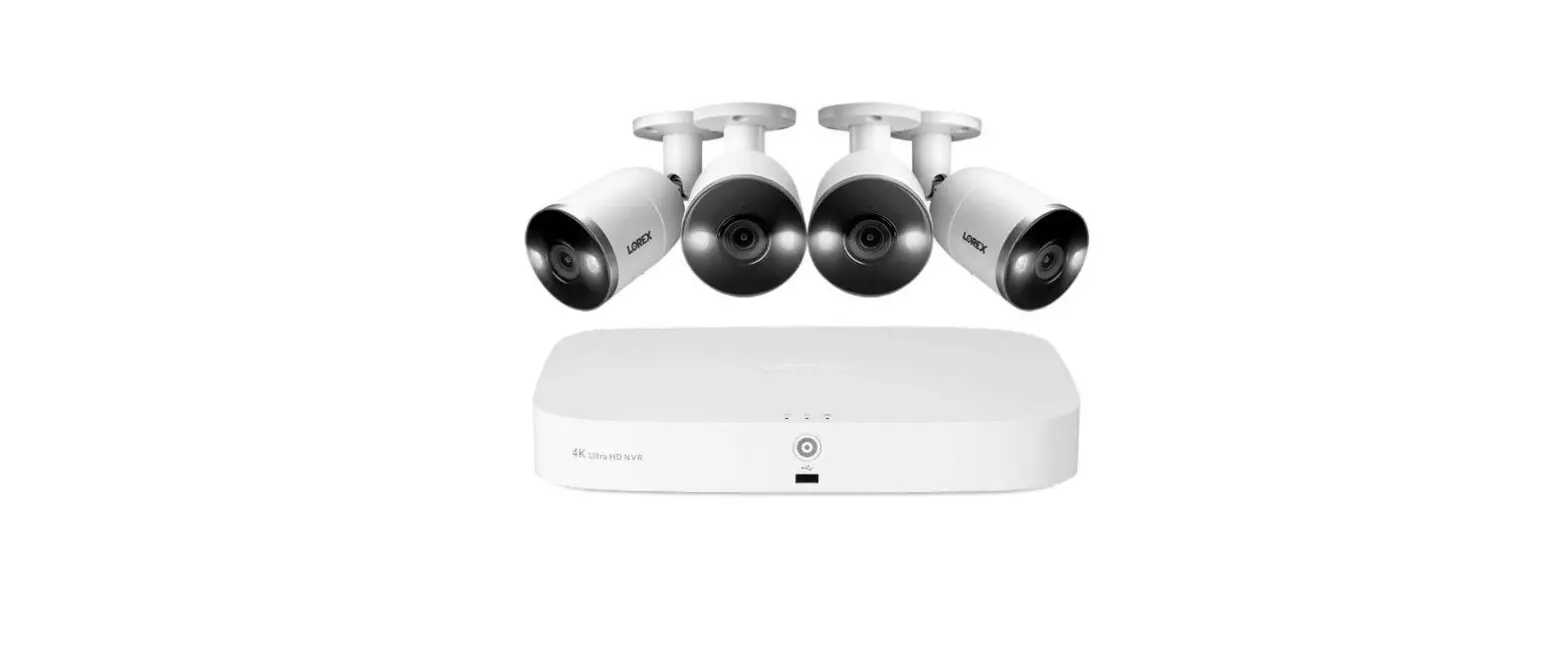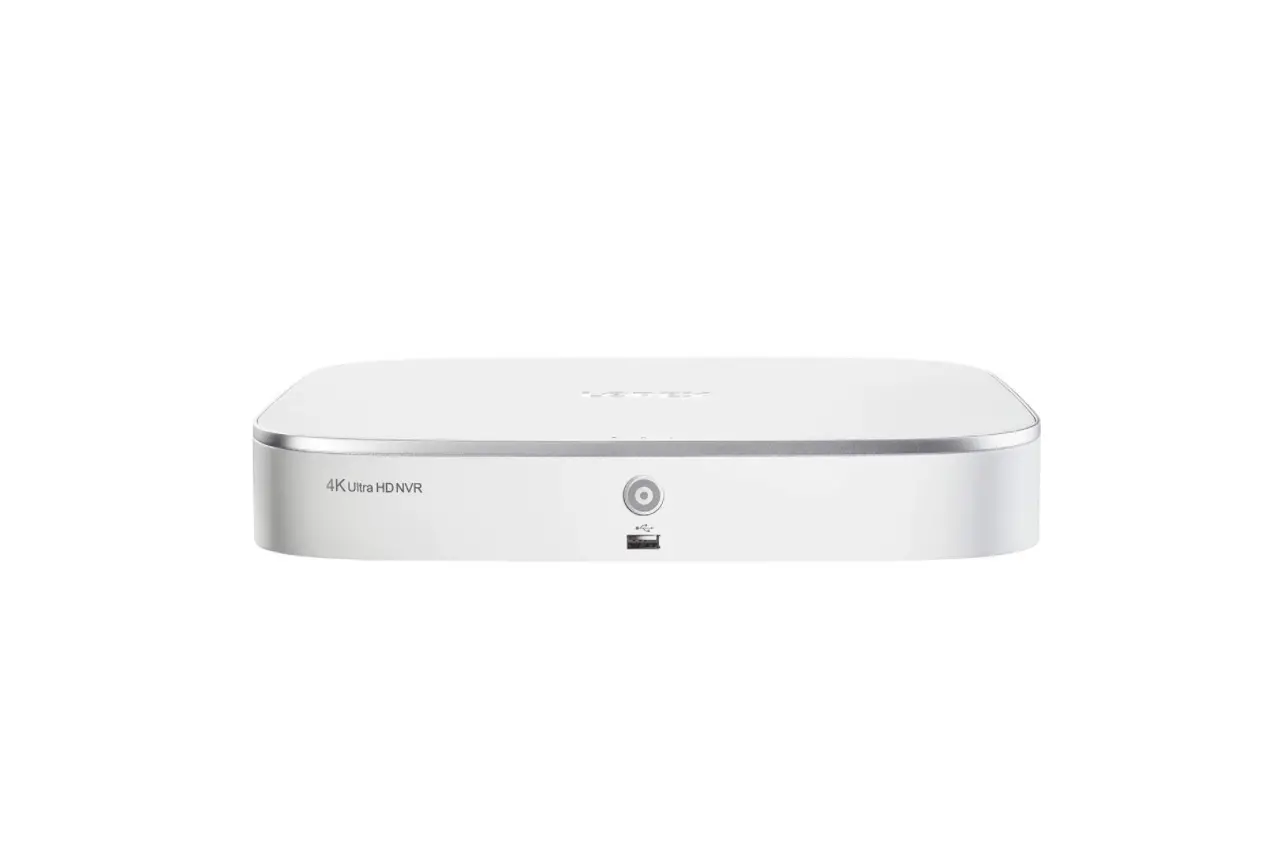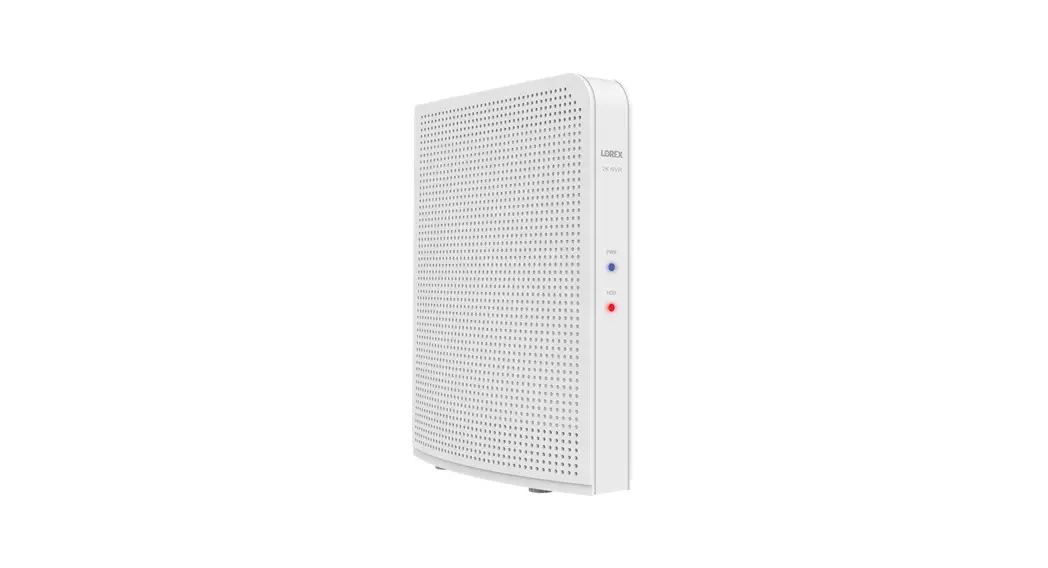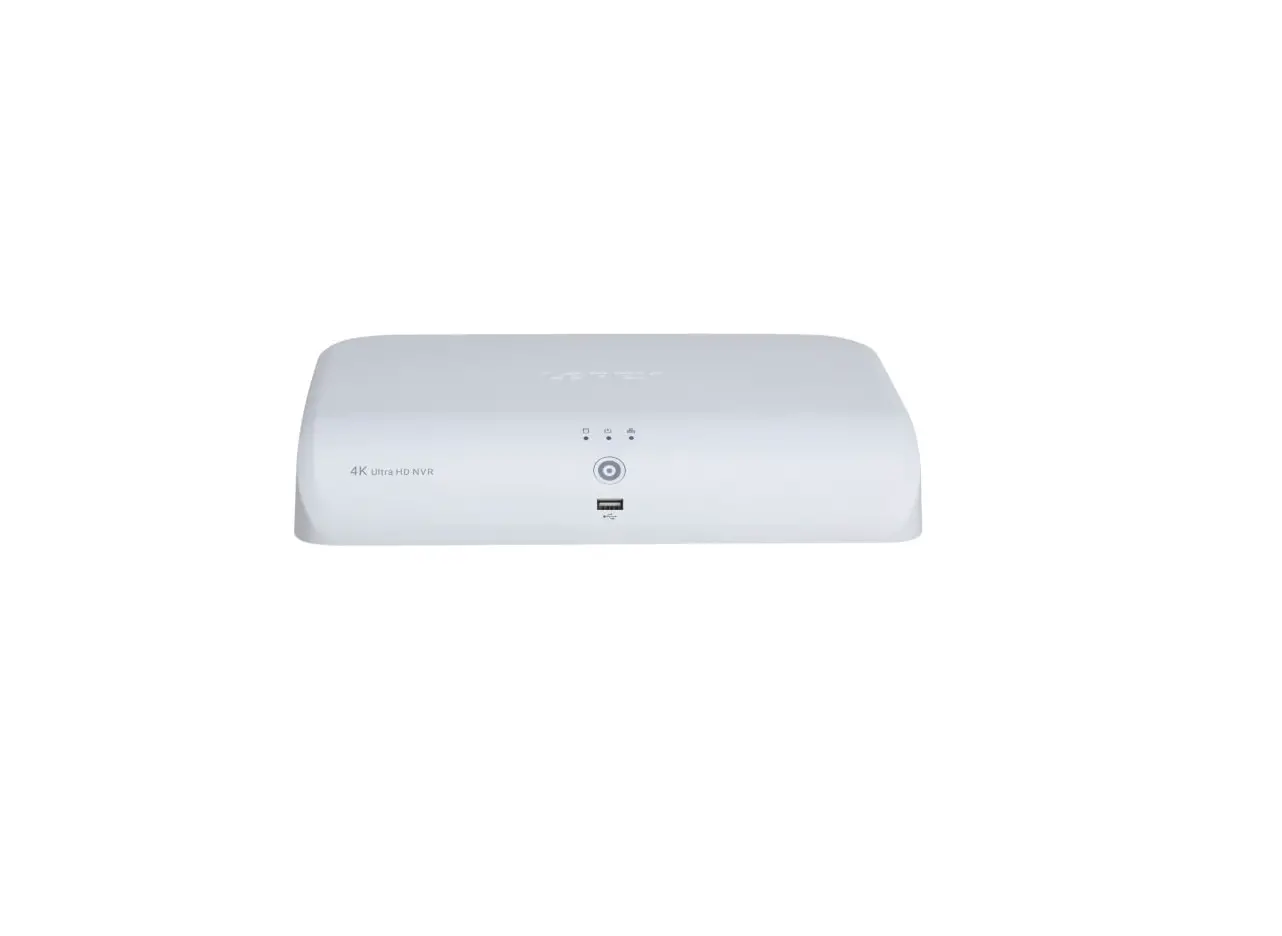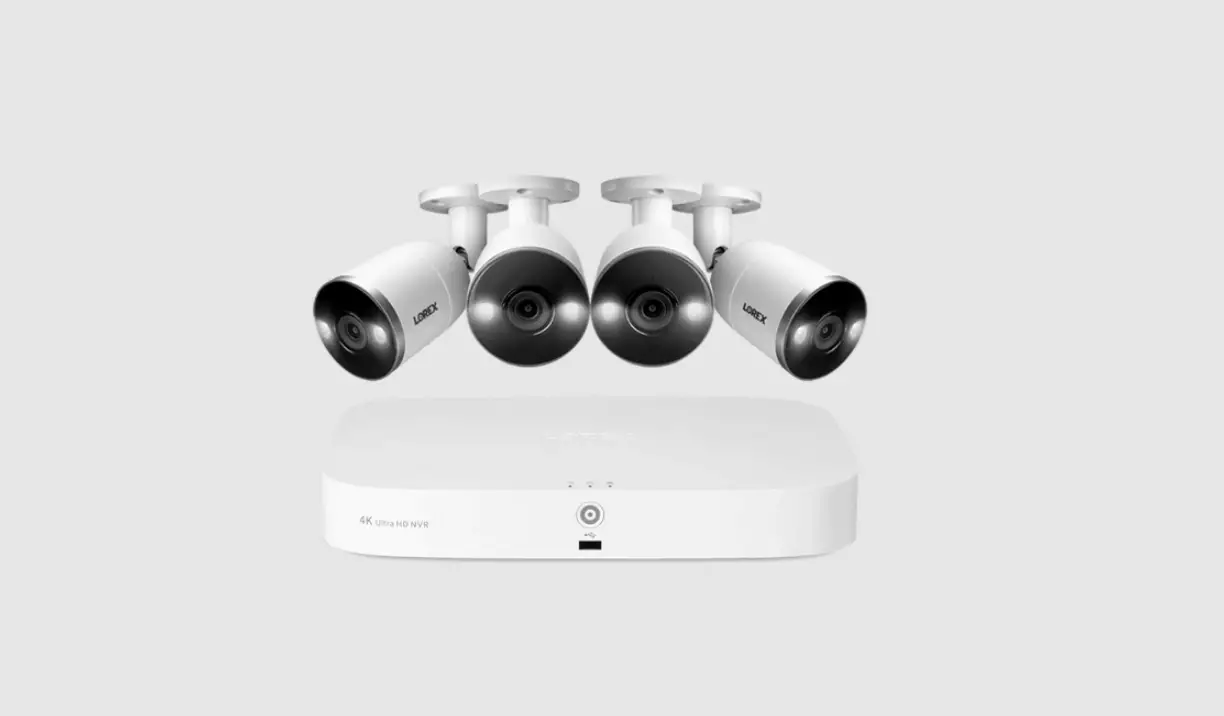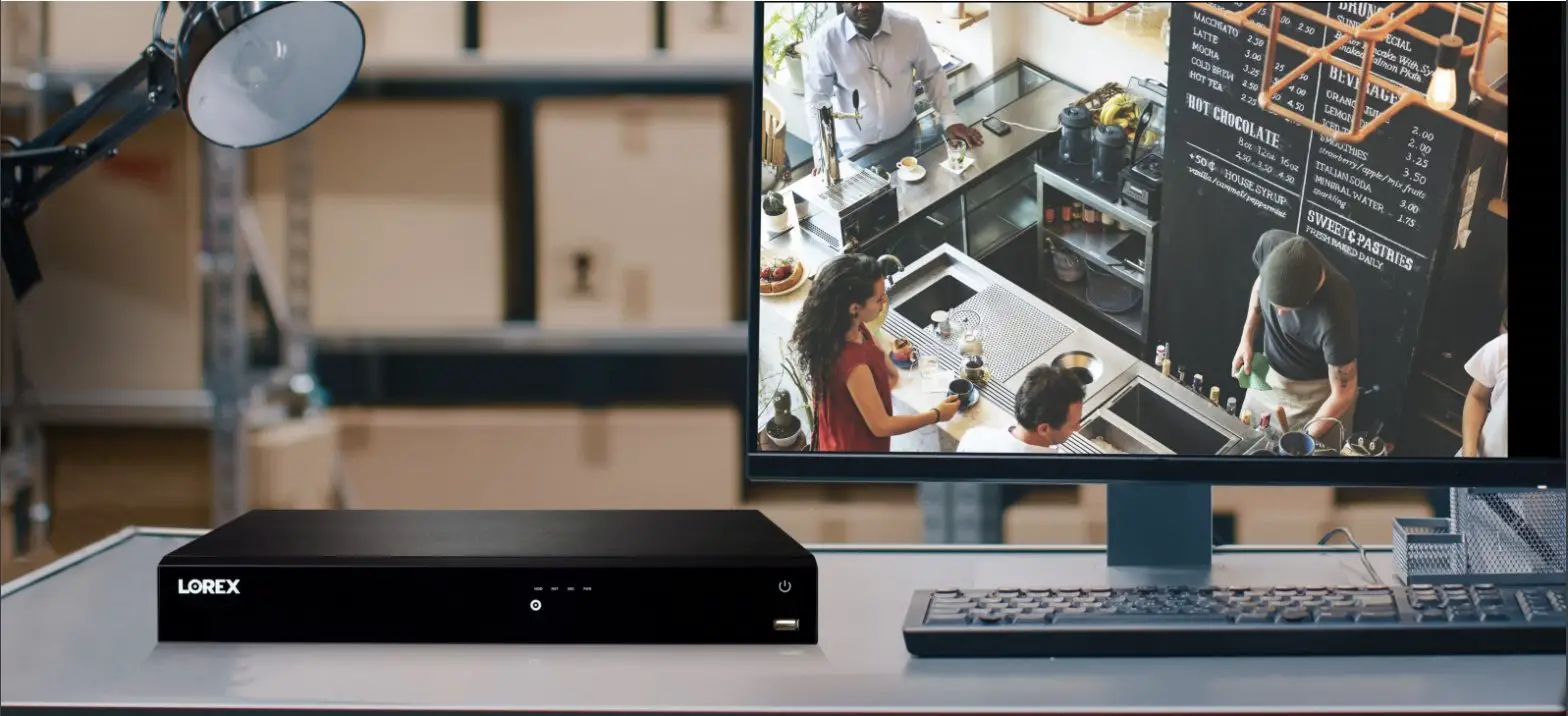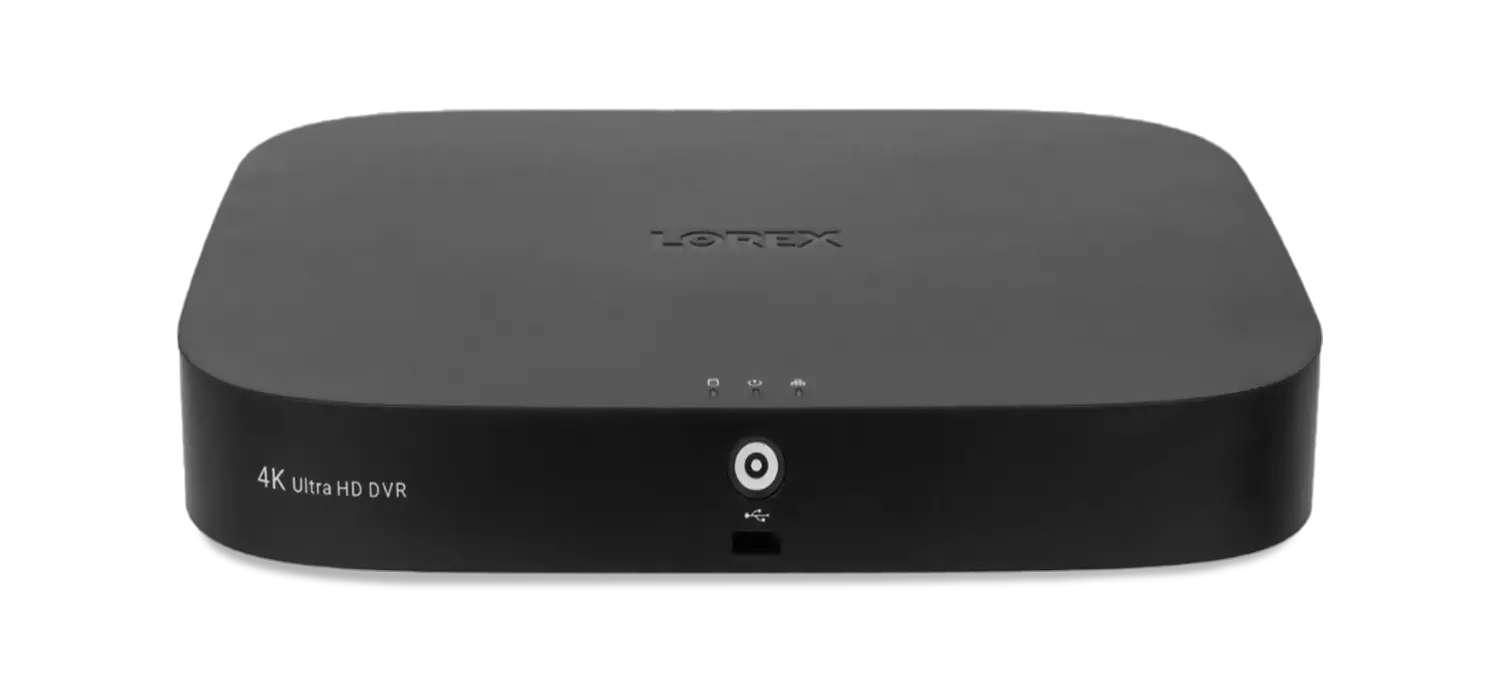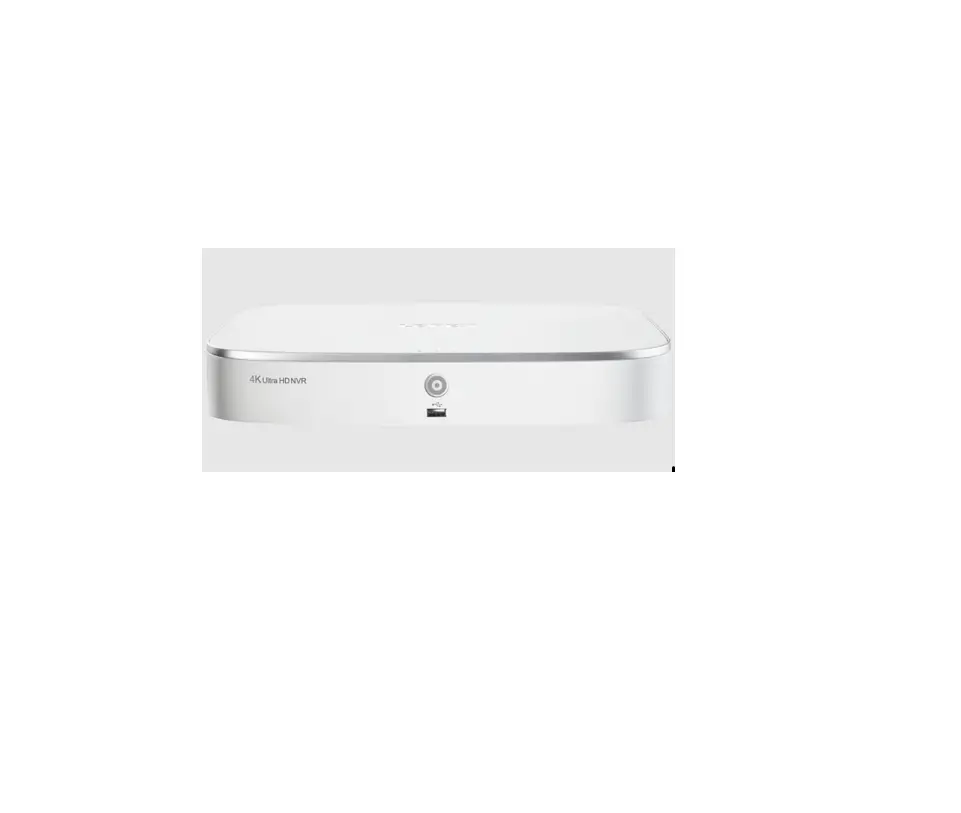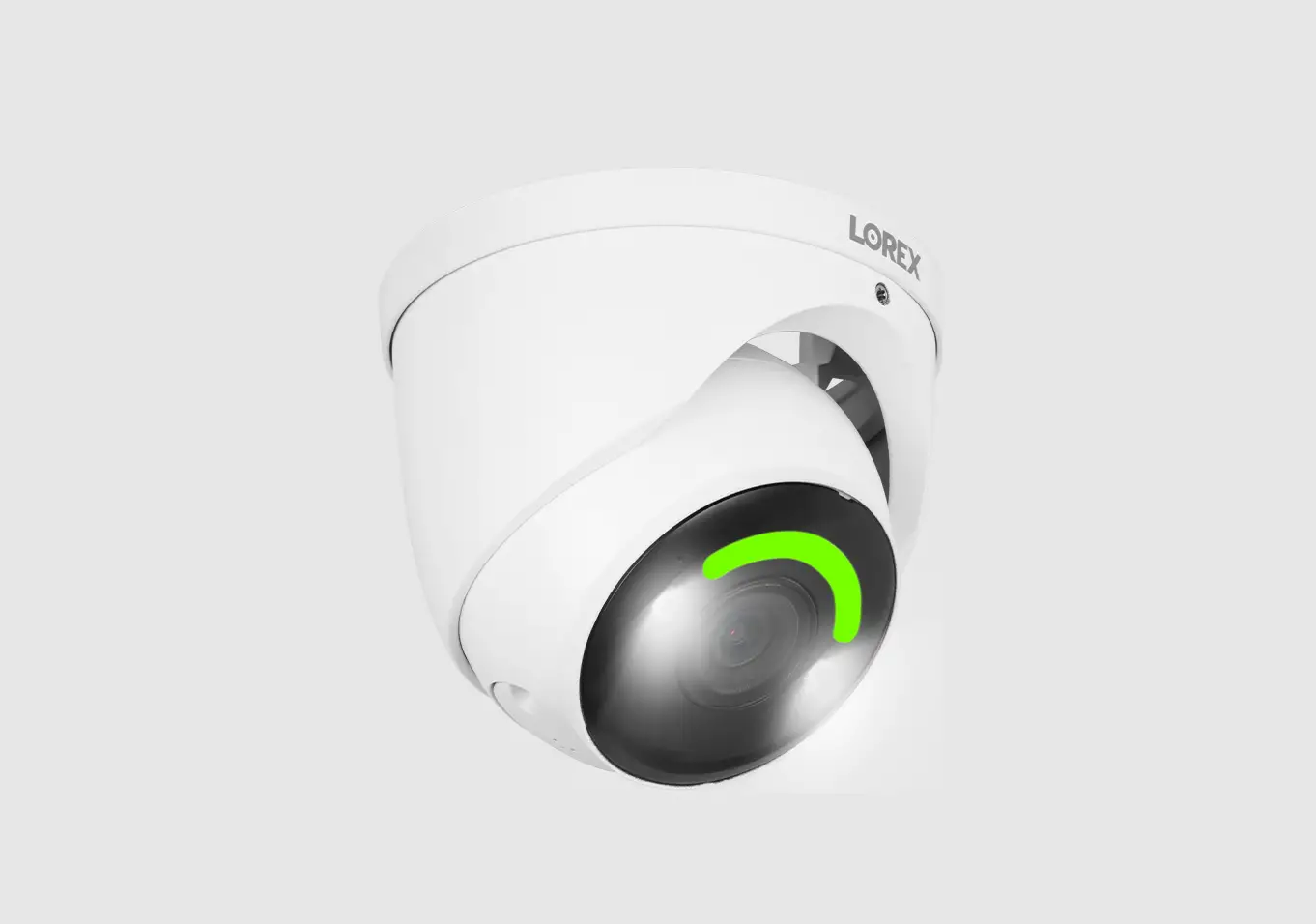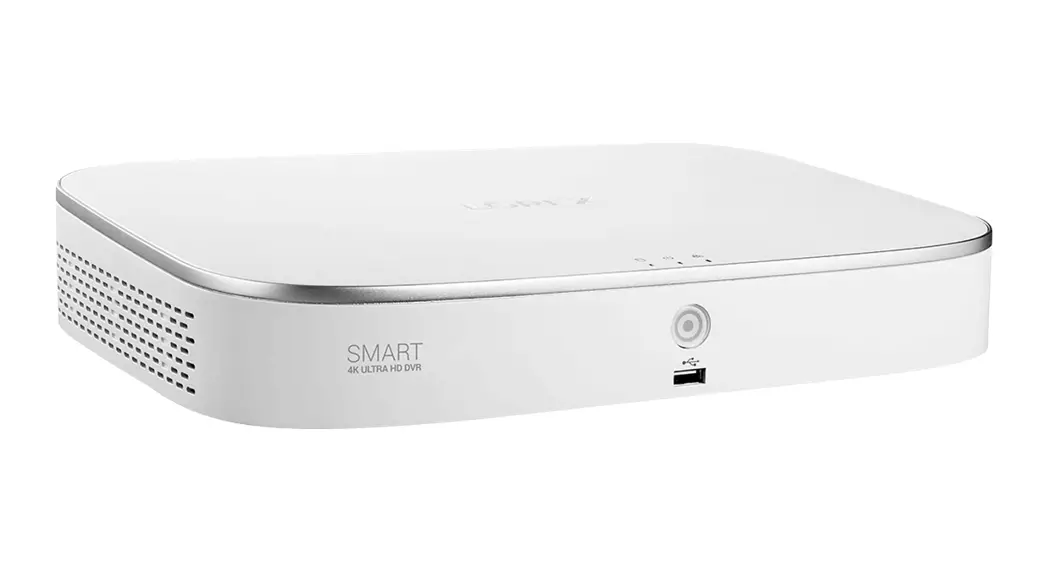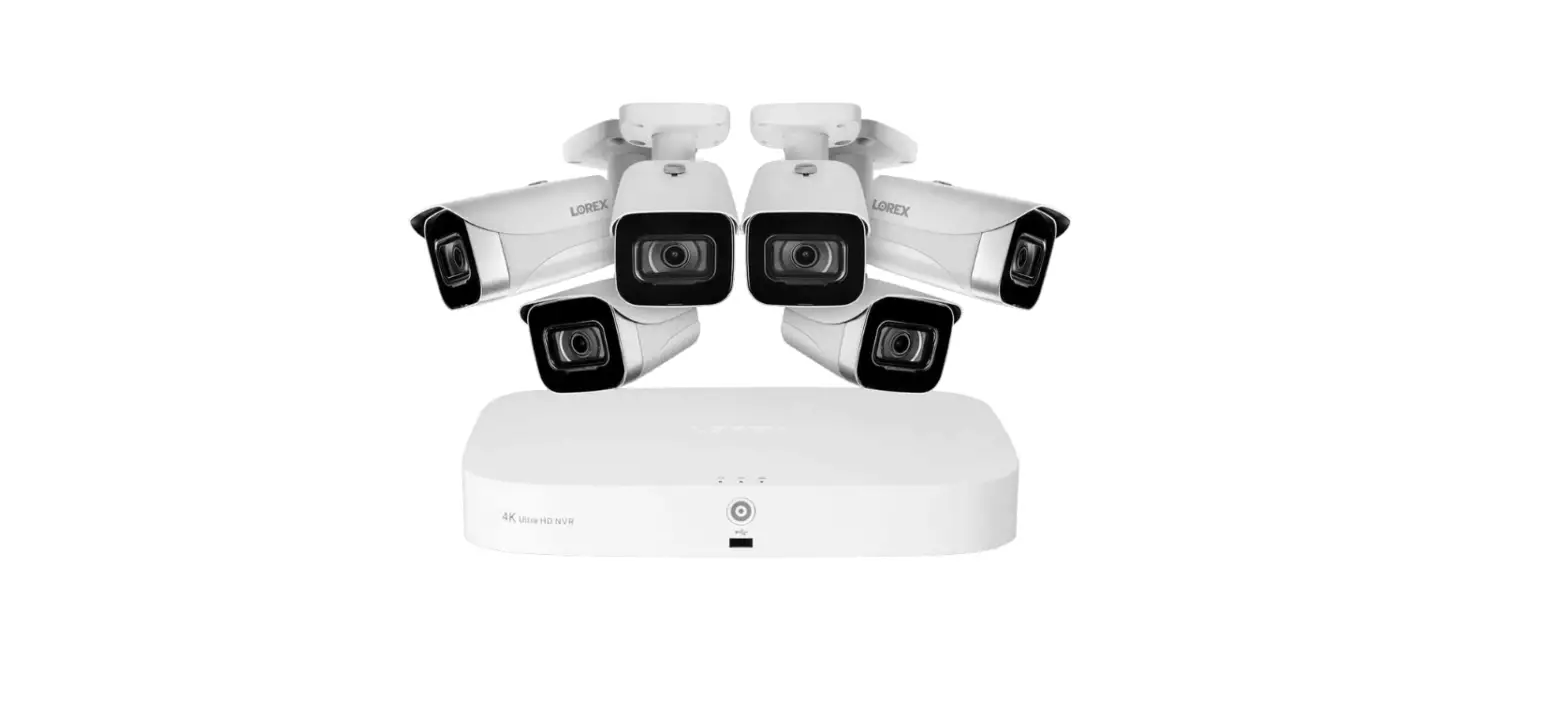
 LOREX N845 4K Fusion Wired NVR System
 LOREX N845 4K Fusion Wired NVR System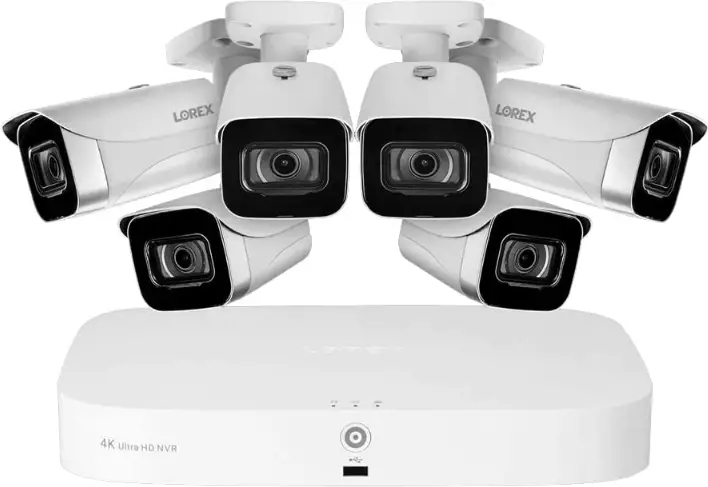
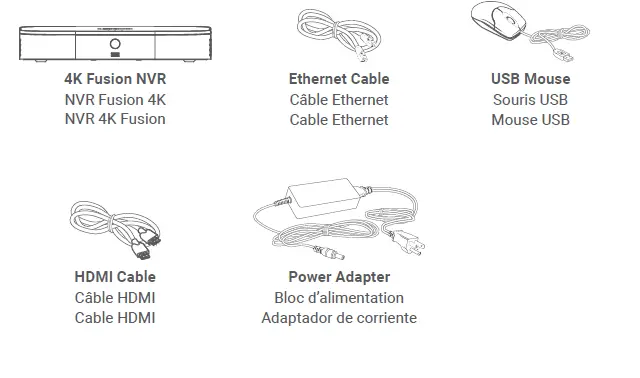
Package Contents
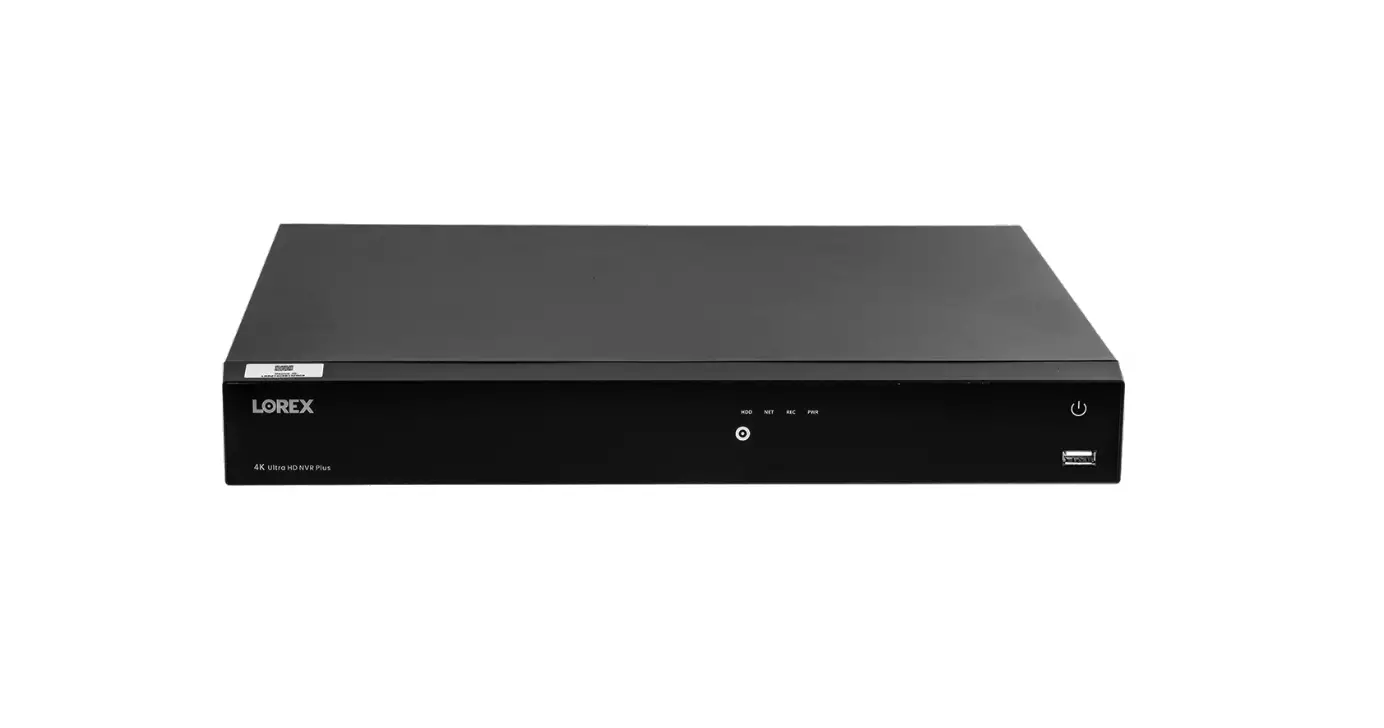
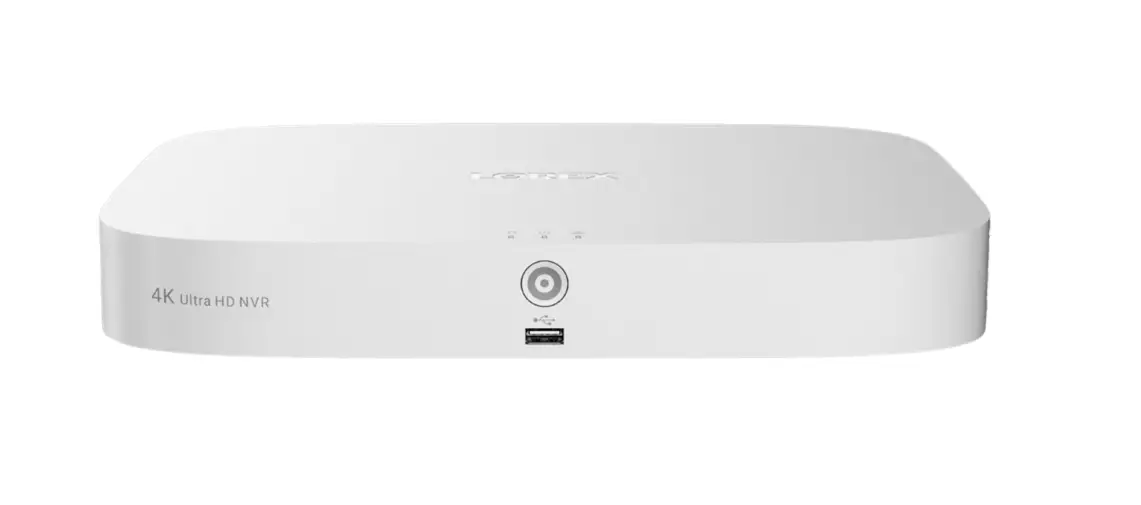
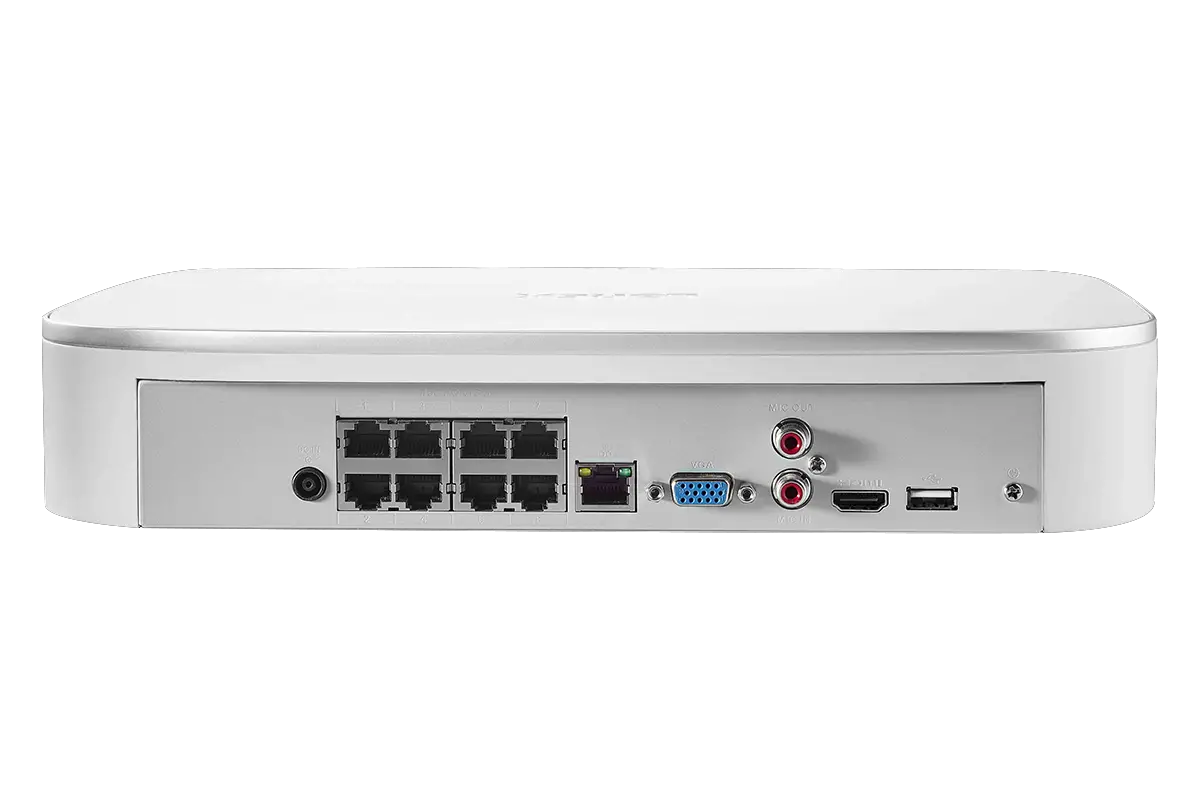
Overview
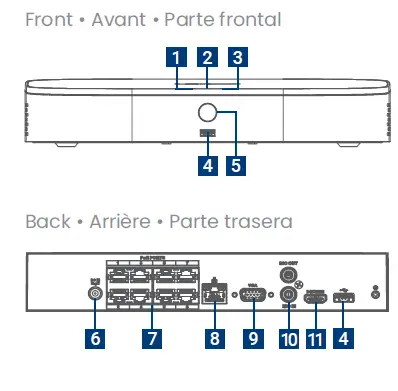
- Hard Drive LED
- Power LED
- Network LED
- USB Ports
- Info/Panic Button
- Power Port
- PoE Ports
- LAN Port
- VGA Port
- Audio In/Out
- HDMI Port
Step 1
Test your cameras prior to selecting a permanent mounting location.
Wired Option 1
Connect your wired camera: Connect your camera directly to your recorder’s PoE port using the Ethernet extension cable.
Wired Option 2
Connect your wired camera: Connect your camera to a PoE switch on your network using the Ethernet extension cable. Ensure your switch is connected to the same network as your recorder.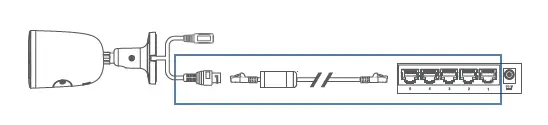
Step 2
Connect to your network: Connect your recorder to your Wi-Fi router using the included Ethernet cable.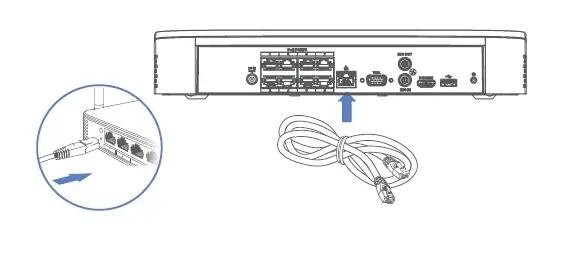
Step 3
Connect your mouse: Connect the included USB mouse to the USB port on your recorder. To copy events or to perform a firmware update, connect a USB flash drive.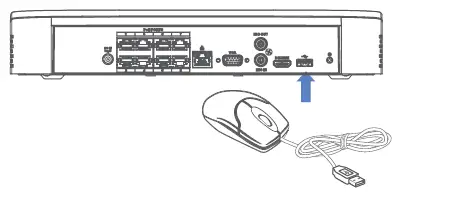
Step 4
Connect to your TV: Connect your recorder to your TV using the included HDMI cable. The HDMI supports up to 4K resolution and the VGA supports up to 1080p.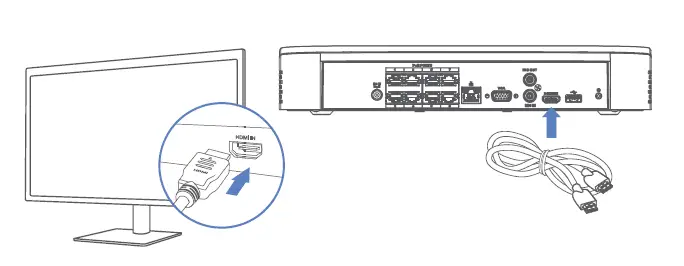
Step 5
Connect your power adapter: Connect the included power adapter to your recorder and a power outlet. Once your recorder has powered on, complete the Lorex Setup Wizard.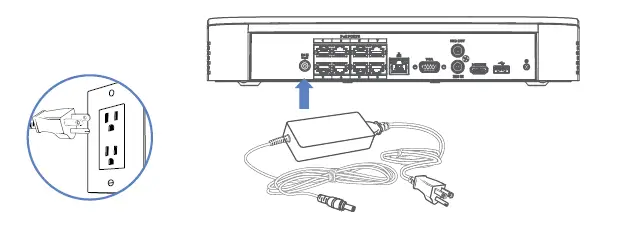
Download the Lorex Home App
To enable remote viewing with mobile apps, you will need to:
- Have high-speed Internet
- Have an upload speed of 6Mbps for one 4K channel and at least 20Mbps for the whole system
- Find your recorder’s Device ID

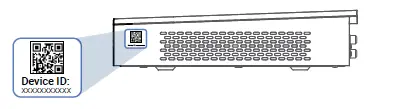
To connect your recorder to the app:
- Download

- In the app tap + to add your recorder.
- Follow the in-app steps to complete the setup.

Fusion Setup
Connect your Wi-Fi device to your recorder: Set up your recorder and wired cameras. Next, download the Lorex Home app and add your recorder and Wi-Fi device. From your recorder, navigate to the camera’s setup page and scan your network to connect your Wi-Fi device. To learn more or get support, scan the QR code or visit:lorex.com/fusion
Need Help?
For up-to-date information and resources, scan the QR code or visit:help.lorex.com
- Download your recorder’s manual
- Watch how-to-videos
- Find related troubleshooting tips & FAQs
Register Your Product
Please see our full Terms of Service and Limited Hardware Warranty Policy at:lorex.com/warranty
Copyright © 2022 Lorex Technology Inc
As our products are subject to continuous improvement, Lorex reserves the right to modify product design, specifications, and prices, without notice and without incurring any obligation. E&OE. All rights reserved.
 Lorex Technical Support | LOREX Support
 Security Cameras - Home Security Camera Systems | Lorex