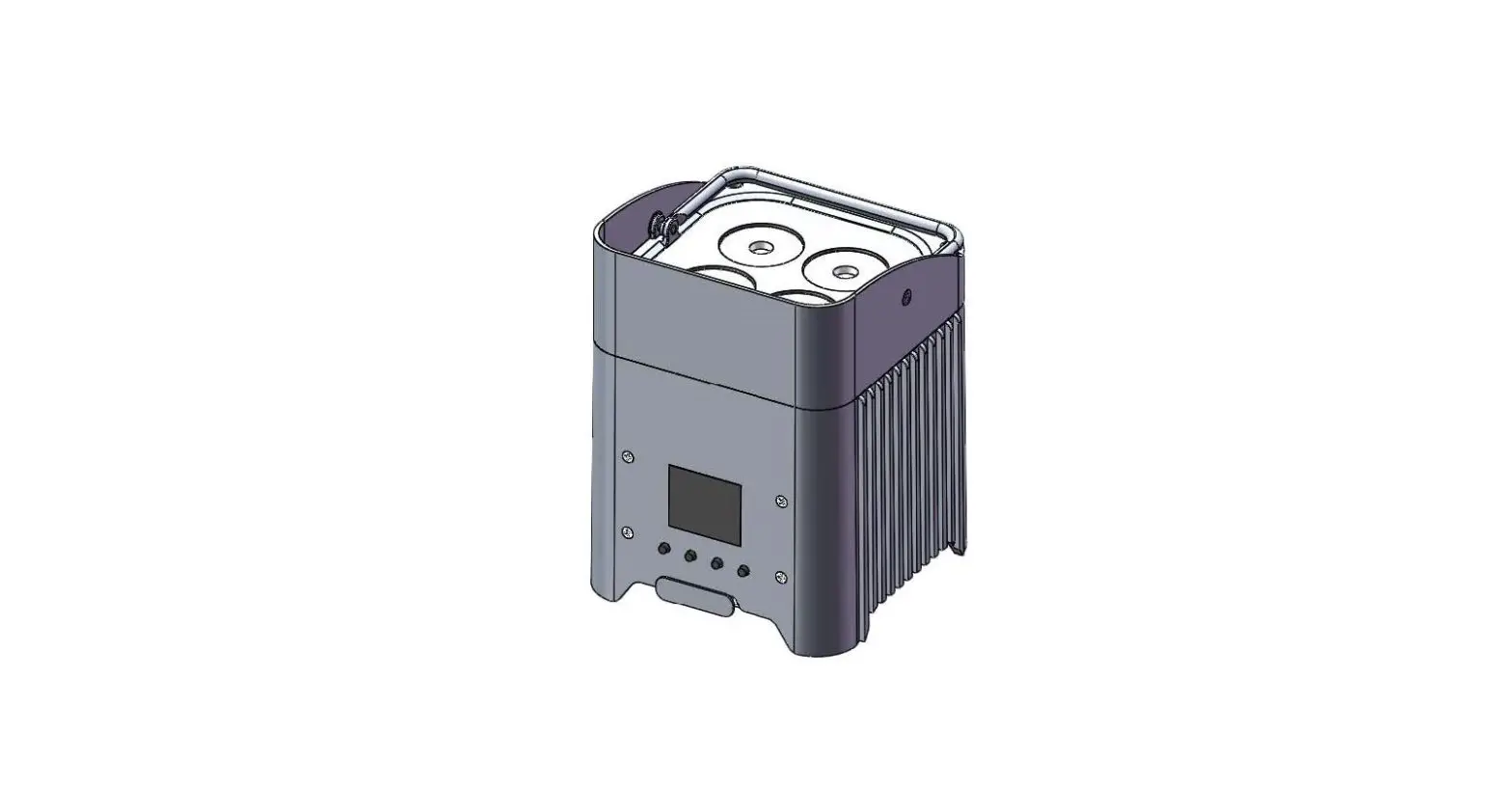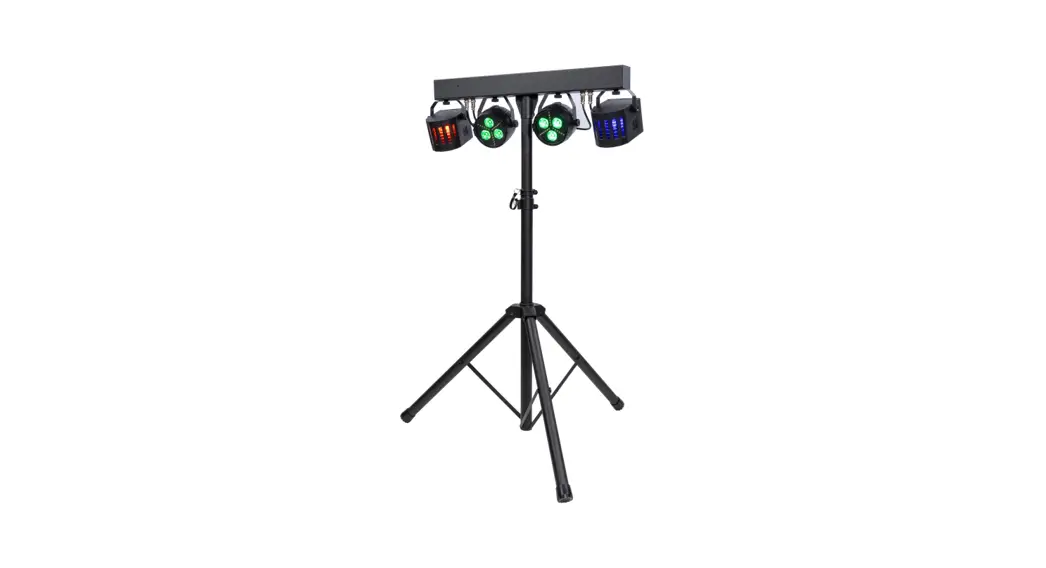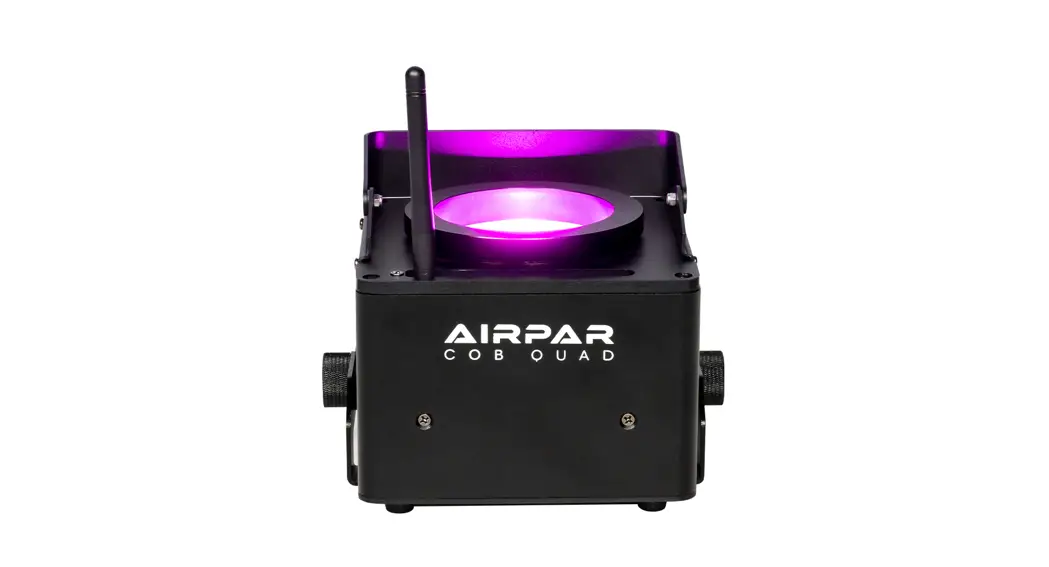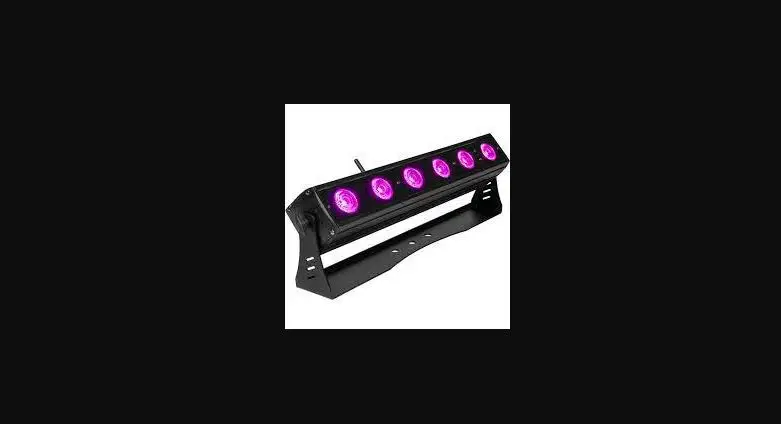
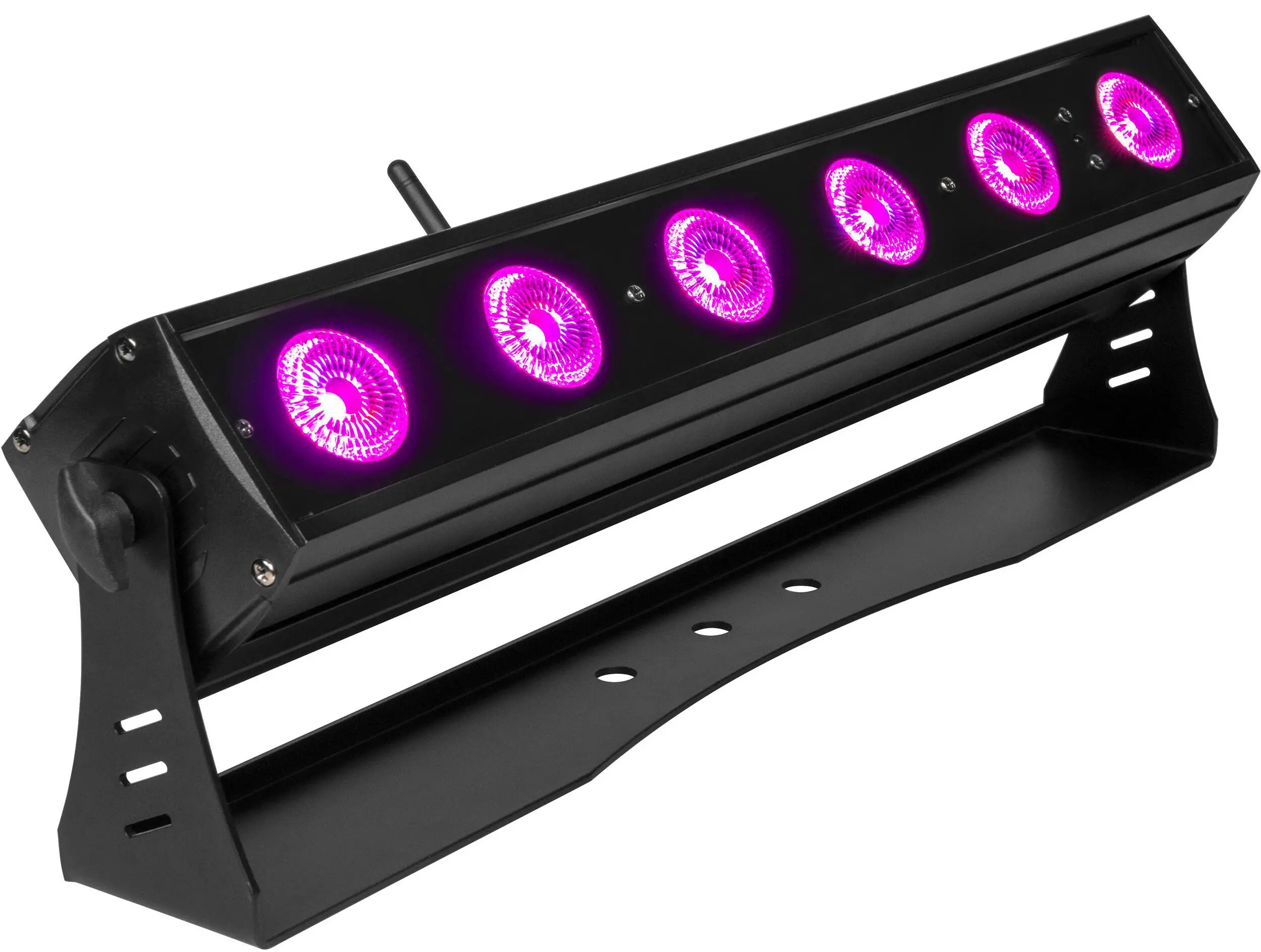
ColorKey CKU-7070 AirBar HEX 6 Battery-Powered Wireless
Contents of Package
- ColorKey AirBar HEX 6 fixture
- IR Remote
- Power Supply
- User Manual
Safety
Caution! Opening this unit voids warranty. Contact ColorKey for any service requests.
Warning! To avoid electrical shock, be sure to disconnect power before any service or when moving or setting up the fixture.
Caution! Avoid direct eye exposure with the fixture when on.
- This fixture is for indoor use only.
- This fixture must be installed a minimum distance of 5 meters (16’4”) away from any lighted objects.
- Do not install or operate this fixture near flammable materials.
- This device must be installed, operated, and maintained by a qualified professional.
- Please check if the voltage is in accordance with the rated power before installing.
- Do not operate this fixture if the power cord has been damaged. Turn off fixture and replace with a power cord of similar rating.
Service & Support
4Your ColorKey product includes a 2-year warranty. For technical support or to register your product, please visit https://www.colorkeyled.com/support/
You can also reach us by phone Monday thru Friday, 8:30am – 5pm PST at (818) 578-4030.
Introduction
Thank you for purchasing the ColorKey AirBar HEX 6!
The AirBar is part of the ColorKey Air Series, an ecosystem of battery-powered, wireless DMX lighting fixtures, with a wireless DMX hub for greater control and connectivity options. 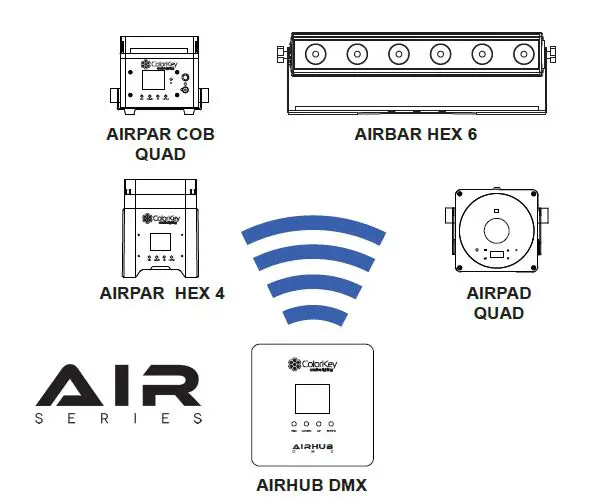
All Air Series fixtures include an integrated W-DMX transceiver for instant wireless connectivity. This enables any Air Series fixture to wirelessly control your entire Air Series rig.
It’s now easier than ever to fill a room with color by simply setting all the fixtures to the same wireless group ID and watch them automatically connect and synchronize.
Power & Charging
The AirBar HEX 6 features a rechargeable lithium-ion battery for wire free use. The battery can power the light for up to 20 hours from a full charge. The battery charges whenever the fixture is connected to a power source, and the light can also be used while charging. The battery status is shown on the OLED menu display.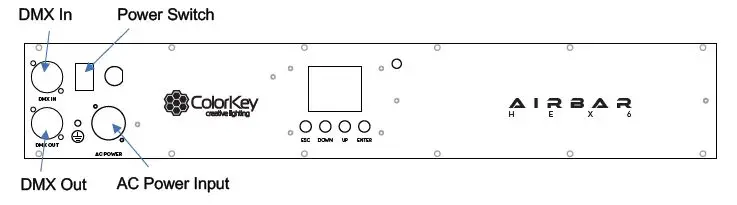
Display Operation 
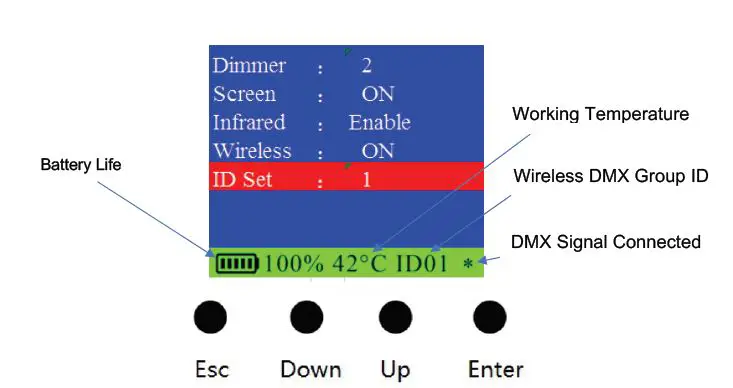
ESC: Navigate to the previous higher-level menu item.
Down: Scrolls through the menu items and numbers in descending order.
Up: Scrolls through the menu items and numbers in ascending order
Enter: Select and confirm the current menu selection
| Address | Set DMX Address (001 to 512) |
| Channel | Set DMX Channel Mode (3, 6, 8, 11) |
| Slave | Set light to Slave or Master |
| Auto | Activate Auto mode and adjust speed (1-15) |
| Fade | Activate Fade mode and adjust speed (1-15) |
| Color | Set light to Color mode and scroll through preset colors (1-15) |
| Sound | Set light to Sound Active mode and adjust sensitivity (1-10) |
| Red | Adjust Red dimmer (000-255) |
| Green | Adjust Green dimmer (000-255) |
| Blue | Adjust Blue dimmer (000-255) |
| Amber | Adjust Amber dimmer (000-255) |
| White | Adjust White dimmer (000-255) |
| UV | Adjust UV dimmer (000-255) |
| Strobe | Turn on Strobe and adjust speed (1-15) |
| Dimmer | Adjust Dimmer curve (Linear, Curve, Theatre, Studio) |
| Screen | Set OLED display to turn off after 30 seconds. |
| Infrared | Enable / disable infrared receiver |
| Wireless | Enable / disable wireless transceiver |
| ID Set | Set Wireless ID group from ID00 to ID15 |
Infrared (IR) Remote Control
To use the IR remote, simply point the remote at the IR receiver on the lighting fixture. The IR receiver on the AirBar HEX 6 is located to the right of the LED screen on the rear panel. 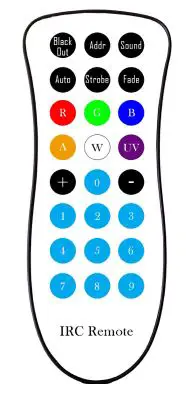 Black Out
Black Out mode instantly turns all LED’s off.
Press the Black Out button to engage or disengage Black Out mode.
Addr
Address mode enables you to set the DMX Address of the fixture.
To set up a new DMX address, Press the Addr button, then press (+) or (-) to increase or decrease the DMX Address Value.
Sound
Sound-Active mode enables the light to respond to ambient sounds in the room using the fixture’s built-in microphone.
Press the Sound button to activate Sound-Active mode. Press (+) or (-) to increase or decrease sound sensitivity based on the playback level of the music.
Auto
In Auto mode, the light loops through various preprogrammed colors.
To turn on Auto mode, press the Auto button, then press (+) or (-) to increase or decrease the speed of the program.
Strobe
In Strobe mode, the light will flash at the desired rate.
To turn on Strobe mode, press the Strobe button, then press (+) or (-) to increase or decrease the strobing rate. You can change the color using manual color mixing (more below).
Fade
In Fade Mode, the light creates smooth, gradual color transitions.
To turn on Fade mode, press the Fade button, then press (+) or (-) to increase or decrease the speed of the program.
Manual Color Mixing
The AirBar is capable of creating an almost unlimited number of colors by mixing the Red, Green, Blue, and White LEDs.
To begin mixing colors, press the Red (R), Green (G), Blue (B), Amber (A), White (W), or Ultra-Violet (UV) button, then press (+) or (-) to increase or decrease the brightness of each color. Continue with the next color until you achieve your desired color.
Color Presets
10 preset colors can be accessed from the IR Remote. Press any number between (0) and (9) to set a color.
0 – Red
1 – Green
2 – Blue
3 – Amber
4 – White
5 – UV
6 – Yellow
7 – Magenta
8 – Orange
9 – Pink
DMX Values
3 channel mode
| Channel | Value | Function |
| 1 | 000-255 | Hue |
| 2 | 000-255 | Saturation |
| 3 | 000-255 | Value |
6 channel mode
| Channel | Value | Function |
| 1 | 000-255 | Red |
| 2 | 000-255 | Green |
| 3 | 000-255 | Blue |
| 4 | 000-255 | Amber |
| 5 | 000-255 | White |
| 6 | 000-255 | UV |
8 channel mode
| Channel | Value | Function |
| 1 | 000-255 | Master Dimmer |
| 2 | 000-255 | Red |
| 3 | 000-255 | Green |
| 4 | 000-255 | Blue |
| 5 | 000-255 | Amber |
| 6 | 000-255 | White |
| 7 | 000-255 | UV |
| 8 | 000-255 | Strobe |
11 channel mode
| Channel | Value | Function |
| 1 | 000-255 | Master Dimmer |
| 2 | 000-255 | Red |
| 3 | 000-255 | Green |
| 4 | 000-255 | Blue |
| 5 | 000-255 | Amber |
| 6 | 000-255 | White |
| 7 | 000-255 | UV |
| 8 | 000-255 | Strobe |
|
9 | 000-015 | None |
| 016-095 | Auto Mode | |
| 096-175 | Fade Mode | |
| 176-255 | Sound Active | |
| 10 | 0-255 | Speed for Ch9 |
|
11 | 000-005 | Menu Default |
| 006-065 | Linear Dimmer Mode | |
| 066-125 | Curve Dimmer Mode | |
| 126-185 | Theatre Dimmer Mode | |
| 186-255 | Studio Dimmer Mode |
Setup Examples
Master / Slave
The AirBar HEX 6 includes an integrated W-DMX transceiver for instant wireless connectivity This enables the AirBar to wirelessly control any Air Series fixture in the same wireless group. To achieve thissimply set an AirBar to Master and all other fixtures to Slave, and set all fixtures to the same wireless group ID.
AirHub DMX
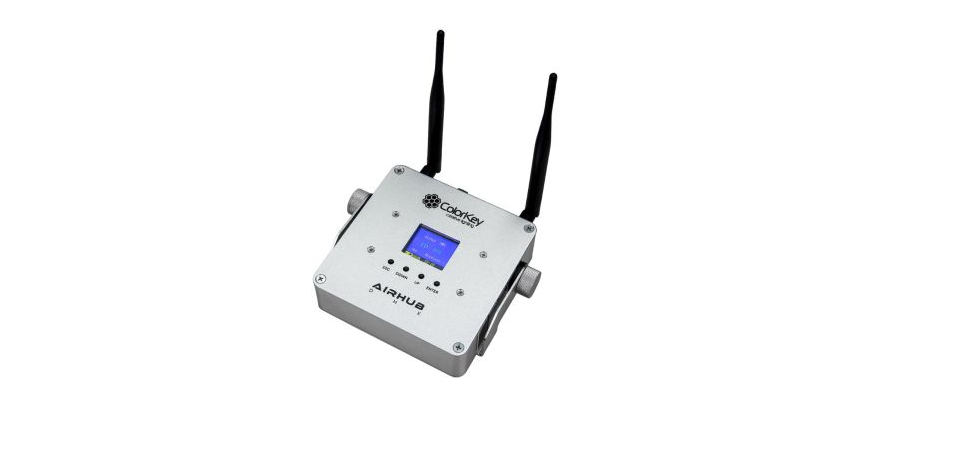
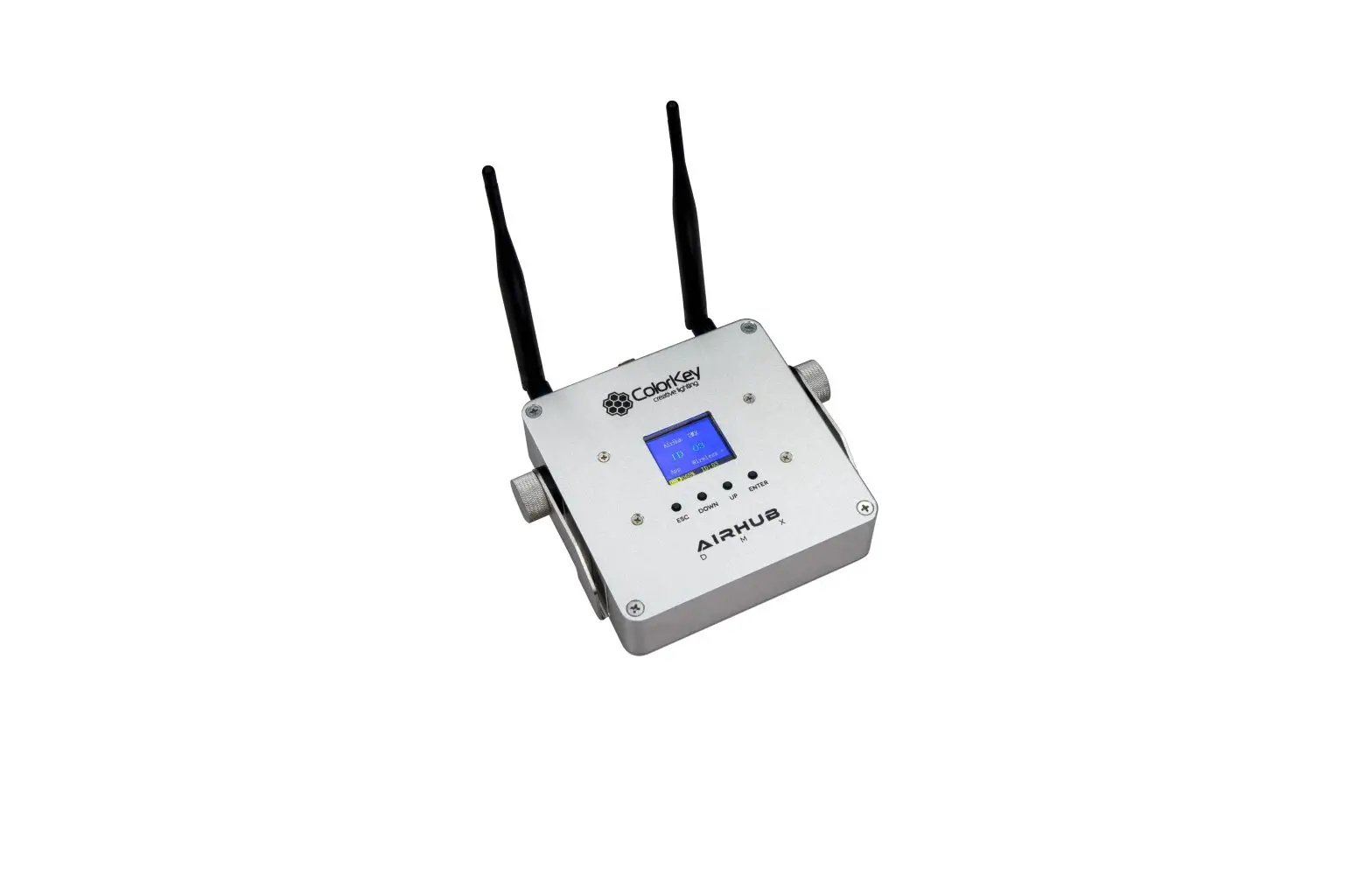
The AirHub DMX (available separately) is the central hub used to remotely control all Air Series fixtures. It is a battery powered wireless DMX transceiver with 16 wireless groups 00-15) and features built-in presets including static colors, auto, fade, and sound active mode.
To make a connection, simply set the AirHub DMX and AirBar HEX 6 to the same group ID. Both units are set to ID01 in the example below. 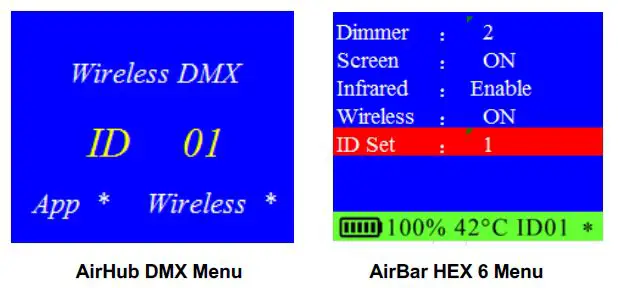
DMX Controller 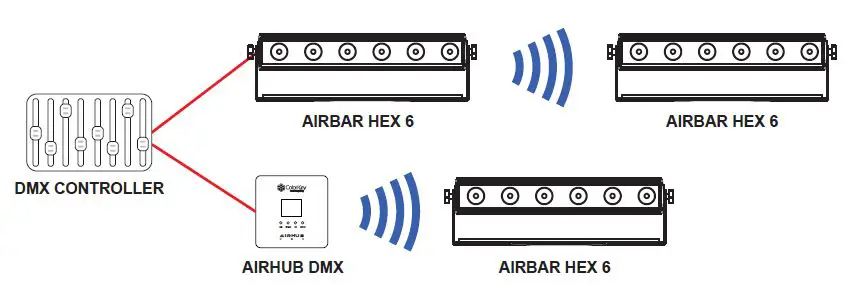
The AirBar HEX 6 can connect to any DMX controller using standard 3-pin DMX cables, or wirelessly using the AirHub DMX. AirBars connected to a DMX controller via the AirHub can still be addressed independently.
The AirBar can also transmit wireless DMX to any 2.4ghz enabled W-DMX lights outside of the Air Series ecosystem through group ID 0-5 (such as the ColorKey MobilePar Mini HEX 4). Simply scroll through the wireless bands on your lights until a signal connection is made with the AirBar.
Troubleshooting
| Problem | Solutions |
|
No DMX control | · Confirm the Wireless Group ID is the same as the transmitter · Make sure the fixture is in DMX mode · Make sure wireless is enabled on your AirBar, or that a DMX cable is properly connected to your controller. |
| Fixture does not respond to sound | · Make sure the fixture is in Sound Active mode. |
| IR remote will not respond | · The IR remote will not respond to any inputs when the Black Out mode is enabled. If the remote is not responding when a button is pressed, try pressing (Black Out). It may already be in Black Out Mode thus rendering the light dark. |
Technical Information
- 6x12W RGBW 6-in-1 LEDs
- 25˚ beam angle
- DMX Channels: 3 / 6 / 8 / 11 channels
- Built-in 2.4Ghz W-DMX transceiver for wireless connectivity
- Lithium-Ion battery (+/-) 20 hours single color; (+/-) 6 hours full color, (+/-) 5 hours charge time
- Control modes: W-DMX, DMX 512, IR Remote, Master /Slave, Sound Active, Stand Alone
- Multicolor OLED display for easy access to fixture settings
- 0-100% dimmer
- 3-pin DMX In/Out connectors
- Speakon power input
- Lamp rated life: >50000 Hours
- Flicker Free
- Working temperature: up to 40˚C
- Power consumption: 72W
- Power supply: AC100-240V;50-60Hz
- Product size: 19” x 3.5” x 3.25”
- Net Weight: 8.5lbs
Please note: As we continue to work towards improving our products and your experience as a user, we recommend that you check our website periodically for updates to user manuals and specifications at www.ColorKeyLED.com or you may contact us directly at
[email protected].