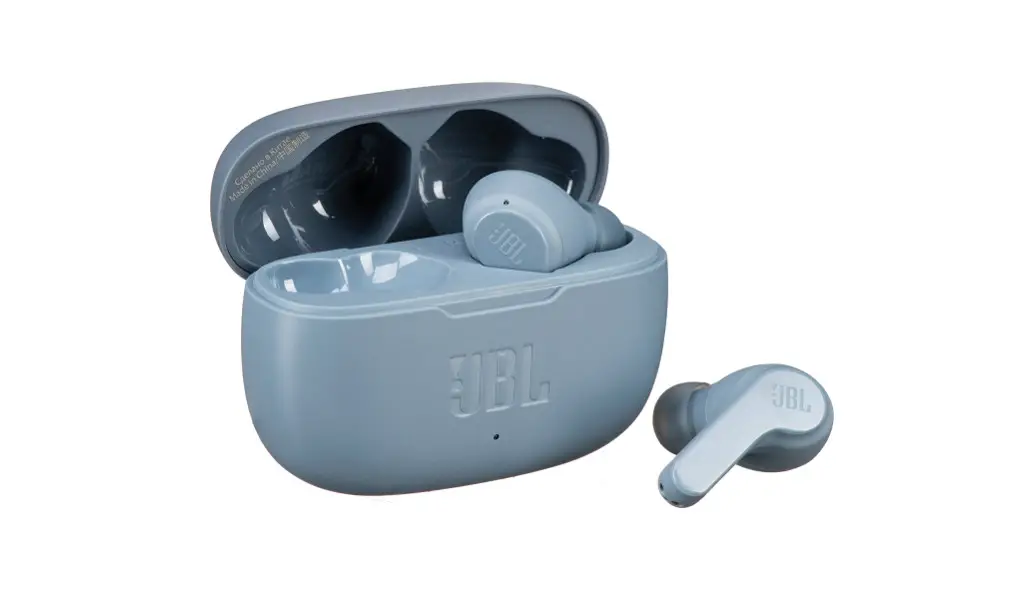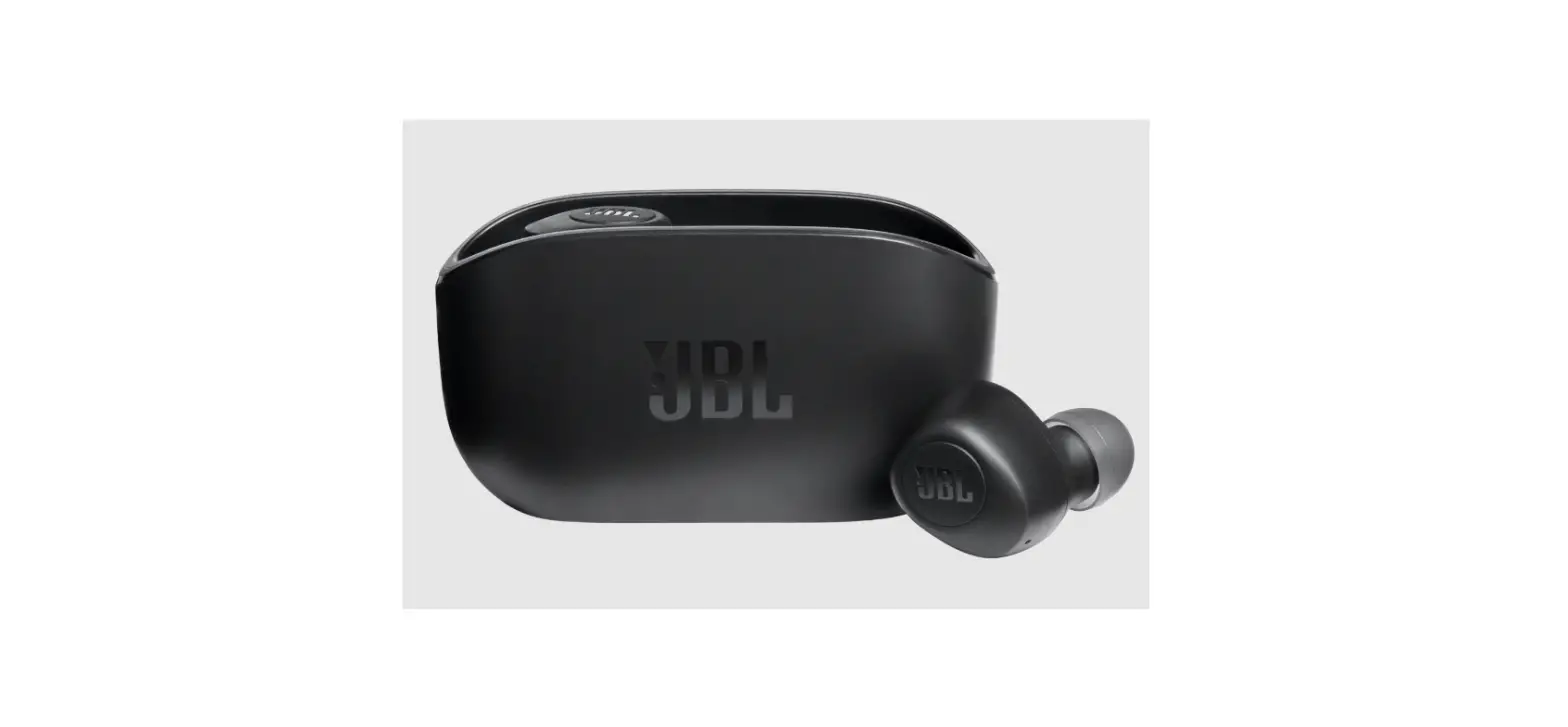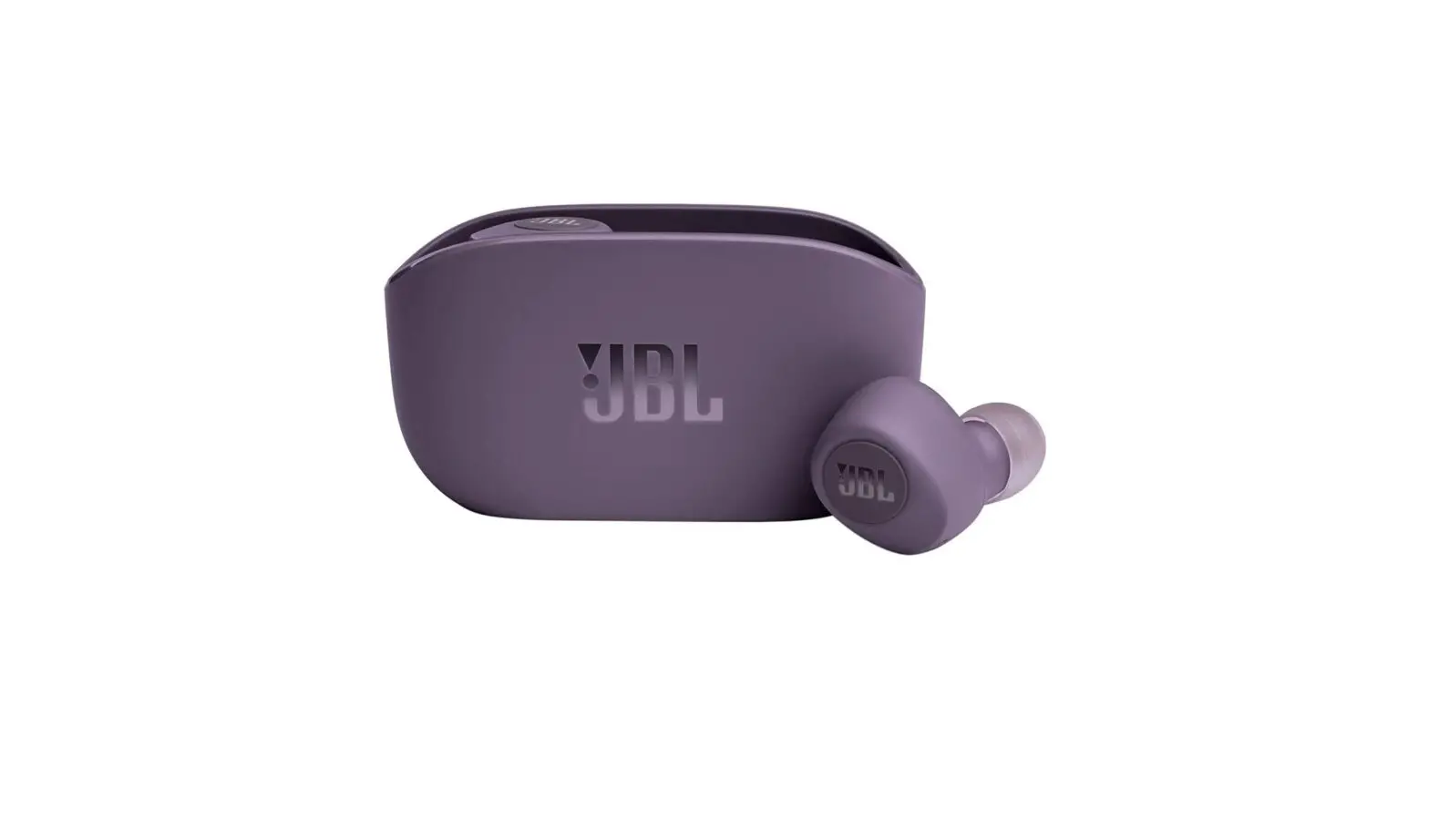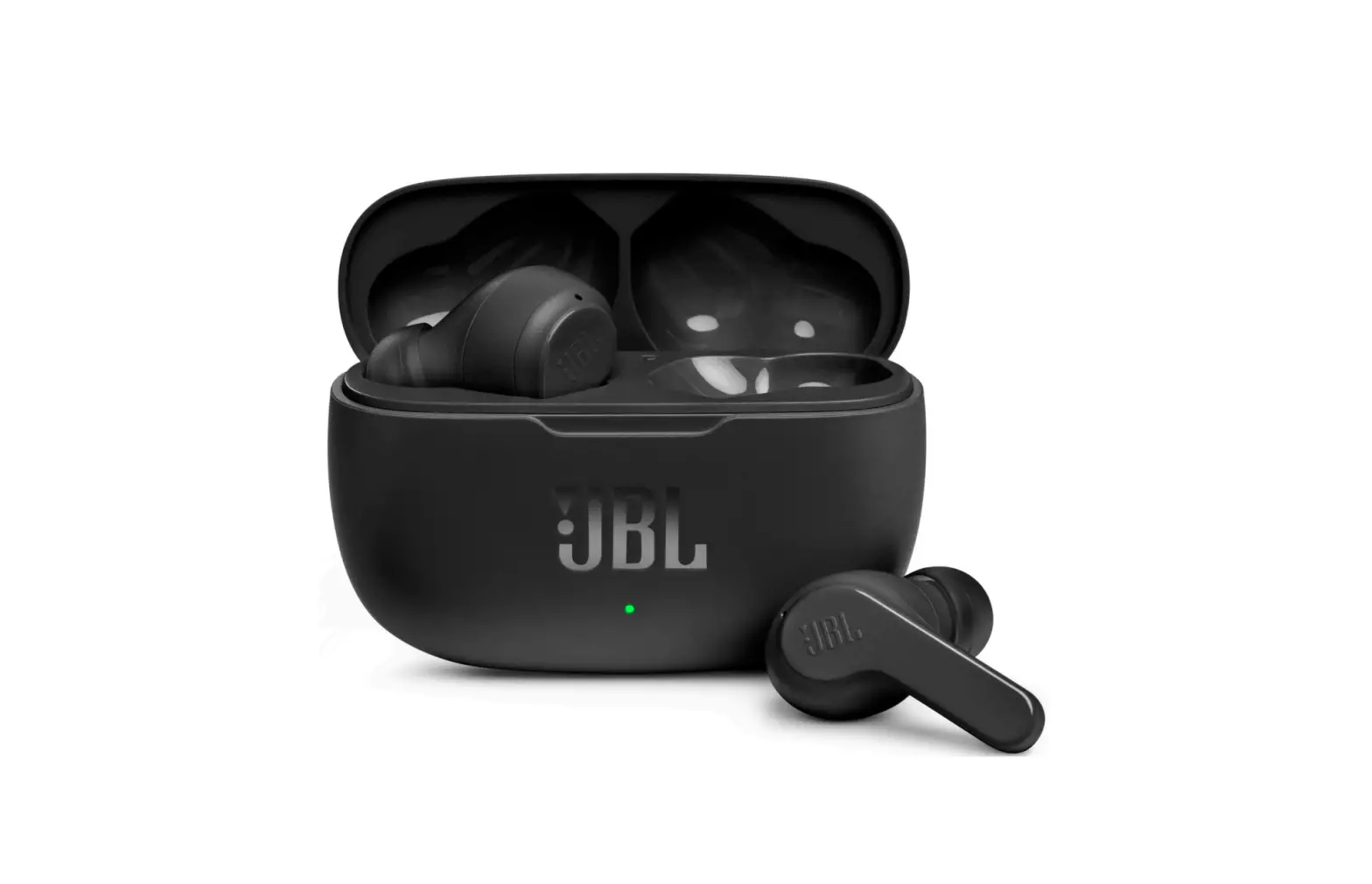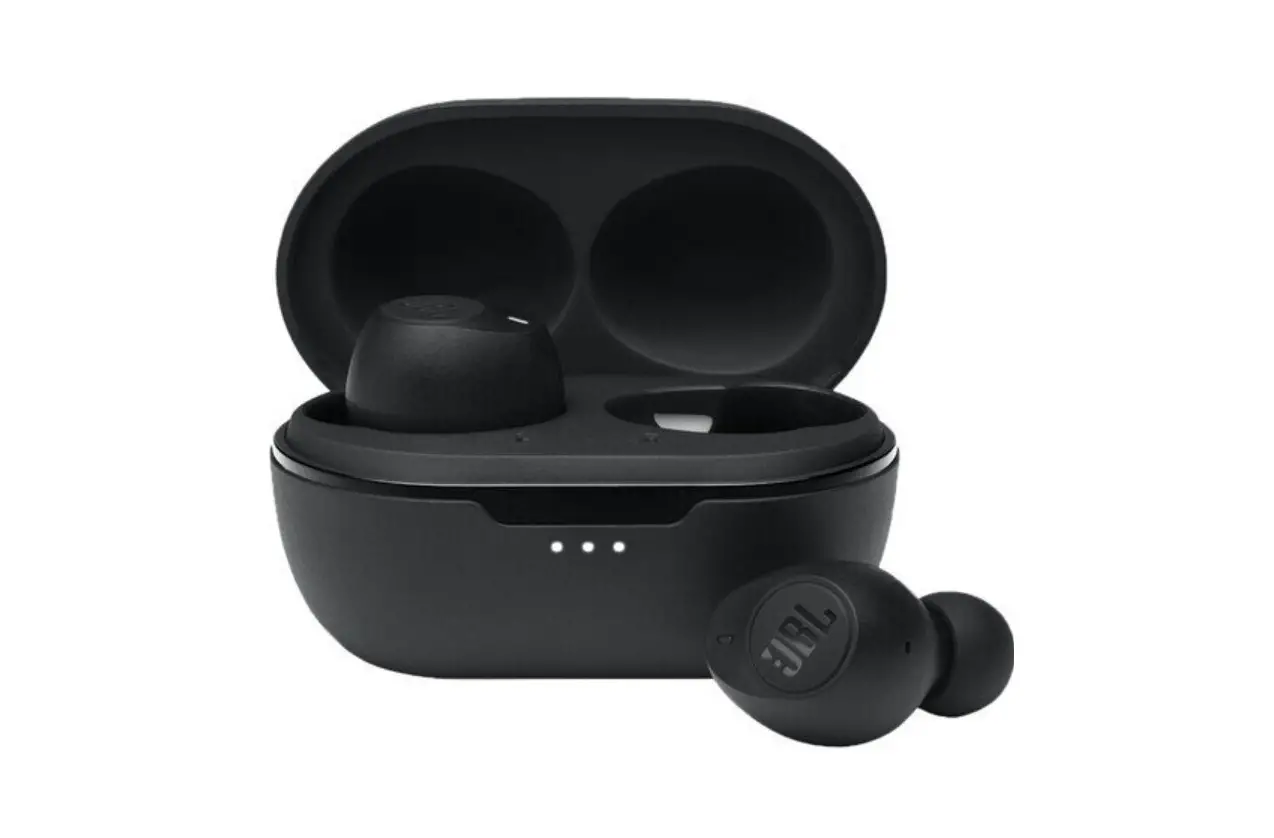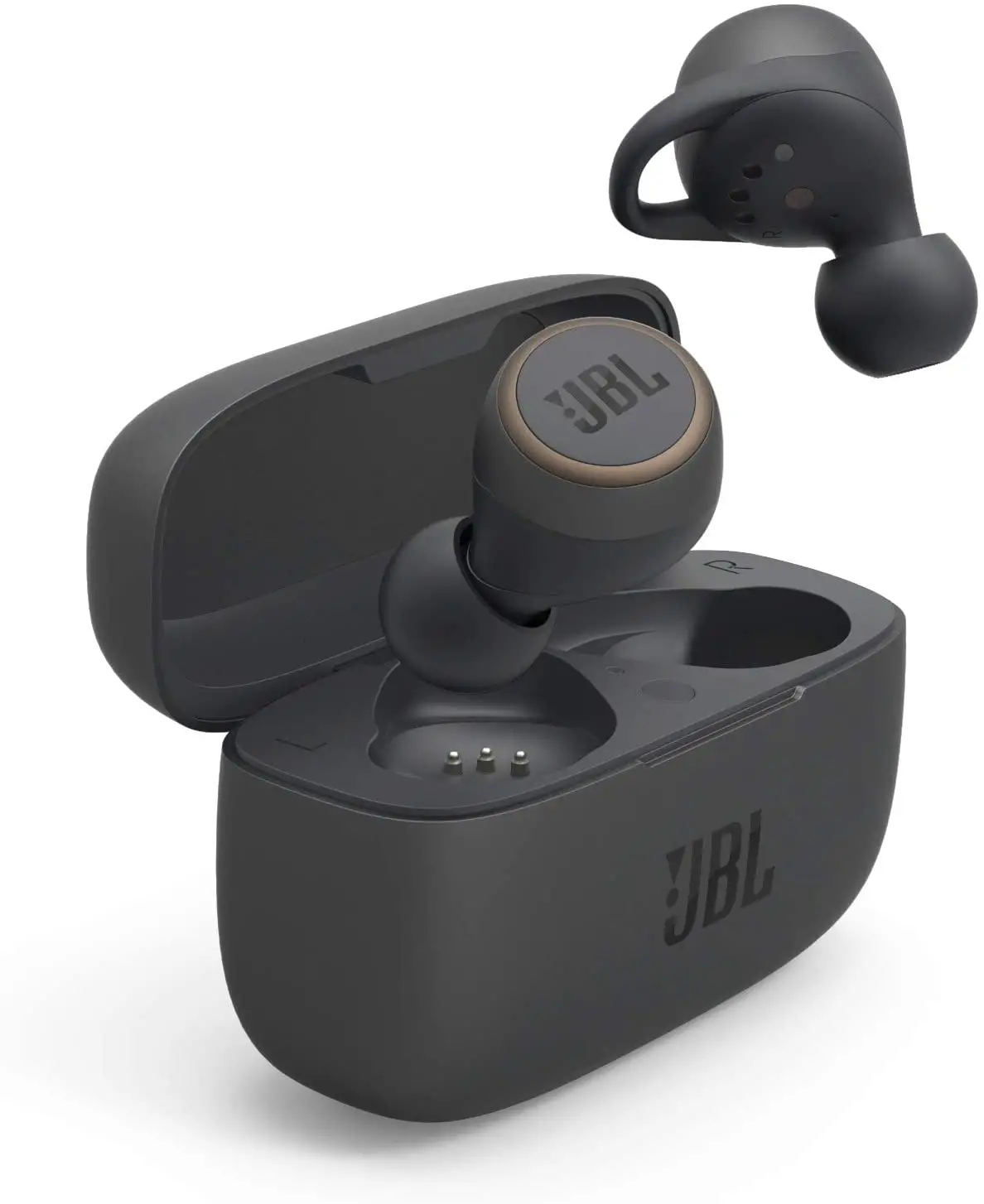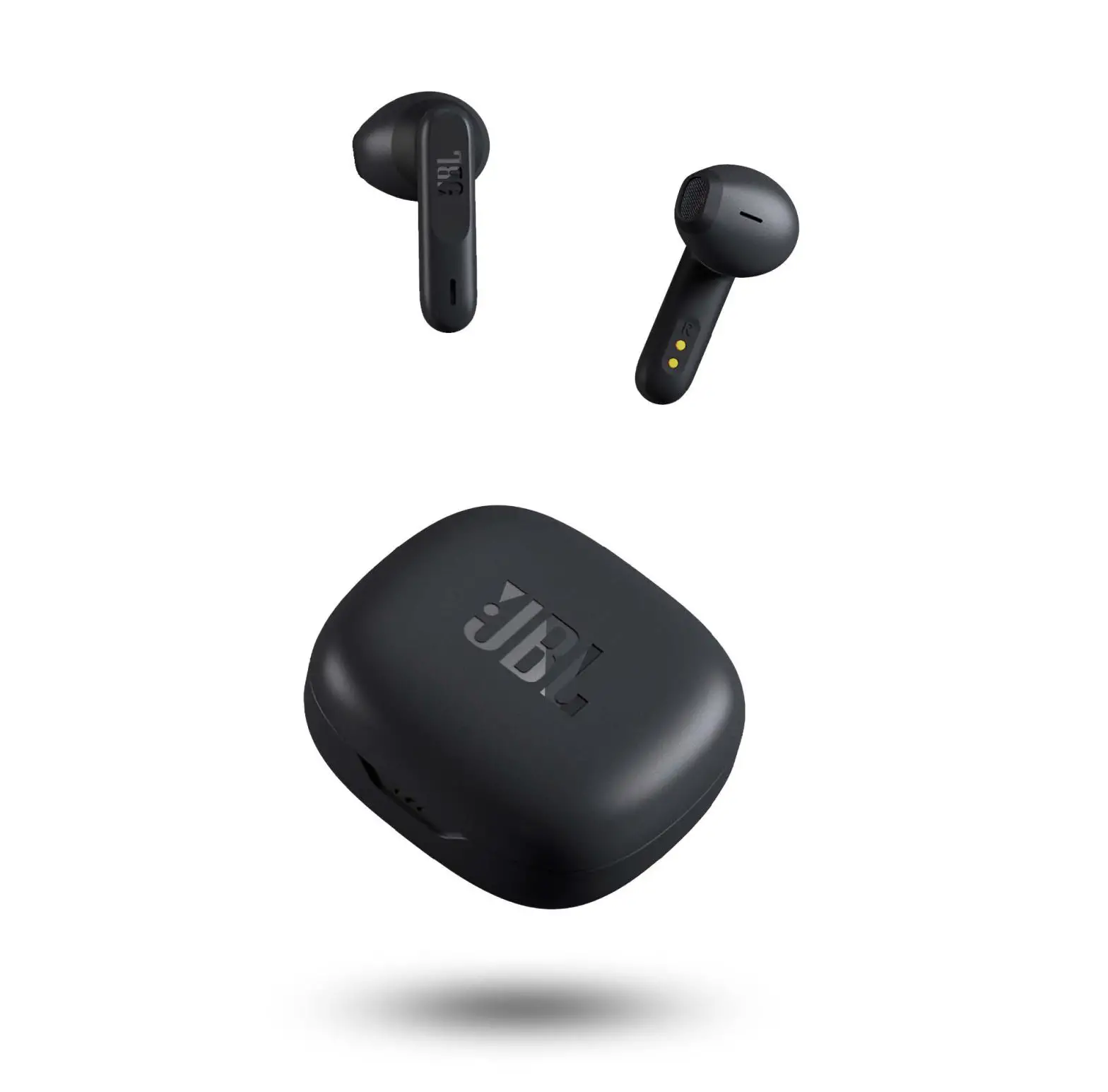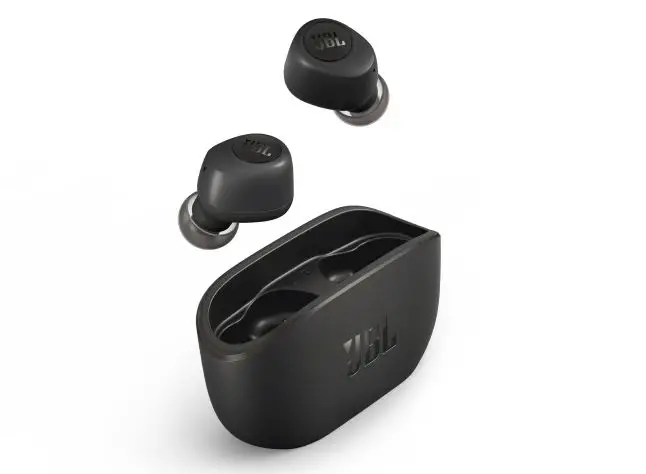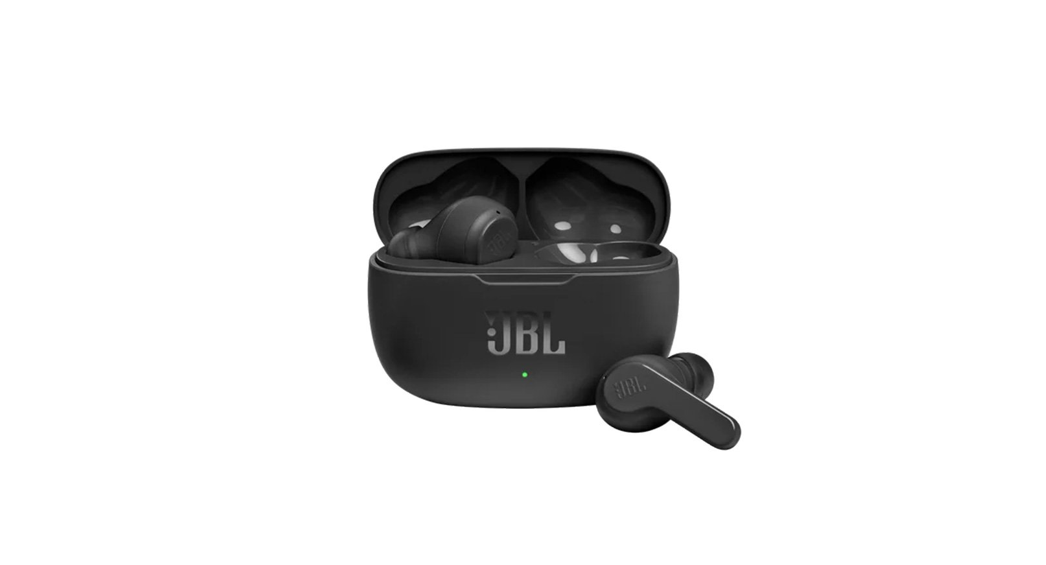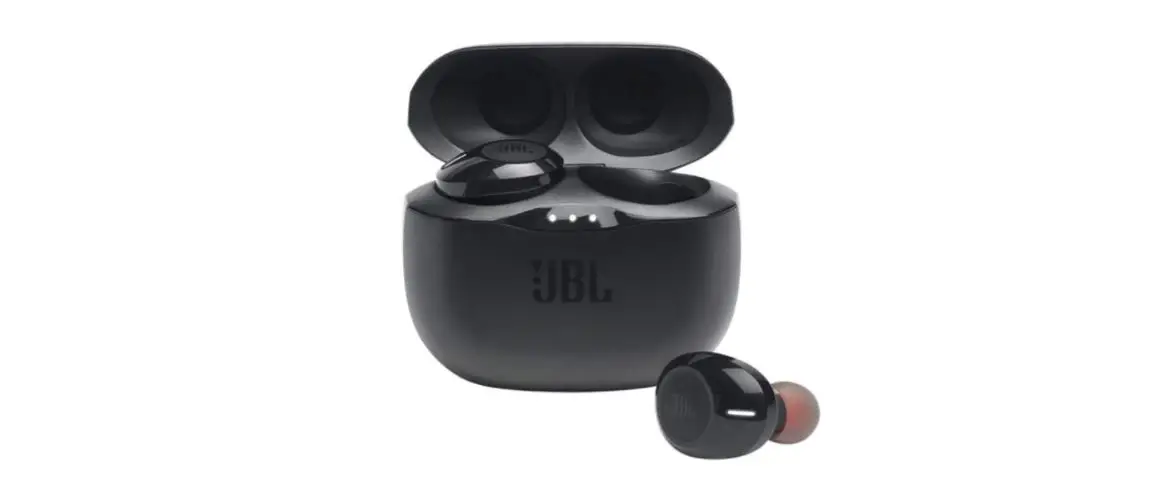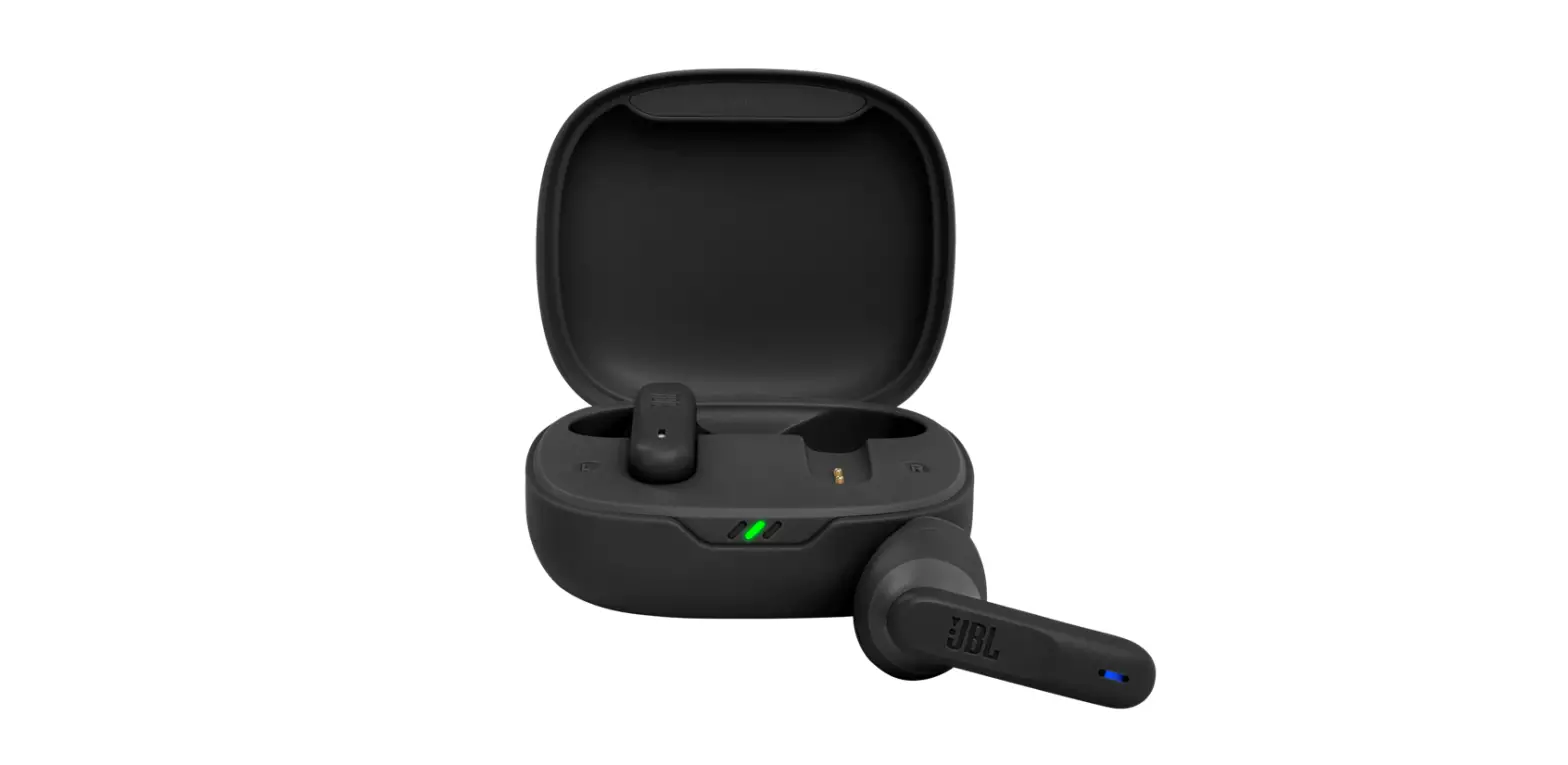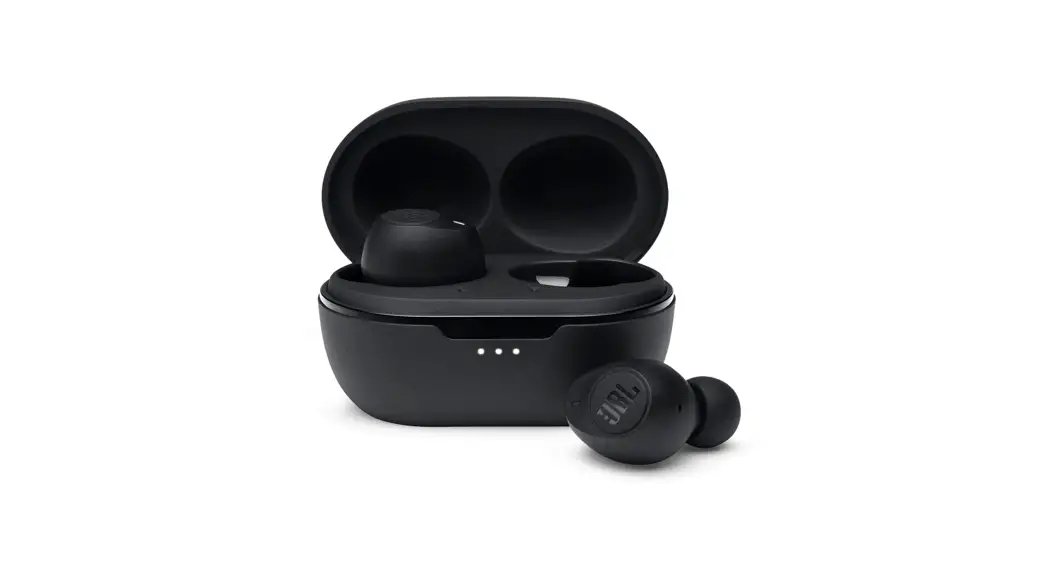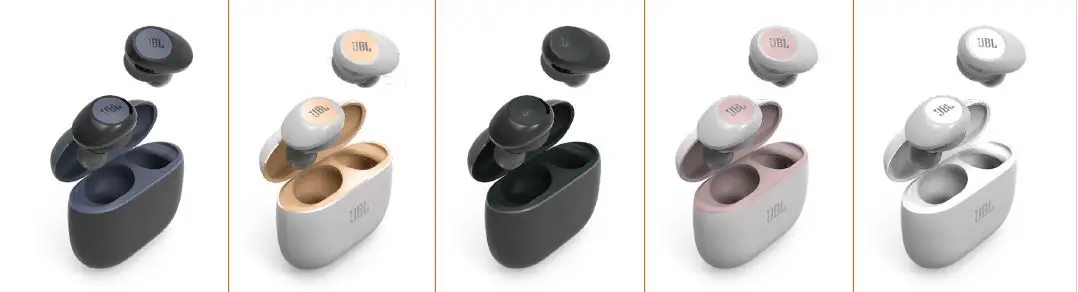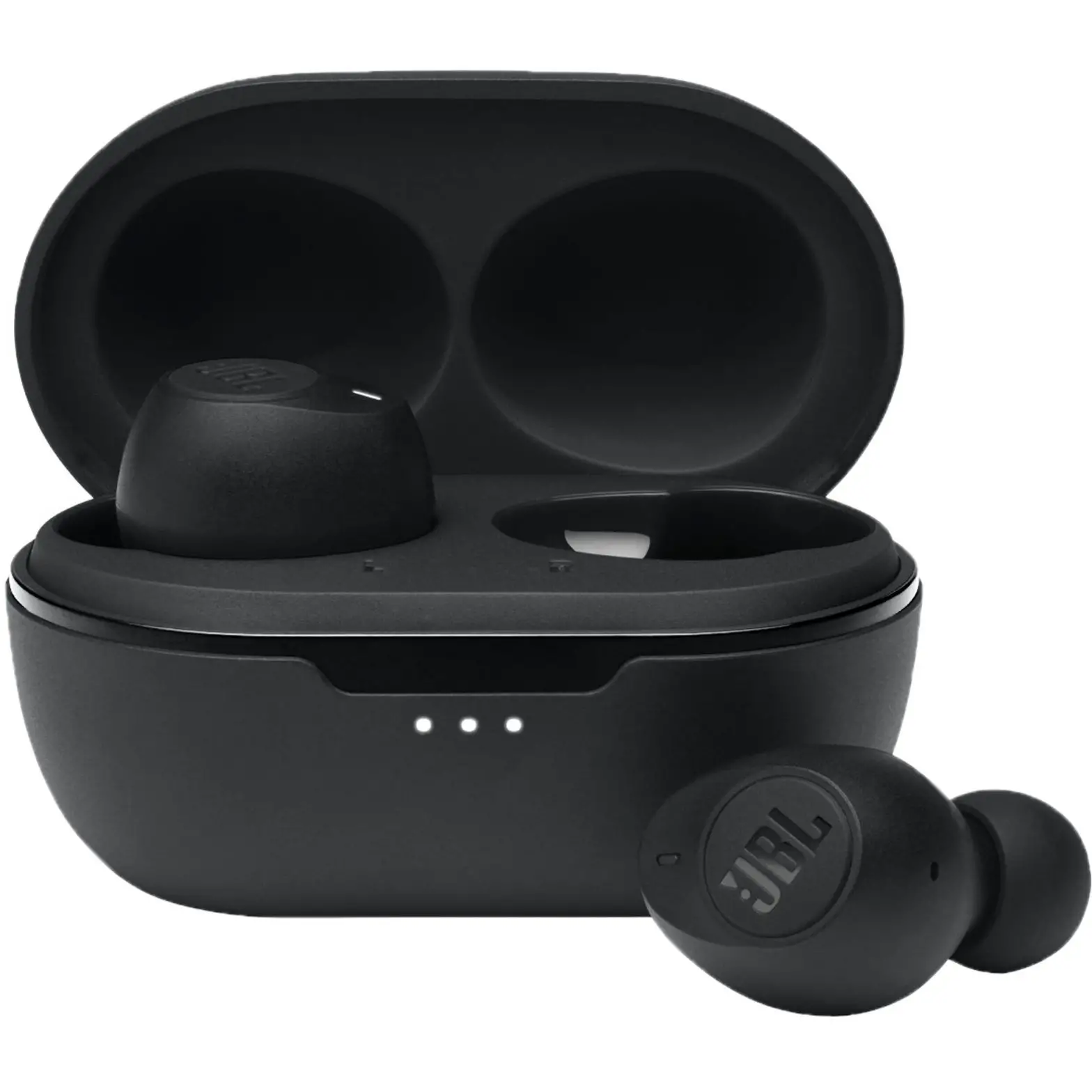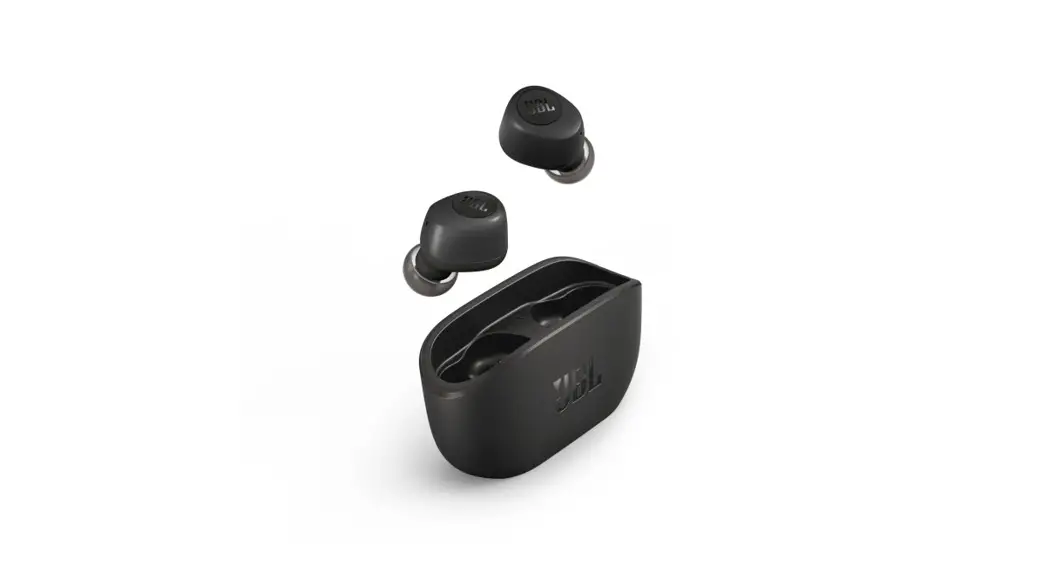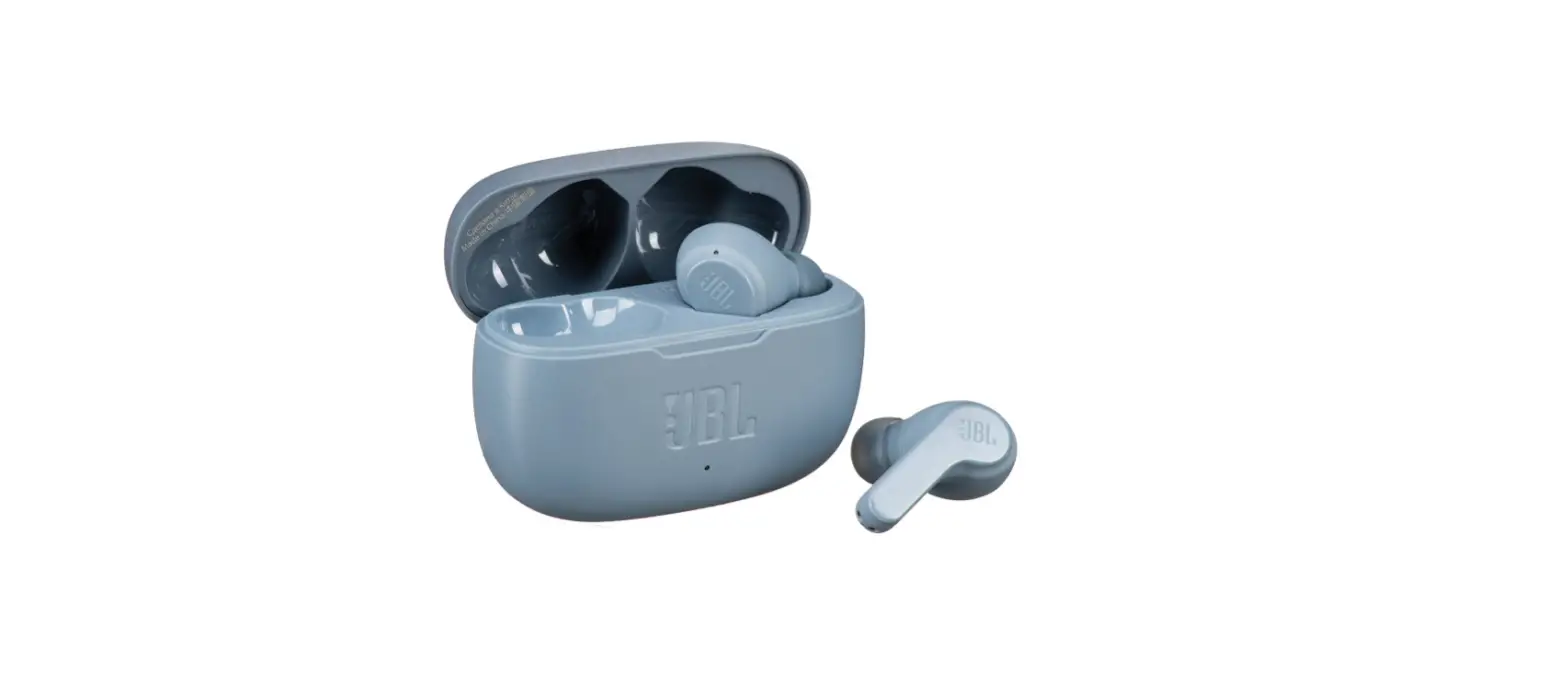

JBL VIBE 200TWS True Wireless In Ear Headphone
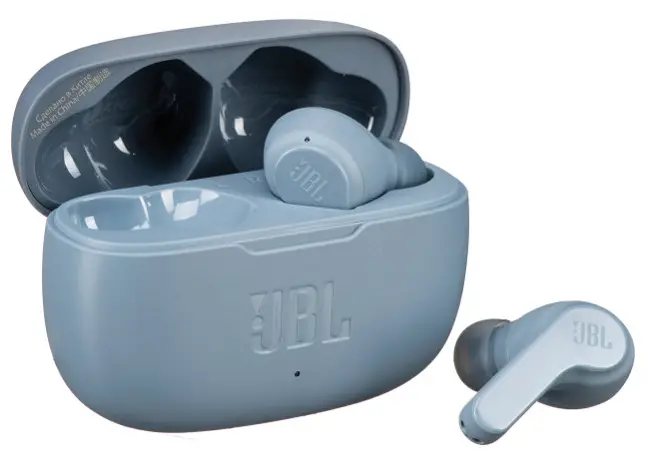
JBL VIBE 200TWS True Wireless In Ear Headphone
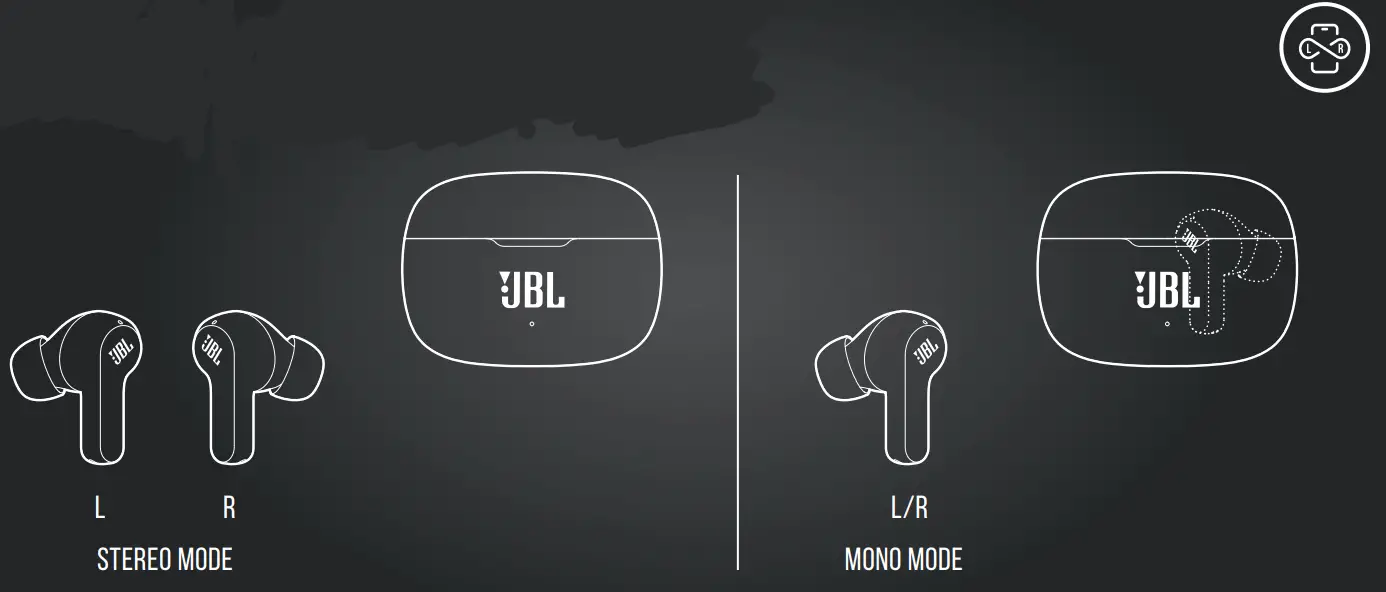
How to wear
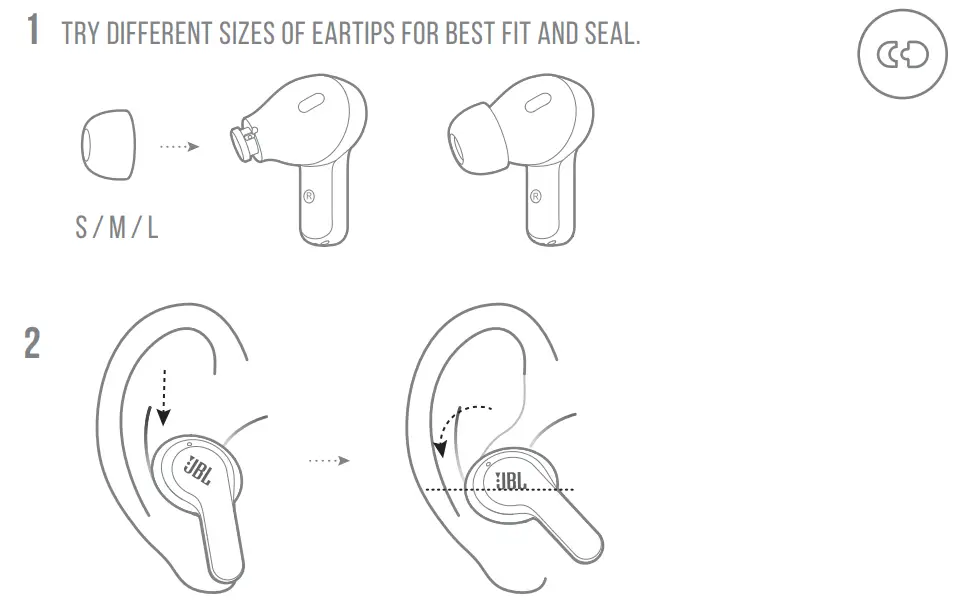
FIRST TIME USE
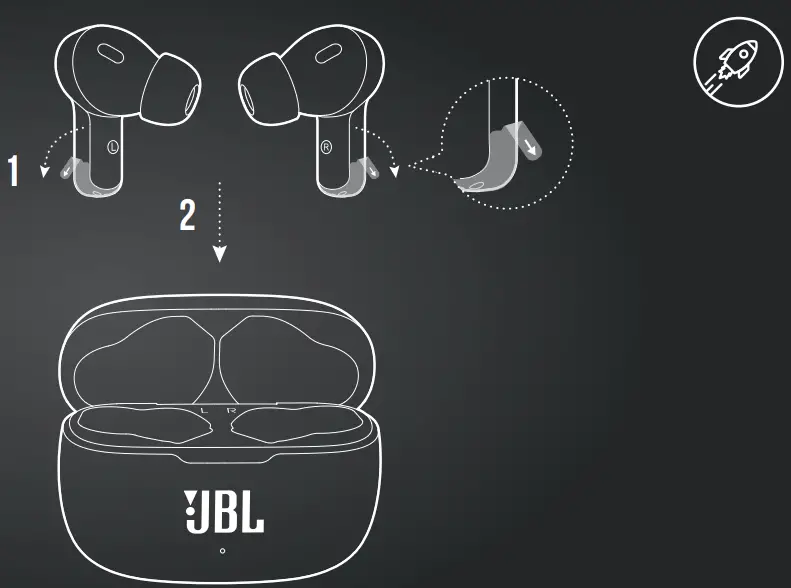
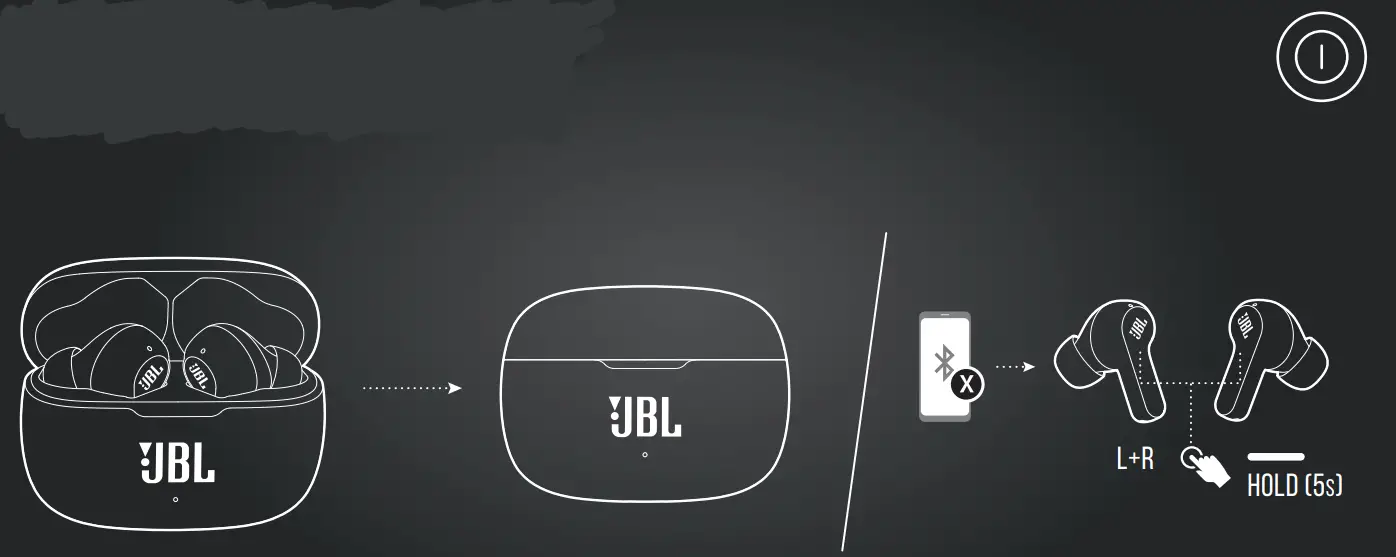
power on & CONNECT
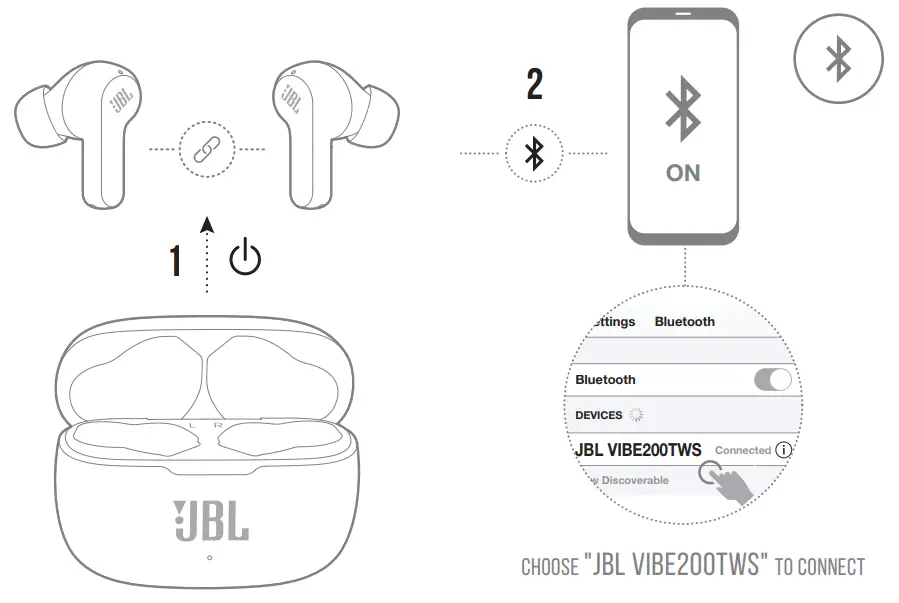
DUAL CONNECT
power off
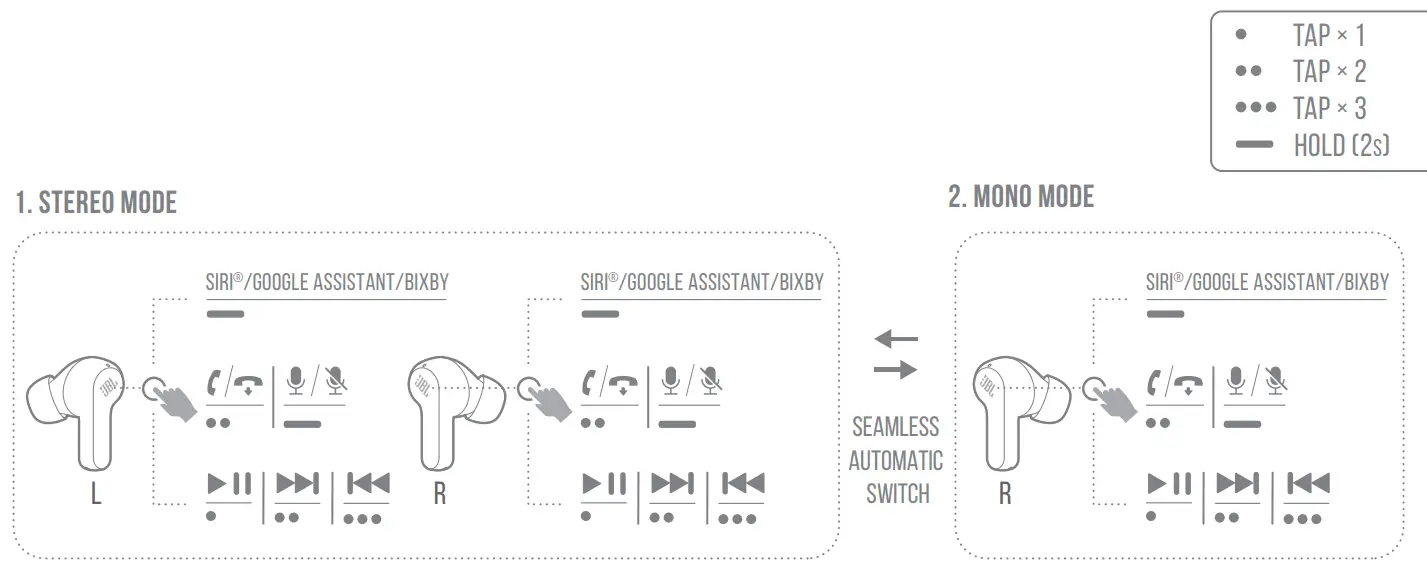
Manual Controls
Charging
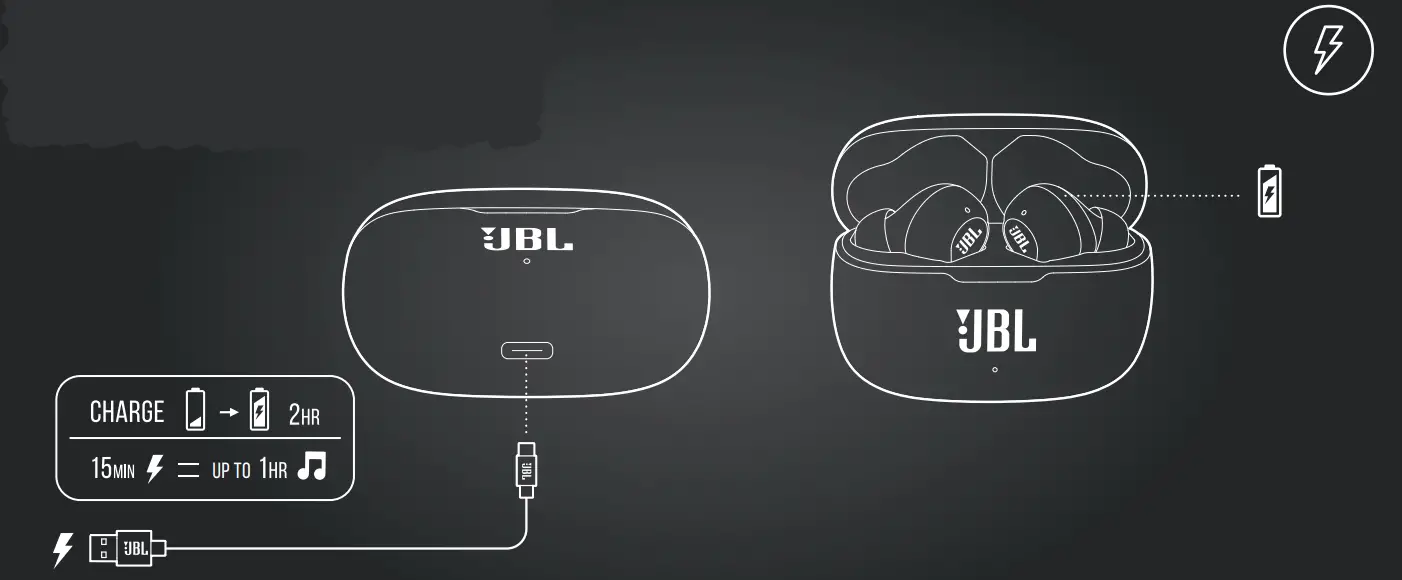
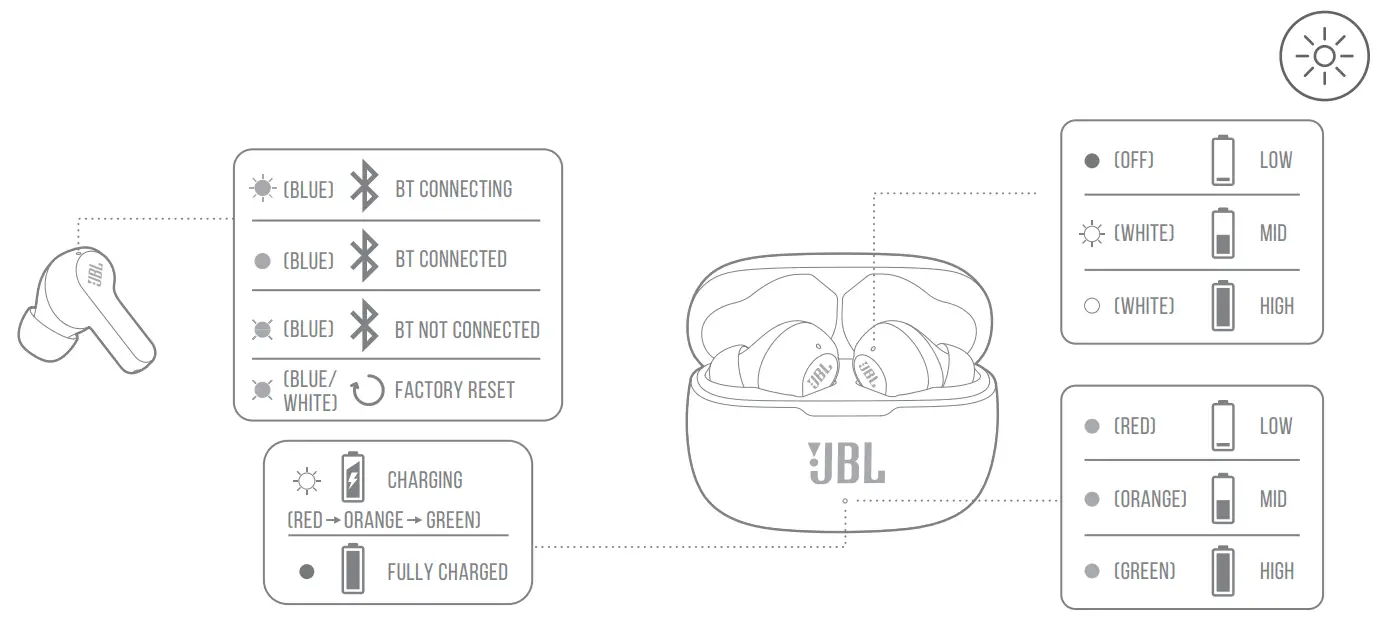
LED behaviors
 TECH SPEC
| Model: | VIBE200TWS |
| Driver size: | 8 mm/ 0.315” Dynamic Driver |
| Power supply: | 5 V 1 A |
| Weight: | 47.5 g/ 0.105 lbs |
| Headset battery type: | Lithium-ion Battery (48 mAh/ 3.7 V) |
| Charging case battery type: | Lithium-ion Battery(500 mAh/ 3.7 V) |
| Charging time: | 2 hrs from empty |
| Music playtime with BT on: | up to 5 hrs |
| Frequency response: | 20 Hz – 20 kHz |
| Impedance: | 16 ohm |
| Sensitivity: | 108 dB SPL@1 kHz |
| Maximum SPL: | 93 dB |
| Microphone sensitivity: | -38 dB/Pa @1 kHz |
| Bluetooth version: | 5.0 |
| Bluetooth profile version: | A2DP V1.3, AVRCP V1.6, HFP V1.7 |
| Bluetooth transmitter frequency range: | 2.400 GHz – 2.4835 GHz |
| Bluetooth transmitter power: | 12 dBm |
| Bluetooth transmitter modulation: | GFSK, π/4 QPSK, 8DPSK |
| Maximum operation temperature: | 45°C |
TO PROLONG BATTERY LIFESPAN, FULLY CHARGE AT LEAST ONCE EVERY 3 MONTHS. BATTERY LIFE VARIES BY USE AND SETTING.
IC RF Exposure Information and Statement
The SAR limit of Canada (C) is 1.6 W/kg averaged over one gram of tissue. Device types: (IC: 6132A-JBLV200TWS) has also been tested against this SAR limit According to this standard, the highest SAR value reported during product certification for head use is 0.206 W/Kg.The device was tested for typical bodily operations where the product was kept 0 mm from the head. To maintain compliance with IC RF exposure requirements, use accessories
that maintain a separation distance of 0mm between the user›s head and the back of the headset. The use of belt clips, holsters, and similar accessories shall not contain metal parts in its assembly. The use of accessories that do not meet these requirements may not comply with IC RF exposure requirements and should be avoided.
Head operation
The device was subjected to a typical head manipulation test. In order to comply with RF exposure requirements, a minimum separation distance of 0 cm must be maintained between the user›s ear and the product (including the antenna). Head exposure that does not meet these requirements may not meet RF exposure requirements and should be avoided. Use only the supplied or approved antenna.
- IC: 6132A-JBLV200TWS
- FCC ID: APIJBLV200200TWS

The Bluetooth® word mark and logos are registered trademarks owned by Bluetooth SIG, Inc., and any use of such marks by HARMAN International Industries, Incorporated is under license.
Other trademarks and trade names are those of their respective owners.
DOWNLOAD RESOURCES
- JBL VIBE 200TWS True Wireless In Ear Headphone [pdf] User Guide VIBE 200TWS, True Wireless In Ear Headphone, VIBE 200TWS True Wireless In Ear Headphone, In Ear Headphone, Headphone
- Read more: https://#manualsee.com/jbl/vibe-200tws-true-wireless-in-ear-headphone-manual#ixzz7kdYk5iKR
FAQ’S
Please make sure that your phone’s Bluetooth is on and that it is close by. Also, please make sure that you are not connected to any other wireless devices.
Please follow the instructions in the user guide for a step-by-step guide on how to connect your JBL VIBE 200TWS to your phone.
Please follow the instructions in the user guide for a step-by-step guide on how to use the buttons on your JBL VIBE 200TWS.
Please follow the instructions in the user guide for a step-by-step guide on how to connect your JBL VIBE 200TWS to another device.
The Wave 200TWS’ microphone was just as good as its audio. It was clear and crisp enough for voice calls which is another thing we appreciate. And since it didn’t feature any noise-cancelling options, it captured all the sounds in our surroundings.
JBL Wave 200 TWS, True Wireless in-Ear Earbuds with Mic, 20 Hours Playtime, JBL Deep Bass Sound, use Single Earbud or Both, Bluetooth 5.0, Type C & Voice Assistant Support for Mobile Phones (Blue)
Once your earbuds are paired or plugged in, you should be ready to go. When a call comes in, there will be a button on the earbuds that you press to answer calls. That will connect the call and allow you to carry on a conversation without having to physically hold your phone.
The JBL Warranty on professional loudspeaker products (except for enclosures) remains in effect for five years from the date of the first consumer purchase. JBL amplifiers are warranted for three years from the date of the original purchase.
Low battery: The LED indicator on the right earbuds blinking white. Charging: The LED indicator on the right earbuds light white. Full charge: The LED indicator on the right earbuds turns off.
The light stops blinking once the headphones are fully charged.
And on the very bottom that’s where we find the jbl tune 215 tws we’re going to select this. And the earbud is going to be immediately paired to our iphone.
First, make sure that your earbuds are turned off. If they’re not, press and hold the power button until they turn off. Once they’re off, press and hold the power button for about 10 seconds. This will put your earbuds into “pairing mode.”
VIDEO
www://jbl.com/