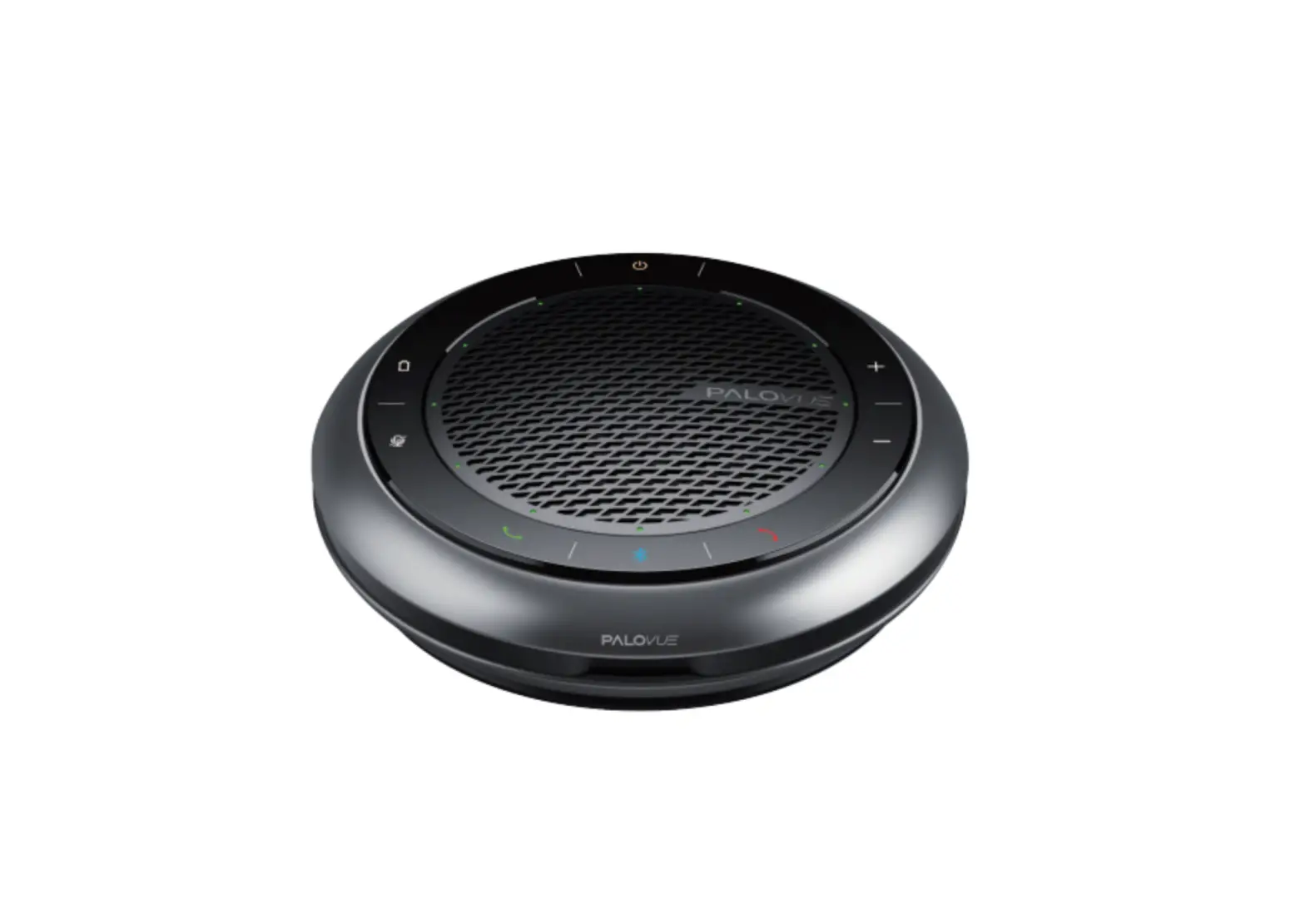
Foneric ICONF Bluetooth Conference Speaker
Preface
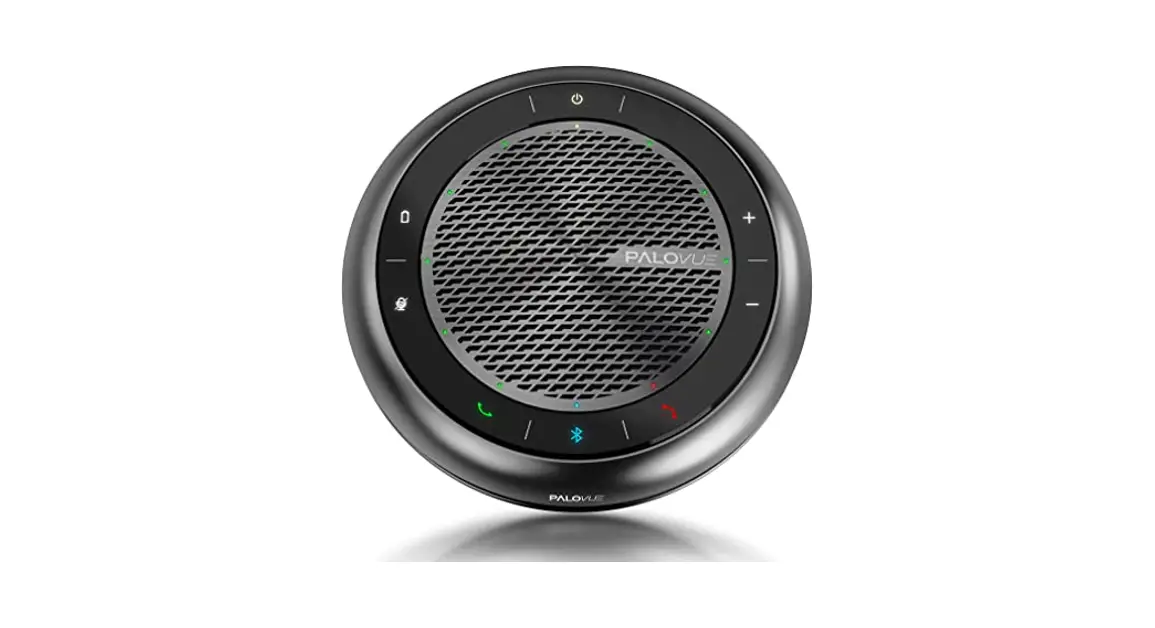
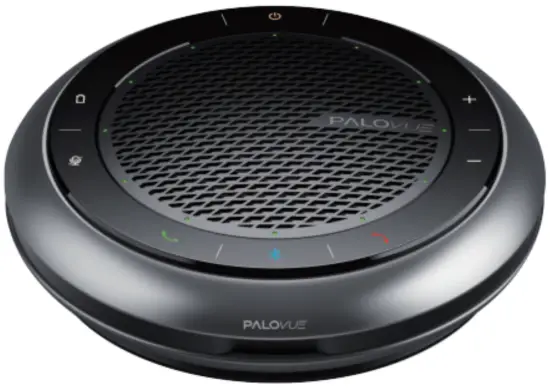
This product is a Bluetooth conference speaker with integrated USB cable, plug and play, zinc alloy metal frame. Please refer to this manual before using this product.
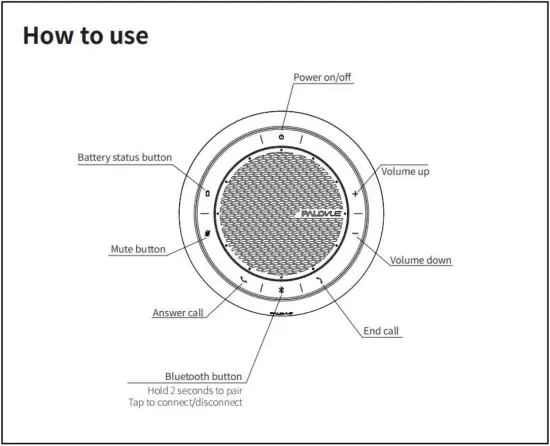
Diagram
How to connect
- Press and hold the Bluetooth button for 2 seconds with prompt “Pairing” to enter the pairing mode. Turn on the Bluetooth function of the mobile phone or tablet and search for “Palovue iConf” for pairing. It will prompt “Speaker Connected” after the successful pairing.
- Hold the Bluetooth button 2 seconds to disconnect and enter the pairing mode. Tap the Bluetooth button to re-connect the device.
- Long press the “Mute+V-” composite key, all of the led will light on and the previous pairing information would be cleared. Then you can re-pairing with your device.
- Press the power button to play or pause the audio play in the power on status.
Note: It will power off automatically without any activity after 10 minutes.
Product Specification
| Model | Bluetooth Conference Speaker | Bluetooth Version | 5.0 |
| SNR | 95dB | Microphone Frequency response | 100 – 7500Hz |
| Speake Frequency response | Talk Mode: 100 – 7500Hz | Speaker Frequency response | Music Mode: 100 – 20000Hz |
| Power Supply | 1A | Transmit Range | 10m |
| Temperature | 0°C ~45°C | Humidity | ≤90% |
Battery Capacity: 1300mAh | |||
Product Dimension: Φ141*38mm | |||
USB -A for Charge | |||
FCC Warning
Changes or modifications to this unit not expressly approved by the party responsible for compliance could void the user authority to operate the equipment.
Notes: This equipment has been tested and found to comply with the limits for a Class B digital device, pursuant to Part 15 of the FCC Rules. These limits are designed to provide reasonable protection against harmful interference in a residential installation. This equipment generates, uses and can radiate radio frequency energy and, if not installed and used in accordance with the instructions, may cause harmful interference to radio communications.
However, there is no guarantee that interference will not occur in a particular installation. If this equipment does cause harmful interference to radio or television reception, which can be determined by turning the equipment off and on, the user is encouraged to try to correct the interference by one or more of the following measures:
— Reorient or relocate the receiving antenna.
— Increase the separation between the equipment and receiver.
— Connect the equipment into an outlet on a circuit different from that to which the receiver is connected.
— Consult the dealer or an experienced radio/TV technician for help.
Note: If shielded cables or special accessories are required for compliance, a statement must be included which instructs the user to employ them, for example, Shielded cables must be used with this unit to ensure compliance with the Class B FCC limits. This device complies with Part 15 of the FCC Rules. Operation is subject to the following two conditions:
(1) this device may not cause harmful interference, and
(2) this device must accept any interference received, including interference that may cause undesired operation.
Package Content
- Bluetooth Conference Speaker
- Portable outer box
- User Manual
Support
If you encounter any issues during operation, please simply scan below QR Code to ask for support. We will make things right for you within 48 hours.

Email: [email protected]
Website: www.palovue.com
 📧
📧 PaloVue - Audio Pioneer