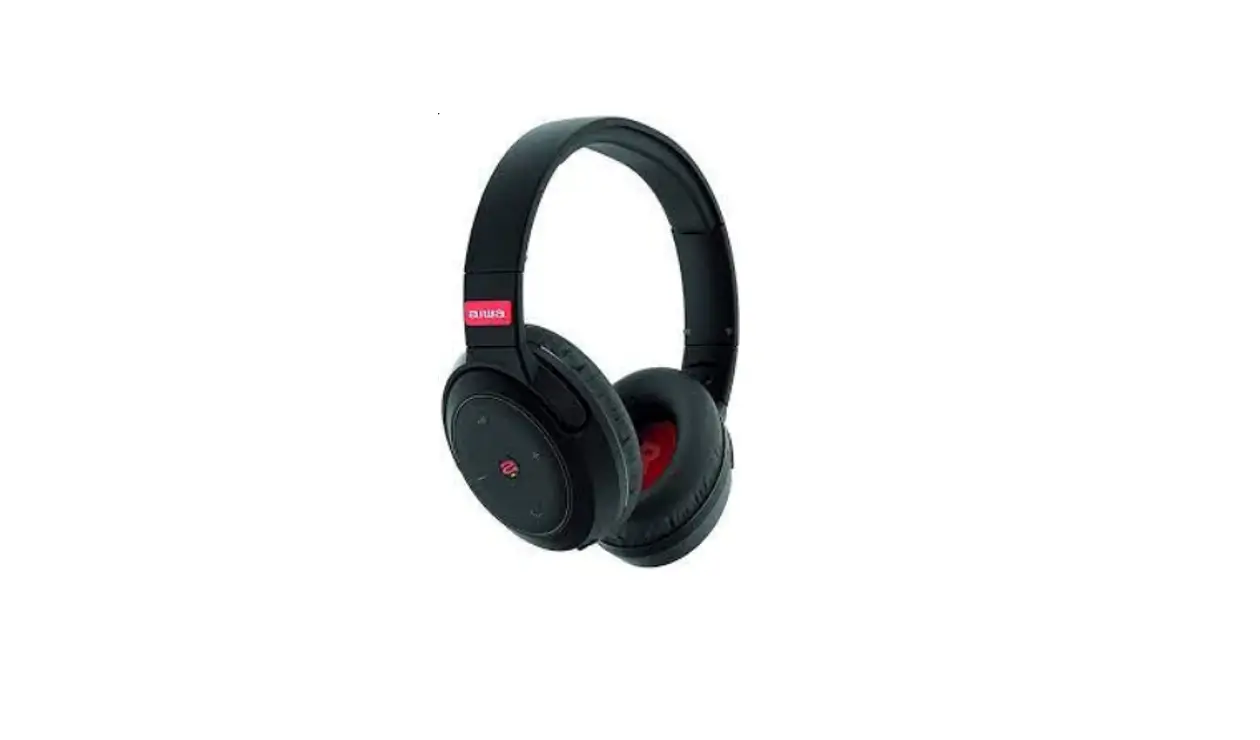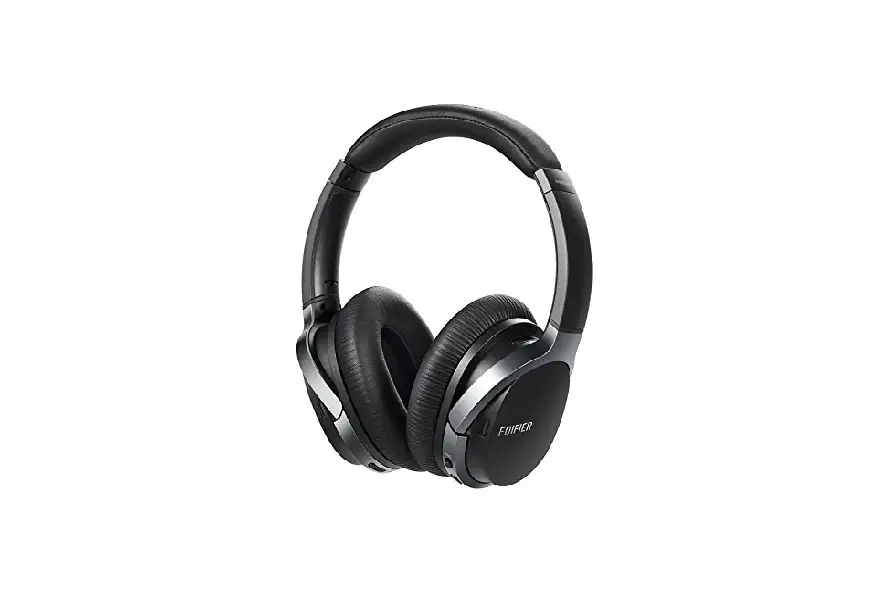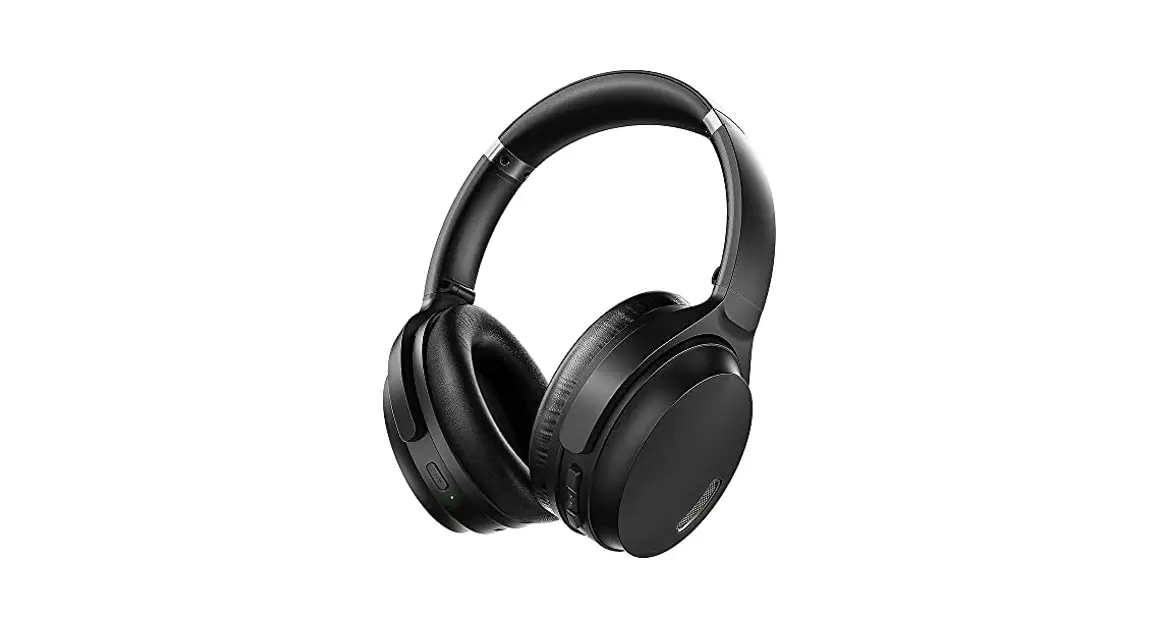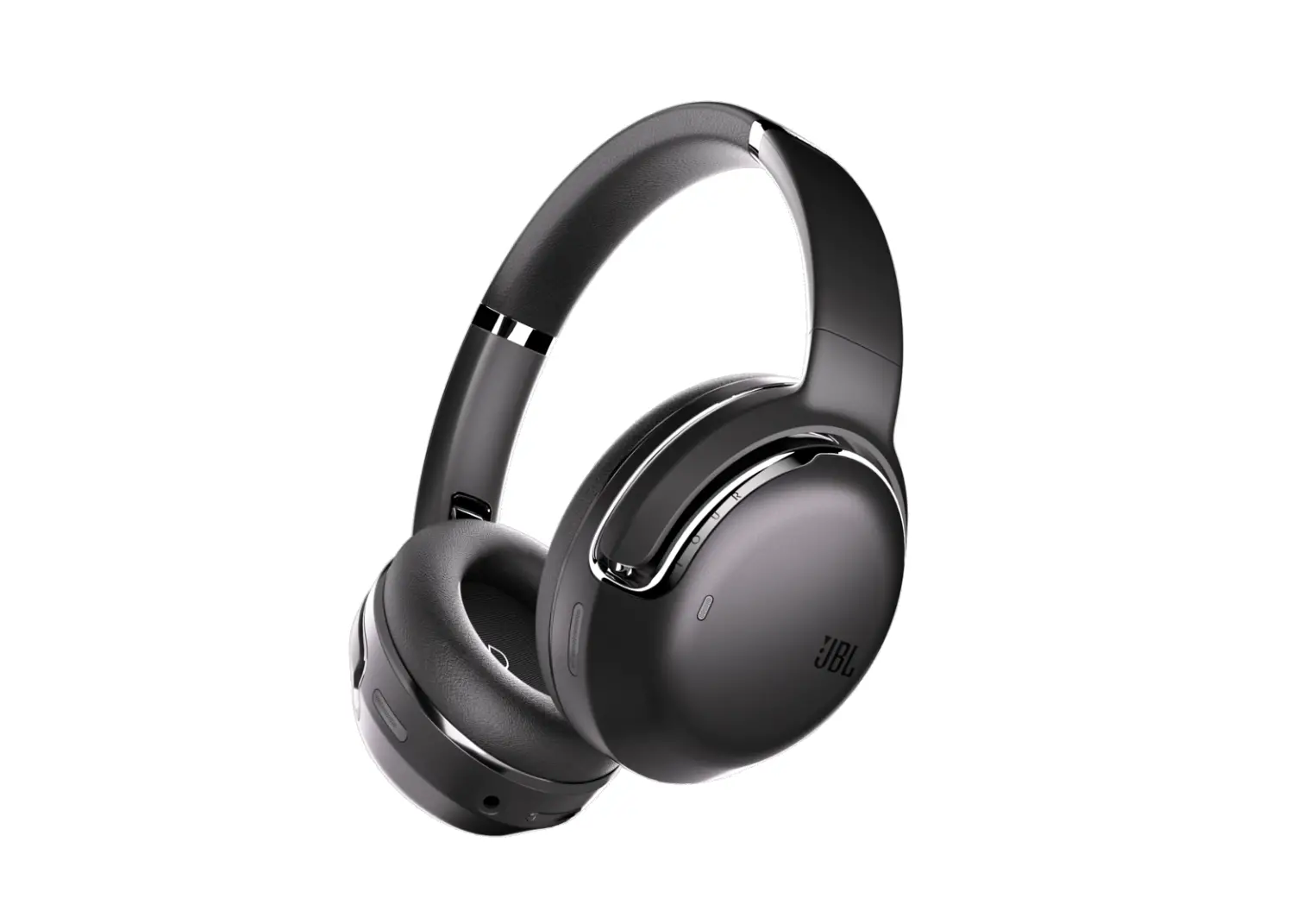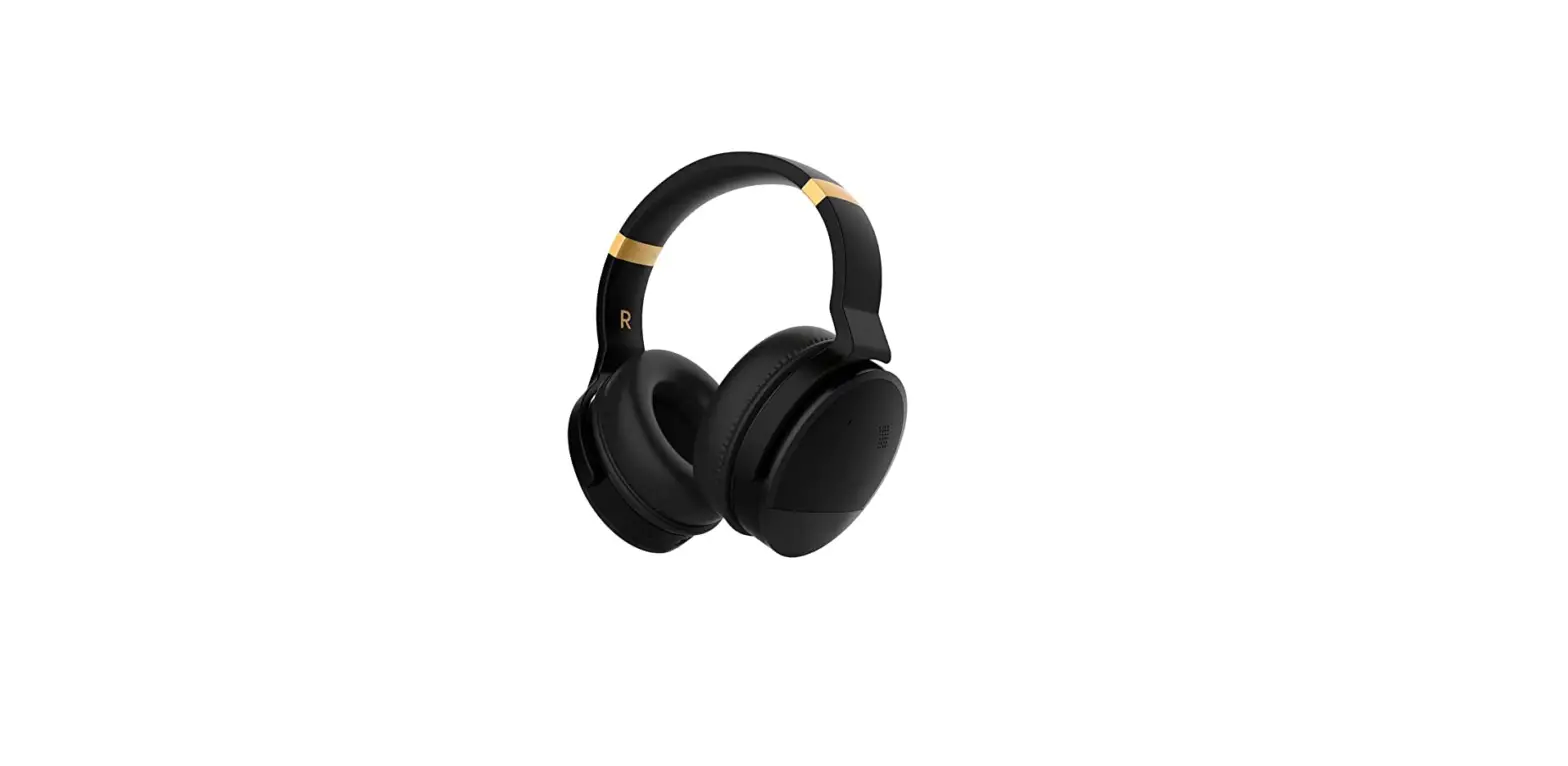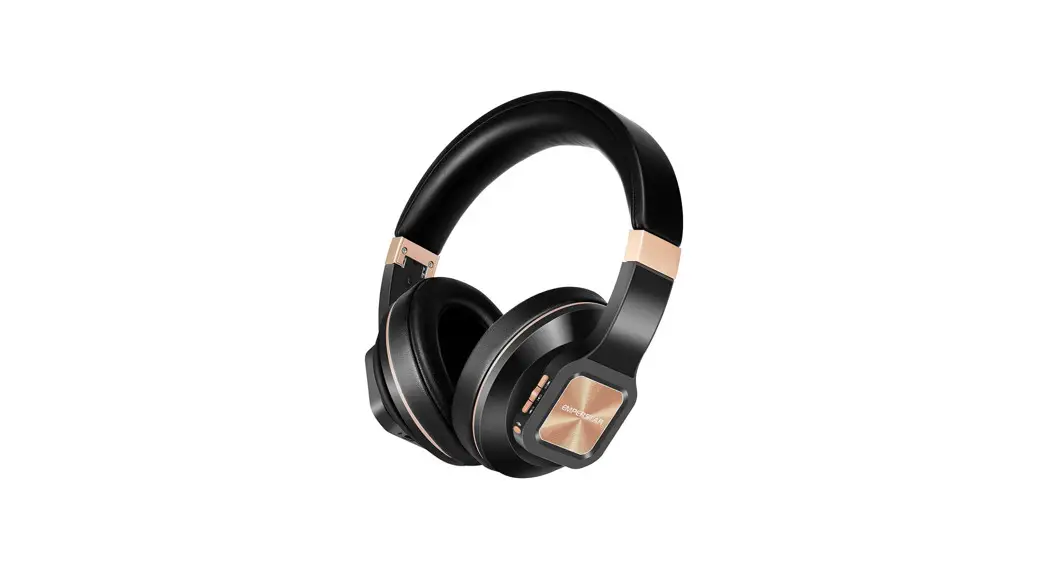
Preview
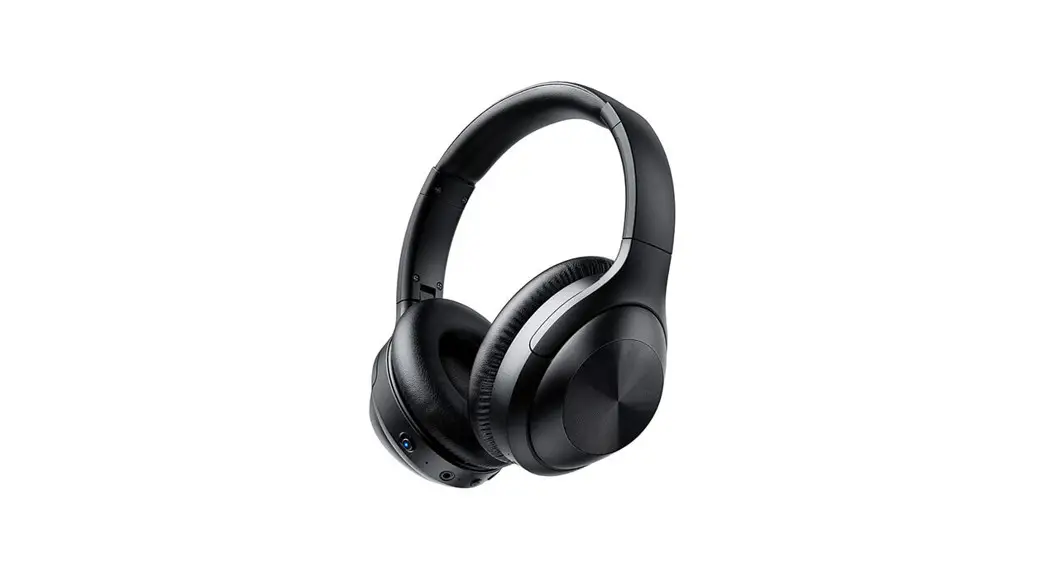
Thank you for purchasing our ANC Bluetooth headphones. In order to let you experience the product swimmingly, Pls read all instructions carefully before using and retain this manual for future use and reference.
Key features
Compatible with Bluetooth-enabled devices Foldable Design. Easy for carrying Built-in HD microphone. Built-in rechargeable battery. Active noise canceling.
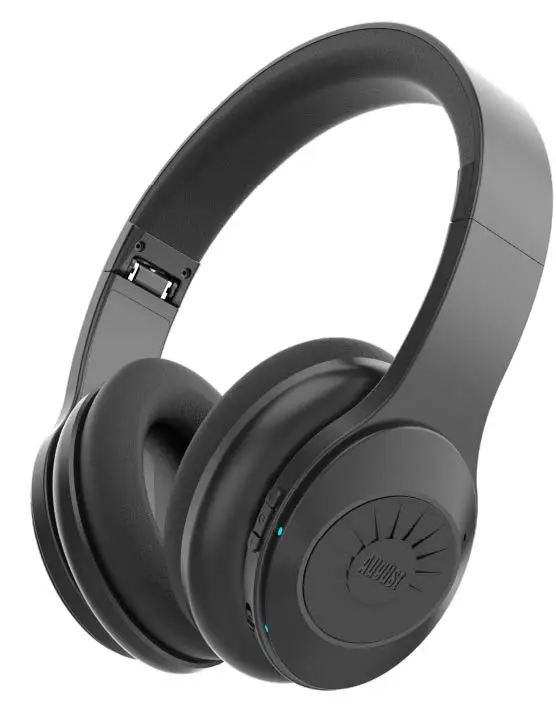
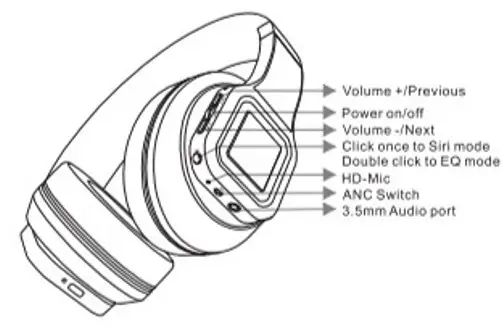
Headphone configuration
Package contents
1X ANC Headphone
1 X Carry Bag
1 X Charging cable
1X Audio cable
1X Airplane adapter
1X Operation Manual

 | Press once to play the music; press it again to pause the music. Answer/hang up the phone When a call comes in. you will hear a ring tone. Click this button to answer the call. During talking. Click this button to end the call.Reject phone When a call comes in, you will hear a ring tone, if you don’t want to pick up the phone. you can holding click this button to reject the phone.Call back Double click this button to dial back the last call. |
 | Press once to play the previous song: Long press to turn up the volume. |
 | Press once to play the next song; Long press to turn down the volume. |
 | Sid function Click this button ap to enter the aid function, Click again to pause Siri. EQ mode Double press to change the band of EQ(Equalization). which aro Pop(Default). Bass Boost, Treble Boost. Rock and Jazz. 1 Band EQ: Pop(Default) 2 Band EQ: Bass Boost 3 Band EQ: Treble Boost 4 Band EQ: Rock 5 Band EQ: Jazz |
| NC | Switch on left, the indicator is green. Switch on right. the indicator is disappeared. |
Pairing the headphone
- Ensure the headphones are turned off. If they are not, please turn off the headphones first before pairing.
- Turn the headphones on, the led indicator will keep flashing red and blue. This will indicate your headphones are now In pairing mode.
Place the headphones and the bluetooth device to which you would to pair it within the operating distance. we recommend keeping the two devices no further than 10 meters. - Ensure bluetooth is enabled on your phone or music device. Refer to the manufacturer’s instructions for how to enable bluetooth on your device.
- Once you have activated bluetooth on your device. Select the headphone ES01 ” from the list of available bluetooth device.
- Please note, pairing mode on the headphones will last for five minutes. if no devices are paired after five minutes. the headphone will automatically turn off
- If pairing is unsuccessful, turn off the headphones first and repair following the aforementioned steps. Once you have paired the headphones with a device, the headphones will remember this device and will pair automatically when the device’s bluetooth is activated and in range. you don’t need to re-pair any previously connected devices.