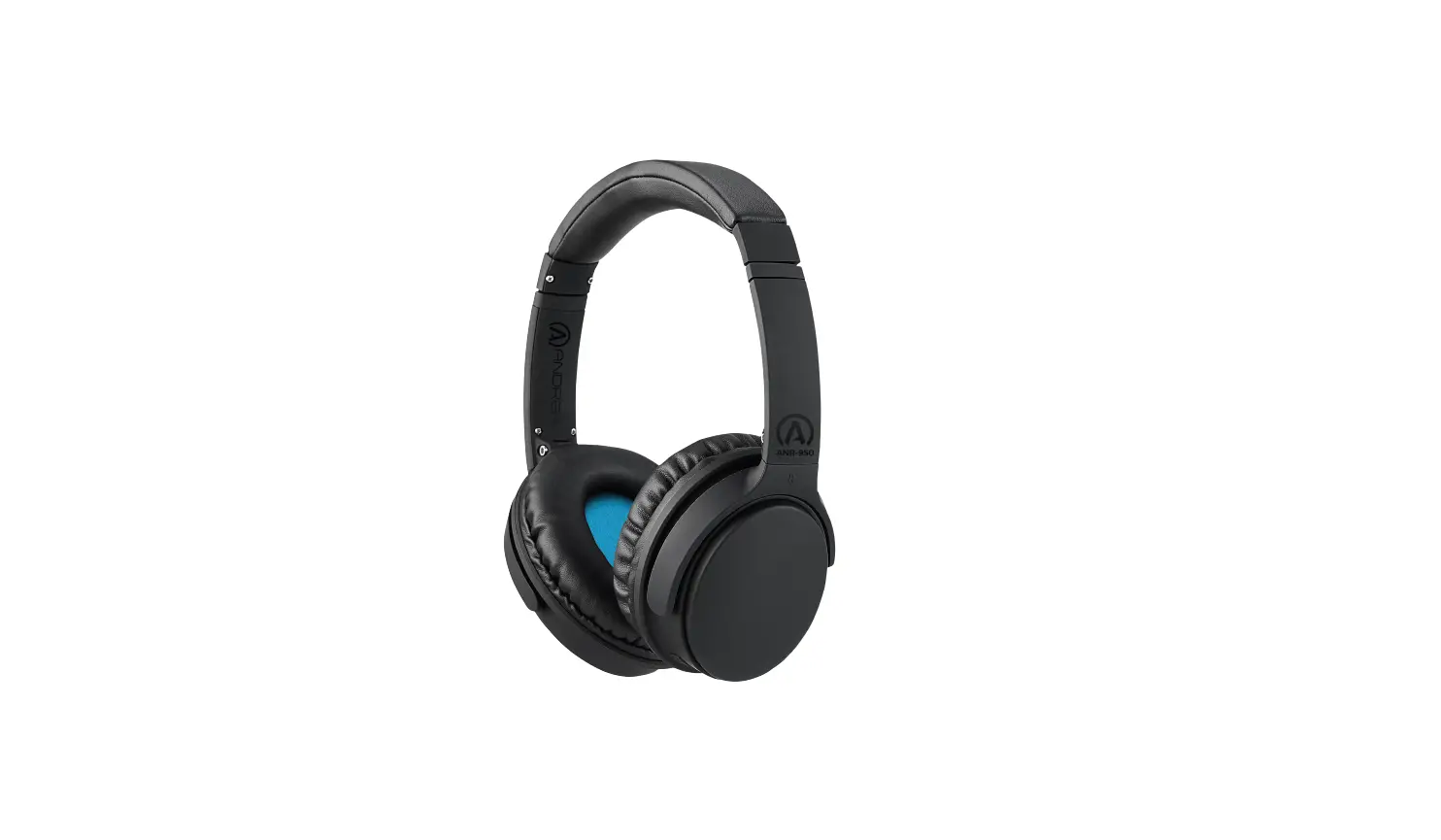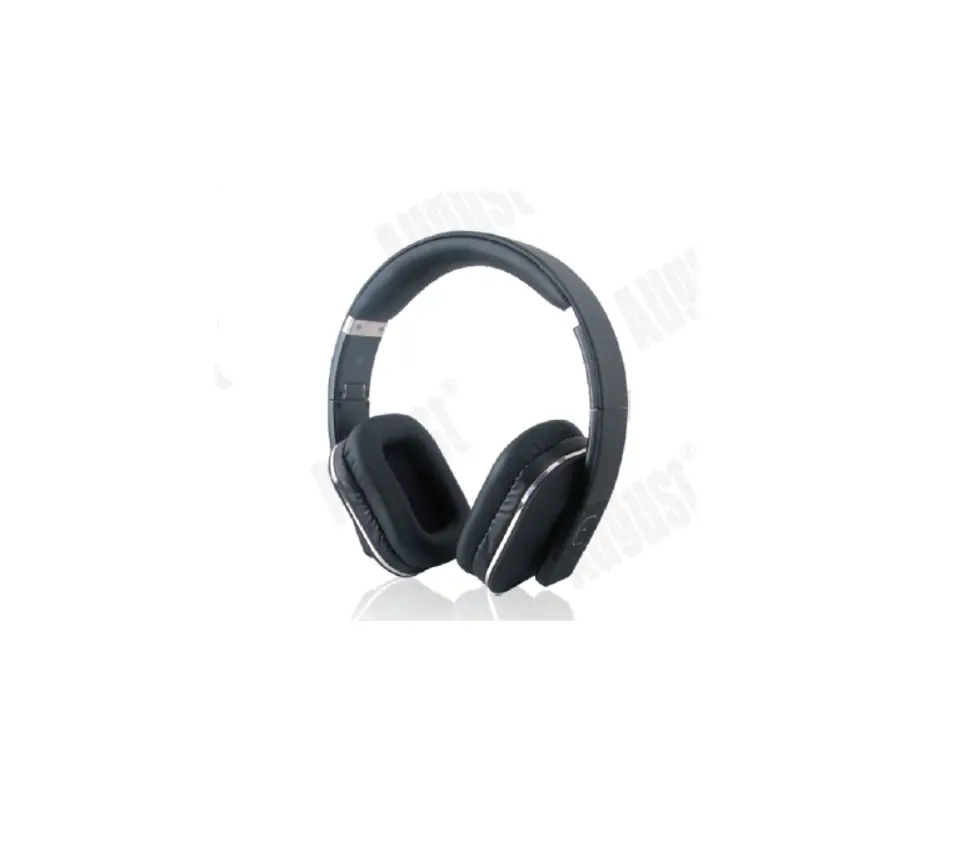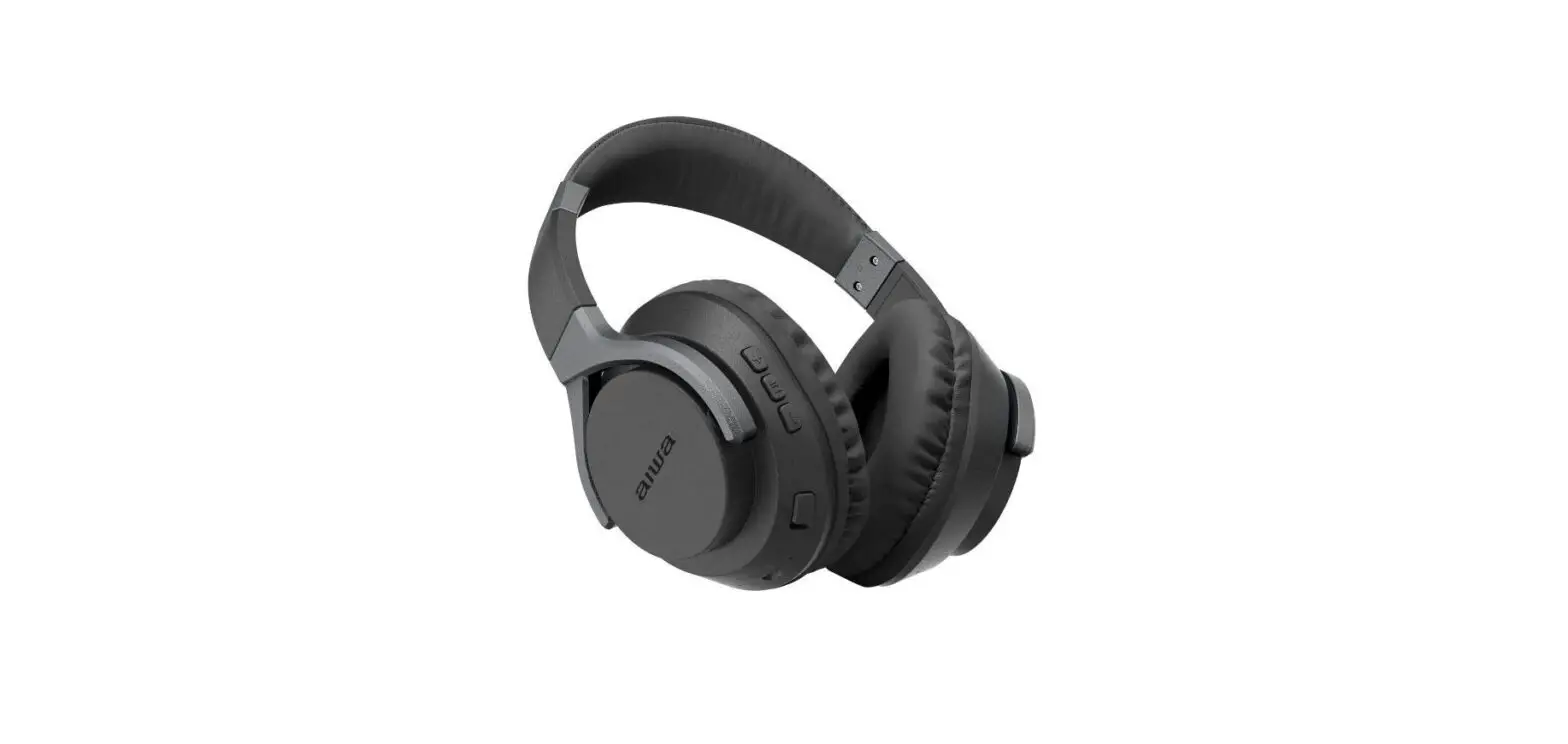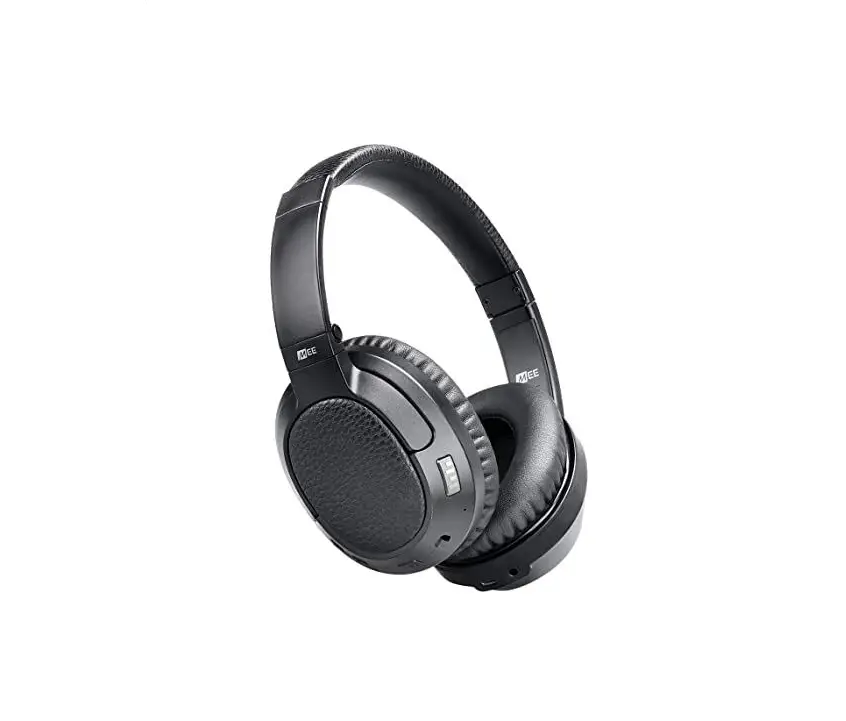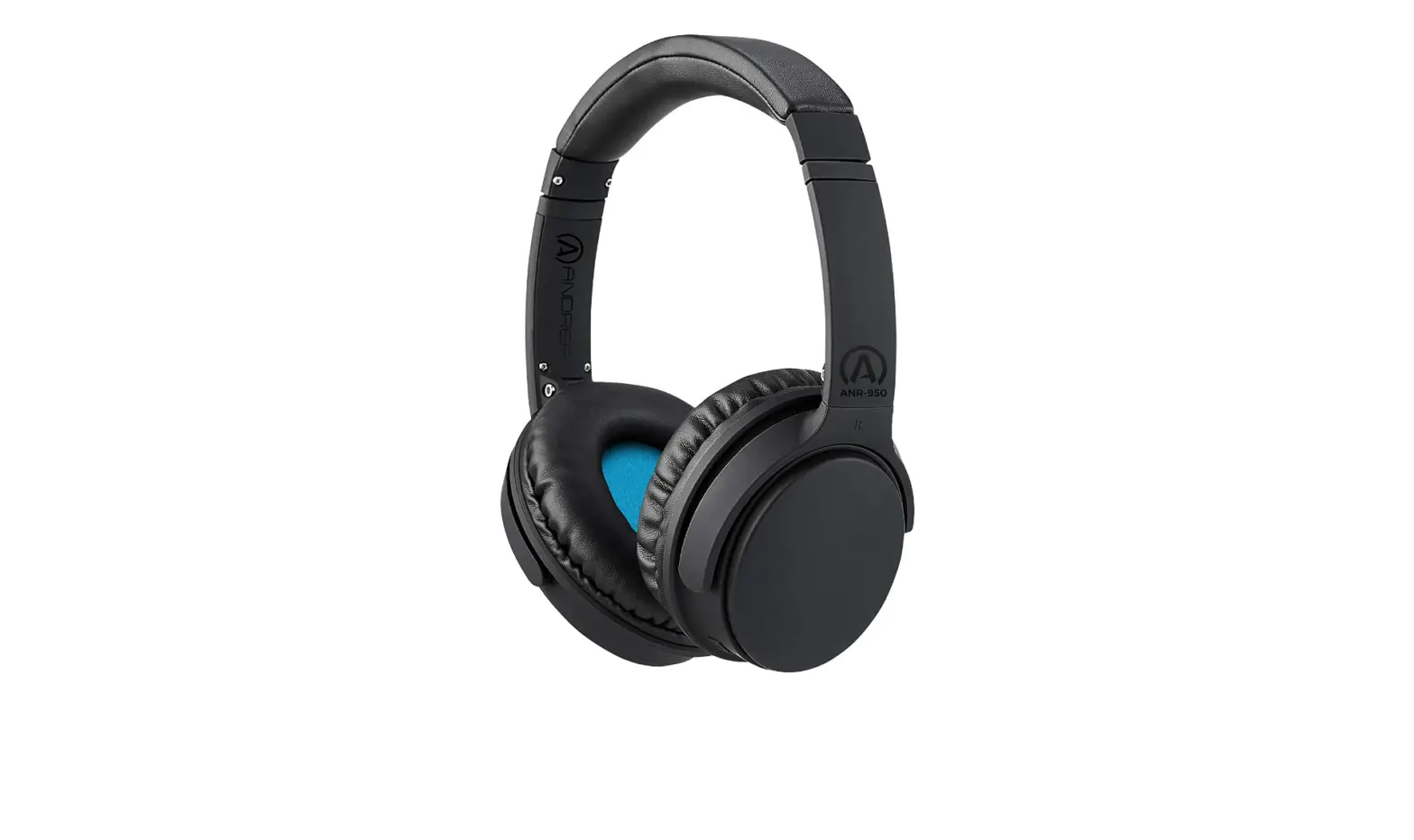

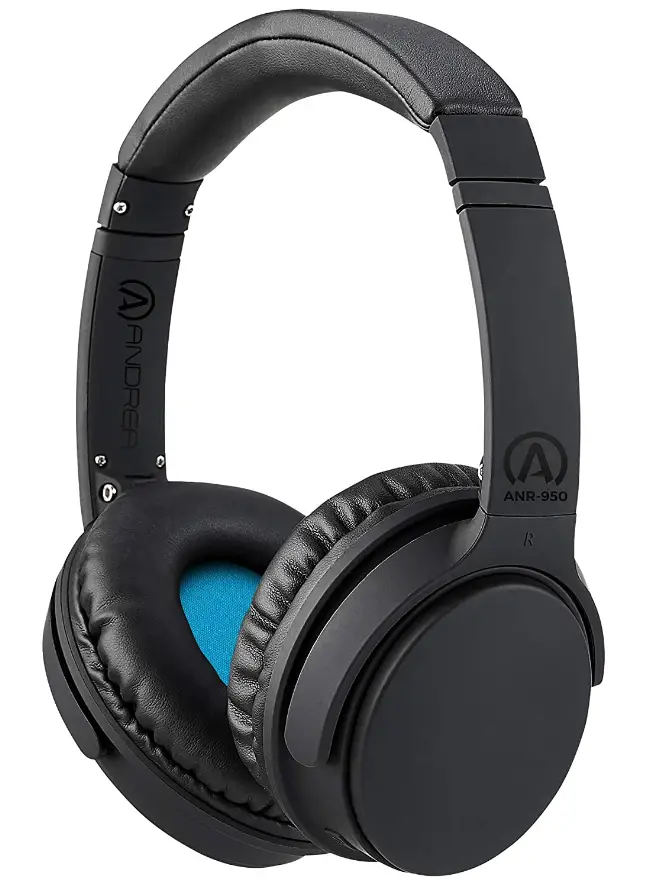
Andrea Communications ANR-950 Wireless Bluetooth Headphones
Specifications
- Package Dimensions
9.65 x 5.83 x 2.32 inches - Item Weight
12 ounces - Connectivity Technology
Wireless - Wireless Communication Technology
Bluetooth - Brand
Andrea Communications
Introduction
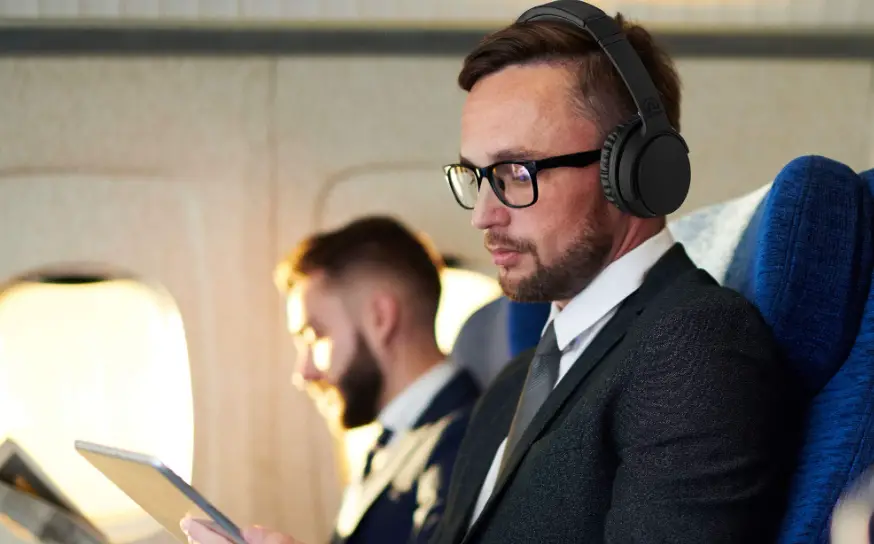
With its Active Noise Reduction (ANR) technology, the Andrea ANR-950 Bluetooth wireless headphone blocks out background noise to produce a relaxing listening experience. The ANR-950 provides exceptional noise reduction so that you can enjoy peace and quiet or listen to high-fidelity music without being interrupted by background noise. The ANR-950 is ideal for music listening, reducing noise in airplane cabins, or for usage in other noisy locations thanks to its outstanding sound and active noise reduction. Both Bluetooth mode and auxiliary mode, which is utilized when plugging into an airplane seat, can be used with the ANR capability.
The ANR-950 is the ideal alternative for schools needing a cost-effective ANR headphone solution for testing in the classroom. It was initially created and approved for the UK’s DSA market. all ages of students. Neodymium magnets with great power are used in the 40-millimeter drivers of the ANR-950 to produce real high-definition sound over a broad dynamic range. The lightweight headphones have plush ear cushions and a padded headband for all-day comfort.
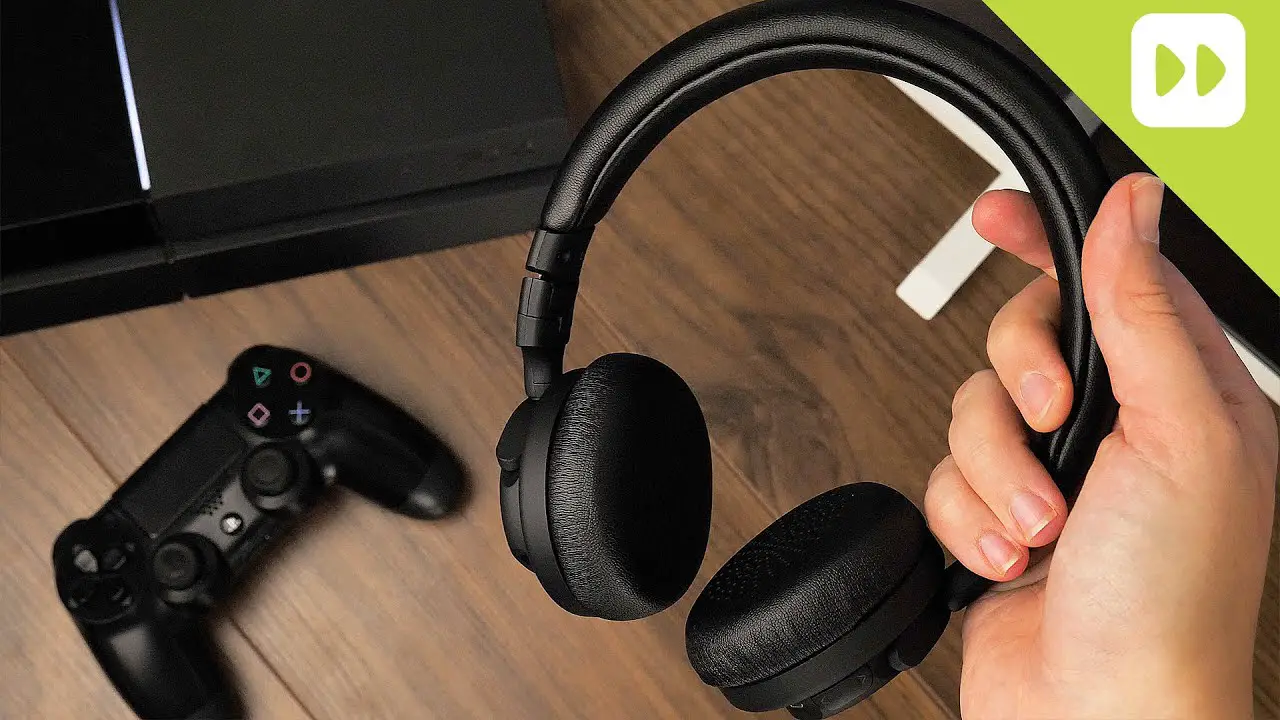
Using your Andrea Headphones or Headset 1Avoid firmly wrapping the cable around your device, headphones, or headset. By doing this, the cable is put under strain, which may harm the internal wires and cause the headset or headphones to malfunction. When storing, loosely coil the wire, taking special care not to stretch or strain it where it enters the earphones or the connector. Avoid tangling or knotting the cord. Never twist, pull, or pull the cable. This might harm the internal connections and/or cables inside the headset plug, resulting in audio static or total sound loss. To remove your headset or headphones from your device, firmly grasp the plug(s) and pull outward. Never pull on the cable or bend the headset/headphone at an acute angle to remove it from your computer/device. 5. Never touch the boom of the headset. The microphone can get damaged if you do that. 6. The boom does not spin a complete 360 degrees, so avoid trying to turn it past the stops. Maintaining your Andrea Headphones or Headset 1. After using your headset or headphones, carefully wash them down with a moist towel. Before wearing or storing, allow to thoroughly dry. Never spritz something with liquid.
What’s in the box?
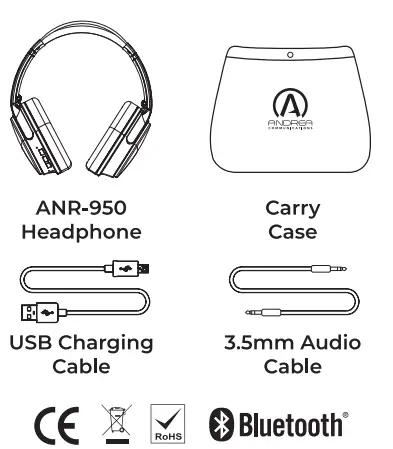
Thank you for purchasing the AndreaCommunications ANR-950 Wireless Bluetooth@ Stereo Headphones with Active Noise Cancellation (ANR).
We hope you enjoy them
This instruction manual will get you started and help you make the most of your new headphones.
Andrea Communications ANR-950 Stereo Headphones offer clear, full-bodied sound with wireless Bluetooth® operation.
- Pair the headphones with any Bluetooth@ capable device to listen to music wirelessly.
- Use the 3.5mm auxiliary cable (included) to listen to music on any non-Bluetooth-enabled device.
- A convenient, built-in microphone allows for hands-free phone calls with just the touch of a button.
- Soft padded ear cushions and an adjustable headband ensure a secure and comfortable fit.
- Headphones fold for easy portability.
- Carry Case included.
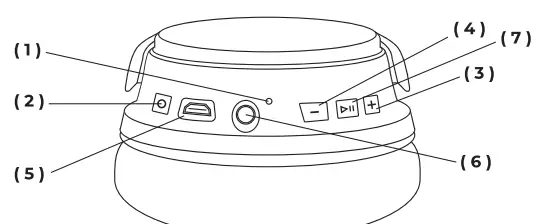
- LED
Green LED – lights when ANR is turned on
Red LED- lights when headphone is charging
Blue/Red LED flashes quickly when in pairing mode
Blue LED flashing slowly indicates paired in Bluetooth@ mode - ANR ON/OFF BUTTON
Green LED lights when ANR is turned on - BUTTON
Short press next song track
Long press – volume up - BUTTON
Short press – previous song track Long press volume down - USB CHARGING JACK
Red LED- lights when headphone is charging LED goes off when Headphones are charged - AUXILLARY 3.5mm JACK
Plugging in the included 3.5mm Audio cable will automatically switch the headphone into auxiliary mode turning off the Bluetooth® mode. The ANR function also operates in when in auxiliary mode. Use this cable to connect to any non-Bluetooth@ enabled devices such as computers, laptops, tablets and airline seats - BUTTON
Long press (3 seconds) – turns on headphone and automatically enters it into paring mode. Short press allows you to pause and pressing button a second time will play your music. When calls come in Short press will answer the call. Short press again to end call. Double click quickly to redial last number
CHARGING YOUR HEADSET
Make sure that your headset is fully charged for two hours before you begin using it. Plug it into the USB port on your computer (with the included charging cable) or use an AC power supply (not included) to charge from an electrical outlet. When the battery indicator has a solid red light, your headset is charging. When the headset is fully charged, the battery indicator shuts off.
TURNING YOUR HEADSET ON AND OFF
Press the button for 3 seconds. The headphone will turn on and automatically go into pairing mode. The LED will flash blue and red. When paired to your device the LED will slow flash blue. Pressing the button again for 3 seconds will turn the headset off.
PAIRING YOUR HEADPHONE
While in pairing mode (blue and red LED flashing) find “Andrea ANR-950” on your device and select. When pairing is successful the LED will slowly flash blue. Some devices may require a password to connect to Bluetooth. Use passcode “0000” if prompted.
ACTIVE NOISE REDUCTION (ANR) MODE
Press the button to activate the ANR function. When ANR is activated the LED will light green. Pressing the button again will turn off ANR and the green LED will go off. The ANR function will work in both Bluetooth and Auxiliary modes.
PAUSE AND PLAY CONTROLS
Short pressing the button will pause song tracks. Pressing the button a second time will play the song track.
AUXILLARY MODE
The ANR-950 can be used in Auxiliary Mode. Plug the 3.5mm audio cable into the 3.5mm jack on the head- phone. When the cable is plugged in Bluetooth mode turns off and the blue LED will not be lit. When in auxiliary mode you can plug your ANR-950 into any headphone jack on computers, laptops, tablets, and other devices including airline seats. The ANR function can still be used when in auxiliary mode.
The buttons operate both the volume and song track up and down functions. When pressing these buttons with a short press you can control the song tracks. Pressing will go to the next track and
pressing will play the previous track. When pressing these buttons for more than 1 second or a long press you can control the volume of the headphones. Pressing will increase volume and pressing will decrease volume.
CALL ANSWER, END AND REDIAL FUNCTION
The headphone has a built-in microphone. When paired to your mobile phone your ANR-950 can receive and make return phone calls. When a call comes in pressing the button will answer the call. When your call is complete pressing the button again will end the call. After the call, if you double click the button you can redial the last call that came in.
WARNING
For your comfort, health, and safety, do not use head- phones at high volumes for extended periods of time. Doing so can cause permanent hearing loss. Always listen at moderate levels. Do not use it while driving, cycling, operating machinery, or during any activities that require you to hear the sounds around you. To prevent hearing damage, it is recommended that you turn the volume all the way down before turning off the headphones. When you turn them back on, increase the volume until it reaches a comfortable and safe level.
CARE AND MAINTENANCE
Follow these recommendations to keep your ANR-950 Wireless Bluetooth® Stereo Headphones working for years to come.
- DO NOT modify or attempt to repair these headphones. Doing so will void your warranty.
- DO NOT expose these headphones to liquids (including rain), moisture, or humidity.
- DO NOT expose these headphones to flammable materials or an open flame to avoid the risk of explosion.
- DO NOT use chemical cleaners on these headphones; use only a soft, dry cloth.
- When not in use, turn the headphones off and store in a cool, dry place. Extreme temperatures (below-10°C/14°F or above 45°C/113°F) can shorten battery life and may affect operation. High temperatures may also degrade performance.
- DO NOT place the headphones in direct sunlight.
SPEAKER SPECIFICATIONS
- Size: 40mm Diameter
- Frequency range: 20-20000Hz
- Impedance: 240t15%
- Sensitivity: 96dB:3dB
- Rated power: 30mW
- Maximum input power: 150mW
POWER SPECIFICATIONS
- Battery type: Li-ion
- Battery Capacity: 250mAh
- Playing time: 6 hours
- Charging Time: 2 hours
- Standby time: 120 hours
BLUETOOTH® SPECIFICATIONS
- Bluetooth Version: V5.0+EDR
- Frequency: 2.402-2.480GHz
- Active cancellation: -23dB~-25dB
- Transmission power: +2dBm, Class2
- Transmission Distance: 10m/30feet
- Talking Time: About 6 hours
- Music playing time: About 6 Hours
- SNR: 275dB
- THD: S0.1
 TECHNICAL SERVICE
 TECHNICAL SERVICE
We hope that you enjoy your Andrea Communications ANR-950 Wireless Bluetooth® Stereo Headphones with
Active Noise Cancellation.
If you have any additional questions, please visit our website at www.andreacommunications.com/support or contact our Technical Service Team via email at [email protected] or by phone at 1.800.442.7787 (USA & Canada) for assistance.
WARRANTY INFORMATION
To learn more about our Limited Warranty, please visit our website at:
Andreacommunications.com/warranty-information
Frequently Asked Questions
If your device is still not functioning after contacting the Andrea Support Team, you will be asked to submit your proof of purchase via email or fax, verifying that the product was purchased within 1 year. You will then be issued a return material authorization (RMA) number, with complete shipping instructions to return the device to our facility for evaluation. The customer is responsible for the return shipping. A traceable method such as UPS or Fed-X ground is recommended. If the device is found to be defective after evaluation at our facility, a new device will be shipped to you free of charge.
When a call comes in pressing the play/pause button will answer the call. When your call is complete pressing the play/pause button again will end the call.
Press the power button located next to the charging port to activate the ANR function. When ANR is activated the LED will light green. Pressing the button again will turn off ANR and the green LED will go off. The ANR function will work in both Bluetooth and when using the included audio cable (Auxiliary Mode).
The ANR-950 comes with a 3.5mm audio cable. Simply plug one end into your headset and the other into any playback device equipped with a 3.5mm audio port, such as a cell or smartphone, laptop, tablet or airline audio.
Press the Play/Pause button for 3 seconds. The headphone will turn on and automatically go into pairing mode. The LED will flash blue and red and follow the directions of the device you are pairing to. When pairing is complete the LED will slowly flash blue.
If your device requires a password to connect use 0000 (4 zeros).
When the battery indicator has a solid red light, your headset is charging. When the headset is fully charged, the battery indicator shuts off.
Press the Play/Pause button for 3 seconds. The headphone will turn on and automatically go into pairing mode. The LED will flash blue and red. When paired to your device the LED will slow flash blue. Pressing the Play/Pause button again for 3 seconds will turn the headset off.