AMZANE
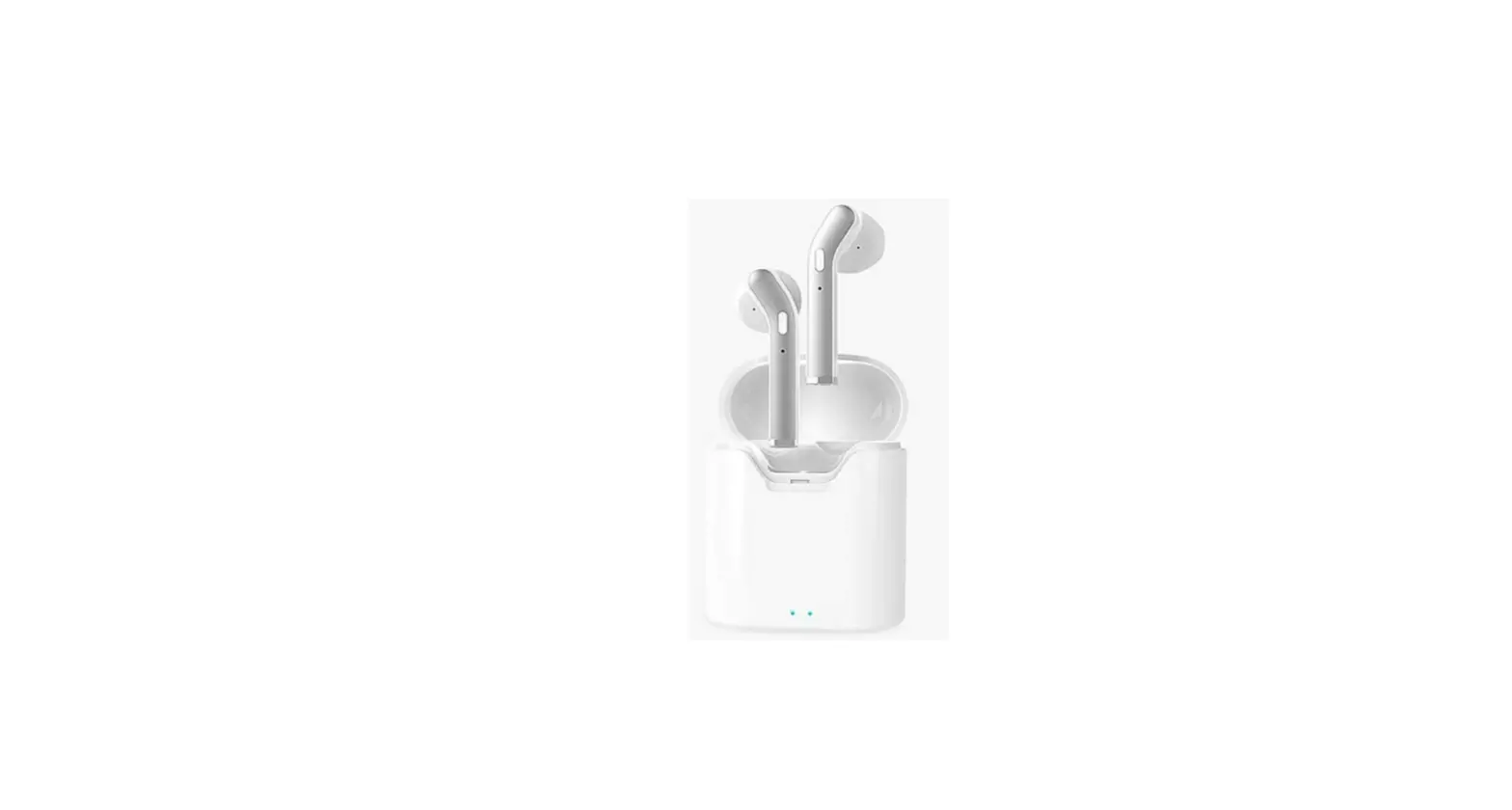
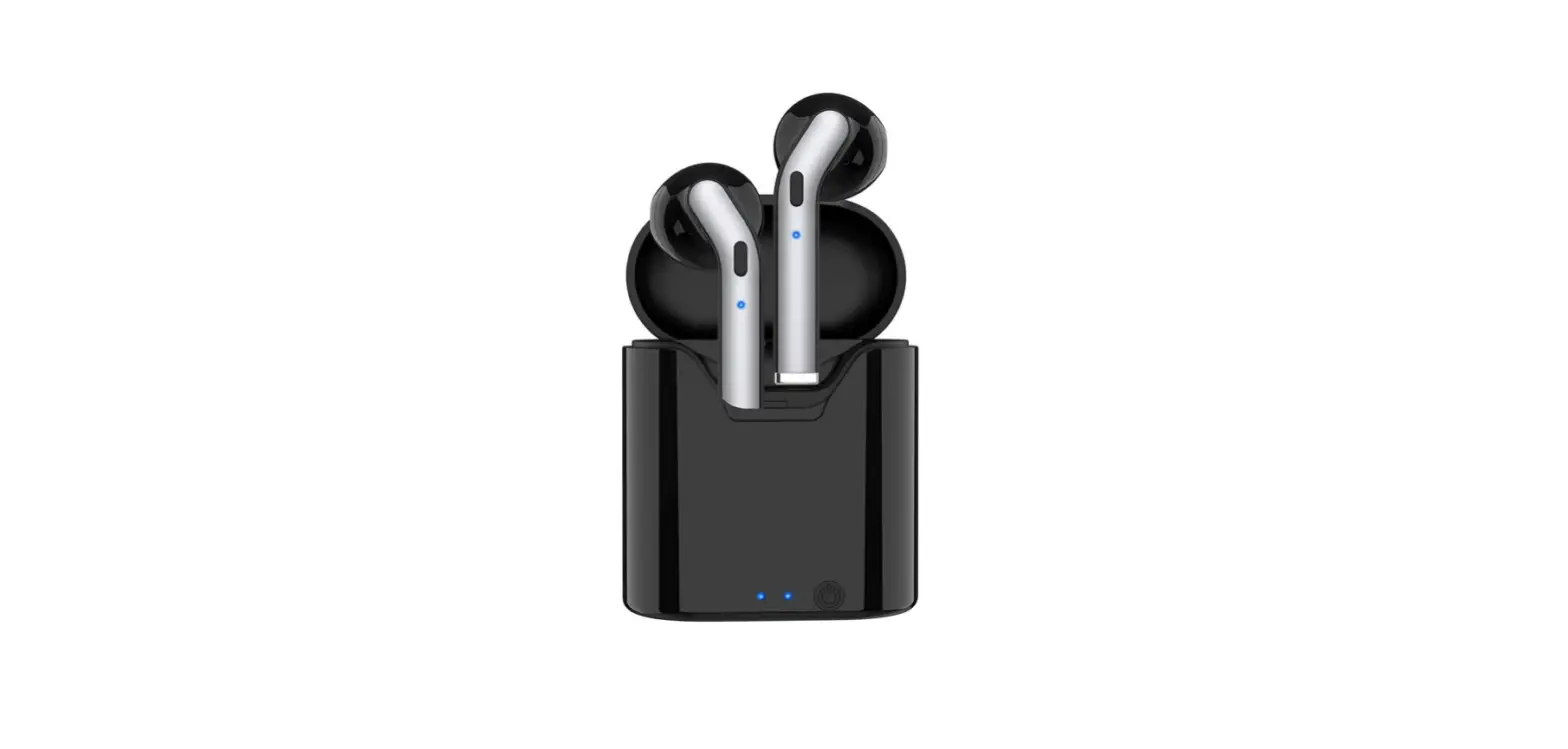
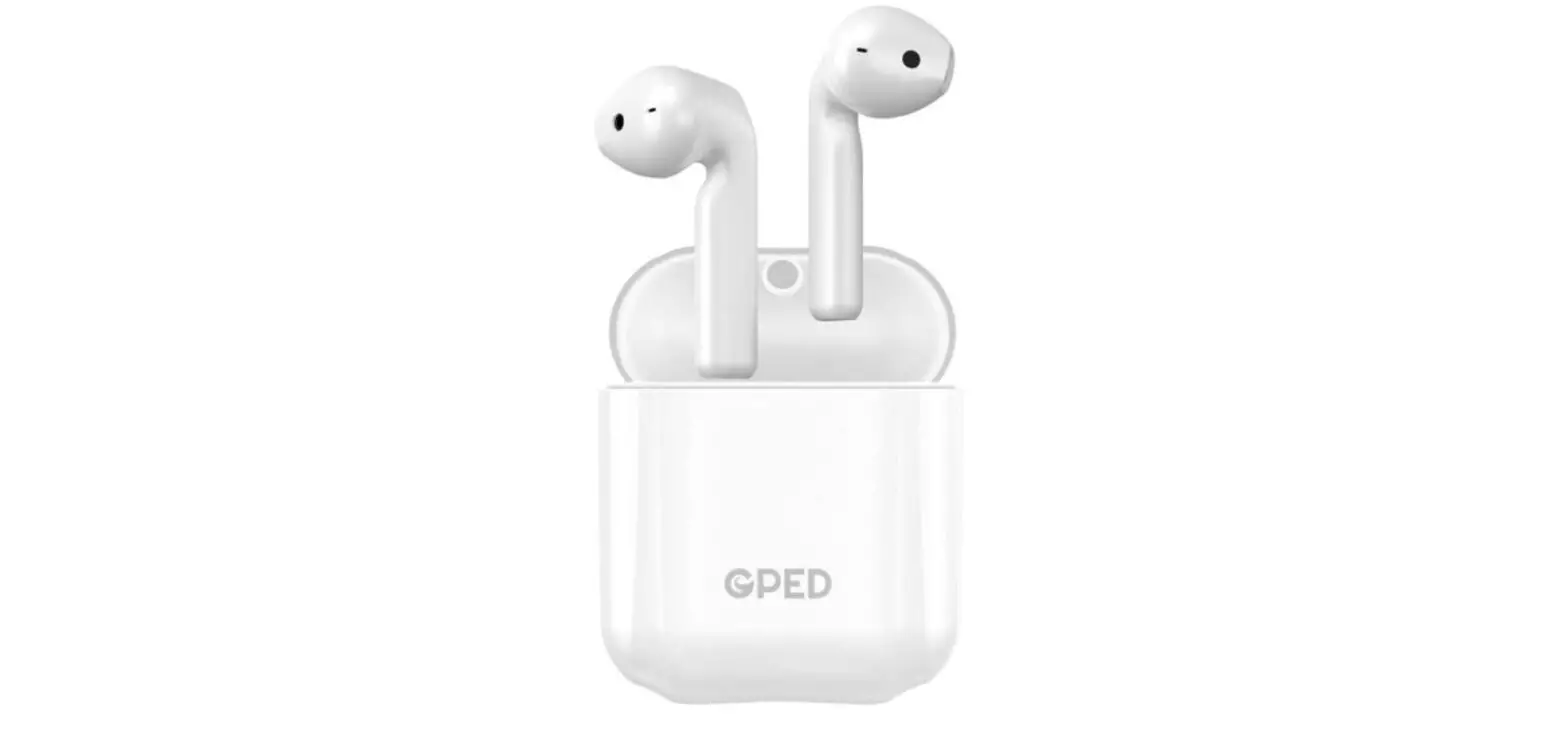
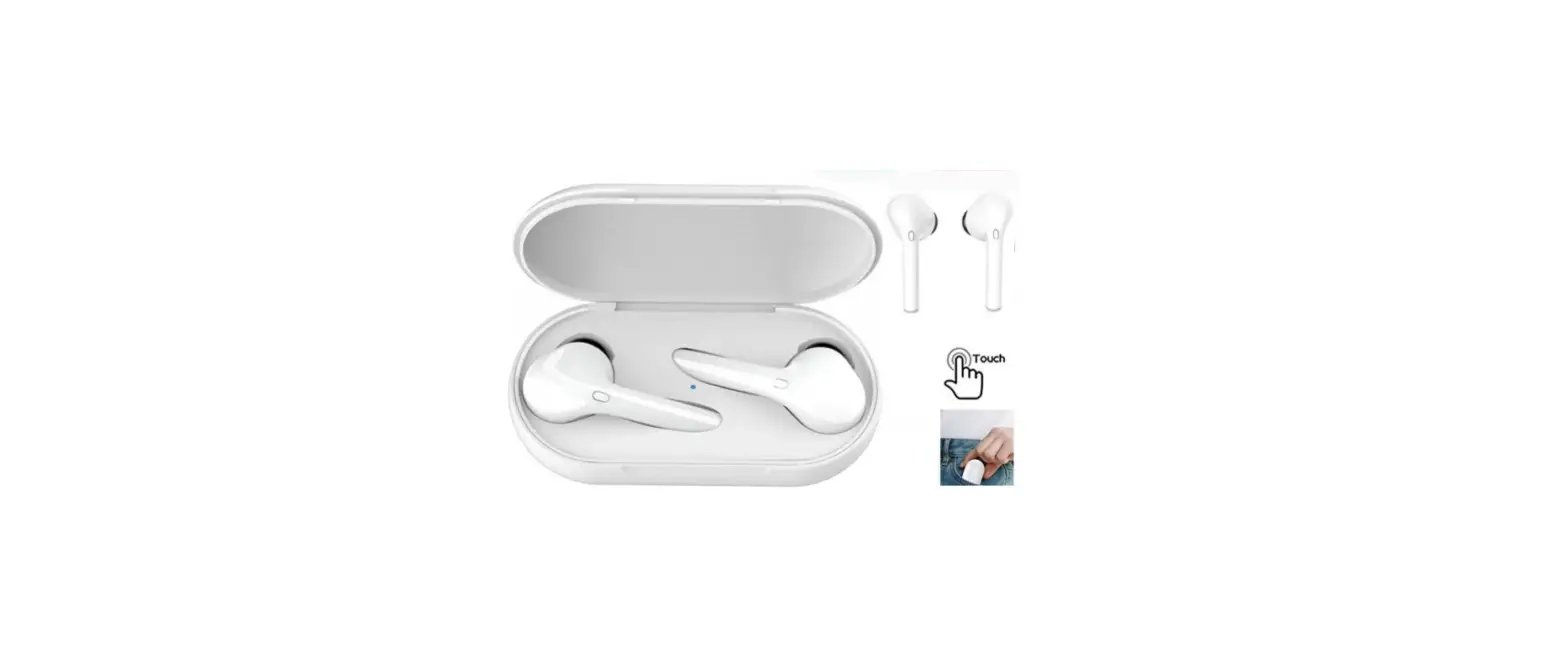
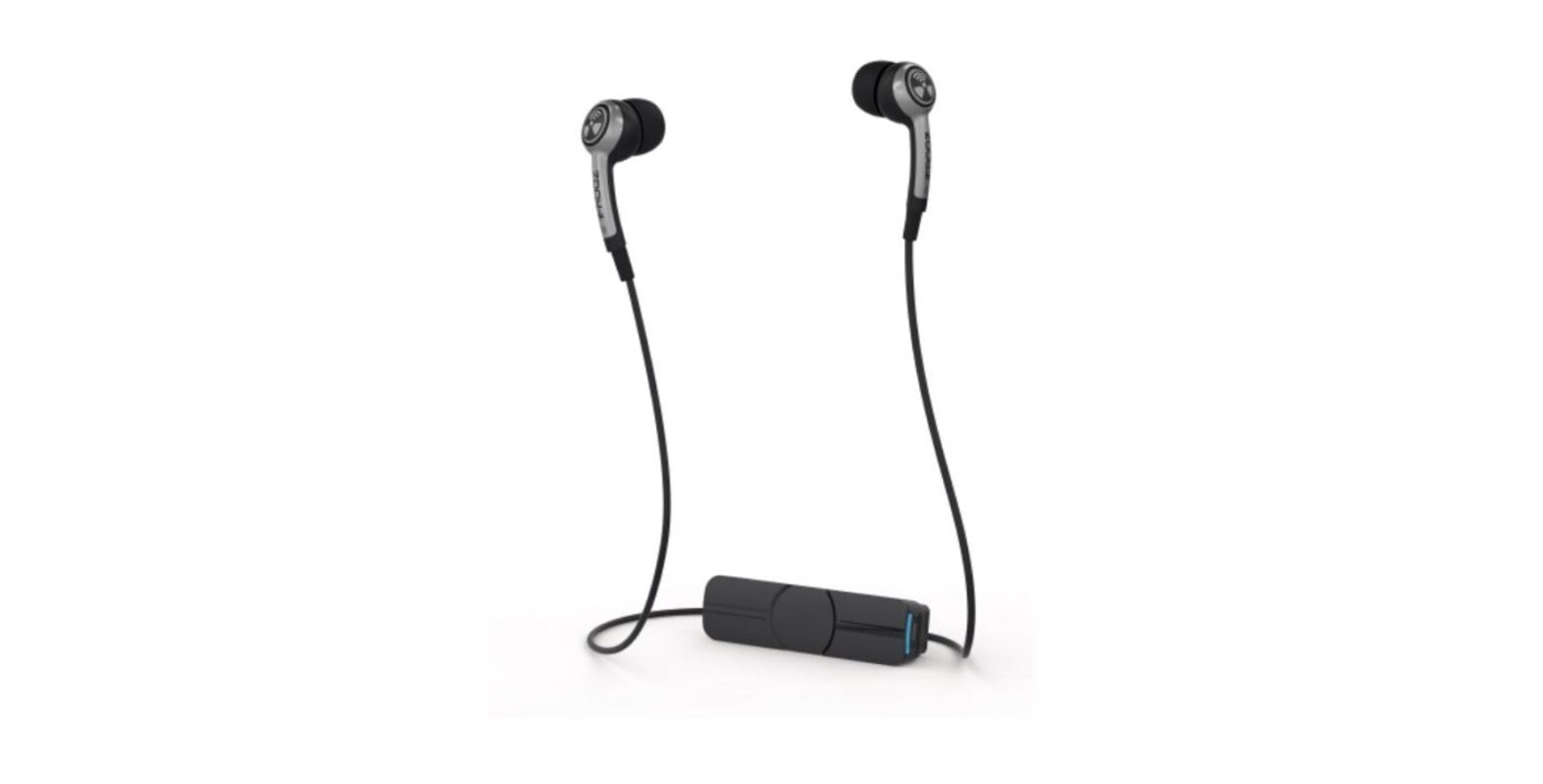
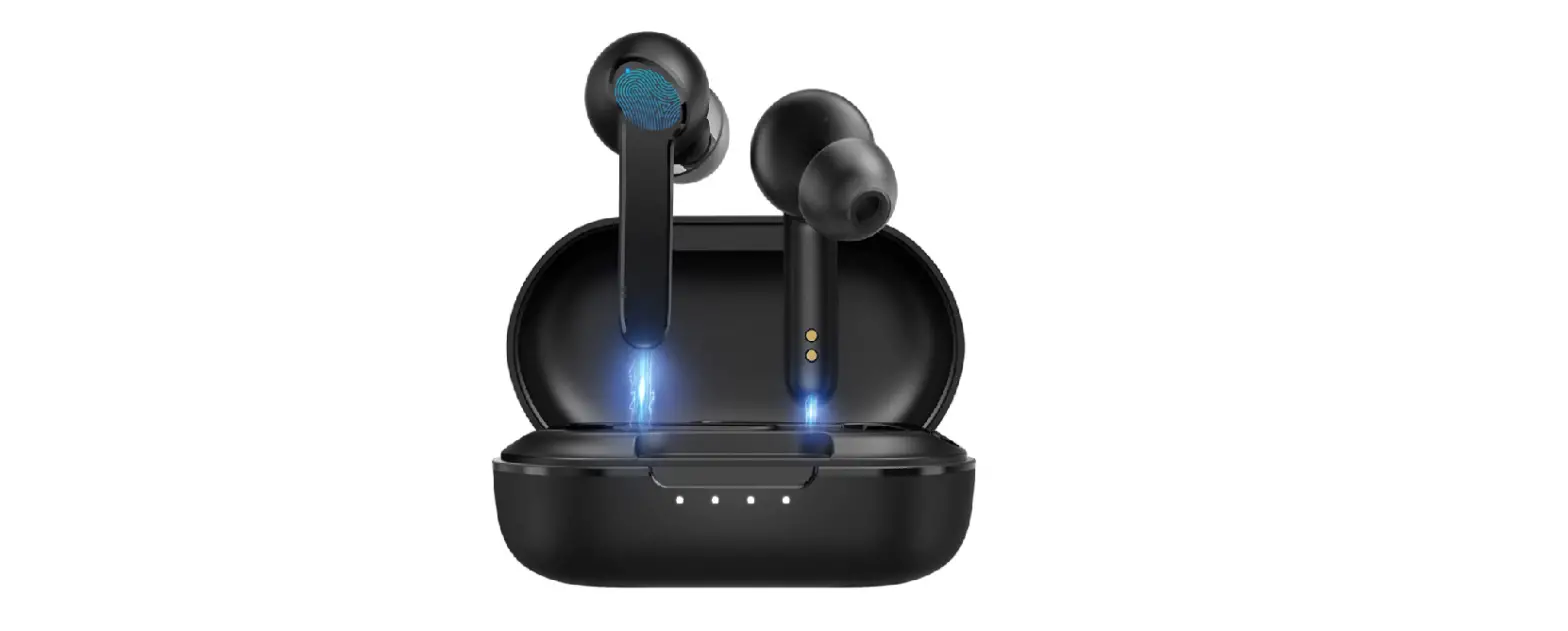
AMZANE Wireless Earbuds Bluetooth Headphones
Specifications
- Package Dimensions
3.94 x 3.11 x 1.46 inches - Weight
3.84 ounces - Connectivity technology
Bluetooth/wireless - Batteries:
1 Lithium-ion battery required. (included) - Form factor
On Ear - Cable Feature
Without Cable - Manufacturer:
AMZANE
Good Sound QualityProduct description
Amzane wireless earbuds feature 5.1 technology that makes the signal more sturdy to turn over high standard sound quality that is more audible and much more real.these wireless earbuds also feature an incorporated mic that enables you to talk through them as if you are talking to them in person
Long-lasting playtime
These earbuds provide exceptional playtime of about 10 Hours on a Single Charge. Because the charging case can recharge the earphones 2-3 times, a fully charged charging case can provide 35 hours of total playtime. This feature makes it a go-to choice for all your music needs.
Comfort
They are super comfy and lightweight that even after wearing them for several hours you don’t feel like wearing them. They are prepared in three different Completely ergonomic designs according to customer ear needs, allowing you wear it with no burden. Owing to this feature you could also wear them during fitness activities.
Sweatproof
AMZANE Wireless Earbuds are map out with Ipx5 sweatproof. meeting the wants of your everyday use so you don’t need to worry about wearing them in rain or sweating affecting the usage and experience of these earbuds
Touch control
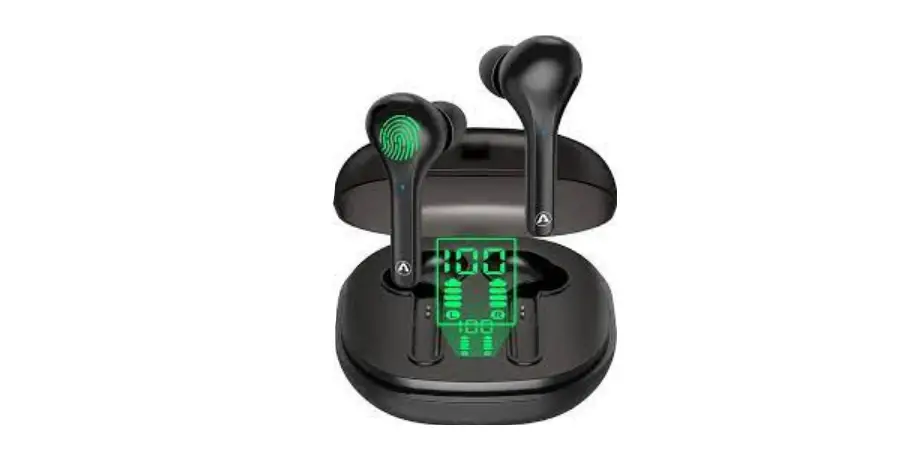
The highlight trademark of these earbuds is the touch control function. Each earphone has only one switch to do all the work.
Charging case
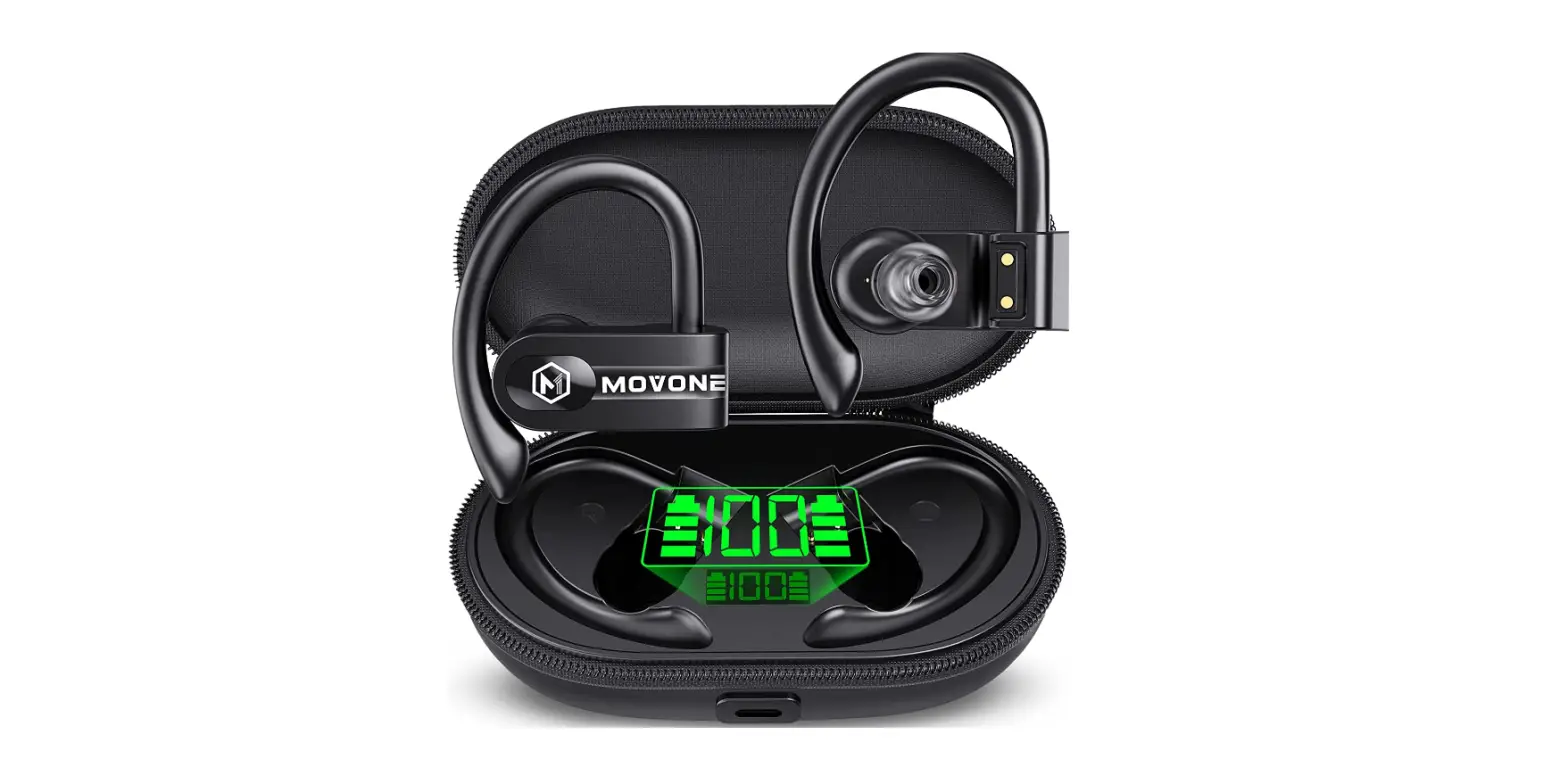
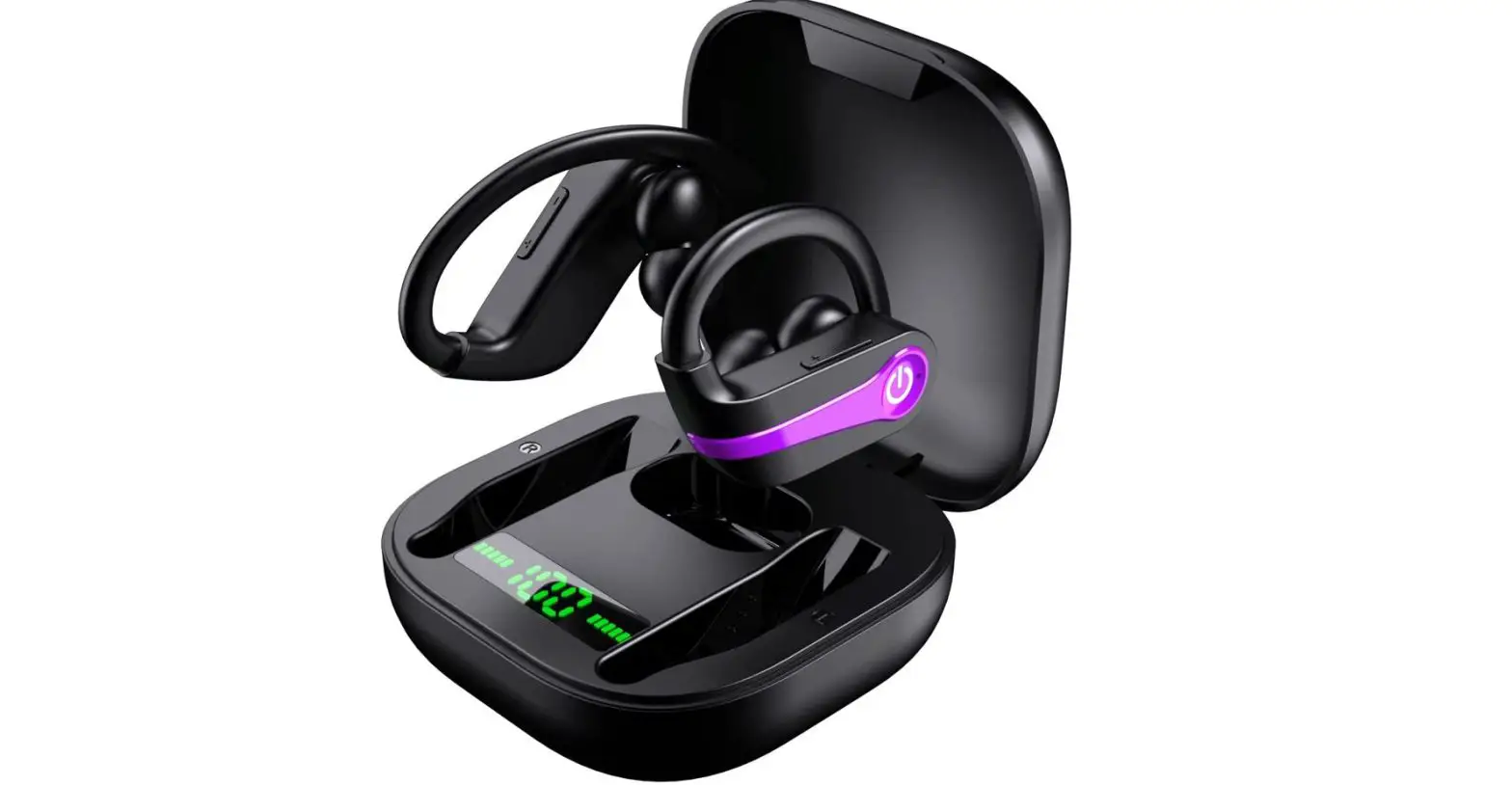
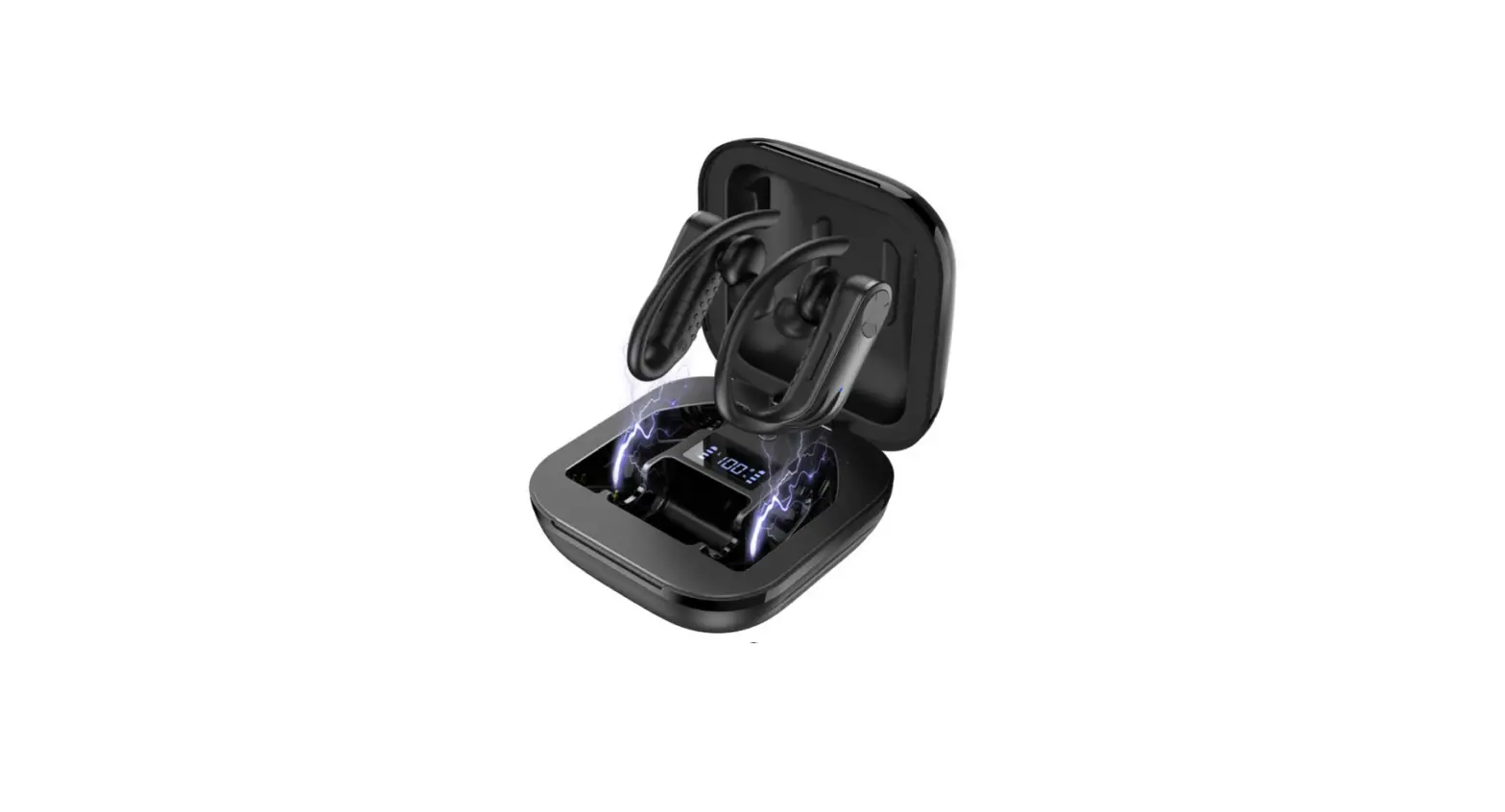
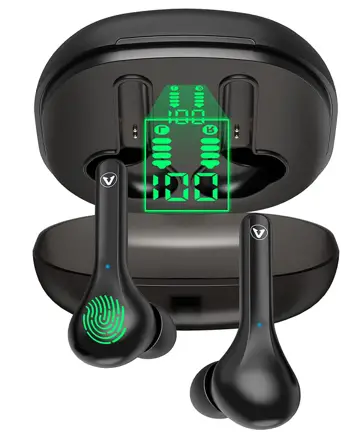
The digital display number grows from 1-100 as the charging case progresses. The digital display number reads 100 and II the time when it is fully charged.
Earbuds
In the Process of Charging: The earbud indication light is red, and the digital display bars on the charging case progress from one to four. When the earphones are fully charged, the red indication light will turn off, and the charging case’s digital display columns will turn off. Without the USB Type-C cable: Even if the earphones are not connected to a power source, a charged case will charge them.
Charging Case:
Charging is in progress: The number on the digital display is decreasing from 100 to zero. When charging is complete, the number on the digital display vanishes.
Earbuds:
In the Process of Charging: The earbud indication light is red, and the digital display bars on the charging case progress from one to four. When the earphones are fully charged, the red indication light will turn off, and the charging case’s digital display columns will turn off. If you use the earbuds with the big ear tips and the power runs out, keep in mind that the earbuds may not fit properly into the charging case due to the size of the large ear tip. When putting the earphones back into the charging case, press down on them. This pressure will complete the connection between the earphones and the charging case pin.
Note:
If the earbuds are charged fully by the charging case, when you plug in the USB C cable, the red indicator lights on the earbuds will not displayonly the charging case’s digital number will flash. Even if you take the earbuds out of the charging case, and put them down, the red indicator lights will not display. This is normal because the earbuds aren’t consuming any battery power. This design saves the battery of both the earbuds and the charging case. You can use the two earbuds to listen to music as normal.
How to Power on earbuds
- Method 1: The power case will turn on automatically after removing earbuds from the charging case
- Method 2 For turning them on, touch both earbuds buttons for about three seconds. The indicator lights on both earbuds will turn blue for 1 second).
How to Power off earbuds
- Method 1:For turning them of simply just put them back into the charging case.{The earbuds’ indicator lights will turn red)
- Method 2:When the 2 earbuds are powered on, touch both earbud buttons for 5 seconds.(The indicator lights on both earbuds will turn red for 1 second).
How to Pair ear buds?
- Remove earbuds from the charging case.
- Wait for 5 secondswhen one of the earbud’s indicator light flashes red and blue, and the other earbud’s indicator light flashes blue the earbuds are paired successfully.
- Open the Bluetooth of your devices, search and click the model “AMZANE PRO”. the Earbuds will pair successfully with your device Because the earbuds have a primary/ secondary designation, the batteries are different. The battery of the primary earbud dies faster than that of the secondary earbud. This is normal.
Note:
If you have purchased 2 or more sets of earbuds from our company. Please pair each set separately. When you want to use them, pair the two earbuds from one set with your phone first, then next pair the earbuds of the other set. Please do not pair one earbud from one set with an earbud from a different set. This will affect normal use. (For example, If you want to use one earbud, your spouse wants to use the other one, please ensure that these two earbuds come from the same set. If you want to use one set of earbuds for yourself for one device, after you have paired the matching earbuds together, then your spouse can open the second pair.
Notice:
When you are listening to music and you receive a call suddenly after you finish the call, you might have trouble restarting the music, Just replace the earbuds into the charging case. Once the earbuds’ indicator lights are red,then remove the earbuds from the case. The problem will be solved.
Precautionary measures
The earbuds and charging case are of exceptional quality. To extend the life of this product, follow these instructions Keep this product away from extreme heat,or corrosive environments. Prevent this product from being struck or dropped, warping, etc.
Case
Don’t overcharge this product for a long time, as this will lessen the battery service life. Stop using this product immediately if it causes discomfort or pain Recharging and discharging the headphones repeatedly will lead to a decrease in battery performance over time, which is normal for all rechargeable batteries incorrectly.)
Note:
Please charge the 2 Earbuds and the charging box at least once every 3 months, If you will not be using the earbuds for an extended period of time, fully charge the charging case and then disconnect it from the power source. Find us to get any helps, warranty and surprise prize
Web: Ramzan.shop Ema il: AMZANE [email protected] After you contact us, If you do not receive a timely response from us, check to see if our email is in your spam mailbox.
Verdict:
To be impartial, Ramzan wireless earbuds provide you with premium sound quality that submerges you in your own music world. Enhances your music experience and put an end to exhaustion of the day. These earbuds are intricately designed to wear them for a long time without harming your ear and provide out-of-the-ordinary playtime of 10 hours on a single charge. So they are worth buying
PROS
- Wireless/Bluetooth connectivity
- Sweatproof
- Premium sound quality
- Touch control
- Super long playtime
- Easy pairing
CONS
- Quite expensive
Frequently asked questions
- What’s the playtime of these earbuds?
These earbuds lasts about 10 Hours on a Single Charge. Because the charging case can recharge the earphones 2-3 times, a fully charged charging case can provide 35 hours of total playtime. - ARE Amzane wireless earbuds worth buying?]
Yes these are definitely worth buying when it comes to premium sound quality with other exceptional features in on place. - How to charge these earbuds?
You have to place them in the provided charging case and press power button on the front of the case. If you’re placing them back into the case to be charged after usage, hold down the multi-function buttons to turn off the earbuds first.