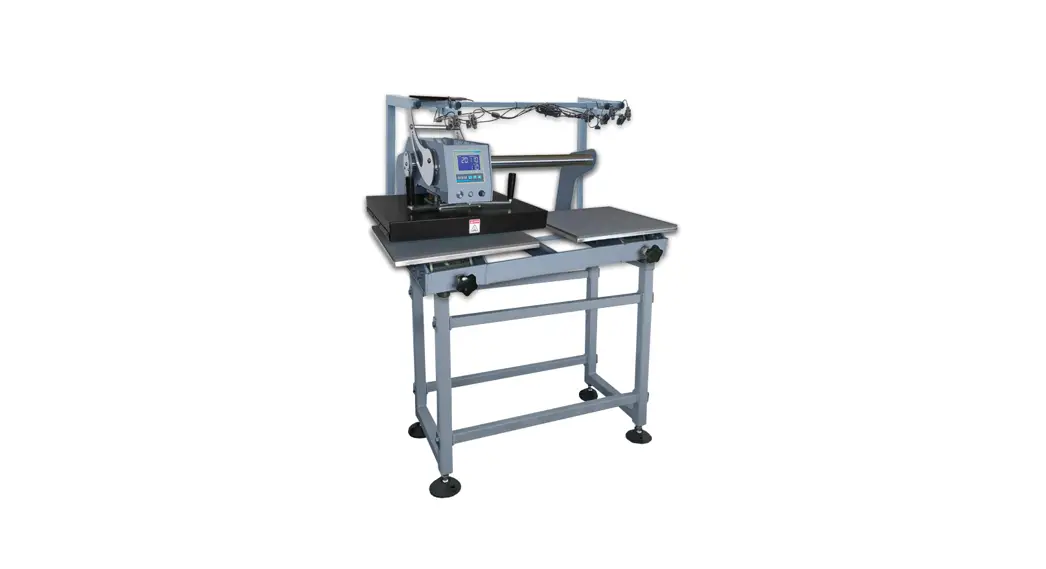
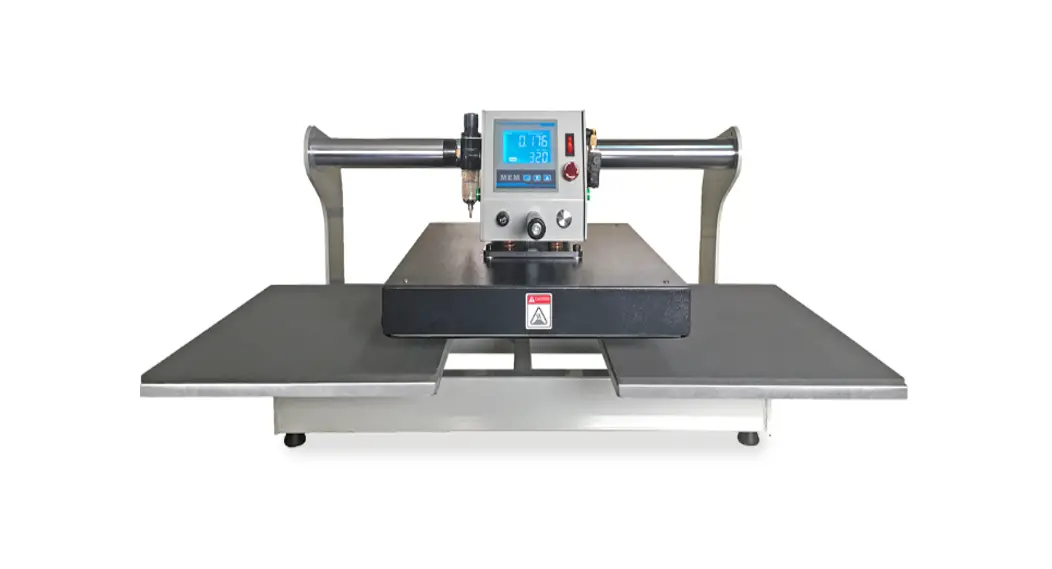
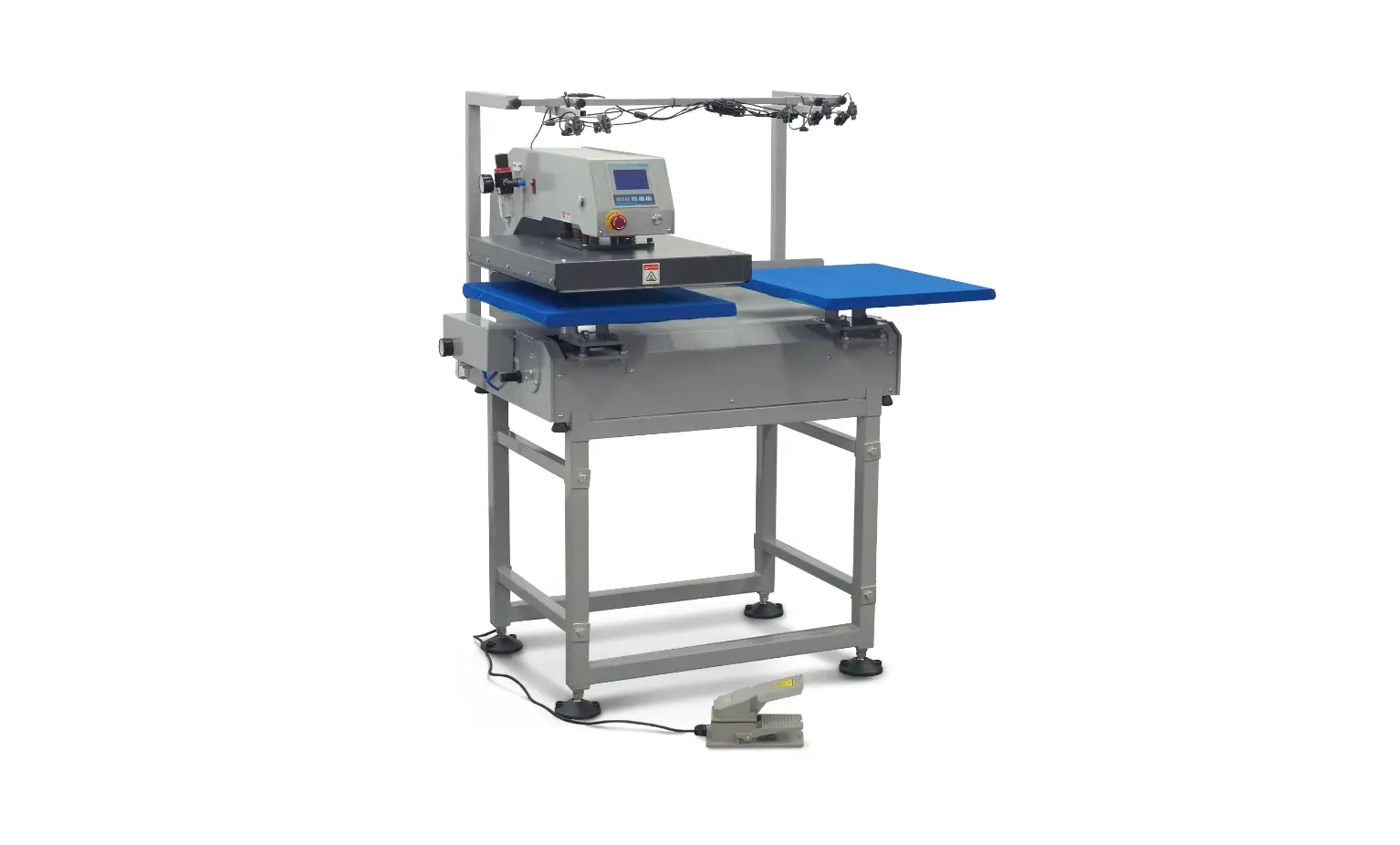
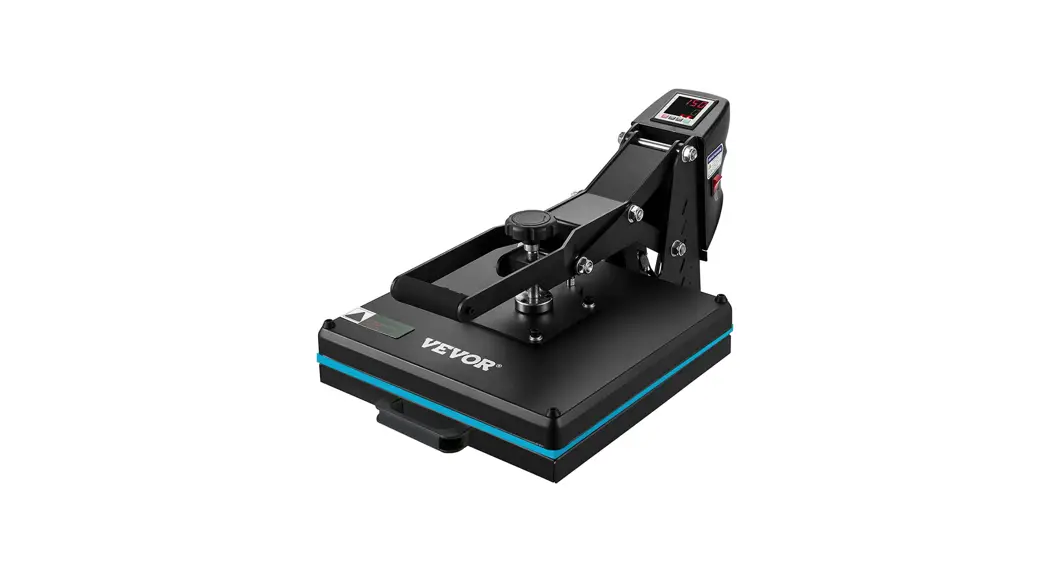
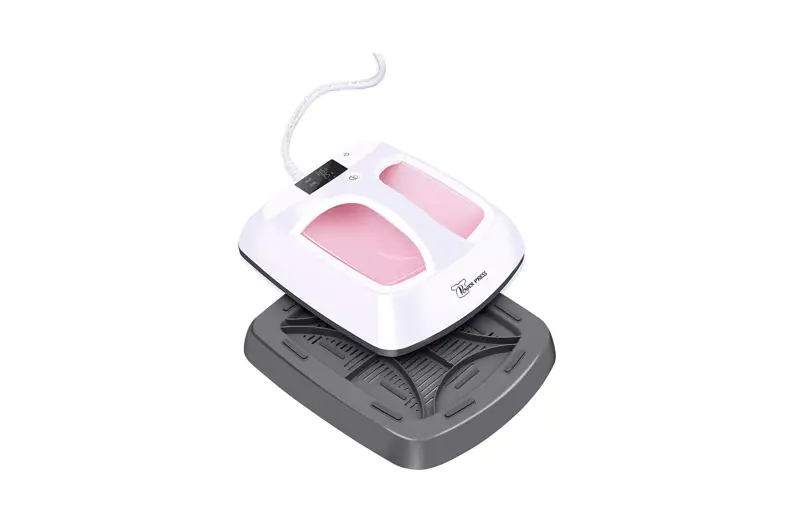
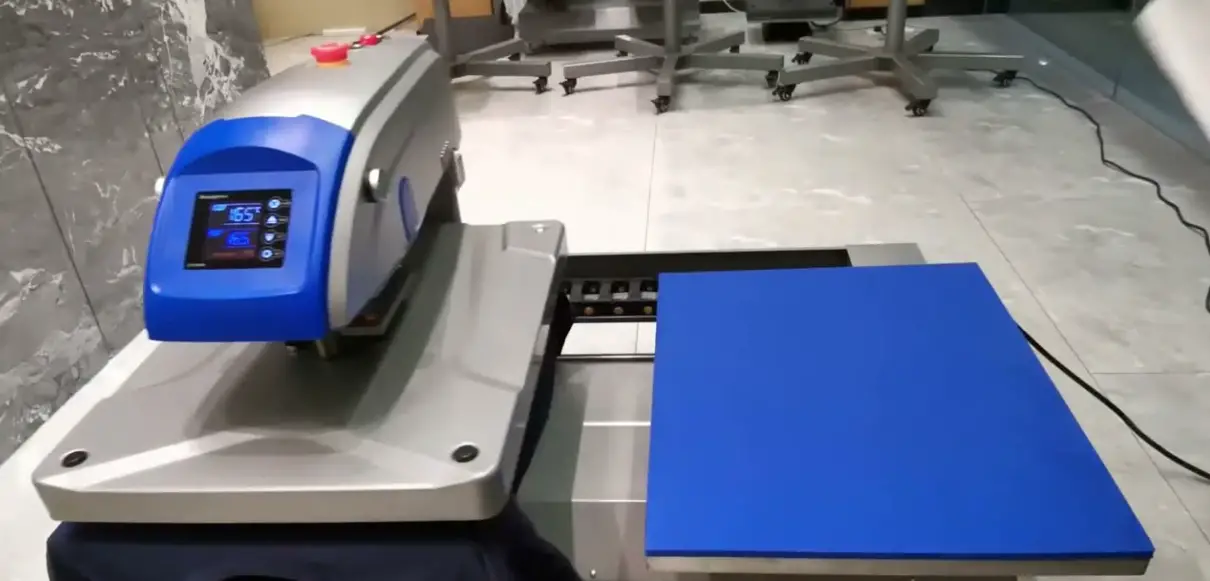
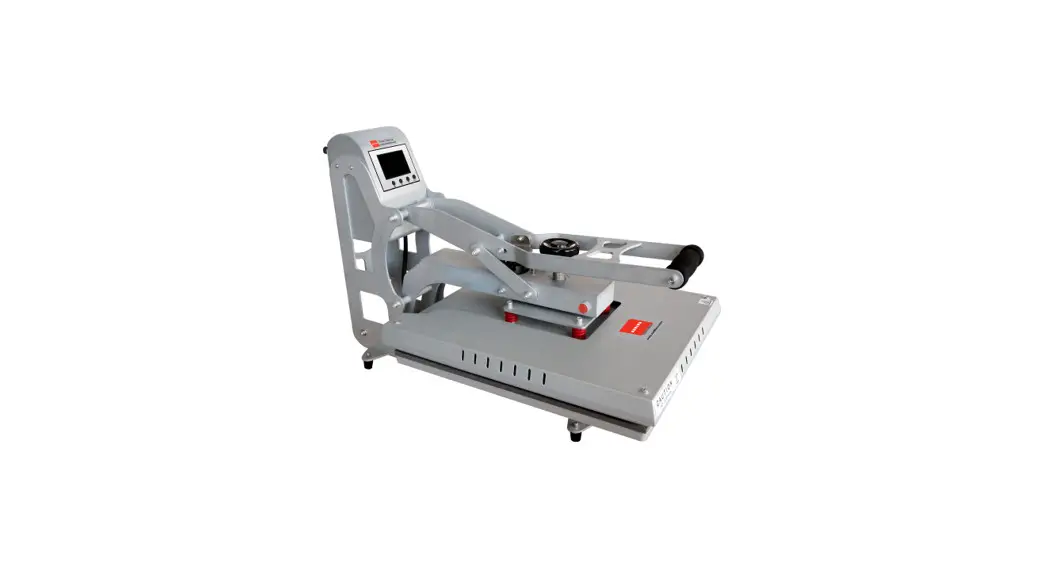
Maxima Semi Auto Dual Heat Press
Product Information
The Maxima Semi-Auto Dual Heat Press is a versatile heat press
machine designed for professional use. It features a large platen
size of 16 x 20 inches, allowing for easy and efficient pressing of
various materials. The machine is powered by a current voltage and
requires an air compressor for operation. It has a temperature
range of 0-999 seconds and an ideal temperature for optimal heat
transfer results. The machine is built with safety features such as
an emergency stop button and temperature control.
Product Usage Instructions
- Connect the air compressor connector to the machine and open
the air pressure. - Adjust the pressure gauge to 60psi.
- Raise the heating plate.
- Connect the air switch and turn on the main power switch.
- Adjust the desired time and temperature using the
controls. - Wait for the machine to heat up.
- After heating, the temperature meter light will turn off,
indicating insulation. - Place the garment on the platen, ensuring it is flat.
- Place pressing paper on top of the garment.
- Adjust the mode to manual and press the start switch.
- When the set time is up, the heating plate will automatically
raise and the machine head will move to the other platen. - Observe the results of the test and make any necessary
adjustments to settings. - After a successful test, the transfer switch can be left in
automatic mode. - In case of emergency, press the emergency stop button.
Temperature & Time Setting
- Press the SET button once. The display will show “5P” and enter
the temperature/time setting state. - Use the arrow keys to increase or reduce the temperature or
time. - Once the desired time and temperature are input, press the SET
button again to set them. - To reset the time and temperature settings, press and hold the
up arrow key (with RESET written underneath) for 3 seconds.
Troubleshooting
| Problem | Solution |
|---|---|
| Distance between 4 sides of top plate and bottom plate not uniform | Use a ruler to measure and adjust the nut in the center of the heating plate to ensure consistent distance. |
| Pressure too high or low | Adjust the filter and lift the upper regulating valve in the + direction to increase pressure or in the – direction to reduce pressure. Check the air compressor pressure within the ideal range of 85-100psi. |
| No countdown/timer | Ensure the machine head is in the proper place and check the proximity switch and distance, adjusting it to less than 5mm. Check the circuit (intermediate relay). |
| No temperature control | Contact customer support for assistance with temperature control issues. |
Maxima Semi-Auto Dual Heat Press
User Manual
Scan the above code for technical videos and tips!
dtfstation.com
1
CONTENTS
1. CONTENTS ……………………………………………………. 2 2. SPECIFICATIONS ………………………………………….. 3 3. SAFETY ………………………………………………………….. 4 4. INSTRUCTIONS …………………………………………….. 5
A.Temperature & Time Setting …………………… 5 5. TROUBLESHOOTING ……………………………………. 6 6. WARRANTY ………………………………………………….. 7
2
SPECIFICATIONS
Current Voltage
Power
Temp. Range
110 V* 3500 W 0-750°F
Ideal Temp.
320°F
Time Range
Platen Size (WxL)
Machine Size (LxWxH)
Packaging Size (LxWxH)
Net Weight
0-999 Seconds 16″ x 20″
22″ x 36.75″ x 54.5″ 23.65″ x 40″ x 60″
265 lbs.
*Maxima Semi-Auto Press requires use of air compressor, which may require a higher voltage plug or more power.
3
INSTRUCTIONS
1. Connect air compressor connector, open the air pressure, adjust the pressure guage to 60psi, and raise the heating plate.
2. Connect the air switch, turn on the main power switch, and the indicator light will turn on.
3. Adjust the required time and temperature, and wait for the machine to heat up.
4. After heating, temperature meter OUT1 light off, automatic flashing (insulation). Start testing.
5. Place garment on the platen, making sure garment is flat. Place pressing paper. Adjust mode to manual, and press the start switch.
6. When the set time is up, the heating plate will raise automatically, and the machine head will move to the other platen.
7. Observe results of test and adjust settings as necessary. 8. After a successful test, the transfer switch can be left to automatic.
After placing materials to be pressed on the platen, as long as the press is above the platen, it will press automatically. 9. In case of emergency, press the emergency stop button.
TEMPERATURE & TIME SETTING
1. Press SET once. “5P” will flash at the top, and the controls will enter the temperature/time setting state.
2. Use the arrow keys to increase or reduce temperature or time. 3. Once the desired time and temperature are input, press SET once
more to set the time and temperature. 4. Press the up arrow key (with RESET written underneath) for 3
seconds to reset time and temperature settings.
5
TROUBLESHOOTING
PROBLEMS
Distance between 4 sides of top plate and of bottom plate not uniform
SOLUTIONS
1. Use a ruler to measure whether the distance between the 4 sides of both platens is consistent. If not, screw “down” nut in the center of the heating plate to adjust.
Pressure too high or low
1. Ideal pressure is about 60psi. Adjust filter. 2. Lift the upper regulating valve in the “+”
direction to increase pressure, or in the “-” direction to reduce pressure. 3. Check whether pressure of air compressor is within ideal range of 85-100psi.
No countdown/timer When time is up, press does not press
1. Make sure machine head is in proper place. 2. Check proximity switch and distance. Adjust
to less than 5mm. 1. Check circuit (intermediate relay)
No temperature control
1. Check whether temperature control table, solid state relay, and heating plate circuit are in good contact. Also check to ensure the electrical components are functioning properly.
6
SAFETY
1. Read all instructions and watch all recommended videos. 2. Use heat press only for its intended use. 3. Please use caution when operating this heat press, especially
when the automatic press is in operation. 4. Please ensure that you have suitable and reliable protective
ground wire before using this heat press. I. Power is 3500 W and voltage is 110 V.
5. To reduce risk of electric shock, do not immerse the heat press in water or other liquids, and do not store liquids near the heat press.
6. Never pull cord to disconnect from outlet, instead grasp plug and pull to disconnect.
7. Do not allow cord to touch hot surfaces. Allow heat press to cool completely before storing.
8. Do not operate heat press with a damaged cord, or if the equipment has been dropped or damaged.
9. To reduce risk of electric shock, do not dissasemble or attempt to repair the heat press. Take it to a qualified service person for examination and repair. Incorrect assembly or repair could increase the risk of fire, electric shock, or injury to persons.
10. This appliance is not intended for use by persons (including children) with reduced physical, sensory, or mental capabilities, or lack of experience and knowledge, unless they have been given supervision or instruction concerning the use of the appliance by a personal responsible for their safety.
11. Close supervision is necessary for any heat press being used by or near children. Do not leave equipment unattended while connected.
12. Burns can occur when touching hot metal parts. 13. To reduce the likelihood of circuit overload, do not operate
other high voltage equipment on the same circuit.
4
WARRANTY
· 1 year warranty on all parts · 5 year limited warranty on heating elements
7
 DTF Station