 TY4050 Proxima Dual Heat Press
User Manual
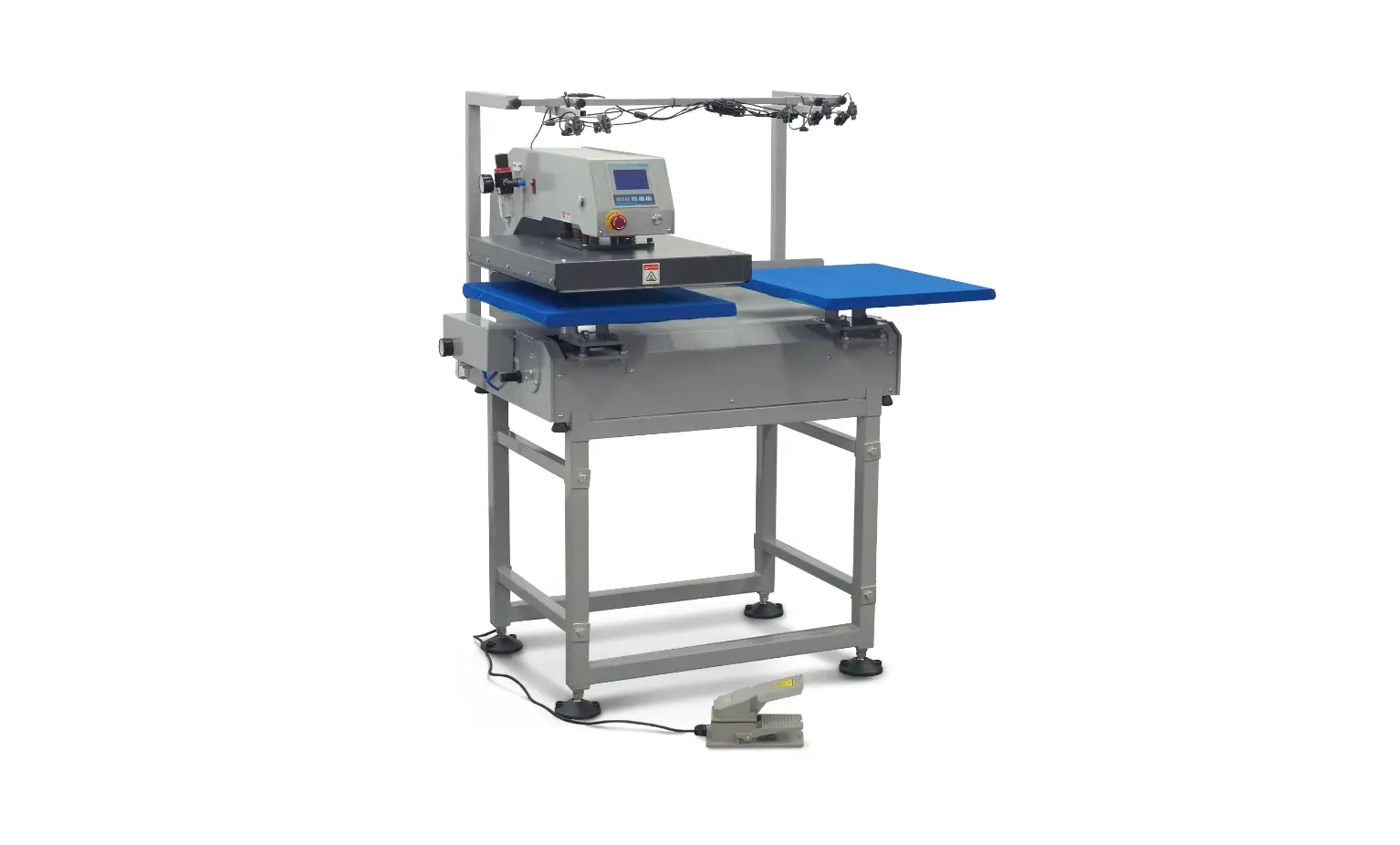
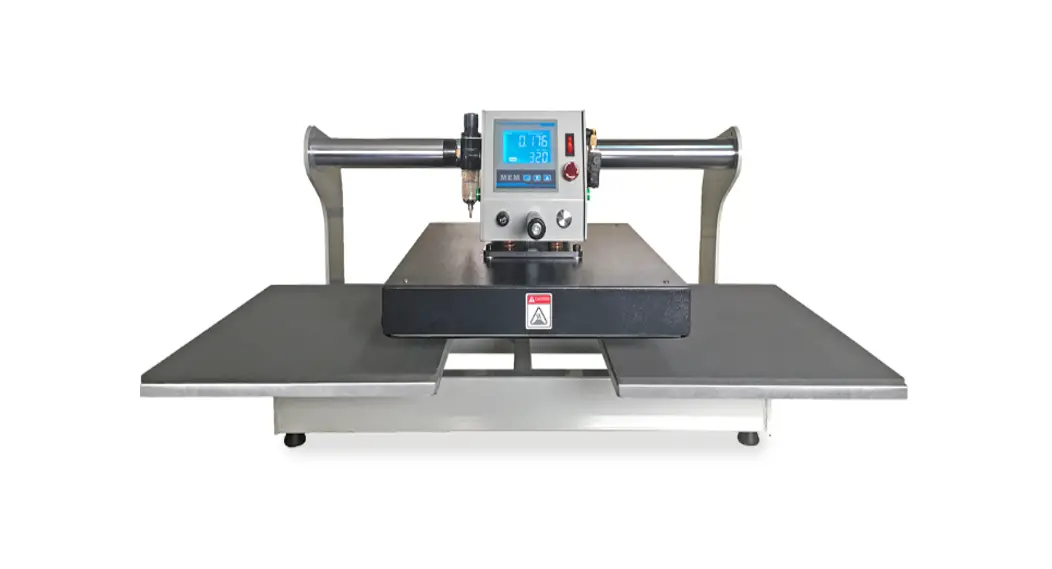
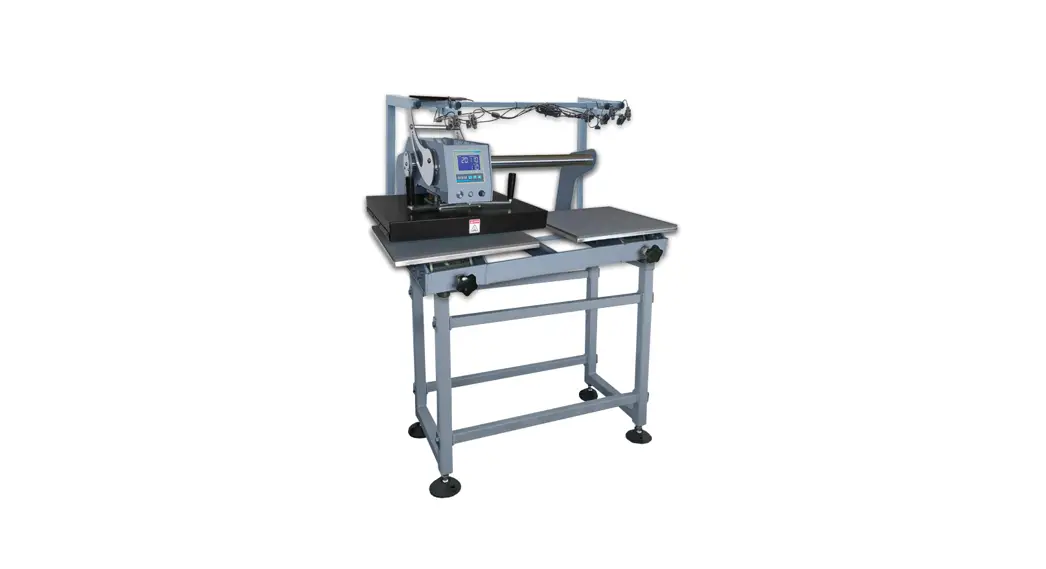
TY4050 Proxima Dual Heat Press
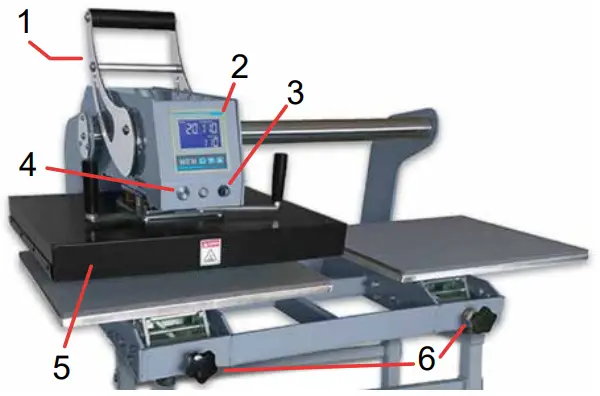
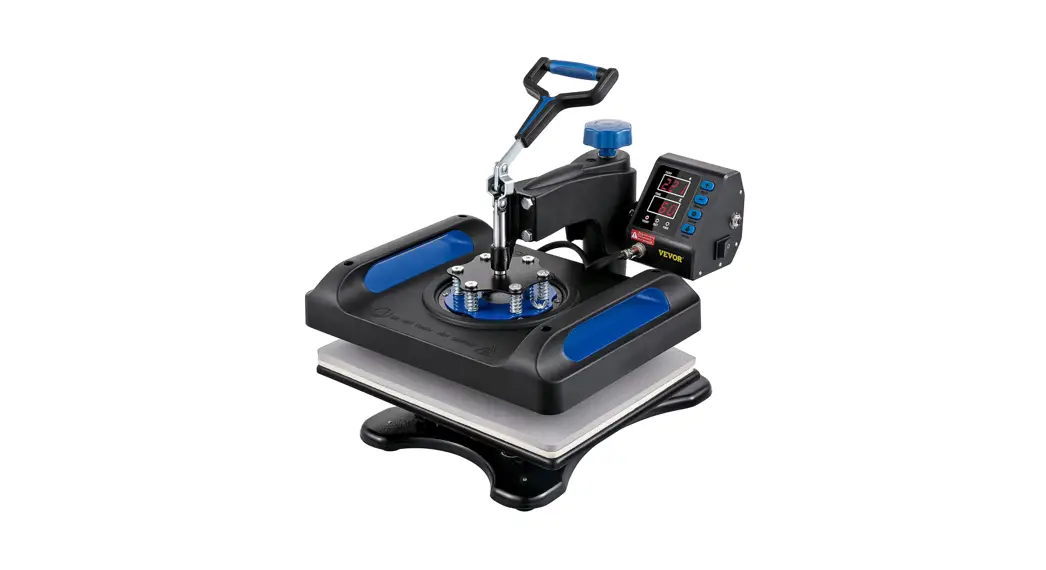
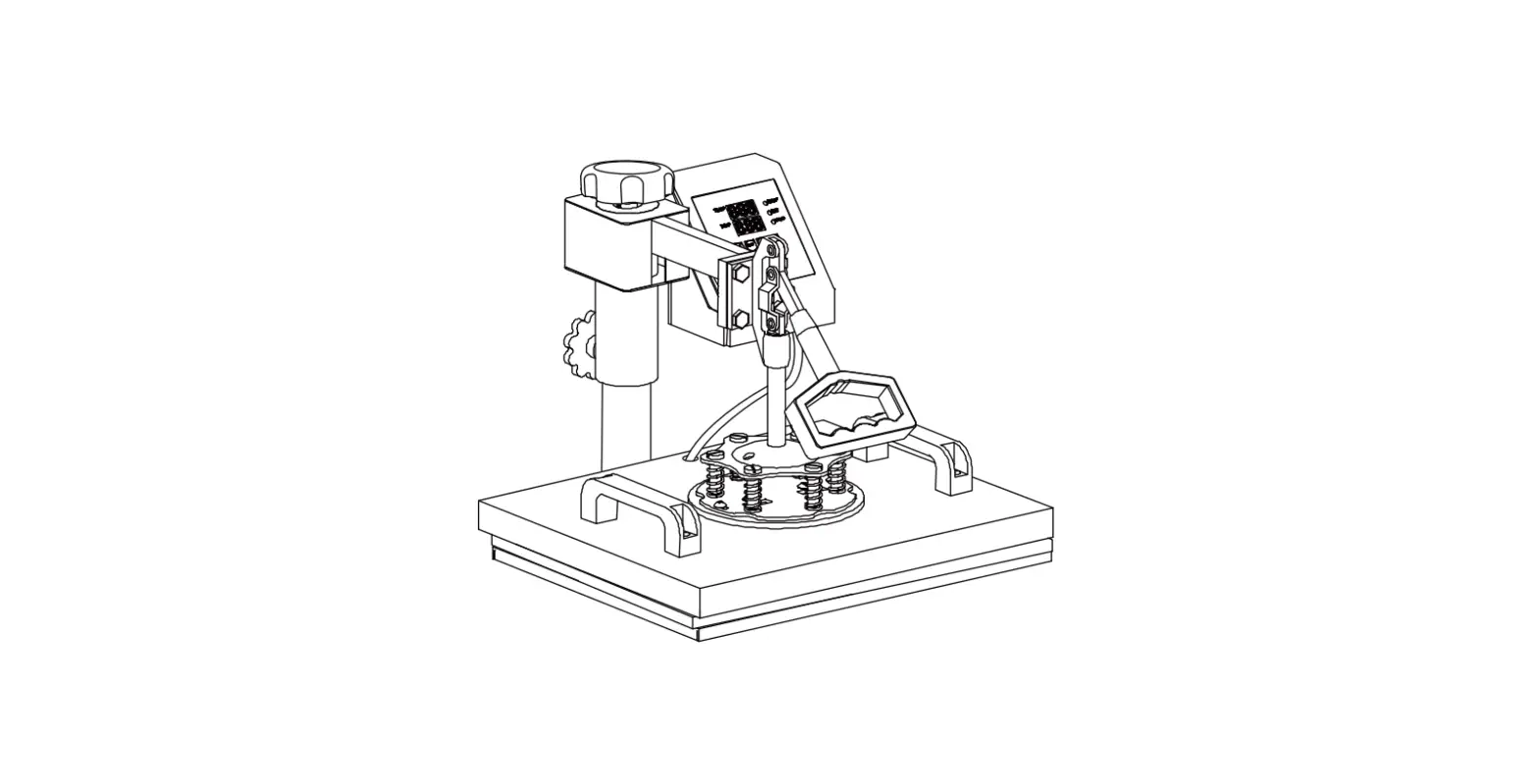
- Press Handle
- Control Panel
- Fuse
- Power Switch
- Heat Plate
- Pressure Adjustment Knob
Control Panel
 | Press the SET button one time to start adjusting the temperature. Press it again to adjust the time, and press it for the third time to exit the setting interface. Note: Press and hold the SET button will enter the parameter setting interface. Do not change any parameters. Press and hold the SET button or power off the machine to exit the parameter setting interface. |
 | Press this key to decrease the corresponding parameter value after the machine enters the setting interface. |
 | Press this key to increase the corresponding parameter value after the machine enters the setting interface. Press and hold this key to start self-tuning mode (°C or °F symbol will blink on the panel). Once the machine enters self-tuning mode, do not unplug it or press any keys until self-tuning has finished. Implement self-tuning after changing the heat plate or thermocouple wire. |
Specifications
| Plate Size (in) | Voltage | Power | Dimensions (in) | Shipping Dimensions (in) | Weight (lbs.) |
| 15.75 x19.69 | 110V | 2kw | 39.4(L)x26.8(W) x21.7(H) | 48.8(L)x31.50(W) x24.41(H) | 260.15 |