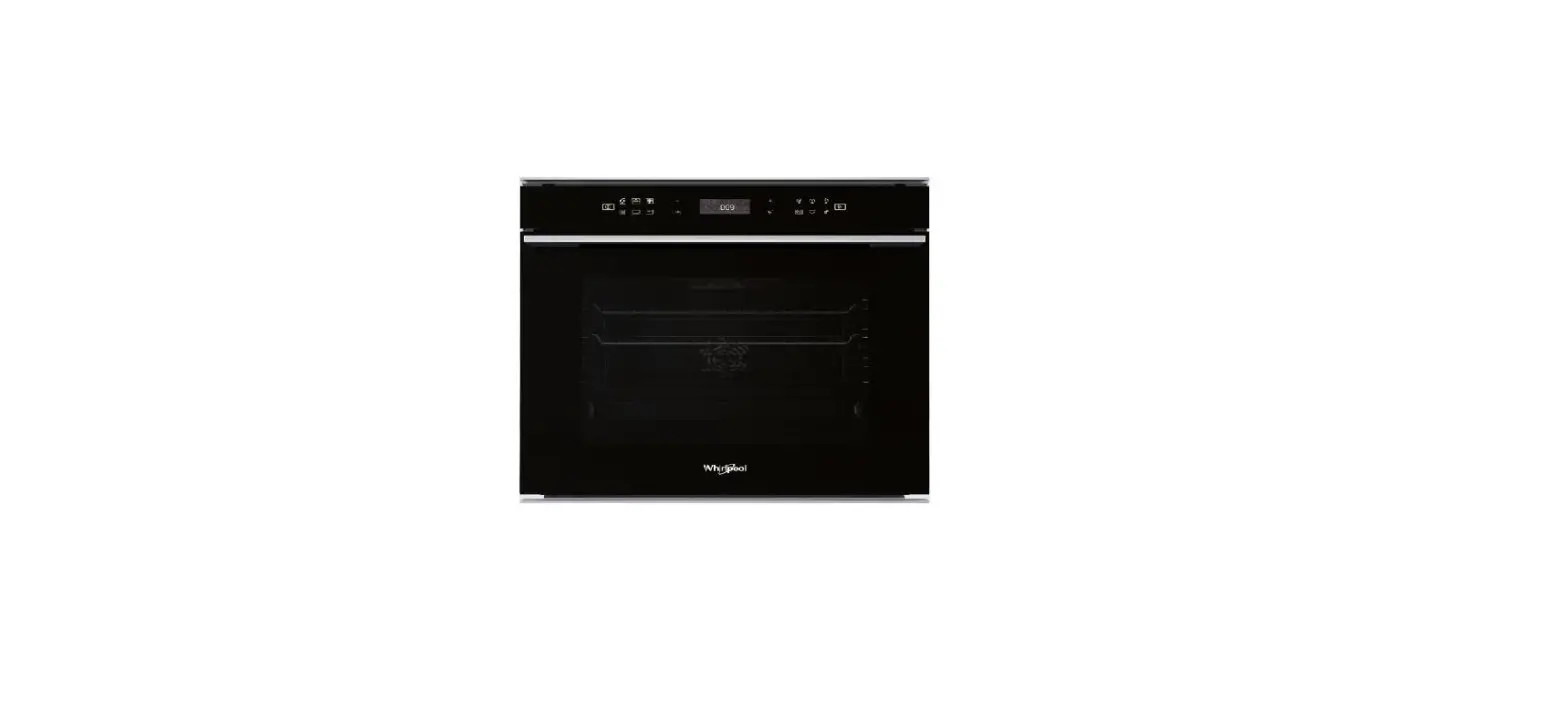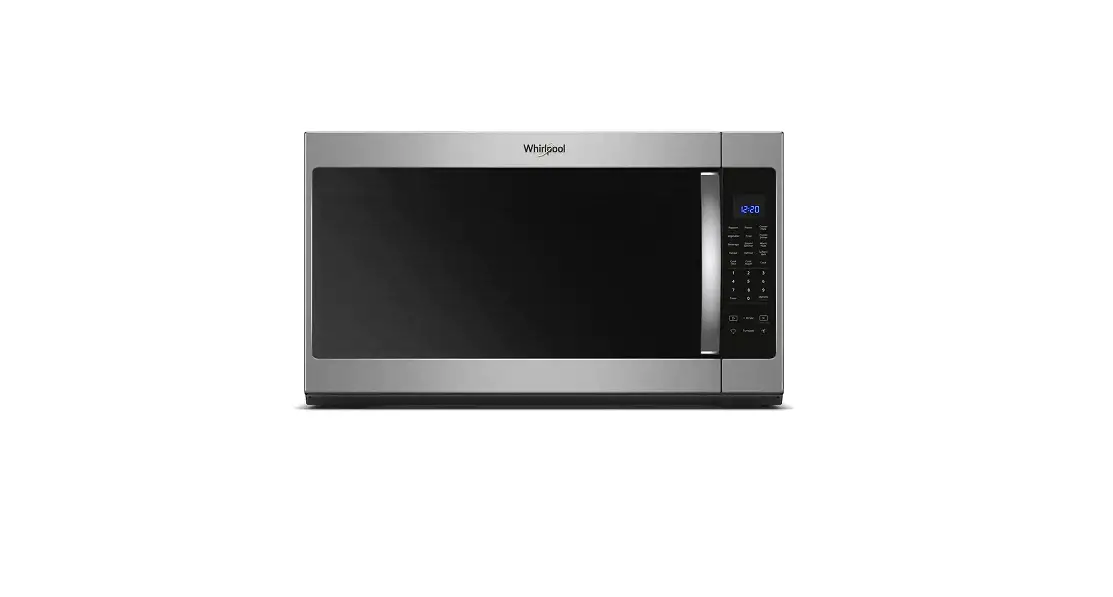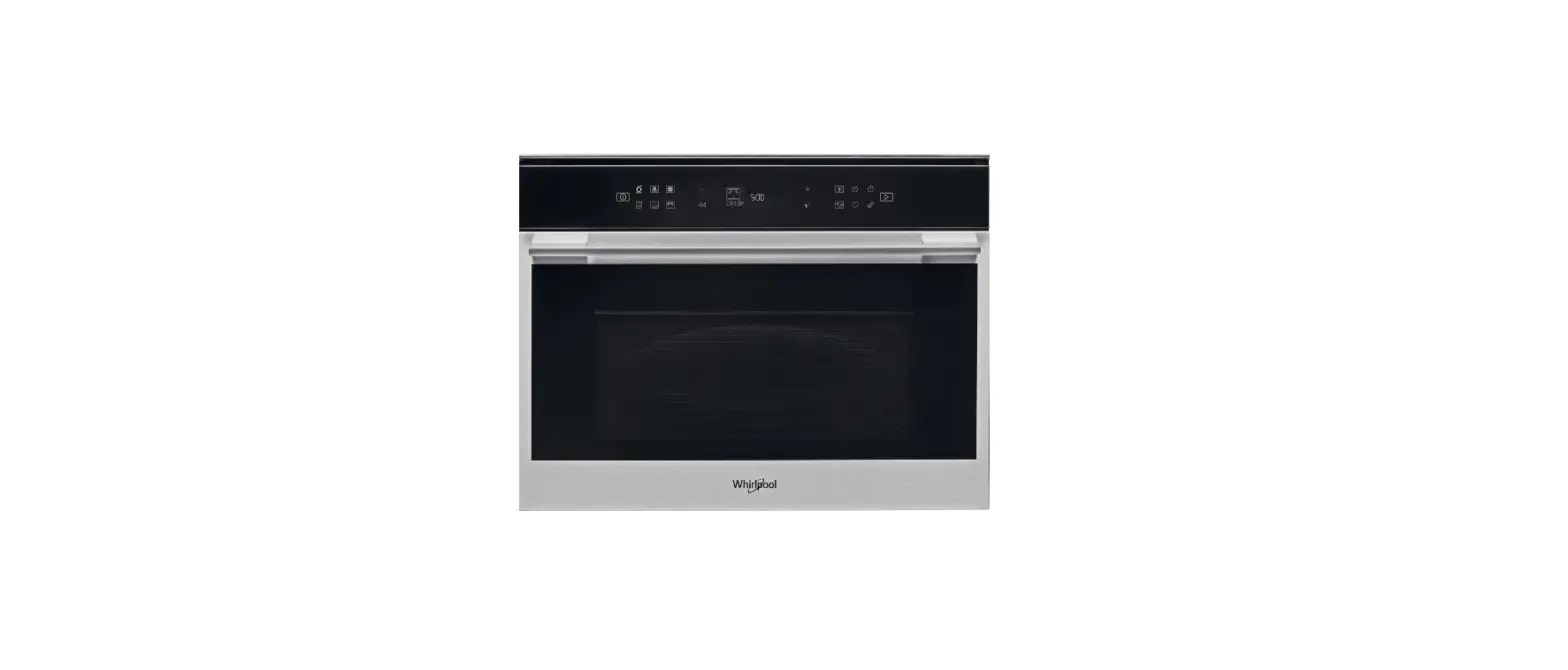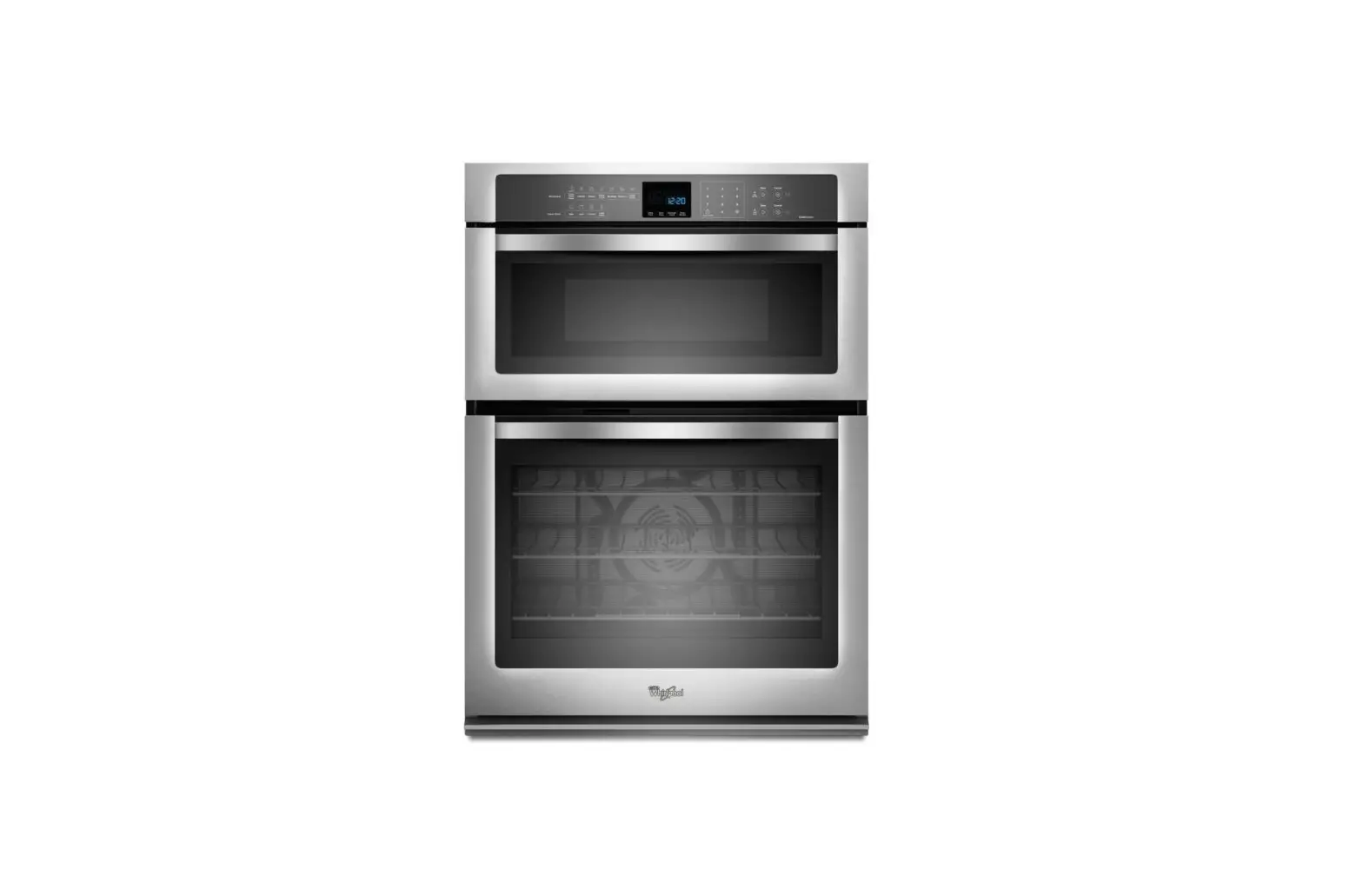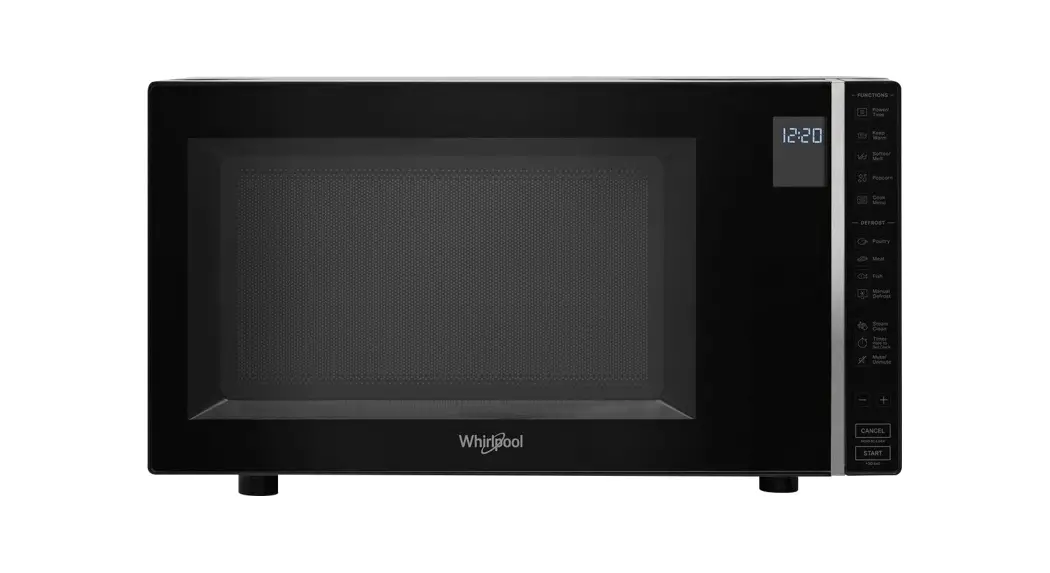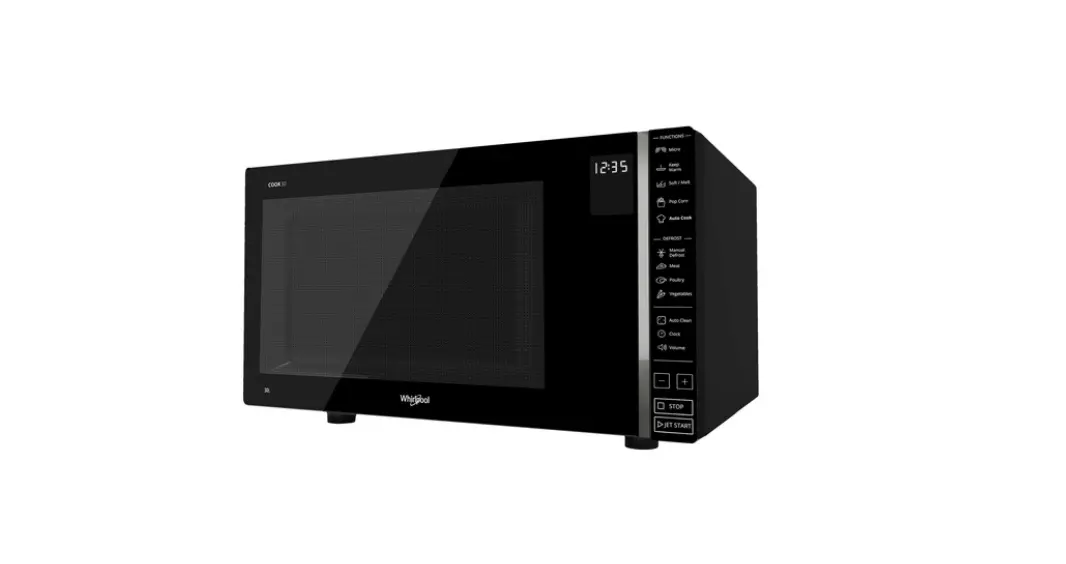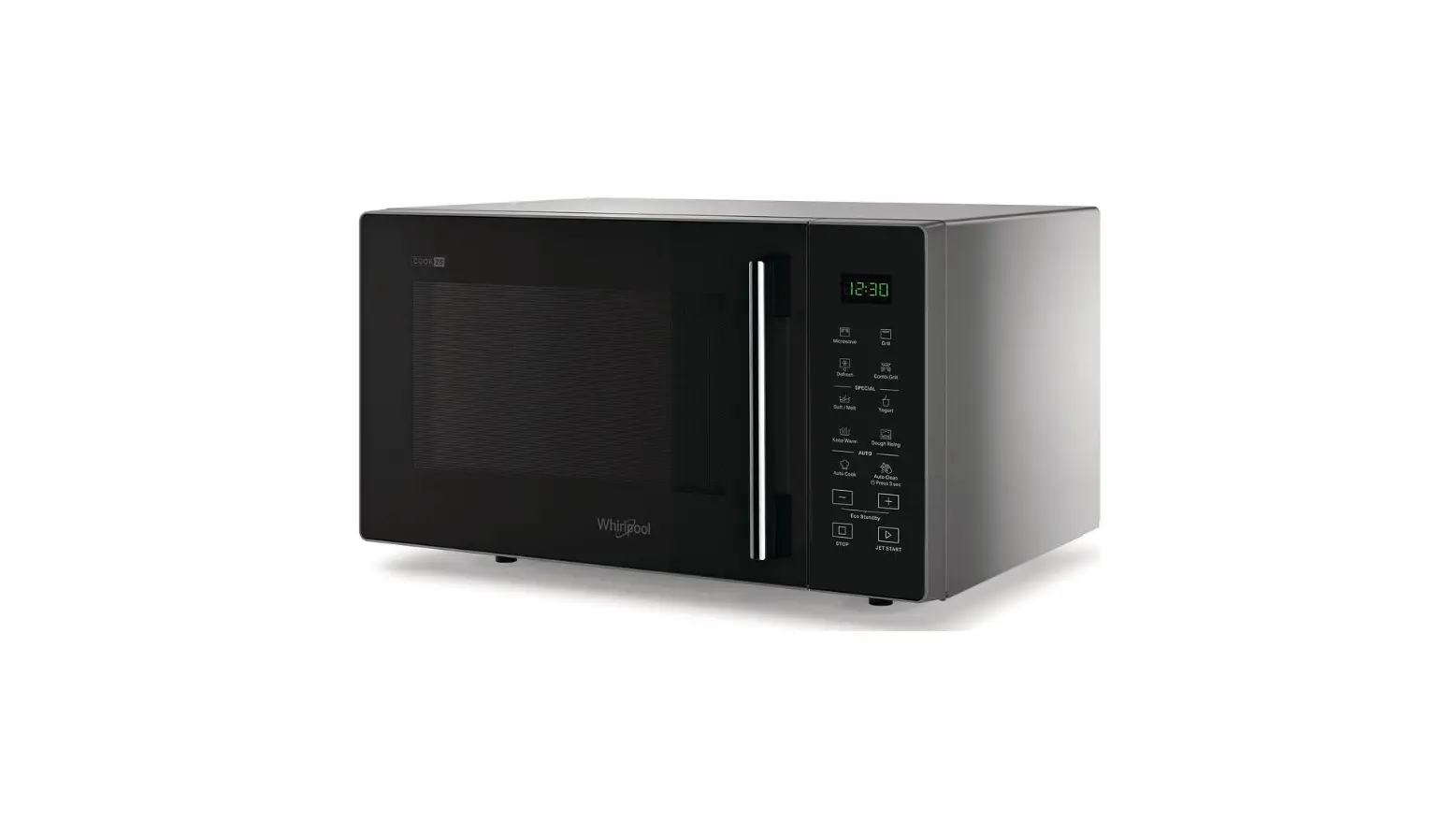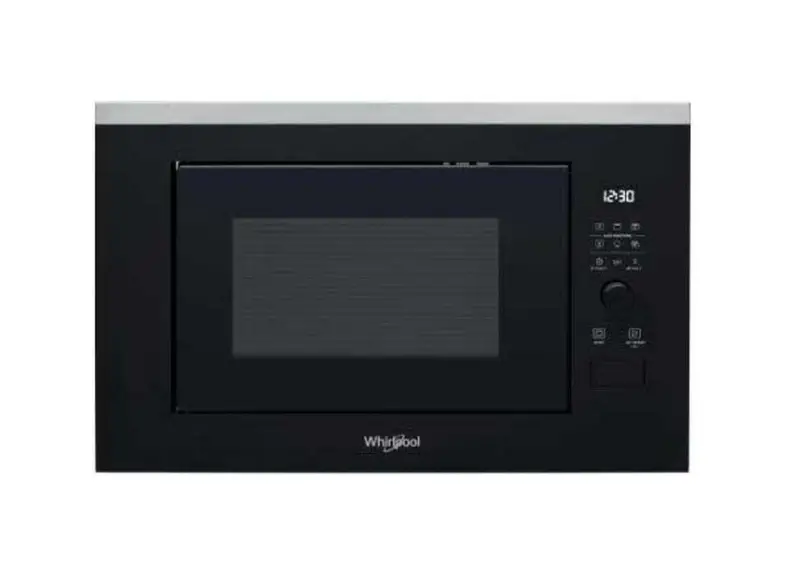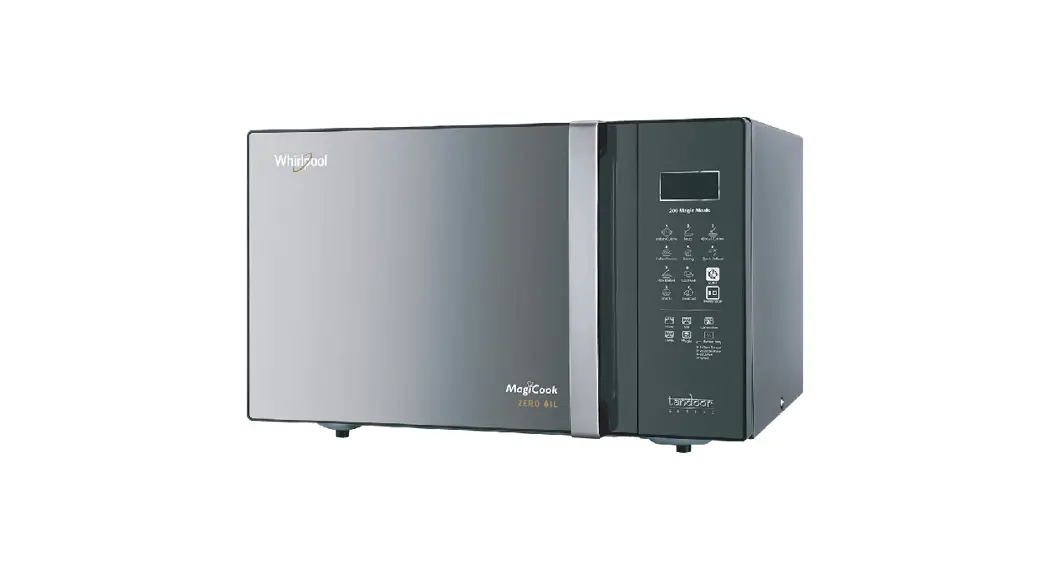
 Microwave Oven
User Guide
THANK YOU FOR PURCHASING A WHIRLPOOL PRODUCT To receive more comprehensive help and support, please register your product at www.whirlpool.eu/register
 You can download the Safety Instructions and the Use and Care Guide by visiting our website docs.whirlpool.eu and following the instructions on the back of this booklet.
 Before using the appliance carefully read the Health and Safety guide.
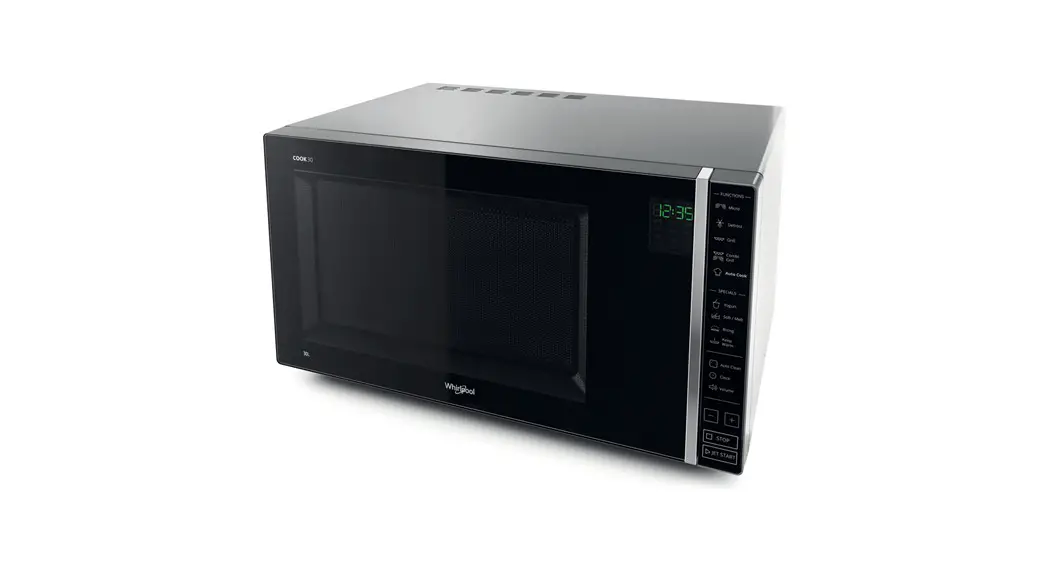
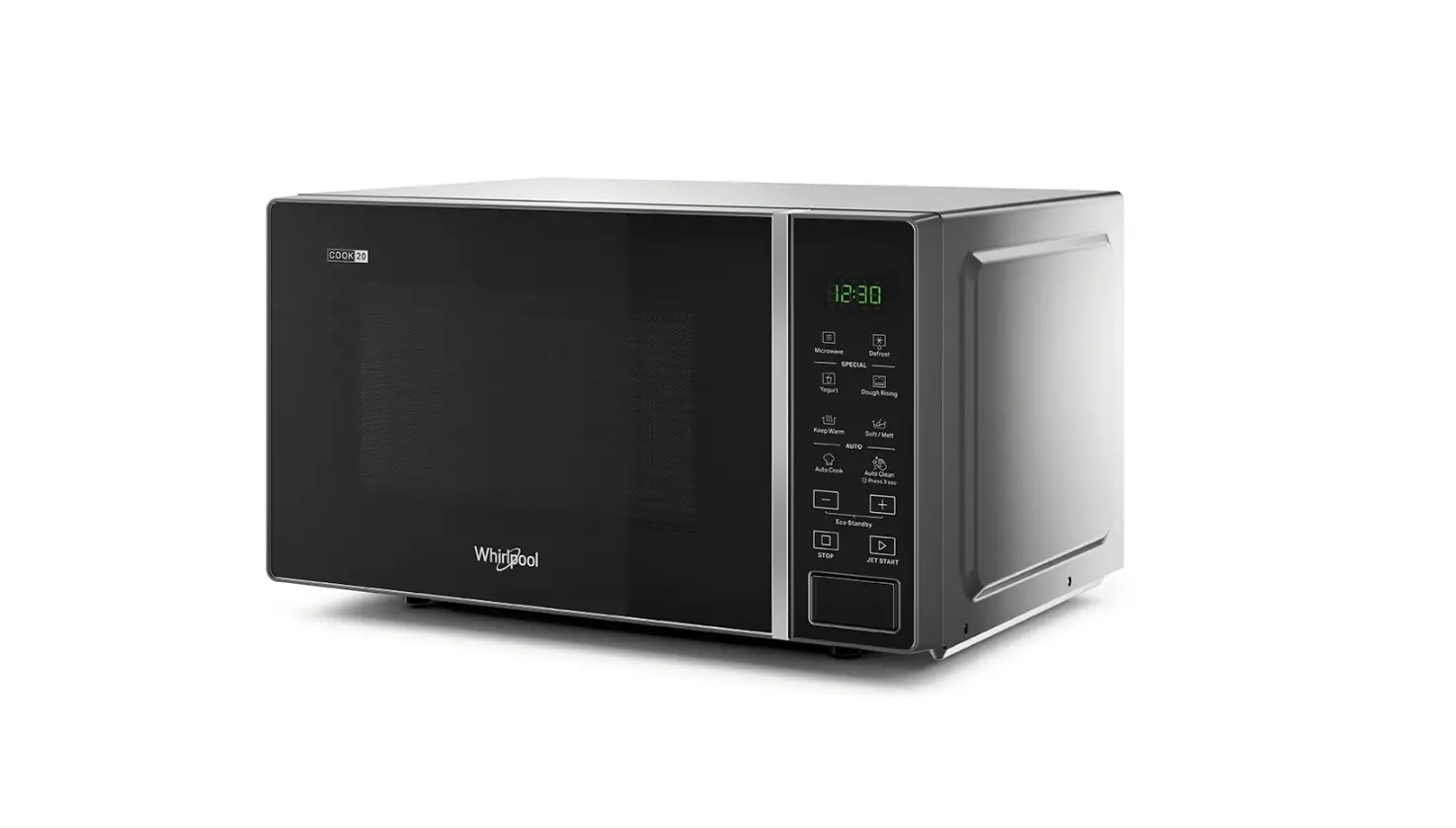
PRODUCT DESCRIPTION
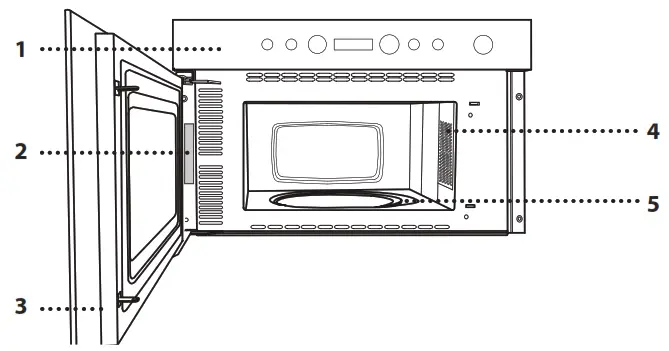
- Control panel
- Identification plate (do not remove)
- Door
- Light
- Turntable
CONTROL PANEL DESCRIPTION

- STOP
For stopping a function or an audible signal, cancelling the settings and switching off the oven. - MICROWAVE FUNCTION/POWER
For selecting the microwave function and setting the required power level. - JET DEFROST
- DISPLAY
- + / – BUTTONS
For adjusting the settings of a function (e.g. length, weight). - START
For starting a function. - DOOR OPENING BUTTON
ACCESSORIES
TURNTABLE
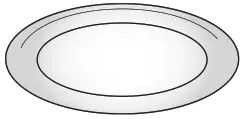
Placed on its support, the glass turntable can be used with all cooking methods.
The turntable must always be used as a base for other containers or accessories.
The number and the type of accessories may vary depending on which model is purchased.
TURNTABLE SUPPORT
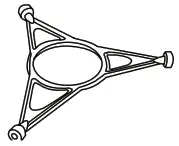
Only use the support for the glass turntable.
Do not rest other accessories on the support.
Other accessories that are not supplied can be purchased separately from the After-sales Service.
There are a number of accessories available on the market. Before you buy, ensure they are suitable for microwave use and resistant to oven temperatures.
Metallic containers for food or drink should never be used during microwave cooking.
Always ensure that foods and accessories do not come into contact with the inside walls of the oven.
Always ensure that the turntable is able to turn freely before starting the oven. Take care not to unseat the turntable whilst inserting or removing other accessories.
FUNCTIONS
 MICROWAVE
For quickly cooking and reheating food or drinks.
| POWER | RECOMMENDED FOR |
| 750 W | Quickly reheating drinks or other foods with a high water content or meat and vegetables. |
| 500 W | Cooking fish, meaty sauces, or sauces containing cheese or egg. Finishing off meat pies or pasta bakes. |
| 350 W | Slow, gently cooking. Perfect for melting butter or chocolate. |
| 160 W | Defrosting frozen food or softening butter and cheese. |
| 0 W | When using the minute minder only. |
 JET DEFROST
For quickly defrosting various different types of food simply by specifying their weight. Food should be placed directly onto the glass turntable. Turn the food when prompted. Food should be placed directly onto the glass turntable. Turn the food when prompted. A standing time after defrosting always improves the result.
DAILY USE
- SELECT A FUNCTION
Simply press the button for the function you require to select it. - SET THE LENGTH

After selecting the function you require, use  to set the length for it to run.
The time can be changed during cooking by pressing or by increasing the length for 30 seconds each time by pressing  .
. - SET THE POWER OF THE MICROWAVE
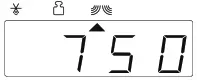
Press as many times as required to select the power level for the microwave.
Please note: You can also change this setting during cooking by pressing. - JET DEFROST
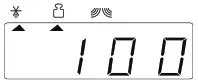
Press  , then use to set the weight of the food. During defrosting, the function will pause briefly to allow you to turn the food. Once the operation is complete, close the door and press .
 - ACTIVATE THE FUNCTION
Once you have applied the settings you require, press to activate the function.
Every time the button is pressed again, the cooking time will be increased by a further 30 seconds.
You can press at any time to stop the function that is currently active.
 - JET START
When the oven is switched off, press to activate cooking with the microwave function set at full power (750 W) for 30 seconds. - PAUSE
To pause an active function, for example to stir or turn the food, simply open the door.
To start it up again, close the door and press. - SAFETY LOCK
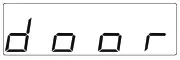
This function is automatically activated to prevent the oven from being switched on accidentally. Open and close the door, then press to start the function. - SET THE TIME OF THE DAY
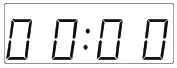
Press until the two digits for the hour (on the left) starting flashing. Use to set the correct hour and press to confirm: The minutes will flash on the display. Use to set the minutes and press to confirm.
Please note: You may need to set the time again following lengthy power outages. - MINUTEMINDER
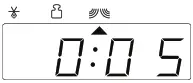
The display can be used as a timer. To activate the function and set the length of time you require, use . Press to set the power to 0 W, then press to activate the countdown.
Please note: The timer does not activate any of the cooking cycles. To stop the timer at any time, press.
CLEANING
Never use steam cleaning equipment.
INTERIOR AND EXTERIOR SURFACES
Do not use wire wool, abrasive scourers or abrasive/corrosive cleaning agents, as these could damage the surfaces of the appliance.
- Clean the surfaces with a damp microfibre cloth. If they are very dirty, add a few drops of pH-neutral detergent. Finish off with a dry cloth.
- Clean the glass in the door with a suitable liquid detergent.
- At regular intervals, or in case of spills, remove the turntable and its support to clean the bottom of the oven, removing all food residue.
ACCESSORIES
All accessories are dishwasher safe.
TROUBLESHOOTING
| Problem | Possible cause | Solution |
| The oven is not working. | Power cut. Disconnection from the mains. | Check for the presence of mains electrical power and whether the oven is connected to the electricity supply. Turn off the oven and restart it to see if the fault persists. |
| The display is showing “Err”. | Software fault. | Contact you nearest After-sales Service Centre and state the letter or number that follows “Err”. |
PRODUCT FICHE The product fiche with energy data of this appliance can be downloaded from Whirlpool website docs.whirlpool.eu
HOW TO OBTAIN THE USE AND CARE GUIDE Download the Use and Care Guide from our website docs.whirlpool.eu (you can use this QR Code), specifying the product’s commercial code.

> Alternatively, contact our Client After-sales Service.
CONTACTING OUR AFTER-SALES SERVICE
You can find our contact details in the warranty manual. When contacting our Client After-sales Service, please state the codes provided on your product’s identification plate.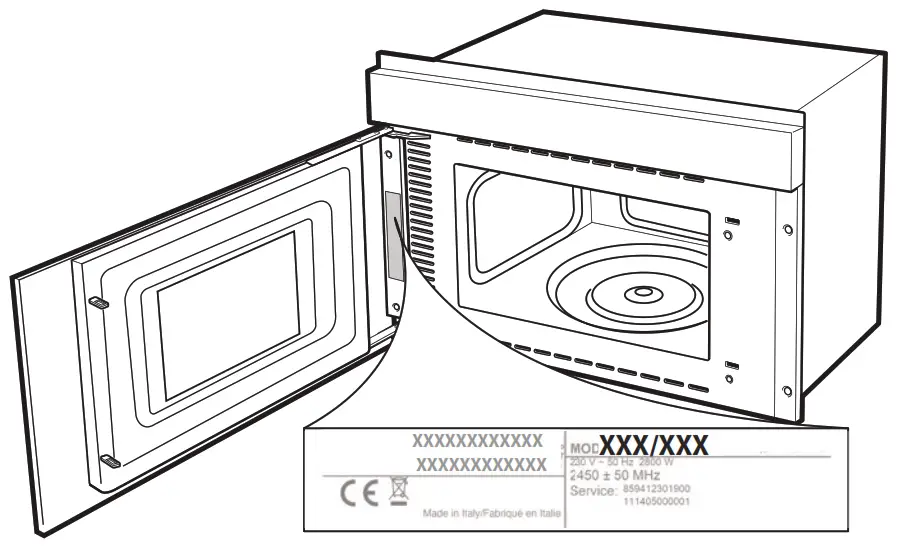
 400011202937/B
Printed in Italy
 Whirlpool Docs