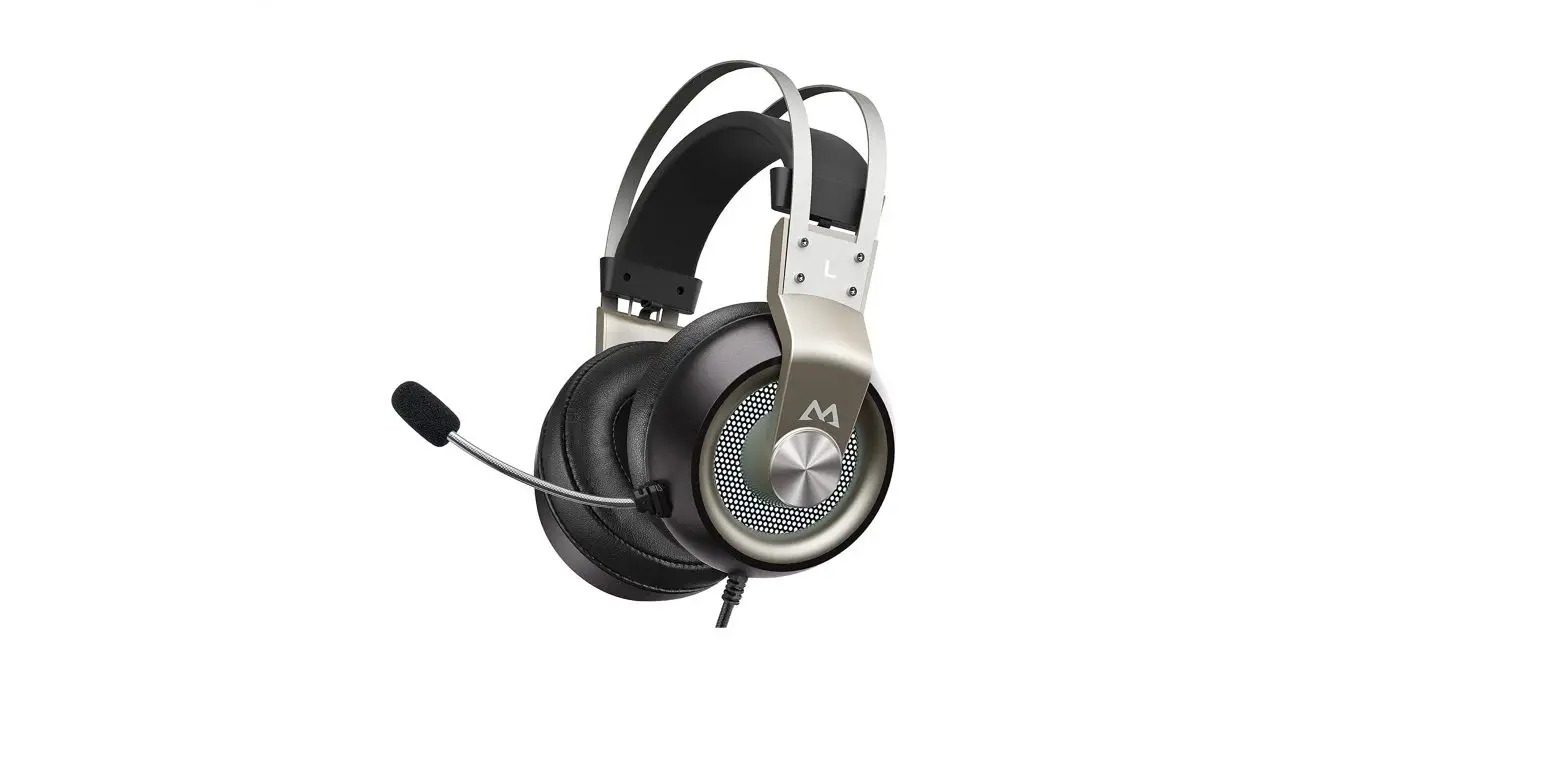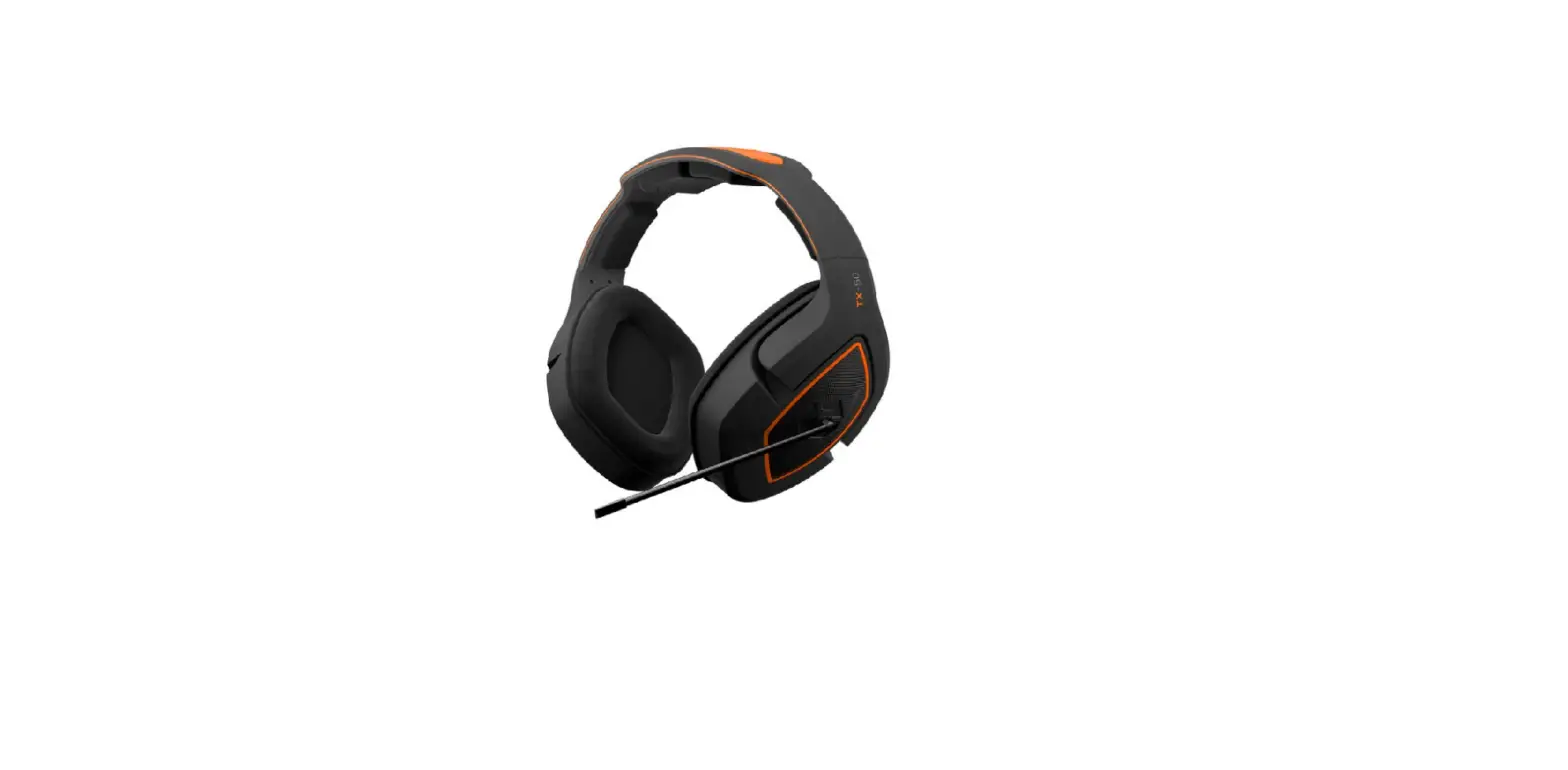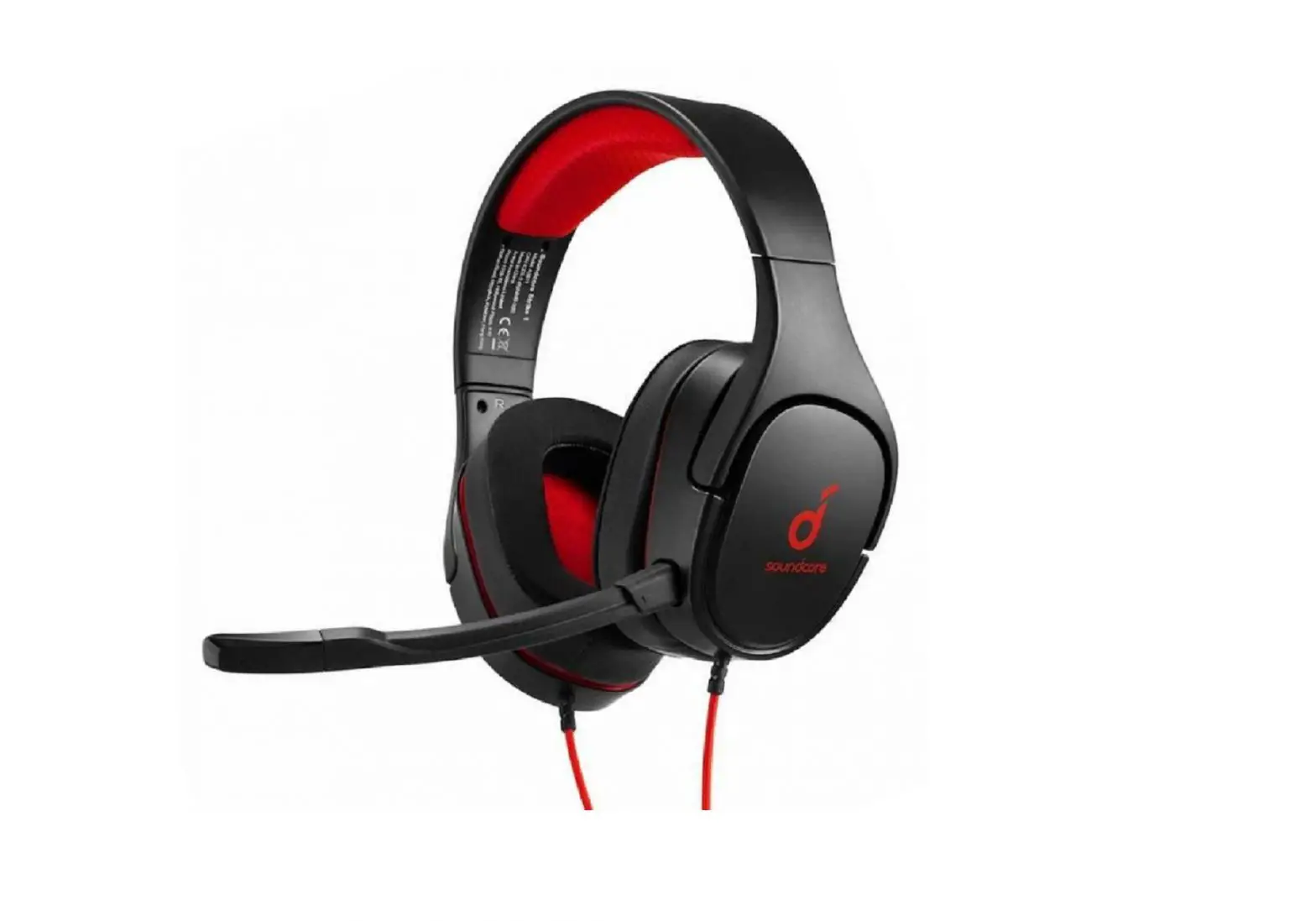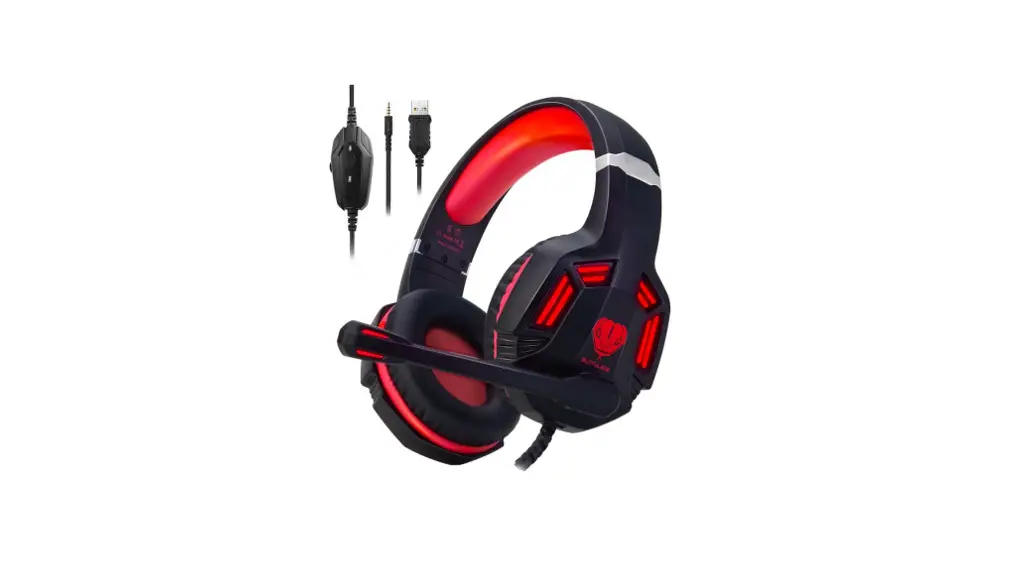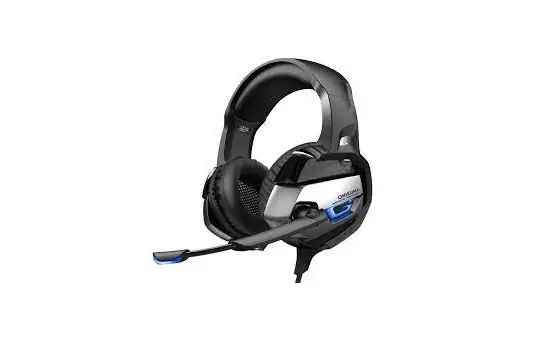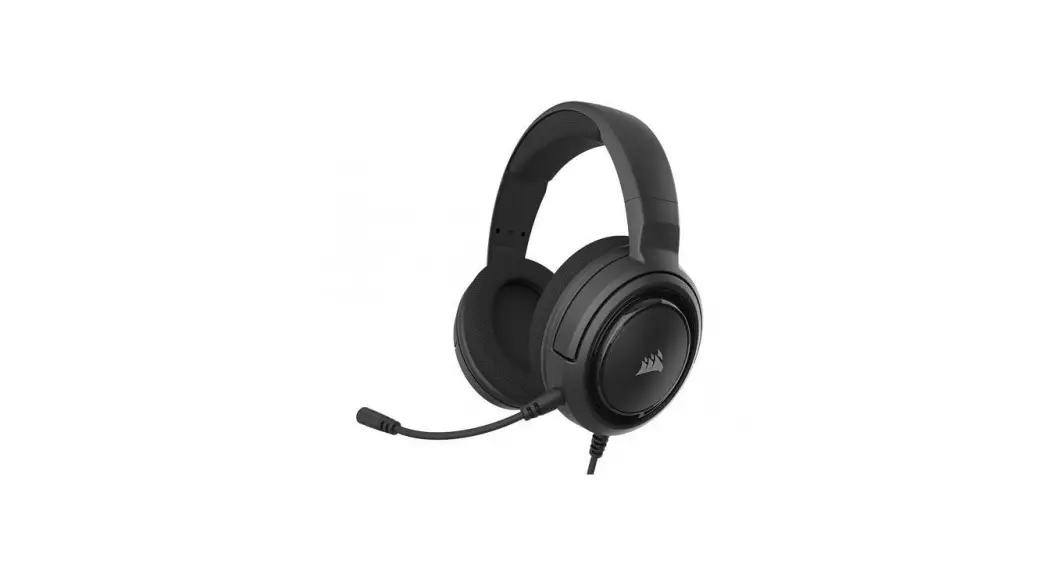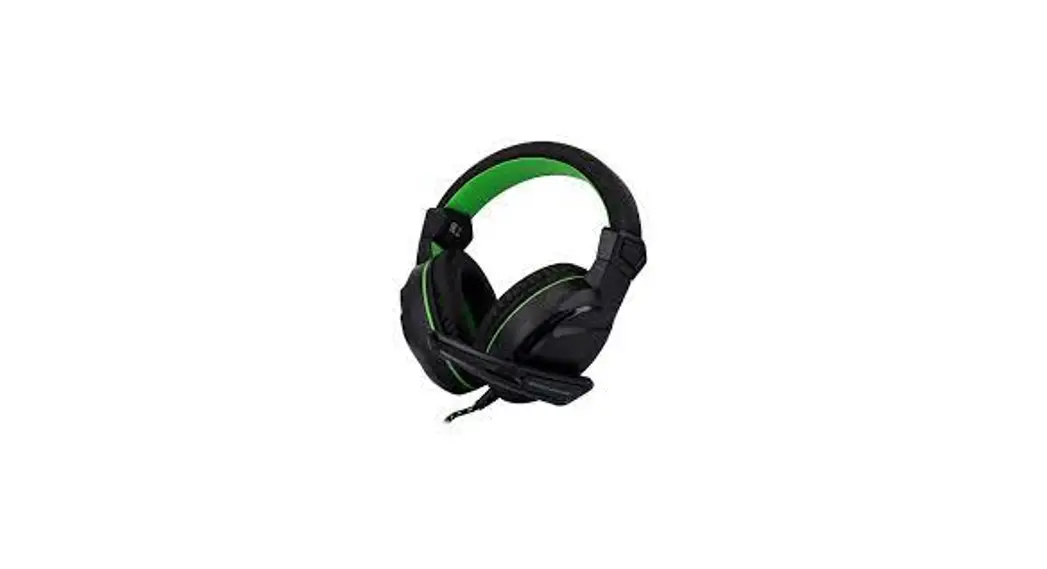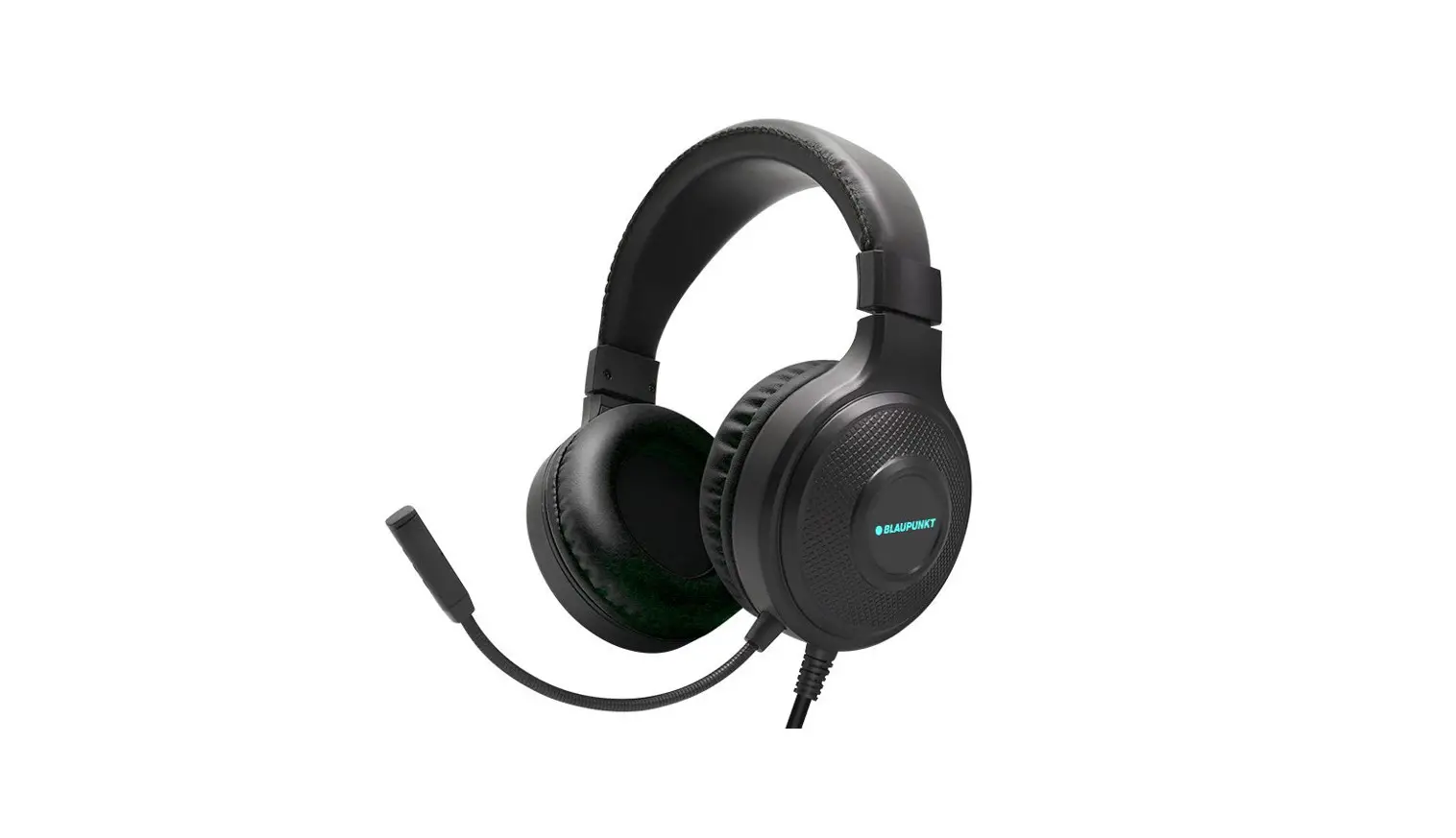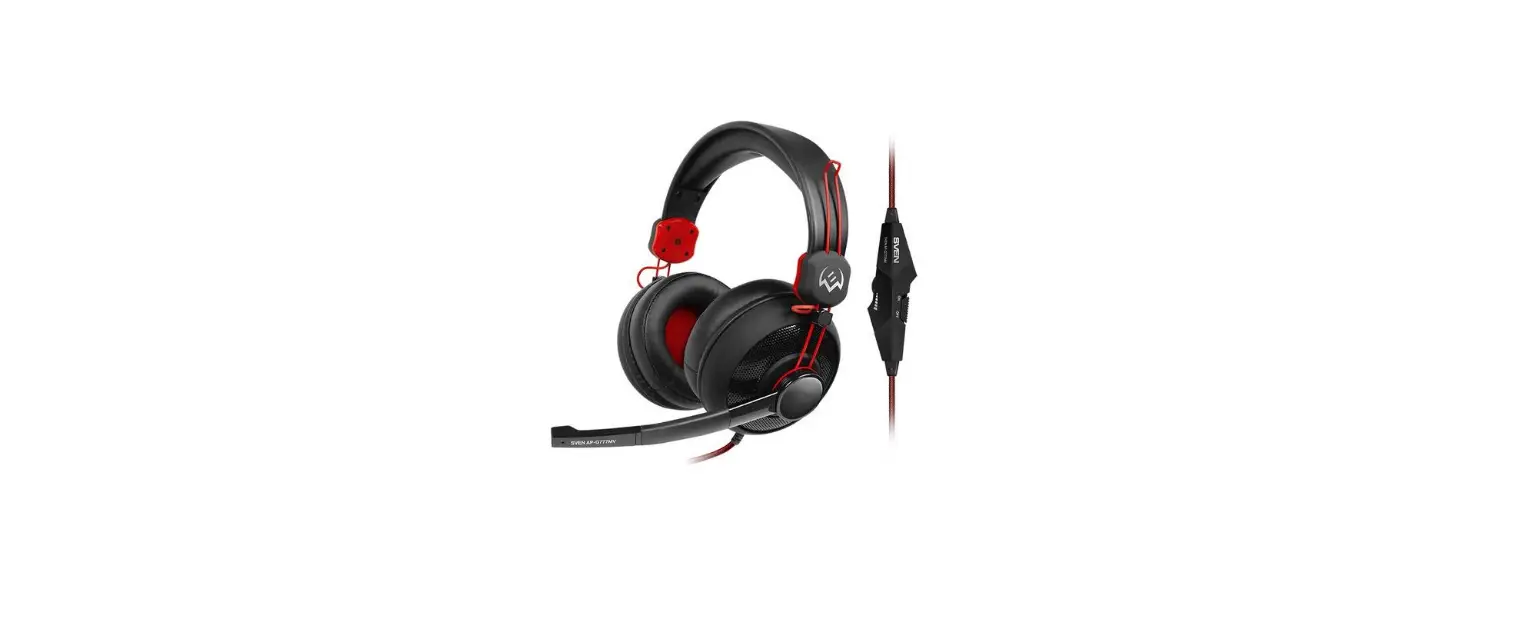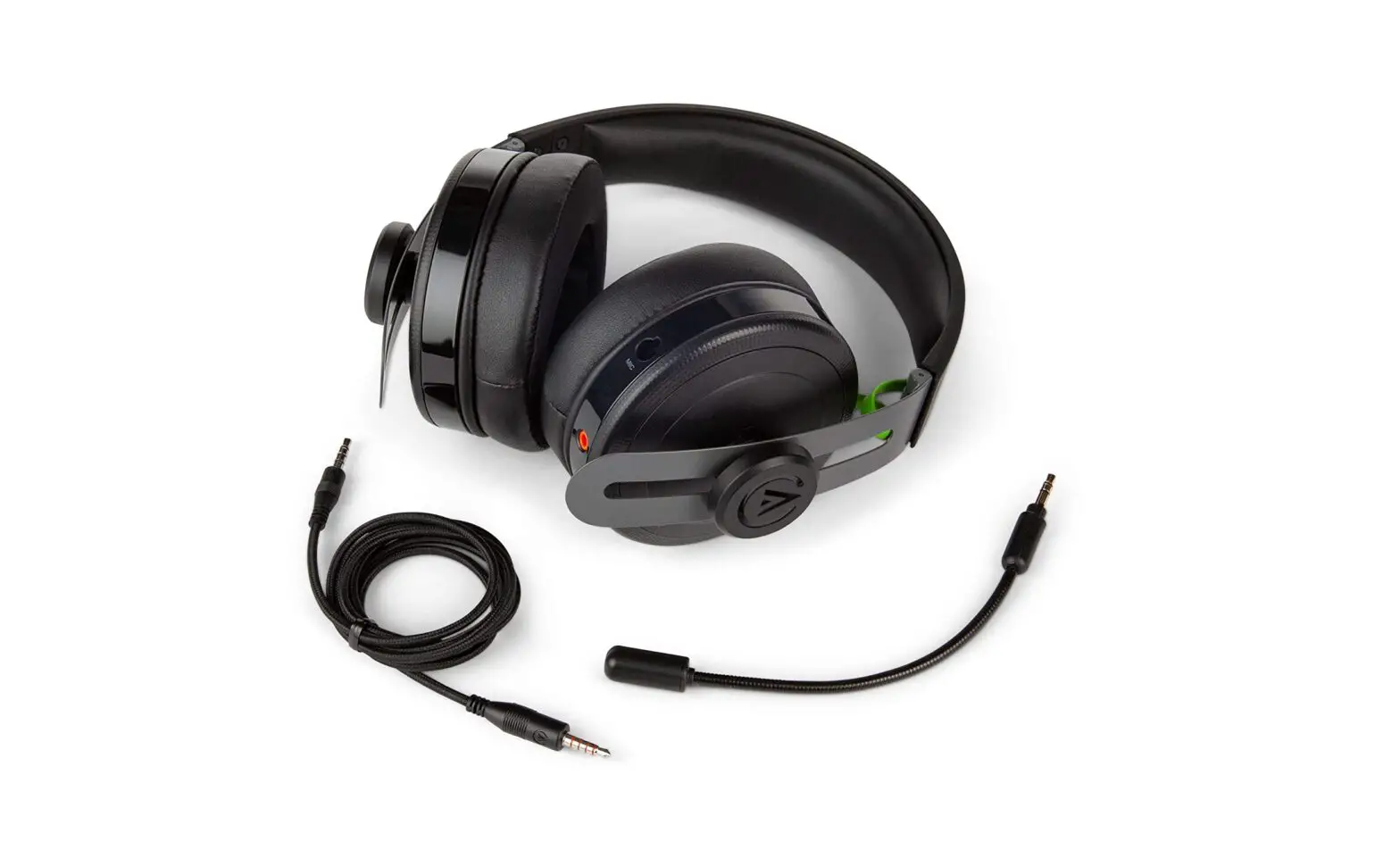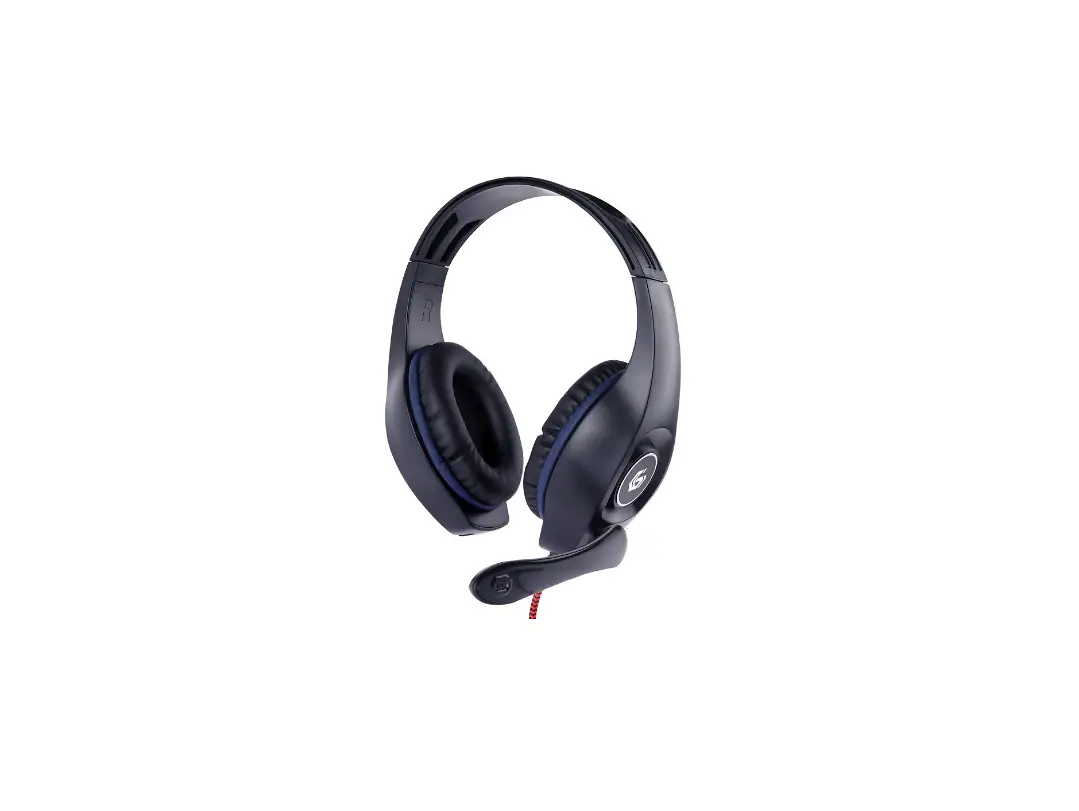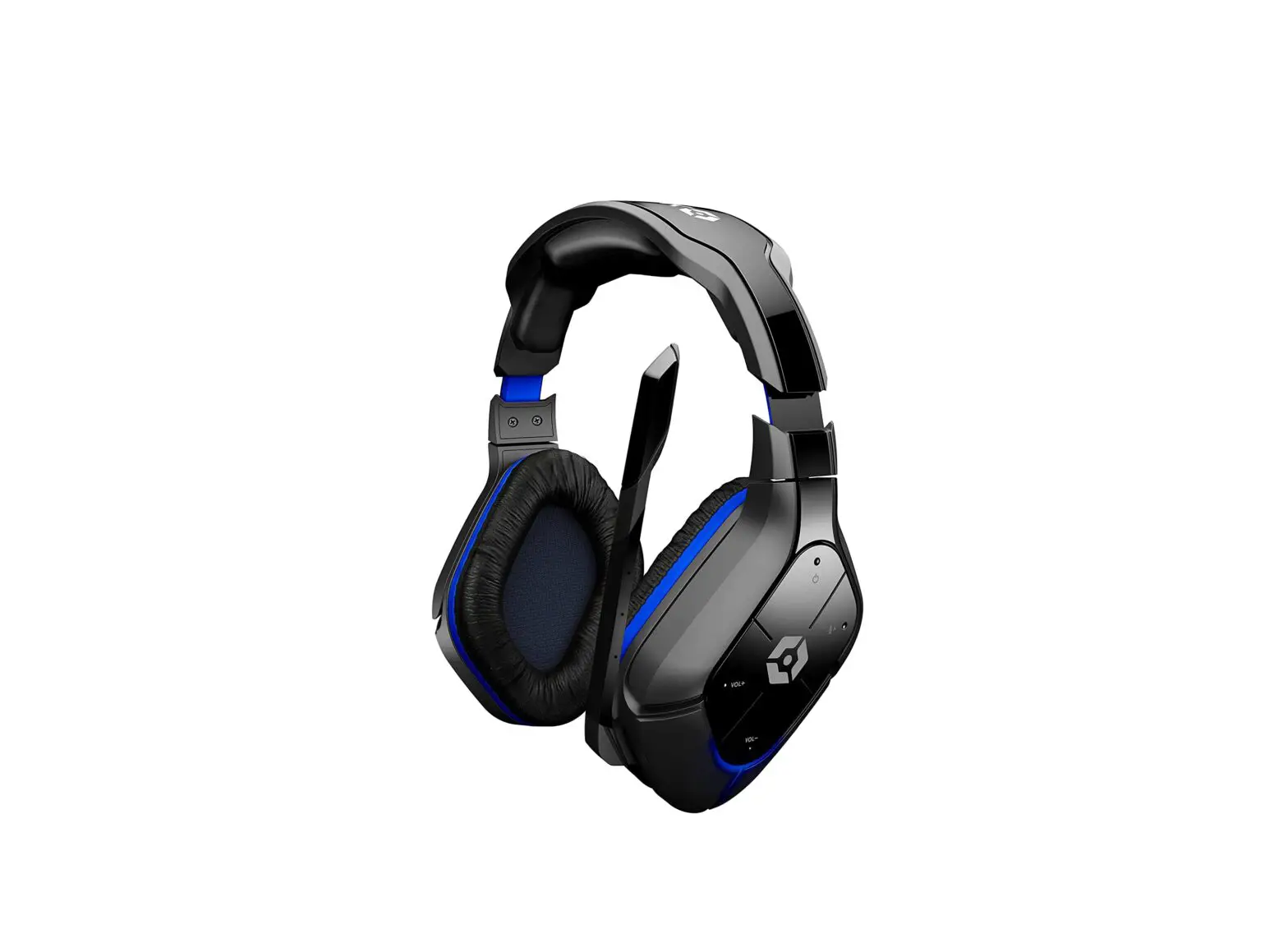
gioteck HC-P4 Stereo Gaming Headset User Manual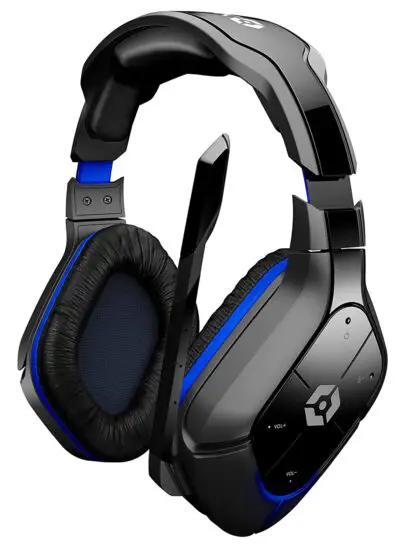
Thank you for choosing
Register & activate your product warranty today. It only takes a few minutes and ensures we have a record of your purchase. You will also gain access to the best support and advice available.
- 24/7 ONLINE SUPPORT Product Manuals, FAQ’s.
- NEWSLETTER Sign up and receive the latest news and product updates.
- COMPETITIONS Be the first to know about competitions & giveaways.
ACTIVATE WARRANTY NOW: GIOTECK.COM/REGISTER
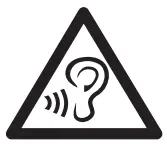 WARNING To prevent possible hearing damage, do not listen at high volume levels for long periods. Authorised Representative (EU)2019R1020:
Authorised Representative Service, 77 Camden Street Lower, Dublin, D02 XE80, Ireland
CONTROLS
This headset has been designed to work with devices using a standard 3.5mm headset port.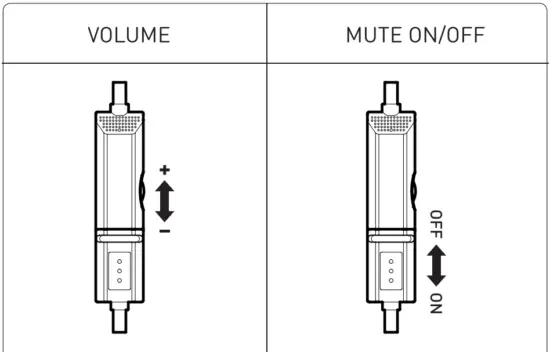
PS5™ | PS4™
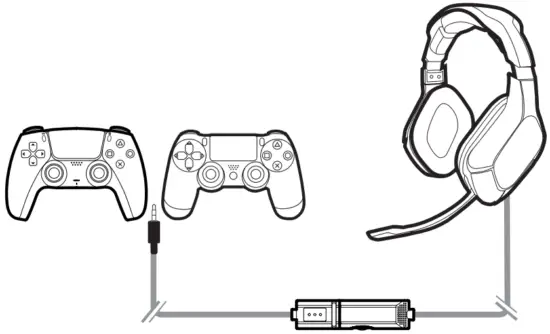
Settings > Devices > Audio Devices > Output to headphones > ‘All Audio’. Set Input and Output Device to ‘Headset Connected to Controller’.
XBOX SX® |XBOX ONE®
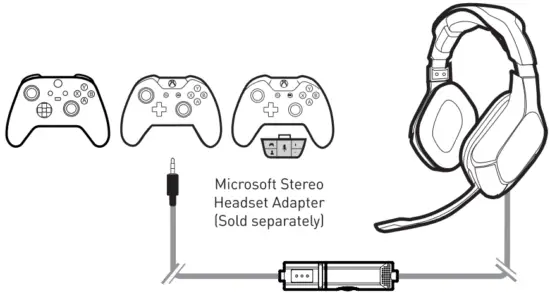
All Settings > Display & sound> Volume > Chat mixer > Mute all other sounds> Party chat output > Headset.
- Controller has a headset port: Headset Adapter Not Required

- Controller has no headset port: Headset Adapter Required

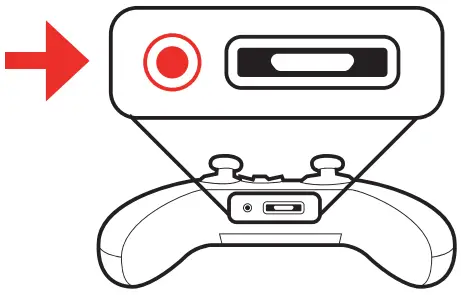
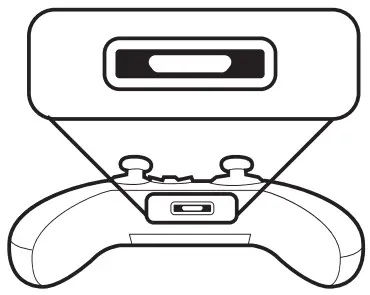
PC
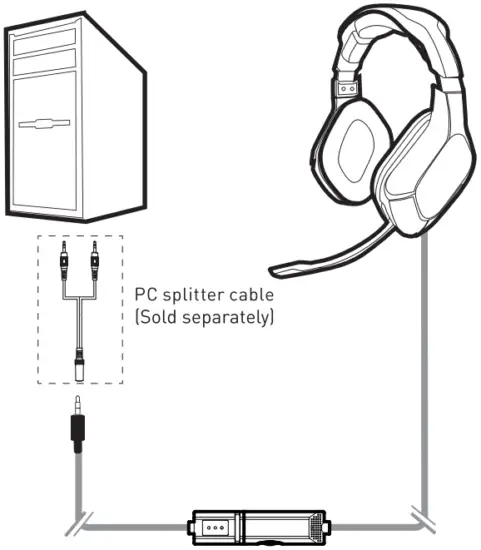
PC’s with pink & green audio ports will require a PC splitter cable.
MAC/ MOBILE / TABLET
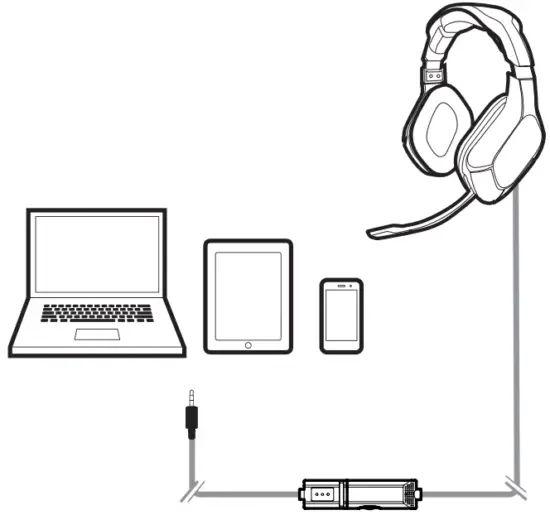
Check the application settings that you want to use and select the headset for use.
BEFORE USING
- Before using the headset, turn the volume down to a mid-level or very low, then slowly adjust it to a comfortable level. Exposure to high volume sound levels may cause temporary or permanent damage to your hearing. You should always set your volume to moderate levels and avoid long exposure to high volume levels.
- Do not store in areas of extreme low (0°C) or high (40°C) temperatures. Avoid direct sunlight, heat sources and extreme humidity. Store in a dry & dust free area.
- This product should NOT be disposed of in normal household waste. It should be disposed of separately.
Please take it to an electrical waste collection point. - There are no user serviceable parts within this product. Do not take the product apart; doing so will void your warranty and may cause electrical shock or damage to internal components.
FCC STSTEMENT

Federal Communications Commission Interference Statements
This device complies with Part 15 of the FCC Rules. Operation is subject to the following two conditions: (1) this device may not cause harmful interference, and (2) this device must accept any interference received, including interference that may cause undesired operation.
FCC Warning Any changes or modifications to this unit not expressly approved by the party responsible for compliance could void the user’s authority to operate the equipment.
RF Exposure Warning This equipment complies with FCC radiation exposure limits set forth for an uncontrolled environment. End user must follow the specific operating instructions for satisfying RF exposure compliance. This transmitter must not be co-located or operating in conjunction with any other antenna or transmitter.
Canada Industry Canada (IC) This device complies with Industry Canada RSS 210 standard(s). Operation is subject to the following two conditions: (1) this device may not cause Interference, and (2) this device must accept any interference, including interference that may cause undesired operation of the device.
 Goodbetterbest Ltd hereby declares that this product is in compliance with the essential requirements and other provisions of Directive 2014/30/ EU and R&TTe 1999/5/EC.
Customer Care
This product is covered by a one [1] year warranty. For terms and conditions: [email protected]
Registrieren Sie Ihr Produkt: gioteck. com/register. Dieses Produkt beinhaltet eine einj5hrige [1] Garantie. Die Geschbftsbedingungen sowie technische UnterstLitzung finden Sie unter: [email protected]
Activez la garantie de votre produit sur : gioteck.com/register Ce produit est couvert par une garantie d’un [1] an. Conditions d’utilisation et assistance technique disponibles sur : [email protected]
Para activar la garantia del producto, visite: gioteck.com/register Este producto tiene un [1] ano de garantia.
Si desea mas informacion sobre las condiciones o quiere solicitar asistencia tecnica, visite este sitio web: [email protected]
Ative a garantia do seu produto: gioteck.com/register Este produto este coberto pela garantia de urn [1] ano. Para saber quais os Termos e CondicOes completos, e para Assistencia Tecnica, aceda a : [email protected]
Attivare qui la garanzia del prodotto: gioteck.com/register Questo prodotto e coperto da un (1) anno di garanzia. Per consultare tutti i termini e le condizioni e per ricevere assistenza tecnica, visitare it sito Web: [email protected]
Dit product heeft een garantie van een [11 jaar. Voor voorwaarden en bepalingen: [email protected]
Den Mir produkten tacks av ett (1) ‘ars garanti. For regler och villkor: [email protected]
Dette produkt er dcekket of en et [11 ars garanti. For vilkar og betingelser: [email protected]
Produkt obejmuje roczna gwarancja (1 rok). Trea warunkOw: [email protected]