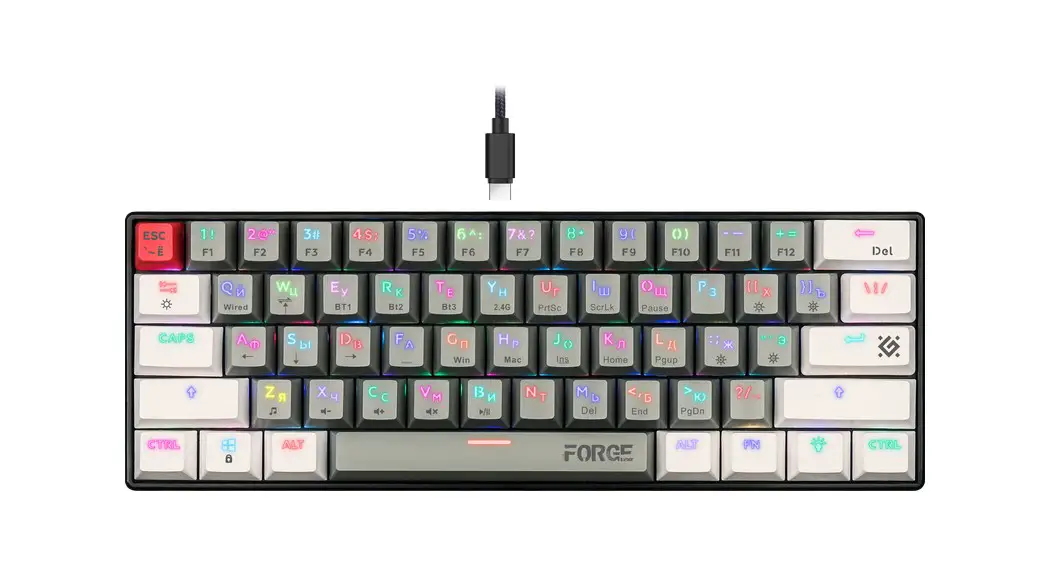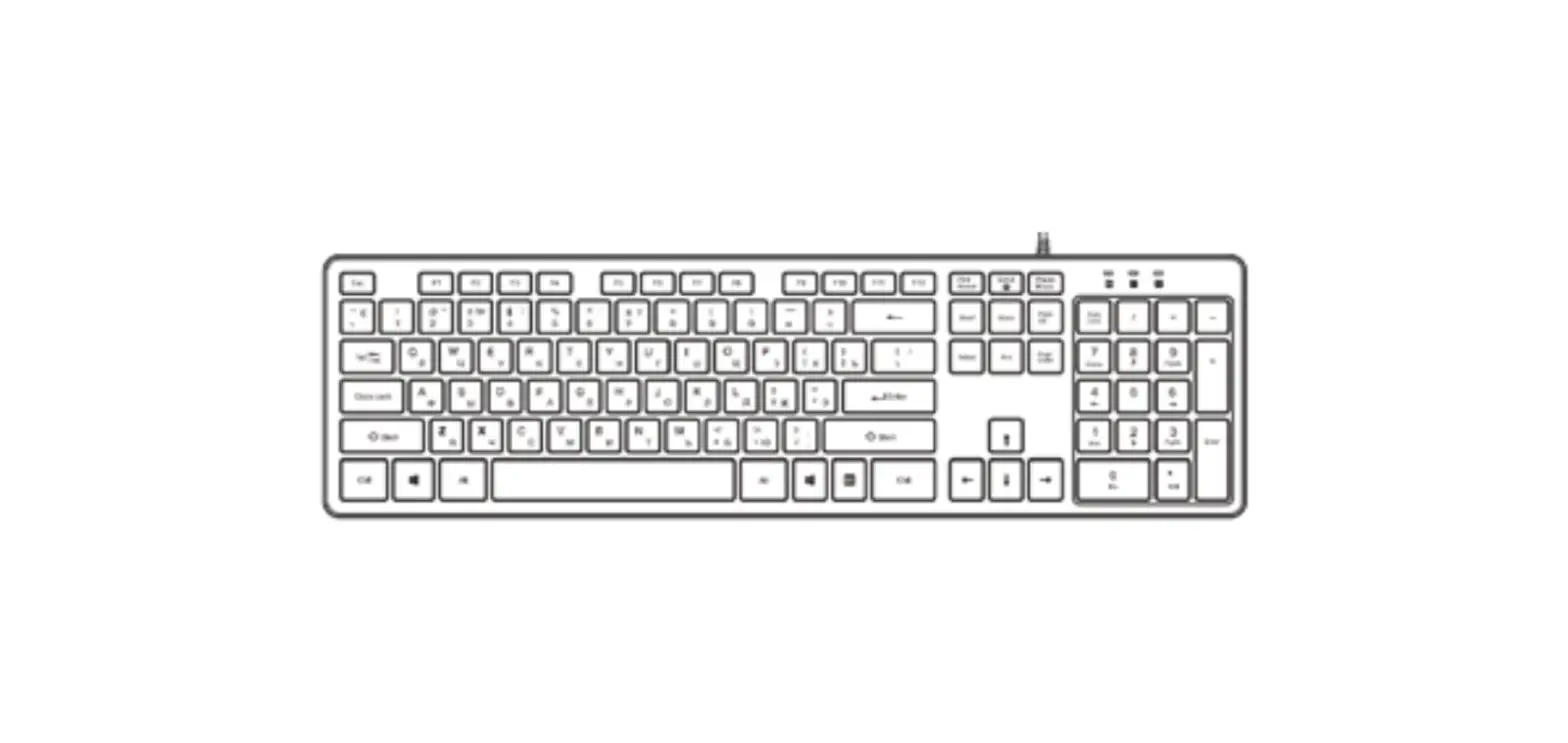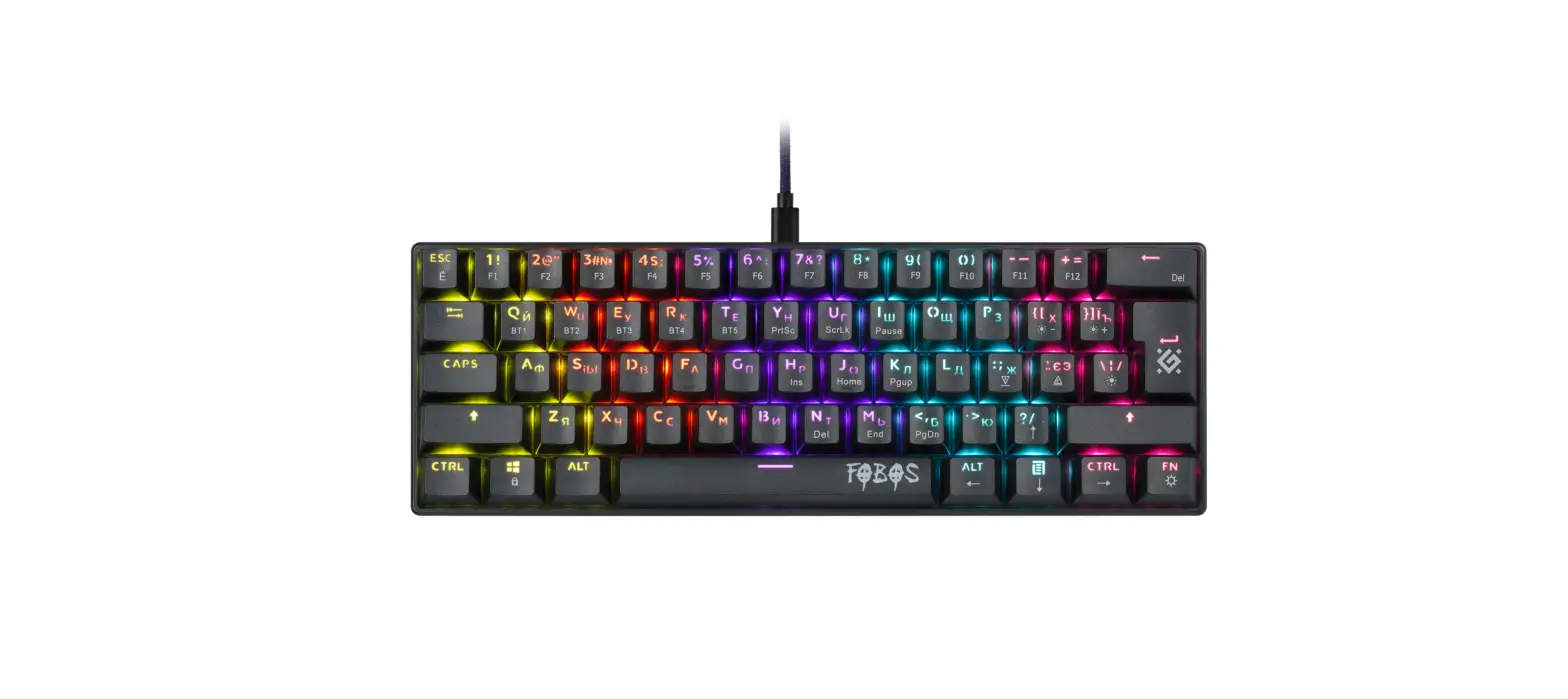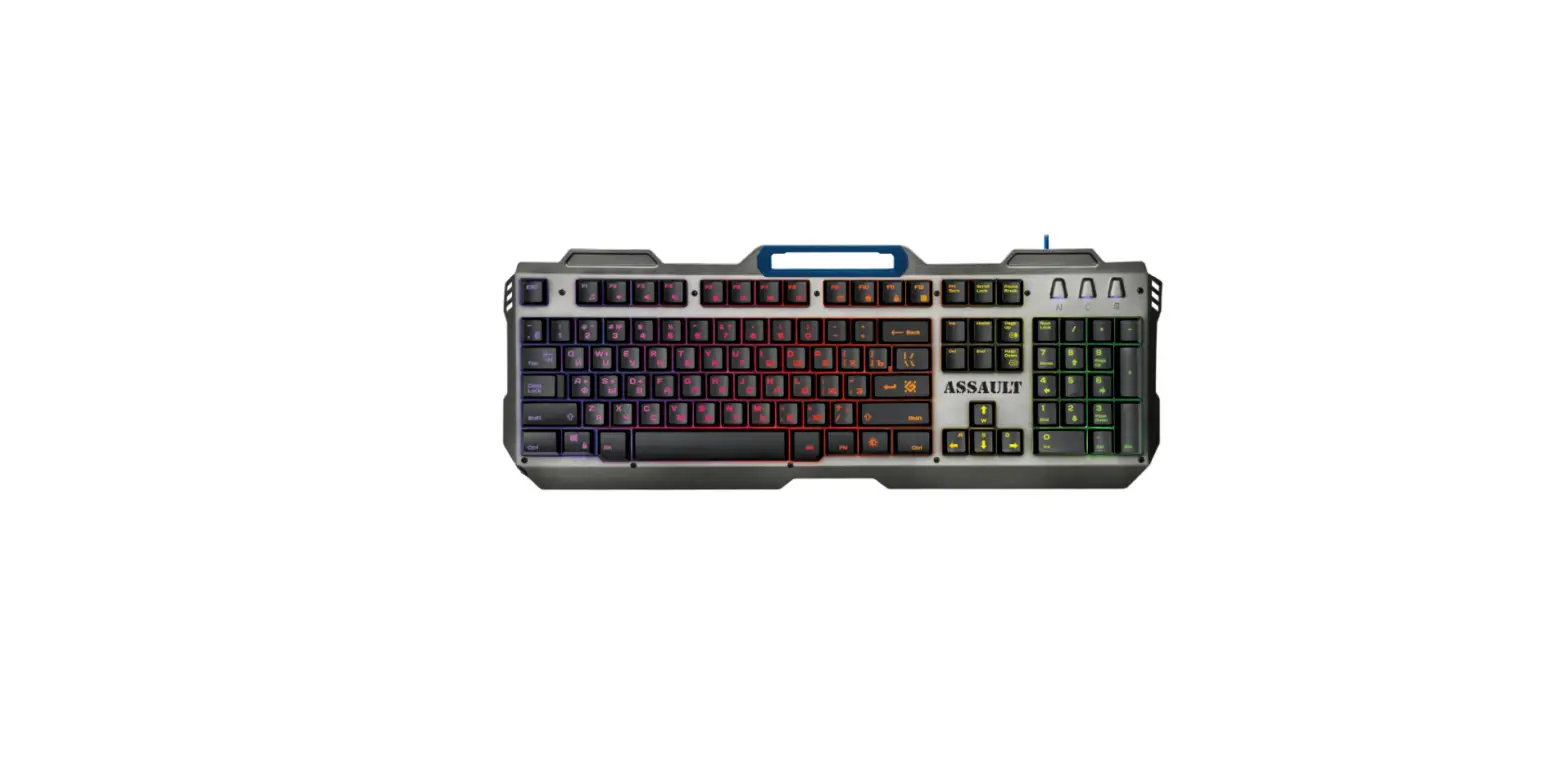

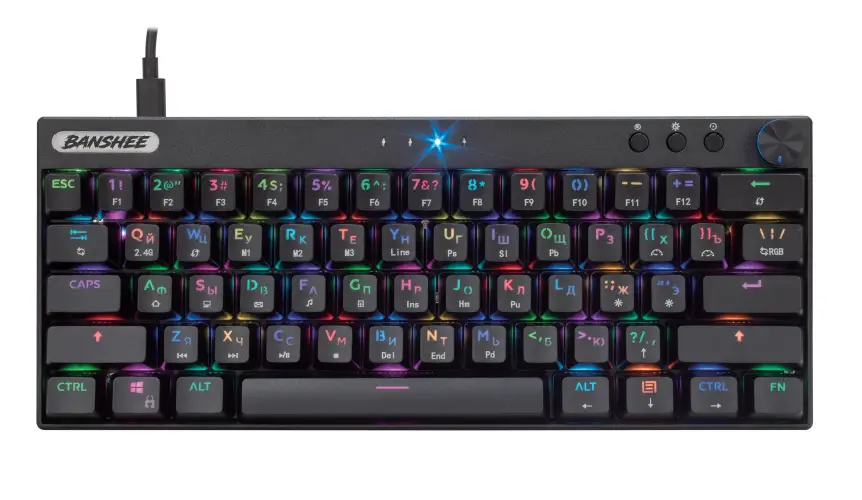
defender Banshee GK-315 Wireless Keyboard
 INSTRUCTIONS

 INSTRUCTIONS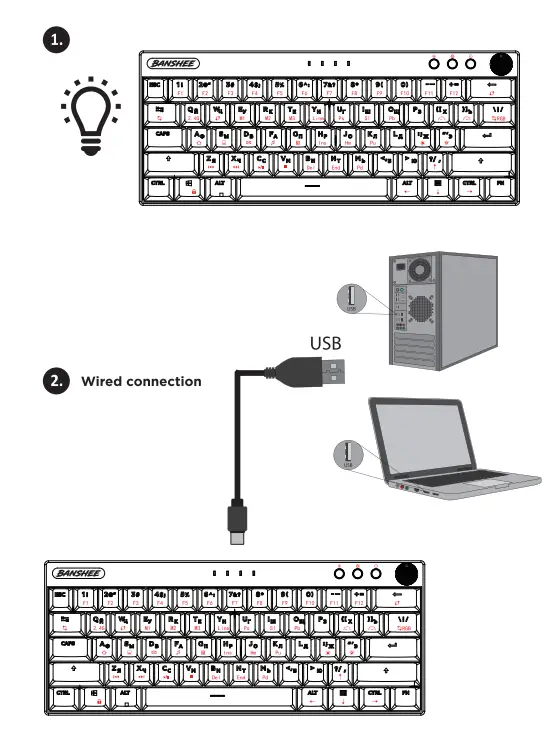
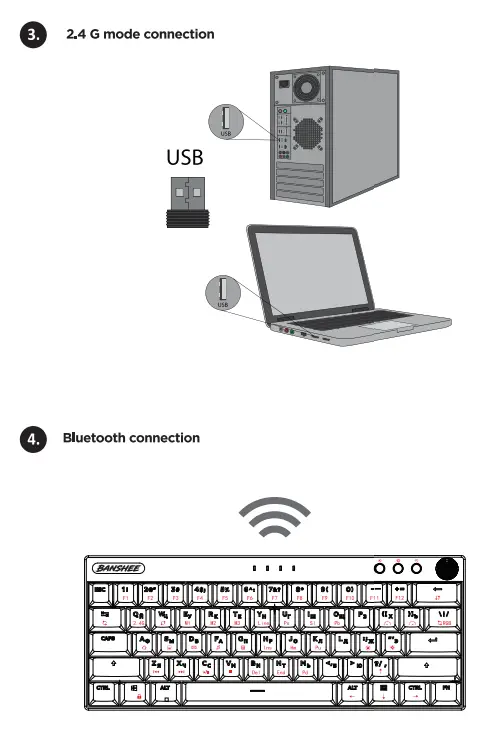
Declaration of Conformity
Operation of device (devices) may be affected by strong static, electrical or high-frequency fields (radio installations, mobile telephones, microwaves, electrostatic discharges)/ If occurs, Try increasing the distance from the devices causing the interface.
Disposal of batteries, electrical and electronic equipment This sign on the product, its batteries or package indicates that the product cannot be disposed together with domestic waste. It should be delivered to an
appropriate batteries, electrical and electronic equipment collecting and recydling company.
Terms and conditions of safe and efficient use of the product
Usage precautions:
- Use the product for its intended purpose only.
- Do not disassemble. This product does not contain parts that are entitled to self-sufficient repair. On the question of maintenance and replacement of a failed item apply to a dealer or Defender authorized service center. While receiving the product make sure that it is unbroken and there are no freely moving objects inside the product.
- Keep away from children under the age of 3. May contain small parts.
- Keep away from humidity. Never immerse the product in liquids.
- Keep away from vibrations and mechanical stresses, which can cause mechanical damaging of the product. In case of mechanical damage no warranties are provided.
- Do not use in the presence of visual damage. Do not use when the product is obviously defective.
- Do not use the product at temperatures below and above recommended temperatures (see the operation manual), under the conditions of humidity evaporation, as well asin hostile environment.
- Do not put into the mouth.
- Do not use the product for industrial, medical or manufacturing purposes.
- In case when shipment of the product was conducted in subzero temperatures, then before operating, the product should be kept in a warm placement (+16-25°C or 60-77°F) within 3 hours.
- Turn off the device each time, when it is not planned to use it for extended period of time.
- Do not use the device while driving the vehicle, if it is diverted attention, and in other cases when the law obliges you to turn off the device.
Product specifications and features can be found on the packaging and on defender-global.com
Wireless gaming keyboard, cable.
IMPORTER: Defender Technology OU, Betooni str 11, 11415, Tallinn, Estonia.
Manufacturer: Shenzhen Jinchang Trading Co., Ltd. Address: Room 1216, Harbour BLDG,
Yantian Port, Yangang Area Inside, Shenyan Road South, Haishan Street, Yantian District, Shenzhen, China.
Unlimited shelf life. Service life is 2 years.
Date of manufacture: see on the package Manufacturer keeps the right to change package contents and specifications indicated in this manual. The latest and detailed operation manual is
available at www.defender-global.com
Made in China.
I have read and understood the warranty terms. There are no claims to the appearance of the product. Mark about warranty repair. (Date of receiving, date of returning the product).
Mectlanical keyboard
| Mectlanical keyboard | |
| Color: | Black/ Double Injection keycaps |
| USB port rtyle(\JSB/PS2): | USB |
| External material (specific) | ABS |
| Working voltage: | 4.5V to 5.25V DC |
| Standby voltage: | 4.5V to 5.25VOC |
| Working current | 300mA (max.) |
| Standby current: | O.SmA |
| Working temperature: | -0~60° |
| Working humidity. | 10~ 90%RH |
| Storage temperature: | -10~6o0c |
| Storage humidity. | 93%RH(40°C) |
| Size (l./W/H): | 290 ( t0.3) *120±0.3) •3s (±O.t mm |
| Weight (withcable): | About 680g |
| Keys: | 6lkey |
| Customize the keys: | |
| Light-emitting function: | All key5 with light/ RGB backlight |
| Ergonomic design: | support |
| lay<)<,!: | EN+ RU |
| USB SPEED: | Support USB3.0/5.0, supports up to lOOOHZ true reporting |
| System support | Windows2000/ME/XP/ Vista /Win7/Win8/Android/Mac | |
| Press knob function for Sseconds for volume adjustment/ light brightness adjustment SW.JP, volume + / brightness increase dockwise;:,ndvolume- / brightnes.s reduction counterdockwise | ||
| Led Indicator from left to rtght | ||
| First indicate led: | capital and small lettar indicator light | 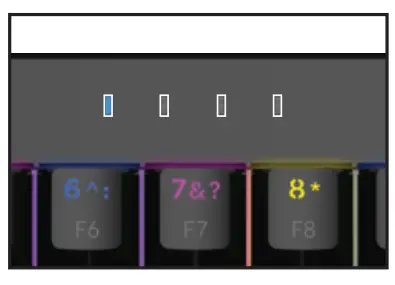 |
| Second indicate led: | LDck the win indicator ligtlt | |
| Third indicate led: | Volume adjustment statusindicator light at the knob | |
| Fourth indicate led: | The bri tness adj1JStment statusindicator lamp at the knob | |
| Buttons from left to right | ||
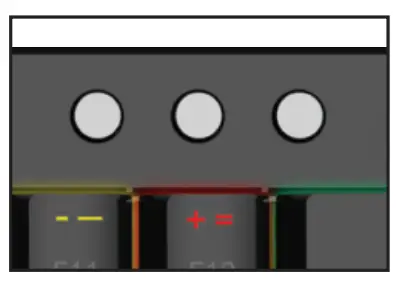
| First button: | One button to mutend then press on |
|
| Second button: | Tum off the light with one key and then press It on | |
| Third button: | Press long for 5 seconds to restore the factory settings | |
| Restore the defaultsetting channel return wired mode lignt return bright color mode | ||
| Wired modeconnection | ||
| Please plug in csble to thekeyboard withTypeC oonnector and with PC or Notebook withUSB connector | ||
| Then pessFN+Y for wiredmode connection | ||
| After that the ledindicator on theRGB button wUIstart light with purple color | ||
| Wweless connection andoperaling instructions | ||
| Channel connectioni ndication | ||
2.4G connect | ||
| FN+Q=2.4G White indicator ctlannel broadcast white light flash, back slow flush, even often bright white | ||
| Press the FN + Q ctlannel long fla5h and plug the USB2.4G connector into thecomputer USB interface (It must be a flashing light before Inserting ttle USB port) | ||
| 0 BT connection | ||
| Keyboard BTname: | BT3.0 Kcyboard/BTS.OKeyboard (Note: Bluetooth ctlannel has versions 3.0 and 5.0 supported by the corresponding version) | |
| FN+E=BT 1 green indicator, Chann broadcast green flastl, flash back, even often bright green | ||
| FN+R=BT 2 Blue indicator, Channel broadcast when the blue lights flash, slow flash back, even often bright blue | 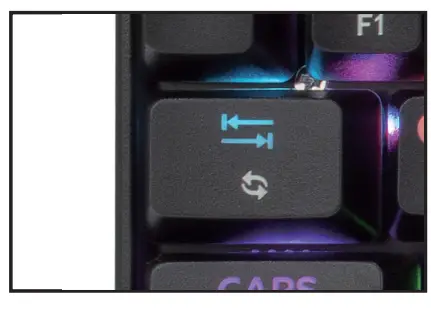 | |
| FN+T=BT 3 Yellow indicator Wtlenthe channel broadcast. yellow lights flash, flash back, often bright yellow | ||
| The indicator red light rapid flash at low voltage, and 15S red light automatic recovery mode state indication | ||
| Composite key function desaiption and operation description
| FN+l = Fl | |
| FN+2 = F2 | ||
| FN+3 = F3 | ||
| FN+4 = F4 | ||
| FN+S = FS | ||
| FN+6 = F6 | ||
| FN-t-7 = F7 | ||
| FN+S = FS | ||
| FN+9 = F9 | ||
| FN+O = FlO | ||
| FN+ •-M= Fll | ||
| FN+=M=F12 | ||
| Composite key function description and operation description
| FN+WIN=Lock WIN |
| FN+W=WASD | |
| FN+Backspace=Restore the default settings | |
| FN+U=Prtsc | |
| FN+l=Scrlk | |
| FN+K=Pgup | |
| FN+B=Del | |
| FN+N=End | |
| FN+M=Pgdn | |
| Fn+A: Page | |
| Fn+S:Mycomputer | |
| Fn+F: CD play | |
| Fn+G:Calculator | |
| Fn+Z: Last song | |
| Fn+X:Next song | |
| Fn+C:play/pause | |
| Fn+V:Pause | |
| Fn+O:Email | |
| Restore thedefault settings | |
| ‘”Plug in the USB power boot, first show the Mendless streamMhorse racing light effect animation, and then enter the function and light mode state of the user in the last time. • | |
| FN+ \l•Ligtlt effect switch (Support 20modes backlight)
| |
| FN+TAB=Ligtlt color switctl
| |
| FN+ { =lights speed slow
| |
| FN+ )=IJghts speed Accek?rate
| |
| FN+ ; :-Light brightneH –
| |
| FN+ · =Light brightness+
| |