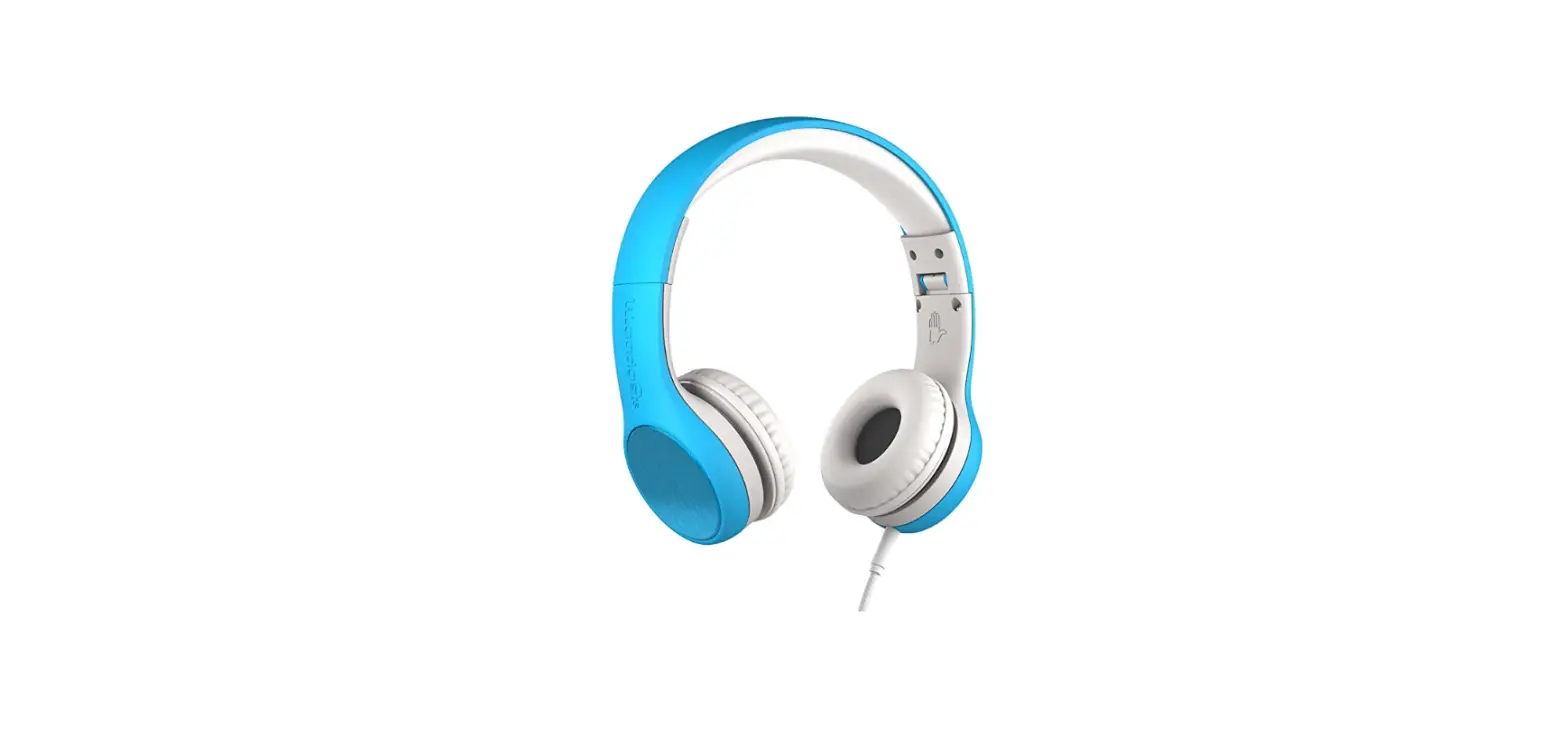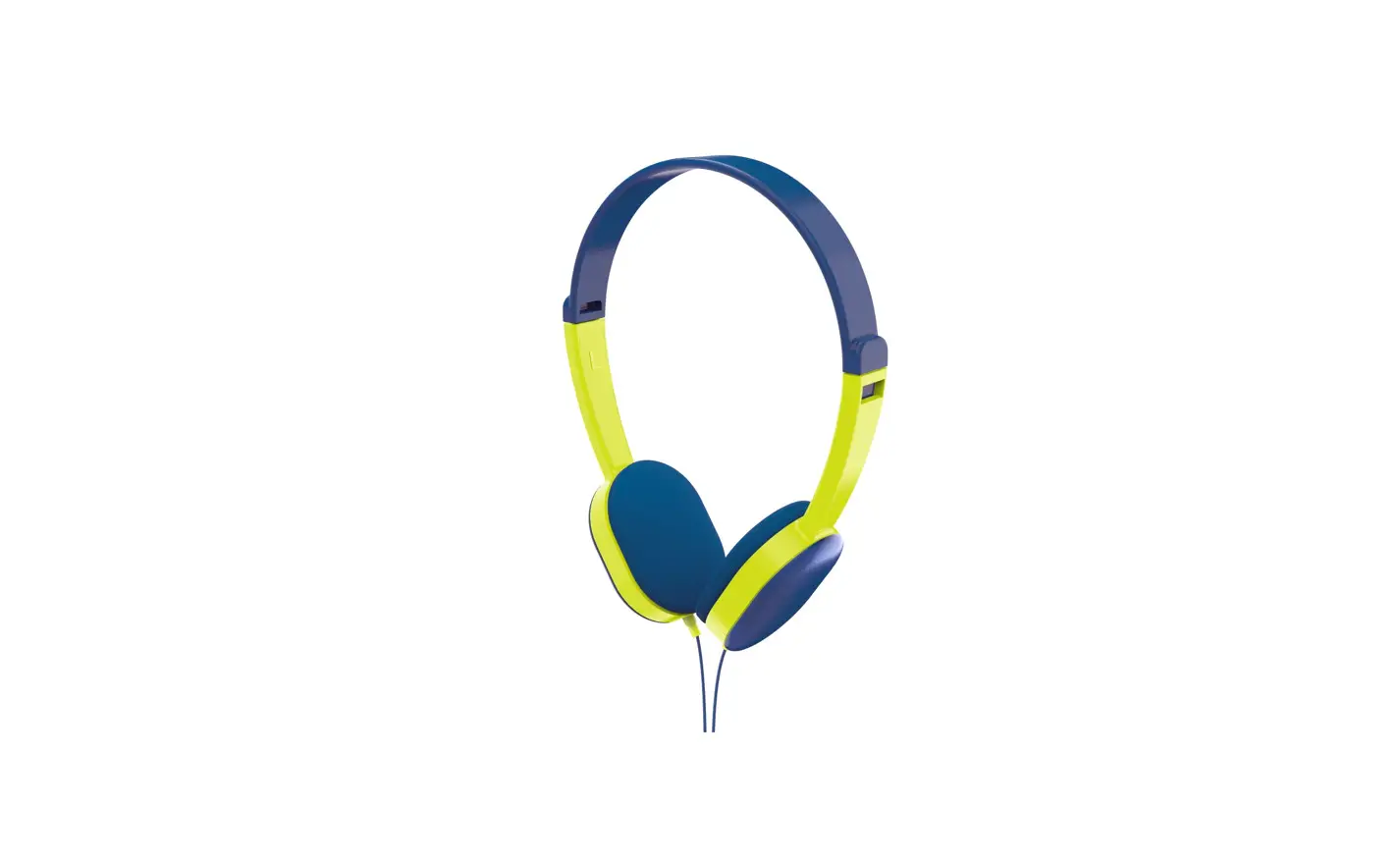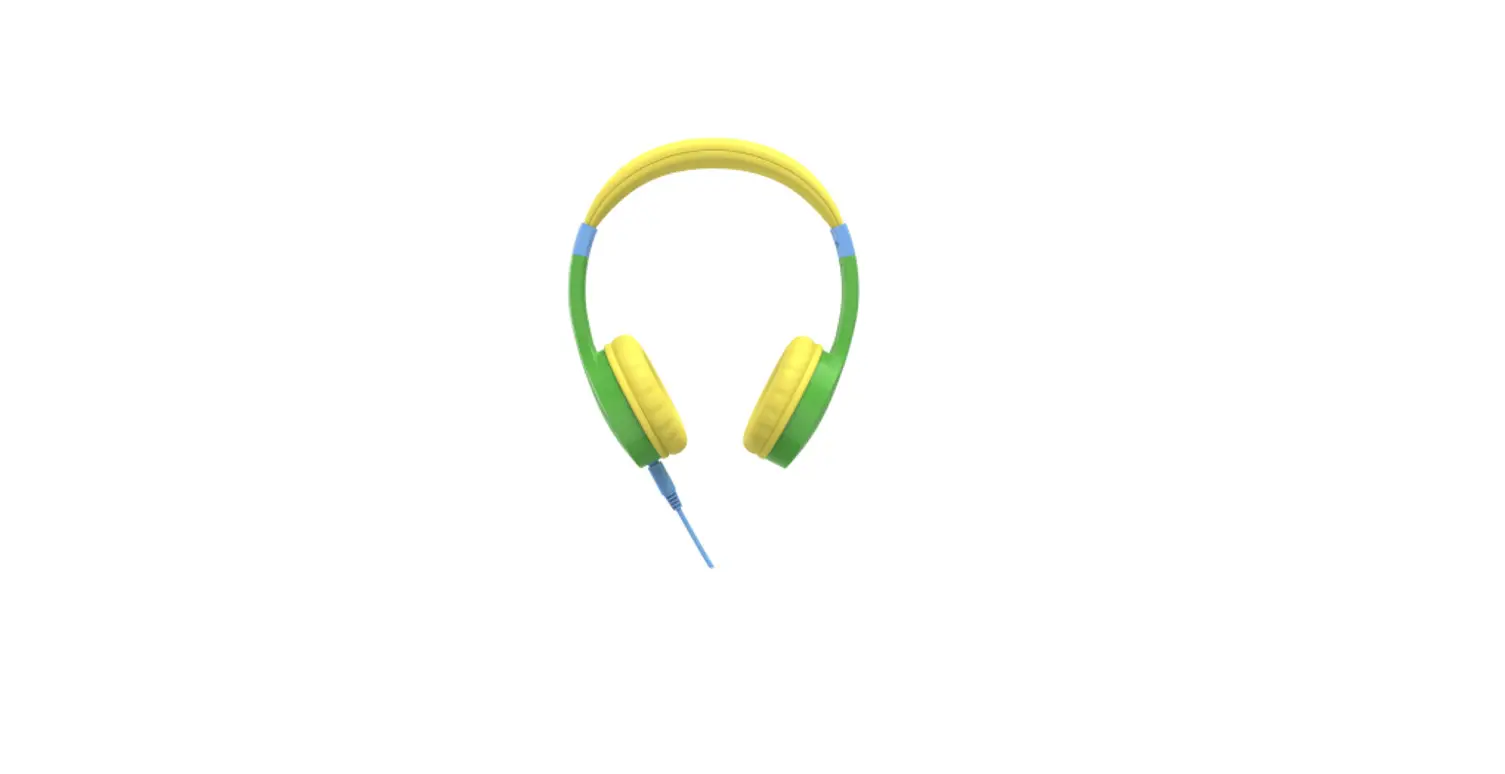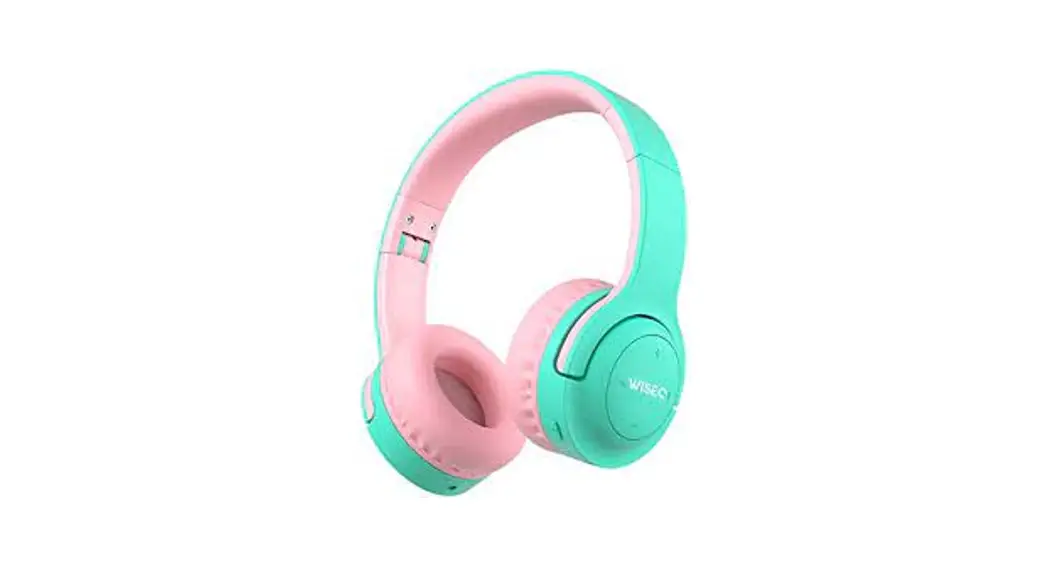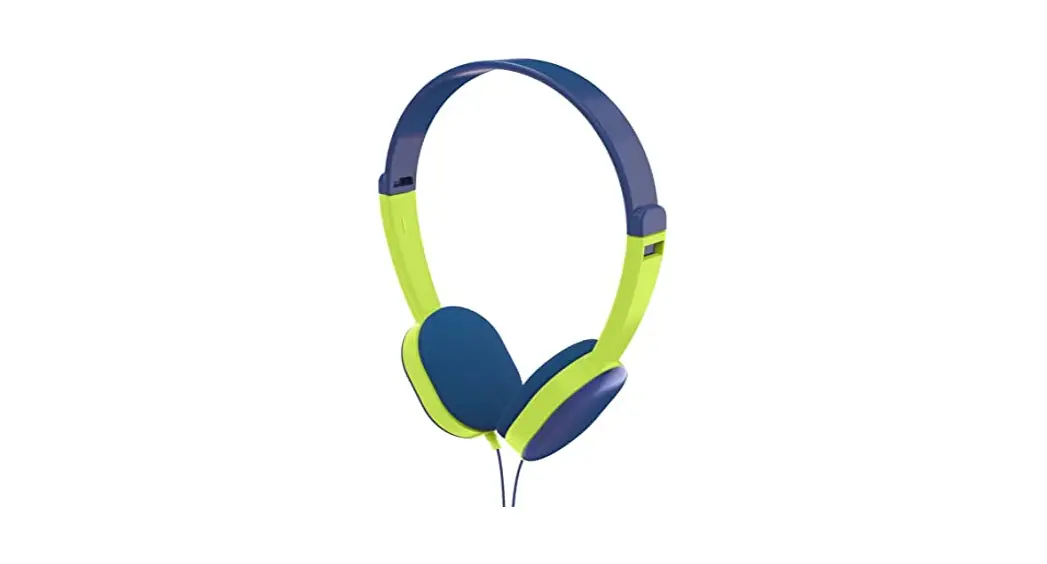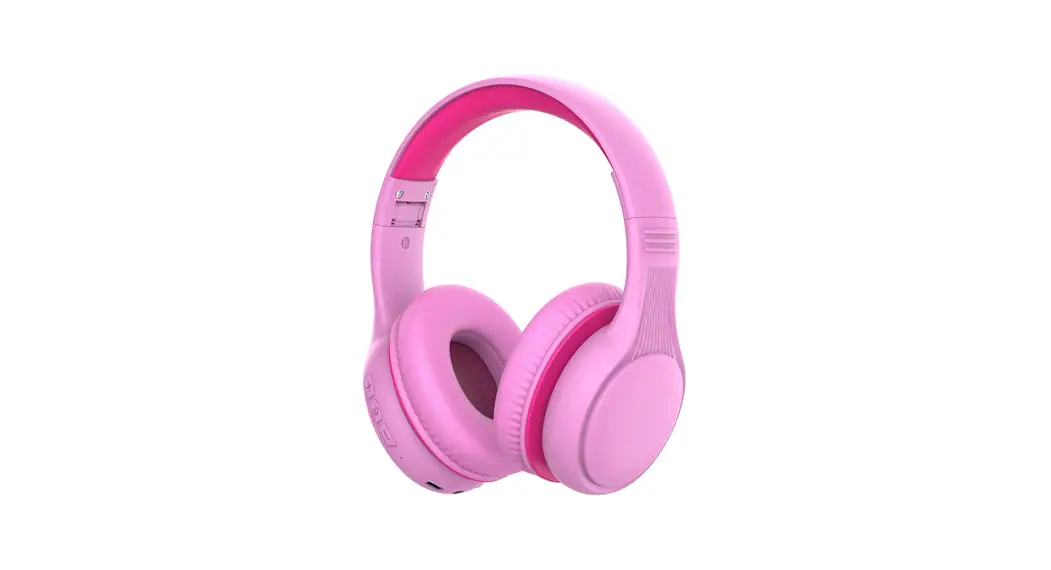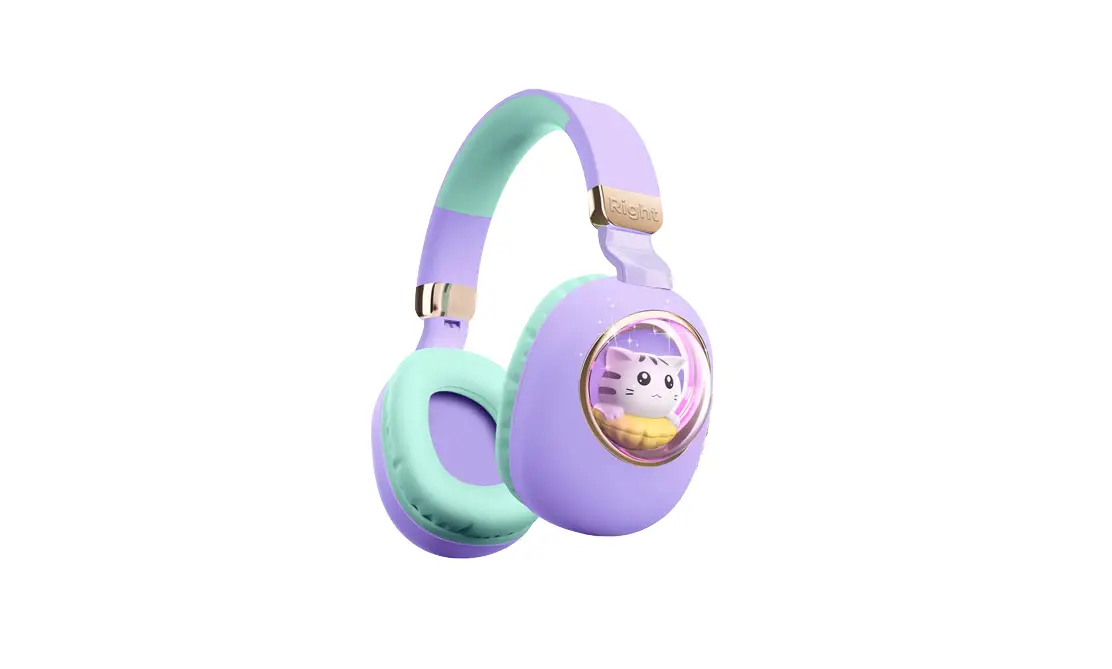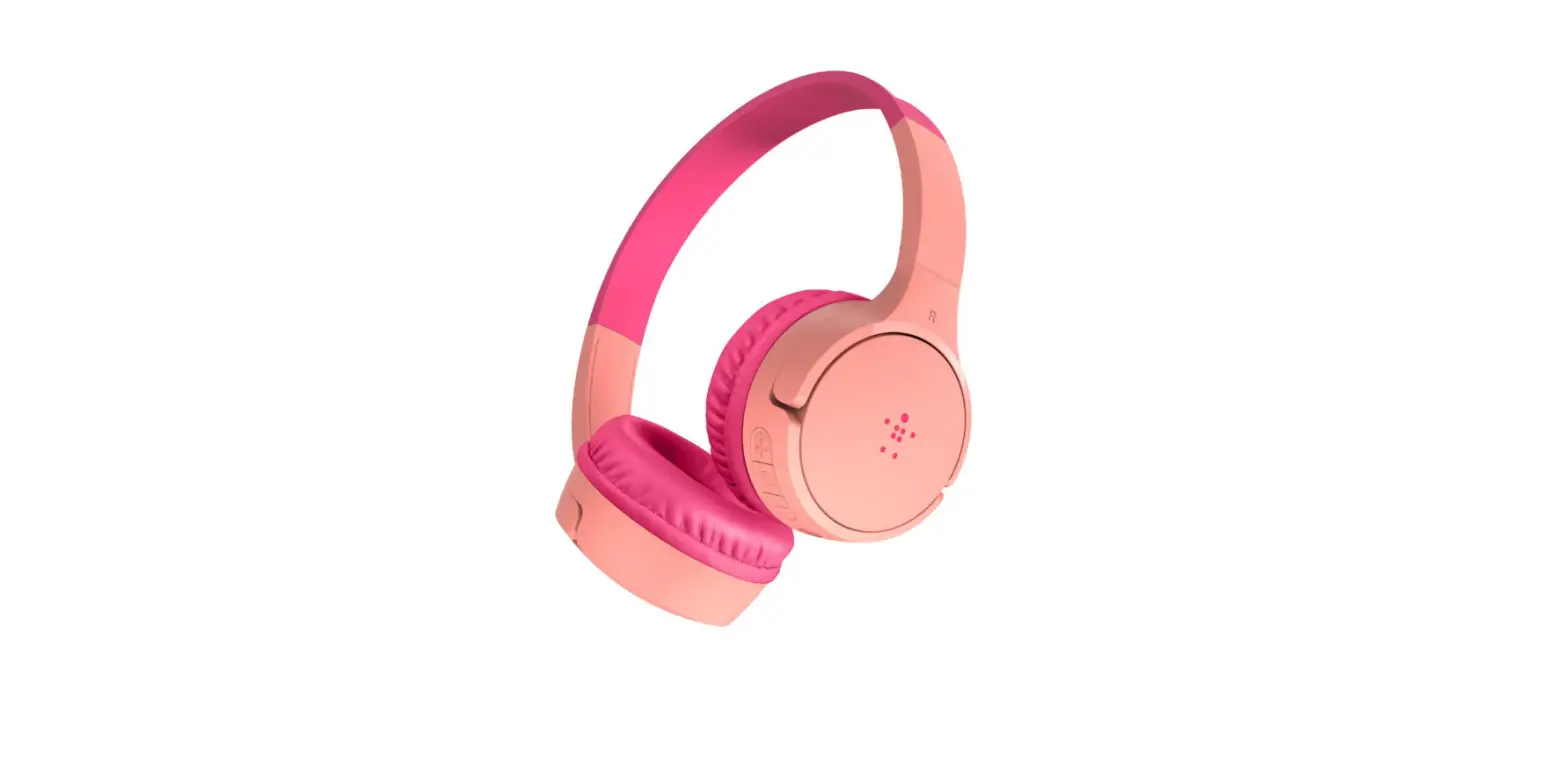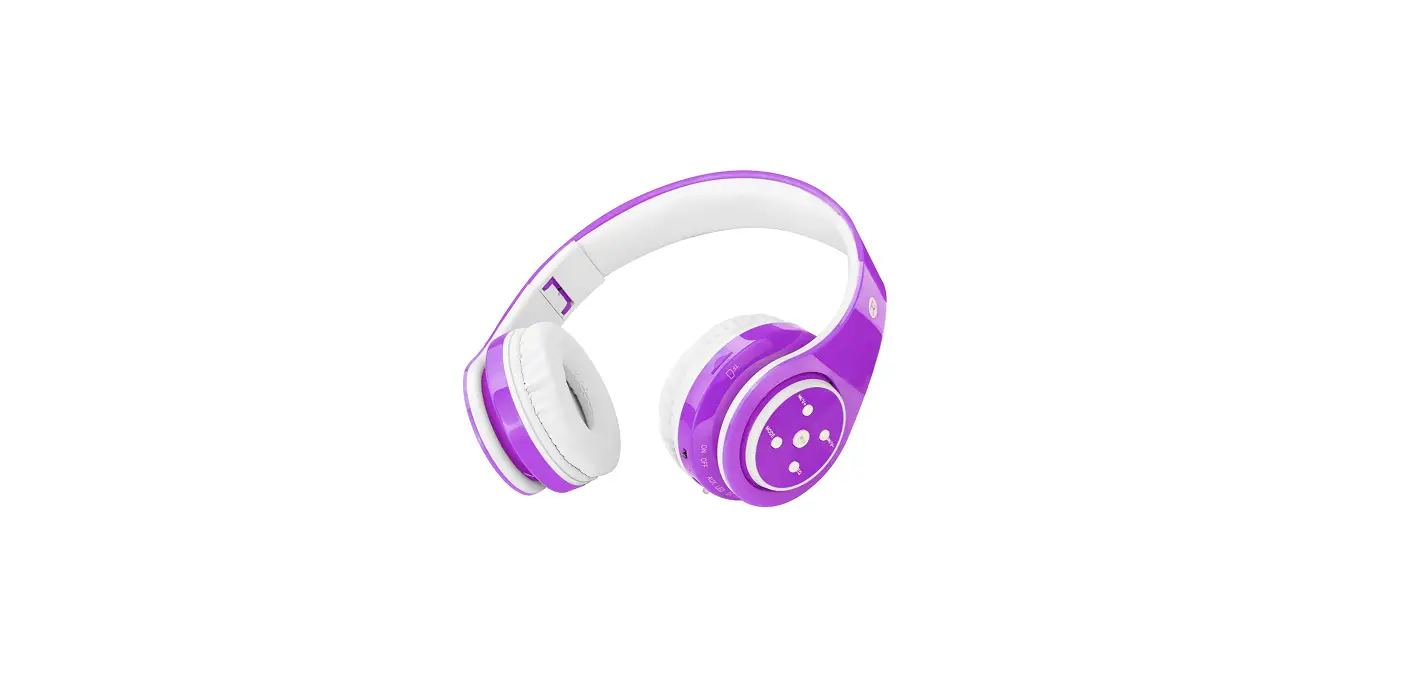
 LGUT-03 Untangled Pro Children Wireless Bluetooth Headphones
Instruction Manual
SAFETY INFORMATION
- Please follow all local, state, and federal laws concerning electronic equipment.
- Please follow the instructions of the crew when traveling by airplane in order to comply with any civil aviation laws.
- Please check with your doctor before using these if you use personal medical equipment (such as a pacemaker).
- Please do not disassemble or modify the headphones. Aside from losing the warranty, it could be dangerous.
SPECIFICATIONS – HEADPHONES
- Bluetooth Protocol Standards: Bluetooth V5.0
- Receiver Range: Approximately 18 meters / 59 feets
- Carrier Frequency: 2402Mhz – 2480Mhz
- USB Interface: High-speed USB 2.0
- Battery: Chargeable lithium-ion polymer battery (3.7V / 400mAh)
- Charge Power: Use with DC5V (500MA) base units or a computer
- Battery Life: 240 hours standby, 18 hours listening
- Frequency: 20Hz – 20kHz
- S / N Ratio: 95dB (Line-in) / 60dB (Bluetooth)
*If the headphones run out of battery they can still be used with the included 3.5mm audio cable as if they were corded high-quality headphones instead of a Bluetooth pair.
SPECIFICATIONS – SPEAKERS
- Diameter: 40 mm
- Impedance: 32 ohms
- SPL: 93dB at 1KHz
- Rated Power: 20mW
- Aggregate Capability: 40mW
- Frequency Response: 20Hz – 20kHz
SPECIFICATIONS – MICROPHONE
- Microphone size: 4mm x 1.5mm
- Directivity: 360 degree
- SPL: -42 +/- 3dB
- Impedance: Less than or equal to 2.2k ohms
- Frequency Response: 30Hz – 16000Hz
- Operating Voltage: 4.5V
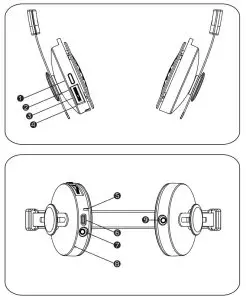
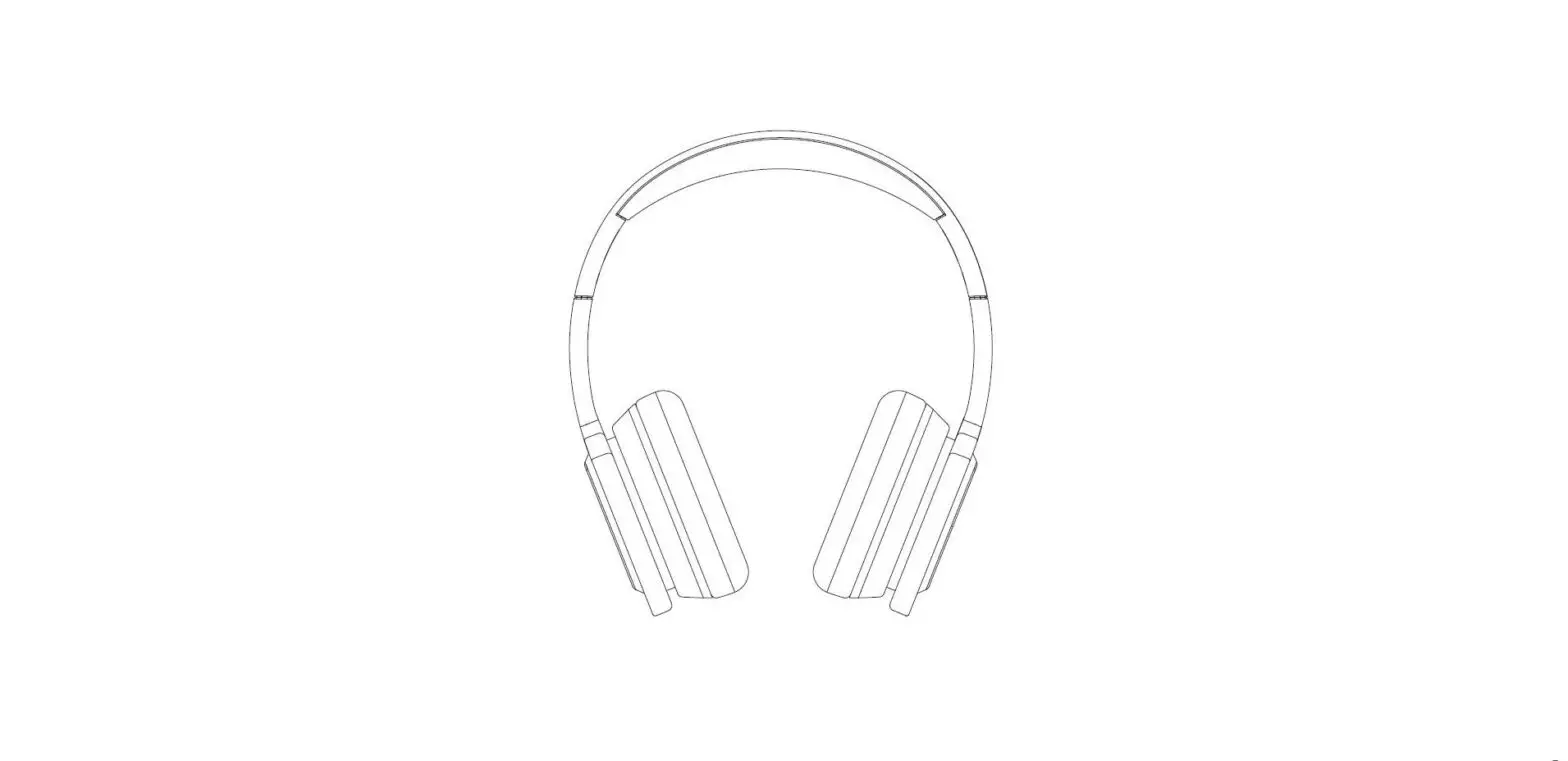
| 1. Power | 6. Micro USB jack |
| 2. Previous / Volume + | 7. 3.5mm audio jack |
| 3. Pause / Play | 8. Microphone |
| 4. Next / Volume – | 9. SharePort™ |
| 5. LED Indicator | |
LED INDICATORS
| Operation | LED Indicator Status | Action |
| Power On | Blue LED FLashing | Press and hold the power key for 2 seconds until the blue LED blinks |
| Pairing | Blue, red, red, and then blue/ red alternating | Press the power key until the light flashes blue, red, red, and then blue/red alternates (Done from power-off mode) |
| Power Off | Red LED on then turns off | Press the power key for 3 seconds until the red LED blinks and turns off |
| Charging | Red LED remains on until fully charged, then turns blue | Connect the headphone to the included micro USB and plug it into the computer or base station for charging |
| Fully Charged | Blue LED on | While connected to a power source, the blue LED will be on |
| Pairing Successfully | Blue LED blinking | The blue LED will flash then turn off |
| Call Receiving | Blue LED blinking quickly | The blue LED will flash quickly and repeatedly until you press the power key to answer the call |
| In Conversion | Blue LED blinking | The blue LED will flash every 5 seconds |
| Low Battery | Red LED on a full time | When the battery has less than 20% remaining the red LED will come on and remain on until fully discharged or re-charged |
TONE INDICATORS
| Operation | LED Indicator Status | Action |
| Power On | 1 high beep | Press the power key for 1-2 seconds |
| Pairing | 2 consecutive high beeps | Press the power key for 5-6 seconds (done from the power of mode) |
| Power Off | 1 low beep followed by 1 high beep | Press the power key for 3 seconds |
| Pairing Successfully | 2 consecutive high beeps | None |
| Call Receiving | Device ring tone | Press power key to answering call |
| In Conversion | 1 beep upon answering | Press the power key to answer the call |
PAIRING THE HEADPHONES
Your Untangled Pro Children’s Bluetooth Headphones can be used with most electronic devices that support Bluetooth technology. For computers, you may need to consult with your manufacturer to confirm the Bluetooth driver is installed so the headphones can pair properly. For computers, mobile phones, tablets, phablets, and the like, you should consult your user manual in order to find the Bluetooth settings on your device.
Once you have confirmed that your device is able and ready to be paired. Please follow these steps to complete the process:
- Set your computer or another device into pairing mode by following the device’s instructions to turn on Bluetooth.
- With the headphones powered off, please press the power button and hold it. The light will flash blue, red, red, and then blue/red alternating. Now it’s in pairing mode so please check your Bluetooth list on the device for “Untangled Pro” and select it. The headphones’ LED will flash blue to confirm successful pairing.
- Now on your computer or device, you should see the equipment called “Untangled Pro” and once your select it, the pairing process will be complete.
- If a password is required to confirm, it will be 0000 (zero zero zero zero).
- Once the pairing is successful the blue LED will flash several times to confirm.
- If the pairing is unsuccessful please turn off the headphones and repeat steps 1 through 5.
USING THE HEADPHONES
- Since these are going to be used by your child or children, it is STRONGLY recommended that you use your device’s built-in volume limiter and restrict the maximum volume allowed. Turn the headphones to full volume using the switch on the bottom of the headphone. Then, on the device limit the volume accordingly. You can consult with your device’s user manual or do a quick web query to locate the volume limit setting. Volume limiting on the device may only affect the Untangled Pro in wired mode.
- Please be sure to correctly wear the headphones as well. The L should go on the left ear and the R should go on the right ear.
- If you need to clean the product, please use a dry and soft cloth.
- Once the product has less than 20% battery remaining, the red LED indicator will come on.
- The control on the in-line microphone on the cable allows for play, pause, call, answer, and call ending.
- Power on When they are powered off, press and hold the power button for 2 seconds until the blue LED flashes and you hear the power-up tone accordingly.
- Power off When they are powered on, press and hold the power button for 3 seconds until the blue LED flashes and you hear the power down tone accordingly.
- Volume Adjustment: When listening to music or taking a call, holding the volume dial forward (volume +) will increase the volume until you reach the maximum, and holding the volume dial backward (volume -) will decrease the volume until you reach the minimum.
- Pause/Play: When playing music, press the pause/play switch one time to pause and one more time to resume playing.
- Previous/Next: When playing music, press the Next dial one time to go to the next song or press the Previous dial once to go back one song.
USING AS A PHONE
- The blue LED will flash blue every 5 seconds while you are holding a conversation.
- Answer Calls: If you are listening to music and paired with a mobile phone when a call comes through you will hear a notification tone. By pressing the power button you will switch to conversation mode automatically and the song you are listening to will be paused throughout the duration of the phone call.
- Reject Calls: If you are listening to music and paired with a mobile phone when a call comes through you will hear a notification tone. By pressing the power button down for 2 seconds, you will reject the phone call.
We have included the SharePort™ so that your children can easily share their audio with you or their friends in either Bluetooth or wired mode, just plug in another 3.5mm audio cable to the SharePort™ and start listening!
WARRANTY
The LilGadgets warranty covers defects in material and product workmanship under normal use for a period of one (1) year. The warranty does not cover damages resulting from misuse, abuse, immersion, normal wear, and tear, or unauthorized modification. Should these headphones require service or replacement while under warranty, please contact LilGadgets for troubleshooting and/or return authorization:
Phone: 1-866-291-8635
Email: [email protected]
Warranty is only valid if purchased through an authorized retailer.
Please contact [email protected] to confirm our authorized retailers.
There are no expressed warranties except as listed above. This warranty gives you specific legal rights which may vary form state to state.
NOT LEGAL FOR TRADE.
Federal Communications Commission (FCC) Statement
FCC ID: 2AG2KLGUNTANGLEDPRO
You are cautioned that changes or modifications not expressly approved by the party responsible for compliance could void the user’s authority to operate the equipment.
This product has been tested and complies with the specifications for a Class B digital device, pursuant to Part 15 of the FCC Rules. These limits are designed to provide reasonable protection against harmful interference in a residential installation. This equipment generates, uses, and can radiate radio frequency energy and, if not installed and used according to the instructions, may cause harmful interference to radio communications. However, there is no guarantee that interference will not occur in a particular installation, this device may not cause harmful interference and this device must accept any interference received, including interference that may cause undesired operation.
If this equipment does cause harmful interference to radio or television reception, which is found by turning the equipment off and on, the user is encouraged to try to correct the interference by one or more of the following measures:
- Reorient or relocate the receiving antenna
- Increase the separation between the equipment or devices
- Connect the equipment to an outlet other than the receiver’s
- Consult a dealer or an experienced radio/TV technician for assistance
This device complies with Part 15 of the FCC Rules. Operation is subject to the following two conditions: (1) this device may not cause harmful interference, and (2) this device must accept any interference received, including interference that may cause undesired operation.
Changes or modifications not expressly approved by the party responsible for compliance could void the user’s authority to operate the equipment.
INDUSTRY CANADA (IC) COMPLIANCE STATEMENT
This device contains license-exempt transmitter(s)/receiver(s) that comply with Innovation, Science, and Economic Development Canada’s license-exempt RSS(s). Operation is subject to the following two conditions:
(1)This device may not cause interference. (2)This device must accept any interference, including interference that may cause undesired operation of the device.
This equipment complies with IC RSS‐102 radiation exposure limits set forth for an uncontrolled environment.
C/O Cap Hill Brands
250 Declaration Dr McDonough,
GA 30253 678.798.6142
USA
C/O Global E-commerce Experts
Unit 5, Flanders Industrial Estate,
Hedge End, Hampshire, UK
SO30 2FZ
C/O Global E-Commerce Experts
Rijnlanderweg 766 Unit H,
2132 NM Hoofddorp,
Netherlands
Telephone:
1-866-291-8635
Email:
[email protected]